kfconcept

KENTFAITH
K&F Concept    Blog >

Enjoy Your Selected Digital Life

Recently Viewed
  • Recently Viewed
  • Recently Viewed list is empty.

Compare (0) 0
  • Compare
  • You have not chosen any products to compare.

  • Compare
Currency: USD
  • Currency
Shop by Scene Shop by Rank

Log Into Your Account

Account

Order History

Wish List

Login

Forgotten Password?

or connect with

Register Account

Already have an Account?Log In

  • Shopping Cart
  • Your shopping cart is empty!

  • Register/Login to purchase, earn points
  • Favorite
  • Your wish list is empty.

  • Register/Login to like, earn points
  • Activities
  • Guide
    • Filter Guide
    • Lens Adapter
    • Product Review
  • News & Reviews
    • Camera Reviews
    • Sample Gallery
    • News
  • Tutorials
    • Solar eclipse photography
    • Photography Basics
    • Landscape Photography
  • Inspiration
    • Travel
    • Travel Stories
  • Home
  • Blog
  • Can You Connect A Microphone To An Ipad?

Can You Connect A Microphone To An Ipad?

Kentfaith 2024-09-23 01:29:57 0 Comments

Connecting a microphone to an iPad can significantly enhance the audio quality for various applications, such as recording podcasts, creating music, conducting interviews, or participating in video calls. While the built-in microphone on an iPad is sufficient for basic tasks, an external microphone can provide superior sound quality and greater control over audio settings. This article will explore the different methods and considerations for connecting a microphone to an iPad, ensuring you achieve the best possible audio experience.

Understanding the Types of Microphones
can you connect a microphone to an ipad 1

Before diving into the connection methods, it's essential to understand the different types of microphones available:

1. USB Microphones: These are plug-and-play devices that connect directly to the iPad via a USB adapter. They are popular for their ease of use and high-quality sound.

2. 3.5mm Jack Microphones: These microphones connect through the headphone jack. However, newer iPad models may require a Lightning to 3.5mm adapter.

3. XLR Microphones: These professional-grade microphones require an audio interface or a special adapter to connect to an iPad.

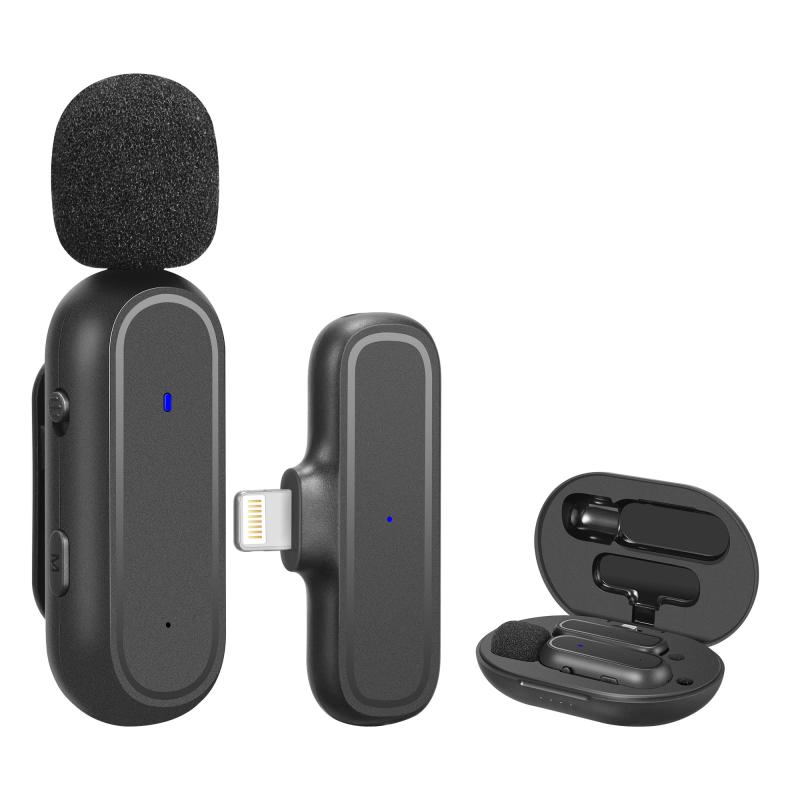
4. Wireless Microphones: These use Bluetooth or other wireless technologies to connect to the iPad, offering greater mobility.

Connecting USB Microphones
can you connect a microphone to an ipad 2

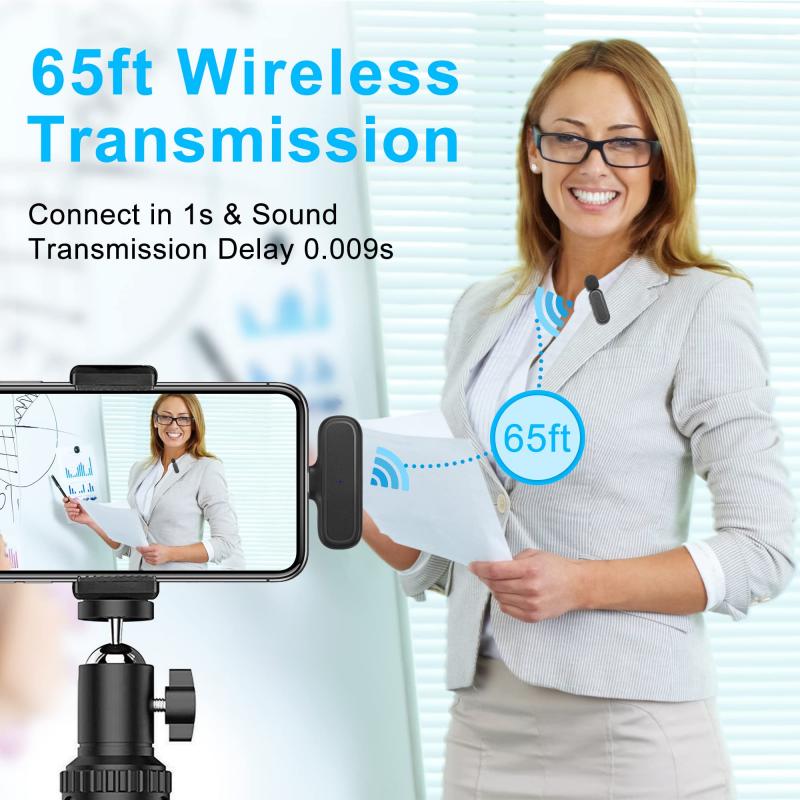
USB microphones are among the most straightforward options for connecting to an iPad. Here’s how you can do it:

1. USB Adapter: Since iPads do not have a standard USB port, you will need a USB to Lightning adapter (for older iPads) or a USB-C adapter (for newer iPads). Apple’s Camera Connection Kit is a popular choice.

2. Plug and Play: Once you have the adapter, simply connect the USB microphone to the adapter and then plug the adapter into the iPad. The iPad should recognize the microphone automatically.

3. Settings and Apps: Open the app you intend to use for recording or communication. Most apps will automatically switch to the external microphone, but you may need to check the settings to ensure it is selected.

Connecting 3.5mm Jack Microphones
can you connect a microphone to an ipad 3

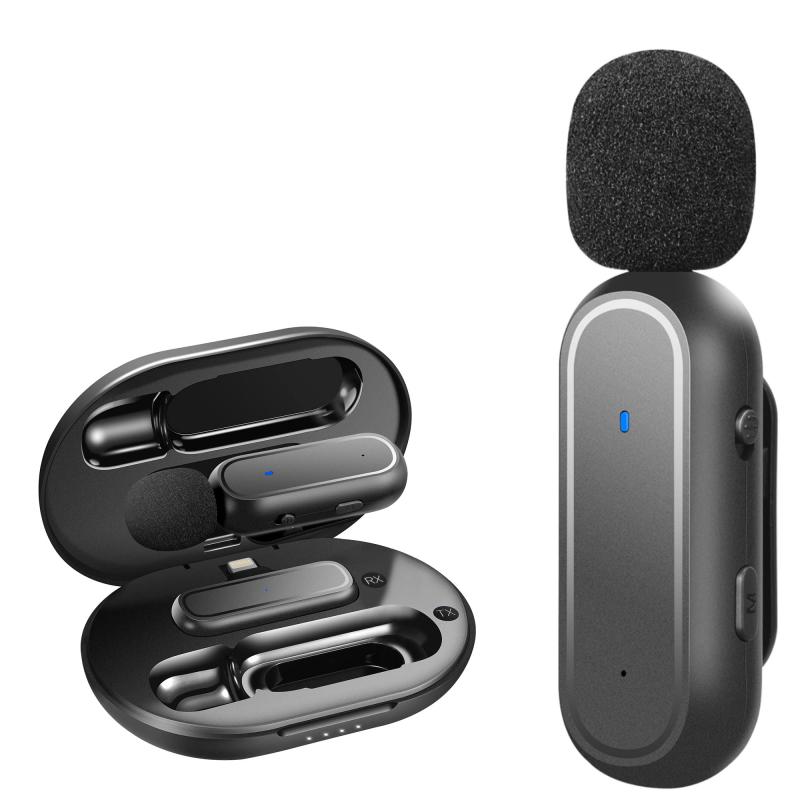
For those using a 3.5mm jack microphone, the process is slightly different:

1. Lightning to 3.5mm Adapter: If your iPad does not have a headphone jack, you will need a Lightning to 3.5mm adapter.

2. Direct Connection: Plug the 3.5mm microphone into the adapter, and then connect the adapter to the iPad.

3. App Settings: As with USB microphones, ensure that the app you are using recognizes the external microphone. This may require adjusting the input settings within the app.

Connecting XLR Microphones
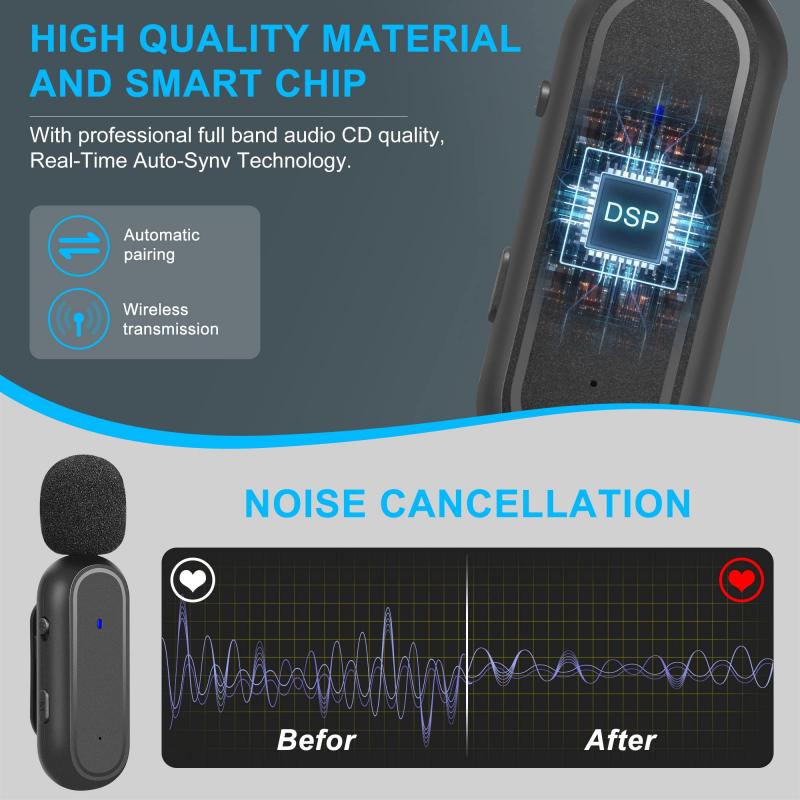
can you connect a microphone to an ipad 4

XLR microphones are typically used by professionals due to their superior sound quality. Connecting an XLR microphone to an iPad involves a few more steps:

1. Audio Interface: You will need an audio interface that can convert the XLR signal to a format the iPad can understand. Popular options include the Focusrite Scarlett series and the iRig Pro.

2. Adapter: Depending on your iPad model, you may need a USB to Lightning or USB-C adapter to connect the audio interface to the iPad.

3. Power Supply: Some XLR microphones require phantom power, which the audio interface can provide.

4. Connection Steps: Connect the XLR microphone to the audio interface, then connect the audio interface to the iPad using the appropriate adapter. Ensure the audio interface is powered on and configured correctly.

5. App Configuration: Open your recording or communication app and select the audio interface as the input source.

Connecting Wireless Microphones

Wireless microphones offer the convenience of mobility and are ideal for situations where you need to move around while recording. Here’s how to connect them:

1. Bluetooth Pairing: Ensure the wireless microphone is in pairing mode. Go to the iPad’s Bluetooth settings and select the microphone from the list of available devices.

2. App Settings: Once paired, open the app you intend to use and ensure the wireless microphone is selected as the input source.

Tips for Optimal Audio Quality

Regardless of the type of microphone you choose, here are some tips to ensure the best audio quality:

1. Environment: Record in a quiet environment to minimize background noise. Use soundproofing materials if necessary.

2. Microphone Placement: Position the microphone correctly. For vocal recordings, place the microphone about 6-12 inches away from your mouth.

3. Pop Filters and Windshields: Use pop filters to reduce plosive sounds and windshields to minimize wind noise.

4. Gain Settings: Adjust the gain settings on your microphone or audio interface to avoid distortion.

5. Monitoring: Use headphones to monitor the audio in real-time, allowing you to make adjustments as needed.

Troubleshooting Common Issues

Even with the right equipment, you may encounter some issues. Here are common problems and their solutions:

1. Microphone Not Recognized: Ensure all connections are secure. Restart the iPad and check for software updates.

2. Poor Audio Quality: Check the microphone settings in the app and adjust the gain. Ensure the microphone is positioned correctly.

3. Latency Issues: If you experience a delay in audio, try using a wired connection instead of wireless. Ensure the audio interface firmware is up to date.

Connecting a microphone to an iPad can greatly enhance your audio recording and communication capabilities. Whether you choose a USB, 3.5mm jack, XLR, or wireless microphone, understanding the connection process and optimizing your setup will ensure you achieve the best possible sound quality. By following the steps and tips outlined in this article, you can confidently connect your microphone to your iPad and enjoy superior audio performance for all your needs.

Leave your comment
Cancel reply
Note: HTML is not translated!
Related products
A Camping Lantern That Dances with You, Rechargeable, Telescoping & Compact with Bluetooth Speaker, Emergency Power Bank 14000mAh Battery Kentfaith
116
$199.99 $94.99
K&F CONCEPT MS-60 portable aluminum alloy light stand is a 2-meter extendable stand with an automatic pop-out design, 1/4-inch screws, and a 360° rotating head. It's suitable for lightweight fill lights, mobile phones, mirrorless cameras, and othe
$29.99
K&F Concept iPad Tablet and Cellphone Tripod Mount Adapter Holder, Adjustable Clamp for iPhone15/14/13/12 Pro Max, iPad,iPad Mini 1/2/3/4/5/6,iPad Air,iPad Pro,Surface,Samsung Tab 7.0 Series and More
53
$27.99 $15.99
Camera Sunglasses, HD 1080P, EIS Stabilization, WiFi Connect, Translation, 4H Playtime, Kentfaith
16
$119.99 $95.99
Smart Camera Glasses, HD 1080P, EIS Stabilization, WiFi Connect, Translation, 4H Playtime, Kentfaith
16
$119.99 $95.99
Handheld Microcsope, 500X Zoom, 1080P Videos,  PC Connect, with Large 5X Magnifier, Autofocus, Kentfaith
Handheld Microcsope, 500X Zoom, 1080P Videos, PC Connect, with Large 5X Magnifier, Autofocus, Kentfaith
15
$87.49 $69.99
21W Solar Charger with 10000mAh Power Bank and 3 Fast Charging USB-A/USB-C Ports, IP66 Waterproof Portable Solar Panel for Camping Hiking Compatible with iPhone iPad Samsung Earbuds
21
$140.99 $98.99
4K Video Camera, 64MP Photos, WiFi Connect, 28X Zoom, Wireless Mic, Full Color NV, Kentfaith
18
$212.49 $169.99
Gift Certificate: $200 Value - Can Use with Any Discounts
$200.00 $190.00
Gift Certificate: $300 Value  - Can Use with Any Discounts
Gift Certificate: $300 Value - Can Use with Any Discounts
$300.00 $285.00
Products You May Like
24*7 Continuous Recording 4G solar security camera System 4G Wireless LTE cctv solar camera PIR human sensor + 2-Way Audio Built-in Battery 28800mAh 2K Infrared Night Vision 20m/66ft US Version + SIM card without contract
$369.00 $259.00
Wireless Carplay Adapter Android Auto Netflix YouTube Streaming Plug & Play Kentfaith
13
$137.49 $109.99
Kids Camera Instant Print Color Photos, Front Rear Dual Selfie, 1080P HD Video for 3-12, Pink, Kentfaith
15
$81.24 $64.99
4G Cellular Security Camera with 15X Hybrid Zoom, Triple Lens, 6MP, Dual Views, Solar Powered, 360° Live View, Color Night Vision, 3-Cam Pack, Kentfaith
12
$649.99 $519.99
Kentfaith Mini Voice Recorder Voice-activated & Magnetic, 64G 800 Hours Recording, Smart Noise Cancelling
635
$69.99 $59.99
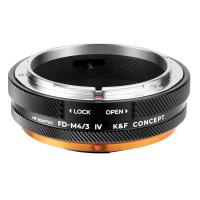
FD-M4/3 MFT Lens Mount Adapter, Compatible with Canon FD/FL Series Lens to M4/3 M43 Micro Four Thirds Mount Camera with Matting Varnish Design
61
$70.99 $38.99
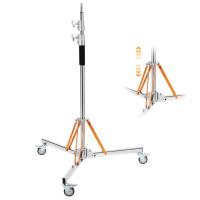
K&F CONCEPT 10ft/3.05m Stainless Steel Heavy Duty Light Stand: C-Stand with Universal Casters, Sandbag & Adjustable Legs for Softboxes, Strobes & Photography Lighting
8
$139.99
49mm White Pro Mist Filter Cinematic Effect Filter with 18 Multi-Layer Coatings for Portrait and Landscape Photography Nano-K Series
$29.99 $18.99
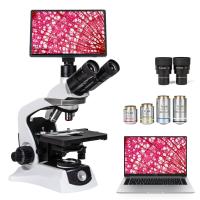
Compound Microscope for Laboratory, Professionals, Research, with lnfinity-corrected Plan Optics, 40x-1000x Magnification, 5W Koehler System, Kentfaith
10
$2,374.99 $1,899.99
72mm Filter Set (ND2, ND4, ND8)
5
$28.99 $15.99
Related articles
Can You Use A Microphone With An Iphone?
How Can I Connect A Microphone To A Bluetooth Speaker ?
Can You Attach A Microphone To Headphones?
Can You Connect Bluetooth Earbuds To A Tv?
Can You Hook Up Two Bluetooth Headphones To iPad?
How To Connect A Microphone To A Smart Tv ?
Can You Use A Lavalier Microphone For Music?
Can You Use Iphone As Microphone?
Can You Connect Your Phone To Baby Monitor?
Digital Camera What Is It?
Blog You May Like
Smart Watches That Can Measure Blood Pressure?
What Battery Does A Vintage Canon Ae1 Camera Take ?
How To Record Sound On The Computer?
How To Choose A Home Security Camera System?
How To Install Lens Light Filter?
Camera Strap Can Hold?
Can T Find Camera On Samsung Phone?
How To Use Phone As Webcam For Pc?
How Does A Selfie Stick Work With Remote?
How To Open Switch Sd Card Slot?
Related categories
A Mount Lens Adapter Sony A Mount Lens Adapters cell phone tripods minolta a mount lenses streaming video camera C mount lens adapter
Popular products
uhf wireless microphone system Bluetooth mesh intercom best camping rechargeable lantern wireless microphone with usb mini microphone for iphone iphone wireless microphone for video mini web camera wifi microphone for long distance polarizing filter for fuji lenses wireless microphone transmitter receiver
Related searches
Microphone For An Ipad Ipad Pro Microphone Microphone For Ipad Pro Bluetooth Microphone For Ipad Smart Watch Connect To Iphone Microphone On Ipad Pro 11 Bluetooth Wireless Microphone For Ipad Ipad Microphone For Recording Music Retro Game Console Connect To Tv Camera Tripod That Follows You
Related Scenes
Best Camera To Video Sports Best Camera To Capture Wildlife Best Batteries For A Trail Camera Best Sony A Camera For Video Best Video Camera To Record Sports Best Compact Camera Microphone Best Vlogging Camera Microphone Best Camera Microphone For Vlogging Best Vlogging Camera And Microphone Best Vlogging Camera With Microphone
Blog Category
  • Activities
  • Guide
    • Filter Guide
    • Lens Adapter
    • Product Review
  • News & Reviews
    • Camera Reviews
    • Sample Gallery
    • News
  • Tutorials
    • Solar eclipse photography
    • Photography Basics
    • Landscape Photography
  • Inspiration
    • Travel
    • Travel Stories
Search Article
Latest from the Blog
What Is Noise Cancellation On Headphones?
Binoculars That Can See In The Dark?
How To Hide A Home Security Camera?
Where To Buy Solar Filter For Camera?
Which Camera Is Best For Shooting Videos?
How Expensive Is A Metal Detector?
How To Allow Camera And Microphone?
What Is The Best Smartwatch For A Woman?
What Is The Aperture Of A Telescope?
How To Pair Wireless Lavalier Microphone?
  • Easy Payment Multilple Payment Options

  • Free Shipping Global WareHouse Shipment

  • No Risk 30-Day No Reason Return

  • Limited Deals Buy More, Save More

  • Tax Free No any surcharges or tax fee

Information
  • About us
  • Contact Us
  • Site Map
  • Blog
  • Video
  • Gallery
  • VIP Membership Rewards
Service
  • Privacy Policy
  • Terms & Conditions
  • Shipping & Delivery
  • Payment Info
  • Warranty, Return & Refund
  • Intellectual Property Rights
  • Ambassador
  • Affiliates
  • Wholesale
Support
  • My account
  • Order History
  • FAQs
  • Extend Warranty
  • Logistics Tracking
Follow us
NewsLetter

Get the latest product, K&F Concept respects your privacy.

Powered By KENTFAITH © 2026