How Far Will A Wireless Security Camera Work?
Understanding Wireless Security Camera Ranges and Optimal Use
In a rapidly advancing digital age, wireless security cameras represent an essential layer in the fabric of modern-day home and business security. The appeal of wireless security cameras is widely appreciated: effortless installation, no need for extensive wiring, and the ability to monitor your property remotely. However, one critical question often arises among users and potential buyers: "How far will a wireless security camera work?" This question is pivotal, as understanding the limits and capabilities of a camera’s wireless signal can make or break its effectiveness. If you find yourself pondering this same question, you’re not alone. This article will break down the factors affecting camera range and provide practical advice on how to optimize performance.
The Average Range of Wireless Security Cameras
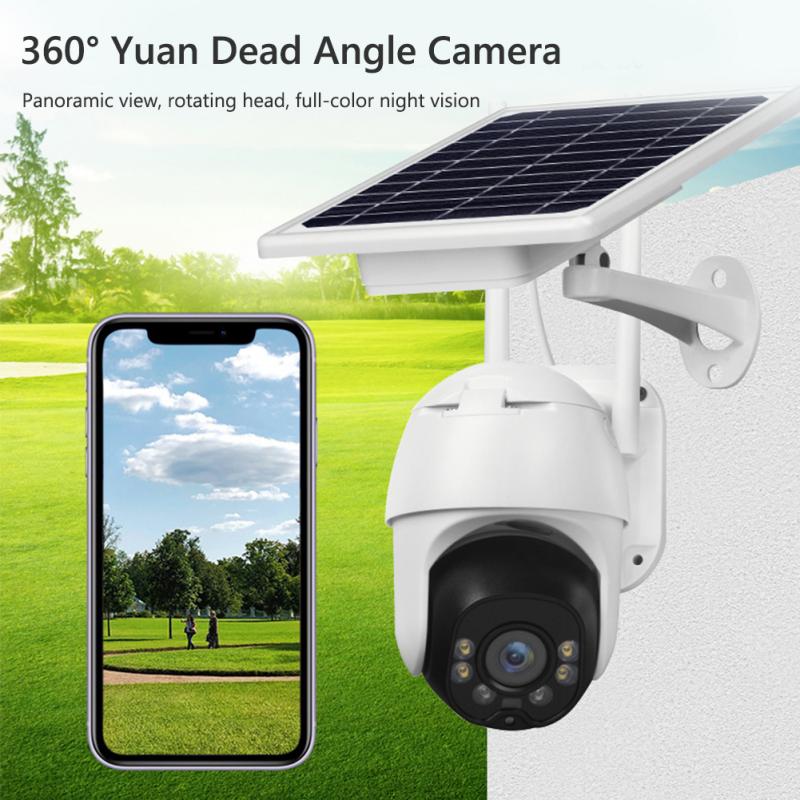
Typically, the range of a wireless security camera depends significantly on the technology it employs. Most wireless security cameras rely on either Wi-Fi or radio frequency (RF) communication. Let’s explore average ranges:
1. Wi-Fi Security Cameras: These are among the most common types of wireless cameras used today. On average, Wi-Fi security cameras have a range of approximately 150-300 feet in open spaces without interference. Indoors, this range may be reduced to 50-150 feet due to obstacles like walls, furniture, and electronics.
2. Radio Frequency (RF) Cameras: Wireless cameras that use RF communication can achieve longer ranges, often extending up to 500 feet or more in optimal conditions. They are less reliant on Wi-Fi signals but typically require their own dedicated receiver.
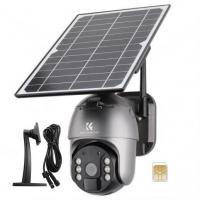
3. 4G/LTE Cameras: These are a newer category of wireless cameras designed to operate over cellular networks. As long as the camera is within the coverage of an active cellular signal, its functionality isn’t constrained by physical distance (although your data plan usage may come into play).
While these figures provide a general idea, real-world conditions frequently alter what a user can expect.
Factors Influencing Wireless Security Camera Range
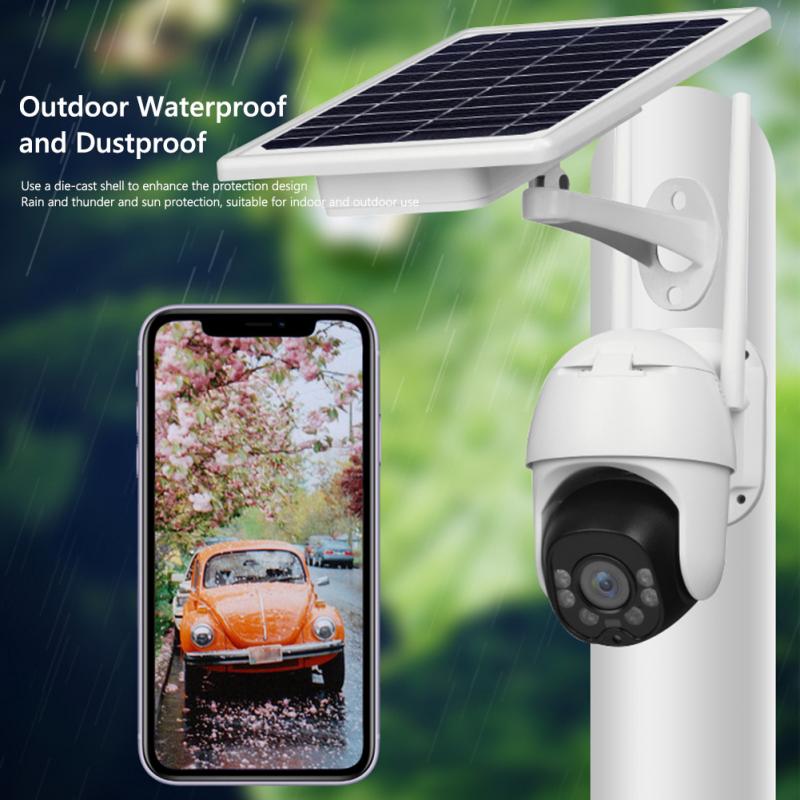
The effectiveness of a wireless security camera boils down to several key factors. Here we’ll break these down to help you understand the variables at play:
1. Obstructions and Signal Interference
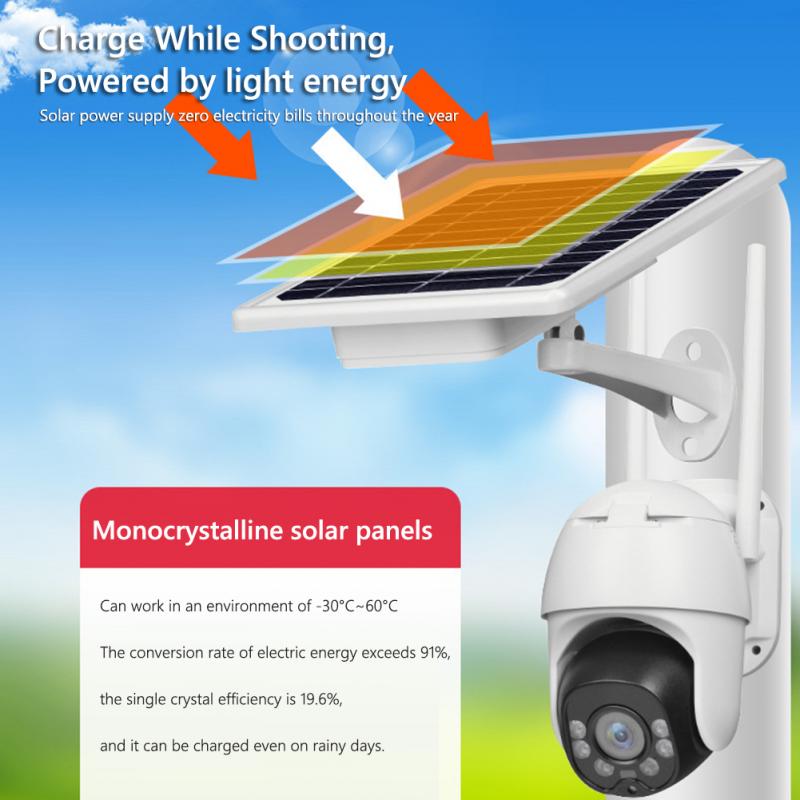
Wireless security cameras must contend with physical obstructions like walls, ceilings, and floors. Materials like brick, concrete, and metal effectively degrade Wi-Fi signals. While a clear line of sight maximizes the range (up to the 300 feet mentioned above), interference caused by household appliances and devices operating on similar frequencies, such as microwaves and wireless routers, can drastically lower range capabilities.
2. Frequency Band of the Camera
Wireless cameras usually function on either the 2.4 GHz or 5 GHz frequency bands. The frequency band impacts both the range and signal strength:
2.4 GHz: Offers a wider range and better penetration through obstacles but has lower data transmission speeds. It’s also more prone to interference as many devices operate on this frequency.
5 GHz: Enables faster data transmission with less interference, but its range is shorter, and it struggles to penetrate through walls or other materials effectively.
3. Antenna Strength
The quality and power of the camera’s built-in antenna directly impact how far the camera can maintain a stable connection. Cameras with external, adjustable antennas often have better range capabilities compared to those with built-in, non-adjustable antennas.
4. Power Source and Signal Boosters
Some wireless security cameras are battery-powered, which may limit their performance compared to AC-powered options. Additionally, the use of Wi-Fi extenders, signal repeaters, or routers strategically placed in your home can improve the overall range.
5. Environmental Conditions
Various outdoor factors, such as dense trees, buildings, or even weather conditions, may reduce a wireless camera’s effective reach. For outdoor cameras, it’s crucial to factor in line-of-sight availability.
6. Design and Technology
Premium, high-end cameras often boast superior technology geared toward maximizing range and signal reliability. Budget-friendly options, while tempting, may come with limited range or susceptibility to signal degradation.
Practical Strategies to Maximize Wireless Camera Range
If you’re concerned about your camera’s connectivity, it helps to adopt these practical measures for improving performance:
1. Optimal Camera Placement
Position your wireless security cameras in locations that minimize obstructions between the camera and the router/receiver. For outdoor setups, aim for open fields of view without trees or structures obstructing the signal. For indoor placement, try to reduce the number of walls or objects between the camera and the Wi-Fi access point.
2. Upgrade Your Router
A high-performance router can significantly boost the effective range of Wi-Fi security cameras. Look for models designed to handle long distances or multiple devices simultaneously, especially if your security system is part of a smart home setup.
3. Use a Wi-Fi Extender or Mesh Network
Wi-Fi extenders and mesh networks are powerful tools for eliminating blind spots in your camera coverage. These tools allow signals to travel farther without losing quality or reliability, effectively expanding the range of your camera system.
4. Check for Interference
Identify and mitigate sources of Wi-Fi interference in your home or workspace. For example, if your wireless cameras regularly lose their connection, consider changing your Wi-Fi router’s channel setting to avoid overlap with nearby networks.
5. Leverage Powerline Adapters
In cases where Wi-Fi range is limited, powerline adapters—that transmit data over your building’s electrical wiring—can be a reliable option to link cameras with your network without relying entirely on wireless signals.
6. Consider a Wired Option for Critical Areas
If the range limitations of a wireless camera are too restrictive for your needs in specific areas, consider installing a wired camera instead in those critical zones. Some systems offer hybrid setups combining wired and wireless options.
Common Questions About Wireless Camera Range
Q: What happens when a wireless camera goes out of range?
If a wireless security camera moves beyond its functional range, it may lose its connection to the network. This could result in the camera unable to transmit video feeds or motion alerts. In some systems, cameras store footage locally and upload it once the connection is restored, while others may cease recording entirely.
Q: Can I use a cellular hotspot connection for a wireless security camera?
Yes, wireless cameras supporting cellular connectivity can work with hotspot services. However, ensure the cellular network is stable and has low latency for uninterrupted operation. Data usage may become a significant concern if relying heavily on cloud storage.
Q: Are there cameras with ultra-long range or enhanced connectivity?
Specialized security cameras designed for long-range use may offer up to 1,000 feet of wireless connectivity. These tend to be more niche, used in agricultural settings, large outdoor areas, or industrial facilities.
Balancing Usability and Range Needs
Understanding the range of wireless security cameras is crucial for designing a system that works effectively. While most basic models serve well in compact indoor environments or small yards, larger properties or complex setups demand thoughtful navigation around range limitations. With a combination of wisely chosen locations, upgraded hardware, and interference reduction strategies, you can optimize even mid-range wireless cameras to perform remarkably well. Additionally, considering the environment and intended use will guide you to selecting the right type of camera and network setup for your specific needs.
Ultimately, whether your goal is to monitor your driveway, secure your backyard, or oversee a large business premise, taking the time to evaluate the range and performance factors will ensure your investment in a wireless security camera system yields maximum efficacy. The more informed you are, the better and safer your setup will become.