How To Find Your Smart Watch?
*How to Find Your Smartwatch: A Comprehensive Guide*
Smartwatches are more than just accessories; they are powerful tools that integrate technology into our daily lives. From tracking your fitness and sleep to managing notifications and errands on the go, they’ve proven indispensable. However, as these devices are small and portable, it’s not uncommon for people to misplace them. Losing a smartwatch can be frustrating, especially if it serves as an essential part of your daily routine. Fortunately, finding a misplaced smartwatch is easier than you think—provided you know where to look and the tools available at your disposal.
In this guide, we provide a step-by-step approach and practical tips to help you locate a misplaced smartwatch. With modern advancements in smart technology, recovering a lost device has become easier. Let’s get started.
Step 1: Confirm That the Smartwatch Is Misplaced
Before diving into search measures, it’s important to establish whether your smartwatch is truly lost or if it’s simply not responding due to technical issues. A smartwatch might sometimes seem out of reach because it has run out of battery, encountered a software glitch, or disconnected from its paired smartphone. So before embarking on a strenuous search:
Check the battery: If your watch was low on battery the last time you used it, it might have powered off.
Ensure Bluetooth is enabled: If your smartwatch is paired with your phone, verify that Bluetooth is turned on. Poor connectivity can make it seem as though your watch has gone missing.
If none of the quick remedies (like ensuring it’s not in your immediate surroundings) reveal the watch’s location or status, proceed to the next steps.
Step 2: Use the 'Find My Device' Feature on Your Watch or Phone
Most modern smartwatches come equipped with location-tracking features that can save the day in situations like these. The key lies in knowing how and where to access them. The steps below vary slightly depending on the brand and system you’re using:
For an Apple Watch
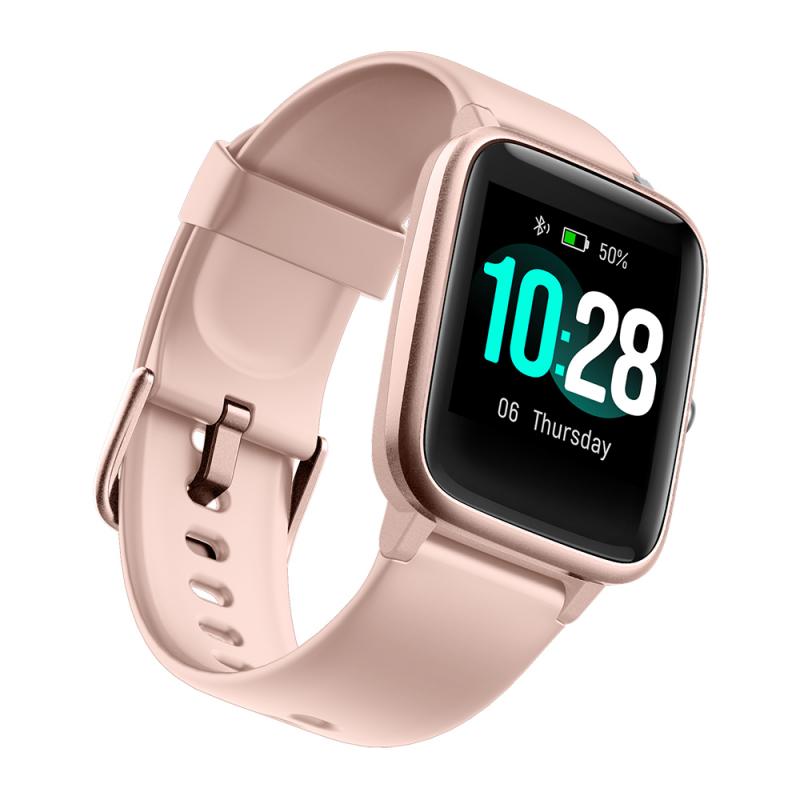
If you’re using an Apple Watch, Apple’s Find My app is your best friend. Make sure you had set it up beforehand in your iCloud account. Here’s how you can locate your Apple Watch:
1. Open the Find My app on your paired iPhone, iPad, or Mac.
2. Tap or click on Devices.
3. Select your Apple Watch from the list.
4. The app will display the last known location of the watch on a map. If the watch is nearby, you can also tap Play Sound to trigger an audible chime from the watch.
> *Tip:* If your Apple Watch was stolen, use the app to activate Lost Mode, which locks the device and displays your contact information for anyone who might find it.
For a Samsung Galaxy Watch
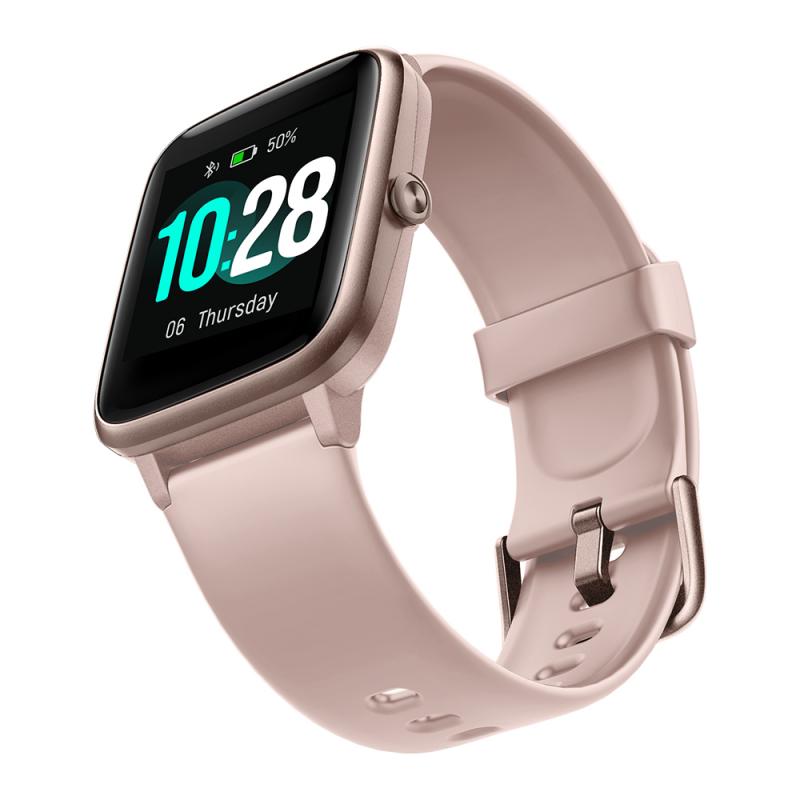
Samsung users can use the Find My Mobile feature:
1. Open the Samsung Wearable app on your smartphone.
2. Go to Find My Watch.
3. If your watch is connected and within Bluetooth range, you can tap Start. The watch will vibrate and emit a sound.
4. If the watch is out of range, tap the Retrieve option to view its last known location on a map.
For Garmin Smartwatches
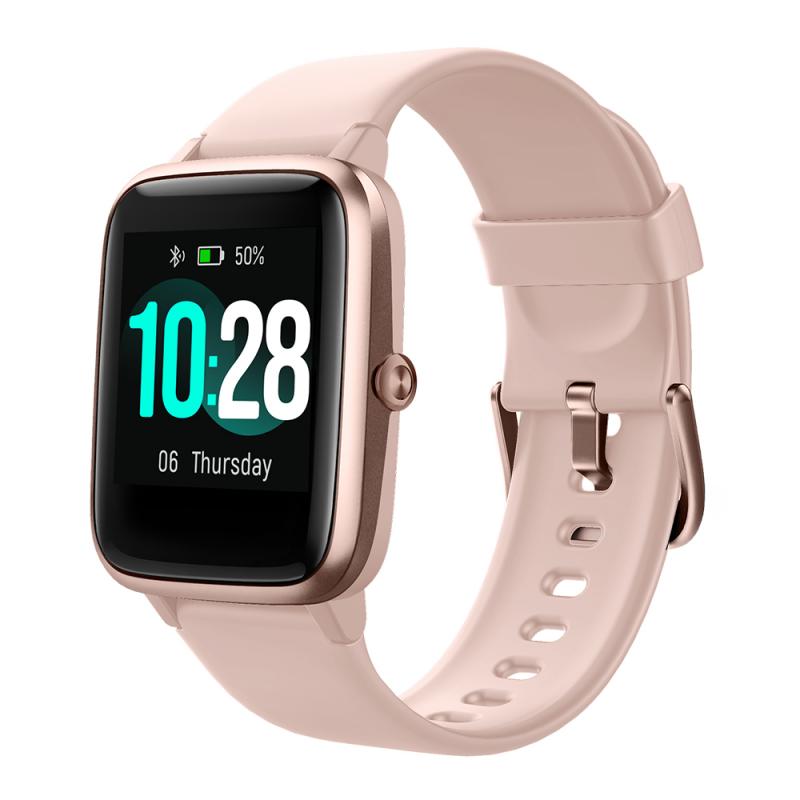
Garmin wearables come with the Garmin Connect app:
1. Open the Garmin Connect app on your phone.
2. Under Devices, select your smartwatch.
3. Use the Find My Device option to trigger vibrations or locate its last known GPS coordinates.
For Fitbit Devices
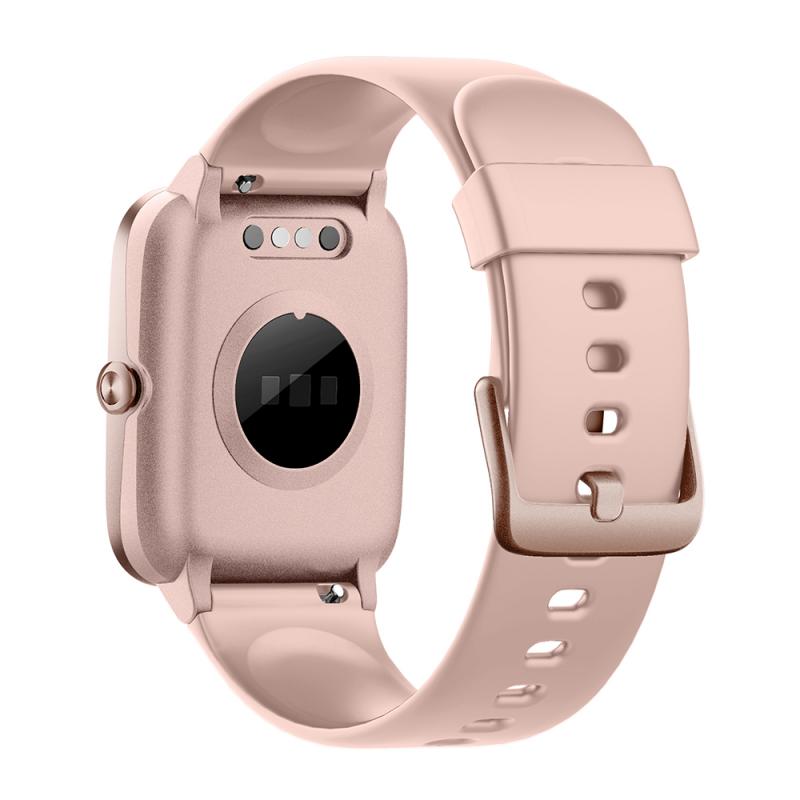
Fitbit’s Tile Integration feature is your go-to solution for finding your Fitbit smartwatch if you have a supported device:
1. Access the Find My Phone feature in the Fitbit app, or if Tile is enabled, use the Tile app directly.
2. If the watch is within proximity but you can’t see it, the watch will ring and vibrate so you can hear or feel where it is.
For Android-Based Watches (Google Wear OS)
With Wear OS watches, you can use the Find My Device feature provided by Google:
1. Install the Find My Device app on your phone or access it through a browser at android.com/find.
2. Log in with your Google account credentials.
3. The app will display the location of your smartwatch on the map or allow you to make it ring if it’s nearby.
Step 3: Search Your Last Known Locations Thoroughly
If the location feature didn’t work, backtrack your steps and visit areas you might have been when you last used your smartwatch. A systematic approach can save you a lot of time and energy:
Check common places: Start with obvious locations like your desk, bedside table, or gym bag.
Inspect your home systematically: Smartwatches are small and can slip into crevices. Check between couch cushions, under furniture, or in laundry piles.
Revisit social locations: If you’ve been to a library, office, or café recently, retrace your actions to those spots. Contact the respective lost-and-found departments if necessary.
Patience is key here. Take your time and do not skip unusual places like glove compartments or kitchen drawers.
Step 4: Use a Bluetooth Tracker Signal
If you can’t find your smartwatch despite being in its proximity, Bluetooth tracking can help. Many smartwatches remain connected to their paired smartphones as long as they’re within a certain Bluetooth range (approximately 10 meters indoors or up to 30 meters outdoors). Apps like BLE Scanner, Find My Bluetooth Device, or Find-It Bluetooth Finder can help you locate Bluetooth signals in real-time:
1. Download a Bluetooth tracking app onto your smartphone.
2. Open the app, and it will list all devices emitting Bluetooth signals nearby.
3. Look for your smartwatch on the list, and use the app to guide your location search.
Step 5: Physically Check Lost-and-Found Departments
If you suspect that your smartwatch could be in a public place—such as your gym, workplace, or somewhere else you’ve been recently—make a habit of contacting their lost-and-found department. Offer a detailed description of the watch, including its strap color and model, and be ready to provide proof of ownership, such as a receipt or a picture of the watch.
Step 6: Enable Preventative Measures for Future Incidents
It’s worth noting that the best way to avoid losing your smartwatch in the future is to take proactive measures. Here are some recommendations:
Set Up GPS Location Tracking: Most modern smartwatches provide setup options for finding devices via GPS. Make this a priority when configuring your watch.
Invest in a Smartwatch Case or Band: Adding a more secure band or case can prevent your device from slipping off while you’re on the move.
Attach a Tile Tracker: For devices that don’t offer strong internal tracking options, you can attach light Bluetooth tracking attachments like Tile Stickers.
Create Daily Habits: Have a designated place for your smartwatch, like a charging dock or bedside table.
In Conclusion
Losing a smartwatch doesn’t have to be the end of the world. With the right tools, technologies, and strategies on hand, chances are you can recover your device faster than expected. The process might entail some detective work, sure, but your device’s built-in features, coupled with the steps laid out above, provide a proven roadmap to locating your smartwatch.
The next time you misplace your device, breathe deeply and approach the situation systematically instead of panicking. And remember, investing time in preventative measures—like properly configuring its Find My Device features—can make all the difference if you ever find yourself in this situation again.