Can Smart Watch Take Photos?
taking photos with a smartwatch
most smartwatches, including popular models from apple, samsung, garmin, and fitbit, don’t have built-in cameras, so you can’t take photos directly. however, many allow remote control of your smartphone’s camera, perfect for uk users seeking convenience.
mainstream brands like apple, samsung, garmin, and fitbit prioritize health, connectivity, and usability over cameras due to space, battery, and privacy concerns. the samsung galaxy gear (2013) had a 1.9mp camera, but this trend didn’t continue.
smartwatches can act as a remote shutter via bluetooth or wi-fi, controlling your phone’s camera for group shots, selfies, or tripod setups.
open your phone’s camera app via the smartwatch, view a preview, and snap photos remotely.
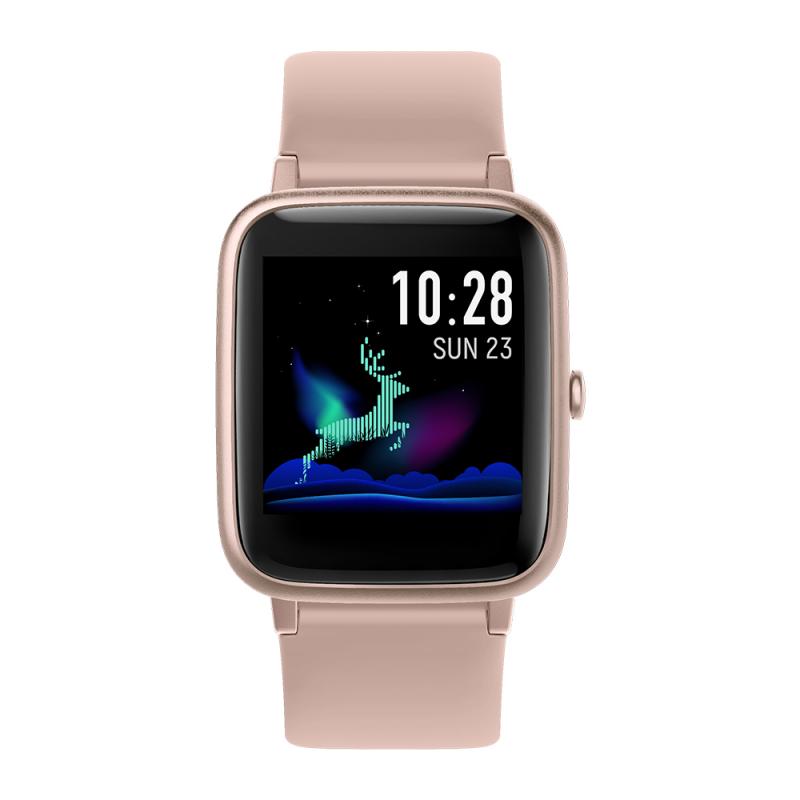
remote control the phone camera shutter
remote control the phone camera shutter from your smartwatch and take a picture without touching your phone.
- open the phone app "camera remote watch" and adjust the camera view.
- on your watch: tap the camera button to trigger the camera shutter on your phone.
- the photo will be stored in your phone photo gallery and you can access it with the ios "photos" app or the android "gallery" app.
- a copy of the photo will be shown on your watch, so that you can check if it looks good or if you should take another picture.
before starting to take pictures,make sure that the watch and the phone are connected and insync.
be patient when downloading the new photo. if the watch display goes black during the download of the photo, just tap the watch screen to switch the display on again.
if the camera picture download was interrupted by a watch notification display and stopped working, press the back button and try again.
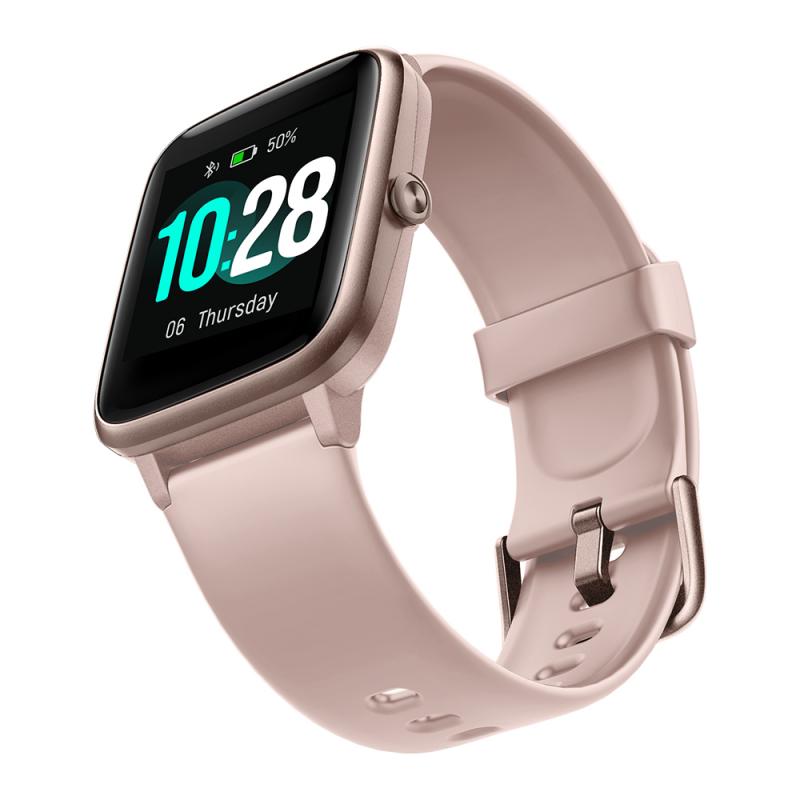
steps to take a picture
- on your phone: configure the phone display settings to make sure that the phone screen does not switch offduring the time you are taking pictures (you can't take pictures behind the phone lock screen).
- on your watch: close the app "camera remote watch" and keep it closed until watch and phone are connetced and in sync.
- on your phone: open the smartwatch companion app and make sure that the watch and the phone are connected and in syncas shown in the video.
- on your phone: open the app "camera remote watch" and adjust the camera view.
- on your watch: open the app "camera remote watch" and tap the camera button to trigger the camera shutter.wait until the new picture is shown on your watch. if the watch display goes black during the download of the photo, just tap the watch screen to switch the display on again.
please be patient when you download the new photo on your fitbit watch, the fitbit connectivity is slow andunreliable.
the fitbit phone app "sync" step, shown in the video, is very important. don't skip it and make sure that the watch app "camera remote watch" is closed during the sync.
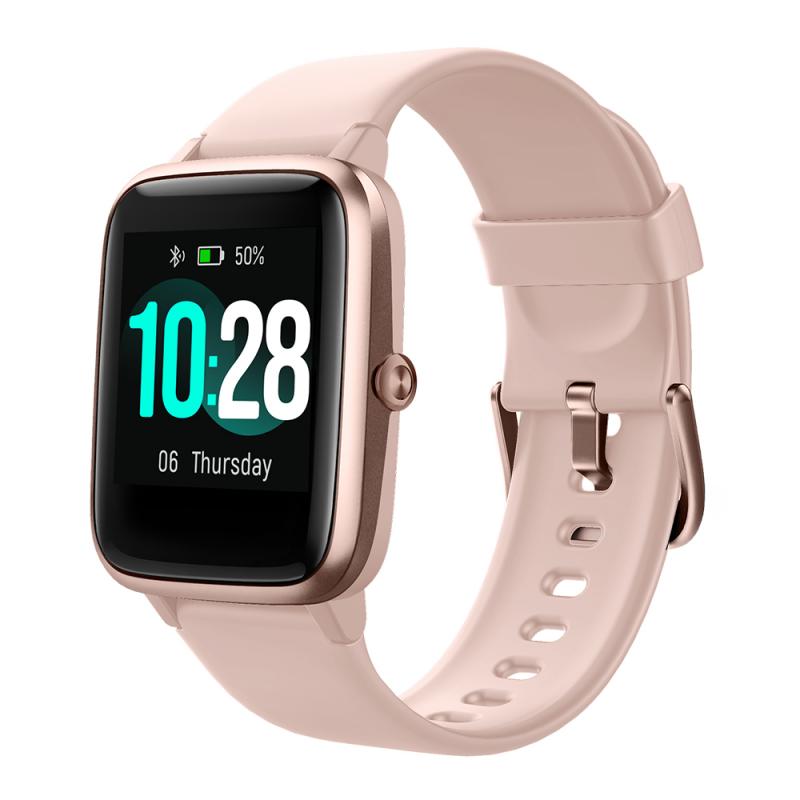
camera controller feature
learn how to take pictures using your samsung galaxy watch7 or galaxy watch ultra with the camera controller feature. control your phone's camera remotely, adjust settings, and capture photos or videos.
you can take pictures using your samsung galaxy watch7 or galaxy watch ultra by enabling the camera controller feature. this allows you to remotely control your connected phone's camera, adjust settings like zoom, and capture photos or videos directly from your watch.
- open the settings app on your samsung galaxy watch7 or galaxy watch ultra.
- scroll down and tap on camera controller.
- tap allow to grant permissions for the feature.
- toggle the switch to turn on location if you want to tag your photos with location data.
the camera controller feature is compatible with samsung galaxy watch7, galaxy watch ultra, and other samsung galaxy smartwatches that support remote camera control. ensure your watch and phone are connected via bluetooth for seamless functionality.
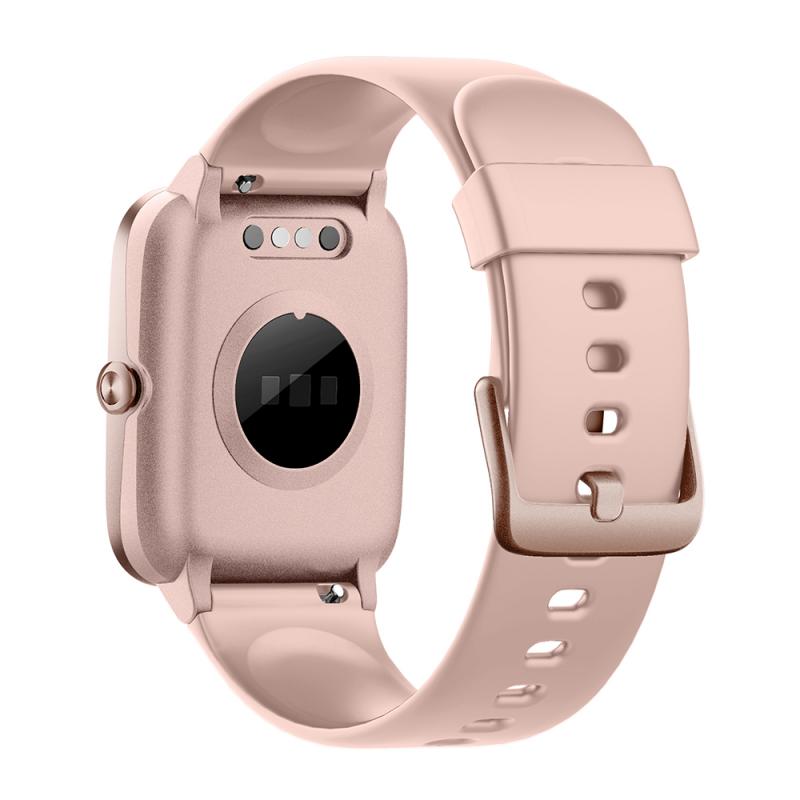
why use camera controller?
- capture photos or videos from a distance without needing to hold your phone.
- adjust camera settings like zoom, flash, and timer directly from your watch.
- ideal for group photos, selfies, or situations where holding your phone isn't convenient.
additional things to check
- ensure your watch and phone are paired and connected via bluetooth.
- make sure your phone's camera app is open and accessible for remote control.
- check for software updates on both devices to ensure optimal performance.
benefits of remote camera control
- no need for timers
- better selfies without mirrors
- easy group photos
- stable tripod shots
can smartwatches record video?
no, without built-in cameras, smartwatches can’t record video directly. you can control your phone’s video recording remotely.
- limited storage capacity
- short battery life impact
- privacy concerns
- poor image quality potential
niche accessories like the wristcam for apple watch add video capabilities, but they’re not standard.
smartwatches with cameras
mainstream brands avoid cameras, but some lesser-known or chinese brands offer them (0.3-2mp), often with poor quality and limited support.
- wristcam for apple watch: 8mp + 2mp cameras, ~£259
- kospet prime 2: 13mp rotating camera
- lemfo lem t: 5mp camera
these models are bulkier and less refined.
android smart watches
there are 2 types of "android smart watches" (non apple watches)
- the ones that run android wear os/ or samsungs tizen os
- and the ones that are cheap, and run "android" , not googles wear os.
the cheap ones are anywhere between $15-upwards, for basically the same product. it's all the same hardware in a different casing, being sold under different brand names.
many years ago i had one of these and it was just better than crap. it can tell time, and display some notifications, but the camera was absolute crap and looked worse than a photo from an iphone 3g. it just makes you want to get the real android wear watch which can do much more as expected. problem being i don't believe any android wear watched have ever come out with a camera at all.
also, the cheap ones do supposedly run "android", but it's customized enough where setting it to take a picture automatically wouldn't be possible (with enough tinkering, sure it can probably be done but not easily) let alone a photo every 3 seconds. most of the config was done through a poorly translated app, that already looked sketchy enough from a security standpoint.
what i meant by hard, was the fact that there are basically no guides on it, much less anyway to install apps on it. on the watch, there is no google account sign in, no play store, no side loadable store.... you get the point.
in my opinion, calling it an "android" is a stretch. they tell time, have a calendar, and none of the apps sync with any standard google app. it requires a third party app installed on your phone to basically "hijack" the notifications and push them to the watch.
smartwatch for photography
as far as triggering an ilc shutter from your watch, this lies firmly with the camera manufacturer's app developers—nothing to do with apple or android themselves.
i think the whole remote operating of an ilc camera is complex. android phones only allow the inbuilt camera to be the default. i think the watch apps will only connect to the default camera.
yes, a way around it would be for the camera app developers and the watch developers to work together so the watch can fire the ilc through the ilc's own app. whether either would invest the time and money in developing that is another matter. it's a fairly niche request. i would find it handy, though.
i've been using smart watches since the original moto 360. if there is one thing i know about them, is that they are remote control devices for smartphones. nothing more. that doesn't mean they aren't useful, just that they need to interface very well with their host phones. until some smart camera manufacturer licenses the right to interface with a watch, they will remain marginal for photographers.