How To Organize A Dslr Camera Bag?
2026-07-14 00:56:16
0 Comments
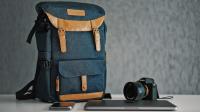
Start With Gear And Bag Choice
- To start organizing your camera bag, begin by taking inventory of all your gear and assessing what you need to bring with you on a shoot.
- This will help you determine the size and type of bag you need.
- It's important to choose a bag that is not only comfortable to carry but also has enough compartments and pockets to accommodate all your gear.
- Additionally, consider investing in a bag with customizable dividers to provide maximum protection and organization for your equipment.
- Once you have the right bag, it's time to start organizing your gear.
- Group similar items together and assign them to specific compartments or pockets in your bag, preferably in labeled pouches.
- This will make it easier to find what you need quickly and prevent any damage or scratches to your equipment.
- With a well-organized camera bag, you can focus on capturing stunning photos without any distractions or frustrations.
Types Of Camera Bags
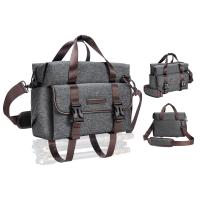
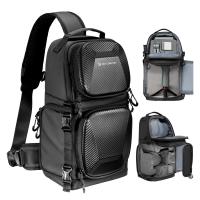
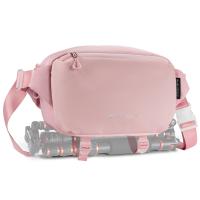
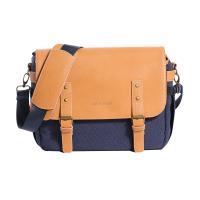
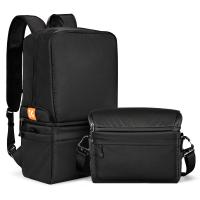
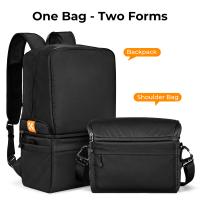
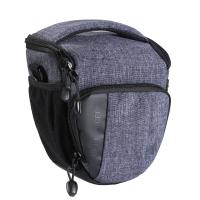
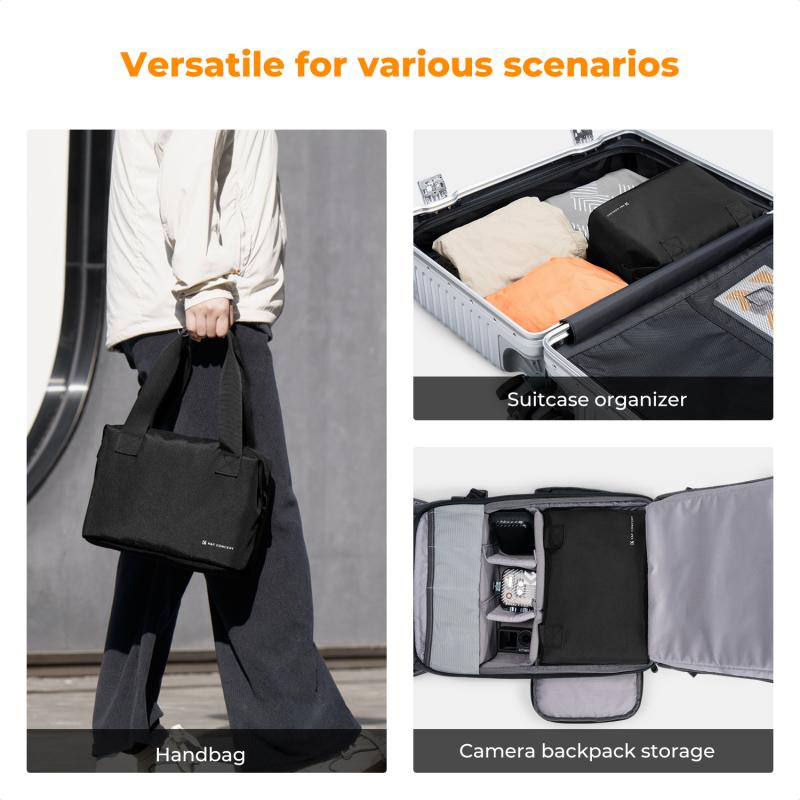
- Shoulder bags: These bags are perfect for carrying a camera with a few lenses and accessories.
- They are easy to access and carry around, making them ideal for photographers who are always on the move.
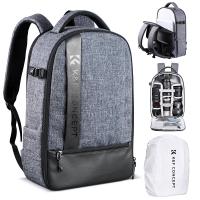
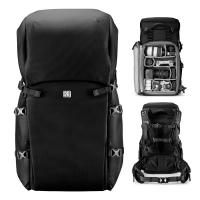
- Backpacks: These bags are designed to distribute the weight of your gear evenly on your back, making them comfortable to carry for extended periods.
- They are perfect for outdoor photography and traveling.
- Rolling bags: These bags come with wheels, making them easy to move around.
- They are ideal for photographers who need to carry heavy gear, such as lighting equipment, on location.
- When choosing a camera bag, it's essential to consider the type of photography you'll be doing and the equipment you'll be carrying.
- A bag that is too small will not be able to accommodate all your gear, while a bag that is too large will be cumbersome to carry around.
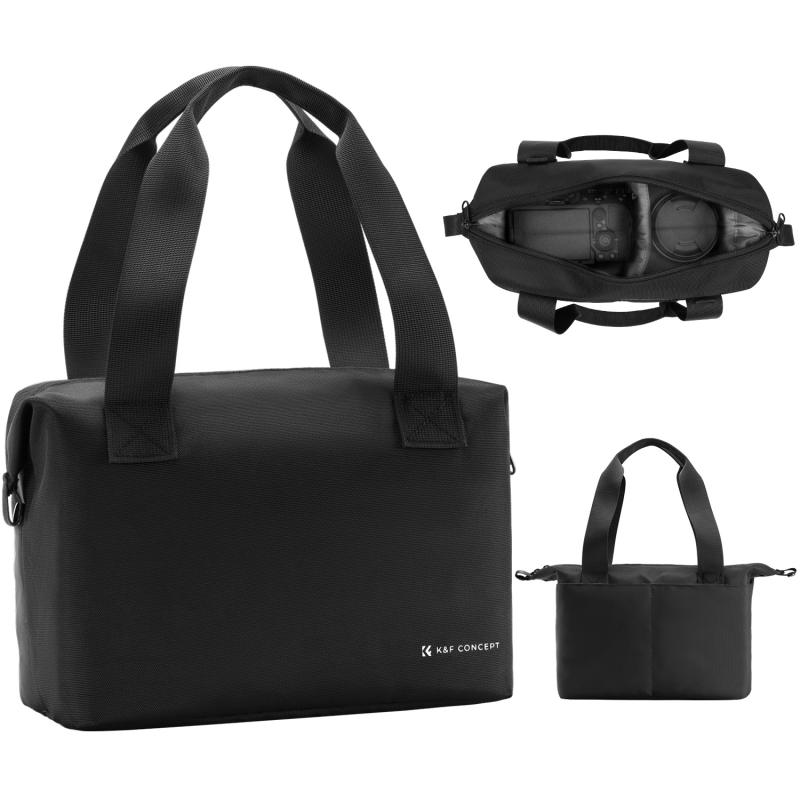
Camera Body Storage, Lens Compartments, And Accessory Pockets
- The camera body is the heart of any photography kit, and it's important to keep it safe and secure in your camera bag.
- When organizing your camera bag, consider using a padded camera insert or compartment to protect your camera body from bumps and scratches.
- A good camera insert should have enough room to accommodate your camera body, as well as any attached accessories such as a battery grip or strap.
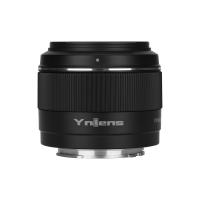
- Lenses are another crucial component of any photography kit, and they require careful organization to keep them protected and easily accessible.
- When organizing your camera bag, consider using a lens case or pouch to protect your lenses from dust and scratches.
- A good lens case should be padded and have individual compartments for each lens, as well as a clear labeling system to help you quickly identify each lens.
- In addition to your camera body and lenses, you'll likely have a variety of accessories that you'll want to keep organized in your camera bag.
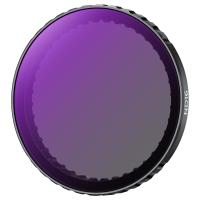
- These might include memory cards, batteries, filters, and cleaning supplies.
- When organizing your camera bag, consider using accessory pockets or pouches to keep these items separate and easily accessible.
- A good accessory pocket should have multiple compartments and be made from durable, water-resistant materials to protect your gear from the elements.
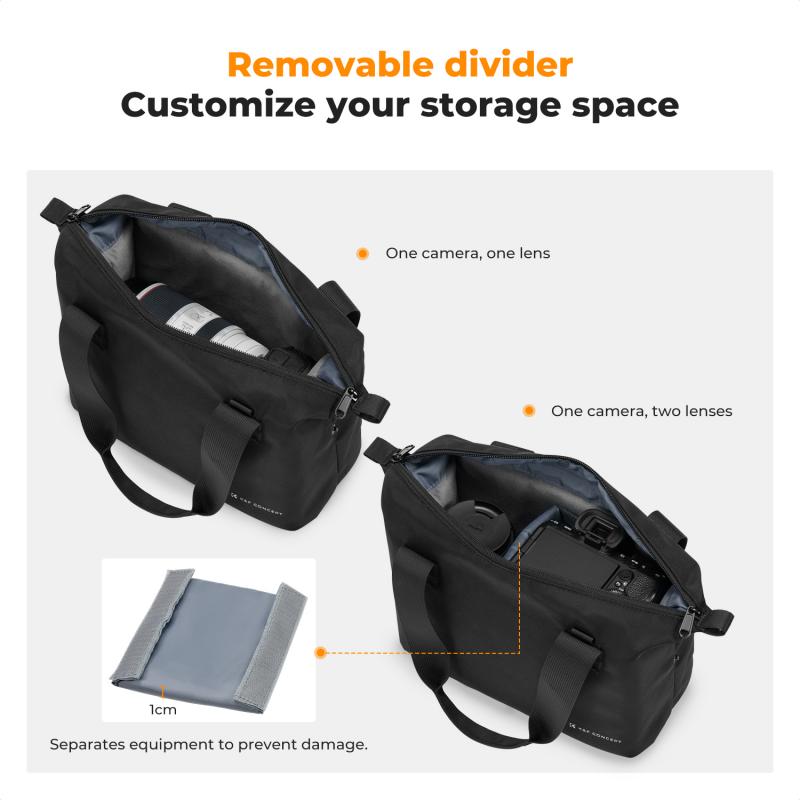
Adjustable Dividers And Modular Components
- When it comes to organizing your camera bag, customizing the layout to fit your specific needs is crucial for efficiency and convenience.
- By utilizing adjustable dividers and modular components, you can create a layout that works best for you.
- Many camera bags come with adjustable dividers that allow you to create compartments of various sizes.
- These dividers are typically made of foam or Velcro, making it easy to rearrange them to fit your gear.
- By adjusting the dividers, you can create compartments for your camera body, lenses, and accessories, ensuring that everything stays in place during transport.
- Modular components are another great way to customize your camera bag layout.
- These components are designed to fit together like puzzle pieces, allowing you to create a layout that's tailored to your specific needs.
- For example, you might use a modular component to create a dedicated space for your camera batteries and memory cards.
- When selecting modular components, make sure they are compatible with your camera bag.
- It's important to choose components that fit securely in your bag to prevent them from shifting during transport.
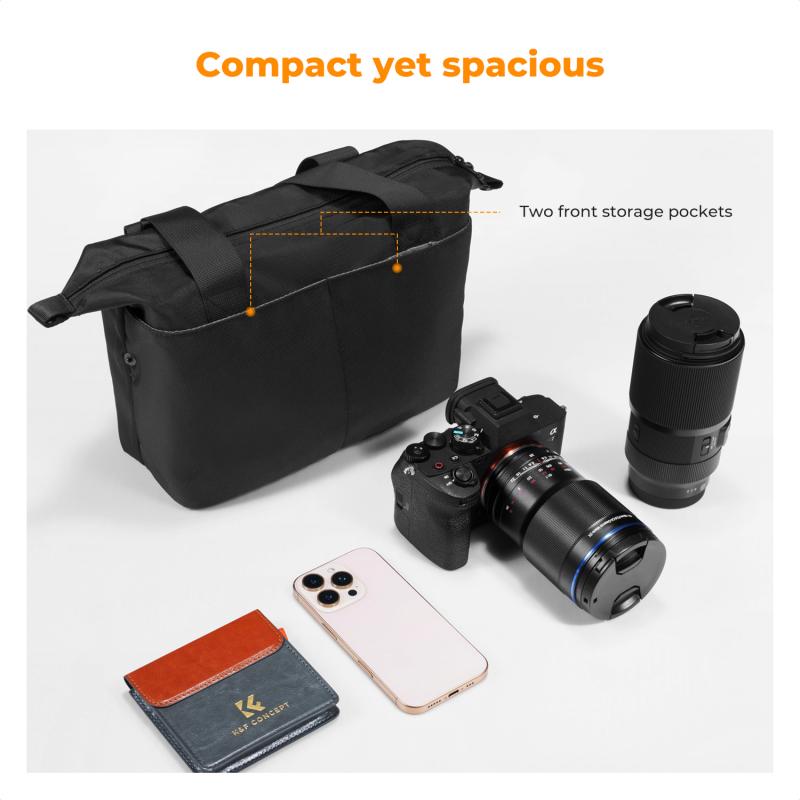
Divider And Organization Best Practices
- Consider weight distribution and access.
- Keep heavier things toward the vertical center of the pack and balanced side to side.
- With just camera gear this won’t be as critical because most camera gear has a similar density.
- For a mixed bag with lunch and some raingear it becomes more relevant.
- In both cases access is important.
- Larger gear first: Start with the largest piece of gear, in the example a 100-400mm f/2.8 on a Sony a9 with portrait grip.
- Place this at the top center balance for easy access.
- When traveling with a long lens we recommend detaching the body from the lens.
- Quick access equipment: Next any other gear you want quick access too.
- Here a Sony a9 with a 24-70mm f/2.8 inside the left side door and 70-200mm f/2.8 lens inside the right side door.
- Divider types: Place dividers as you go.
- When you place dividers keep the hook tape wings pointed toward the top of the bag for best holding strength.
- Our dividers are color coded to guide their use.
- More gear: Continue with other lenses and gear placing the biggest gear first.
- Dark grey
- the sturdiest dividers, these provide structure to the layout.
- Light grey
- “normal dividers”, these are more flexible to around gear.
- Orange dividers
- special dividers like pocket or trapdoor dividers.
- For speedlights or a folding drone and controller use a trapdoor divider to stack them.
- First put a speed light or drone in, then the trapdoor divider.
- On top of that place a second speedlight or the drone controller.
- These dividers are designed so that you can lift them from one end to get to gear below, and then fall back into place to make stacking gear a little smoother.
Small Accessories And Pouches
- Keep small accessories like filters and batteries in designated pockets or pouches.
- Depending on layout you can use these to further secure gear in place if you’re worried about it shifting.
- As you go through different shoots your kit may vary.
- A great way to remember a good divider or gear layout for next time is to take a picture of it.
- Using a silver Sharpie and a stencil, I marked each pouch to identify the lens inside.
- All of my lens pouches marked for easy identification.
Padding, Cushioning, And Weatherproofing
- One of the most important protection strategies for a camera bag is to ensure that the equipment inside is well-padded and cushioned.
- This is important because it helps to absorb any shocks or impacts that the bag may experience during transit.
- There are several materials that can be used for padding and cushioning, including foam, neoprene, and rubber.
- Foam is a popular choice because it is lightweight and provides excellent shock absorption.
- Neoprene is also a good option as it is water-resistant and provides a snug fit around the camera equipment.
- Another important protection strategy for a camera bag is to ensure that it is weatherproofed.
- This is particularly important if the bag is going to be used in wet or humid conditions.
- There are several weatherproofing measures that can be taken, including using a rain cover, waterproof zippers, and water-resistant fabrics.
- A rain cover is a simple and effective way to protect the bag from rain and moisture.
- Waterproof zippers are also important as they prevent water from seeping into the bag through the zipper.
- Water-resistant fabrics, such as nylon or polyester, can also be used to protect the bag from moisture.
Quick Access And Tripod Attachment
- When it comes to organizing a camera bag, accessibility and convenience are key factors to consider.
- A well-organized camera bag will not only protect your gear but also make it easy to access the items you need quickly.
- One way to ensure quick access to your camera gear is by using quick access pockets.
- These pockets are typically located on the outside of the camera bag, allowing you to quickly grab items like memory cards, batteries, or lens caps without having to open the main compartment.
- When choosing a camera bag, look for one with multiple quick access pockets in different sizes.
- This will allow you to organize your smaller items and keep them easily accessible.
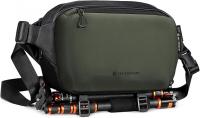
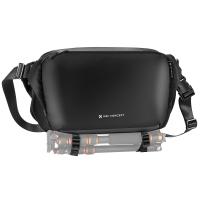
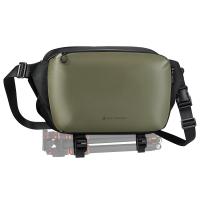
- Another important feature to consider when organizing your camera bag is tripod attachment.
- If you plan on using a tripod, look for a camera bag that has a dedicated tripod attachment feature.
- This will allow you to securely attach your tripod to the outside of your camera bag, freeing up space inside the bag for other items.
- When choosing a camera bag with a tripod attachment feature, make sure it is compatible with the type of tripod you plan on using.
Weight Distribution And Space Optimization
- When packing a camera bag, it is important to distribute the weight evenly.
- This will help prevent strain on one side of the body and make it easier to carry the bag for extended periods of time.
- A good rule of thumb is to place heavier items towards the bottom of the bag and lighter items towards the top.
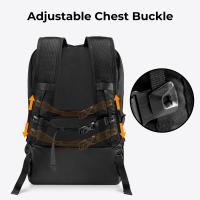
- Another tip for weight distribution is to use a backpack-style camera bag.
- This will distribute the weight evenly across the back, rather than placing all the weight on one shoulder.
- Additionally, using a waist belt can help distribute the weight even further and provide additional support.
- Optimizing space in a camera bag is crucial, especially for photographers who need to carry multiple lenses and accessories.
- One way to optimize space is to use padded dividers or inserts to create compartments for each item.
- This will help prevent items from shifting around and potentially getting damaged.
- Another tip for space optimization is to use a smaller bag or pouch for accessories such as memory cards, batteries, and lens filters.
- This will help keep these smaller items organized and easily accessible.
- Finally, consider using a bag with multiple pockets and compartments to help organize and separate items.
Packing For Specific Shoots
- I figure out what I need on a shoot and take just that, I don't need to be carrying around all that extra weight “just incase”, usually I will take one camera and one lens and that's that, maybe a smaller point and shoot or something as a backup or for other things that I might want to do with it
- But yeah it really depends on the shoot and what you need, not everyone packs the same, a landscape photographer going on a week's hike will have to worry far more about weight and size compared to someone like a fashion photographer that can put his gear in cars/studios and have a team of people help them with it
- If I'm going out and specifically shooting landscape/astro, I don't bother bringing my telephoto primes and stick to the wider, faster glass of course.
- It changes for literally every shoot, dependent on needs.
- I used to take all the gear I have when I would go out "just in case".
- But I started to realize, aside from the weight, that was just a way for me to wander without direction in mind.
- Now I try to think through what I wanna be shooting, and determine what glass and other gear would be optimal for that.
- I find that it's made me better and made my bag lighter.
- Even when I'm just going on a "photowalk", I still leave with a certain direction in mind, and take the best glass for it, maybe 2.
Example Bag Setups
- Currently I have two L-shaped compartments in my bag set up for each camera (a6000 and a K-50).
- They basically fit the camera and the lens and leave them in there snugly.
- Directly underneath where the camera body sits, I store another lens or two in a cloth bag.
- These are usually snug so they aren't moving around either.
- Small shoulder bag from Lowepro.
- I didn't want something too heavy, and it allows me to store my camera w/lens and at max 2 more lens.
- I also keep an extra SD card, extra battery, and my e-reader snugly in the front compartment.
- I only take out what I need.
- Usually it's a body with lens attached and a second lens.
- I just separate the compartment into 1/3 and 2/3.
- Sometimes I'll throw a 3rd lens in which usually fits on tops of the body with lens attached easily.
- If I'm taking filters then I'll keep them attached to the lens, and take off and stick in a pocket if I don't need it.
- If I'm going on a longer trip then I'll throw in a microfibre cloth, lens brush, spare memory cards, SD card adaptor and spare battery into a zippered pocket in my bag.
- I have a Retrospective 7 and my bag is setup with 4 sections
- lens / body with lens / body with lens / lens
- It's a bit cramped with I need to use the filters and a tripod but it fits just barely.
- Batteries, memory card wallet, cable release, buncha other shit go in the extra pouches.
Leave your comment
Note: HTML is not translated!