How Many Stops Is An Nd 8 Filter?
Understanding ND8 Filters: A Guide for Photographers and Videographers
Neutral Density (ND) filters are vital tools in a photographer's or videographer's kit, providing the ability to control light exposure in creative and practical ways. Among these filters, the ND8 filter often garners attention for its versatility and utility. If you're new to ND filters or wondering how many stops of light an ND8 filter blocks, this guide will explain the concept and help you understand how these useful devices can enhance your work.
What is an ND Filter?
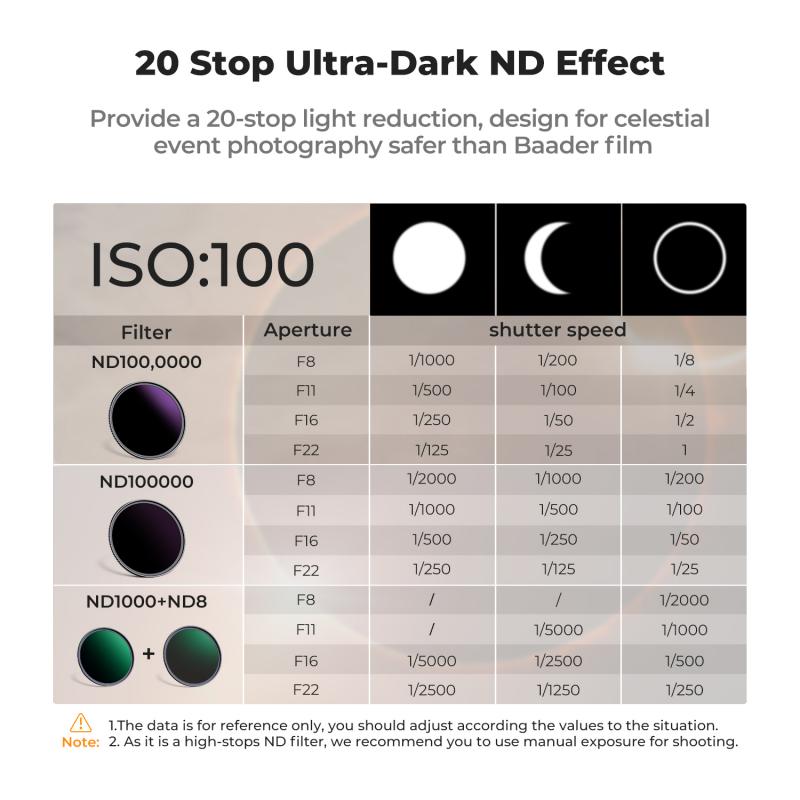
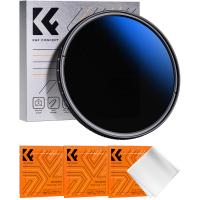
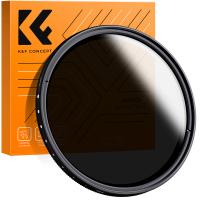
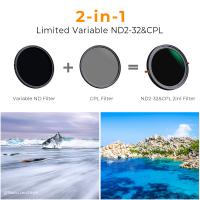
An ND filter, short for Neutral Density filter, is an accessory that reduces the amount of light entering your camera lens without changing the color or altering the overall tone of your image. Think of ND filters as sunglasses for your camera. They allow you to manipulate exposure settings in scenarios where bright light might otherwise wash out your photos or videos.
Photographers use ND filters for increasing exposure times for long-exposure shots, achieving shallow depth of field under bright conditions, or controlling overexposure for motion blur effects. For videographers, ND filters are critical in ensuring cinematic motion blur, especially when shooting in daylight while adhering to specific shutter speed requirements.
How Does an ND8 Filter Work?
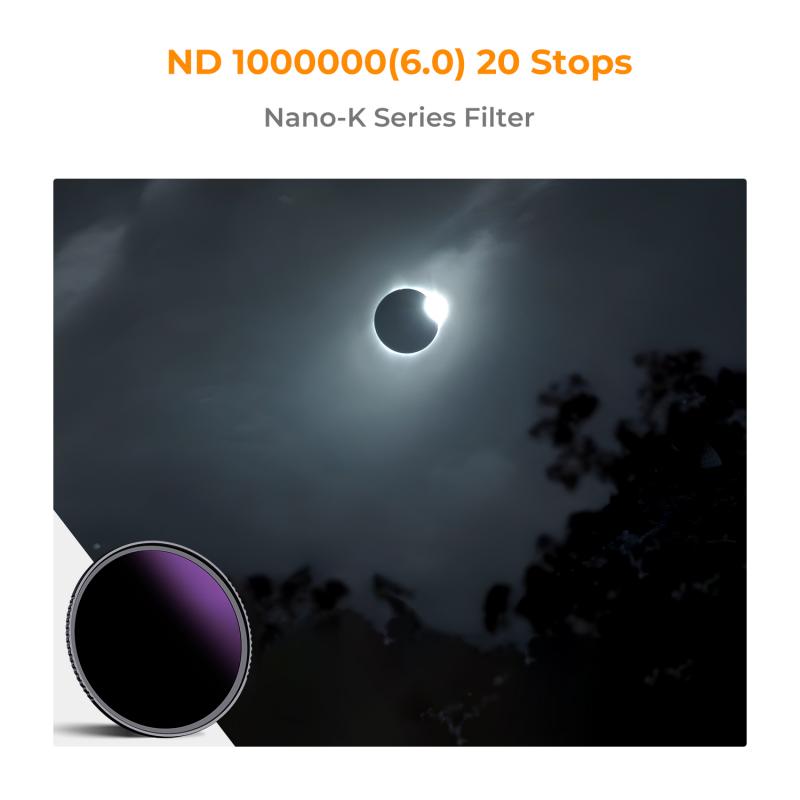
ND filters come in different strengths, each defined by its capacity to block light, measured in stops. The designation "ND8" refers to the filter's light-reduction factor. Specifically:
- An ND8 filter reduces the amount of light by 3 stops.
- It blocks approximately 87.5% of the incoming light.
This level of light reduction is significant, making ND8 filters perfect for circumstances where you need moderate control over exposure settings but do not want to completely alter the lighting environment.
Understanding Stops of Light
The term "stop" in photography refers to halving or doubling the amount of available light that reaches the camera sensor. Stops are the universal standard we use to measure changes in light exposure to maintain consistency across aperture, shutter speed, and ISO configurations.
For clarity:
- 1 stop reduces light to 50% of its original intensity.
- 2 stops reduce light to 25%.
- 3 stops, as provided by an ND8 filter, reduce light to 12.5%.
This makes ND8 filters very handy for shooting in moderately bright conditions when you need finer control over exposure settings and creative opportunities.
Practical Applications of an ND8 Filter
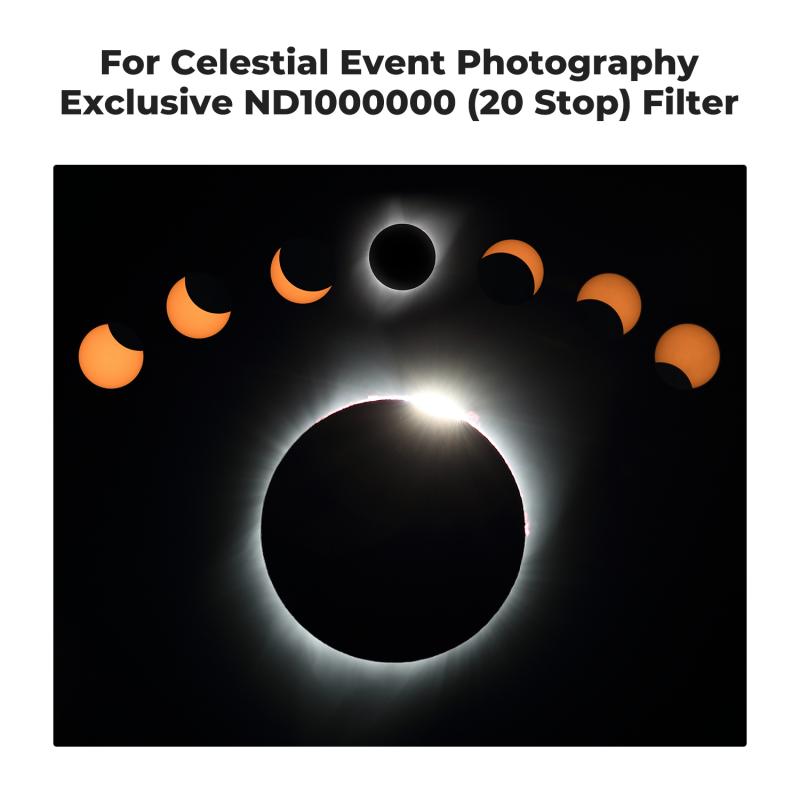
An ND8 filter's 3-stop light reduction makes it a practical mid-range option, striking a balance between subtle adjustments and stronger light-blocking filters like ND16 or ND64. Here are some scenarios where ND8 filters shine:
1. Achieving Motion Blur
One of the hallmark benefits of ND filters is the ability to achieve motion blur, particularly for moving water, traffic lights, or clouds. An ND8 filter enables longer exposure times, blurring motion for a dreamy, artistic effect. It works well in mild daylight but avoids overexposing the surroundings, especially when coupled with slower shutter speeds.
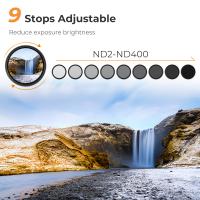
For example, if you’re shooting a waterfall during the day and want to smooth out the water flow while retaining landscape detail, an ND8 filter would reduce the incoming light enough for you to choose a slower shutter speed—such as 1/4 or 1/2 of a second—without overexposing the image.
2. Shooting Portraits with Shallow Depth of Field in Bright Sunlight
When shooting outdoors in bright sunlight, you often want to use lower f-stop values (like f/1.8 or f/2.8) to achieve a shallow depth of field. However, this setup can result in overexposure because a wide aperture lets in much more light. This is where an ND8 filter can help by reducing the overall light intensity to keep the highlights balanced while maintaining subject isolation and background blur.
Imagine taking a portrait in mid-afternoon sunlight where the camera settings indicate overexposure at your ideal aperture. Adding an ND8 filter prevents blown-out highlights and retains the desired creative composition.
3. Maintaining Cinematic Motion Blur in Video
For videographers, ND8 filters are essential tools for achieving the "cinematic look." Video recordings typically follow the 180-degree shutter rule, where the shutter speed is set to twice the frame rate. Bright daylight conditions often push natural exposure outside this ideal range, resulting in harsh or overexposed scenes.
For example, shooting at 24fps usually requires a shutter speed of 1/48 seconds to create motion blur that appears natural to the human eye. Without an ND8 filter, such a slow shutter speed in bright sunlight would lead to overexposed footage. By blocking 3 stops of light, the ND8 filter restores balance, enabling adherence to cinematic standards without compromising visual quality.
4. Managing Reflections
ND8 filters can also be used alongside polarizers to manage harsh reflections, particularly on water or glass surfaces. The filter decreases glare intensity, making it less disruptive in composition while preserving highlight details.
When to Choose an ND8 Filter Over Other ND Filters
While ND filters come in varying strengths, selecting the right one depends entirely on the shooting situation. ND8 is considered a mid-level option, ideal for moderately bright conditions. It strikes the perfect balance of blocking light without making your compositions overly dark. However, it's not suitable for extreme scenarios, such as shooting in glaring sunlight or trying to capture star trails at night.
The most typical alternatives include:
ND4 Filter: Reduces light by 2 stops (75% light blocked). Great for slightly overexposed environments.
ND16 Filter: Reduces light by 4 stops (94% light blocked). Efficient for bright sunlight or when opting for ultra-long exposures.
ND64 Filter: Cuts light by 6 stops (98.4% light blocked). Useful for extreme exposure control, such as shooting waterfalls in midday sunlight.
Each filter has its strengths, and an ND8 fits well in scenarios requiring moderate adjustments without sacrificing flexibility.
Tips for Using ND8 Filters Effectively
To make the most of an ND8 filter, follow these helpful tips:
1. Check Your Light Levels: Assess ambient lighting before using an ND8 filter. For very bright or very low-light conditions, you may need a stronger or weaker ND filter.
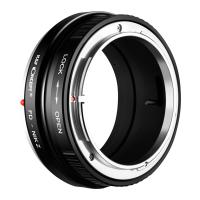
2. Gear Compatibility: Ensure your ND8 filter matches your lens size and thread measurements. For instance, a 64mm filter won't attach correctly to a 72mm lens.
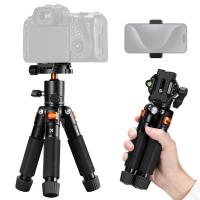
3. Use a Tripod for Long Exposures: If you're opting for motion blur effects with longer exposure times, a tripod is essential to avoid unwanted camera shake and ensure sharp details in non-moving elements.
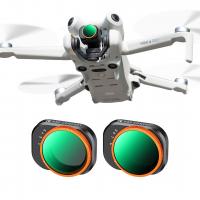
4. Combine ND Filters: For more advanced users, stacking multiple ND filters can be an effective way to achieve precisely calculated light reduction. However, this requires meticulous attention to your exposure settings.
5. Experiment Creatively: Practice using your ND8 filter under different weather conditions, lighting setups, and locations to unlock its creative potential.
ND filters, including the ND8, are indispensable for photographers and videographers aiming to control exposure and light creatively. An ND8 filter blocks approximately 87.5% of the incoming light, equating to 3 stops of light reduction. This makes it a versatile choice for moderately bright scenarios, whether you're capturing smooth-motion waterfalls, isolating subjects in portraiture, or adhering to cinematic shutter rules in video production.
Understanding the stops of light blocked by an ND8 filter—and its practical applications—enables you to develop a more intentional approach to your craft. Whether you're new to ND filters or already familiar with their basics, applying the ND8 filter in the right situations will elevate your creative output and allow you to capture moments exactly as you envision them.