kfconcept

KENTFAITH
K&F Concept    Blog >

Enjoy Your Selected Digital Life

Recently Viewed
  • Recently Viewed
  • 40.5mm ND2-ND400 (9 Stops) Variable ND Filter Neutral Density Adjustable Filter for Canon Nikon DSLR Cameras + Lens Cleaning Cloth
    40.5mm ND2-ND400 (9 Stops) Variable ND Filter Neutral Density Adjustable Filter for Canon Nikon DSLR Cameras + Lens Cleaning Cloth
    $32.99 $25.99
Compare (0) 0
  • Compare
  • You have not chosen any products to compare.

  • Compare
Currency: USD
  • Currency
Shop by Scene Shop by Rank

Log Into Your Account

Account

Order History

Wish List

Login

Forgotten Password?

Or connect with

Register Account

Already have an Account?Log In

  • Shopping Cart
  • Your shopping cart is empty!

  • Register/Login to purchase, earn points
  • Favorite
  • Your wish list is empty.

  • Register/Login to like, earn points
  • Activities
  • Guide
    • Filter Guide
    • Lens Adapter
    • Product Review
  • News & Reviews
    • Camera Reviews
    • Sample Gallery
    • News
  • Tutorials
    • Solar eclipse photography
    • Photography Basics
    • Landscape Photography
  • Inspiration
    • Travel
    • Travel Stories
  • Home
  • Blog
  • How Do I Find A Wifi Camera Ip Address ?

How Do I Find A Wifi Camera Ip Address ?

Kentfaith 2023-06-23 07:59:23 0 Comments

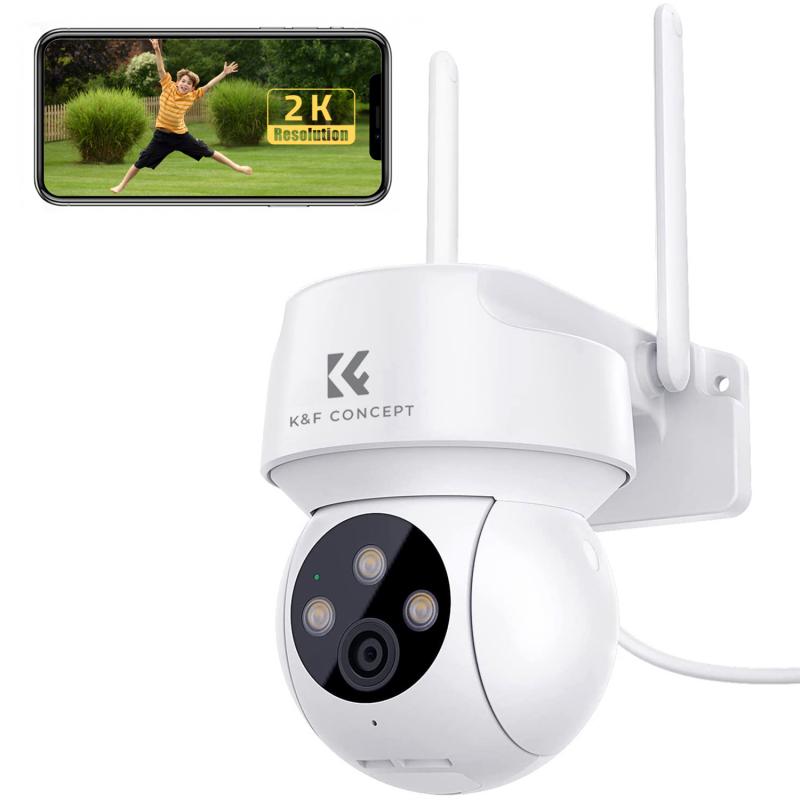
Finding the IP address of a WiFi camera can be a crucial step in setting up and managing your home or office security system. Whether you are a tech enthusiast or a novice, understanding how to locate this information can save you time and ensure your surveillance system is functioning correctly. In this article, we will explore various methods to find the IP address of your WiFi camera, discuss the tools you might need, and provide step-by-step instructions to make the process as straightforward as possible.

Understanding the Basics

Before diving into the methods, it's essential to understand what an IP address is and why it's important. An IP address (Internet Protocol address) is a unique identifier assigned to each device connected to a network. For WiFi cameras, the IP address allows you to access the camera's feed, configure settings, and perform other administrative tasks.

Method 1: Using the Camera's Software

Most WiFi cameras come with proprietary software or a mobile app provided by the manufacturer. This software often includes features that allow you to find the camera's IP address easily.

1. Install the Software: Download and install the software or app from the manufacturer's website or app store.

2. Connect the Camera: Ensure your camera is connected to the same WiFi network as your computer or mobile device.

3. Open the Software: Launch the software or app and log in using your credentials.

4. Locate the Camera: Navigate to the section where your camera is listed. This is usually under a tab like "Devices" or "Cameras."

5. Find the IP Address: The IP address should be displayed alongside other details about the camera.

Method 2: Using a Network Scanner
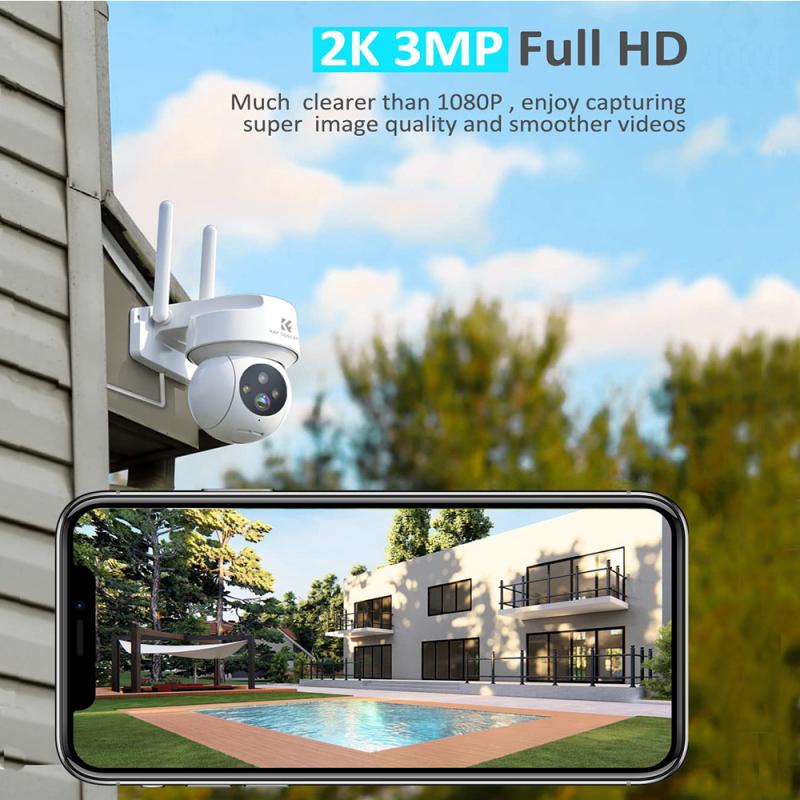

If the camera's software does not provide the IP address, you can use a network scanner tool. These tools scan your network and list all connected devices along with their IP addresses.

1. Download a Network Scanner: Popular options include Advanced IP Scanner, Fing, and Angry IP Scanner.

2. Install and Run the Scanner: Follow the installation instructions and launch the tool.

3. Scan the Network: Initiate a scan of your network. This process may take a few minutes.

4. Identify the Camera: Look through the list of connected devices to find your camera. It may be listed by its MAC address or manufacturer name.

5. Note the IP Address: Once you locate the camera, note down its IP address.

Method 3: Using the Router's Admin Page

Your router's admin page can also provide a list of connected devices and their IP addresses.

1. Access the Router's Admin Page: Open a web browser and enter your router's IP address (commonly 192.168.1.1 or 192.168.0.1) in the address bar.

2. Log In: Enter your router's admin username and password. If you haven't changed these, they are often set to default values like "admin" and "password."

3. Navigate to Connected Devices: Look for a section labeled "Connected Devices," "Device List," or something similar.

4. Find the Camera: Identify your camera from the list. It may be listed by its MAC address or device name.

5. Note the IP Address: Record the IP address associated with your camera.

Method 4: Using Command Prompt (Windows) or Terminal (Mac/Linux)
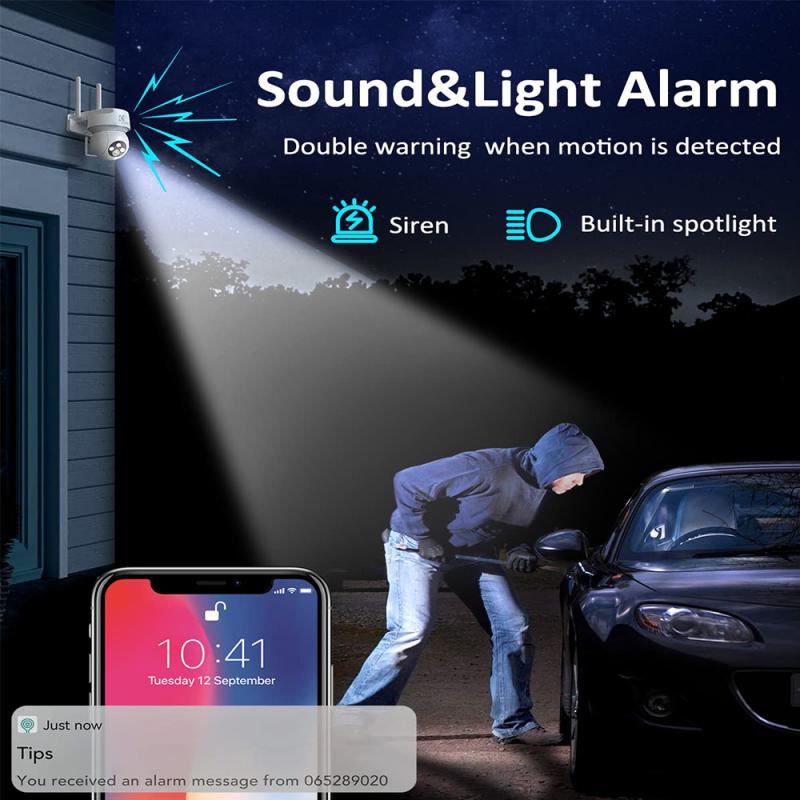

For those comfortable with command-line interfaces, you can use Command Prompt or Terminal to find the IP address.

1. Open Command Prompt/Terminal: On Windows, press `Win + R`, type `cmd`, and press Enter. On Mac/Linux, open Terminal from the Applications folder or use a shortcut.

2. Ping the Network: Type `arp -a` and press Enter. This command will display a list of all devices connected to your network along with their IP addresses and MAC addresses.

3. Identify the Camera: Match the MAC address of your camera (usually found on the camera or in its documentation) with the list to find the corresponding IP address.

Troubleshooting Tips

- Ensure the Camera is On: Make sure your camera is powered on and connected to the WiFi network.

- Check for Interference: Other electronic devices can sometimes interfere with WiFi signals. Ensure your camera is placed in an area with a strong WiFi signal.

- Update Firmware: Ensure your camera's firmware is up to date. Sometimes, outdated firmware can cause connectivity issues.

Conclusion

Finding the IP address of your WiFi camera is a fundamental step in setting up and managing your surveillance system. Whether you use the camera's software, a network scanner, your router's admin page, or command-line tools, the process is generally straightforward. By following the methods outlined in this article, you can quickly locate your camera's IP address and ensure your security system is functioning optimally.

Understanding how to find your WiFi camera's IP address not only helps in the initial setup but also aids in troubleshooting and maintaining your security system. With this knowledge, you can confidently manage your surveillance setup and ensure your home or office remains secure.
Leave your comment
Cancel reply
Note: HTML is not translated!
Related products
4K60FPS 48MP 66FT Waterproof Action Camera without a Case, Dual Screens, 64GB Card, EIS, WiFi Remote Control, Kentfaith
NEW Arrival
4K60FPS 48MP 66FT Waterproof Action Camera without a Case, Dual Screens, 64GB Card, EIS, WiFi Remote Control, Kentfaith
14
$191.24 $152.99
Anti-Spy Detector Scan & Disconnect for 24/7 Protection Find Bugs Hidden Cams
15
$89.99 $59.99
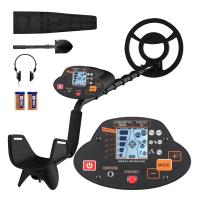
Metal Detectors for Adults and Kids, Gold Detector Kit with LCD Display & IP68 Waterproof Search Coil for Find Valuables
NEW Arrival
Metal Detectors for Adults and Kids, Gold Detector Kit with LCD Display & IP68 Waterproof Search Coil for Find Valuables
285
$215.99 $151.99
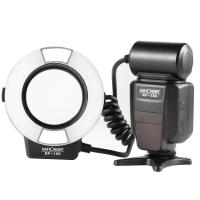
K&F Concept KF-150 I-TTL Macro Ring Light Flashs LCD Display and Wireless Slave Function Speedlite with 6pcs Adapter Rings Compatible with Nikon DSLR Cameras
102
$119.99 $115.99
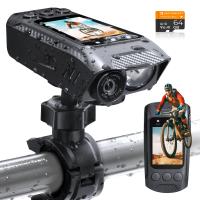
4K Bike Camera 2" Display 1000LM Bicycle Light IP67 Waterproof WIFI Connection
30
$149.99 $125.99
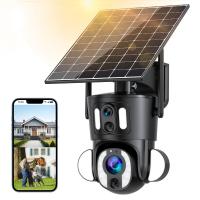
Dual-Lens Security Camera Solar Outdoor Surveillance 10X Optical Zoom 2.4G WiFi
12
$274.99 $230.99
5K Digital Video Camera Camcorder WIFI IR Night Vision for Vlogging Youtube
95
$269.99 $189.99
Camera Sunglasses, HD 1080P, EIS Stabilization, WiFi Connect, Translation, 4H Playtime, Kentfaith
16
$119.99 $95.99
WiFi Electronic Eyepiece for Microscopes, 50 Meters WiFi Range, 2MP Microscope Imager, Capture 4K Photos Videos, Kentfaith
$112.49 $89.99
Microscope Eyepiece Camera 2.8" Screen WiFi Connection 1080P Photos Videos for Telescopes Kentfaith
12
$99.99 $79.99
Products You May Like
Telescope Electronic Eyepiece with 4.3in Screen, WiFi Live Stream, Capture 1080P Photos & Videos, Rechargeable, Kentfaith
13
$144.99 $115.99
52-55mm Step Up Ring Aviation-grade Aluminum Filter Adapter Ring 2-pack with a Cleaning Cloth
99
$5.99
52mm ND2-ND400 (9 Stops) Variable ND Filter Neutral Density Adjustable Filter for Canon Nikon DSLR Cameras + Lens Cleaning Cloth
119
$40.99 $32.49
1296P 24MP Wildlife CameraTrail Camera With 120°Wide Angle Motion Latest Sensor View 0.2s Trigger Time IP66 Waterproof | Bark
92
$99.99 $65.99
82mm MCUV+CPL+ND2-400 (1-9 Stops) Lens Filter Kit - 18-Layer Coated Optical Glass with Pouch & Cleaning Cloth - Nano-Klear Series
NEW Arrival
82mm MCUV+CPL+ND2-400 (1-9 Stops) Lens Filter Kit - 18-Layer Coated Optical Glass with Pouch & Cleaning Cloth - Nano-Klear Series
20
$66.99 $49.99
K&F Concept 6 Slots XQD Cfexpress Type-B Card Holder, Water-Resistant Memory Card Storage Carring Case, Shockproof Card Protection Box Organizer
$18.99 $9.99
4G Surveillance Camera Dedicated Tri-network Compatible Data SIM Card - US Standard
$10.90
52mm CPL Circular Polarizer Magnetic Lens Filter HD Waterproof Scratch-Resistant Anti-Reflection Nano-Xcel Series
52
$56.99 $52.99
52mm Lens Filter Kit Neutral Density ND8+ND64+CPL Circular Polarizer for Professional Camera Lens with Multiple Layer Nano Coated
14
$66.99 $43.99
67mm ND8 Lens Filter, 3 Stop Neutral Density Filter, Ultra Slim Frame Import Optical Glass Nano-Xcel Series for Camera Lens
27
$49.99 $39.99
Related articles
How Do I Find My Camera?
How To Find Mac Address On Ring Camera?
How To Use Ip Camera Without Wifi?
How Do I Find Hidden Cameras?
Where Do I Find Camera In System Preferences?
How To Find Ip Cameras On Network?
How To Find Ip Cameras On Google?
How Do I Find My Camera's Shutter Count?
How To Find Camera Wifi Password ?
How To Make An Sd Card Work?
Blog You May Like
How Long Professional Camera Charge Battery?
Can I Use Gopro As Security Camera?
How To Build A Light Table For Photography?
How To Put Sd Card In Camera?
Where To Buy Apple Headphones?
How Does A Smart Watch Read Blood Pressure?
Picture Not Showing On Camcorder When Playing Back?
What Is A 1a Camera Filter?
How To Use Apple Headphones Mic On Ps4 ?
How To Format Sd Card On Tablet?
Related categories
Outdoor Security Camera Wifi A Mount Lens Adapter Sony A Mount Lens Adapters Wifi Trail Cameras minolta a mount lenses Baby Movement Monitor Camera Parts | Studio Camera Accessories streaming video camera digital camera for beginner Solar Cellular Trail Camera
Popular products
security camera home surveillance wireless ip trail camera no wifi outdoor security camera wifi outdoor camera wireless outdoor surveillance camera solar powered no spy hidden camera detector video camera with stabilization mini web camera wifi Gold Detector Kit high speed microsd card
Related searches
Small Ip Camera Wifi 1080p Wireless Wifi Ip Camera Camera Wifi Ip Outdoor Smart Smart Home Wifi Ip Camera Auto Track Wireless Wifi Ip Camera Ptz Wifi Ip Camera 1080p Hd Metal Detector Find Bag Wifi Ip Camera With Pan Tilt And Zoom I Touch Smart Watch Ip Surveillance Camera With Audio
Popular searches
The Effect Of A Magenta Lens Filter 72mm Wide Angle Lens Filter Recommendations Sony 75-300mm F/4.5-5.6 Alpha A-mount Commlite Comix Lens Adapter Portable Depth Finder For Fishing Video Camera With Microphone And Tripod Canon M100 Lens Adapter Fujifilm Finepix S4300 Lens Adapter High Power Night Vision Binoculars Meike 35mm F 1.7 Sony E Mount
Blog Category
  • Activities
  • Guide
    • Filter Guide
    • Lens Adapter
    • Product Review
  • News & Reviews
    • Camera Reviews
    • Sample Gallery
    • News
  • Tutorials
    • Solar eclipse photography
    • Photography Basics
    • Landscape Photography
  • Inspiration
    • Travel
    • Travel Stories
Search Article
Latest from the Blog
What Are The Uses Of A Compound Microscope?
Kentfaith x ANACONDA: Capturing the Wild, Frame by Frame
How To Setup A Tripod?
How Do Cellular Trail Cameras Work? – The Complete Guide for Hunters and Wildlife Enthusiasts
What Power Binoculars For Long Distance Viewing?
What Is A Good Video Camera For Vlogging?
ND Filter: The Complete Guide to Neutral Density Filters for Photography and Video
Pressure In Ear When Wearing Headphones?
How To Keep Earbuds In Your Ear?
Can A Tripod Fit Any Camera?
  • Easy Payment Multilple Payment Options

  • Free Shipping Global WareHouse Shipment

  • No Risk 30-Day No Reason Return

  • Limited Deals Buy More, Save More

  • Tax Free No any surcharges or tax fee

Information
  • About us
  • Contact Us
  • Site Map
  • Blog
  • Video
  • Gallery
  • VIP Membership Rewards
Service
  • Privacy Policy
  • Terms & Conditions
  • Shipping & Delivery
  • Payment Info
  • Warranty, Return & Refund
  • Intellectual Property Rights
  • Ambassador
  • Affiliates
  • Wholesale
Support
  • My account
  • Order History
  • FAQs
  • Extend Warranty
  • Logistics Tracking
Follow us
NewsLetter

Get the latest product, K&F Concept respects your privacy.

Powered By KENTFAITH © 2026