kfconcept

KENTFAITH
K&F Concept    Blog >

Enjoy Your Selected Digital Life

Recently Viewed
  • Recently Viewed
  • Recently Viewed list is empty.

Compare (0) 0
  • Compare
  • You have not chosen any products to compare.

  • Compare
Currency: USD
  • Currency
Shop by Scene Shop by Rank

Log Into Your Account

Account

Order History

Wish List

Login

Forgotten Password?

or connect with

Register Account

Already have an Account?Log In

  • Shopping Cart
  • Your shopping cart is empty!

  • Register/Login to purchase, earn points
  • Favorite
  • Your wish list is empty.

  • Register/Login to like, earn points
  • Activities
  • Guide
    • Filter Guide
    • Lens Adapter
    • Product Review
  • News & Reviews
    • Camera Reviews
    • Sample Gallery
    • News
  • Tutorials
    • Solar eclipse photography
    • Photography Basics
    • Landscape Photography
  • Inspiration
    • Travel
    • Travel Stories
  • Home
  • Blog
  • Sony Camera How To Download Time Lapse?

Sony Camera How To Download Time Lapse?

Kentfaith 2025-10-12 02:29:02 0 Comments

Sony cameras are lauded for their versatility in photography and videography, allowing users to explore a range of creative possibilities. Among these features, time-lapse photography stands out as a popular and artistic technique. It enables photographers and videographers to capture the beauty of movement and transition, such as shifting clouds, bustling city streets, blooming flowers, or breathtaking star trails. However, for those new to Sony cameras or time-lapse software in general, downloading and setting up the necessary tools may seem slightly daunting. This article breaks down the process to help you get started and answers common questions surrounding time-lapse downloads and usage on Sony cameras.

Understanding Time-Lapse on Sony Cameras
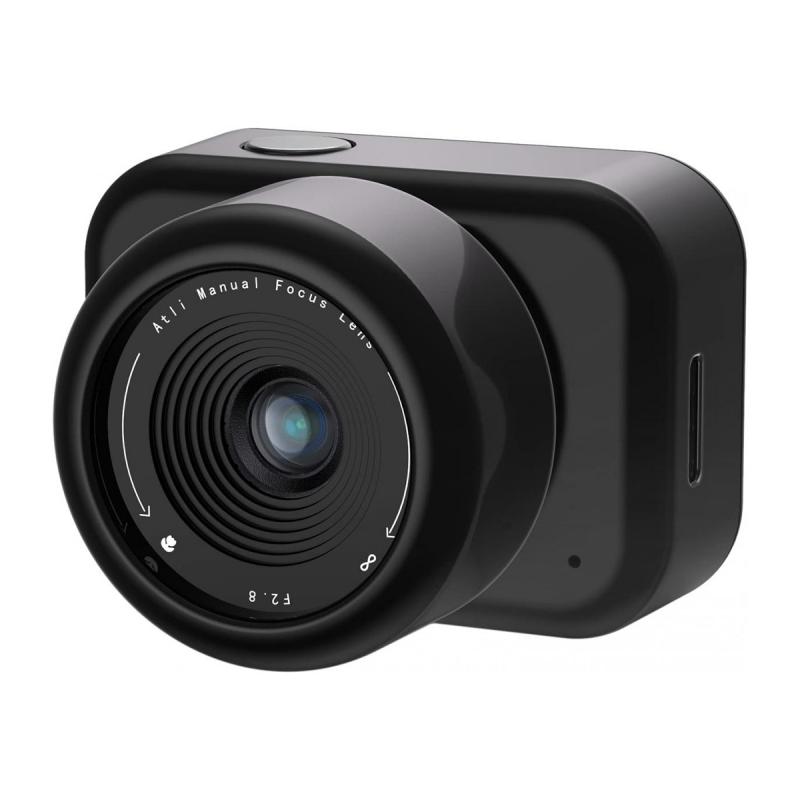
sony camera how to download time lapse 1

Before diving into the process, it's essential to know that not all Sony cameras come with an inbuilt time-lapse feature. For some models, you may need to install an optional app called the “Time-Lapse” app via Sony’s discontinued PlayMemories Camera Apps platform. However, Sony’s latest models, part of the Alpha series, often integrate time-lapse functions directly into their firmware or allow customization through third-party software or external intervalometers.

There are two primary ways to access and execute time-lapse photography on a Sony camera:

1. Using the Built-in Interval Shooting Mode: Many recent Sony cameras, such as models in the Alpha line (e.g., A7 III, A6600), include an interval shooting mode in the native firmware. With this, time-lapse sequences can be created directly in-camera, or users can shoot individual frames for post-processing on editing software.

2. Installing a Time-Lapse App (Older Models): Some older models require users to install the Time-Lapse app through methods such as Sony’s PlayMemories platform. While PlayMemories has been discontinued, there are alternative ways to install such apps or rely on external accessories.

Step-by-Step Guide: How to Download Time-Lapse Software/Apps for Sony Cameras
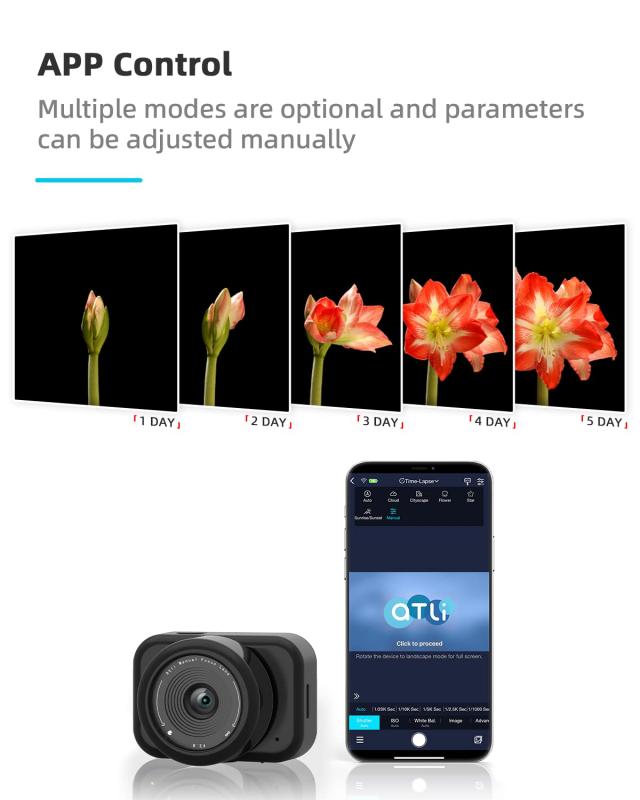
sony camera how to download time lapse 2

1. Check Your Sony Camera Compatibility
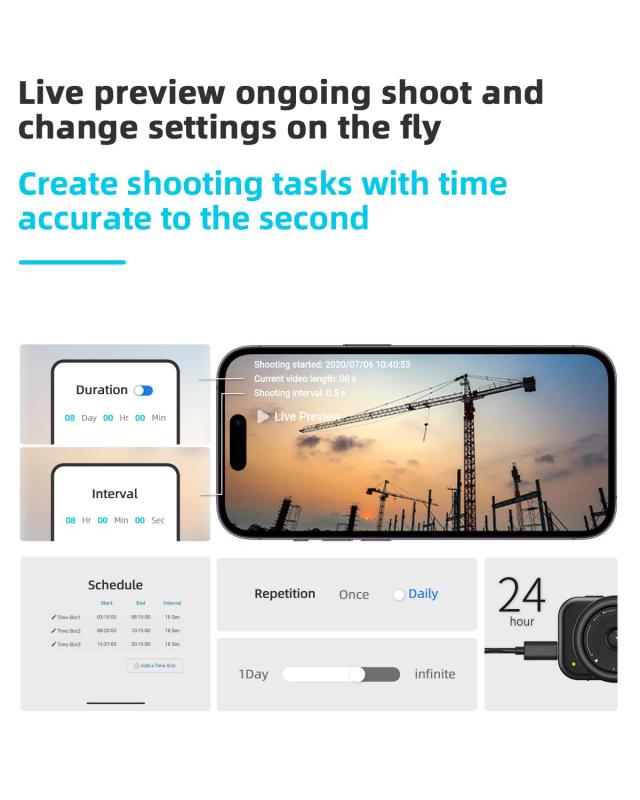
sony camera how to download time lapse 3

Before proceeding, confirm whether your Sony camera model supports the time-lapse function. Check the camera manual or online specifications. For models with built-in interval shooting functionality, you can skip app installation altogether.

For older models without interval shooting mode, such as the A6000 or NEX series cameras, you’ll need a time-lapse app or external intervalometer.

2. Install App for Pre-2020 Models
sony camera how to download time lapse 4

- Older Sony cameras supported apps through the PlayMemories Camera Apps platform. Due to its discontinuation, this option is no longer feasible for most users. Some individuals have explored using software patches or unofficial methods, but these could void warranties and are not typically recommended.

- Alternatively, use an external intervalometer for these camera models. Intervalometers are small, handheld devices that connect to your camera and automate the process of taking shots at programmed intervals.

3. Using the Built-In Interval Shooting Mode

For cameras with built-in time-lapse functionality (_e.g., Sony A7R IV or A7C_), follow these steps:

- Navigate to the camera’s menu system.

- Find the "Interval Shooting" option under the Photography Settings tab.

- Customize settings for interval duration, the number of shots, and delay before starting.

- Mount your camera on a tripod for stability.

- Press the shutter button to start capturing your time-lapse sequence.

The photos will be saved as a series of individual images on your memory card, which you can compile into a video during post-production.

4. Using External Intervalometers or Bluetooth Remotes

Even if your Sony camera doesn’t support time-lapse functionality natively, you can use third-party accessories to achieve similar results. Here’s how:

- Purchase an intervalometer compatible with your Sony camera model.

- Connect the intervalometer to your camera via its remote shutter port.

- Program the device to control intervals between shots and the number of exposures.

Alternatively, Bluetooth remotes or mobile apps may also function as interval control devices.

5. Processing Your Time-Lapse

After capturing the images on your camera, use video-editing software to combine the frames into a cohesive sequence. Common software tools for this include:

- Adobe Premiere Pro

- Final Cut Pro

- DaVinci Resolve

- Lightroom (for raw photo processing)

There are also dedicated tools for creating time-lapse videos directly from the images, such as Panolapse or LRTimelapse.

Troubleshooting Common Time-Lapse Issues

1. PlayMemories Camera Apps No Longer Available

If the PlayMemories platform is inaccessible for your camera, external intervalometers are your best alternative. They function effectively and are compatible with most camera models.

2. Battery Draining During Long Shoots

Time-lapse photography often involves lengthy shooting periods, which can quickly deplete your battery. Solving this issue involves:

- Using a high-capacity battery or battery grip.

- Connecting your camera to an external power source via USB.

- Carrying extra batteries to replace when needed.

3. Stability Problems in Footage

Unstable footage might result from camera movement during shooting. Always use a sturdy tripod and avoid touching your camera while capturing. Consider using a remote trigger or intervalometer for hands-free operation.

Tips for Capturing Stunning Time-Lapses on Your Sony Camera

1. Plan Your Scene

Choose subjects with interesting dynamics over time, such as traffic flow, scenic landscapes, night sky photography, or architectural movements.

2. Fine-Tune Settings

Use manual mode to control aperture, shutter speed, and ISO. Lock your focus to prevent changes mid-shoot.

3. Consider Lighting Conditions

Shooting during golden hours (sunrise or sunset) often results in striking visuals. If shooting at night, ensure your settings compensate for low light, and use long exposures to capture star trails or nighttime motion.

4. Post-Processing for Impact

Editing plays a vital role in creating the final time-lapse sequence. Adjust color profiles, white balance, and exposure levels during post-production to enhance the overall quality. Save your final video in a format compatible with your preferred media platform.

Closing Thoughts

Creating time-lapse photography adds a new layer of depth and creativity to your repertoire, even if your Sony camera lacks built-in functionality. By understanding your camera’s capabilities, utilizing external tools, and leveraging effective post-production techniques, you can seamlessly execute professional-grade time-lapse projects.

Whether you’re capturing the chaotic beauty of urban life or showcasing the gradual unfolding of natural phenomena, time-lapse photography allows you to tell a compelling story through the rhythm of movement and time. Explore, experiment, and embrace this artistic technique to transform everyday moments into works of art!
Leave your comment
Cancel reply
Note: HTML is not translated!
Related products
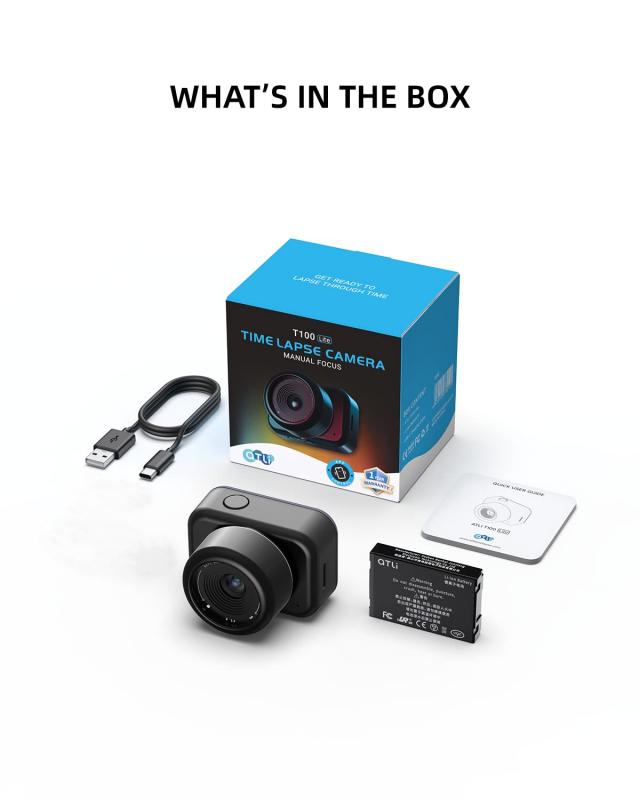
Time Lapse Camera Outdoor Construction/Plant/Weather/Life 1080P, 2.4" HD TFT LCD, Waterproof Level IP66, 3000mAh battery 6 Month Battery Life, 32GB TF Card Included,Macro adjustable focus
11
$284.99 $199.99
4G Cellular Trail Camera, 2.7K Videos 32MP Photos with Real-time Notifications, 0.3S Trigger Time, 65ft Night Vision, IP66 Waterproof, Kentfaith
15
$137.49 $109.99
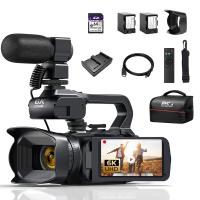
4K Video Camera Professional 60FPS UHD for Filmmaking, Movie & Photography, Video Recorder Camera with 18X Zoom, Digital Camera for Video Recording, 4.0" Flip Touchscreen, 64GB Card, Up To 6 Hours Work Time
TOP Best
4K Video Camera Professional 60FPS UHD for Filmmaking, Movie & Photography, Video Recorder Camera with 18X Zoom, Digital Camera for Video Recording, 4.0" Flip Touchscreen, 64GB Card, Up To 6 Hours Work Time
508
$404.99 $239.99
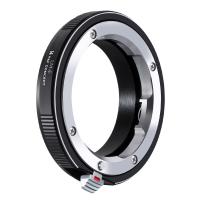
LM to NEX Adapter Compatible with Leica M Lens to Sony Alpha Nex E-Mount Camera Lens Mount Adapter
147
$45.99 $24.99
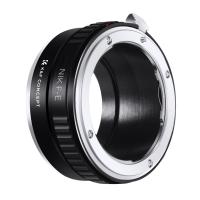
Lens Mount Adapter Compatible with Nikon AI Lens to Sony NEX E-Mount Camera Body
146
$34.99 $29.99
Real-Time Translation Earbuds 2-Way 150 Languages & Accents Open-Ear Kentfaith
13
$99.99 $79.99
Language Translator Device Real-Time Online & Offline 142 Languages 5.5in Screen Kentfaith
12
$112.49 $89.99
Sony Alpha Minolta AF A-Type Lens to NEX E-Mount Mirrorless Camera with Matting Varnish Design
146
$64.99 $35.99
Nikon AI Nikkor F Mount Lens to Sony Alpha E NEX Mount Mirrorless Camera with Matting Varnish Design Compatible for Sony A6000 A6400 A7II A5100 A7 A7RIII
148
$64.99 $36.99
Lens Mount Adapter M42 to NEX Ⅱ Copper Adapter Compatible with M42 Screw Mount Lens Sony NEX Camera
147
$56.99 $29.99
Products You May Like
24MP*1296P night vision, 120° wide angle*0.2S trigger 2-inch screen hunting camera bark color*4 sets
$306.99
Contax Yashica Lenses to Canon EOS M Lens Mount Adapter K&F Concept M14142 Lens Adapter
$55.99 $28.99
52mm MCUV+CPL+ND4 Lens Filter Kit with Lens Cleaning Cloth and Filter Bag
79
$39.99 $35.99
Internet Trail Camera
10
$162.99 $106.99
K&F Concept 79 inch/2.01m Light Stand, Studio Photography Tripod, Heavy Duty for Studio, Speedlight, Reflector, Flash, Softbox, Umbrella, Backgrounds, Portrait - 2 Pack
66
$124.99 $99.99
Black Ir Trail Camera
10
$135.99 $74.99
Canon LP-E6NH battery 2-pack + battery charger + 64GB micro SD card kit, Canon cameras with LP-E6NH/LP-E6N/LP-E6 batteries, Canon EOS R5, EOS R6, EOS R, EOS 5D Mark IV, 5D Mark III, 5DS, 5DS R, 5D Mark II, 6D, 6D Mark II, 7D, 7D Mark II,90D, 80D
104
$79.99 $58.99
Contax Yashica CY Mount Lens to Nikon Z6 Z7 Camera K&F Concept Lens Mount Adapter
24
$87.99 $49.99
43mm Fader ND2-ND32 (1-5 Stop) Variable ND Lens Filter Neutral Density Filter for Camera Lens NO X Spot Nanotec Ultra-Slim Weather-Sealed
$59.99 $39.99
Canon EF EF-S Lens and Canon EOS M Mount Cameras Auto Focus Lens Mount Adapter K&F Concept EF to EOS M Adapter
94
$75.99 $39.99
Related articles
How Does Time Lapse Camera Work?
How To Secure A Time Lapse Camera?
What Movie Camera To Use For Time Lapse?
How To Download Photos From A Kids Camera?
How To Change A Smart Watch Time?
How To Download Zoom Audio Recording?
How To Charge Sony Battery With Camera?
How To Set Time On Huawei Smart Watch?
How To Download Apps In Memory Card?
How To Record Your Ipad Screen With Audio?
Blog You May Like
How To Restart Canon Camera Lens Error ?
How To Make A Uv Pass Filter?
How To Find Ip Cameras On Google?
What Does Ef Mean On A Camera Lens?
What Camera Filter To Use For Solar Eclipse?
How Do I Get To My Sd Card?
What Are Two Different Types Of Electron Microscopes?
Can You Use Any Sd Card On Switch?
What To Look For In Dash Camera?
Related categories
time lapse camera Sony battery camera Sony E Mount Body C mount lens adapter Sony A Mount Lens Adapters m4/3 adapter sony mount lenses sony mount lenses A Mount Lens Adapter
Popular products
time lapse trail camera time lapse frequency trail camera indoor camera without wifi zhiyun smooth q2 smartphone gimbal full hd time lapse camera precision camera & video ai tracking phone gimbal stabilizer iphone 12 pro max gimbal stabilizer 3 axis gimbal video stabilizer night time trail camera
Related searches
Time Lapse Camera Mount Affordable Time Lapse Camera Best Camera To Record Time Lapse Security Camera With Time Lapse Camera With Time Lapse Mode High Definition Time Lapse Camera Night Vision Time Lapse Camera Wide Angle Time Lapse Camera Time Lapse Tripod Head Time Lapse Camera With Remote Access
Related Scenes
Best Action Camera For Time Lapse Best Camera For Night Time Lapse Best Camera To Video Sports Best Camera To Capture Wildlife Best Video Camera To Record Sports Best Sony Camera For Photography Best Sony Camera For Video Best Night Time Surveillance Camera Best Night Time Security Camera Best Night Time Trail Camera
Blog Category
  • Activities
  • Guide
    • Filter Guide
    • Lens Adapter
    • Product Review
  • News & Reviews
    • Camera Reviews
    • Sample Gallery
    • News
  • Tutorials
    • Solar eclipse photography
    • Photography Basics
    • Landscape Photography
  • Inspiration
    • Travel
    • Travel Stories
Search Article
Latest from the Blog
How To Pair Wireless Lavalier Microphone?
Prime Day 2026 - K&F Concept 15th Anniversary Celebration
How Smart Watch Measure Heart Rate?
Where To Buy Solar Filter For Camera?
How To Take Pictures Through A Telescope?
How To Allow Camera And Microphone?
What Is The Zoom On Binoculars?
When Will A Speed Camera Flash?
What Is The Best Smartwatch For Heart Health?
How To Clean Cleaning Cloth For Glasses?
  • Easy Payment Multilple Payment Options

  • Free Shipping Global WareHouse Shipment

  • No Risk 30-Day No Reason Return

  • Limited Deals Buy More, Save More

  • Tax Free No any surcharges or tax fee

Information
  • About us
  • Contact Us
  • Site Map
  • Blog
  • Video
  • Gallery
  • VIP Membership Rewards
Service
  • Privacy Policy
  • Terms & Conditions
  • Shipping & Delivery
  • Payment Info
  • Warranty, Return & Refund
  • Intellectual Property Rights
  • Ambassador
  • Affiliates
  • Wholesale
Support
  • My account
  • Order History
  • FAQs
  • Extend Warranty
  • Logistics Tracking
Follow us
NewsLetter

Get the latest product, K&F Concept respects your privacy.

Powered By KENTFAITH © 2026