kfconcept

KENTFAITH
K&F Concept    Blog >

Enjoy Your Selected Digital Life

Recently Viewed
  • Recently Viewed
  • Recently Viewed list is empty.

Compare (0) 0
  • Compare
  • You have not chosen any products to compare.

  • Compare
Currency: USD
  • Currency
Shop by Scene Shop by Rank

Log Into Your Account

Account

Order History

Wish List

Login

Forgotten Password?

Or connect with

Register Account

Already have an Account?Log In

  • Shopping Cart
  • Your shopping cart is empty!

  • Register/Login to purchase, earn points
  • Favorite
  • Your wish list is empty.

  • Register/Login to like, earn points
  • Activities
  • Guide
    • Filter Guide
    • Lens Adapter
    • Product Review
  • News & Reviews
    • Camera Reviews
    • Sample Gallery
    • News
  • Tutorials
    • Solar eclipse photography
    • Photography Basics
    • Landscape Photography
  • Inspiration
    • Travel
    • Travel Stories
  • Home
  • Blog
  • How To Make A Baby Monitor With Iphone?

How To Make A Baby Monitor With Iphone?

Kentfaith 2024-09-03 04:16:45 0 Comments

In today's digital age, parents are constantly seeking innovative ways to ensure the safety and well-being of their children. One such innovation is the use of smartphones as baby monitors. Specifically, iPhones can be transformed into effective baby monitors with the right apps and settings. This article will guide you through the process of turning your iPhone into a baby monitor, providing practical solutions and tips to ensure you can keep an eye on your little one with ease.

Why Use an iPhone as a Baby Monitor?
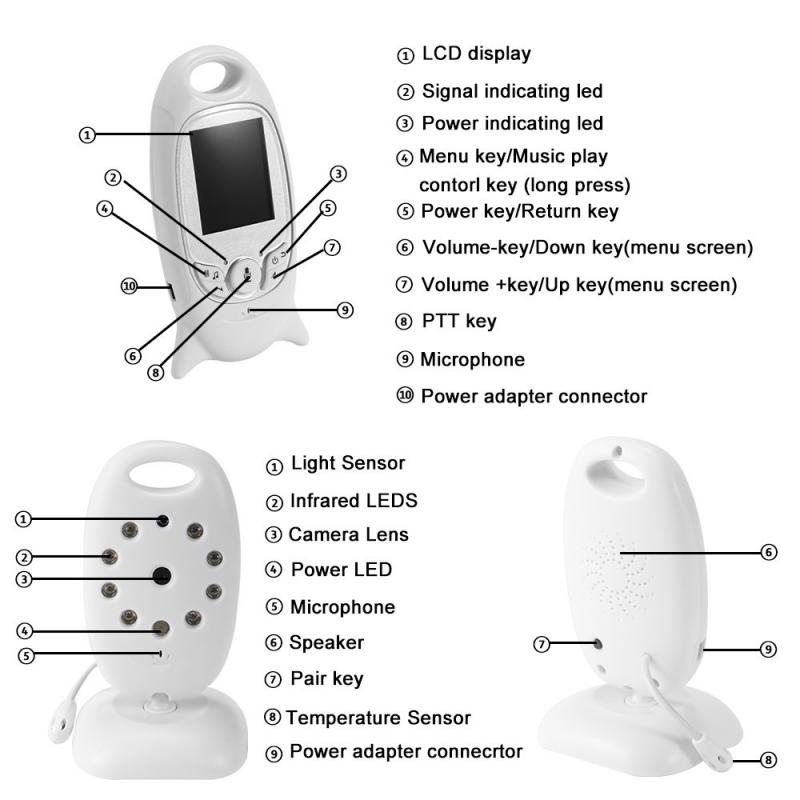
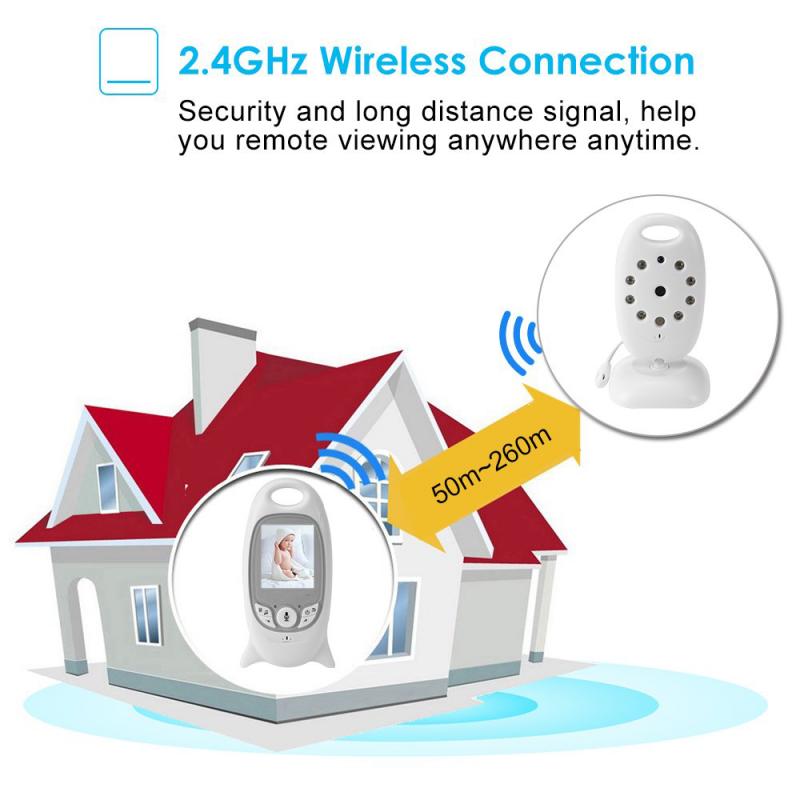
how to make a baby monitor with iphone 1

Before diving into the how-to, it's important to understand why using an iPhone as a baby monitor can be beneficial:

1. Cost-Effective: Traditional baby monitors can be expensive. Using an iPhone you already own can save you money.

2. Portability: iPhones are portable and can be easily moved from room to room.

3. Multi-Functionality: An iPhone can serve multiple purposes beyond just being a baby monitor, such as making calls, sending messages, and accessing the internet.

4. High-Quality Video and Audio: iPhones are equipped with high-quality cameras and microphones, ensuring clear video and audio monitoring.

Step-by-Step Guide to Making an iPhone Baby Monitor
how to make a baby monitor with iphone 2

1. Choose the Right App

how to make a baby monitor with iphone 3

The first step in turning your iPhone into a baby monitor is selecting the right app. There are several apps available that can transform your iPhone into a baby monitor. Some popular options include:

- Baby Monitor 3G: This app allows you to use two iOS devices to monitor your baby. One device stays in the baby's room, while the other stays with you. It offers live video and audio streaming, as well as notifications for any noise or movement.

- Cloud Baby Monitor: This app provides high-quality video and audio monitoring, as well as motion and noise alerts. It also supports multiple parent units, allowing both parents to monitor the baby simultaneously.

- Alfred Home Security Camera: While not specifically designed for baby monitoring, this app can be used to turn your iPhone into a security camera, which can also function as a baby monitor. It offers live video streaming, motion detection, and two-way audio.

2. Set Up the Baby Monitor
how to make a baby monitor with iphone 4

Once you've chosen an app, follow these steps to set up your iPhone as a baby monitor:

1. Install the App: Download and install the chosen app on both your iPhone and another iOS device (such as an iPad or another iPhone).

2. Position the iPhone: Place the iPhone in the baby's room, ensuring it has a clear view of the crib or play area. Make sure the device is securely positioned and cannot be easily knocked over.

3. Connect the Devices: Follow the app's instructions to connect the two devices. This usually involves pairing the devices through a Wi-Fi network or using a unique code provided by the app.

4. Test the Connection: Before relying on the iPhone as a baby monitor, test the connection to ensure the video and audio feed is clear and stable. Make any necessary adjustments to the positioning of the iPhone or the app settings.

3. Optimize the Settings

To ensure the best performance of your iPhone baby monitor, consider the following settings and adjustments:

- Night Vision: If the app supports night vision, enable this feature to ensure you can monitor your baby even in low light conditions.

- Notifications: Set up notifications for noise and movement alerts. This will ensure you are immediately aware of any changes in your baby's environment.

- Battery Life: Keep the iPhone plugged in to ensure it doesn't run out of battery during the night. Alternatively, use a power bank for a portable power solution.

- Do Not Disturb Mode: Enable Do Not Disturb mode on the iPhone to prevent incoming calls and notifications from interrupting the monitoring.

Additional Tips for Using an iPhone as a Baby Monitor

1. Ensure a Stable Internet Connection

A stable Wi-Fi connection is crucial for the smooth operation of your iPhone baby monitor. Ensure your Wi-Fi network is reliable and has a strong signal in the baby's room. If necessary, consider using a Wi-Fi extender to improve the signal strength.

2. Secure Your Devices

Security is a major concern when using any internet-connected device. To protect your privacy and ensure the safety of your baby, follow these security tips:

- Use Strong Passwords: Set strong, unique passwords for your Wi-Fi network and the baby monitor app.

- Enable Two-Factor Authentication: If the app supports two-factor authentication, enable this feature for an added layer of security.

- Keep Software Updated: Regularly update the iOS software on your devices and the baby monitor app to ensure you have the latest security patches.

3. Monitor the Temperature

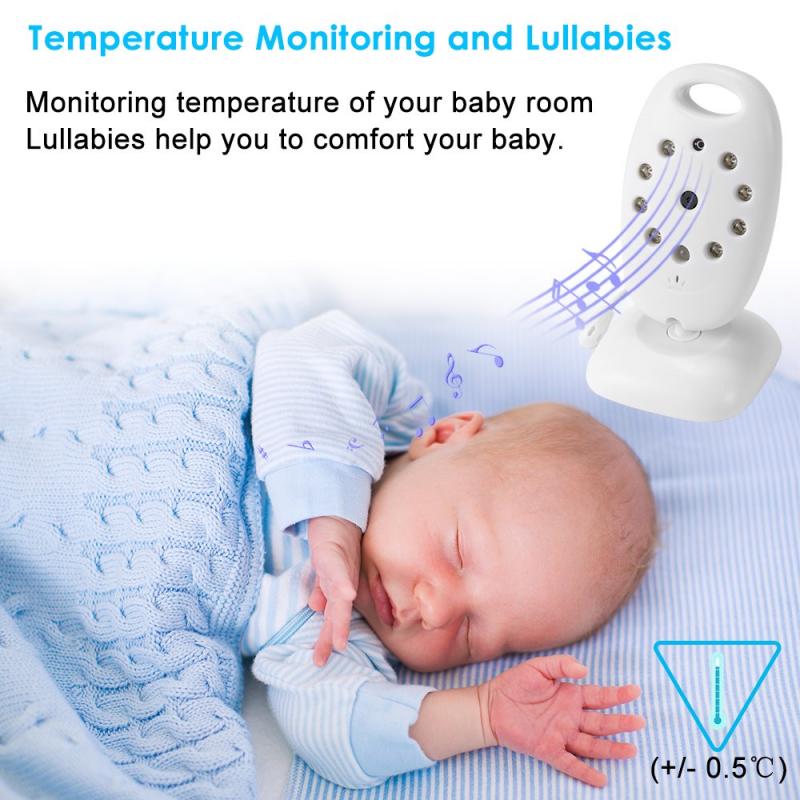
Some baby monitor apps offer temperature monitoring features, allowing you to keep an eye on the temperature in your baby's room. This can help ensure your baby is comfortable and safe.

4. Use Two-Way Audio

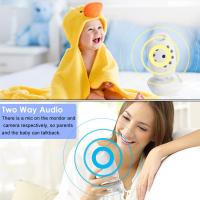
Many baby monitor apps offer two-way audio, allowing you to talk to your baby through the iPhone. This can be useful for soothing your baby without having to enter the room.

Turning your iPhone into a baby monitor is a practical and cost-effective solution for modern parents. By choosing the right app, setting up the devices correctly, and optimizing the settings, you can ensure a reliable and high-quality monitoring experience. Additionally, following security best practices and utilizing additional features such as temperature monitoring and two-way audio can enhance the functionality of your iPhone baby monitor.

With these tips and guidelines, you can confidently use your iPhone to keep a watchful eye on your little one, providing peace of mind and ensuring their safety and well-being.
Leave your comment
Cancel reply
Note: HTML is not translated!
Related products
4.3" Screen Baby Monitor with Rechargeable 18650 Battery with Soft Comfort Lights Lullaby, VOX, Gimbal Function UK Power Plug
43
$259.99 $84.99
4.3" Screen Video Baby Monitor with 12H Rechargeable Battery, Soft Color Comfort Lights Lullaby, VOX, Gimbal Function US Power Plug
886
$339.99 $89.99
7in Display Baby Car Camera with 2K HD Camera Night Vision 3X Zoom
12
$142.49 $99.99
Field Monitor Mount Monitor Holder Swivel and Tilt Adjustable with Cold Shoe Mount
99
$19.99
Minolta A / Sony A Lenses to Pentax Q Lens Mount Adapter with Tripod Mount K&F Concept M22162 Lens Adapter
$55.99 $28.99
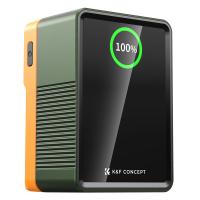
V Mount Battery 50Wh 3400mAh Mini V-Mount Battery with 65W Output and TFT Screen, 2H Full Charge, DC, D-Tap, USB-C, USB-A for Camera Camcorder Video Light Monitor
14
$89.99
Minolta A / Sony A Lenses to Leica M Lens Mount Adapter K&F Concept M47151 Lens Adapter
31
$75.99 $39.99
Minolta A / Sony A Lenses to Pentax Q Lens Mount Adapter K&F Concept M22161 Lens Adapter
$45.99 $23.99
K&F Concept V Mount Battery 99Wh (14.8V/6700mAh) PD100W Mini V-Mount Battery with DC/D-Tap/Dual USB-C/USB-A/TFT Display for Camera Camcorder Video Light Monitor V99 Pro
46
$137.99 $109.99
Touch Lighting Kit for Laptop Video Conference, K&F Concept 6500K Computer LED Video Light with Suction Cup, 4 Color Filters for Remote Working,Zoom Meeting, Self Broadcasting, Vlogging and Make Up
64
$39.99 $29.99
Products You May Like
Trinocular Stereo Microscope with 3.5x-45x Magnification 0.5x CTV Adapter 144pcs LEDs Kentfaith
16
$689.99 $482.99
82mm Black Mist 1/4 and ND2-32 (1-5 Stop) Variable ND Lens Filter 2 in 1 with 28 Multi-Layer Coatings Nano-Xcel Series
37
$137.99 $109.99
Real-Time Translation Earbuds 2-Way 132 Languages/Accents, Video Call Translator, Transcribe, Summarize Kentfaith
14
$112.49 $89.99
984ft / 300m Night Vision Binoculars With 8X Digital Zoom 2.8"LCD Screen 1080P / 8MP Videos And Pictures For Hunting And Camping Safety
41
$239.99 $167.99
52mm Filter Set (ND2, ND4, ND8, Graduated Blue, Orange, Grey)
36
$41.99 $20.99
Variable ND32-512 Filter Compatible with DJI Mini 4 Pro, Adjustable Neutral Density ND Filter, 5-9 Stop Light Control, Gimbal Safe/Optical Glass/Multi-Coated
76
$19.99
67mm Variable ND Filter Kit 2pcs ND2-32 & ND32-512 with Waterproof Anti-scratch Anti-reflection Green Film NANO-X Series
62
$188.99 $111.99
Triple Lens Snake Inspection Camera with 8+2 LED Lights, 1080P 4.3" Screen IP67 Waterproof 2m/6.6ft Cable
64
$89.99 $83.99
55mm MCUV Protection Lens Filter with 24 Multi-Layer Green Coatings HD/Hydrophobic/Scratch Resistant Ultra-Slim Nano-Dazzle
77
$26.99 $21.10
Minolta MD Lenses to Pentax Q Lens Mount Adapter K&F Concept M15161 Lens Adapter
$45.99 $24.99
Related articles
How To Make Iphone Baby Monitor?
Can You Use Iphone As Baby Monitor?
What To Do With Baby Monitor Cord?
How Far Will A Baby Monitor Work?
When Can You Use A Baby Monitor?
How To Install Baby Monitor On Wall?
Baby Monitor What To Look For?
Baby Camera Monitor How Long Battery?
Can A Baby Monitor Pick Up Cell Phones?
What's A Good Lighting Budget Video?
Blog You May Like
How To Detect A Digital Voice Recorder?
How To Install Secret Camera In House?
How To Find The Hidden Cameras In Room?
What Are Good Binoculars?
How Does A Rangefinder Camera Focus?
What Is A Hidden Camera Detector?
Smart Watch That Can Take Blood Pressure?
Camera Flashes Red When Taking Pictures?
How To Use Camera Flash?
How To Find A Camera In Your Home?
Related categories
Baby Movement Monitor A Mount Lens Adapter Sony A Mount Lens Adapters GPS monitor detector minolta a mount lenses phone camera lens iphone lens filter C mount lens adapter cell phone tripods
Popular products
baby monitor for elderly best video baby monitor baby monitor video night 4 camera baby monitor camera monitor with built in battery infant camera video monitor baby monitor with screen and app baby monitor 2 cameras best baby monitor with screen and app nursery monitor with camera
Related searches
Baby Monitor With Wifi Best Baby Monitor With Camera Baby Monitor With 2 Monitors Best Baby Monitor With App Baby Monitor With 4 Cameras Wifi Baby Camera With Monitor Baby Monitor Camera With App Baby Sensor Monitor Two Baby Monitor Double Baby Monitor
Popular searches
Bluetooth Microphone For Android Blue Light Filter Lens Test Canon W-e1 Wi-fi Adapter Live View Best Step Up Rings Selens Tilt-shift Lens Adapter Red Ti Canon Mount Sony A6000 Af Micro Adjust For E-mount Trail Camera For Sale Pentax To Fuji X Adapter Chest Action Camera
Blog Category
  • Activities
  • Guide
    • Filter Guide
    • Lens Adapter
    • Product Review
  • News & Reviews
    • Camera Reviews
    • Sample Gallery
    • News
  • Tutorials
    • Solar eclipse photography
    • Photography Basics
    • Landscape Photography
  • Inspiration
    • Travel
    • Travel Stories
Search Article
Latest from the Blog
Can You Zoom In With Binoculars?
How Much Does It Cost For Security Cameras?
How To Find A Good Digital Camera?
Camera Use Which Lens?
Best Metal Detector for Kids in 2025
How Do Night Vision Goggles Work?
How Big A Memory Card For Camera?
How To Make A Camera Flash After Effects?
How To Place Cameras Around Your House?
How To Buy A Security Camera System?
  • Easy Payment Multilple Payment Options

  • Free Shipping Global WareHouse Shipment

  • No Risk 30-Day No Reason Return

  • Limited Deals Buy More, Save More

  • Tax Free No any surcharges or tax fee

Information
  • About us
  • Contact Us
  • Site Map
  • Blog
  • Video
  • Gallery
  • VIP Membership Rewards
Service
  • Privacy Policy
  • Terms & Conditions
  • Shipping & Delivery
  • Payment Info
  • Warranty, Return & Refund
  • Intellectual Property Rights
  • Ambassador
  • Affiliates
  • Wholesale
Support
  • My account
  • Order History
  • FAQs
  • Extend Warranty
  • Logistics Tracking
Follow us
NewsLetter

Get the latest product, K&F Concept respects your privacy.
Powered By KENTFAITH © 2025