What Bluetooth Headphones Work With Switch?
Yes — most Bluetooth headphones and earbuds work with the Nintendo Switch, as long as your Switch is updated and the headphones support standard Bluetooth audio. That includes AirPods, AirPods Pro, Sony WH-1000XM headphones, Bose QuietComfort models, Beats, Galaxy Buds, JBL earbuds, Anker Soundcore headphones, and plenty of cheaper Bluetooth sets.
The catch is that “works” does not always mean “works perfectly.” The Switch’s built-in Bluetooth audio is fine for casual handheld play, but it has a few annoying limits: microphone support does not work, latency can vary, and some earbuds are more awkward to pair than others.
If you just want game audio in your ears without a cable, you’re probably fine. If you play rhythm games, shooters, or want voice chat, you may want a different setup.
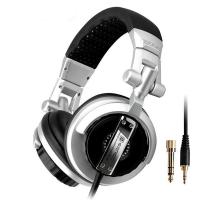
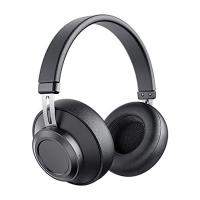
Bluetooth headphones that work with Nintendo Switch
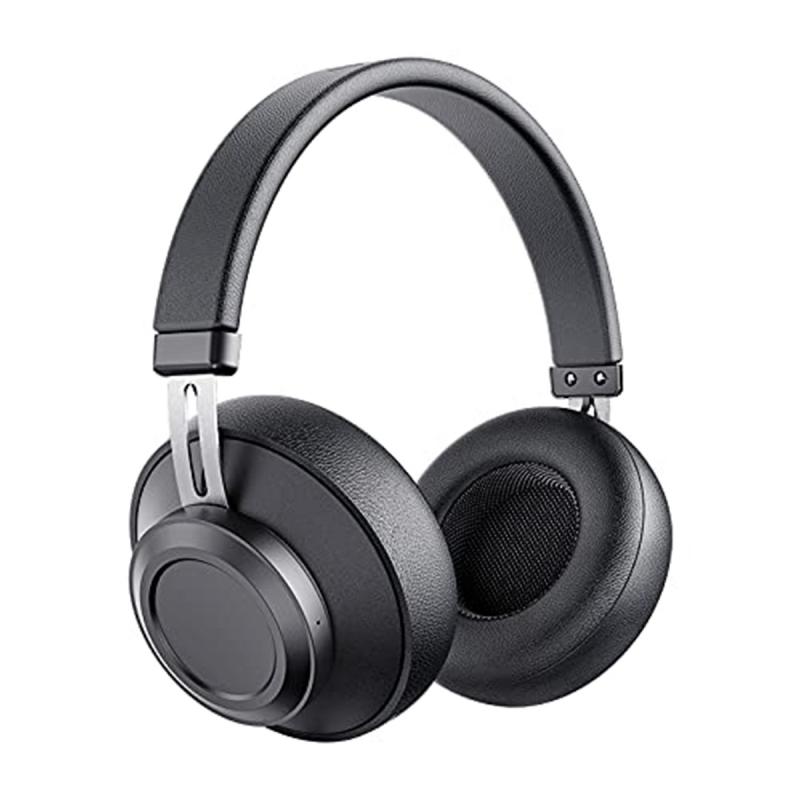
The Switch supports Bluetooth audio through its system settings. In practical terms, most regular Bluetooth headphones and earbuds should pair successfully.
Common models that work include:
- Apple AirPods
- AirPods Pro
- AirPods Max
- Sony WH-1000XM series
- Sony WF-1000XM earbuds
- Bose QuietComfort headphones and earbuds
- Beats Studio, Solo, Fit Pro, and Powerbeats models
- Samsung Galaxy Buds
- Google Pixel Buds
- JBL Bluetooth earbuds and headphones
- Anker Soundcore headphones and earbuds
- Skullcandy Bluetooth models
- Sennheiser Bluetooth headphones
- Jabra earbuds
- EarFun, Tozo, SoundPEATS, and other budget Bluetooth earbuds
The Switch is not picky in the way some older consoles were. If the headphones can pair with a phone, tablet, or laptop, there is a good chance they will pair with the Switch too.
Where people run into trouble is usually not compatibility itself. It is usually pairing mode, previously connected devices, or expecting features the Switch does not support.
How to connect Bluetooth headphones to a Switch
Make sure your Switch is updated first. Bluetooth audio was added in a system update, so if your console has been offline for years, you may not see the option.
On the Switch:
- Open System Settings
- Scroll down to Bluetooth Audio
- Choose Pair Device
- Put your headphones or earbuds into pairing mode
- Select them when they appear on the Switch
For many headphones, pairing mode means holding the power button for several seconds until a light flashes. With earbuds, it often means holding the button on the charging case. AirPods, for example, need to be in the case with the lid open while you hold the small button on the back of the case.
One common mistake: people leave their earbuds connected to their phone. Some headphones will refuse a new connection until you disconnect them from the previous device. If your Switch cannot find them, turn Bluetooth off on your phone for a minute and try again.
What works well
For casual games, Bluetooth headphones are usually good enough.
They work nicely for games like:
- Animal Crossing
- Pokémon
- Zelda
- Mario Kart
- Stardew Valley
- Minecraft
- Fire Emblem
- Most single-player RPGs and platformers
If you mostly play handheld on the couch, in bed, or while traveling, using your existing earbuds is much more convenient than dragging around wired headphones.
AirPods and similar true wireless earbuds are especially convenient because they are small and easy to keep in a case with the Switch. Over-ear headphones like the Sony WH-1000XM or Bose QuietComfort models are more comfortable for long sessions and usually sound better, but they are bulkier if you play away from home.
Battery life is also worth thinking about. True wireless earbuds may last four to eight hours depending on the model and volume. Full-size headphones often last much longer. For a long flight, over-ear headphones are usually the safer choice.
The biggest limitation: Bluetooth microphones do not work
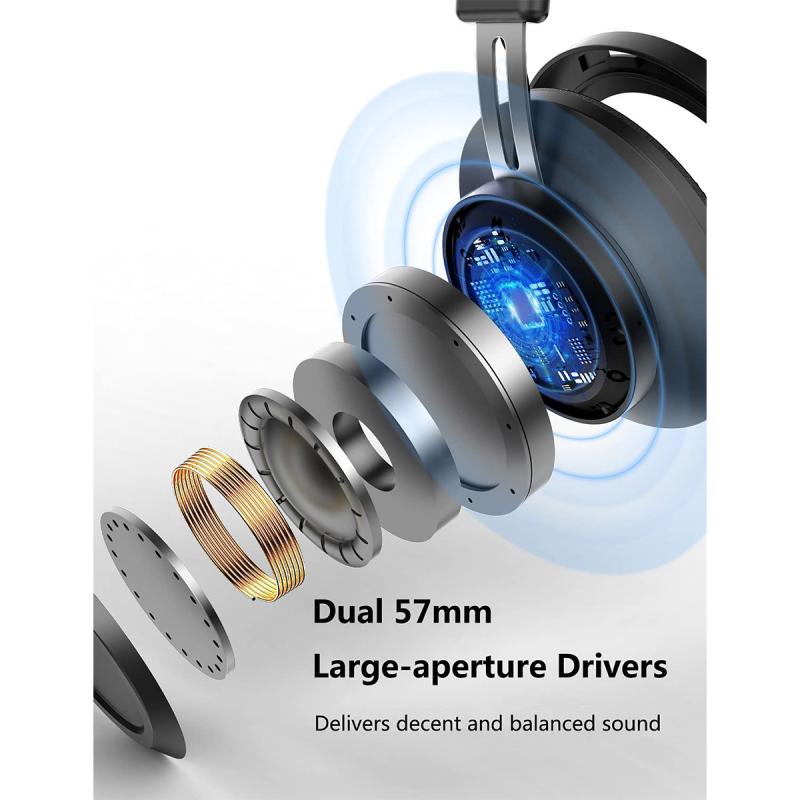
This catches a lot of people off guard.
Even if your Bluetooth headset has a microphone, the Nintendo Switch will not use it for voice chat through the system’s built-in Bluetooth audio feature. You will hear game audio, but your mic will not work.
So if you connect AirPods to your Switch, you can hear the game. You cannot use the AirPods microphone for Fortnite chat, Discord, or in-game voice chat through the Switch’s Bluetooth settings.
For voice chat, your options are different depending on the game. Some games use the Nintendo Switch Online mobile app. Some support wired USB headsets. Some people simply use Discord on their phone while hearing Switch audio separately. It is not elegant, but it is common.
If your main goal is “I want wireless headphones with a mic for Switch,” built-in Bluetooth is probably not the answer.
Latency can be noticeable
Bluetooth audio on the Switch can have a small delay. For many games, you might not notice it. For others, it can be distracting.
You are more likely to notice latency in:
- Rhythm games
- Competitive shooters
- Fast action games
- Games where sound cues matter
- Cutscenes where lip-sync is obvious
This is not always the fault of the headphones. The Switch’s built-in Bluetooth audio is fairly basic. It does not give you the same low-latency performance you might get from a dedicated gaming headset dongle or a Bluetooth adapter using a low-latency codec.
AirPods, Galaxy Buds, Sony earbuds, and budget earbuds can all have a bit of delay. Some people are sensitive to it; others barely care. If you are playing Animal Crossing, it is a non-issue. If you are playing Taiko no Tatsujin or trying to react to footsteps in a shooter, it matters more.
Controller limitations
Nintendo also limits how Bluetooth audio works with controllers.
When Bluetooth audio is connected, you can use up to two wireless controllers. A pair of Joy-Con counts as two controllers. This usually does not matter for solo play, but it can be annoying during local multiplayer.
If you are playing with several people using multiple controllers, Bluetooth audio may not be available the way you expect. For family Mario Kart nights or Smash Bros. sessions, wired headphones or TV audio are usually less frustrating.
AirPods with Switch: do they work?
AirPods work with the Switch, including AirPods Pro and AirPods Max.
Pairing is straightforward, but AirPods can be stubborn if they are already jumping between Apple devices. If your Switch does not find them, open Bluetooth settings on your iPhone or iPad and disconnect the AirPods first. Then put them back into pairing mode.
AirPods Pro are a nice match for handheld Switch because of noise cancellation and the small case. They are great for travel. Just remember that the microphone will not work, and there may be slight audio delay.
Spatial audio features from Apple devices do not carry over in the same way on Switch. You are basically using them as standard Bluetooth earbuds.
Best type of Bluetooth headphones for Switch
If you already own good Bluetooth headphones, try those first before buying anything new. The Switch does not require a special pair.
For handheld casual play, true wireless earbuds are the most convenient. AirPods, Galaxy Buds, Pixel Buds, Soundcore earbuds, and similar models are easy to store and comfortable enough for short sessions.
For long sessions, over-ear headphones are better. Sony, Bose, Sennheiser, JBL, and Anker Soundcore over-ear models usually give you better comfort, stronger battery life, and fuller sound. They are also less easy to lose than tiny earbuds.
For kids, I would be careful with expensive earbuds. They get lost, dropped, and left in couch cushions. A cheaper Bluetooth headset or a wired pair may make more sense.
For competitive or voice-chat-heavy play, look at gaming headsets that use a USB-C dongle instead of normal Bluetooth. Those often perform better with lower latency and may support a microphone, depending on the headset and game.
Bluetooth adapter vs built-in Bluetooth
Before Nintendo added Bluetooth audio, people used Bluetooth adapters that plugged into the Switch’s USB-C port or headphone jack. Those adapters still have a place.
A good USB-C Bluetooth adapter can offer lower latency than the Switch’s built-in Bluetooth, especially if both the adapter and headphones support low-latency codecs. Some adapters also include a small microphone or support headset mic features better than the Switch itself.
They are not always necessary, though. For simple wireless audio, the built-in feature is cleaner because there is nothing sticking out of the console.
I would only buy an adapter if:
- You notice audio delay and it bothers you
- You want to use Bluetooth audio while docked with more flexibility
- You need better support for a mic
- Your headphones refuse to pair reliably with the Switch
- You use a gaming headset designed around a dongle
For most people, try the built-in Bluetooth first. If it annoys you, then consider an adapter.
What to do if your headphones will not pair
If the Switch cannot find your headphones, the fix is usually simple.
First, make sure the headphones are actually in pairing mode, not just turned on. Many headphones reconnect to the last device automatically, which prevents them from showing up as available.
Second, disconnect them from your phone, tablet, laptop, or TV. Turning Bluetooth off on nearby devices is often the fastest test.
Third, delete old pairings if needed. Some earbuds have a limit on remembered devices and behave badly once that list gets crowded. Resetting the earbuds can help, though the reset process varies by brand.
Fourth, restart the Switch. It sounds basic, but Bluetooth menus sometimes get stuck after failed pairing attempts.
If your headphones appear but audio cuts out, try sitting closer to the Switch and removing obvious interference. Bluetooth can struggle in crowded wireless environments, especially with cheap earbuds.
So, what should you use?
If you already have AirPods, Sony, Bose, Beats, Galaxy Buds, JBL, or Soundcore headphones, use them. They should work for normal Switch audio.
If you are buying specifically for the Switch, do not overspend just for compatibility. The Switch’s Bluetooth audio is not advanced enough to take full advantage of expensive audiophile features. Comfort, battery life, reliable pairing, and low latency matter more.
For relaxed single-player gaming, almost any decent Bluetooth earbuds are fine. For long play sessions, get comfortable over-ear headphones. For voice chat or competitive games, skip standard Bluetooth and look into a USB-C wireless gaming headset or adapter-based setup.
The short answer is simple: most Bluetooth headphones work with the Nintendo Switch. The better answer is that they work best when you only need game audio and can live without a microphone.