Which Security Camera Has The Best App?
When it comes to choosing a security camera, the quality of the accompanying mobile app is often just as important as the camera's hardware features. A well-designed app can make the difference between a seamless, user-friendly experience and a frustrating one. After all, the app is your primary interface for monitoring your home or business, receiving alerts, and managing settings. In this article, we’ll explore the key factors that make a security camera app stand out, highlight some of the top contenders in the market, and provide practical advice for selecting the best option for your needs.
Why the App Matters in a Security Camera System
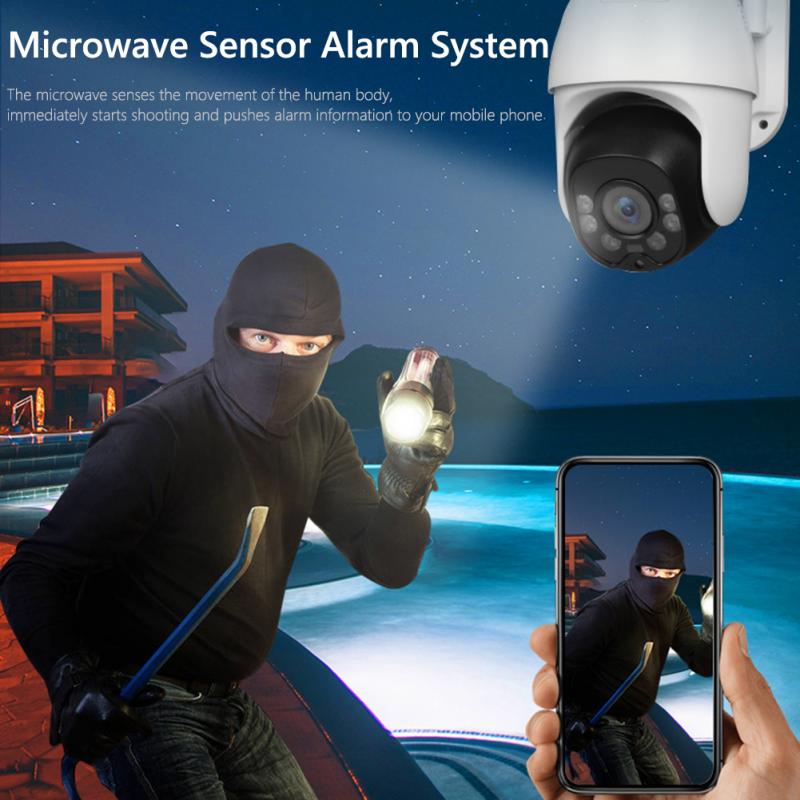
The app is the control center for your security camera. It’s where you’ll view live feeds, review recorded footage, adjust settings, and receive notifications. A poorly designed app can lead to missed alerts, difficulty accessing footage, or even security vulnerabilities. Here are some key features to look for in a security camera app:
1. Ease of Use: The app should have an intuitive interface that makes it easy to navigate between live feeds, recorded footage, and settings. Complicated menus or poorly labeled buttons can make the app frustrating to use.
2. Real-Time Notifications: A good app should send timely and accurate alerts for motion detection, sound detection, or other triggers. Delayed or unreliable notifications defeat the purpose of having a security system.
3. Customizable Settings: The app should allow you to customize motion detection zones, sensitivity levels, and notification preferences. This ensures that you only receive alerts that are relevant to you.
4. Remote Access: The ability to access your camera feed from anywhere is crucial. A good app should offer reliable remote access without frequent disconnections or lag.
5. Integration with Smart Home Systems: Many users prefer security cameras that integrate with smart home ecosystems like Amazon Alexa, Google Assistant, or Apple HomeKit. The app should facilitate these integrations seamlessly.
6. Cloud and Local Storage Options: The app should make it easy to access and manage your stored footage, whether it’s saved in the cloud or on a local device like an SD card.
7. Security and Privacy: The app should use strong encryption protocols to protect your data and offer features like two-factor authentication to secure your account.
Top Security Cameras with Excellent Apps
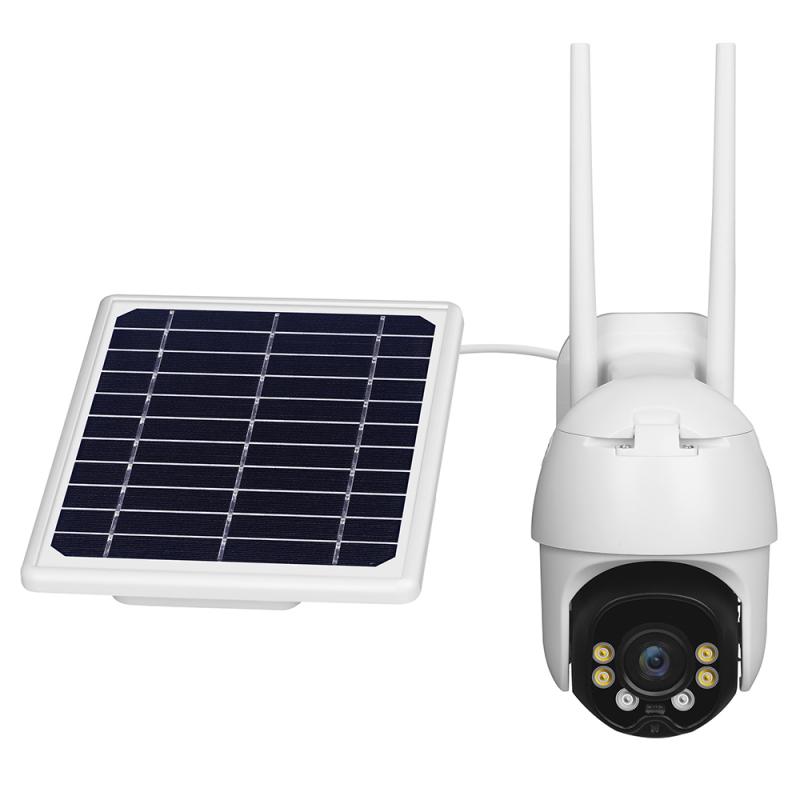
Based on user reviews, expert opinions, and feature comparisons, here are some of the best security cameras with standout apps:
1. Arlo Pro 4
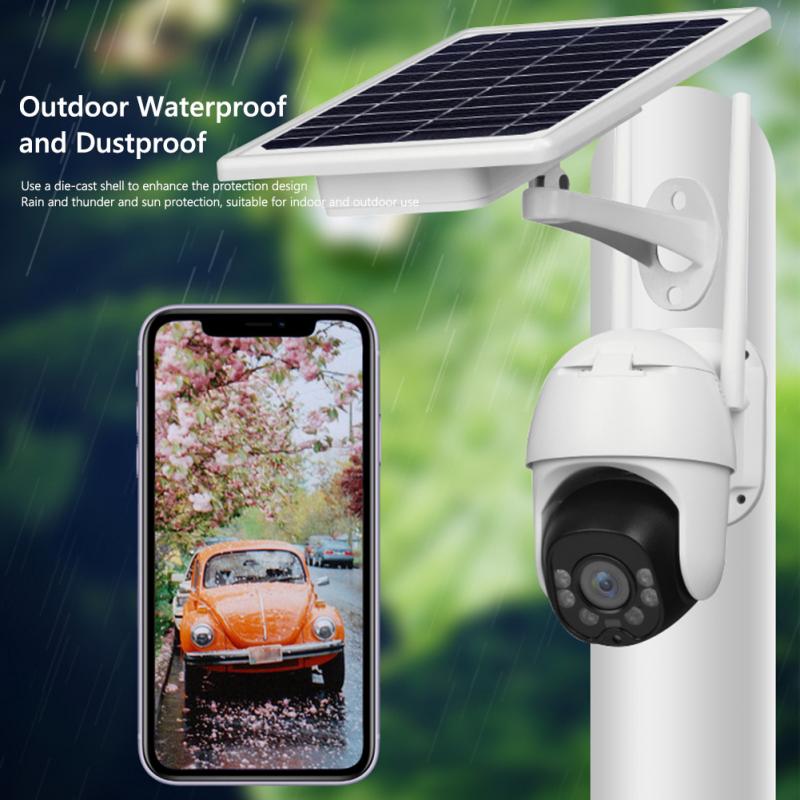
The Arlo app is widely praised for its user-friendly interface and robust feature set. It offers customizable motion detection zones, real-time notifications, and seamless integration with smart home systems. The app also supports advanced features like package detection and animal detection, making it ideal for outdoor use. Arlo’s cloud storage plans are flexible, and the app makes it easy to access and share footage.
2. Ring Stick Up Cam
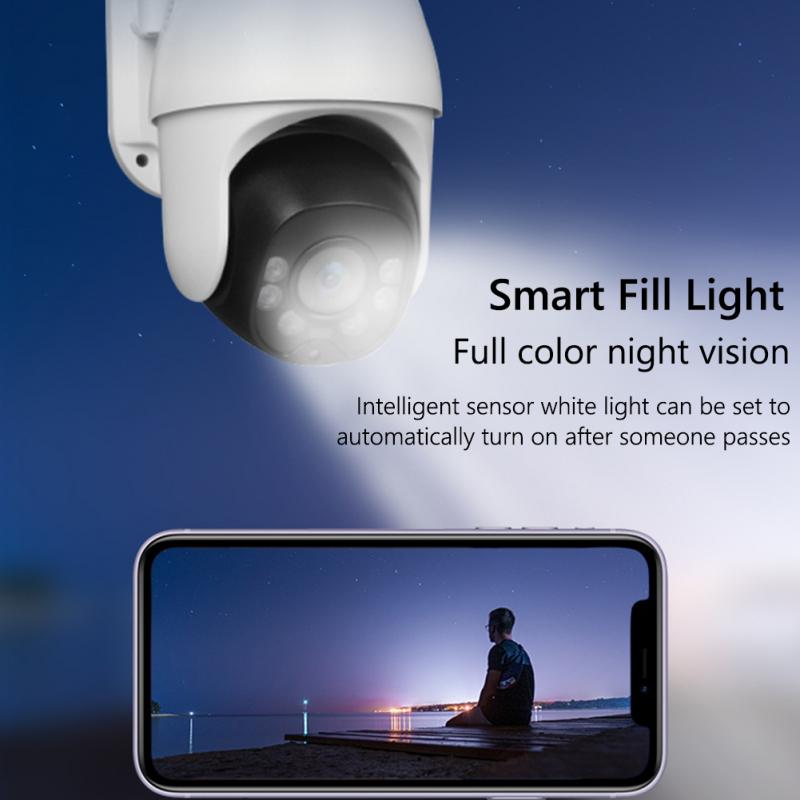
The Ring app is another strong contender, especially for users already invested in the Ring ecosystem. It offers real-time notifications, live view, and two-way audio. The app integrates well with Alexa and provides a timeline view for reviewing past events. However, some features, like advanced motion detection, require a subscription to Ring Protect.
3. Google Nest Cam (Battery)
The Google Home app, which manages Nest cameras, is known for its sleek design and ease of use. It offers intelligent alerts that can differentiate between people, animals, and vehicles. The app also integrates seamlessly with other Google products, making it a great choice for users in the Google ecosystem. However, some advanced features require a Nest Aware subscription.
4. EufyCam 2C
Eufy’s app is a favorite among users who prioritize privacy, as it offers local storage options without requiring a subscription. The app is intuitive and provides features like customizable motion zones, real-time notifications, and integration with Alexa and Google Assistant. Eufy also uses strong encryption to protect your data.
5. Wyze Cam v3
The Wyze app is a budget-friendly option that doesn’t skimp on features. It offers motion and sound detection, customizable alerts, and integration with Alexa and Google Assistant. The app also supports continuous recording with a microSD card, making it a great choice for users who want local storage.
6. Blink Outdoor
The Blink app is simple and straightforward, making it a good choice for users who want a no-frills experience. It offers motion detection alerts, live view, and two-way audio. While it lacks some advanced features, it’s a reliable option for basic home security.
How to Choose the Best Security Camera App for Your Needs
With so many options available, choosing the right security camera and app can feel overwhelming. Here are some tips to help you make the best decision:
1. Define Your Priorities: Are you looking for advanced features like facial recognition and package detection, or do you just need basic motion alerts? Knowing your priorities will help you narrow down your options.
2. Consider Your Ecosystem: If you already use smart home devices, choose a camera that integrates well with your existing system. For example, if you use Alexa, a Ring or Arlo camera might be a good fit.
3. Test the App: Many security camera apps are free to download, even if you don’t own the camera. Download the app and explore its interface to see if it meets your expectations.
4. Read Reviews: User reviews can provide valuable insights into the app’s reliability, ease of use, and customer support.
5. Check Subscription Costs: Some cameras require a subscription for advanced features or cloud storage. Make sure you’re comfortable with the ongoing costs before making a purchase.
6. Evaluate Privacy Policies: Look for cameras and apps that prioritize user privacy and offer features like local storage and strong encryption.
Common Pitfalls to Avoid
While there are many excellent security camera apps on the market, there are also some common pitfalls to watch out for:
- Overly Complicated Interfaces: Some apps try to pack in too many features, making them difficult to navigate. Look for an app that balances functionality with simplicity.
- Unreliable Notifications: Delayed or inaccurate alerts can render a security camera useless. Make sure the app you choose has a good track record for reliability.
- Hidden Costs: Some cameras advertise low upfront costs but require expensive subscriptions for essential features. Read the fine print before buying.
- Poor Customer Support: If you encounter issues with your camera or app, good customer support can make all the difference. Check reviews to see how responsive the company is to user concerns.
Final Thoughts
The best security camera app for you will depend on your specific needs, budget, and existing smart home setup. Whether you prioritize advanced features, ease of use, or privacy, there’s an option out there that will meet your requirements. By focusing on the app’s functionality and reliability, you can ensure that your security system provides the peace of mind you’re looking for.
Remember, a security camera is only as good as the app that supports it. Take the time to research your options, test the apps, and read user reviews. With the right combination of hardware and software, you can create a security system that’s both effective and easy to use.