kfconcept

KENTFAITH
K&F Concept    Blog >

Enjoy Your Selected Digital Life

Recently Viewed
  • Recently Viewed
  • Recently Viewed list is empty.

Compare (0) 0
  • Compare
  • You have not chosen any products to compare.

  • Compare
Currency: USD
  • Currency
Shop by Scene Shop by Rank

Log Into Your Account

Account

Order History

Wish List

Login

Forgotten Password?

Or connect with

Register Account

Already have an Account?Log In

  • Shopping Cart
  • Your shopping cart is empty!

  • Register/Login to purchase, earn points
  • Favorite
  • Your wish list is empty.

  • Register/Login to like, earn points
  • Activities
  • Guide
    • Filter Guide
    • Lens Adapter
    • Product Review
  • News & Reviews
    • Camera Reviews
    • Sample Gallery
    • News
  • Tutorials
    • Solar eclipse photography
    • Photography Basics
    • Landscape Photography
  • Inspiration
    • Travel
    • Travel Stories
  • Home
  • Blog
  • How To Find Aperture On Camera?

How To Find Aperture On Camera?

Kentfaith 2024-07-26 00:56:30 0 Comments

Understanding how to find and adjust the aperture on your camera is a fundamental skill for any photographer, whether you're a beginner or a seasoned professional. The aperture, which is the opening in a lens through which light passes to enter the camera, plays a crucial role in determining the exposure and depth of field of your photographs. In this article, we will delve into the intricacies of aperture, how to locate it on your camera, and how to use it effectively to enhance your photography.

What is Aperture?
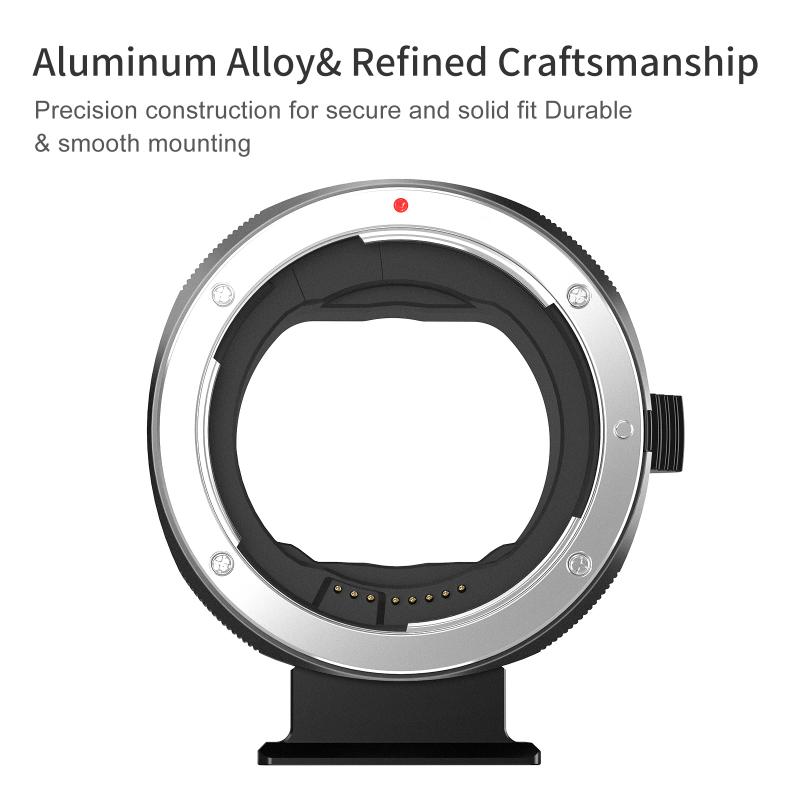
how to find aperture on camera 1

Aperture is one of the three pillars of photography, alongside shutter speed and ISO. It is measured in f-stops (e.g., f/2.8, f/4, f/5.6, etc.), and it controls the amount of light that reaches the camera sensor. A lower f-stop number indicates a larger aperture, which allows more light to enter, while a higher f-stop number indicates a smaller aperture, allowing less light to enter.

Why is Aperture Important?
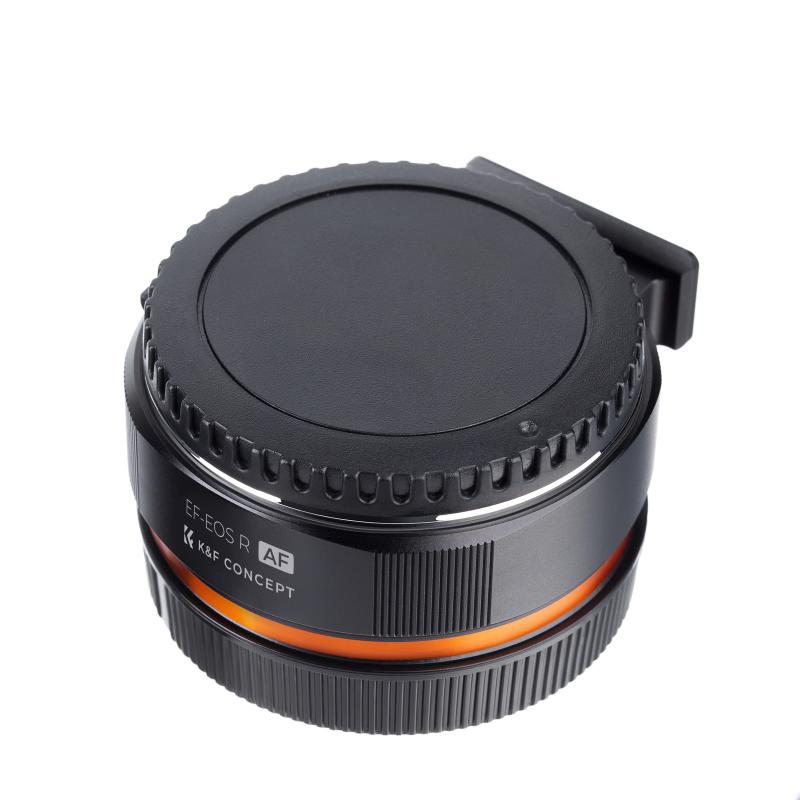
how to find aperture on camera 2

1. Exposure Control: Aperture directly affects the exposure of your image. A larger aperture (smaller f-stop number) lets in more light, which is useful in low-light conditions. Conversely, a smaller aperture (larger f-stop number) reduces the amount of light, which can be beneficial in bright conditions.

2. Depth of Field: Aperture also influences the depth of field, which is the range of distance within a photo that appears acceptably sharp. A larger aperture (smaller f-stop) results in a shallow depth of field, making the subject stand out against a blurred background. A smaller aperture (larger f-stop) increases the depth of field, keeping more of the scene in focus.

3. Image Sharpness: The aperture setting can affect the sharpness of your image. Most lenses have a "sweet spot" aperture, usually between f/8 and f/11, where they produce the sharpest images.

How to Find the Aperture on Your Camera
how to find aperture on camera 3

1. Check the Lens

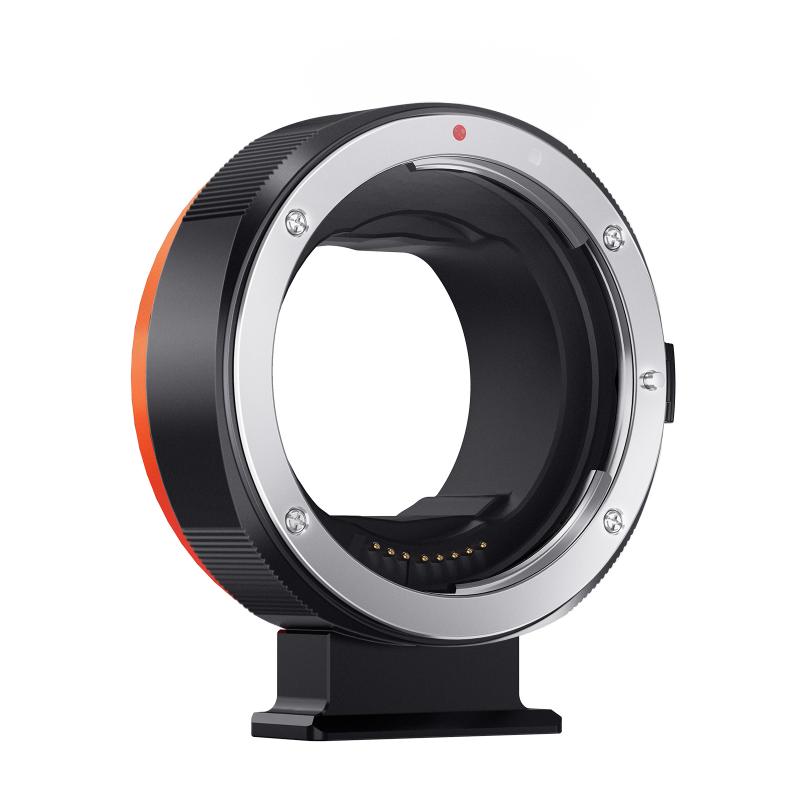
The aperture is controlled by the lens, not the camera body. Most lenses have an aperture ring or markings that indicate the available f-stop settings. If your lens has an aperture ring, you can manually adjust the aperture by rotating the ring to the desired f-stop.

2. Camera Settings

If your lens does not have an aperture ring, you can adjust the aperture through your camera's settings. Here’s how to do it on different types of cameras:

- DSLR Cameras: On most DSLR cameras, you can find the aperture setting in the manual (M), aperture priority (A or Av), or program (P) modes. Use the command dial to adjust the aperture value. The current aperture setting is usually displayed on the camera's LCD screen or viewfinder.

- Mirrorless Cameras: Similar to DSLRs, mirrorless cameras allow you to adjust the aperture in manual, aperture priority, or program modes. Use the command dial or touchscreen interface to change the aperture value.

- Compact Cameras: Some advanced compact cameras offer manual control over aperture. Look for the aperture priority mode (A or Av) or manual mode (M) in the camera’s menu. Use the control dial or buttons to adjust the aperture.

3. Electronic Viewfinder or LCD Screen

Many modern cameras, especially mirrorless models, provide real-time feedback on exposure settings through the electronic viewfinder (EVF) or LCD screen. As you adjust the aperture, you can see the changes in exposure and depth of field, helping you make more informed decisions.

Practical Tips for Using Aperture
how to find aperture on camera 4

1. Portrait Photography

For portraits, a larger aperture (e.g., f/1.8 or f/2.8) is often preferred to create a shallow depth of field. This technique isolates the subject from the background, making them stand out and giving the image a professional look. However, be mindful of the focus, as a very shallow depth of field can result in parts of the subject being out of focus.

2. Landscape Photography

In landscape photography, a smaller aperture (e.g., f/8 to f/16) is typically used to achieve a greater depth of field, ensuring that both the foreground and background are in sharp focus. This setting is ideal for capturing detailed and expansive scenes.

3. Low-Light Conditions

In low-light situations, a larger aperture (e.g., f/1.4 to f/2.8) allows more light to reach the sensor, enabling you to shoot at faster shutter speeds and lower ISO settings, which can reduce noise and improve image quality.

4. Macro Photography

Macro photography often requires a balance between a large aperture to gather enough light and a small aperture to achieve sufficient depth of field. Experiment with different f-stop settings to find the optimal balance for your macro shots.

5. Creative Effects

Aperture can be used creatively to achieve various effects. For example, a very large aperture can create a dreamy, soft-focus effect, while a very small aperture can produce starburst effects around light sources.

Common Mistakes to Avoid

1. Ignoring the Depth of Field: Always consider the depth of field when choosing your aperture. A shallow depth of field can be beautiful but may not be suitable for all types of photography.

2. Overlooking the Sweet Spot: Every lens has an aperture range where it performs best. Experiment with different apertures to find the sweet spot for your lens.

3. Not Using Aperture Priority Mode: Aperture priority mode (A or Av) allows you to set the aperture while the camera automatically adjusts the shutter speed. This mode is particularly useful for controlling depth of field without worrying about exposure.

4. Forgetting to Adjust ISO and Shutter Speed: Aperture is just one part of the exposure triangle. Don’t forget to adjust ISO and shutter speed to achieve the desired exposure.

Mastering aperture is essential for taking control of your photography and achieving the desired creative effects. By understanding how to find and adjust the aperture on your camera, you can enhance your images' exposure, depth of field, and overall quality. Whether you're shooting portraits, landscapes, or macro photography, the right aperture setting can make a significant difference in your results. Practice regularly, experiment with different settings, and soon you'll be able to use aperture to its full potential, elevating your photography to new heights.


Leave your comment
Cancel reply
Note: HTML is not translated!
Related products
Anti-Spy Detector Scan & Disconnect for 24/7 Protection Find Bugs Hidden Cams
15
$89.99 $59.99
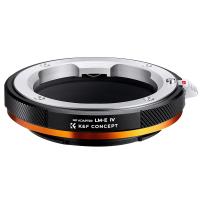
FIT ART L/M-E Lens Mount Adapter with Aperture Control Ring, Compatible with Leica M Series Lens to Sony-E NEX Mount Camera Body with Matting Varnish Design
71
$64.99 $35.99
67mm Clip-on CPL Phone Camera Lens Filter Kit Applicable to All Mobile Phone Models
24
$18.99
67mm Clip-on ND2-32 Phone Camera Lens Filter Kit Applicable to All Mobile Phone Models
24
$37.99
67mm Clip-on Black Mist 1/4 Phone Camera Lens Filter Kit Applicable to All Mobile Phone Models
24
$29.99
52mm Clip-on CPL Phone Camera Lens Filter Kit, Circular Polarizer Polarizing Filter Applicable to All Mobile Phone Models
24
$16.99
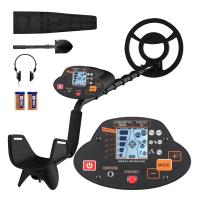
Metal Detectors for Adults and Kids, Gold Detector Kit with LCD Display & IP68 Waterproof Search Coil for Find Valuables
285
$215.99 $151.99
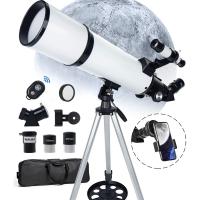
Portable Telescope for Solar Eclipse, Stargazing 80mm Aperture 600mm Focal Length for Solar Eclipse
20
$209.99 $176.99
67mm Clip-on CPL&Black Mist 1/4 2-in-1 Phone Camera Lens Filter Kit Applicable to All Mobile Phone Models
24
$29.99
Telescope for Lunar Eclipse, Stargazing 80mm Aperture, 600mm Focal Length, with 4K Wireless Electronic Eyepiece, Kentfaith
$299.99 $239.99
Products You May Like
Leica R Lens to M43 MFT Lens Mount Adapter K&F Concept M21121 Lens Adapter
104
$53.99 $27.99
Underwater Action Camera 69ft/21m Caseless Waterproof 4K 60FPS Video WiFi Connection
16
$162.49 $136.99
Digital Camera for Kids with Dual 48MP Cameras Auto Focus for 3-12 Years Kids
224
$82.49 $57.99
best trail camera for the money
10
$135.99 $74.99
Inspection Camera Articulating Borescope Single Lens 1080P HD 4.3" Screen 360° Adjustable Lens 8.5mm Cable with 32G Memory Card
241
$563.99 $199.99
58mm CPL+MCUV+Lens Cap Circular Polarizing Filter MCUV Protection Lens Filters Kit with 28 Multi-Layer Coatings for Camera Lens Nano-Xcel Series
33
$96.99 $50.99
Sndway SW-800B Golf Rangefinder with LCD Color Touch Screen, Height / Speed / Area Measurement, 800 Meters Measurement Distance
61
$341.99 $157.99
Phone Microscope with CPL Lens/LED Light, Portable 200X Microscope with Phone Clip for iPhone/Andriod Phone, for Kids and Adults
19
$56.99 $39.99
72 mm Variable ND Filter ND3-1000(1.5-10 Stops) Ultra-thin HD with Double-sided 28-layer Nano-coating Nano-Xcel Series
60
$112.99 $89.99
DJI Osmo Action 4 / Action 5 PRO ND Filter Kit ND8+ND16+ND32+ND64 4 Pack Light Reduction Exposure Control Optical Glass Filters with Multi-Layer Coating
63
$39.99
Related articles
How To Find Camera App On Android?
How To Find Camera On Laptop Windows 7?
How To Find My Canon Camera On Mac?
How To Find Camera Sd Card On Mac?
How To Find Mac Address On Ring Camera?
How To Find Shutter Speed On Canon Camera?
How To Find Camera Roll On Iphone 5s?
Can T Find Camera On Ipad?
How To Find Ip Cameras On Network?
What Depth Finder To Buy?
Blog You May Like
What Thread For Nikon Camera Mount?
Where To Place Webcam?
Can You Put Trail Cameras On Public Land?
Can Alexa Record Audio For You?
Can You Record With A Selfie Stick?
unsure your lens mount?
Can I Record My Voice On This Phone?
What Are Solar Panels?
What Is The Best Camera Lens To Buy?
How To Use Metal Detectors Beginner?
Related categories
On-Dash Camera C mount lens adapter m4/3 adapter Camera Parts | Studio Camera Accessories streaming video camera digital camera for beginner Solar Cellular Trail Camera Non Cellular Trail Camera camera shoulder bag
Popular products
no spy hidden camera detector Polarize Filter For Mobile Phone Gold Detector Kit clip on phone camera lens leica m lens to sony e mount adapter high quality condenser microphone headset with a microphone Telescope solar eclipse beginner telescope for adults travel telescope for stargazing
Related searches
Find Hidden Camera Detector Metal Detector Find Bag Canon To Fuji Aperture Adapter Ef To Mft Adapter Aperture Nikon To Sony Adapter Aperture Control Pentax To Nx With Aperture Adapter Sony Vaio Can't Find Wireless Adapter On Camera Flashes On Camera Microphones Flash On Camera
Popular searches
Super Metal Detector Film Camera And Lens Affordable Pl Mount Lens Running Action Camera Mamiya 645 Lens Adapter Contax 645 Memory Card Reader For Computer Security Light Cameras Rokinon 35mm F1.4 Lens Sony E-mount 3 In One Tripod Phone Earphones With Mic
Blog Category
  • Activities
  • Guide
    • Filter Guide
    • Lens Adapter
    • Product Review
  • News & Reviews
    • Camera Reviews
    • Sample Gallery
    • News
  • Tutorials
    • Solar eclipse photography
    • Photography Basics
    • Landscape Photography
  • Inspiration
    • Travel
    • Travel Stories
Search Article
Latest from the Blog
What Does Tripod?
Can Security Cameras Detect Motion Through Glass?
How To Remove Memory Card From Nikon Camera?
How To Make A Camera Flash After Effects?
What Does A Uv Camera Filter Do?
Camera Use Which Lens?
Where Can I Buy Samsung Camera Battery?
Dash Cam That Can Connect To Phone?
What Tripod To Buy?
Can You Save Facebook Videos To Camera Roll?
  • Easy Payment Multilple Payment Options

  • Free Shipping Global WareHouse Shipment

  • No Risk 30-Day No Reason Return

  • Limited Deals Buy More, Save More

  • Tax Free No any surcharges or tax fee

Information
  • About us
  • Contact Us
  • Site Map
  • Blog
  • Video
  • Gallery
  • VIP Membership Rewards
Service
  • Privacy Policy
  • Terms & Conditions
  • Shipping & Delivery
  • Payment Info
  • Warranty, Return & Refund
  • Intellectual Property Rights
  • Ambassador
  • Affiliates
  • Wholesale
Support
  • My account
  • Order History
  • FAQs
  • Extend Warranty
  • Logistics Tracking
Follow us
NewsLetter

Get the latest product, K&F Concept respects your privacy.

Powered By KENTFAITH © 2025