kfconcept

KENTFAITH
K&F Concept    Blog >

Enjoy Your Selected Digital Life

Recently Viewed
  • Recently Viewed
  • Recently Viewed list is empty.

Compare (0) 0
  • Compare
  • You have not chosen any products to compare.

  • Compare
Currency: USD
  • Currency
Shop by Scene Shop by Rank

Log Into Your Account

Account

Order History

Wish List

Login

Forgotten Password?

Or connect with

Register Account

Already have an Account?Log In

  • Shopping Cart
  • Your shopping cart is empty!

  • Register/Login to purchase, earn points
  • Favorite
  • Your wish list is empty.

  • Register/Login to like, earn points
  • Activities
  • Guide
    • Filter Guide
    • Lens Adapter
    • Product Review
  • News & Reviews
    • Camera Reviews
    • Sample Gallery
    • News
  • Tutorials
    • Solar eclipse photography
    • Photography Basics
    • Landscape Photography
  • Inspiration
    • Travel
    • Travel Stories
  • Home
  • Blog
  • How To Connect Bluetooth Tripod?

How To Connect Bluetooth Tripod?

Kentfaith 2024-10-10 02:45:29 0 Comments

In today's digital age, capturing perfect photos and videos has never been easier, thanks to the advent of advanced technology such as Bluetooth tripods. These handy gadgets allow you to take effortless selfies, group photos, or professional video recordings without the need for a complicated setup. If you are wondering how to connect a Bluetooth tripod to your smartphone or camera, this article aims to provide you with a detailed guide on connecting, using, and troubleshooting your Bluetooth tripod.
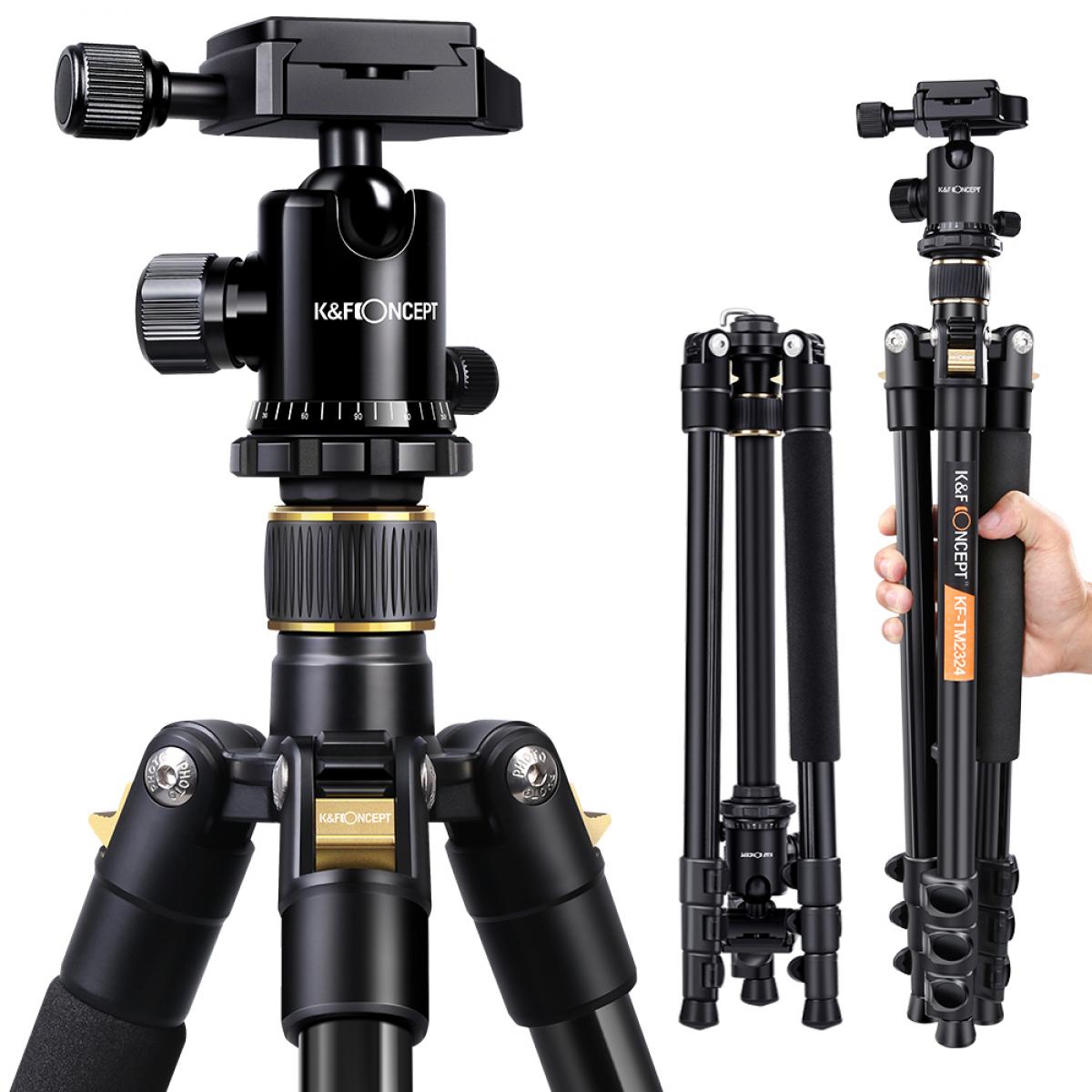

Understanding Bluetooth Tripods

A Bluetooth tripod is essentially a tripod stand equipped with Bluetooth technology, enabling wireless control of your smartphone or camera's functions, such as taking a picture or recording a video. These tripods usually come with a Bluetooth remote or have built-in buttons to control your device remotely, making them perfect for solo travelers, vloggers, or anyone who needs stable, hands-free photo or video capturing.

Step-by-Step Guide to Connect a Bluetooth Tripod

1. Charge Your Bluetooth Tripod

Ensure that your Bluetooth tripod is fully charged. Most tripods come with an indicator light that shows when the battery is low. A fully charged tripod ensures that you won't face power issues while trying to connect it to your device.

2. Turn On the Bluetooth on Your Device

Go to the settings menu on your smartphone or camera and turn on Bluetooth. This step is crucial for finding and pairing your tripod with your device.

3. Pairing Your Tripod

Turn on your Bluetooth tripod. Typically, a long press on the power button will switch it on, and you might see a flashing light indicating that it is in pairing mode. On your device, scan for available Bluetooth devices. Look for the name of your Bluetooth tripod and select it to pair. If a password is required, refer to the user manual; common default passwords are often "0000" or "1234".

4. Confirm Connection

Once the pairing is successful, you will receive a confirmation on your device. The flashing light on your tripod may also turn solid to indicate a successful connection.

Using Your Bluetooth Tripod

Now that your tripod is connected, here are some tips on how to make the most out of it.

1. Position Your Tripod

Set up the tripod at a stable location and adjust the height and angle according to your framing requirements. Make sure the tripod is level to avoid skewed photos or videos.

2. Mount Your Device

Secure your smartphone or camera onto the tripod's mount. Double-check that the mount is tight enough to hold the device steady but not so tight that it damages your device.

3. Use the Bluetooth Remote

If your tripod comes with a Bluetooth remote, use it to take photos or start recording videos. This is particularly useful for wide group shots or solo recordings.

4. Built-in Controls

Some advanced tripods have built-in controls for zooming in and out, switching between camera modes, or even adjusting exposure settings. Familiarize yourself with these features to enhance the quality of your photography or videography.

Troubleshooting Common Issues

Even the most reliable gadgets can sometimes run into issues. Here are some common problems you might encounter and their solutions.

Issue: Tripod Not Pairing with Device

- Solution: Ensure that both devices are in pairing mode. Restart both the tripod and your smartphone or camera to refresh the connection.

Issue: Intermittent Connection

- Solution: Make sure the tripod and device are within the effective Bluetooth range, usually about 10 meters. Remove any potential interference sources like walls or other electronic devices.

Issue: Remote Not Working

- Solution: Check the battery of the remote. If it's replaceable, try inserting a fresh battery. If the battery is built-in, ensure it is charged.

Advanced Tips for Optimal Use

1. Use a Dedicated Camera App

There are several third-party camera apps available that offer enhanced functionality compared to stock camera apps. Apps like Filmic Pro or Camera+ allow more advanced settings which can be controlled via Bluetooth.

2. Regular Maintenance

Keep your tripods clean and dust-free, especially the mount and the controls. This helps maintain the tripod’s longevity and ensures a reliable connection.

3. Firmware Updates

Some Bluetooth tripods might come with firmware that can be updated. Ensure that you are running the latest firmware to benefit from improved performance and new features.

4. Experiment with Angles

A tripod allows for more flexibility in shooting angles compared to handheld shooting. Experiment with low angles, high angles, or even unconventional positions to add variety to your shots.

Connecting a Bluetooth tripod to your smartphone or camera is a straightforward process that offers incredible versatility in capturing photos and videos. By following the steps outlined above, you can ensure a seamless connection and make the most out of your tripod’s features. Whether you're a professional photographer, vlogger, or just someone who loves taking photos, a Bluetooth tripod is an invaluable tool for improving the quality and ease of your work. Remember to keep your devices charged, familiarize yourself with the controls, and practice various shooting angles to unlock the full potential of your Bluetooth tripod.
Leave your comment
Cancel reply
Note: HTML is not translated!
Related products
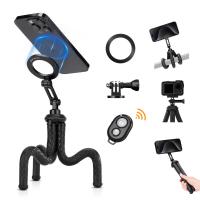
K&F Concept Camera Tripod Versatile Mini Flexible Phone Stand Phone Tripod Bluetooth Remote Control
143
$39.99 $26.99
8K Ultra-HD Camcorder, 64MP Video Camera with SONY CMOS Sensor & Built-in Fill Light, WiFi Connect & Transfer, Tripod, Microphones, 2 Batteries, Remote Control, 64GB Card, Kentfaith
$349.99 $279.99
Camera Sunglasses, HD 1080P, EIS Stabilization, WiFi Connect, Translation, 4H Playtime, Kentfaith
16
$119.99 $95.99
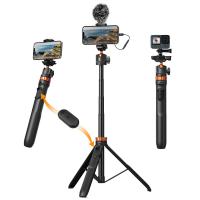
MS04 62''/1.58m Tripod Phone Selfie Stick, Black And Orange With Bluetooth Remote Control + Gopro Adapter
99
$49.99 $29.99
Smart Camera Glasses, HD 1080P, EIS Stabilization, WiFi Connect, Translation, 4H Playtime, Kentfaith
16
$119.99 $95.99
Handheld Microcsope, 500X Zoom, 1080P Videos,  PC Connect, with Large 5X Magnifier, Autofocus, Kentfaith
Handheld Microcsope, 500X Zoom, 1080P Videos, PC Connect, with Large 5X Magnifier, Autofocus, Kentfaith
15
$87.49 $69.99
Octopus Magnetic Phone Holder Tripod Comes with Magnetic Guide, Bluetooth Remote Control, Mobile Phone Lanyard, GoPro Adapter MS36
34
$29.99
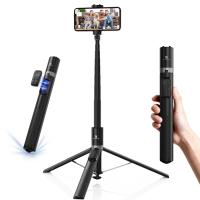
K&F Concept Selfie Stick, Auto Open & Close Phone Tripod Stand, 360° Rotatable Selfie Stick with 9 Button Bluetooth Remote, Extendable Automatic Tripod for Cell Phone(Black)
9
$35.99
4K Video Camera, 64MP Photos, WiFi Connect, 28X Zoom, Wireless Mic, Full Color NV, Kentfaith
18
$212.49 $169.99
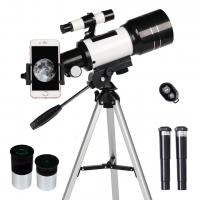
Children Solar Eclipse & Astronomical Telescope 70mm Aperture 300mm Focal Length, Portable Telescope with Tripod, Phone Holder & Bluetooth Remote Control
90
$203.99 $73.99
Products You May Like
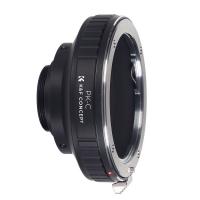
Pentax PK Lens to CCTV Industrial Monitoring Series C Mouth Thread Camera Body K&F Concept Mount Adapter
34
$53.99 $27.99
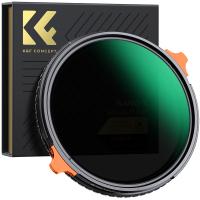
72mm ND4-64 (2-6 Stop) Variable ND Filter and CPL Circular Polarizing Filter 2 in 1,28 Layers Coated Nano-Xcel Series
68
$119.99 $95.99
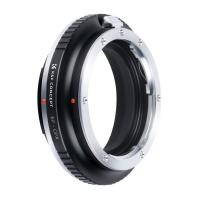
Canon EOS EF Lenses to Fuji GFX Lens Mount Adapter For DSLR K&F Concept M12211 Lens Adapter
10
$81.99 $49.99
58mm Star Filter 4-8 Points Variable Starburst Filter Cross Screen, 18 Layer Coating Ultra Slim Optical Glass, with 3 Pcs Cleaning Cloths
$20.99
52mm MC UV Protection Filter with 24 Multi-Layer Green Coatings HD/Hydrophobic/Scratch Resistant Ultra-Slim UV Filter Nano-Dazzle
77
$27.99 $21.64
75MP 4K Digital Camera for Photography, 12X Optical Zoom, 180° Flip Screen, WiFi Vlogging Camera for Video, YouTube, Kentfaith
15
$269.99 $229.99
K&F Concept Camera Sling Bag Small Camera bag Lightweight Crossbody and Inner Liner Bag for Protection and Versatility, Purple
64
$38.99
2500-9000k Dual-Color RGB LED Light 2000mah Double-Sided Portable Fill Light
40
$43.99
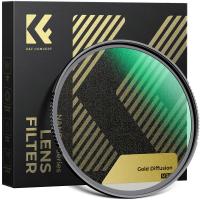
58mm Gold Diffusion 1/4 Filter Mist Soft Glow Warm Highlights Vintage Cinematic Aesthetic Camera Lens Filter Nano-Xcel Series
NEW Arrival
58mm Gold Diffusion 1/4 Filter Mist Soft Glow Warm Highlights Vintage Cinematic Aesthetic Camera Lens Filter Nano-Xcel Series
72
$99.99 $74.99
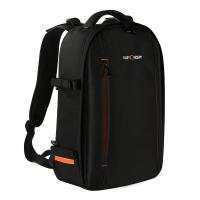
Camera Backpack for Travel Outdoor DSLR Photography Backpack 13 inch 18L with Tripod Holder&Laptop Compartment for Photography Hiking Travel
102
$52.99
Related articles
Can Bluetooth Headphones Connect To Xbox?
How To Connect Hisense Tv To Bluetooth Headphones ?
Can You Connect Bluetooth Headphones To The Switch?
Can You Connect Bluetooth Earbuds To A Tv?
How To Connect 2 Bluetooth Headphones To Laptop Windows 10 ?
How Can I Connect A Microphone To A Bluetooth Speaker ?
How To Adjust Tripod?
How To Setup A Tripod?
What Tripod To Buy?
What Tripod To Buy?
How To Get Good Video Lighting?
Blog You May Like
How To Calculate Telescope Magnification?
Where To Find Cheap Digital Cameras?
Where To Buy Nd Filter?
Can I Use Sony Headphones On Xbox One?
Does Screen Recording Include Audio?
How To Watch Recorded Security Camera Footage?
How Much Does A Camera Memory Card Cost?
How To Use Uv Filter For Camera?
What Are Different Nd Filter Numbers Used For?
How To View Feed From Spy Camera?
Related categories
tripod legs mini camera tripod C mount lens adapter camera tripod parts Tripods DJI Mini 5 Pro filter
Popular products
Bluetooth mesh intercom camcorder with memory card flexi phone tripod Camera Glasses With Wifi baby monitor with screen and app baby monitor 2 cameras best baby monitor with screen and app 500x portable handheld digital microscope mirrorless selfie stick 8K Camcorder
Related searches
Smart Watch Connect To Iphone Retro Game Console Connect To Tv Camera Connect With Wifi Tripod Bluetooth Remote Cheap Security Cameras That Connect To Your Phone Wireless Bluetooth Selfie Stick Tripod Phone Tripod With Bluetooth Remote Bluetooth Microphone To Speaker Cell Phone Tripod With Bluetooth Remote Phone Tripod Stand With Bluetooth Remote
Popular searches
Canon M50 Mark Ii Battery Fujifilm X100vi Lens Hood Security Camera With Recorder Fuji Xf To Mft Adapter Dji Osmo Pocket 3 Accessories Night Vision Goggles Best E Mount Landscape Lens 2.8 Mm C Mount Lens Emf Ef Fd Canon Adapter Leica Digital Adapter 2
Blog Category
  • Activities
  • Guide
    • Filter Guide
    • Lens Adapter
    • Product Review
  • News & Reviews
    • Camera Reviews
    • Sample Gallery
    • News
  • Tutorials
    • Solar eclipse photography
    • Photography Basics
    • Landscape Photography
  • Inspiration
    • Travel
    • Travel Stories
Search Article
Latest from the Blog
How To Fix The Straps On A Camera?
How Do Trail Cameras Work? The Ultimate Guide to Trail Cameras
What Is The Difference Between Binoculars And Telescope?
Can You Save Facebook Videos To Camera Roll?
UV Filter: Everything You Need to Know About UV Protection Lens Filters
Which Binoculars To Buy?
How Do Cellular Trail Cameras Work? – The Complete Guide for Hunters and Wildlife Enthusiasts
What Tripod To Buy?
What Is The Best Wireless Outdoor Security Camera?
What To Look For In A Dash Cam?
  • Easy Payment Multilple Payment Options

  • Free Shipping Global WareHouse Shipment

  • No Risk 30-Day No Reason Return

  • Limited Deals Buy More, Save More

  • Tax Free No any surcharges or tax fee

Information
  • About us
  • Contact Us
  • Site Map
  • Blog
  • Video
  • Gallery
  • VIP Membership Rewards
Service
  • Privacy Policy
  • Terms & Conditions
  • Shipping & Delivery
  • Payment Info
  • Warranty, Return & Refund
  • Intellectual Property Rights
  • Ambassador
  • Affiliates
  • Wholesale
Support
  • My account
  • Order History
  • FAQs
  • Extend Warranty
  • Logistics Tracking
Follow us
NewsLetter

Get the latest product, K&F Concept respects your privacy.
Powered By KENTFAITH © 2026