Can A Digital Camera Record Video?
Yes, a digital camera can record video — as long as that specific camera model has a video mode. Most modern digital cameras do, including compact point-and-shoot cameras, mirrorless cameras, DSLRs, bridge cameras, action cameras, and even many older pocket cameras from the 2000s.
The catch is that “can record video” does not always mean “records video well.” Some cameras are excellent for video. Others only offer basic clips with limited resolution, weak audio, short recording limits, or slow autofocus. If you already own a digital camera, the easiest way to check is to look for a movie camera icon on the mode dial, menu, or rear screen.
Older digital cameras often have a dedicated button marked with a red dot. On newer cameras, video mode may be selected from the main shooting dial or touchscreen menu.
How digital cameras record video
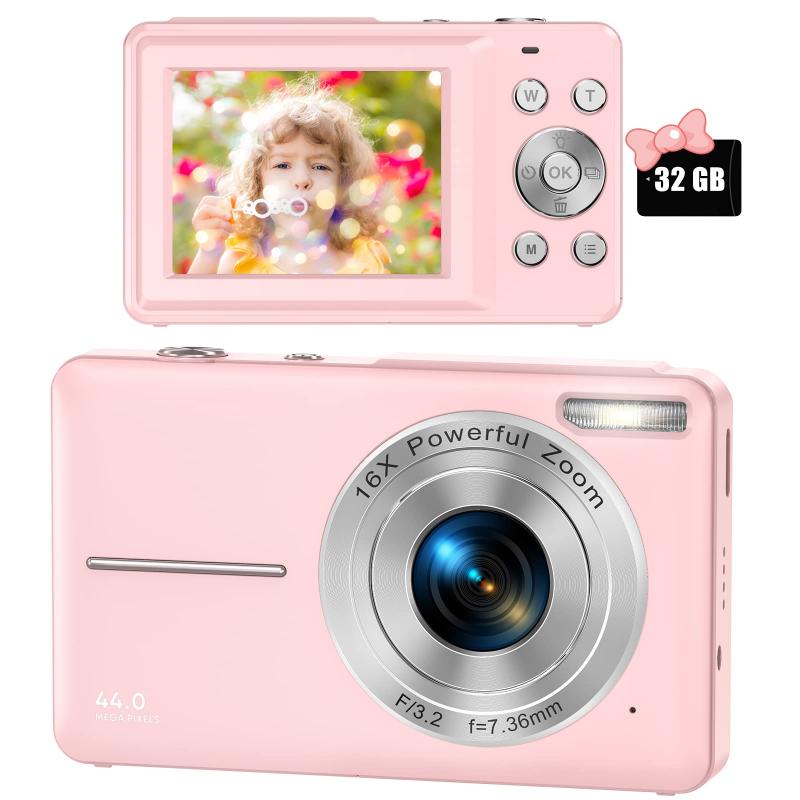
A digital camera records video by using the same image sensor it uses for photos, but instead of capturing a single still image, it captures many frames per second. Those frames are saved as a video file, usually in formats such as MP4, MOV, or AVI.
For example, a camera recording at 30 frames per second is capturing 30 images every second and combining them into a moving clip. Higher-end models may record at 60 fps, 120 fps, or more for smoother motion or slow-motion playback.
In practical use, this means a digital camera can work much like a camcorder or phone camera, but the experience depends heavily on the camera type.
A compact camera may be simple: press the red record button and start filming. A mirrorless camera may give you more control over exposure, focus, frame rate, picture profiles, microphones, and lenses. A very old digital camera may record only low-resolution video that looks rough by modern standards.
What kind of video quality can you expect?
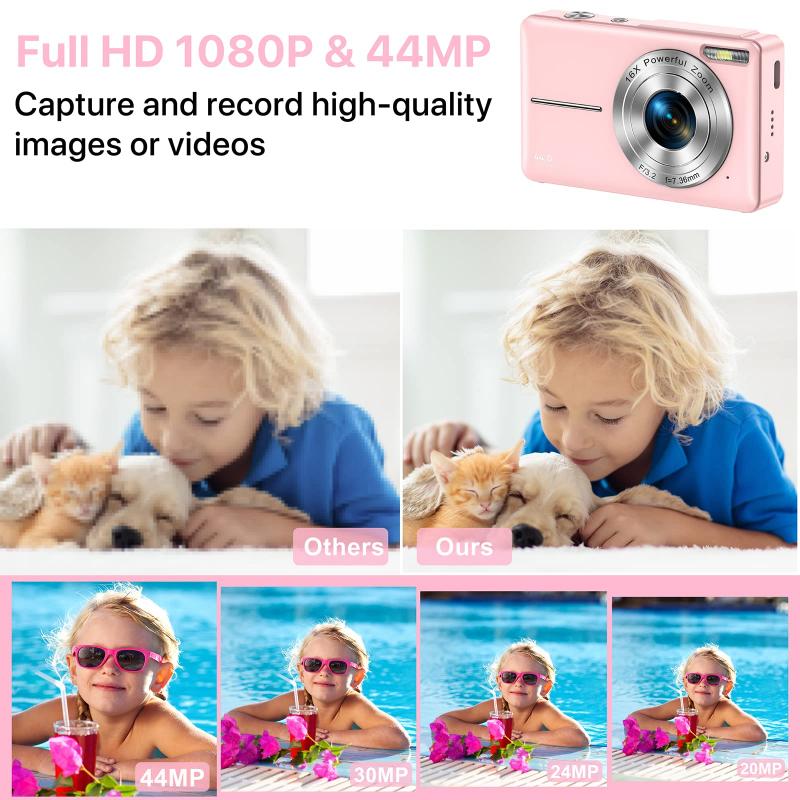
Video quality varies a lot between cameras.
Many older digital cameras record at 480p or 720p. This is fine for casual memories, but it will look soft on a modern TV or laptop screen. Cameras from the last decade commonly record 1080p Full HD, which is still perfectly usable for family videos, YouTube, school projects, social media, and everyday recording.
Newer mirrorless cameras and some compacts can record 4K video. This gives sharper detail and more room to crop in editing, but it also creates larger files and drains the battery faster.
Some higher-end cameras record 6K or 8K, but most people do not need that unless they are doing professional video work or heavy editing.
In real life, resolution is only part of the story. A good 1080p camera with nice color, stable autofocus, and a decent lens can look better than a cheap 4K camera with poor exposure and harsh audio. Lighting matters more than many beginners expect. A camera that looks great outdoors may look grainy indoors under weak light.
DSLR and mirrorless cameras are often very good for video

If you are asking because you have a DSLR or mirrorless camera, there is a strong chance it records video. Most models from Canon, Nikon, Sony, Fujifilm, Panasonic, Olympus/OM System, and similar brands have had video modes for years.
Mirrorless cameras are especially popular for video because they usually offer live view all the time, fast autofocus, compact bodies, and strong lens options. Many YouTubers, wedding filmmakers, vloggers, and small business owners use mirrorless cameras rather than traditional camcorders.
DSLRs can also record good video, but some older models have clunky autofocus in video mode. You may need to focus manually or pre-focus before recording. This is one of those things people often discover only after trying to film themselves and realizing the camera does not smoothly track their face.
If you plan to record people talking, children moving around, pets, sports, or handheld clips, autofocus performance matters. For controlled filming on a tripod, even an older DSLR can do a solid job.
Compact digital cameras can record video too

Point-and-shoot digital cameras usually have video mode, especially models made after around 2008. They are easy to use and convenient for travel, family clips, and quick recordings.
The main limitation is control. Many compact cameras do not let you adjust aperture, shutter speed, or audio levels while filming. Some also struggle in low light because of their small sensors. The built-in microphones are usually basic and can pick up zoom motor noise, wind, and handling sounds.
Still, a decent compact camera can be a nice simple video tool. If you are recording a school event, vacation scene, craft project, or casual outdoor clip, it may be more than enough.
One practical detail: some point-and-shoot cameras stop recording when you zoom, or they record the sound of the lens zooming. If audio matters, test this before relying on it.
Check your camera’s recording limits
Many digital cameras have limits on how long they can record one clip. Older cameras may stop after 10, 20, or 29 minutes. Some stop because of file size limits. Others stop because of heat.
The common 29-minute limit existed on many cameras for tax and product classification reasons in certain markets. Newer cameras often allow longer recording, but overheating can still be a problem, especially with 4K video.
This matters if you want to record:
- a lecture
- a wedding ceremony
- a sports game
- a podcast
- a long interview
- a stage performance
For short clips, it is rarely an issue. For anything long, test your camera before the real event. Put in a fully charged battery, insert the memory card you plan to use, choose your intended video settings, and let it record. You will quickly learn whether it stops early or overheats.
Memory cards matter more for video than photos
A digital camera may refuse to record video properly if the memory card is too slow. This is especially true for 4K, high frame rates, or high-bitrate recording.
If the card cannot keep up, the camera may stop recording after a few seconds or display a warning. For casual 1080p recording, a basic modern SD card usually works. For 4K or advanced modes, you may need a faster SD card, such as one marked U3, V30, V60, or higher depending on the camera’s requirements.
Storage fills quickly. A card that holds thousands of photos may hold far less video than expected. If you are recording an event, bring a spare card. It is one of the cheapest ways to avoid a ruined shoot.
Audio is usually the weak point
Most digital cameras have built-in microphones, but built-in camera audio is rarely great. It may sound distant, echoey, or noisy. Wind can ruin outdoor clips. Handling the camera while recording can create bumps and rubbing sounds.
For casual home videos, built-in audio is acceptable. For interviews, YouTube videos, music, or anything where speech matters, use an external microphone if your camera has a mic input.
Not all digital cameras have one. Many compact cameras do not. Entry-level models sometimes skip it too. If your camera lacks a microphone jack, you can still record audio separately on a phone or small recorder, then sync it later during editing. That sounds more complicated than it is, but it does add a step.
If you are filming family moments or travel clips, do not overthink it. If you are filming someone speaking to camera, audio quality can make the difference between “watchable” and “hard to sit through.”
Battery life drops fast during video recording
Recording video uses more power than taking still photos. The sensor stays active, the screen stays on, autofocus may keep working, and the camera writes large files continuously.
A camera battery that lasts all day for photos might last an hour or two for video, sometimes less. In cold weather, battery life can drop even faster.
For anything important, carry at least one spare battery. If your camera supports USB power or USB-C charging while recording, that can be useful for long tripod setups. Some cameras allow this; others do not.
Also check whether the camera gets warm. Warm is normal. Too hot to continue means you may need lower settings, better airflow, shorter takes, or a different camera for long video work.
Can a digital camera replace a phone for video?
Sometimes, yes.
A digital camera can give you better zoom, better background blur, more natural detail, stronger low-light performance, and more control. Interchangeable-lens cameras in particular can produce a more polished look than a phone.
Phones are still easier for quick clips. They autofocus well, stabilize footage automatically, record good audio for close subjects, and make sharing simple. For many people, a phone is better for spontaneous video.
A digital camera makes more sense if you want:
- optical zoom without quality loss
- better image quality in difficult lighting
- lens choice
- manual control
- a more cinematic look
- longer-term video projects
- separation between filming and phone use
For casual social media clips, your phone may be faster. For planned recording, a good digital camera can look noticeably better.
How to start recording video on a digital camera
Look for the movie mode or red record button. If the camera has a mode dial, turn it to the movie camera icon. Some cameras let you press the red button from photo mode, while others require switching to video mode first.
Before recording something important, check a few basics:
- Set the video resolution, such as 1080p or 4K.
- Choose a frame rate, usually 24, 25, 30, or 60 fps.
- Make sure the memory card has enough space.
- Charge the battery.
- Test autofocus if your subject will move.
- Record a short clip and play it back with sound.
That last step saves a lot of frustration. Many people record an entire event only to realize the camera was focused on the background, the microphone was blocked, or the card stopped recording early.
The realistic answer
A digital camera can record video if it has a video function, and most modern ones do. The real question is how well it records video for what you need.
For quick clips, almost any recent digital camera will do. For vlogging, interviews, events, or serious projects, pay attention to autofocus, recording limits, audio options, stabilization, battery life, and memory card speed.
If you already own the camera, test it before buying anything else. Record indoors, outdoors, handheld, on a tripod, and with someone talking. You will learn more from ten minutes of testing than from reading a spec sheet.






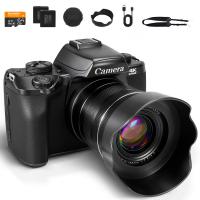
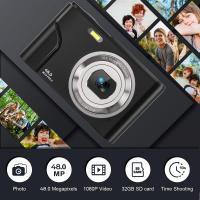
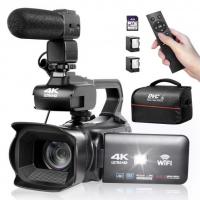
![4K Digital Camera for Photography & Video [Autofocus and Stabilisation] 48MP 16X Digital Zoom 3” 180° Flip Screen Vlog Camera with 32G SD Card, Flash](https://img.kentfaith.com/cache/catalog/products/us/GW41.0065/GW41.0065-1-200x200.jpg "4K Digital Camera for Photography & Video [Autofocus and Stabilisation] 48MP 16X Digital Zoom 3” 180° Flip Screen Vlog Camera with 32G SD Card, Flash")