How To Get Power For Wireless Security Cameras?
Wireless security cameras have become increasingly popular due to their ease of installation and flexibility in placement. However, one common question that arises is how to provide power to these cameras. While the term "wireless" refers to the lack of a physical connection for data transmission, most wireless security cameras still require a power source to operate. In this article, we’ll explore various methods to power wireless security cameras, discuss their pros and cons, and provide practical solutions to ensure your cameras remain functional and reliable.
Understanding Wireless Security Camera Power Requirements
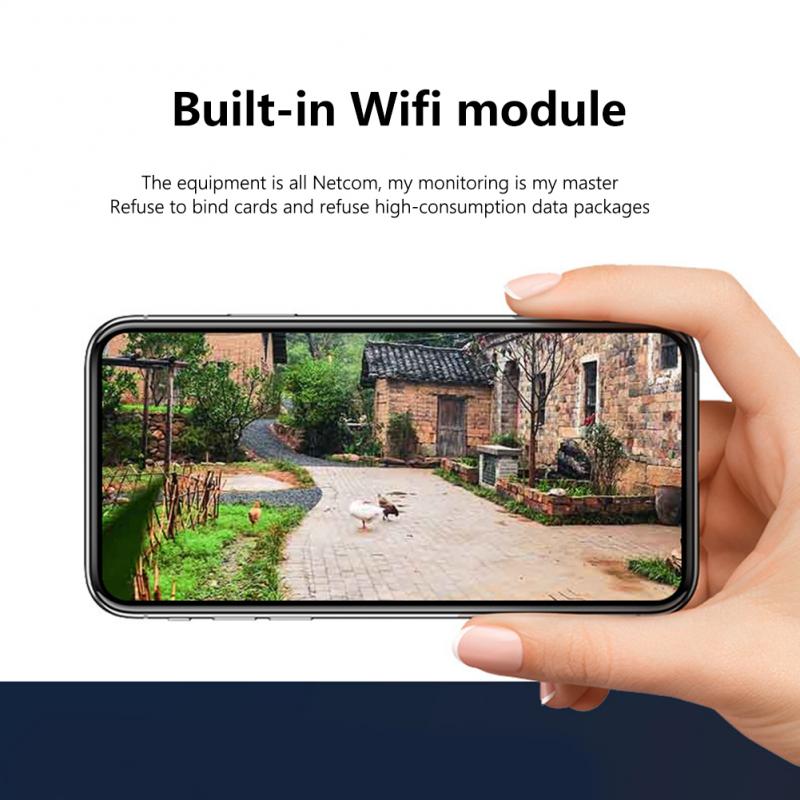
Wireless security cameras typically require power to operate their internal components, such as the camera lens, motion sensors, Wi-Fi transmitter, and onboard storage (if applicable). Unlike wired cameras that may receive power through a single cable (e.g., Power over Ethernet or PoE), wireless cameras often rely on alternative power sources. These sources can vary depending on the camera model, installation location, and user preferences.
Common Power Options for Wireless Security Cameras
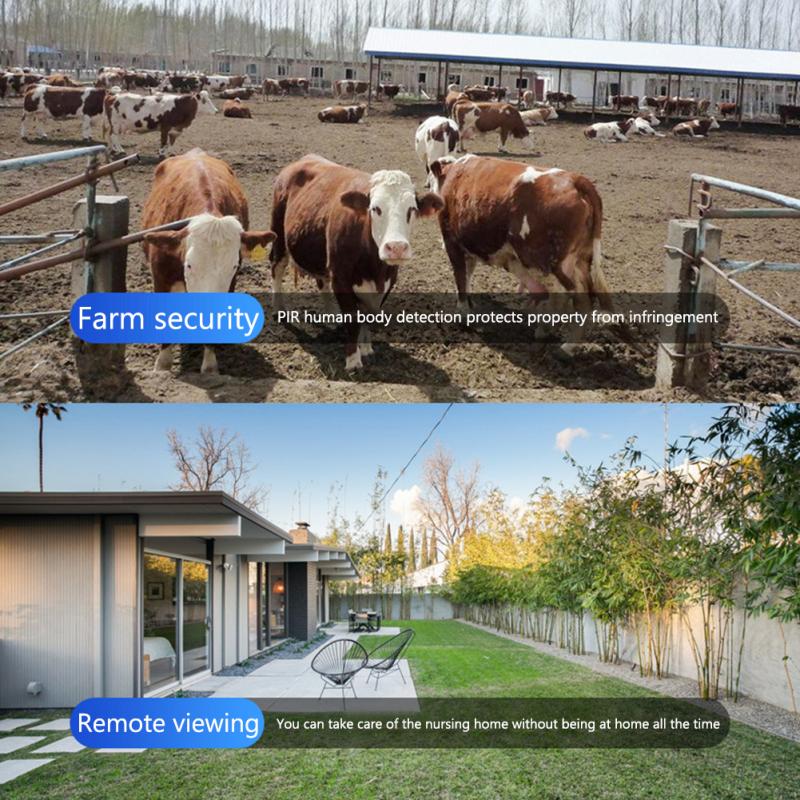
1. Plug-in Power via AC Outlet
The most straightforward way to power a wireless security camera is by plugging it into a standard AC outlet. Many wireless cameras come with a power adapter that connects to the camera and plugs into a nearby outlet.
Advantages:
- Reliable and consistent power supply.
- No need to worry about battery life or recharging.
- Suitable for indoor installations where outlets are readily available.
Disadvantages:
- Limited placement options due to the need for proximity to an outlet.
- Visible power cords may detract from the aesthetic appeal.
- May require drilling or cable management for outdoor installations.
Practical Tips:
- Use extension cords or power strips if outlets are not conveniently located.
- Consider cable covers or conduits to hide wires for a cleaner look.
2. Battery-Powered Cameras
Battery-powered wireless security cameras are designed for maximum flexibility. These cameras operate using rechargeable or replaceable batteries, eliminating the need for a direct connection to an outlet.
Advantages:
- Completely wireless and portable.
- Ideal for locations without access to power outlets.
- Easy to install and relocate as needed.
Disadvantages:
- Limited battery life, requiring regular recharging or replacement.
- Performance may degrade if batteries are not properly maintained.
- Not suitable for high-traffic areas where frequent motion detection drains battery quickly.
Practical Tips:
- Opt for cameras with long-lasting batteries or those that support quick charging.
- Keep spare batteries on hand to minimize downtime.
- Monitor battery levels through the camera’s app or software.
3. Solar-Powered Cameras
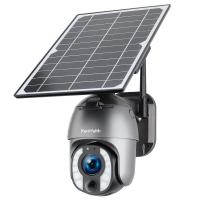
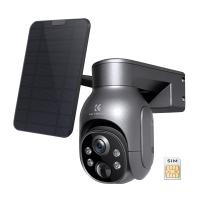
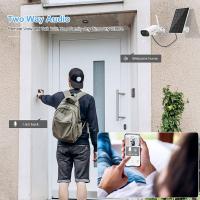
Solar-powered wireless security cameras are an eco-friendly option that uses solar panels to generate electricity. These cameras are particularly useful for outdoor installations in sunny locations.
Advantages:
- Sustainable and environmentally friendly.
- Eliminates the need for frequent battery replacements or recharging.
- Ideal for remote areas without access to electricity.
Disadvantages:
- Dependent on sunlight, which may be inconsistent in certain climates or seasons.
- Initial setup costs may be higher due to the need for solar panels.
- Requires proper positioning to maximize sunlight exposure.
Practical Tips:
- Ensure the solar panel is installed in a location with direct sunlight for most of the day.
- Regularly clean the solar panel to maintain efficiency.
- Consider hybrid models that combine solar power with battery backup for cloudy days.
4. Power Over Ethernet (PoE) Adapters
While PoE is typically associated with wired cameras, some wireless cameras support PoE adapters for power delivery. This method uses a single Ethernet cable to transmit both data and power.
Advantages:
- Reliable power and data transmission.
- Reduces cable clutter compared to separate power and data connections.
- Suitable for installations requiring consistent power.
Disadvantages:
- Requires a PoE injector or switch, adding to setup complexity.
- Limited to cameras that support PoE functionality.
- Not entirely wireless, as an Ethernet cable is required.
Practical Tips:
- Verify that your camera model supports PoE before purchasing adapters.
- Use high-quality Ethernet cables to ensure stable power and data transmission.
5. External Power Banks
For temporary setups or locations without permanent power sources, external power banks can be used to power wireless security cameras. These portable devices store electricity and can be connected to the camera via USB or other compatible ports.
Advantages:
- Portable and easy to use.
- Ideal for short-term monitoring or events.
- Can be used as a backup power source during outages.
Disadvantages:
- Limited capacity, requiring frequent recharging.
- Not suitable for long-term installations.
- May require additional mounting solutions for the power bank.
Practical Tips:
- Choose power banks with high capacity and fast charging capabilities.
- Secure the power bank to prevent theft or accidental disconnection.
- Monitor power levels to avoid interruptions in camera operation.
Factors to Consider When Choosing a Power Solution

When deciding how to power your wireless security cameras, consider the following factors:
1. Location: Indoor cameras can often rely on AC outlets, while outdoor cameras may benefit from solar panels or battery power.
2. Duration of Use: For continuous monitoring, plug-in power or solar panels are ideal. For temporary setups, power banks or batteries may suffice.
3. Weather Conditions: Outdoor cameras should use weather-resistant power solutions, such as solar panels designed for harsh environments.
4. Camera Features: Cameras with advanced features like night vision or high-resolution recording may require more power, influencing your choice of power source.
5. Budget: Some power solutions, like solar panels or PoE adapters, may have higher upfront costs but offer long-term savings.
Troubleshooting Common Power Issues

Even with the right power solution, you may encounter issues that affect your camera’s performance. Here are some common problems and their solutions:
1. Power Outages: Use battery backups or solar panels with battery storage to keep cameras operational during outages.
2. Low Battery Life: Optimize camera settings to reduce power consumption, such as lowering motion sensitivity or disabling unnecessary features.
3. Connection Problems: Ensure power cables are securely connected and check for damage or wear.
4. Solar Panel Inefficiency: Reposition the panel to maximize sunlight exposure and clean it regularly to remove dirt or debris.
Powering wireless security cameras is a critical aspect of ensuring their functionality and reliability. Whether you choose plug-in power, batteries, solar panels, PoE adapters, or external power banks, each option has its unique advantages and limitations. By understanding your specific needs and considering factors like location, duration of use, and budget, you can select the most suitable power solution for your cameras.
Remember, the key to a successful security camera setup is not just choosing the right power source but also maintaining it over time. Regularly check your cameras for power-related issues and make adjustments as needed to keep your security system running smoothly. With the right approach, you can enjoy peace of mind knowing your property is protected by a reliable and efficient wireless security camera system.