kfconcept

KENTFAITH
K&F Concept    Blog >

Enjoy Your Selected Digital Life

Recently Viewed
  • Recently Viewed
  • Recently Viewed list is empty.

Compare (0) 0
  • Compare
  • You have not chosen any products to compare.

  • Compare
Currency: USD
  • Currency
Shop by Scene Shop by Rank

Log Into Your Account

Account

Order History

Wish List

Login

Forgotten Password?

or connect with

Register Account

Already have an Account?Log In

  • Shopping Cart
  • Your shopping cart is empty!

  • Register/Login to purchase, earn points
  • Favorite
  • Your wish list is empty.

  • Register/Login to like, earn points
  • Activities
  • Guide
    • Filter Guide
    • Lens Adapter
    • Product Review
  • News & Reviews
    • Camera Reviews
    • Sample Gallery
    • News
  • Tutorials
    • Solar eclipse photography
    • Photography Basics
    • Landscape Photography
  • Inspiration
    • Travel
    • Travel Stories
  • Home
  • Blog
  • How To Upload Youtube Videos From Digital Camera?

How To Upload Youtube Videos From Digital Camera?

Kentfaith 2025-09-18 08:44:17 0 Comments

Uploading YouTube videos from a digital camera might seem like a daunting task at first, especially if you’re new to video editing and social media platforms. However, the process can be broken down into manageable steps to make it simple and straightforward. If you're looking to share your content with the world but aren't sure where to start, this comprehensive guide will walk you through everything you need to know — from transferring footage from your camera to successfully uploading your videos onto YouTube.

Step 1: Check Your Digital Camera’s Compatibility
how to upload youtube videos from digital camera 1

Before you start uploading, ensure that your digital camera is compatible with video recording and supports the format that YouTube requires. Most modern digital cameras record video in MP4, MOV, or AVI, all of which are typically compatible with YouTube. Review your camera settings to confirm the file type and resolution. YouTube supports various resolutions, including 1080p (Full HD) and 4K (Ultra HD), so setting your camera to one of these resolutions will ensure better video quality for your audience.

Step 2: Transfer Video Files to Your Computer
how to upload youtube videos from digital camera 2

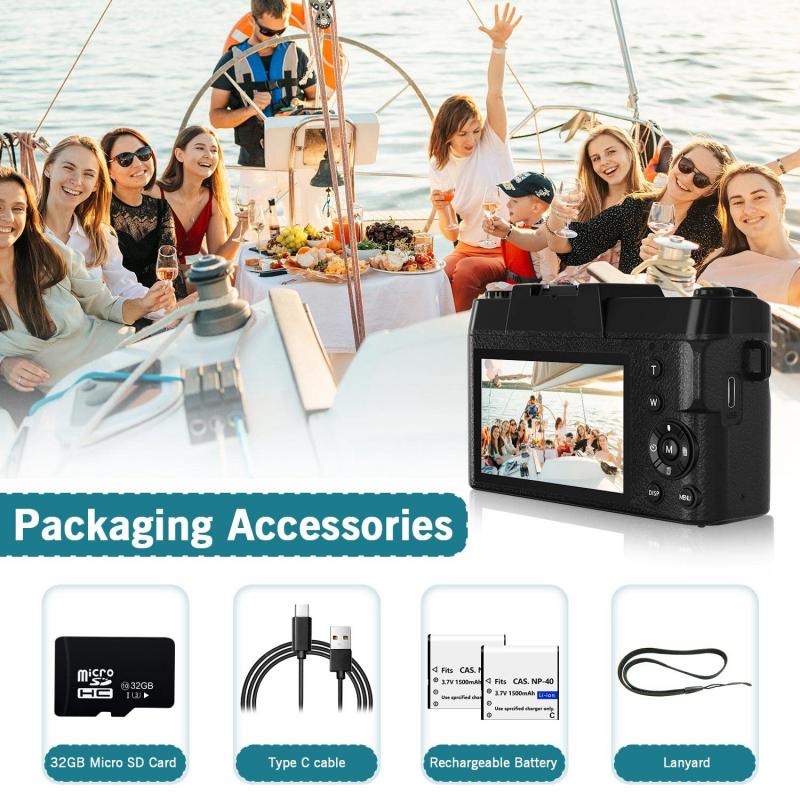
Once you've finished recording your video on your digital camera, you need to transfer the footage to your computer. This process will depend on the type of camera you use, but here are common methods:

1. Using a USB Cable: Connect your digital camera to your computer using a USB cable. Once connected, the camera should appear as an external device on your system. Open the folder containing the videos and copy the desired files onto your computer.

2. Memory Card Reader: Many digital cameras store files on SD cards. Remove the SD card from your camera and insert it into your computer’s SD card reader. Once the card is detected, locate the folder containing your video files and transfer them to your computer.

3. Wireless Transfer: If your camera supports Wi-Fi or Bluetooth file transfer, check whether it has a mobile app or cloud syncing option. These methods let you transfer files wirelessly to your computer or smartphone.

Make sure to save your videos in a folder where they are easy to find after transferring.

Step 3: Edit Your Video
how to upload youtube videos from digital camera 3

Raw footage uploaded directly from a camera often needs some editing to look professional and engaging. Editing can involve trimming unnecessary scenes, adding subtitles, transitions, or special effects, and improving audio quality.

1. Choose a Video Editing Software: You can use free editing tools like iMovie (for Mac users), Windows Video Editor, or advanced software like Adobe Premiere Pro or Final Cut Pro. For beginners, software like Shotcut or DaVinci Resolve is user-friendly and feature-rich.

2. Optimize the Content: Focus on creating a captivating introduction to hook viewers instantly. Make sure your video flows naturally and stays relevant throughout.

3. Add Branding Elements: If you’re looking to build a YouTube channel consistently, consider adding branding elements such as a logo, watermark, or outro.

4. Export the Video: After editing, export the video in a format compatible with YouTube, such as MP4. Aim for a resolution of either 1080p or 4K, depending on the original quality of your footage.

Step 4: Set Up Your YouTube Channel
how to upload youtube videos from digital camera 4

If you don’t already have a YouTube channel to upload your video, you'll need to create one. Here’s a quick guide:

1. Sign in to Your Google Account: YouTube is integrated with Google, and you’ll need a Google account to set up a channel.

2. Create Your Channel: Click on your profile picture in the top-right corner of YouTube, select "Your Channel," and follow the prompts to set up your page.

3. Customize Your Channel: Add details such as a channel name, description, profile picture, and banner art. Take time to format your page so it fits the theme or niche of your content.

Step 5: Start Uploading Your Video to YouTube

Once your video is ready and your channel is set up, it’s time to upload:

1. Log In to YouTube: Open the YouTube website or app and log into your account.

2. Click Upload: Click the camera icon (usually labeled “Create”) at the top-right corner of the screen, followed by “Upload Video.”

3. Drag and Drop Your File: Drag and drop your video file into the upload window or browse to select it from your computer. Ensure you choose the right file — the one you’ve edited for publication.

4. Add Video Details: Fill out the video details, including:

Title: Choose a clear, attention-grabbing title.

Description: Write a detailed description about your video to inform viewers and boost SEO.

Tags: Add relevant keywords as tags to improve discoverability.

Thumbnail: Either let YouTube generate thumbnails automatically or upload a custom thumbnail that best represents your video.

5. Set Privacy: Choose a privacy setting (Public, Private, or Unlisted). To reach the widest audience, select "Public."

6. Publish or Schedule: If you want the video to go live immediately, hit “Publish.” Otherwise, you can schedule it for a later date and time.

Step 6: Optimize Your Video for Better Visibility

Uploading your video is the first step in reaching an audience; the next step is optimizing it so people discover it.

1. SEO-Friendly Content:

- Use keywords in your title and description.

- Add tags relevant to the video topic.

- Include links to other videos or playlists in your description.

2. Engage Your Audience: Encourage viewers to subscribe, like, comment, and share your content.

3. Use Playlists: Group videos on similar topics into playlists to keep viewers binge-watching on your channel.

Step 7: Troubleshooting Common Issues

New creators might face challenges during the uploading process. Here are solutions to common problems:

1. Large File Sizes: If your video file is too large, compress it using software like HandBrake without compromising its quality.

2. Slow Uploads: Upload speeds depend on your internet connection. Try switching to a faster network or uploading during off-peak hours.

3. Format Issues: If your video’s format isn’t compatible with YouTube, use a video converter to change it to MP4 or another accepted format.

4. Copyright Claims: Ensure you own all rights to the video’s elements, such as music or images, to avoid copyright issues.

Final Thoughts

Uploading YouTube videos from your digital camera involves a few essential steps: recording high-quality footage, transferring and editing it, and optimizing it for an audience. With the advent of user-friendly cameras and editing tools, even beginners can create compelling content for their channels. Success on YouTube often comes down to consistency, quality, and understanding what your audience wants. By following this guide, you’ll master the technical aspects of uploading videos and be well on your way to building a thriving YouTube presence. So go ahead, gather some ideas, capture engaging footage, and start sharing your creativity with the world!

Leave your comment
Cancel reply
Note: HTML is not translated!
Related products
Digital Photo Frame, 10.1 inch Touchscreen, WiFi Transfer from Any Corner, 32GB Storage, Multi-user Connect & Share, Auto Rotation, Kentfaith
17
$187.49 $149.99
5K Digital Video Camera Camcorder WIFI IR Night Vision for Vlogging Youtube
95
$269.99 $189.99
Digital Camera for Teens, 4K Videos 48MP Photos, Auto Focus, WiFi Transfer, 32GB Card, Kentfaith
16
$96.24 $76.99
8K 88MP Digital Camera for Photography, WiFi Youtube Vlogging Camera with Autofocus & Dual Lens for Selfie, 3.2in Touchscreen Kentfaith
HOT Seller
8K 88MP Digital Camera for Photography, WiFi Youtube Vlogging Camera with Autofocus & Dual Lens for Selfie, 3.2in Touchscreen Kentfaith
90
$299.99 $229.99
75MP 4K Digital Camera for Photography, 12X Optical Zoom, 180° Flip Screen, WiFi Vlogging Camera for Video, YouTube, Kentfaith
15
$269.99 $229.99
4K 64MP Digital Camera Dual Screen Selfie, 18X Zoom, 32GB Card & 2 Batteries for Beginners YouTube Vlog, Kentfaith
116
$99.99 $79.99
5K 75MP Compact Digital Camera, 3 Lens 12X Zoom Autofocus for YouTube Vlogging, 32GB Card 2 Batteries, Kentfaith
NEW Arrival
5K 75MP Compact Digital Camera, 3 Lens 12X Zoom Autofocus for YouTube Vlogging, 32GB Card 2 Batteries, Kentfaith
21
$269.99 $179.99
Compact Digital Camera, 2K Videos 48MP Photos, 1/1.6" CMOS, DSLR-like Bokeh, 16X Zoom, EIS Stabilization, Kentfaith
12
$106.24 $84.99
Digital Handheld Microscope 1000X Magnification 1080P Videos 32G Card & 6 Specimen Slides Included Kentfaith
16
$127.49 $89.99
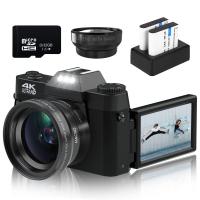
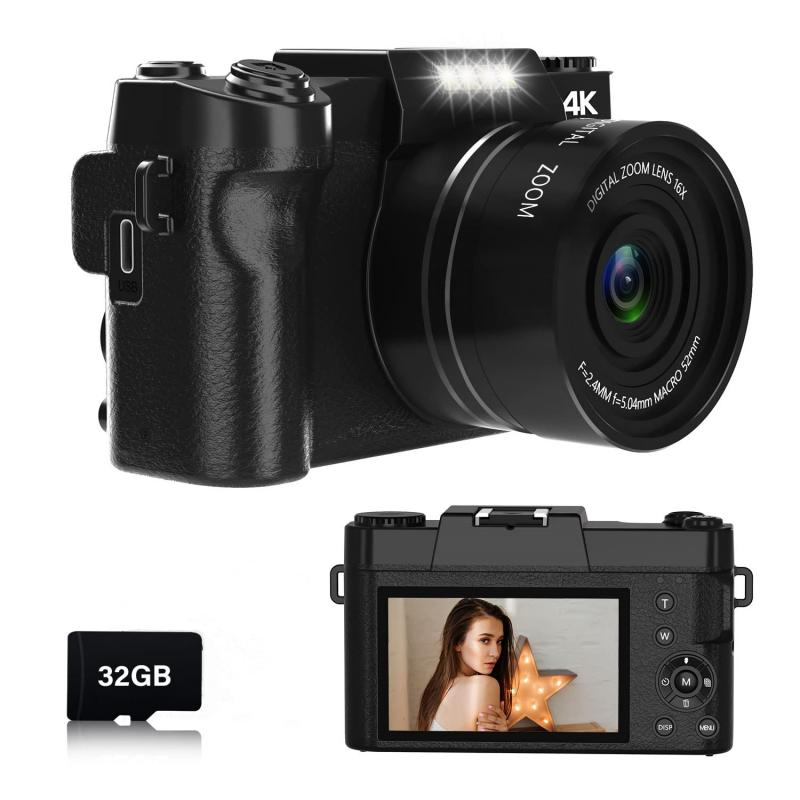
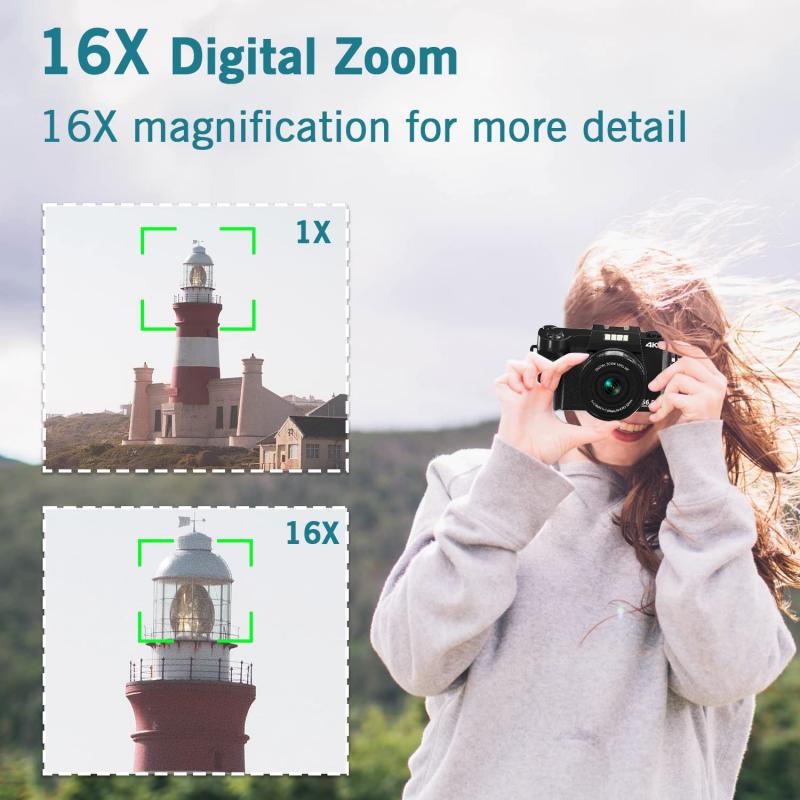
Digital Camera for Photography & Video 4K 48MP Blog YouTube With 180° Flip Screen, 16X Digital Zoom, 52mm Wide Angle & Macro Lens, 32GB TF Card, 2 Batteries, Black
HOT Seller
Digital Camera for Photography & Video 4K 48MP Blog YouTube With 180° Flip Screen, 16X Digital Zoom, 52mm Wide Angle & Macro Lens, 32GB TF Card, 2 Batteries, Black
106
$299.99 $124.99
Products You May Like
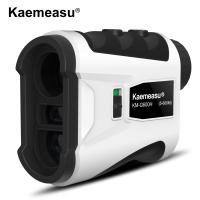
KM-G600H 600m Laser Rangefinder for Golf & Hunting Distance Measurement with High-Precision Flagpole Lock, Slope Mode, Continuous Scanning
60
$215.99 $83.99
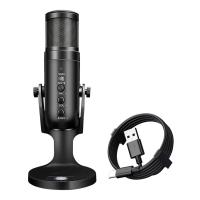
JD950 RGB USB Condenser Microphone With USB 3.5mm Jack for Streaming
8
$35.99
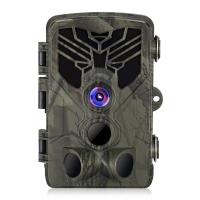
HC-810A 2.7K 24MP HD Trail Camera Hunting Camera Scouting Trail Camera Wildview
24
$70.99
58mm 6-Point Fine-Line Star Effect Filter, Cine & Dreamlike Special Filter 18-Layer Coated Optical Glass with 3 Vacuum Cleaning Cloths - Nano-Klear Series
NEW Arrival
58mm 6-Point Fine-Line Star Effect Filter, Cine & Dreamlike Special Filter 18-Layer Coated Optical Glass with 3 Vacuum Cleaning Cloths - Nano-Klear Series
38
$31.99 $23.99
Wireless Solar Trail Camera
10
$162.99 $106.99
K&F Concept Geared Tripod Head, 360°Panoramic 3-Way Ballhead with Quick Release Plate, 6KG Load-bearing for Macro, Star Shooting, Commercial Photography
28
$329.99 $188.99
49mm Ultra-Low Reflection Variable ND Lens Filter, ND2-400 (1-9 Stop)  HD Adjustable Neutral Density Filter with 28 Multi-Layer Coatings for Camera Lenses - Nano-X Series
NEW Arrival
49mm Ultra-Low Reflection Variable ND Lens Filter, ND2-400 (1-9 Stop) HD Adjustable Neutral Density Filter with 28 Multi-Layer Coatings for Camera Lenses - Nano-X Series
52
$110.99 $82.99
DJI Mavic 3 Classic Filter ND32 with Single-sided Anti-reflection Green Film Waterproof and Scratch-resistant
27
$29.99 $17.99
72mm Magnetic Black Mist Filter 1/4 Special Effects Filter HD Multi-layer Coated, Waterproof/Scratch-Resistant/ Anti-Reflection Nano-Xcel Series
30
$97.99 $77.99
KF, high precision lens adapter ring, PENTAX67-GFX
10
$148.99 $77.99
Related articles
Can Digital Camera Record Videos?
What Are The Best Lights For Youtube Videos?
How To Wifi Transfer Videos From Camera Canon?
How To Screen Record Audio On Youtube?
How To Save Videos In Camera Roll?
Android Phone How To Play Camera Videos?
How Do You Watch Youtube On Smart Tv?
How To Record Videos Without Sound?
How To Use A Digital Camera?
What's The Best Filter To Control Highlights Camera?
Blog You May Like
How To On Flash In Camera?
How Do You Watch Youtube On Smart Tv?
Can I Switch Sd Cards Between Phones?
What Filter Should I Keep On My Lens?
How Do Ipod Earphones Work?
How To Backup Sd Card Android Without Computer?
How To Use A Nd Filter For Video?
What is the Best Metal Detector for Gold and Silver?
How Long Will A Trail Camera Last?
Can Camera Batteries Be Taken On A Plane?
Related categories
digital camera for beginner digital camera cases digital camera strap C mount lens adapter digital microscope m4/3 adapter Digital Night Vision Goggles Camera Parts | Studio Camera Accessories streaming video camera
Popular products
camera digital 4k youtube digital camera 40 compact digital camera photography hd video camera tripod dslr camera and video portable digital microscope usb Hd Digital Video Camera 48mp digital camera handheld digital microscope with screen 8k digital camera
Related searches
Best Camera For Youtube Videos Digital Camera For Photos And Videos Cheap Camera To Record Videos Youtube Video Camera With Microphone Phone Tripod For Youtube Best Camera For Hunting Videos Recording Camera For Music Videos Video Camera For Family Videos Video Camera For Training Videos Best Camera For Recording Videos
Related Scenes
Best Digital Camera For Photos And Videos Best Camera To Video Sports Best Camera To Capture Wildlife Best Video Camera To Record Sports Best Camera For Videos Best Camera For Taking Videos Best Camera For Family Videos Best Camera For Shooting Videos Best Camera For Car Videos Best Camera For Quality Videos
Blog Category
  • Activities
  • Guide
    • Filter Guide
    • Lens Adapter
    • Product Review
  • News & Reviews
    • Camera Reviews
    • Sample Gallery
    • News
  • Tutorials
    • Solar eclipse photography
    • Photography Basics
    • Landscape Photography
  • Inspiration
    • Travel
    • Travel Stories
Search Article
Latest from the Blog
How To Stream Video From Webcam?
What Do You Use A Ring Light For?
Where To Buy Solar Filter For Camera?
What Is The Best Camera For Action Sports?
How To Use Your Phone As A Microphone?
How Smart Watch Measure Heart Rate?
How To See Cells In A Microscope?
How To Pair Tws Bluetooth Earbuds?
What Bluetooth Headphones Work With Switch?
Which Camera Is Best For Video And Photography?
  • Easy Payment Multilple Payment Options

  • Free Shipping Global WareHouse Shipment

  • No Risk 30-Day No Reason Return

  • Limited Deals Buy More, Save More

  • Tax Free No any surcharges or tax fee

Information
  • About us
  • Contact Us
  • Site Map
  • Blog
  • Video
  • Gallery
  • VIP Membership Rewards
Service
  • Privacy Policy
  • Terms & Conditions
  • Shipping & Delivery
  • Payment Info
  • Warranty, Return & Refund
  • Intellectual Property Rights
  • Ambassador
  • Affiliates
  • Wholesale
Support
  • My account
  • Order History
  • FAQs
  • Extend Warranty
  • Logistics Tracking
Follow us
NewsLetter

Get the latest product, K&F Concept respects your privacy.

Powered By KENTFAITH © 2026