kfconcept

KENTFAITH
K&F Concept    Blog >

Enjoy Your Selected Digital Life

Recently Viewed
  • Recently Viewed
  • Recently Viewed list is empty.

Compare (0) 0
  • Compare
  • You have not chosen any products to compare.

  • Compare
Currency: USD
  • Currency
Shop by Scene Shop by Rank

Log Into Your Account

Account

Order History

Wish List

Login

Forgotten Password?

Or connect with

Register Account

Already have an Account?Log In

  • Shopping Cart
  • Your shopping cart is empty!

  • Register/Login to purchase, earn points
  • Favorite
  • Your wish list is empty.

  • Register/Login to like, earn points
  • Activities
  • Guide
    • Filter Guide
    • Lens Adapter
    • Product Review
  • News & Reviews
    • Camera Reviews
    • Sample Gallery
    • News
  • Tutorials
    • Solar eclipse photography
    • Photography Basics
    • Landscape Photography
  • Inspiration
    • Travel
    • Travel Stories
  • Home
  • Blog
  • How To Turn On Microphone And Camera On Hp Laptop ?

How To Turn On Microphone And Camera On Hp Laptop ?

Kentfaith 2023-08-16 10:11:53 0 Comments

Whether you use them for online meetings, video chats or recording videos, it's important to know how to properly enable and set up these devices. This article will detail how to turn on the microphone and webcam on your HP laptop, set and adjust permissions, address common issues, and recommend some useful apps and tools.
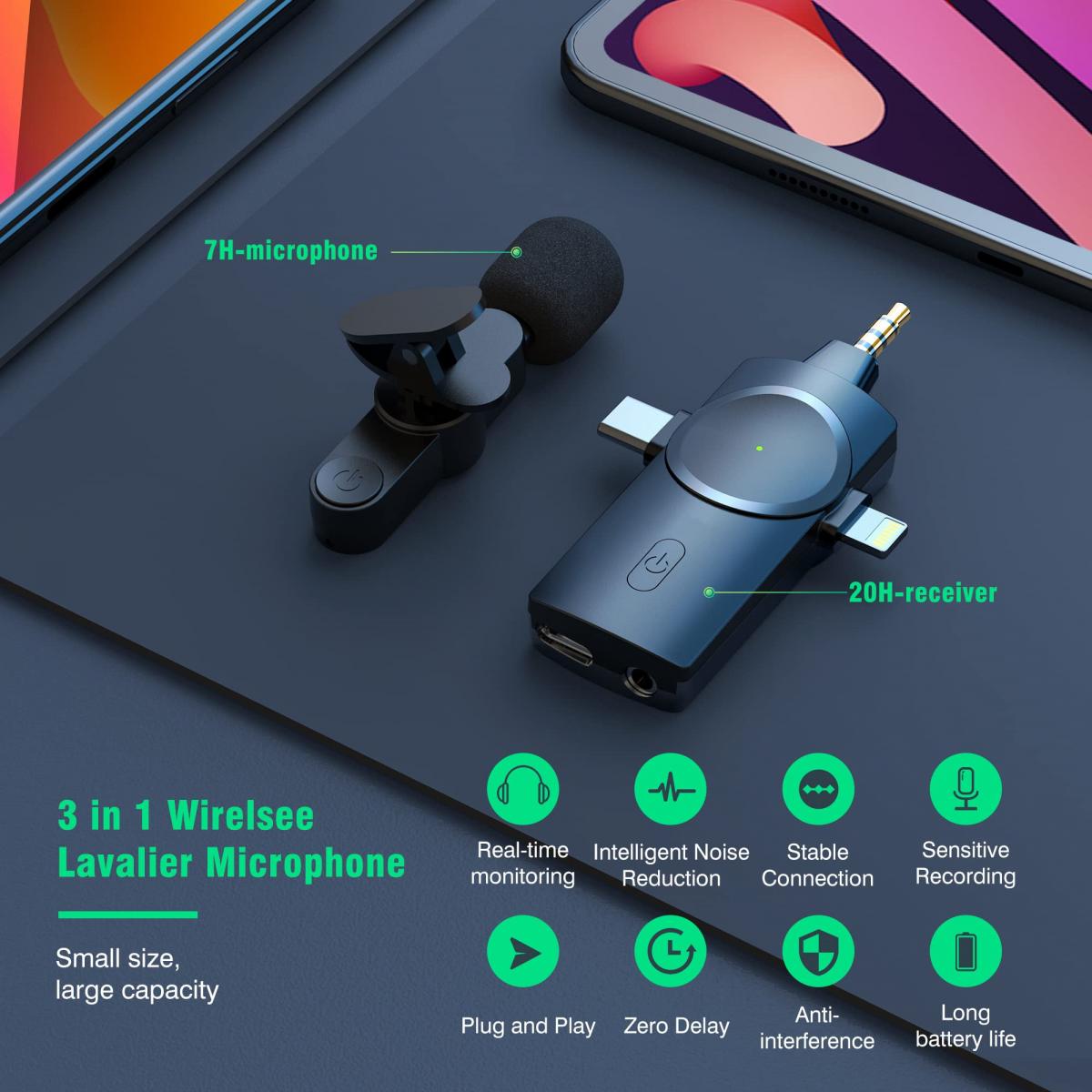

Ways to turn on the microphone and webcam on your HP laptop

Open the microphone:

Step 1: Click the "Start" menu on the bottom left corner of your desktop, and select the "Settings" icon.

Step 2: In the Settings window, select the "System" option.

Step 3: Select "Sound" in the left menu.

Step 4: Under the "Input" section, select your microphone device and make sure the microphone volume is set to the appropriate level. If the microphone is disabled, click on "Device Properties" and enable the microphone.


Turn on your webcam:

Step 1: Click on the "Start" menu at the bottom left corner of your desktop and select the "Settings" icon.

Step 2: In the Settings window, select the "Privacy" option.

Step 3: Select "Camera" in the left menu.

Step 4: Under "Allow apps to use my camera hardware", make sure the camera switch is on. You can also enable or disable camera access for each app individually in the "Select apps that can access your camera" section.


Setting and adjusting microphone and camera permissions

Microphone permission settings:

Step 1: Go to the Settings window and select the Privacy option.

Step 2: Select "Microphone" in the left menu.

Step 3: Make sure the "Allow apps to access my microphone" switch is on. In the "Select apps that can access your microphone" section, you can set permissions for each app individually.


Camera Permission Setting:

Step 1: Follow the steps above to turn on the camera and enter the "Camera" settings.

Step 2: Make sure the "Allow apps to access my camera" switch is on. You can select specific apps from the list below and enable or disable their camera permissions.


Resolve microphone and camera not working issue

Driver updates:

Make sure the drivers for your microphone and camera are up to date. Go to "Device Manager", locate "Audio Input and Output" and "Graphics Devices", right-click on the corresponding device and select "Update driver".

Device Troubleshooting:

Use the Windows built-in troubleshooting tool. Go to Settings > Update and Security > Troubleshooting, select "Recorded Audio" or "Camera". "Camera" and follow the prompts to troubleshoot.

App settings check:

Some apps have separate audio and video settings. Check and make sure that the microphone and camera are enabled in the settings of these apps.


Recommended apps and tools

Zoom:

Zoom is a widely used video conferencing app that supports high quality video and audio calls. Microphone and camera settings can be easily adjusted in the in-app settings.

Skype:

Skype is a classic communication tool that supports video calls and voice calls. It also has easy audio and video setting options.

Microsoft Teams:

Teams is a team collaboration tool from Microsoft that integrates chat, video conferencing, and file sharing, making it ideal for corporate and educational environments.


Frequently Asked Questions and Maintenance Tips

Poor sound quality:

If the microphone sound quality is poor, try adjusting the microphone gain and volume settings. Go to Settings > System > Sound and adjust the gain and volume in the Input section.

Poor video quality:

Video quality problems may be due to an unstable internet connection or poor lighting. Ensure that you use the camera in a well-lit environment and try to use a wired network connection for more stable network performance.

Regular cleaning:

Clean the camera lens and microphone holes regularly to avoid dust and dirt affecting the performance of the device. Wipe gently with a soft cloth and appropriate cleaning solution.

Privacy:

Use the time when the camera and microphone are not needed, you can use the sliding cover or physical switch to protect privacy.


With these detailed steps and recommendations, you should be able to easily turn on and use the microphone and camera on your HP laptop. Whether it's setting up permissions, solving common problems, or choosing the right app, this article will provide you with valuable information and assistance. We hope these instructions will make your audio and video experience smoother and more efficient.


Leave your comment
Cancel reply
Note: HTML is not translated!
Related products
67mm Clip-on CPL Phone Camera Lens Filter Kit Applicable to All Mobile Phone Models
40
$18.99
67mm Clip-on ND2-32 Phone Camera Lens Filter Kit Applicable to All Mobile Phone Models
NEW Arrival
67mm Clip-on ND2-32 Phone Camera Lens Filter Kit Applicable to All Mobile Phone Models
13
$37.99
67mm Clip-on Black Mist 1/4 Phone Camera Lens Filter Kit Applicable to All Mobile Phone Models
7
$29.99
52mm Clip-on CPL Phone Camera Lens Filter Kit, Circular Polarizer Polarizing Filter Applicable to All Mobile Phone Models
24
$19.99
67mm Clip-on CPL&Black Mist 1/4 2-in-1 Phone Camera Lens Filter Kit Applicable to All Mobile Phone Models
3
$29.99
63'' Magnetic Iphone Tripod Phone Selfie Stick Tripod And Clip-On ND Filter(1-9 stops) For All Phone Set
207
$113.99 $59.99
55mm Snap-On Center Pinch Lens Cap 9 in 1 with Anti-Loss Keeper Leash Compatible with Nikon, Canon, Sony, Fujifilm Camera Lenses (Shipped only to the USA)
73
$18.99 $9.99
43mm Snap-On Center Pinch Lens Cap 9 in 1 with Anti-Loss Keeper Leash Compatible with Nikon, Canon, Sony, Fujifilm Camera Lenses(Ships only to the United States.)
$8.99
46mm Snap-On Center Pinch Lens Cap 9 in 1 with Anti-Loss Keeper Leash Compatible with Nikon, Canon, Sony, Fujifilm Camera Lenses(Ships only to the United States.)
$8.99
86mm Snap-On Center Pinch Lens Cap 9 in 1 with Anti-Loss Keeper Leash Compatible with Nikon, Canon, Sony, Fujifilm Camera Lenses (Ships only to the United States.)
$12.99
Products You May Like
62mm Magnetic Metal Lens Cap 2-in-1
41
$41.99 $20.99
0.15 inch/3.9mm Industrial Endoscope,5'' Split Screen Borescope Two- Way Articulated Snake Camera,Inspection Camera with Light for Automotive Home Mechanics-3.3FT
62
$551.99 $339.99
K&F CONCEPT 1302 Waterproof Case
$59.99
12X50 Nitrogen Filled High Power Monocular with Smartphone Holder, BAK4 Prism and Nitrogen Filled Waterproof Monocular for Adults and Children, Bird Watching, Hunting, Camping, Hiking, Travel
21
$114.99 $71.99
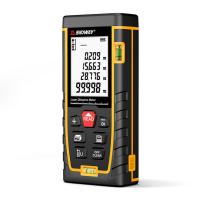
SNDWAY SW-TG70 laser rangefinder 230ft/70M, portable handle digital measuring tool rangefinder supports area measurement volume measurement 30 groups of data storage 2 horizontal bubbles IP54 waterproof
$36.99
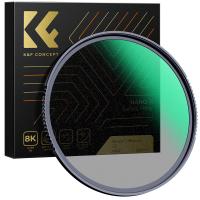
62mm Black Pro-Mist Filter 1/2 Special Effects Filter Ultra-Clear Multi-layer Coated, Waterproof, Scratch-Resistant, Anti-Reflection Nano-Xcel Series
135
$58.99 $46.99
ID115HR PLUS Smart Bracelet Sports Watch Fitness Tracker Heart Rate Monitor - Black  ( One flash sale item per customer )
ID115HR PLUS Smart Bracelet Sports Watch Fitness Tracker Heart Rate Monitor - Black ( One flash sale item per customer )
$0.10
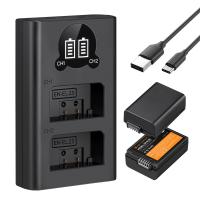
1600mAh EN-EL25 EN-EL25A Battery and Charger Set, 2 Pack for Nikon Z30 Z50 ZFC Camera, Replacement Batteries with LCD Dual Slot Charger
45
$69.99 $62.99
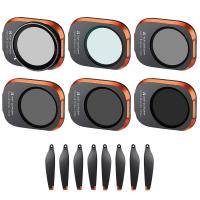
DJI Drone Filter Mini 3 Pro & Mini 3 HD Filter 6pcs Set (UV+CPL+ND8+ND16+ND32+ND64) with 28 Layer Anti-reflection Green Coating, Waterproof and Scratchproof
121
$111.99 $71.99
Portable 3-Axis Mobile Phone Stabilizer for iPhone Android Foldable
84
$71.99
Related articles
How To Turn On Camera And Microphone On Dell Laptop ?
How To Use Earphone Microphone On Laptop?
How To Enable Camera And Microphone On Instagram ?
How To Set Up Lavalier Microphone On Laptop?
How To Allow Access To Camera And Microphone On Android ?
Can You Turn The Microphone Off On Iphone?
How To Turn On Flip Video Camera?
How To Use Video Camera On Laptop?
How To Change Video Camera On Laptop?
Why Is My Camera Screen Flashing?
Blog You May Like
Can A Ring Light Damage Your Eyes?
When To Use Polarized Lens Filter?
Binoculars Which Are Best?
Can You Use A Lavalier Microphone For Music?
Can Drones Fly At Night?
Where Can I Buy Hidden Surveillance Camera?
What In Old Polaroid Camera Flash?
How To Make Your Own Hidden Camera Detector?
What Is The Most Powerful Microscope?
How To Find A Camera In Your Home?
Related categories
On-Dash Camera streaming video camera camera and lens cleaning kit C mount lens adapter lens adapters m4/3 adapter
Popular products
high quality condenser microphone wireless microphone transmitter receiver light with power bank Polarize Filter For Mobile Phone clip on phone camera lens travel tripod for iphone protective lens cap dslr nd filter for dji osmo action wireless headphones and tv bluetooth headphones to tv
Related searches
Clip On Lavalier Microphone Microphone On Iphone 11 Bluetooth Clip On Microphone On Camera Flashes Microphone For Laptop And Phone Bluetooth Clip On Wireless Microphone Microphone On Ipad Pro 11 Microphone For Karaoke On Computer On Ear Headset With Microphone Microphone On Iphone 12 Pro
Popular searches
Metal Detector Depth Range Old Canon Lens Mounts 40.5 Mm Solar Filter Canon 70d Lens Mount Type 49mm To 77mm Step Up Ring Mamiya Rb67 Lens Mount Kodak Retina Lens Adapter Voice And Video Recorder Device Metal Detector For Gold Jewelry Stealth Cam Trail Cameras
Blog Category
  • Activities
  • Guide
    • Filter Guide
    • Lens Adapter
    • Product Review
  • News & Reviews
    • Camera Reviews
    • Sample Gallery
    • News
  • Tutorials
    • Solar eclipse photography
    • Photography Basics
    • Landscape Photography
  • Inspiration
    • Travel
    • Travel Stories
Search Article
Latest from the Blog
How To Take Great Photos With Digital Camera?
Where Can I Find Hidden Cameras?
How To Make A Camera Flash After Effects?
How Do Metal Detectors Work? A Complete Guide for Beginners and Pros
Neutral Density Filter: The Ultimate Guide for Photographers and Videographers
how to clean microfiber cloth?
Which Ring Camera Is Wireless?
Which Night Vision Monocular Is Best?
What Is The Best Wireless Outdoor Security Camera?
What Are The Uses Of A Compound Microscope?
  • Easy Payment Multilple Payment Options

  • Free Shipping Global WareHouse Shipment

  • No Risk 30-Day No Reason Return

  • Limited Deals Buy More, Save More

  • Tax Free No any surcharges or tax fee

Information
  • About us
  • Contact Us
  • Site Map
  • Blog
  • Video
  • Gallery
  • VIP Membership Rewards
Service
  • Privacy Policy
  • Terms & Conditions
  • Shipping & Delivery
  • Payment Info
  • Warranty, Return & Refund
  • Intellectual Property Rights
  • Ambassador
  • Affiliates
  • Wholesale
Support
  • My account
  • Order History
  • FAQs
  • Extend Warranty
  • Logistics Tracking
Follow us
NewsLetter

Get the latest product, K&F Concept respects your privacy.

Powered By KENTFAITH © 2026