kfconcept

KENTFAITH
K&F Concept    Blog >

Enjoy Your Selected Digital Life

Recently Viewed
  • Recently Viewed
  • 39mm Circular Polarizing Filter Ultra-Thin Trapezoidal Frame  Blue-Coated Film with a Piece of Vacuum Cleaning Cloth CPL Filter Nano-Klear Series
    39mm Circular Polarizing Filter Ultra-Thin Trapezoidal Frame Blue-Coated Film with a Piece of Vacuum Cleaning Cloth CPL Filter Nano-Klear Series
    $19.99 $15.99
    SNDWAY SW-1000B 1000m Golf Rangefinder with LCD Touch Screen, Height / Speed / Area Measurement, Color Screen Touch, Automatic Data Storage
    SNDWAY SW-1000B 1000m Golf Rangefinder with LCD Touch Screen, Height / Speed / Area Measurement, Color Screen Touch, Automatic Data Storage
    $473.99 $204.99
Compare (0) 0
  • Compare
  • You have not chosen any products to compare.

  • Compare
Currency: USD
  • Currency
Shop by Scene Shop by Rank

Log Into Your Account

Account

Order History

Wish List

Login

Forgotten Password?

Or connect with

Register Account

Already have an Account?Log In

  • Shopping Cart
  • Your shopping cart is empty!

  • Register/Login to purchase, earn points
  • Favorite
  • Your wish list is empty.

  • Register/Login to like, earn points
  • Activities
  • Guide
    • Filter Guide
    • Lens Adapter
    • Product Review
  • News & Reviews
    • Camera Reviews
    • Sample Gallery
    • News
  • Tutorials
    • Solar eclipse photography
    • Photography Basics
    • Landscape Photography
  • Inspiration
    • Travel
    • Travel Stories
  • Home
  • Blog
  • How To Set Up Mini Wifi Camera?

How To Set Up Mini Wifi Camera?

Kentfaith 2025-08-06 03:07:46 0 Comments

Setting up a mini WiFi camera can seem daunting at first, especially if you’re not particularly tech-savvy. However, with the right guidance, the process is straightforward and can be completed in just a few steps. Mini WiFi cameras are compact, versatile, and ideal for home security, monitoring pets, or even keeping an eye on your office space. In this article, we’ll walk you through the step-by-step process of setting up your mini WiFi camera, troubleshooting common issues, and optimizing its performance for the best results.

Step 1: Unbox and Familiarize Yourself with the Camera
how to set up mini wifi camera 1

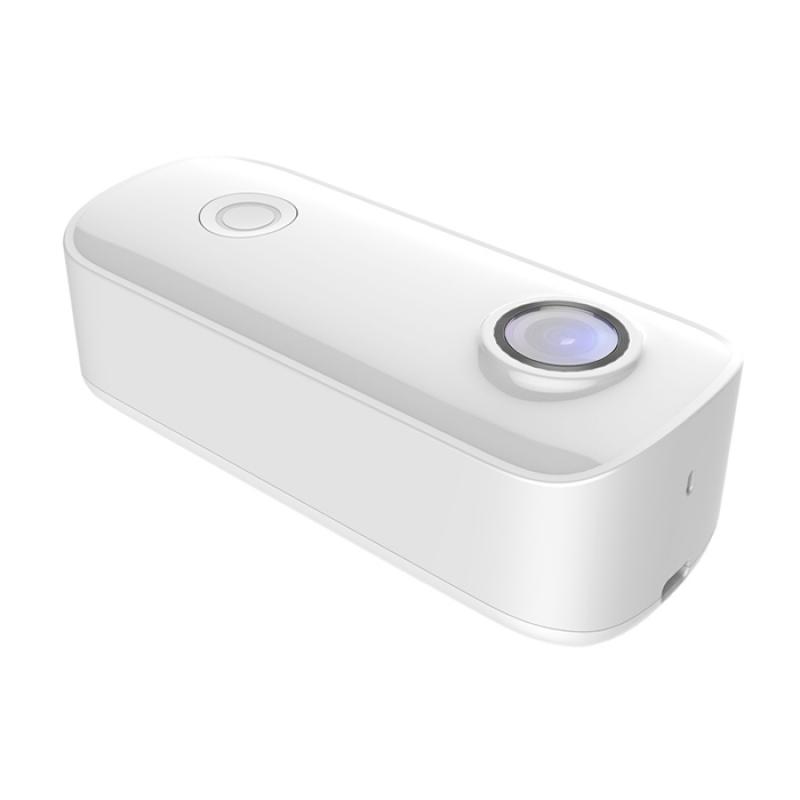
Before diving into the setup process, take a moment to unbox your mini WiFi camera and review its components. Most mini WiFi cameras come with the following:

- The camera itself

- A power adapter or USB cable

- A mounting bracket or adhesive

- A user manual

- A QR code for app setup (if applicable)

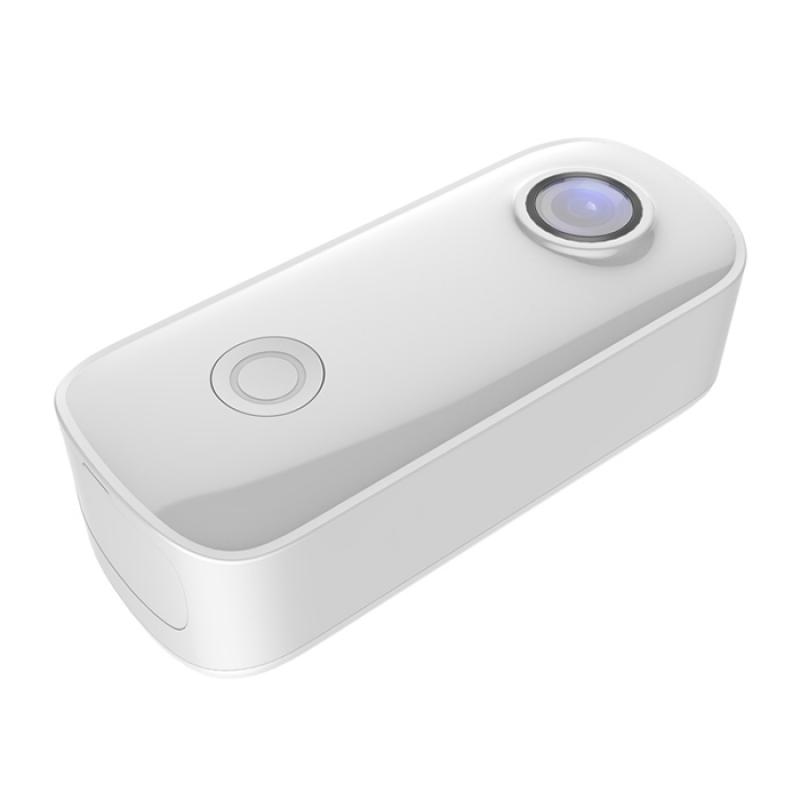
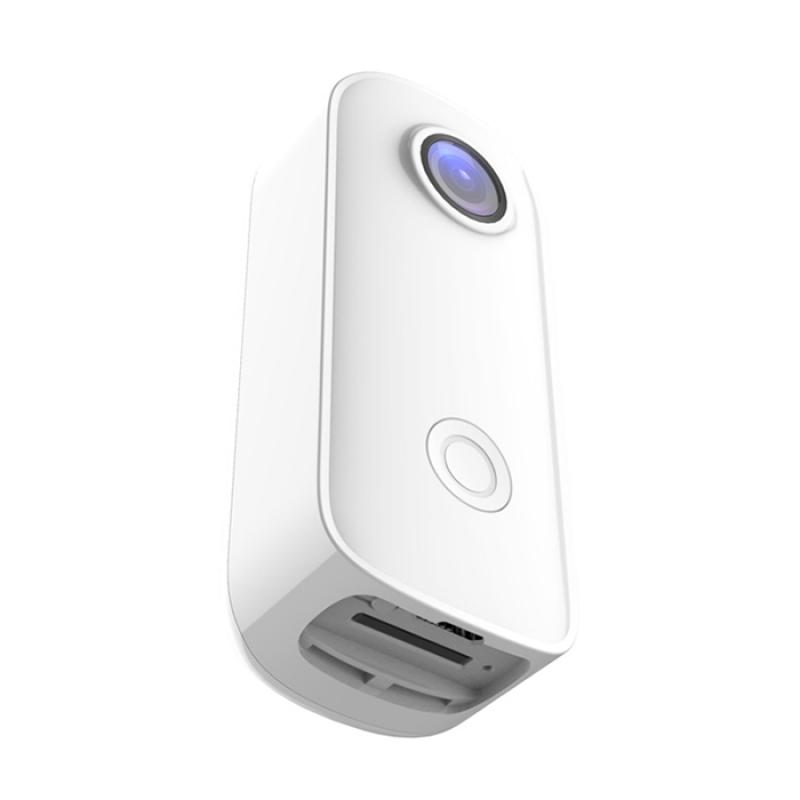
Inspect the camera for any physical damage and ensure all components are included. Familiarize yourself with the camera’s buttons, ports, and indicators, such as the power button, reset button, and status light.

Step 2: Download the Camera’s Companion App
how to set up mini wifi camera 2

Most mini WiFi cameras require a companion app for setup and operation. The app is typically available for both iOS and Android devices. Check the user manual or the packaging for the name of the app, or scan the QR code provided to download it directly.

Once downloaded, install the app on your smartphone or tablet. Open the app and create an account if prompted. Some apps may also allow you to log in using an existing account, such as Google or Facebook.

Step 3: Power On the Camera
how to set up mini wifi camera 3

Connect your mini WiFi camera to a power source using the provided adapter or USB cable. Once powered on, the camera’s status light should indicate that it’s ready for setup. This is usually signaled by a blinking light, but refer to the user manual for specific details about your model.

If the camera doesn’t power on or the status light doesn’t behave as expected, try a different power outlet or cable. If the issue persists, consult the troubleshooting section of the user manual.

Step 4: Connect the Camera to WiFi
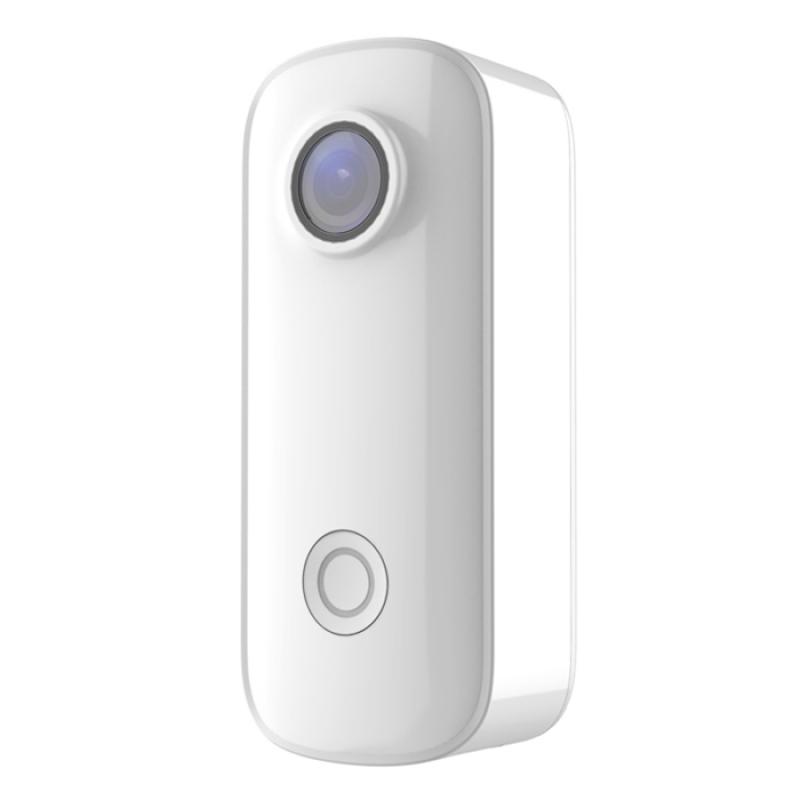
how to set up mini wifi camera 4

Open the companion app and follow the on-screen instructions to connect the camera to your WiFi network. This process typically involves the following steps:

1. Select the Camera Model: The app may ask you to select your camera model from a list.

2. Scan the QR Code: Some cameras require you to scan a QR code on the device or in the app to pair it with your account.

3. Enter WiFi Credentials: You’ll need to enter your WiFi network name (SSID) and password. Ensure you’re connecting to a 2.4 GHz network, as many mini WiFi cameras do not support 5 GHz networks.

4. Wait for Connection: The camera will attempt to connect to your WiFi network. This may take a few minutes. Once connected, the app will notify you, and the camera’s status light will change to a steady color.

If the camera fails to connect, double-check your WiFi credentials and ensure your smartphone is connected to the same network. You may also need to reset the camera and try again.

Step 5: Adjust Camera Settings

Once the camera is connected to your WiFi network, you can customize its settings through the app. Common settings include:

- Resolution: Adjust the video quality to balance clarity and bandwidth usage.

- Motion Detection: Enable or disable motion detection and set sensitivity levels.

- Notifications: Configure push notifications to alert you of activity.

- Storage Options: Choose between local storage (via an SD card) or cloud storage, if available.

Take some time to explore the app and familiarize yourself with its features. This will help you make the most of your mini WiFi camera.

Step 6: Position and Mount the Camera

Decide where you want to place your mini WiFi camera. Consider the following factors:

- Field of View: Ensure the camera covers the area you want to monitor.

- Power Source: The camera should be within reach of a power outlet unless it’s battery-operated.

- WiFi Signal Strength: Test the WiFi signal strength at the desired location to ensure a stable connection.

Use the provided mounting bracket or adhesive to secure the camera in place. If the camera is freestanding, place it on a stable surface. Adjust the angle and orientation as needed.

Step 7: Test the Camera

After positioning the camera, test its functionality to ensure everything is working as expected. Open the app and view the live feed. Check for the following:

- Clear video quality

- Smooth streaming without lag

- Proper motion detection and notifications

- Accurate time and date settings

If you encounter any issues, refer to the troubleshooting section of the user manual or the app’s help center.

Troubleshooting Common Issues

Even with careful setup, you may encounter some challenges. Here are solutions to common problems:

- Camera Not Connecting to WiFi: Ensure you’re using a 2.4 GHz network and that your WiFi password is correct. Reset the camera and try again.

- Poor Video Quality: Check your internet speed and reduce the resolution in the app if necessary.

- Delayed Notifications: Ensure the app has permission to send notifications and that your phone’s battery optimization settings aren’t restricting the app.

- Camera Offline: Verify that the camera is powered on and within range of your WiFi network. Restart your router if needed.

Tips for Optimizing Your Mini WiFi Camera

To get the most out of your mini WiFi camera, consider the following tips:

1. Regularly Update the Firmware: Check the app for firmware updates to ensure your camera has the latest features and security patches.

2. Secure Your Network: Use a strong WiFi password and enable encryption to protect your camera from unauthorized access.

3. Use Cloud Storage: If available, cloud storage provides a secure way to store footage and access it remotely.

4. Clean the Lens: Dust and smudges can affect video quality. Clean the lens periodically with a microfiber cloth.

5. Monitor Power Supply: If your camera is battery-operated, keep an eye on the battery level and recharge it as needed.

Setting up a mini WiFi camera is a simple process that involves downloading the companion app, connecting the camera to your WiFi network, and customizing its settings. By following the steps outlined in this guide, you can have your camera up and running in no time. Remember to troubleshoot any issues that arise and optimize your camera’s performance for the best results.

Whether you’re using your mini WiFi camera for home security, pet monitoring, or other purposes, it’s a valuable tool that provides peace of mind and convenience. With proper setup and maintenance, your camera will serve you well for years to come.
Leave your comment
Cancel reply
Note: HTML is not translated!
Related products
11 in 1 Step Up Ring Set
56
$37.99 $19.99
18 Pieces Filter Ring Adapter Set, Camera Lens Filter Metal Stepping Rings Kit (Includes 9pcs Step Up Ring Set + 9pcs Step Down Ring Set)
2
$43.99 $22.99
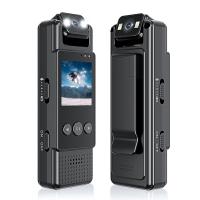
Mini WiFi Body Camera 1080P with Audio, 180° Rotatable Lens, 2 LED Fill Lights, Smart Motion Detection
13
$82.49 $57.99
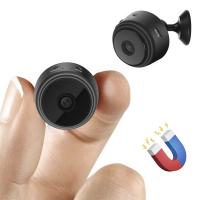
Mini WiFi Camera, A9 1080P HD Wireless Home Security Camera, Small Indoor and Outdoor Video Recorder with Mobile Monitoring and Night Vision
177
$24.99
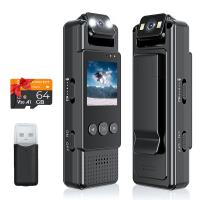
Mini WiFi Body Camera 1080P with Audio, 180° Rotatable Lens, 2 LED Fill Lights & Smart Motion Detection & 64G Memory Card
13
$74.99 $62.99
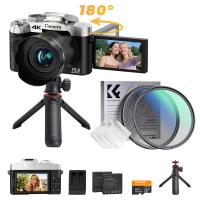
75MP 4K Digital Camera for Photography, 12X Optical Zoom, 180° Flip Screen, 52mm Black Mist 1/4 + CPL Filter Set, Camera Tripod, WiFi Vlogging Camera for Video, YouTube, Kentfaith
$337.49 $269.99
AI Voice Recorder Voice-to-Text & Transcription for Meetings, Calls, Interviews, 64G Kentfaith Mini & Magnetic
26
$119.99 $69.99
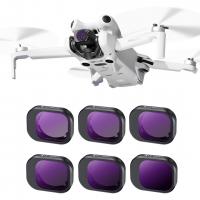
DJI Mini 4 Pro ND Filter 6pcs Set (ND4 + ND8 + ND16 + ND32 + ND64 + ND1000) Multi-Coated Neutral Density Optical Glass Filters
77
$32.99
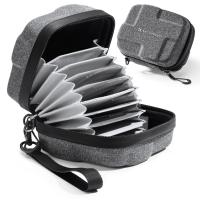
 10 Pockets Hard Shell Lens Filter Bag Up to 95mm, Waterproof, Durable, Portable, Camera Filter Pouch Carrying Case for Travel and Photography, Size L
10 Pockets Hard Shell Lens Filter Bag Up to 95mm, Waterproof, Durable, Portable, Camera Filter Pouch Carrying Case for Travel and Photography, Size L
73
$28.99 $22.99
 10 Pockets Hard Shell Lens Filter Bag Up to 82mm, Waterproof, Durable, Portable, Camera Filter Pouch Carrying Case for Travel and Photography, Size S
10 Pockets Hard Shell Lens Filter Bag Up to 82mm, Waterproof, Durable, Portable, Camera Filter Pouch Carrying Case for Travel and Photography, Size S
73
$24.99 $19.99
Products You May Like
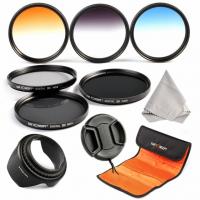
52mm Filter Set (ND2, ND4, ND8, Graduated Blue, Orange, Grey)
36
$41.99 $20.99
Wireless Lavalier Microphone for iPhone & Android 48kHz 24bit HiFi Audio Noise Cancelling
16
$134.99 $94.99
Square Filter Holder System Pro Kit (Filter Holder + 95mm Circular Polarizer + Square GND8 Filter + ND1000 (10 Stop) + 4 Filter Adapter Rings Nano-Xcel Pro
48
$493.99 $259.99
T2 Mount Lenses to Fuji X Mount Camera Adapter
$49.99 $25.99
49mm MCUV Filter Ultra-Thin Trapezoid Patterned Frame Coating with a Vacuum Cleaning Cloth Nano-Klear Series
145
$12.99 $9.89
XL29 58mm ND8 (3 Stop) Neutral Density Filter + CPL Circular Polarising Filter 2 in 1 for Camera Lens, Ultra Clear Super Slim Waterproof
$53.99 $35.99
62-77mm Brass Filter Adapter Ring, Step-Up Ring Compatible with All 62mm Camera Lens & 77mm Filters
32
$23.99
K&F Concept Lens Filter Pouch 2 Pack, Lens Filter Case 3 Pocket Professional Photography Filter Holder Belt Bag Pouch Water-Resistant and Dustproof for Filter Up to 82mm
31
$26.99 $24.99
55mm Black Mist 1/4 + CPL Filter Set, Dreamy Cinematic Effect Mist CPL Polarising Filter 18 Multi-Layer Coatings Nano-Klear Series
37
$41.99 $32.99
KM-C1200H 6x Golf Rangefinder with Touch Screen, High Precision 1200m Rechargeable Laser Hunting Rangefinder for Golf, Hunting
$322.79 $143.99
Related articles
How To Set Up V380 Wifi Camera On Android Phone ?
How To Set Up Action Camera?
How To Set Up Earbuds?
How To Set Up Wireless Surveillance Camera?
How To Set Up Garden Camera Wildlife?
How To Set Up Surveillance Camera Online?
How To Set Up Home Security Camera?
Trail Camera How Set Up New?
How To Set Up A Telescope?
What Size Camera Filter To Get?
Blog You May Like
What Is A Macro Camera Lens Used For?
What Size Lens Filter For Sony A6000?
Can I Sleep With Earbuds?
Can I Watch Solar Eclipse With Mobile Camera?
How Safe Are Underwater Camera Bags?
What Is Filter Thread In Lens?
Camera Flashes Red When Taking Pictures?
What Mount Does The Nikon D3200?
Do Smart Watches Work Without A Phone ?
Which Way To Put Camera In Bag?
Related categories
step up lens filter adapter rings Outdoor Security Camera Wifi mini camera tripod camera lens adapter C mount lens adapter camera filter kit Wifi Trail Cameras Baby Movement Monitor
Popular products
20 camera tripod cell phone camera stand tripod Camera Lens Filter Step Down Ring Adapter step down lens adapter rings lens step up adapter k&f concept 58mm lens filter kit step up lens adapter set lens adapter for digital camera camera lens filter sets dji mavic mini nd filter
Related searches
Wifi Security Camera Set Easy Set Up Outdoor Security Camera 1080p Magnetic Wifi Mini Camera Mini Wifi Camera With Audio Mini Wifi Camera 1080p Hd Instax Mini Lens Filter Set Dji Mini 3 Filter Set Mini 2 Nd Filter Set Smart Wifi Mini Projector Mini Spy Camera No Wifi Needed
Popular searches
Commlite Cm-ef-e Hs Lens Adapter Ricoh To Canon Lens Adapter Best Cheap Trail Cameras Outdoor Wildlife Camera Canon Rebel T3 Lens Mount Car Battery Charging Solar Panel Replacement Camera Battery Charger Yashica To Canon Adapter Camera 360 With Selfie Stick Canon Xsi Lens Mount
Blog Category
  • Activities
  • Guide
    • Filter Guide
    • Lens Adapter
    • Product Review
  • News & Reviews
    • Camera Reviews
    • Sample Gallery
    • News
  • Tutorials
    • Solar eclipse photography
    • Photography Basics
    • Landscape Photography
  • Inspiration
    • Travel
    • Travel Stories
Search Article
Latest from the Blog
Can You Zoom In With Binoculars?
How Do Metal Detectors Work? A Complete Guide for Beginners and Pros
UV Filter: Everything You Need to Know About UV Protection Lens Filters
Can I Charge Camera Battery With Power Bank?
Kentfaith x ANACONDA: Capturing the Wild, Frame by Frame
Which Camera Is Best For Low Light Photography?
Is the Sony A7M5 worth buying?
What is A Variable ND Filter? The Complete Guide to Mastering Exposure Control
How Big A Memory Card For Camera?
What Is Nd Filter On Video Camera?
  • Easy Payment Multilple Payment Options

  • Free Shipping Global WareHouse Shipment

  • No Risk 30-Day No Reason Return

  • Limited Deals Buy More, Save More

  • Tax Free No any surcharges or tax fee

Information
  • About us
  • Contact Us
  • Site Map
  • Blog
  • Video
  • Gallery
  • VIP Membership Rewards
Service
  • Privacy Policy
  • Terms & Conditions
  • Shipping & Delivery
  • Payment Info
  • Warranty, Return & Refund
  • Intellectual Property Rights
  • Ambassador
  • Affiliates
  • Wholesale
Support
  • My account
  • Order History
  • FAQs
  • Extend Warranty
  • Logistics Tracking
Follow us
NewsLetter

Get the latest product, K&F Concept respects your privacy.

Powered By KENTFAITH © 2025