How To Put More Bass In Your Headphones?
Most headphones can give you more bass, but the “right” fix depends on what’s missing. Sometimes the headphones really are bass-light. Sometimes the seal is poor. Sometimes the music app is flattening everything. And sometimes the bass is already there, but the volume is too low or the ear tips are wrong.
Before buying anything new, work through the simple stuff first. A surprising amount of weak bass comes from fit, settings, and source issues rather than the headphones themselves.
Start with the fit, especially if you use earbuds
If you use in-ear headphones or true wireless earbuds, bass depends heavily on the seal. If the ear tip doesn’t seal your ear canal properly, low frequencies leak out and the sound becomes thin, sharp, and weak. This is one of the most common reasons people think their earbuds have “no bass.”
Try this quick test: play a bass-heavy track, then gently press the earbuds slightly deeper into your ears without hurting yourself. If the bass suddenly becomes stronger, the problem is the fit.
A few practical fixes:
- Try a larger ear tip size.
- Try a smaller size if the larger one won’t sit deeply enough.
- Use foam tips if silicone tips keep slipping.
- Make sure left and right tips are the same size unless your ears need different sizes.
- Clean ear tips and nozzles, since wax buildup can dull the sound.
Foam tips often improve bass because they expand inside the ear and create a better seal. The trade-off is that they wear out faster and can slightly soften treble. For commuting, gym use, and casual listening, they’re often worth it.
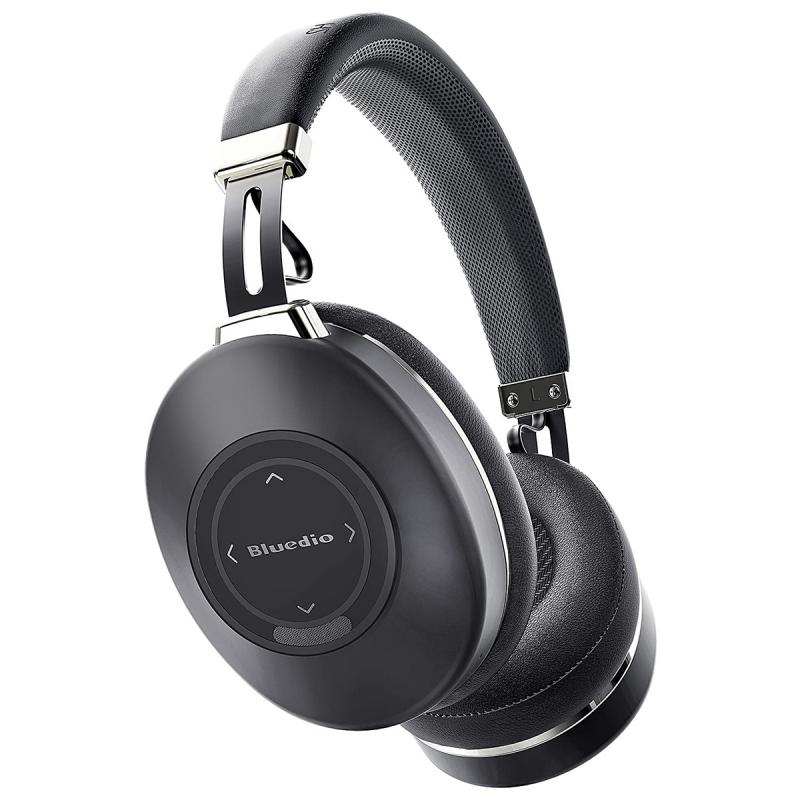
For over-ear headphones, fit still matters. Glasses, thick hair, hats, and loose ear pads can break the seal around your ears. Closed-back headphones usually lose bass quickly when the pads don’t sit properly. If your headphones are older, worn pads may be the culprit. Flattened pads change the distance between your ear and the driver and can reduce bass impact.
Check your app’s sound settings

Many people adjust bass in the wrong place. If you use Spotify, Apple Music, YouTube Music, Poweramp, VLC, or a phone manufacturer’s audio settings, there may be more than one equalizer affecting the sound.
Look for settings such as:
- Equalizer
- Bass boost
- Sound effects
- Dolby Atmos
- Adaptive sound
- Headphone sound personalization
- Loudness normalization
- Volume leveling
If your music app has an equalizer, start there. Don’t immediately push every low-frequency slider to the top. That usually creates bloated, distorted bass and makes vocals muddy.
A better starting point is a gentle bass shelf:
- Raise 60 Hz slightly for deeper rumble.
- Raise 100 Hz to 150 Hz for punch and warmth.
- Avoid boosting 250 Hz too much, because that area can make music sound cloudy.
If your EQ has simple sliders, try increasing the lowest two or three bands by a small amount first. A boost of 2 to 4 dB is often enough. If you jump straight to 8 or 10 dB, you may get distortion, especially on small earbuds.
If your equalizer has a preamp or gain control, lower it a little when boosting bass. Bass takes more power than mids and highs, so boosting it can cause clipping. If the sound starts crackling, pumping, or losing clarity, reduce the bass boost or lower the preamp.
Use the right preset, but don’t trust presets blindly
Many apps include presets like “Bass Booster,” “Hip-Hop,” “Electronic,” or “Rock.” These can help, but they’re often too aggressive. Some presets boost both bass and treble, which can make music exciting for five minutes and tiring after an hour.
Try the bass preset, then compare it with your own small adjustment. In many cases, a custom EQ with a modest low-end lift sounds better than a dramatic preset.
If your headphones already have heavy bass, a bass preset may make them worse. You’ll hear more boom, but less detail. Kick drums may lose their punch, and bass guitars can turn into a low blur. More bass is not always better bass.
Turn off settings that reduce impact
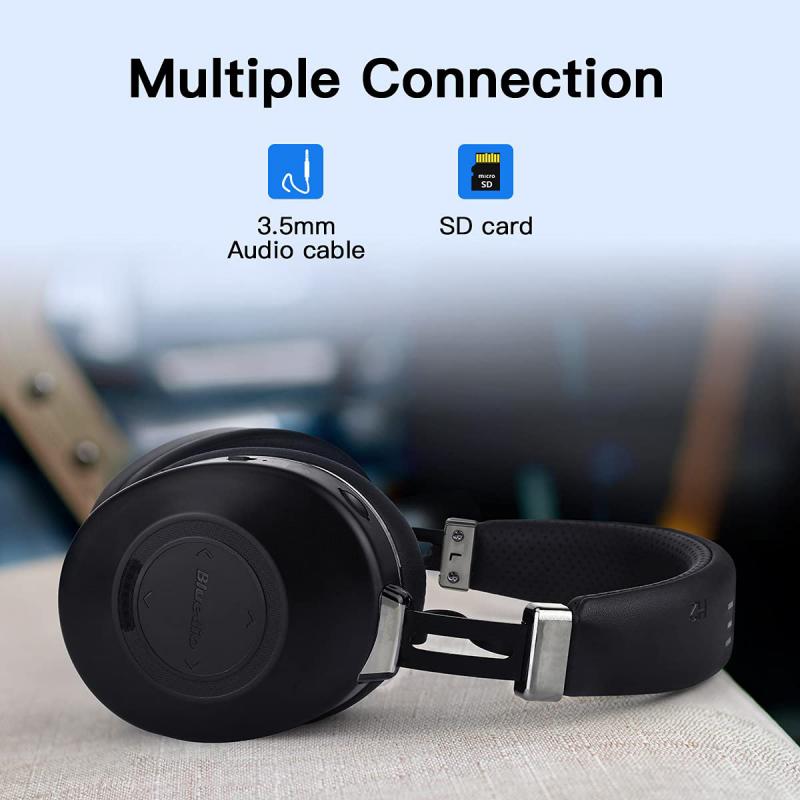
Some sound settings make music more even, but they can reduce the feeling of bass.
Volume normalization is one example. It keeps songs at similar loudness, which is useful for playlists, but it can also make tracks feel less dynamic. If your music sounds flat, try turning normalization off or changing it from “quiet” or “normal” to a louder setting.
Noise cancellation can also affect bass depending on the headphones. On some models, active noise cancellation makes bass stronger. On others, it changes the pressure and low-end response in a way that feels less natural. Try switching between noise cancellation, transparency mode, and normal mode while playing the same track.
Bluetooth codec settings can matter too, though not as much as people claim. A poor Bluetooth connection can make audio sound dull or unstable, but it usually doesn’t remove bass completely. Still, if your headphones support a companion app, check whether there are sound quality settings available.
Use your headphone’s companion app
Many wireless headphones and earbuds have their own app. Sony, Bose, JBL, Sennheiser, Beats, Soundcore, Samsung, and many others include EQ controls or bass adjustment.
The companion app is often better than a generic phone EQ because it adjusts the headphone’s internal tuning. That means your settings may stay active across different apps and devices.
Look for features like:
- Custom EQ
- Bass slider
- Sound personalization
- Hearing test calibration
- ANC strength
- Firmware updates
Firmware updates are worth checking. Manufacturers sometimes adjust sound tuning after release. I wouldn’t expect a miracle, but I’ve seen updates fix strange imbalance, weak ANC behavior, or overly sharp sound.
Be careful with “3D audio,” “spatial audio,” or surround modes if your goal is stronger bass. Some of these modes widen the soundstage but thin out the center image and reduce punch. They can be fun for movies, but for music they don’t always help.
Pick better bass test tracks
Judging bass from one random song can mislead you. Some songs simply aren’t mixed with much low-end energy. Others have bass that is more felt than heard, which small earbuds may struggle with.
Use a few familiar tracks with different types of bass:
- A track with deep sub-bass for rumble.
- A rock or pop track with kick drum punch.
- A song with bass guitar so you can hear texture.
- A vocal-heavy song to make sure bass isn’t muddying voices.
If the bass boost makes one song exciting but ruins every other track, back it down. Good bass should add weight without swallowing the rest of the music.
Make sure your volume isn’t the real issue
Bass often feels weaker at low volume. Human hearing is less sensitive to low frequencies when listening quietly, so music can sound thin even if the headphones are capable.
Some devices have a “loudness” feature that compensates for this by boosting bass and treble at lower volumes. If available, it can help for quiet listening. Just don’t combine loudness, bass boost, and a heavy EQ all at once unless you like distortion.
Also check your device’s volume limits. Phones sometimes have safe listening limits enabled. If your headphones sound underpowered and flat, especially wired ones, the device may not be driving them well.
For wired headphones, consider the source
Wired headphones vary a lot in how easy they are to drive. Some sound fine from a phone dongle. Others need more power to deliver proper bass control and volume.
If you’re using high-impedance or low-sensitivity headphones from a weak laptop jack or cheap adapter, bass may sound soft and lifeless. A small USB DAC/amp can help, not because it magically adds bass, but because it gives the headphones enough clean power.
This mostly applies to larger wired headphones. Most basic earbuds and portable headphones don’t need a dedicated amp. If your headphones already get very loud without distortion, an amp probably won’t add much bass.
Don’t ignore physical condition
Headphones age. Ear pads flatten, headbands loosen, mesh screens clog, and drivers can be damaged by moisture or excessive volume.
For over-ear headphones, replacing old pads can restore bass dramatically. Use pads designed for your exact model if possible. Random replacement pads may fit physically but change the sound. Thicker pads can reduce upper mids or alter bass. Leather or protein leather pads usually seal better than velour, which can mean stronger bass, but they may feel warmer during long sessions.
For earbuds, remove the tips and inspect the nozzle. If there’s wax or debris blocking the mesh, clean it carefully. Don’t push dirt deeper into the nozzle. A soft brush or cleaning putty made for earbuds is safer than stabbing at it with a pin.
If you still want more bass, choose headphones tuned for it
Some headphones are simply not built for heavy bass. Open-back headphones, studio reference models, and certain audiophile earbuds may prioritize clarity over low-end weight. You can EQ them a bit, but they may never hit like bass-focused headphones.
If strong bass is a priority, look for closed-back headphones or earbuds known for a warm or V-shaped sound. Larger drivers don’t automatically mean better bass, but a closed design with a good seal usually helps. For wireless models, an adjustable EQ in the app is a big advantage.
Try not to judge bass only by quantity. Good bass has depth, punch, and control. Bad bass is just loud low-end that covers everything else. If you listen to hip-hop, EDM, pop, metal, or movie soundtracks, you’ll probably enjoy extra bass. If you listen to acoustic music, podcasts, or vocal-heavy tracks, too much bass can get annoying quickly.
A simple setup that usually works
For most people, the best path is:
- Fix the fit or seal first.
- Clean the ear tips, nozzles, or pads.
- Use the headphone’s official app if it has one.
- Add a small EQ boost around the low frequencies.
- Lower preamp or volume if distortion appears.
- Avoid stacking multiple bass effects at the same time.
The biggest mistake is trying to force bass with extreme EQ before checking fit. Especially with earbuds, a proper seal can make a bigger difference than any software setting.
If your headphones are decent and working properly, you should be able to add some extra bass without ruining the sound. Aim for fuller and more satisfying, not just louder and boomier. That’s where headphones start to feel better without becoming tiring after a few songs.