How To Make Headphones More Noise Cancelling?
Noise Blocking vs. Noise Cancelling
Also known as passive noise reduction or noise isolation
A term like noise blocking sounds like a high-tech solution, but it’s actually very low tech. It can be as simple as plugging your ears with your fingers, creating a physical barrier against the noise.
This technique, called passive noise reduction, relies on physical obstruction rather than electronic components. Essentially, anything that covers your ears can act as a passive noise blocker, requiring no built-in technology, microphone, or power source.
- While it may be low-tech, noise blocking plays a crucial role in headphone design.
- When executed effectively, it serves as the first line of defense against unwanted sounds.
- Achieving a tight seal on an earcup or a snug fit with an earbud can significantly enhance performance.
- While noise blocking is effective, it needs to work in tandem with a technology, like active noise cancellation, in order to lead you to a more sophisticated solution.
- Works best for casual listening, taking a stroll, or making conversation.
How Noise Cancelling Works
Also known as active noise cancelling or active noise reduction
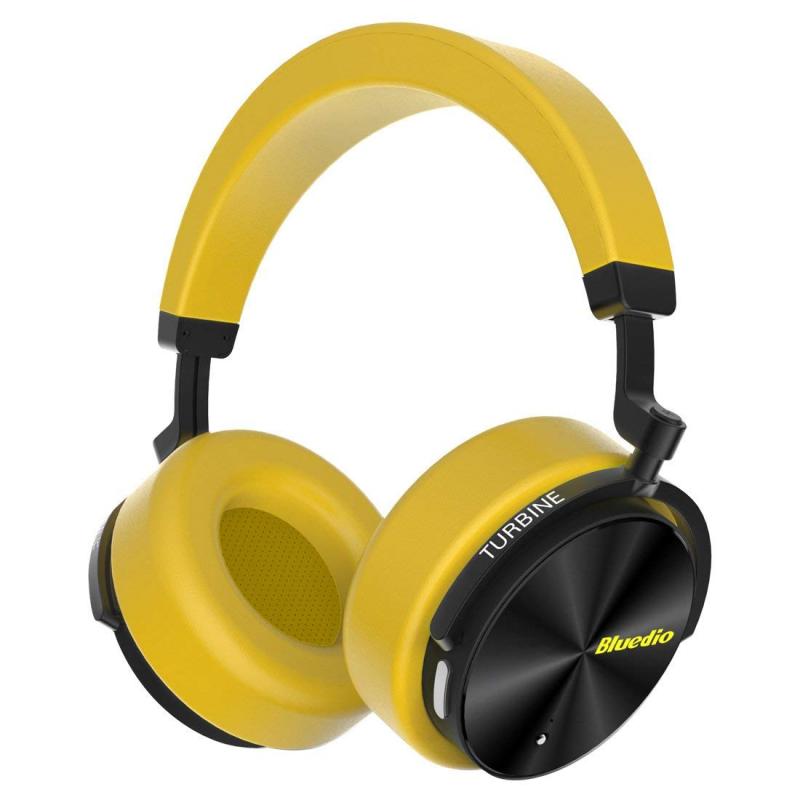
Noise cancelling, a term you’ve likely come across, is a technology that might be exactly what you’re after. It’s different from noise blocking and passive reduction because it involves active technology.
Noise cancelling headphones operate with powered technology, meaning they require energy, typically from a rechargeable battery, to function. But even without power, you still benefit from the physical noise blocking simply by wearing the headphones. Once you power them on, that’s when the active technology comes into play.
- How does noise cancelling work?
- Noise cancelling headphones monitor the sound around you, preventing the unwanted noise from ever reaching your ears based on battery power, signal processing, and various noise-blocking techniques.
- But ultimately, miniature microphones in the earcups or earbuds listen to the outside noise frequencies and emit the exact opposite signal to effectively “cancel out” both sets of sounds when the soundwaves collide.
- Where noise blocking is a physical barrier to keep out sound, noise cancelling happens silently in the background, creating an audio “barrier.”
The term “anti-noise” can be a bit misleading.
What is actually happening is that a tiny microphone is recording the noise coming into your ear.
The earphone then plays this noise too, but with inverted polarity (every plus becomes a minus and every minus becomes a plus).
The earphone is now playing the exact opposite of the noise that arrives at your ear, which means that the sound coming out of the earphone will cancel out with the sound from the outside noise.
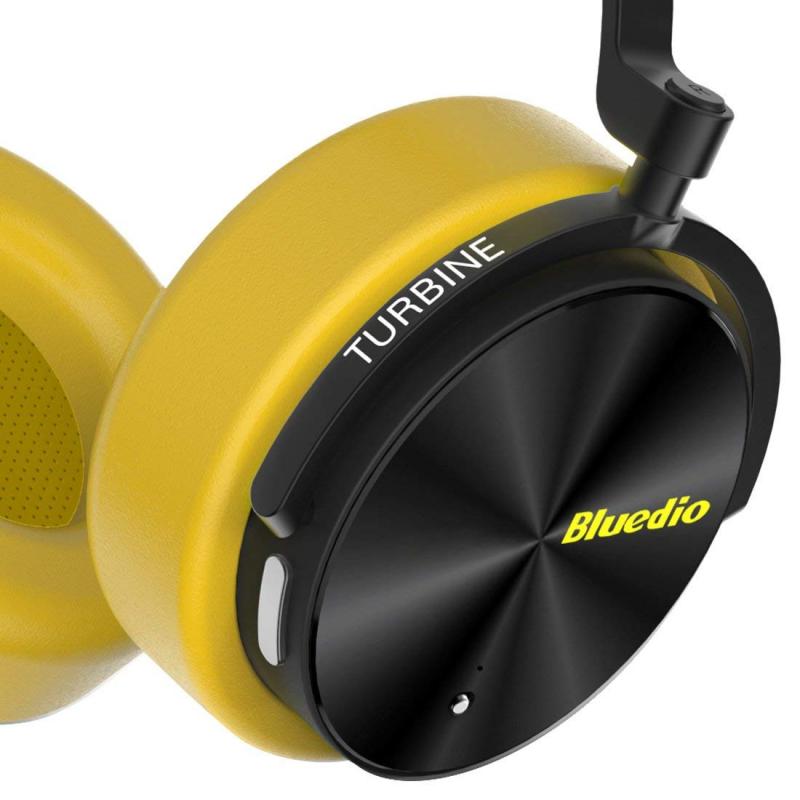
Microphones and Real-Time Processing
You can also think of it as the earphone “sucking up” the noise sounds.
For this to work you need a microphone close to your ear (because you need to record the noise at the position where your ear is), and you need electronics that can invert the polarity (and do a bunch of other calculations) in real-time (or at least very fast), because if you play the sound only a few milliseconds to late, then it won’t cancel out anymore.
- Active noise cancelling works (and i’m simplifying) by taking sound from the headphone exterior and playing that, out of phase with itself.
- This causes cancellation.
- If there’s a 40hz sound, then it needs to get 40hz, 180° out of phase, to your ears.
- This needs to happen at the same time the actual outside sound gets there.
- You can’t have an adapter somewhere, because even a millisecond would reduce cancellation enough that it doesn’t work.
It is also worth pointing out that the intensity of the playback needs to be very precisely controlled as well and the exact response of the headphones as well as the sound transmission characteristics (for outside sounds) of the headphones would also make a substantial difference.
The delay is something you could possibly calibrate, but the sound transmission details and volume is a much harder problem to solve.
The distances & times are measure in microns & nanoseconds. Any retro-fit kit would need to be made for each specific headphone model, which is simply not financially viable, even if physically possible.
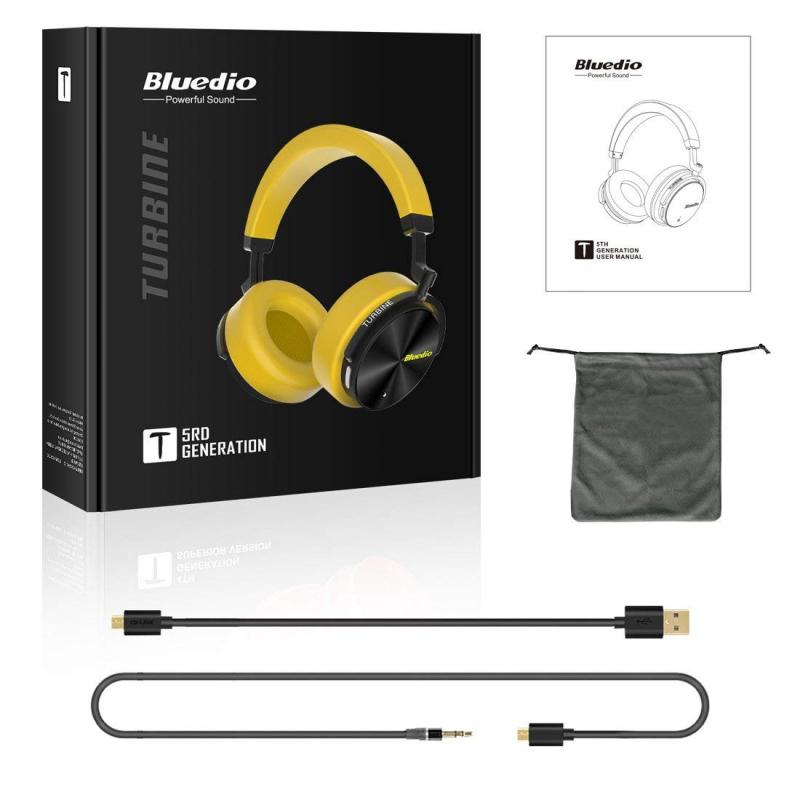
Normal Headphones and Adapters
So no, normal headphones can not do that, because normal headphones don’t have the microphone near the ear, and they also don’t have the electronics needed to do all the calculations fast enough.
(That’s the very short version, the truth is a bit more complicated, but the outcome is the same)
- No. It’s something that gets designed into the headphones themselves and requires a little bit of programming running on the headphones to process the sound.
- It’s something that only the designer of the headphones can do, as it needs to be accomodated for when the headphone is developed.
- It’s not something that can be added afterwards.
- In short, no, it’s not possible.
When it’s built into the headphones, it can just delay the sound for some minute fraction of a second, and that would do it. If the mic is somewhere else, it would become infinitely more complex. To the point that no one makes anything like that.
Active noise cancellation requires recording the outside signal with a microphone and injecting an out of phase version of what would reach your ears into the headphone signal. This works best and cheapest with a fixed known mechanical combination of a specific microphone and specific headphone.
Of course, noise cancellation can also be adaptive: hands-free phone speaker systems work in that manner in order to do echo cancellation. The suppression is worse and artifacts are introduced, also the computational requirements are much higher.
The quality tradeoffs will be acceptable if the goal is speech intelligibility but are not really suitable for high-quality music consumption.

Noise-Cancellation Levels
Want to reduce or increase noise-cancellation levels? Interested in playing around with ambient sound or noise-cancellation? Headphones Connect app features adaptive sound control.
Adaptive sound control automatically changes the headphones sound settings depending on 4 motion options: sitting, walking, running and transport.
Following a software update of your headset, adaptive sound control on the headphones connect app may turn on automatically and enable the ambient sound control setting. However, if the headset is set to ambient sound control, the effects of noise cancelling may seem weak.
The level of ambient sound is adjusted depending on the movement of the user. Although these modes are predefined, you can customise them!
- Launch the headphones connect app on your smartphone after connecting your headphones with your smartphone via bluetooth.
- Turn “adaptive sound control” off (if this setting is on)
- You can tailor these four presets to your preferred volume or mode.
- Turn [ambient sound control] to on. Don’t forget to confirm if noise-cancellation is set to on.
- Use the slider to change the level.
- Tap [start] to execute [noise cancelling optimiser] after wearing the unit.
Optimizing increases the effects of noise cancelling to its maximum capability.
It’s a popular misconception that anc headphones cancel out all noises equally. They don’t. Active noise cancellation is generally more effective on lower frequencies of sound, such as the hum of a jet engine or an air conditioner. It’s not as successful with human voices and other higher frequencies.