kfconcept

KENTFAITH
K&F Concept    Blog >

Enjoy Your Selected Digital Life

Recently Viewed
  • Recently Viewed
  • Recently Viewed list is empty.

Compare (0) 0
  • Compare
  • You have not chosen any products to compare.

  • Compare
Currency: USD
  • Currency
Shop by Scene Shop by Rank

Log Into Your Account

Account

Order History

Wish List

Login

Forgotten Password?

or connect with

Register Account

Already have an Account?Log In

  • Shopping Cart
  • Your shopping cart is empty!

  • Register/Login to purchase, earn points
  • Favorite
  • Your wish list is empty.

  • Register/Login to like, earn points
  • Activities
  • Guide
    • Filter Guide
    • Lens Adapter
    • Product Review
  • News & Reviews
    • Camera Reviews
    • Sample Gallery
    • News
  • Tutorials
    • Solar eclipse photography
    • Photography Basics
    • Landscape Photography
  • Inspiration
    • Travel
    • Travel Stories
  • Home
  • Blog
  • How To Get Sound On Screen Recordings?

How To Get Sound On Screen Recordings?

Kentfaith 2024-07-31 12:40:13 0 Comments

Screen recording has become an essential tool for many professionals, educators, and content creators. Whether you're creating tutorials, recording gameplay, or capturing a video call, having sound in your screen recordings can significantly enhance the viewer's experience. However, many users often face challenges when trying to include audio in their screen recordings. This article will guide you through the various methods and tools available to ensure you get sound on your screen recordings, addressing common issues and providing practical solutions.

Understanding the Basics
how to get sound on screen recordings 1

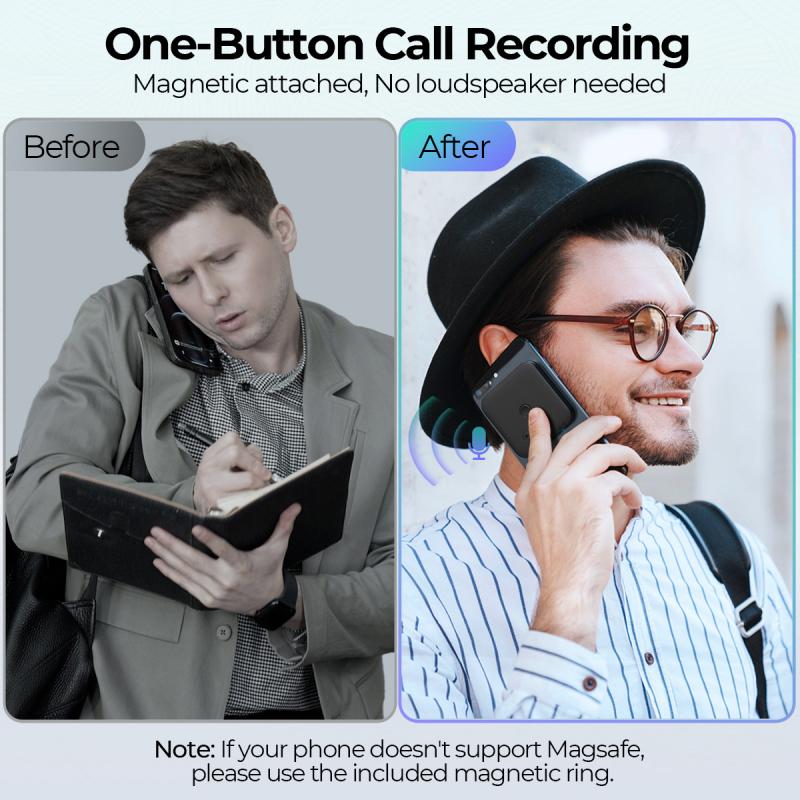
Before diving into the specific methods, it's essential to understand the two primary types of audio you might want to capture:

1. System Audio: This is the sound that comes from your computer, such as music, video audio, or game sounds.

2. Microphone Audio: This is the sound captured from an external or built-in microphone, such as your voice or ambient sounds.

Built-in Tools for Screen Recording with Sound
how to get sound on screen recordings 2

Windows 10 Game Bar

how to get sound on screen recordings 3

Windows 10 comes with a built-in screen recording tool called the Game Bar, which is primarily designed for recording gameplay but can be used for other purposes as well.

1. Activate Game Bar: Press `Win + G` to open the Game Bar.

2. Start Recording: Click on the "Start Recording" button or press `Win + Alt + R`.

3. Enable Audio: Ensure that the microphone icon is enabled if you want to capture your voice. The system audio is captured by default.

macOS Screen Recording

how to get sound on screen recordings 4

macOS also provides a built-in screen recording tool through the QuickTime Player.

1. Open QuickTime Player: Launch QuickTime Player from your Applications folder.

2. New Screen Recording: Go to `File > New Screen Recording`.

3. Select Audio Source: Click the drop-down arrow next to the record button and choose your audio source (internal microphone, external microphone, or system audio).

Third-Party Software

While built-in tools are convenient, they may not always offer the flexibility or features you need. Here are some popular third-party screen recording software options that provide robust audio recording capabilities.

OBS Studio

OBS Studio is a free and open-source software that is highly popular among gamers and streamers.

1. Download and Install OBS Studio: Available for Windows, macOS, and Linux.

2. Set Up Audio Sources: In the `Sources` box, click the `+` button and add `Audio Input Capture` for your microphone and `Audio Output Capture` for system audio.

3. Start Recording: Click on `Start Recording` to begin capturing both video and audio.

Camtasia

Camtasia is a professional-grade screen recording and video editing software.

1. Download and Install Camtasia: Available for both Windows and macOS.

2. New Recording: Open Camtasia and click on `New Recording`.

3. Select Audio Sources: Ensure that both `Microphone` and `System Audio` are selected.

4. Start Recording: Click the `Start Recording` button to capture your screen and audio.

Mobile Screen Recording

iOS Devices

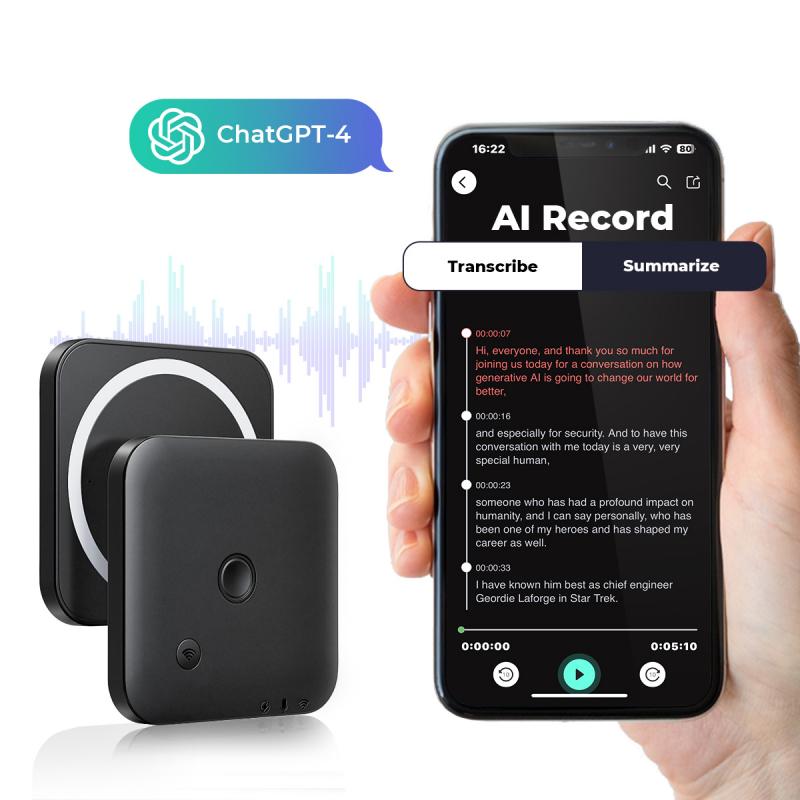
iOS devices come with a built-in screen recording feature that can capture both system audio and microphone audio.

1. Enable Screen Recording: Go to `Settings > Control Center > Customize Controls` and add `Screen Recording`.

2. Start Recording: Open the Control Center and long-press the screen recording button. Toggle on the microphone if you want to capture external audio.

3. Stop Recording: Tap the red status bar at the top of the screen and confirm to stop recording.

Android Devices

Many Android devices also come with built-in screen recording features, but the availability and functionality can vary.

1. Enable Screen Recording: Swipe down to access the Quick Settings panel and look for the screen recording option.

2. Start Recording: Tap the screen recording icon and enable the microphone if you want to capture external audio.

3. Stop Recording: Swipe down again and tap the stop button in the notification panel.

Troubleshooting Common Issues

No Sound in Recordings

If you find that your screen recordings have no sound, here are some common troubleshooting steps:

1. Check Audio Settings: Ensure that the correct audio sources are selected in your screen recording software.

2. Update Drivers: Make sure your audio drivers are up to date.

3. Permissions: Ensure that your screen recording software has the necessary permissions to access your microphone and system audio.

4. Test Audio Devices: Test your microphone and speakers to ensure they are working correctly.

Poor Audio Quality

If the audio quality in your recordings is poor, consider the following tips:

1. Use an External Microphone: Built-in microphones often have lower quality. An external microphone can significantly improve audio clarity.

2. Reduce Background Noise: Record in a quiet environment to minimize background noise.

3. Adjust Audio Levels: Use your recording software to adjust the audio levels and ensure they are not too low or too high.

Advanced Tips

Audio Editing

After recording, you may want to edit your audio to enhance its quality. Software like Audacity (free) or Adobe Audition (paid) can help you remove background noise, adjust levels, and add effects.

Multi-Track Recording

For more advanced users, multi-track recording allows you to record different audio sources on separate tracks. This can be useful for post-production editing. OBS Studio and Camtasia both support multi-track recording.

Getting sound on your screen recordings is crucial for creating engaging and informative content. Whether you use built-in tools or third-party software, the key is to understand your audio sources and configure your settings correctly. By following the steps outlined in this article, you can ensure that your screen recordings have high-quality audio, making them more effective and enjoyable for your audience. Happy recording!
Leave your comment
Cancel reply
Note: HTML is not translated!
Related products
Mini Sound Recorder 128GB 1600H Recording Capacity with 1.4" Screen, Voice Activated Mode Kentfaith
NEW Arrival
Mini Sound Recorder 128GB 1600H Recording Capacity with 1.4" Screen, Voice Activated Mode Kentfaith
12
$99.99 $79.99
AI Translation Earbuds Real-Time, 150 Languages/Accents, Free Offline Translation, Voice & Video Call Translation, LCD Touch Screen, Clip on Earphones, Kentfaith
$139.99 $109.99
Mini Voice Recorder, Sound-activated & Magnetic, 128GB 1600H Capacity with AI Noise Cancelling Kentfaith
13
$94.99 $74.99
67mm Clip-on CPL Phone Camera Lens Filter Kit Applicable to All Mobile Phone Models
40
$18.99
67mm Clip-on ND2-32 Phone Camera Lens Filter Kit Applicable to All Mobile Phone Models
NEW Arrival
67mm Clip-on ND2-32 Phone Camera Lens Filter Kit Applicable to All Mobile Phone Models
13
$37.99
Children’s Entry-Level Metal Detector, High Sensitivity, With LCD Display and Sound Indication, Suitable for Beginners
TOP Best
Children’s Entry-Level Metal Detector, High Sensitivity, With LCD Display and Sound Indication, Suitable for Beginners
144
$64.49 $50.99
67mm Clip-on Black Mist 1/4 Phone Camera Lens Filter Kit Applicable to All Mobile Phone Models
7
$29.99
52mm Clip-on CPL Phone Camera Lens Filter Kit, Circular Polarizer Polarizing Filter Applicable to All Mobile Phone Models
24
$19.99
67mm Clip-on CPL&Black Mist 1/4 2-in-1 Phone Camera Lens Filter Kit Applicable to All Mobile Phone Models
3
$29.99
82mm Snap-On Center Pinch Lens Cap 9 in 1 with Anti-Loss Keeper Leash Compatible with Nikon, Canon, Sony, Fujifilm Camera Lenses (shipped to the USA)
146
$18.99 $10.99
Products You May Like
58mm Magnetic CPL Filter + Magnetic Basic Ring Kit Waterproof Scratch Resistant with 28 Multi-Coatings for Camera Lens (Nano-Xcel Series)
35
$58.99 $46.99
Video Conference Light Kit with Clip and Phone Holder for iPhone/Tablet/Laptop, Dimmable CRI 95+ with 3 Light Modes, Built-in 2000mAh Battery for Zoom Calls/Remote Work/Live Streaming/Selfie
$29.99
Variable ND32-512 Filter Compatible with DJI Osmo Action 5 Pro//Osmo Action 4/Osmo Action 3, Snap-on Installation, no need to remove the original filter
NEW Arrival
Variable ND32-512 Filter Compatible with DJI Osmo Action 5 Pro//Osmo Action 4/Osmo Action 3, Snap-on Installation, no need to remove the original filter
40
$24.99
58mm-82mm Magnetic Lens Filter Adapter Ring
19
$22.99
72-77mm Step Up Ring Aviation-grade Aluminum Filter Adapter Ring 2-pack with a Cleaning Cloth
100
$9.99
K&F CONCEPT Popod 72" Phone Tripod, 3-in-1 Clip & Magnetic Selfie Stick with Remote, Automatic Phone Tripod Stand, Compatible with iPhone 17-12 Series Android Phones 1/4" Screw Accessories(White)
$29.99
best cheap trail camera
10
$135.99 $106.99
Lifting Straps, Wrist Straps Power Hand Bar Straps Gym Neoprene Padded Anti-Slip to Strengthen Grip for Weightlifting, Powerlifting,Bodybuilding,Strength Training,Dead Lifting - Men and Women
7
$10.99
K&F Concept 6.1 inch Magnetic Lens Filter Mount Adapter with 67mm Variable ND2-32 Filter Compatible with iPhone, Compatible with 16/15/14/13/12, 16/15/14/13/12 Pro
29
$39.99
CPL Filter Compatible with DJI Mini 4 Pro, CPL Polarizer Filter, Secure Attach / Multi Coated HD Optical Glass / Lightweight Frame
76
$20.99
Related articles
How To Get Sound On Screen Recorded Videos?
How Do I Get Sound On Screen Recording?
How To Get Sound In Screen Recording?
How To Improve Sound Voice Recordings?
How To Speed Up Sound Recordings?
How To Search For Sound Recordings?
How Do You Get Sound In Screen Recording?
How Do You Get Sound With Screen Record?
How To Get Your Voice On Screen Recording?
How Secure Are Wifi Cameras?
Blog You May Like
How To Get Good Lighting With Ring Light?
What Is The Use Of Compound Microscope?
Where To Put Ring Light For Stream?
How To Replace Front Door Lock With Keyless?
How Do I Get To My Sd Card?
Pressure In Ear When Wearing Headphones?
How To View Cameras On Wifi Network?
2024 Guide to photographing the eclipse(SOLAR ECLIPSE LIVESTREAMING WITH K&F CONCEPT-CST, April 8th,2024)
Find Out Where Cctv Cameras Are?
How To Set Smart Watch With Phone?
Related categories
On-Dash Camera trail camera with screen C mount lens adapter m4/3 adapter digital camera strap Screw-In Filter neutral density filters nikon lens adapter
Popular products
body worn camera with audio on camera shotgun microphone bluetooth earbuds for swimming wireless open ear earbuds the best rangefinder for golf metal detector best for gold pro wireless microphone system full hd 1080p security camera hidden camera detector finder pocket camera for video
Related searches
Get Stuck Filter Off Lens Cut To Fit Screen Protector Voice Activated Sound Recorder Wifi Camera Sound Detection White Surround Sound Speakers Surround Sound For Projector Small Surround Sound Speakers Wireless Sound Cancelling Headphones Best Surround Sound Headphones Headphones With Surround Sound
Related Scenes
Best Carry On Camera Bag Best Digital Camera With Flip Screen Best Camera To Video Sports Best Camera To Capture Wildlife Best Tripod To Travel With Best Video Camera To Record Sports Best Easy To Use Compact Digital Camera Best Camera Bag Street Photography Best Tripod For Travel Best Quality Security Camera
Blog Category
  • Activities
  • Guide
    • Filter Guide
    • Lens Adapter
    • Product Review
  • News & Reviews
    • Camera Reviews
    • Sample Gallery
    • News
  • Tutorials
    • Solar eclipse photography
    • Photography Basics
    • Landscape Photography
  • Inspiration
    • Travel
    • Travel Stories
Search Article
Latest from the Blog
How To Take Off Camera Lens?
How To Ship Lithium Batteries?
How To Read A Carbon Monoxide Detector?
How To Make Calls On Smartwatch?
How To Save Video From Ring Camera?
How Does A Wireless Headphones Work?
Where To Get Microscope Slides?
What Is The Use Of A Compound Microscope?
Can You Wear A Smartwatch In The Shower?
What Is The Best Resolution For Security Camera?
  • Easy Payment Multilple Payment Options

  • Free Shipping Global WareHouse Shipment

  • No Risk 30-Day No Reason Return

  • Limited Deals Buy More, Save More

  • Tax Free No any surcharges or tax fee

Information
  • About us
  • Contact Us
  • Site Map
  • Blog
  • Video
  • Gallery
  • VIP Membership Rewards
Service
  • Privacy Policy
  • Terms & Conditions
  • Shipping & Delivery
  • Payment Info
  • Warranty, Return & Refund
  • Intellectual Property Rights
  • Ambassador
  • Affiliates
  • Wholesale
Support
  • My account
  • Order History
  • FAQs
  • Extend Warranty
  • Logistics Tracking
Follow us
NewsLetter

Get the latest product, K&F Concept respects your privacy.

Powered By KENTFAITH © 2026