kfconcept

KENTFAITH
K&F Concept    Blog >

Enjoy Your Selected Digital Life

Recently Viewed
  • Recently Viewed
  • Recently Viewed list is empty.

Compare (0) 0
  • Compare
  • You have not chosen any products to compare.

  • Compare
Currency: USD
  • Currency
Shop by Scene Shop by Rank

Log Into Your Account

Account

Order History

Wish List

Login

Forgotten Password?

or connect with

Register Account

Already have an Account?Log In

  • Shopping Cart
  • Your shopping cart is empty!

  • Register/Login to purchase, earn points
  • Favorite
  • Your wish list is empty.

  • Register/Login to like, earn points
  • Activities
  • Guide
    • Filter Guide
    • Lens Adapter
    • Product Review
  • News & Reviews
    • Camera Reviews
    • Sample Gallery
    • News
  • Tutorials
    • Solar eclipse photography
    • Photography Basics
    • Landscape Photography
  • Inspiration
    • Travel
    • Travel Stories
  • Home
  • Blog
  • How To Connect Wifi Camera To Android Phone ?

How To Connect Wifi Camera To Android Phone ?
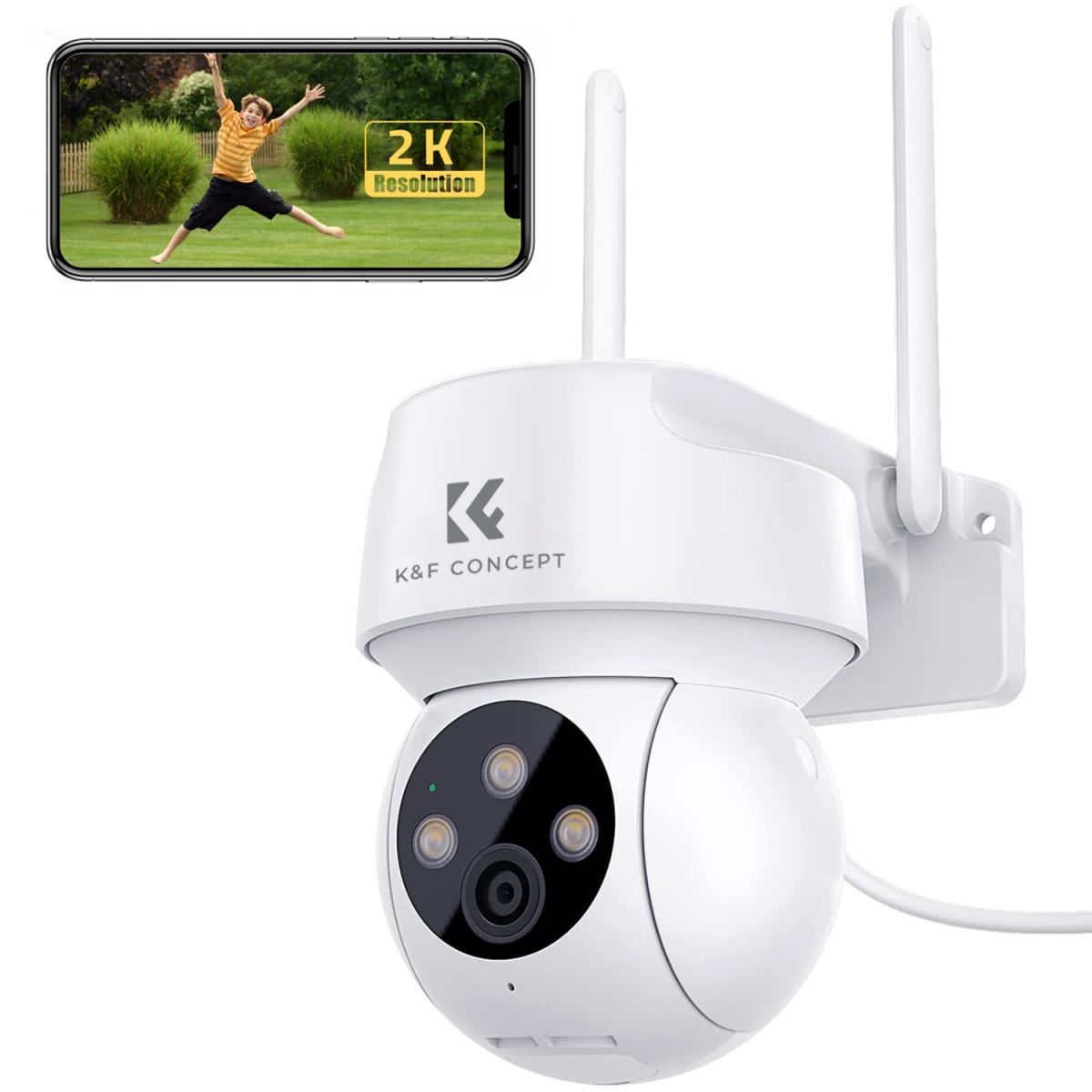
Kentfaith 2023-06-09 07:12:42 1 Comment

With the increasing demand for home security and surveillance, WiFi cameras have become the first choice for many users. Connecting a WiFi camera to an Android phone not only allows you to view the surveillance screen in real time, but also allows you to control and manage it remotely from your phone. In this article, we will introduce in detail how to connect WiFi camera to Android phone and solve the problems you may encounter in the connection process.


Understanding how to connect WiFi camera to Android phone

There are mainly several ways to connect WiFi camera to Android phone:

Connect through a dedicated application

Step 1: Download and install the dedicated application provided by the camera manufacturer (e.g. EZVIZ, Mi Home, etc.).

Step 2: Open the app, register and log in your account.

Step 3: Scan the QR code on the camera according to the prompts of the app to add devices and connect to the network.

Direct connection via WiFi

Step 1: Turn on the WiFi function of the camera to put it into the network mode.

Step 2: Connect to the camera's hotspot in your phone's WiFi settings.

Step 3: Open the camera app and complete the network allocation settings.

Connecting via Router

Step 1: Connect the camera to your home WiFi network.

Step 2: Open the camera app and follow the prompts to add the device and configure it.
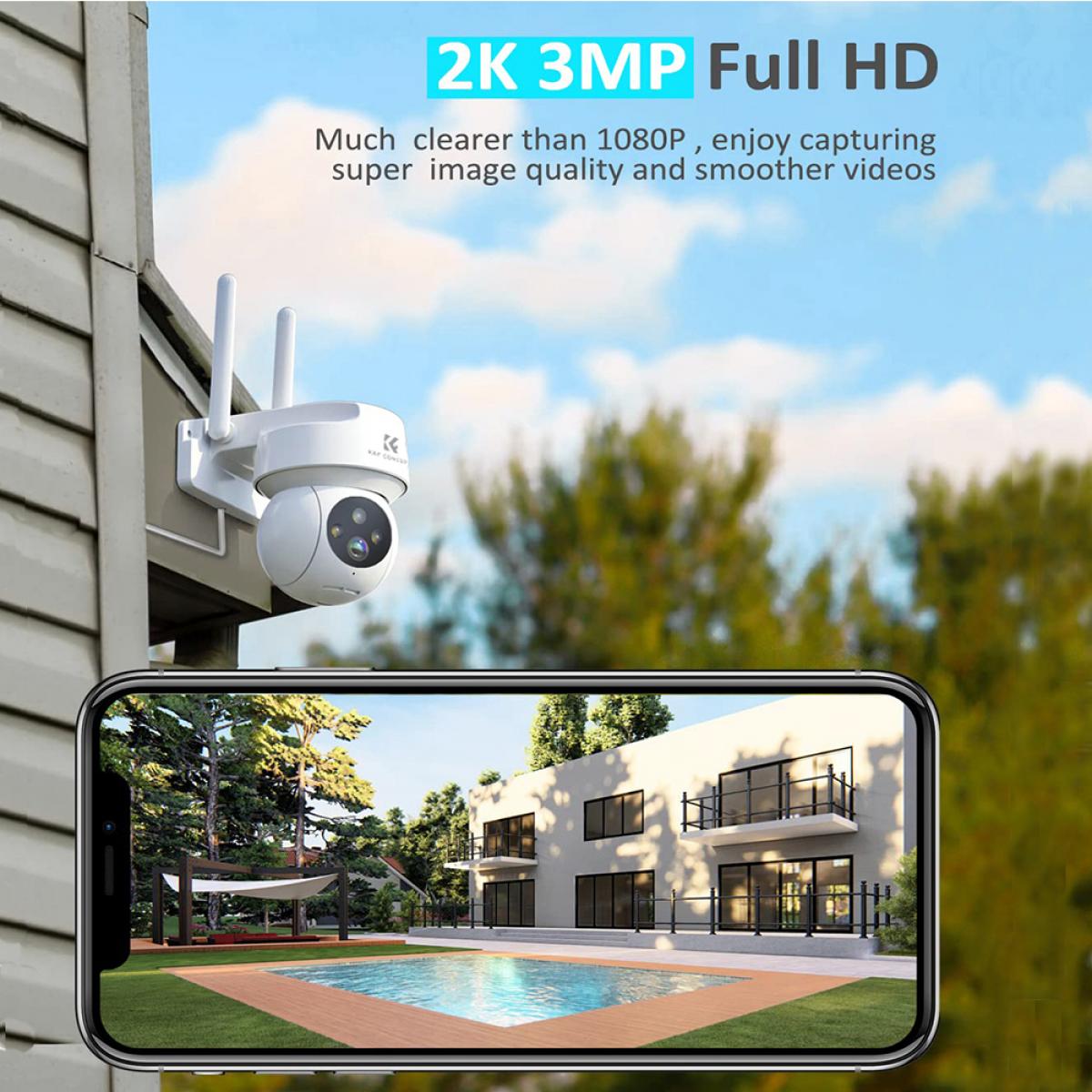

Solve the problem of failed connection between WiFi camera and Android phone

During the connection process, you may encounter various problems leading to connection failure. Here are some common problems and their solutions:


Unstable WiFi signal

Check the WiFi signal strength: Make sure the camera and the phone are within the WiFi signal coverage and the signal strength is good.

Reboot the device: Reboot the camera and phone, clear the cache.

Apps can't recognize the camera

Check app permissions: Make sure the app has obtained the necessary permissions, such as location, storage and camera permissions.

Update apps: Make sure the app is the latest version to avoid compatibility issues.

Problems with network settings

Check network settings: Make sure the camera and phone are connected to the same WiFi network.

Reset network settings: If the connection problem is still not solved, you can try to reset the network settings of the camera and phone.


The common troubleshooting of WiFi camera and Android phone connection

Even if the connection is successful, sometimes you may encounter some faults that affect the use, the following are common problems and solutions:

No signal or black screen

Check the connection cable: If the camera is powered by cable, make sure the power cable is connected firmly.

Check the input source setting: Make sure the correct camera is selected in the application.

Delayed or Stuck Screen

Optimize network environment: Make sure there are no other high-traffic devices on the WiFi network taking up bandwidth.

Upgrade firmware: Make sure the camera and phone firmware are the latest version to improve performance and stability.

Sound is out of sync

Check audio settings: Adjust the audio output options in the application.

Use an audio cable: If the sound is out of sync on the wireless connection, try connecting using an audio cable.

Application crashes

Update app: Make sure you are using the latest version of the app.

Phone Performance: Make sure the phone performance is enough to run the monitoring app, close other background apps to free up resources.

Detailed steps and settings to connect WiFi camera to Android phone


Below are the detailed steps and settings for connecting WiFi camera to your Android phone:

Preparation

Make sure the camera and cell phone are fully charged.

Download and install the application provided by the camera manufacturer.

Turn on the camera WiFi feature

Find the WiFi settings option on the camera and turn on the WiFi feature to put it into the distribution mode.

Connect to WiFi

In your phone's WiFi settings, search for and connect to the camera's WiFi hotspot.

Open the app and follow the prompts for device addition and network configuration.

Complete Setup

Complete the network configuration of the camera in the app and make sure the camera is connected to the home WiFi network.

View the real-time monitoring screen through the app and make relevant settings, such as alarm settings, video recording settings, etc.

Improve the stability and picture quality of WiFi camera connecting with Android phone

In order to get a better using experience, here are some suggestions to improve connection stability and picture quality:

Use a high-quality WiFi network

Choose a stable, fast WiFi network and avoid public WiFi or networks with poor signals.

If possible, use a WiFi network in the 5GHz band to reduce interference and increase speed.

Optimize camera and phone settings

Turn off unnecessary background apps and features in your camera and phone settings to reduce resource usage.

Regularly check and update the firmware and software of your camera and phone to keep your devices performing optimally.

Reduce interference

Avoid obstacles blocking between the camera and cell phone, such as walls and metal objects.

Try to stay away from other electronic devices to reduce signal interference.


In short, it is not complicated to connect WiFi camera to Android phone to improve home security and monitoring experience. We hope this article can provide practical reference and help for users to enjoy the convenience and fun brought by smart technology.

Leave your comment
Cancel reply
Note: HTML is not translated!
Related products
Camera Sunglasses, HD 1080P, EIS Stabilization, WiFi Connect, Translation, 4H Playtime, Kentfaith
16
$119.99 $95.99
Smart Camera Glasses, HD 1080P, EIS Stabilization, WiFi Connect, Translation, 4H Playtime, Kentfaith
16
$119.99 $95.99
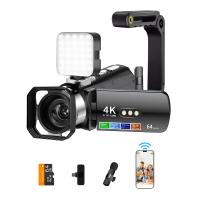
4K Video Camera, 64MP Photos, WiFi Connect, 28X Zoom, Wireless Mic, Full Color NV, Kentfaith
18
$212.49 $169.99
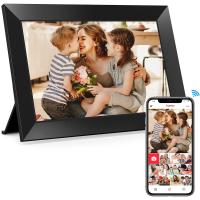
Digital Photo Frame, 10.1 inch Touchscreen, WiFi Transfer from Any Corner, 32GB Storage, Multi-user Connect & Share, Auto Rotation, Kentfaith
17
$187.49 $149.99
67mm Clip-on CPL Phone Camera Lens Filter Kit Applicable to All Mobile Phone Models
40
$18.99
67mm Clip-on ND2-32 Phone Camera Lens Filter Kit Applicable to All Mobile Phone Models
NEW Arrival
67mm Clip-on ND2-32 Phone Camera Lens Filter Kit Applicable to All Mobile Phone Models
13
$37.99
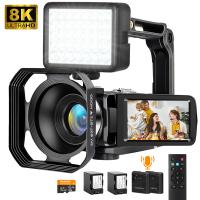
8K Ultra-HD Video Camera, 64MP Video Recorder with SONY CMOS Sensor & Built-in Fill Light, WiFi Connect & Transfer, Microphones, 2 Batteries, Remote Control, 64GB Card, Kentfaith
16
$362.49 $239.99
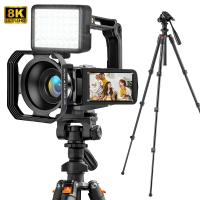
8K Ultra-HD Video Camera, 64MP Video Recorder with SONY CMOS Sensor & Built-in Fill Light, WiFi Connect & Transfer, Tripod, Microphones, 2 Batteries, Remote Control, 64GB Card, Kentfaith
16
$349.99 $279.99
67mm Clip-on Black Mist 1/4 Phone Camera Lens Filter Kit Applicable to All Mobile Phone Models
7
$29.99
52mm Clip-on CPL Phone Camera Lens Filter Kit, Circular Polarizer Polarizing Filter Applicable to All Mobile Phone Models
24
$19.99
Products You May Like
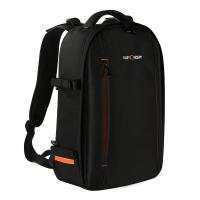
Camera Backpack for Travel Outdoor DSLR Photography Backpack 13 inch 18L with Tripod Holder&Laptop Compartment for Photography Hiking Travel
102
$52.99
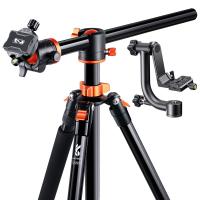
94"/2.4m Overhead Camera Tripod Lightweight Travel Tripod with Detachable Monopod & Extension Arm, 360 Ball Head and 44lbs/20kg Load Gimbal Head for Canon Sony Nikon DSLR SLR
$299.00 $188.99
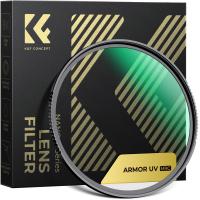
67mm Explosive-Proof MCUV Lens Protection Filter 28 Multi-Layer Coatings Ultra-Slim HD Waterproof Scratch Resistant Nano-Xcel Series
58
$51.19 $40.95
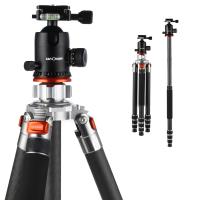
K&F Concept Carbon Fiber Camera Tripod 4 Section 61 Inch Load Capacity 26.46lbs Monopod Compitable with DSLR DV Cameras
$163.99
Hasselblad HB Lens to Nikon F Lens Mount Adapter K&F Concept M32171 Adapter
4
$53.99 $27.99
40.5mm UV CPL ND4 Neutral Density Len Accessory Filter Compatible with Canon Nikon DSLR Camera + Cleaning Pen + Flower Petal Lens Hood + Center Pinch Lens Cap +Filter Pouch
$30.99 $16.46
64GB Multifunctional Recorder, Active Noise Reduction Voice Recorder, Mp3 Playback, Video Playback, Suitable for Lectures, Meetings, Interviews, Classrooms, Etc.
29
$64.99
BETAFPV Cetus FPV RTF Drone Kit for Brushed Racing Drone from Player-to-pilot with LiteRadio 2 SE Remote and FPV Goggles Ready to Fly FPV Drone Kit for Beginners
$249.99 $199.99
Snowmobile Trail Camera
10
$162.99 $106.99
K&F Concept XK43 58mm Natural Night Filter Nano-Xcel
27
$56.99 $44.99
Related articles
Can Connect Wifi Camera To Android Phone?
How To Connect Drone Camera To Android Phone ?
How To Set Up V380 Wifi Camera On Android Phone ?
Android Phone How To Play Camera Videos?
How To Connect A Wifi Smart Camera?
How To Connect Wifi Camera To Smart Tv ?
How To Connect Geeni Camera To New Wifi?
How To Connect Smart Watch With Android?
How To Connect Canon Camera To Mac Through Wifi ?
How To Put On A Mirrorless Camera Strap?
Blog You May Like
What Is Pentax K Mount?
What Is The Best Thermal Imaging Monocular?
How To Get Rid Of Water In Phone Camera Lens ?
Can I Use Nikon Lens On Fujifilm Camera?
Can I Use Alexa As A Microphone?
Dbpower Projector How To Use?
How To Filter It Light From Cameras?
What Is A Fld Camera Filter?
What Is Best Microphone For Voice Recording?
How To Search For Cameras In Your House?
Related categories
phone camera lens cell phone tripods C mount lens adapter m4/3 adapter Outdoor Security Camera Wifi Wifi Trail Cameras Baby Movement Monitor iphone lens filter Camera Parts | Studio Camera Accessories
Popular products
smartwatch heart rate monitor baby monitor with screen and app baby smart wireless monitor best baby monitor with screen and app stabilizer gimbal for phone gimbal 3 axis stabilizer USB Digital Microscope 360 auto tracking phone holder tripod mount for phone Digital Wifi Microscope
Related searches
Camera Connect With Wifi Cheap Security Cameras That Connect To Your Phone Smart Watch Connect To Iphone Retro Game Console Connect To Tv Security Camera That Connects To Phone Without Wifi Endoscope Camera For Android Phone Wifi Camera For Android Mobile External Microphone Android Phone Android Wifi Bluetooth Projector Zoom Lens For Android Phone Camera
Related Scenes
Best Borescope For Android Phone Best Camera To Video Sports Best Camera To Capture Wildlife Best Tripod To Travel With Best Video Camera To Record Sports Best Easy To Use Compact Digital Camera Best Microscope For Phone Top Tripod For Phone Best Lens For Phone Camera Best Phone Camera For Video
Blog Category
  • Activities
  • Guide
    • Filter Guide
    • Lens Adapter
    • Product Review
  • News & Reviews
    • Camera Reviews
    • Sample Gallery
    • News
  • Tutorials
    • Solar eclipse photography
    • Photography Basics
    • Landscape Photography
  • Inspiration
    • Travel
    • Travel Stories
Search Article
Latest from the Blog
Which Smartwatch Is Best For Blood Pressure?
Can You Clean Camera Lens With Glasses Cloth?
How To Make Camera Quality Better?
Can You Carry On A Camera Tripod?
How Does A Digital Camera Sensor Work?
How To Make Headphones More Noise Cancelling?
How To Insert Headphones In Ear?
Can Smart Watch Take Photos?
How To Get Noise Cancellation On Any Headphones?
Can You Call On A Smartwatch?
  • Easy Payment Multilple Payment Options

  • Free Shipping Global WareHouse Shipment

  • No Risk 30-Day No Reason Return

  • Limited Deals Buy More, Save More

  • Tax Free No any surcharges or tax fee

Information
  • About us
  • Contact Us
  • Site Map
  • Blog
  • Video
  • Gallery
  • VIP Membership Rewards
Service
  • Privacy Policy
  • Terms & Conditions
  • Shipping & Delivery
  • Payment Info
  • Warranty, Return & Refund
  • Intellectual Property Rights
  • Ambassador
  • Affiliates
  • Wholesale
Support
  • My account
  • Order History
  • FAQs
  • Extend Warranty
  • Logistics Tracking
Follow us
NewsLetter

Get the latest product, K&F Concept respects your privacy.
Powered By KENTFAITH © 2026