kfconcept

KENTFAITH
K&F Concept    Blog >

Enjoy Your Selected Digital Life

Recently Viewed
  • Recently Viewed
  • Recently Viewed list is empty.

Compare (0) 0
  • Compare
  • You have not chosen any products to compare.

  • Compare
Currency: USD
  • Currency
Shop by Scene Shop by Rank

Log Into Your Account

Account

Order History

Wish List

Login

Forgotten Password?

or connect with

Register Account

Already have an Account?Log In

  • Shopping Cart
  • Your shopping cart is empty!

  • Register/Login to purchase, earn points
  • Favorite
  • Your wish list is empty.

  • Register/Login to like, earn points
  • Activities
  • Guide
    • Filter Guide
    • Lens Adapter
    • Product Review
  • News & Reviews
    • Camera Reviews
    • Sample Gallery
    • News
  • Tutorials
    • Solar eclipse photography
    • Photography Basics
    • Landscape Photography
  • Inspiration
    • Travel
    • Travel Stories
  • Home
  • Blog
  • Dbpower Projector How To Use?

Dbpower Projector How To Use?

Kentfaith 2025-02-18 03:58:54 0 Comments

How to Use the DBPOWER Projector: A Comprehensive Guide

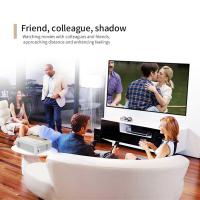
The DBPOWER projector has gained popularity for its excellent value, offering an affordable solution for those looking to enjoy a cinematic experience at home or on the go. Whether you're setting it up for a movie night, a presentation, or just for general entertainment, knowing how to properly use your DBPOWER projector will ensure you get the best picture and sound quality. In this article, we will take you through everything you need to know about setting up and using the DBPOWER projector, covering essential features, setup steps, troubleshooting tips, and much more.

1. Understanding the DBPOWER Projector

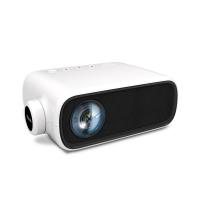
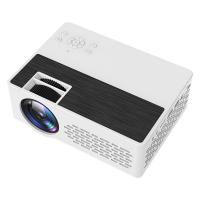
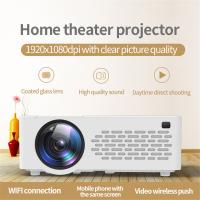
Before diving into the setup, it’s helpful to understand the key features and specifications of your DBPOWER projector. These projectors typically come in compact, portable designs with a variety of connectivity options and decent picture quality. Depending on the model you own, your DBPOWER projector may offer features such as:

- Resolution: The DBPOWER projectors are generally HD-ready or Full HD (1080p) resolution, which is a good range for watching movies or giving presentations.

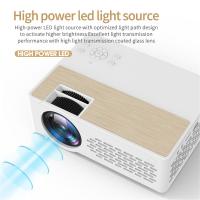
- Brightness: These projectors usually have a brightness rating of around 2000 to 5000 lumens, which should be sufficient for home use, especially in dimmer settings.

- Portability: They are lightweight, making them easy to move around and set up for any occasion.

- Connectivity: Multiple input ports, such as HDMI, VGA, USB, and audio-out, are available, allowing you to connect your projector to various devices like laptops, smartphones, game consoles, and streaming devices.

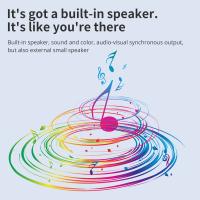
- Speakers: Some DBPOWER projectors come with built-in speakers, but for better sound quality, you can connect external speakers via the audio-out jack.

2. Setting Up Your DBPOWER Projector

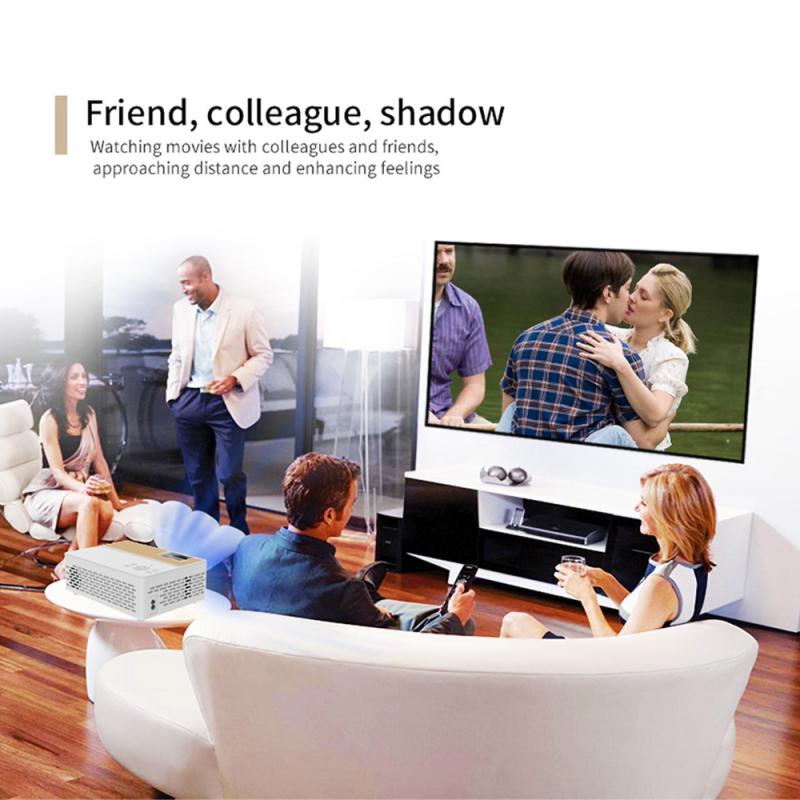
Step 1: Unbox and Check Contents
dbpower projector how to use 1

Start by unboxing your DBPOWER projector and checking the contents of the package. The typical components you’ll find include:

- DBPOWER projector unit

- Power cable

- HDMI cable

- Remote control

- User manual

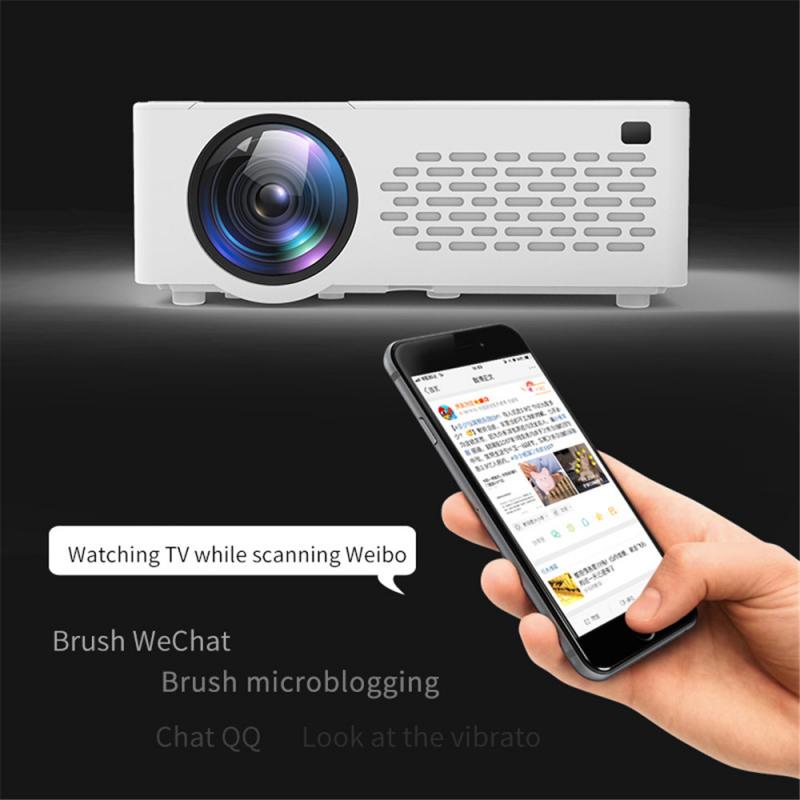
Step 2: Position the Projector
dbpower projector how to use 2

The ideal projection distance will depend on the specific model, but typically, a DBPOWER projector should be placed anywhere from 3 to 10 feet from the screen or wall for optimal image size. Be mindful of the projector's throw ratio (which determines how far it needs to be to project a certain image size) and ensure it is positioned on a stable surface.

- Projection Surface: Ideally, use a projector screen for the clearest image. However, a white wall or even a blank, light-colored sheet can work as a projection surface.

- Keystone Adjustment: If your projector produces an image that looks trapezoidal (i.e., distorted due to angle), most DBPOWER models have a keystone adjustment feature. Use the focus and keystone settings to ensure the image is aligned and squared up with the screen.

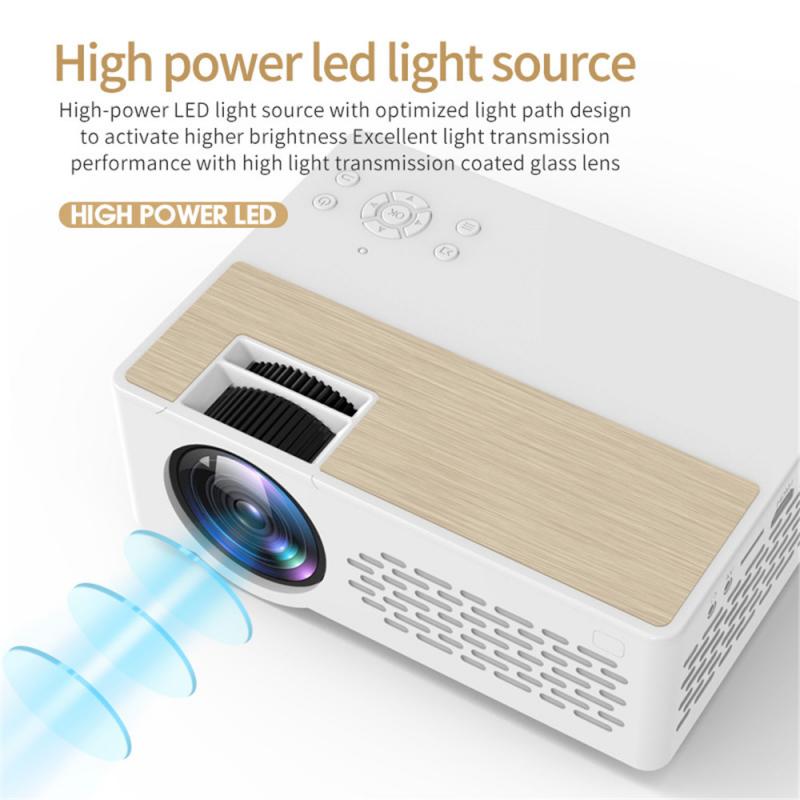
Step 3: Powering Up
dbpower projector how to use 3

Connect the power cable to the projector and plug it into an electrical outlet. Press the power button (usually located on the top or side of the projector). You should see the DBPOWER logo appear on the screen or wall after the projector powers on.

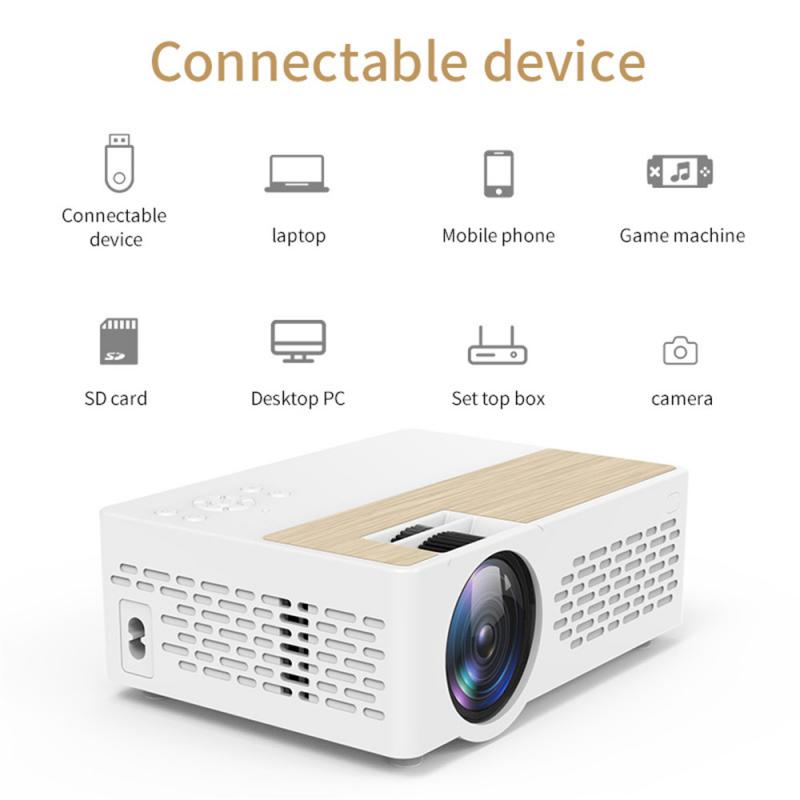
Step 4: Connecting Your Devices
dbpower projector how to use 4

This is the crucial step in ensuring your content plays on the projector. You can connect a variety of devices to the DBPOWER projector, depending on the inputs it supports.

- HDMI Connection: For devices like laptops, gaming consoles, and streaming boxes, the easiest method is via HDMI. Simply plug the HDMI cable into both your device and the HDMI port on the projector.

- USB Connection: If you want to play videos or images directly from a USB flash drive, plug it into the USB port on the projector. Most DBPOWER projectors support multiple media file formats, including .mp4, .avi, .jpg, and .mp3.

- VGA Connection: If you're using a computer with a VGA port (often older models), you can connect it to the DBPOWER projector using a VGA cable.

- Wireless (if applicable): Some models support wireless casting via Wi-Fi or Bluetooth. In this case, you’ll need to connect the projector to the same Wi-Fi network as your device, or pair your device through Bluetooth settings.

Step 5: Adjust the Picture and Sound Settings

Once your device is connected, the next step is to adjust the picture settings. Use the remote control or on-device buttons to access the menu.

- Focus Adjustment: Use the focus ring (usually located on the lens) to fine-tune the sharpness of the image.

- Picture Mode: Many projectors, including DBPOWER models, offer different picture modes such as “Standard,” “Cinema,” and “Game.” Adjust this setting based on your preference and environment.

- Volume Control: If you are using the built-in speakers, adjust the volume accordingly. However, if you have external speakers, connect them via the audio-out jack for improved sound quality.

Step 6: Start Enjoying Content

Now that everything is set up, you can start enjoying your content. Whether it's a movie, presentation, or gaming session, you should now be able to see the projected content on the screen or wall. Ensure that your projector is kept at an optimal distance from the surface to avoid pixelation or loss of clarity.

3. Troubleshooting Common Issues

Even though DBPOWER projectors are generally easy to use, you may encounter some common issues along the way. Here are a few troubleshooting tips to address common problems:

1. No Signal on Screen

- Check connections: Ensure that all cables are securely connected to both the projector and the device.

- Input source selection: Use the remote control to select the correct input source. For instance, if you are using HDMI, ensure the projector is set to the HDMI input mode.

- Restart the device: If there’s no signal, try restarting both the projector and the device you’re trying to connect.

2. Blurry Image

- Focus: Adjust the focus ring on the projector to improve sharpness.

- Keystone: If the image appears distorted (e.g., the edges are blurry), adjust the keystone settings to correct the angle.

3. No Sound

- Volume Settings: Ensure the projector’s volume is turned up.

- External speakers: If you are using external speakers, check the audio connections. You may need to adjust the projector’s audio-out settings.

4. Overheating

- Proper Ventilation: Ensure the projector has proper ventilation and is not placed too close to a wall or other obstructions that could block airflow.

- Automatic Shutdown: If your projector gets too hot, it may automatically shut off. Allow it to cool down before restarting.

4. Maximizing Your Projector Experience

To get the best out of your DBPOWER projector, here are some additional tips:

- Use a Dark Room: Projectors work best in dark or dimly lit environments. The more ambient light in the room, the more it will affect the quality of the image. Consider dimming the lights or using blackout curtains for the best viewing experience.

- Use a Tripod or Mount: For a more stable setup, consider purchasing a tripod or ceiling mount. This will help keep the projector in place, prevent accidental adjustments, and provide a more professional viewing experience.

- Maintain Your Projector: Regularly clean the lens and ensure that the air vents are not obstructed. This will prevent overheating and extend the life of your projector.

5. Conclusion

The DBPOWER projector is an excellent tool for those who want to enjoy a big-screen experience at home or on the go. By following the setup steps, adjusting the image and sound to your preferences, and keeping an eye out for common issues, you’ll be able to make the most of your projector. Whether you're using it for movie nights, presentations, or gaming sessions, this projector provides a budget-friendly option that delivers solid performance.

With this guide, you now have the knowledge to confidently set up and troubleshoot your DBPOWER projector. Enjoy your cinematic or presentation experience with the assurance that you’ve maximized the potential of your device.


Leave your comment
Cancel reply
Note: HTML is not translated!
Related products
Gift Certificate: $200 Value - Can Use with Any Discounts
$200.00 $190.00
Gift Certificate: $300 Value  - Can Use with Any Discounts
Gift Certificate: $300 Value - Can Use with Any Discounts
$300.00 $285.00
Gift Certificate: $1000 Value  - Can Use with Any Discounts
Gift Certificate: $1000 Value - Can Use with Any Discounts
$1,000.00 $950.00
Gift Certificate: $500 Value  -Can Use with Any Discounts
Gift Certificate: $500 Value -Can Use with Any Discounts
$500.00 $475.00
Gift Certificate: $800 Value - Can Use with Any Discounts
$800.00 $760.00
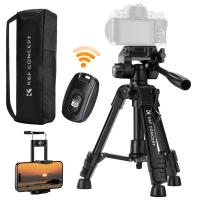
K&F Concept Mini Desk Tripod for Camera, 25'' Aluminum Tabletop Cellphone Video Tripods with Remote Control, Portable Travel Tripod for DSLR Cameras Camcorder Phone Projector Spotting Scope S233A0
19
$59.99 $45.99
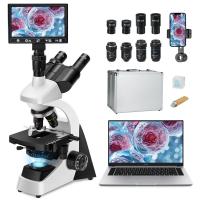
Compound Microscope with 9" Smart Screen, 5W Koehler Lighting, 40x-1600x Magnification PC Connection for Lab, Professionals Use Kentfaith
HOT Seller
Compound Microscope with 9" Smart Screen, 5W Koehler Lighting, 40x-1600x Magnification PC Connection for Lab, Professionals Use Kentfaith
17
$799.99 $639.99
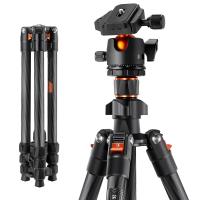
64"/1.62m Carbon Fiber Lightweight Travel Tripod with 36mm Ball Head Load Capacity 8kg/17.6lbs,Quick Release Plate,for DSLR Cameras Indoor Outdoor Use K254C2+BH-36L
59
$169.99 $99.99
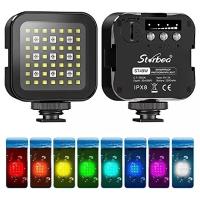
Mini portable diving fill light, gopro outdoor photography lights, led lighting, dual-use full-color RGB ambient light for diving, underwater adventure, surfing, swimming and other water sports
$30.99
K&F Concept 13L Camera Backpack Nature Wander 12 Black, Lightweight Photography Bag with Quick Access Front Opening, Tripod Strap & Dual-Purpose Design for Travel and Daily Use
52
$71.99 $49.99
Products You May Like
49mm Empty Magnetic Base Ring (Works ONLY with K&F Concept Magnetic Filters / Quick Swap System)
21
$17.99
AT-G20B Kids Action Camera 1080P HD Waterproof Video Digital Children Sports Camcorder, 32GB SD Card (Pink)
103
$32.99
H200 Webcam with Microphone & Speaker 1080p 3 in 1 HD Streaming Business Webcam Meeting USB Webcam for YouTube Skype Facetime PC Mac Laptop Desktop
411
$50.99
77mm MCUV Lens Protection Filter with Filter Cap Cleaning Cloth Optical Glass Ultra Slim 28 Multi-Layer Coatings Nano-Xcel Series
31
$53.99 $39.99
K&F CONCEPT Upgrade Screw On ND Filter Compatible with Insta360 Ace Pro 2, 6 Pack PL ND8 ND16 ND32 ND64 ND128 Polarizer Neutral Density Filter Action Camera Accessories, Multi Coated HD Optical Glass
12
$54.99
Full Camera Cage for Sony Alpha 7, Lightweight Aluminum Video Rig with Arca-Swiss Quick Release Base & Cold Shoe Mount
$82.99
Lens Mount Protection Ring for Canon EOS K&F Concept Lens Adapter
2
$24.99
77mm Black Mist 1/4 & CPL Filter 2 in 1 Black Diffusion Circular Polarizing Effect Filter with 18 Multi-Layer Coatings Nano-Klear Series
25
$41.99 $32.99
Portable eclipse Set-Include 82mm Solar Filter + KF09.123 Carbon Fiber Tripod + KF13.087AV6 Camera Backpack + KF28.0024 6700mAh V Mount Battery
100
$689.99 $362.99
Canon EOS EF Lenses to Fuji GFX Lens Mount Adapter For DSLR K&F Concept M12211 Lens Adapter
10
$81.99 $49.99
Related articles
How To Use Phone Camera As Projector ?
Can You Use A Projector On The Ceiling?
How To Screen Share On Lg Projector?
How To Connect A Phone To A Rca Projector ?
Can I Connect Apple Tv To Projector?
How To Connect Your Phone To A Projector Using Usb ?
Can Projector Work On Wall?
What Size Screen For Projector?
Can I Connect Iphone To Projector With Usb?
Which Way To Put Camera In Bag?
Blog You May Like
What Is The Best Magnification For Binoculars?
How Much Storage For Dash Cam?
How To Post Live Feed From Security Camera?
How To Record Audio From A Video?
Baby Monitors You Can Use With Your Phone?
How To Find Lost Wired Earphones?
How Do I Access Sd Card On Laptop?
How To Install Micro Sdhc Memory Card?
How To Transfer Photos By Wifi Via Camera?
Can You Connect Bluetooth Headphones To The Switch?
Related categories
C mount lens adapter 49mm Filters Tripods digital camera for beginner adjustable neutral density filter square filter digital camera strap Pentax 67 Mount Lens Adapters Sony battery camera
Popular products
movie projector and screen small projector and screen small projector for mobile quadcopter drone with camera home movie theater projector outdoor projector and screen projector for video games smart ai battery camera digital microscope with usb 1080p full hd projector
Related searches
Movie Projector For Outdoor Use Tv Projector For Outdoor Use Led Projector For Home Use Projector Screen For Outdoor Use Easy To Use Fish Finder Easy To Use Digital Slr Camera Best Easy To Use Metal Detector Wireless Microphone To Use With Iphone Easy To Use Outdoor Security Cameras Easy To Use Drone With Camera
Related Scenes
Best Tripod For Projector Best Camera For Outdoor Use Best Camera To Video Sports Best Camera To Capture Wildlife Best Video Camera To Record Sports Best Motion Camera Outdoor Best Outdoor Trail Camera Best Small Camera Bag For Travel Best Tripod For Photography Best Outdoor Wildlife Motion Camera
Blog Category
  • Activities
  • Guide
    • Filter Guide
    • Lens Adapter
    • Product Review
  • News & Reviews
    • Camera Reviews
    • Sample Gallery
    • News
  • Tutorials
    • Solar eclipse photography
    • Photography Basics
    • Landscape Photography
  • Inspiration
    • Travel
    • Travel Stories
Search Article
Latest from the Blog
Prime Day 2026 - K&F Concept 15th Anniversary Celebration
Can A Tripod Fit Any Camera?
How To Get Metal Detector?
What Is The Best Trail Camera With Wifi?
How To Use Your Phone As A Microphone?
What Is A Good Video Camera For Vlogging?
How To Allow Camera And Microphone?
How To Choose A Home Security Camera System?
Can Trail Cameras Be Used For Home Security?
How To Setup A Tripod?
  • Easy Payment Multilple Payment Options

  • Free Shipping Global WareHouse Shipment

  • No Risk 30-Day No Reason Return

  • Limited Deals Buy More, Save More

  • Tax Free No any surcharges or tax fee

Information
  • About us
  • Contact Us
  • Site Map
  • Blog
  • Video
  • Gallery
  • VIP Membership Rewards
Service
  • Privacy Policy
  • Terms & Conditions
  • Shipping & Delivery
  • Payment Info
  • Warranty, Return & Refund
  • Intellectual Property Rights
  • Ambassador
  • Affiliates
  • Wholesale
Support
  • My account
  • Order History
  • FAQs
  • Extend Warranty
  • Logistics Tracking
Follow us
NewsLetter

Get the latest product, K&F Concept respects your privacy.

Powered By KENTFAITH © 2026