kfconcept

KENTFAITH
K&F Concept    Blog >

Enjoy Your Selected Digital Life

Recently Viewed
  • Recently Viewed
  • Recently Viewed list is empty.

Compare (0) 0
  • Compare
  • You have not chosen any products to compare.

  • Compare
Currency: USD
  • Currency
Shop by Scene Shop by Rank

Log Into Your Account

Account

Order History

Wish List

Login

Forgotten Password?

or connect with

Register Account

Already have an Account?Log In

  • Shopping Cart
  • Your shopping cart is empty!

  • Register/Login to purchase, earn points
  • Favorite
  • Your wish list is empty.

  • Register/Login to like, earn points
  • Activities
  • Guide
    • Filter Guide
    • Lens Adapter
    • Product Review
  • News & Reviews
    • Camera Reviews
    • Sample Gallery
    • News
  • Tutorials
    • Solar eclipse photography
    • Photography Basics
    • Landscape Photography
  • Inspiration
    • Travel
    • Travel Stories
  • Home
  • Blog
  • How To Get Retro Camera Filter?

How To Get Retro Camera Filter?

Kentfaith 2024-07-16 01:22:04 0 Comments

In the age of digital photography, the charm of retro camera filters has captivated many enthusiasts and casual photographers alike. These filters can transform modern photos into nostalgic masterpieces reminiscent of the days of film photography. Whether you're looking to evoke the warm tones of the 1970s or the grainy textures of the 1950s, retro camera filters can help you achieve that timeless look. This article will guide you through various methods to get retro camera filters, ensuring you can add that vintage touch to your photos with ease.

Understanding Retro Camera Filters

Before diving into the methods, it's essential to understand what retro camera filters are. These filters mimic the characteristics of old film cameras, including color shifts, grain, vignetting, and light leaks. They can be applied through various means, such as physical filters, software applications, or in-camera settings.

Method 1: Using Smartphone Apps

One of the most accessible ways to get retro camera filters is through smartphone apps. These apps are designed to be user-friendly and often come with a variety of preset filters that emulate different eras of photography.

Popular Apps for Retro Filters:
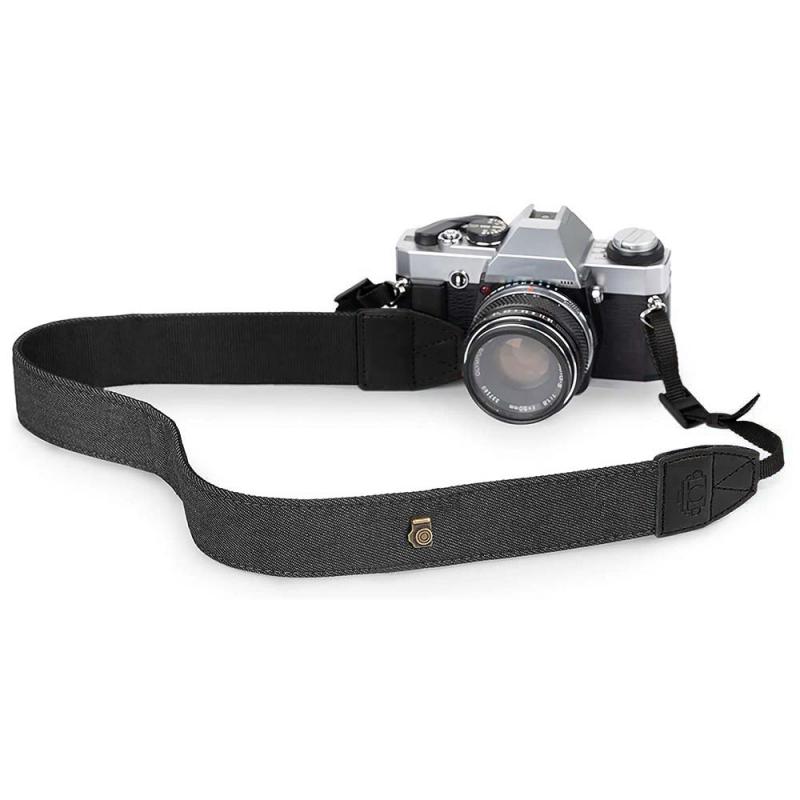
how to get retro camera filter 3

1. VSCO: Known for its high-quality filters, VSCO offers a range of presets that can give your photos a vintage look. The app also allows for fine-tuning, so you can adjust the intensity of the filter to your liking.

2. Huji Cam: This app mimics the look of disposable cameras from the 1990s. It adds light leaks, date stamps, and a unique color palette to your photos, making them look like they were taken decades ago.

3. Afterlight: Afterlight provides a wide range of filters and editing tools. Its retro filters are particularly popular for their ability to add grain, dust, and light leaks to photos.

4. Snapseed: Developed by Google, Snapseed offers a variety of filters and editing tools. Its "Vintage" and "Grainy Film" filters are perfect for achieving a retro look.

Method 2: Using Desktop Software
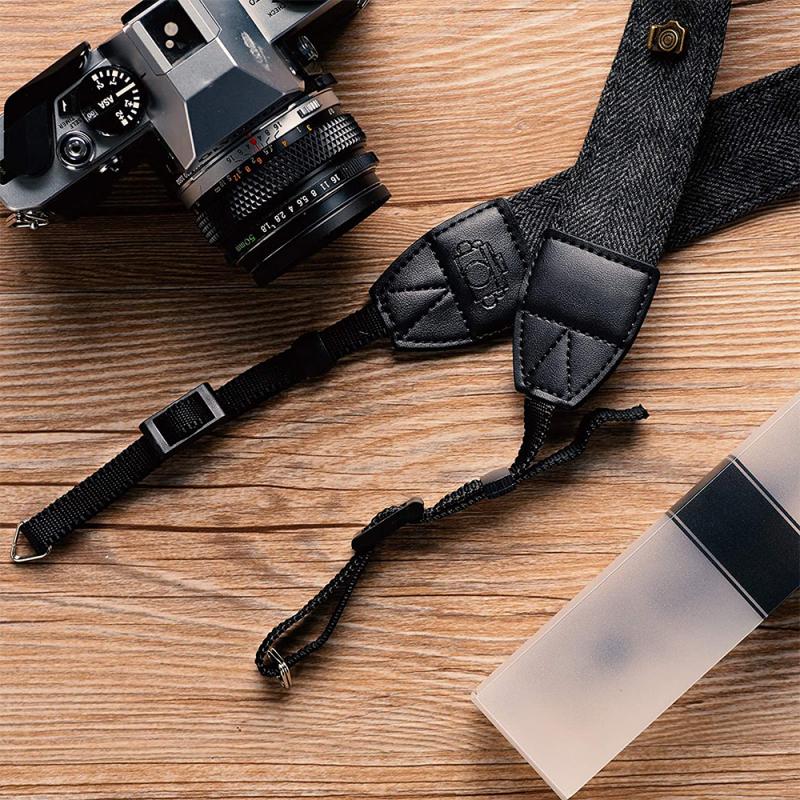
how to get retro camera filter 4

For those who prefer editing photos on a computer, desktop software offers more advanced tools and greater control over the final image. Programs like Adobe Photoshop and Lightroom are industry standards for photo editing and come with a plethora of options for creating retro effects.

Steps to Create Retro Filters in Photoshop:

1. Open Your Image: Start by opening the image you want to edit in Photoshop.

2. Add a Curves Adjustment Layer: This allows you to adjust the color balance and contrast. For a retro look, create an S-curve to boost the contrast and adjust the red, green, and blue channels to achieve the desired color shift.

3. Add Grain: Go to Filter > Noise > Add Noise. Adjust the amount to add a subtle grain effect.

4. Add Vignetting: Create a new layer and fill it with black. Then, use the Elliptical Marquee Tool to create a circular selection in the center of the image. Invert the selection and delete the black area inside the circle. Finally, reduce the opacity of the layer to create a vignette effect.

5. Add Light Leaks: Create a new layer and use a soft brush with a low opacity to paint light leaks in various colors. Set the layer blending mode to "Screen" to blend the light leaks with the image.

Method 3: Using Physical Filters

For those who prefer shooting with a camera rather than editing photos afterward, physical filters can be attached to your camera lens to achieve a retro look. These filters can be found in various styles, including color filters, diffusion filters, and special effect filters.

Types of Physical Filters:

1. Color Filters: These filters can add a color cast to your photos, mimicking the look of old film. Popular colors include sepia, blue, and red.

2. Diffusion Filters: These filters soften the image and create a dreamy, vintage look. They are perfect for portraits and landscapes.

3. Special Effect Filters: These include filters that add light leaks, starbursts, and other effects to your photos. They can be used to create unique, retro-inspired images.

Method 4: In-Camera Settings

Many modern digital cameras come with built-in filters and settings that can help you achieve a retro look without the need for additional software or physical filters. These settings can often be found in the camera's menu under "Picture Styles" or "Creative Filters."

Common In-Camera Retro Settings:

1. Monochrome: Converts your photos to black and white, mimicking the look of old film cameras.

2. Sepia: Adds a warm, brownish tint to your photos, reminiscent of early 20th-century photography.

3. Toy Camera: Adds vignetting and color shifts to create a lo-fi, retro look.

4. Grainy Film: Adds grain and adjusts the contrast to mimic the look of high-ISO film.

Tips for Achieving the Best Results

1. Experiment with Different Methods: Don't be afraid to try different apps, software, and filters to find the look that best suits your style.

2. Combine Techniques: Sometimes, the best results come from combining multiple methods. For example, you can use a physical filter while shooting and then apply additional effects in post-processing.

3. Pay Attention to Lighting: Retro photos often have unique lighting characteristics. Experiment with different lighting setups to enhance the vintage feel of your photos.

4. Study Vintage Photos: Look at old photos to understand the characteristics that make them unique. Pay attention to color, contrast, grain, and composition.

Getting a retro camera filter is easier than ever, thanks to the wide range of tools available today. Whether you prefer using smartphone apps, desktop software, physical filters, or in-camera settings, there are plenty of options to help you achieve that nostalgic look. By experimenting with different methods and combining techniques, you can create stunning vintage-inspired photos that capture the charm and character of a bygone era. So, grab your camera or smartphone, and start exploring the world of retro photography today!

Leave your comment
Cancel reply
Note: HTML is not translated!
Related products
3×25 Opera Binoculars All Metal With Handle Ladies Retro Small Binoculars
34
$59.99 $31.99
67mm Clip-on CPL Phone Camera Lens Filter Kit Applicable to All Mobile Phone Models
40
$18.99
67mm Clip-on ND2-32 Phone Camera Lens Filter Kit Applicable to All Mobile Phone Models
NEW Arrival
67mm Clip-on ND2-32 Phone Camera Lens Filter Kit Applicable to All Mobile Phone Models
13
$37.99
K&F Concept M42 to FX Lens Mount Adapter M42 Lens to Fujifilm X-Series Mirrorless Camera Adapter
6
$56.99 $31.99
52mm Clip-on CPL Phone Camera Lens Filter Kit, Circular Polarizer Polarizing Filter Applicable to All Mobile Phone Models
24
$19.99
Olympus OM Lenses to Nikon 1 Camera Mount Adapter
69
$53.99 $27.99
LM to NEX Adapter Compatible with Leica M Lens to Sony Alpha Nex E-Mount Camera Lens Mount Adapter
147
$45.99 $24.99
Lens Mount Adapter FD to NEX Copper Adapter Compatible with Canon FD FL Lens to NEX E-Mount Camera
151
$56.99 $29.99
67mm Clip-on Black Mist 1/4 Phone Camera Lens Filter Kit Applicable to All Mobile Phone Models
7
$29.99
Olympus OM Lenses to Pentax Q Camera Mount Adapter with tripod mount
$55.99 $29.99
Products You May Like
62mm Solar Filter ND1000000,20-Stop Solid Neutral Density Filter Celestial Event Photography Filter with 28 Multi-Layer Coatings Nano-Xcel Series (Shipped only to the USA)
97
$43.99 $34.99
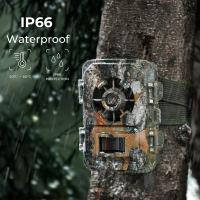
Lights Out Trail Camera
10
$162.99 $106.99
Canon FD Lens to Leica M Camera Body Lens Mount Adapter K&F Concept M13151 Lens Adapter
32
$75.99 $39.99
62mm Circular Polarizer Optical Glass Lens Filter Ultra-Slim 18 Multi-Layer Coatings Circular Polarizing Filters for Camera Lens (Nano-Klear)
64
$23.99 $18.49
Endless Capture Trail Camera
10
$135.99 $74.99
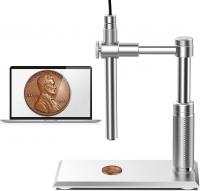
DM101 Digital USB Microscope Camera Coin Magnifier, 10X-500X Magnification, PC Compatible
HOT Seller
DM101 Digital USB Microscope Camera Coin Magnifier, 10X-500X Magnification, PC Compatible
41
$109.99 $74.99
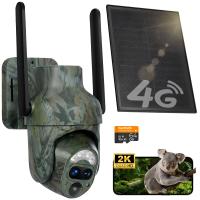
4G Cellular Trail Camera Solar, 2K 360° View Live Streaming, Motion Activated Night Vision IP66, Kentfaith
21
$174.99 $139.99
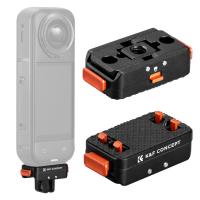
K&F Concept 1Pcs Magnetic Quick Release Adapter Mount Compatible with Insta360 X5, with 1/4 Screw Hole/Adapter Connection/Safety Lock, Aluminum Alloy Bracket Expansion Base Stand for Ace Pro 2
79
$22.99
58mm-82mm Magnetic Lens Filter Adapter Ring
19
$22.99
58mm Black Diffusion 1/2 Filter Mist Cinematic Effect Filter with 18 Multi-Layer Coatings Nano-Klear Series
212
$27.99 $21.99
Related articles
How To Get The Camera Filter?
How To Get The Vintage Camera Filter?
What Size Camera Filter To Get?
How To Get A Filter On Iphone Camera?
How To Get Security Camera Footage?
Where To Get Camera Batteries?
How To Get My Outdoor Camera Working?
Pixel C How To Get Flash Camera?
How To Get Flash On Front Camera?
How To Build A Light Table For Photography?
Blog You May Like
How Does A Cellular Trail Camera Work?
Which One Is Better Headphones Or Earphones?
What Is The Smallest Wireless Spy Camera?
How To Take Good Selfie Stick Photos?
How Do I Get To My Sd Card?
How To Charge Crosstour Action Camera?
How Do I Get Ring Light On Snap?
Can You Use Golf Rangefinder For Hunting?
How To Connect Wifi Camera To Smart Tv ?
Why Are My Beats Headphones Blinking White ?
Related categories
C mount lens adapter m4/3 adapter Magnetic Lens Filter Soft GND Filter camera filter accessories protective lens filter camera filter pouch Lens Filter Holder
Popular products
Opera Binoculars shoulder strap for camera neck strap for canon strap for canon camera led camping light rechargeable 55mm circular polarising filter variable size neutral density filter led light panel photography fujifilm x t2 mount adapter sony a7 mount lenses
Related searches
Get Stuck Filter Off Lens Retro Game Console Connect To Tv Retro Video Game Consoles Retro Built In Games Console Game Console With Retro Games Handheld Pocket Retro Game Console Mini Tv Retro Video Game Console Retro Video Game Console All In One Camera Filter Speed Filter Camera
Related Scenes
Best Camera To Video Sports Best Camera To Capture Wildlife Best Tripod To Travel With Best Video Camera To Record Sports Best Camera Uv Filter Best Easy To Use Compact Digital Camera Best Lens Filter System Best Nd Filter System Best Uv Filter For Camera Best Lens Filter For Landscape
Blog Category
  • Activities
  • Guide
    • Filter Guide
    • Lens Adapter
    • Product Review
  • News & Reviews
    • Camera Reviews
    • Sample Gallery
    • News
  • Tutorials
    • Solar eclipse photography
    • Photography Basics
    • Landscape Photography
  • Inspiration
    • Travel
    • Travel Stories
Search Article
Latest from the Blog
What Is The Function Of Eyepiece In Microscope?
Which Condenser Microphone To Buy?
What Is A Rigid Endoscope Used For?
What Is The Best In Ear Wireless Headphones?
How To Format Sd Card For Camera?
How To Record Clear Audio Without A Microphone?
When Red Light Camera Flash?
How To Detect Trail Cameras At Night?
Can Sound Recorder Record Computer Audio?
How Important Is Image Stabilization In A Camera?
  • Easy Payment Multilple Payment Options

  • Free Shipping Global WareHouse Shipment

  • No Risk 30-Day No Reason Return

  • Limited Deals Buy More, Save More

  • Tax Free No any surcharges or tax fee

Information
  • About us
  • Contact Us
  • Site Map
  • Blog
  • Video
  • Gallery
  • VIP Membership Rewards
Service
  • Privacy Policy
  • Terms & Conditions
  • Shipping & Delivery
  • Payment Info
  • Warranty, Return & Refund
  • Intellectual Property Rights
  • Ambassador
  • Affiliates
  • Wholesale
Support
  • My account
  • Order History
  • FAQs
  • Extend Warranty
  • Logistics Tracking
Follow us
NewsLetter

Get the latest product, K&F Concept respects your privacy.

Powered By KENTFAITH © 2026