kfconcept

KENTFAITH
K&F Concept    Blog >

Enjoy Your Selected Digital Life

Recently Viewed
  • Recently Viewed
  • Recently Viewed list is empty.

Compare (0) 0
  • Compare
  • You have not chosen any products to compare.

  • Compare
Currency: USD
  • Currency
Shop by Scene Shop by Rank

Log Into Your Account

Account

Order History

Wish List

Login

Forgotten Password?

Or connect with

Register Account

Already have an Account?Log In

  • Shopping Cart
  • Your shopping cart is empty!

  • Register/Login to purchase, earn points
  • Favorite
  • Your wish list is empty.

  • Register/Login to like, earn points
  • Activities
  • Guide
    • Filter Guide
    • Lens Adapter
    • Product Review
  • News & Reviews
    • Camera Reviews
    • Sample Gallery
    • News
  • Tutorials
    • Solar eclipse photography
    • Photography Basics
    • Landscape Photography
  • Inspiration
    • Travel
    • Travel Stories
  • Home
  • Blog
  • Where Is Microphone?

Where Is Microphone?

Kentfaith 2025-08-31 09:30:08 0 Comments

Understanding the Placement and Functionality of Microphones: A Comprehensive Guide

Microphones are essential tools in countless scenarios, from recording audio and engaging in conversations to broadcasting live content and capturing sounds in professional music production studios. However, understanding their precise location or placement for optimal functionality is not always straightforward, especially for individuals who interact with microphones in different contexts. Whether you're trying to locate the microphone on a device or wondering how to achieve the best sound quality, this article will help clarify practical aspects of microphone placement, usage, and troubleshooting.

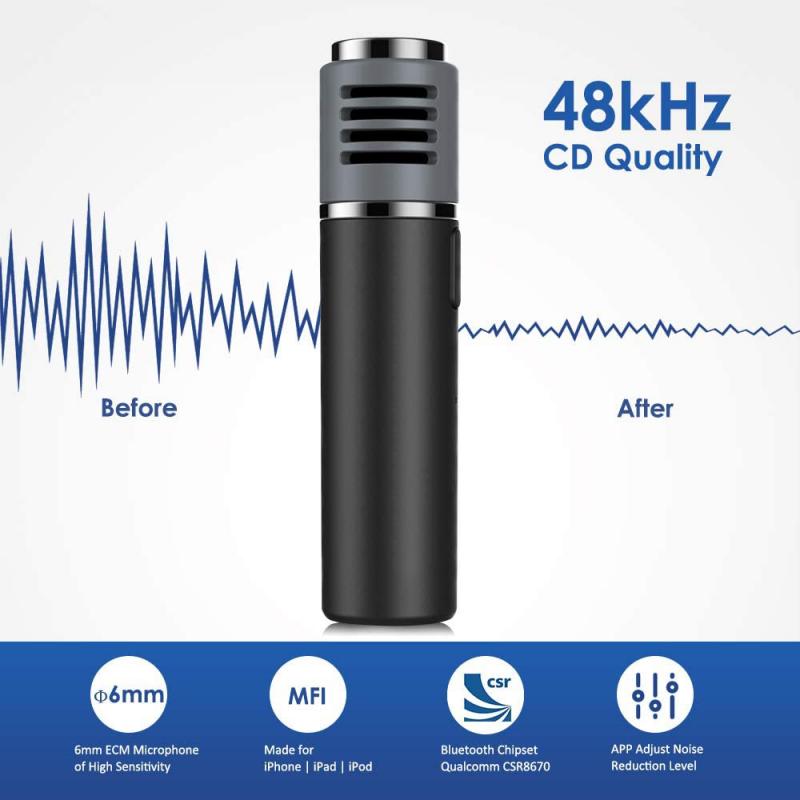
Microphone Placement on Standard Devices
where is microphone 1

Microphones can be found in a variety of everyday devices, some of which are used more frequently than others. Identifying and locating the microphone in these contexts varies depending on the type of device you're interacting with:

1. Smartphones
where is microphone 2

Modern smartphones are equipped with multiple microphones strategically placed to enhance audio quality, such as for calls, voice recordings, or video capture. Typically, microphones can be found:

Primary microphone: Located at the bottom edge of the phone near the USB charging port. This is primarily used during phone calls.

Secondary microphone: Positioned near the top of the device or close to the back camera. This microphone is often used for noise cancellation or enhanced sound recording in videos.

If your audio quality during calls or recordings is poor, cleaning these areas to remove dust or debris might enhance functionality.

2. Laptops and Computers

where is microphone 3

Microphones on laptops and desktops are often embedded into the device’s hardware:

Built-in microphones on laptops: Usually located near the webcam on the top bezel of the screen. This design allows clear audio capture during video conferencing calls.

External microphones for desktops: If a desktop does not have a built-in microphone, external microphones are often used. These are visible peripherals that can be plugged into the microphone port (commonly marked with a pink circle).

When facing issues with sound input, ensure the microphone driver is up-to-date, and check sound settings to confirm the correct input device is selected.

3. Headsets and Earbuds
where is microphone 4

Integrated microphones in headphones are popular for personal and professional audio input. These microphones are typically positioned:

- For wired and wireless headsets: Built into the cord or embedded within the earphone casing.

- For true wireless earbuds: Located on the earbud itself, where it can capture sound during calls or while interacting with a voice assistant.

Keep devices clean and confirm the configuration settings for your headphones or earbuds in case the microphone quality becomes suboptimal.

4. Gaming Consoles and Accessories

For gamers using accessories like headphones, the microphone location often varies based on the type of headset. Many gaming headsets have dedicated boom microphones attached to them, which extend close to the user's mouth for clearer communication while gaming online.

5. Video Cameras

Cameras intended for video recording, such as DSLRs or mirrorless models, often include small built-in microphones. These microphones are generally located near the front edge of the camera body, close to the lens. However, for professional-grade sound, users might opt for external microphones mounted to the camera's onboard accessory slots.

Why Microphone Placement Matters

The placement of a microphone can dramatically affect the quality of the recorded or transmitted sound. Here are some common goals and mistakes tied to microphone placement:

1. Goal: Capturing Clear Audio

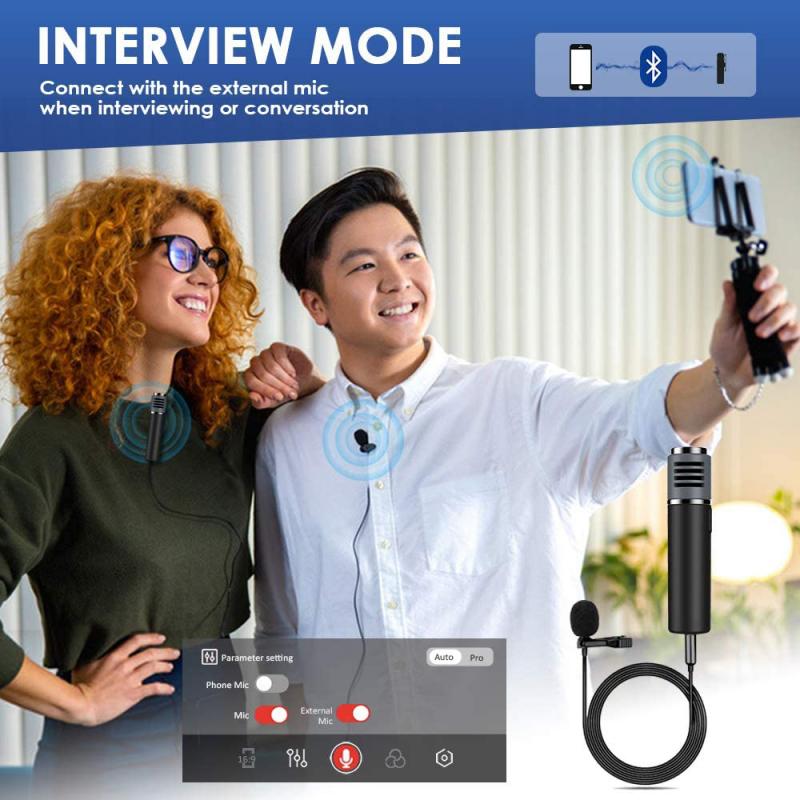
Positioning microphones close to the sound source is key for clarity. For example, in interviews or personal voice recordings, handheld or clip-on lavalier microphones are often placed within six inches of the speaker’s mouth to eliminate background noise.

2. Mistake: Muffled Sound

Microphones, particularly those embedded in devices like smartphones or laptops, can suffer from muffled sound due to obstructions. Ensuring microphone areas are free of dirt, dust, or blockage can improve sound quality.

3. Goal: Avoiding Background Noise

Many devices come with noise-cancellation technology integrated into microphones. To maximize this effect, avoid placing the microphone near strong background noise sources (fans, traffic, or loud music).

Troubleshooting Accessibility Problems

Sometimes, locating and optimizing microphone use becomes a challenge, particularly in settings involving malfunction or limited device familiarity. The following strategies can help resolve issues:

Check Settings:

Whether on a smartphone, laptop, or accessory, go to your device’s audio settings to:

- Verify that the "microphone" input source is selected correctly.

- Test for active functionality by using voice recording or sound input tools.

Inspect Microphone Condition:

Physical inspection is another vital step. Using a flashlight to locate embedded microphones can reveal dust or debris build-up. Cleaning these areas with a soft brush or cotton swabs can restore function.

Update Drivers:

Updating driver software for external microphones or built-in laptop microphones is crucial for uninterrupted function. Drivers can often be updated in your device’s control center or settings menu.

Utilize External Microphones:

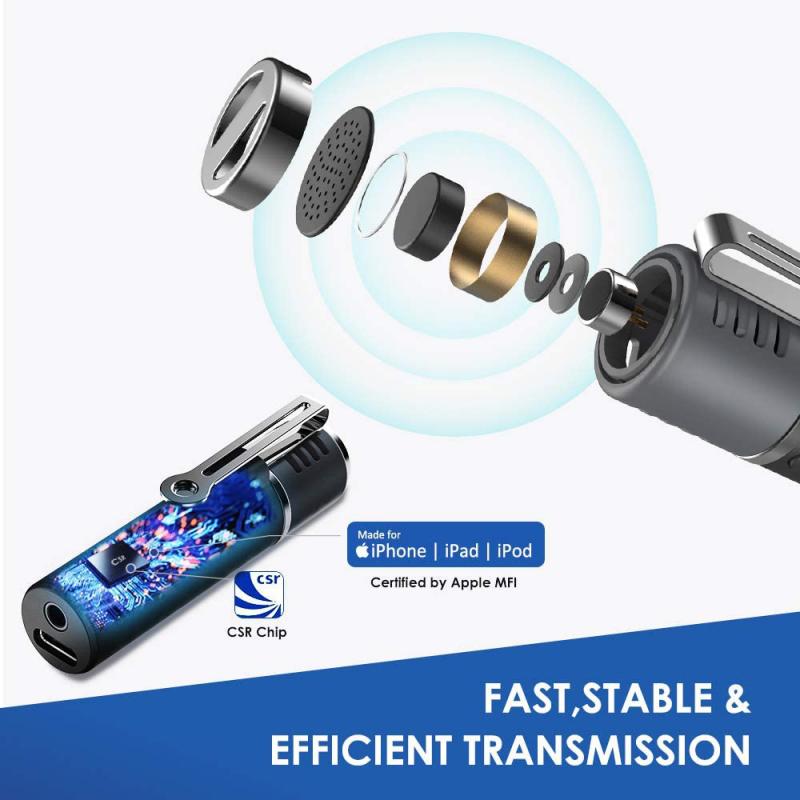
Many users prefer external microphones to overcome internal microphone limitations. USB microphones, lavalier microphones, and studio-grade condenser microphones offer tailored solutions for specific audio needs.

Purpose-Specific Microphone Placements

The choice of microphone placement often depends on the specific use case. Below are examples where proper placement is central to device use:

Professional Settings:

In studios, microphones used for podcasts, music recording, or broadcasting often require strategic placement. For example:

Dynamic microphones: Positioned close to the source during live performances or speeches.

Condenser microphones: Often suspended on stands in isolated locations for optimal sound pickup in controlled environments.

Personal Communication:

For video chatting, embedded laptop and smartphone microphones are more convenient, provided they’re operational. Users could employ external microphones in situations where higher quality or clarity is needed.

Field Recordings:

For journalists or outdoor videographers, clip-on or shotgun microphones provide exceptional sound capture with directional focus.

Final Thoughts and Best Practices

Microphones are indispensable for various tasks, yet their functionality heavily depends on proper placement and maintenance. Here are some best practices to follow:

1. Regular Maintenance: Ensure microphone areas are regularly cleaned and free from obstructions like dirt or dust.

2. Optimal Placement: Always position microphones as close to the sound source as possible without introducing distortion or interference.

3. Test and Adapt: Conduct sound input tests to evaluate functionality, and adjust settings or placement accordingly.

4. Invest in Quality Accessories: Depending on your use case, consider upgrading to external microphones that match your audio needs.

Whether you’re looking to access microphones within devices like smartphones or laptops, or seeking solutions to audio quality problems, this article has highlighted the importance of understanding placement, functionality, and troubleshooting efforts. Excelling in these areas allows seamless communication, professional-level recordings, and optimal use of audio technology in daily life.
Leave your comment
Cancel reply
Note: HTML is not translated!
Related products
K&F Concept Canon EW63C bayonet hood, with a vacuum cleaning cloth *1, suitable for RF 24-50mm f/4.5-6.3 IS STM; EF-S 18-55mm f/3.5-5.6 IS STM; EF-S 18-55mm f/4-5.6 IS STM and other lenses
$8.99
K&F Concept Canon EW73D bayonet hood, with a vacuum cleaning cloth *1, for RF 24-105mm F4-7.1 is STM,EF-S 18-135mm f/3.5-5.6 IS USM lenses
$8.99
K&F Concept Canon EW53 bayonet hood with a vacuum cleaning cloth *1, suitable for EF-M 15-45 mm f/3.5-6.3 IS STM; RF-S 18-45 mm f/4.5-6.3 IS STM and other lenses
1
$7.99
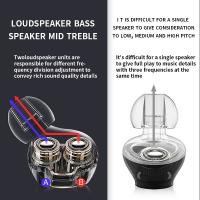
Wireless Earbuds Bluetooth Headphones TWS Waterproof with Microphone
66
$31.99
Wireless Lavalier Microphone System with 4 Transmitters and 1 Receiver
$434.99 $304.99
DJI Mic 2, Wireless Lavalier Microphone, Noise Cancelling, 48kHz 32-bit Float Internal Recording, 820 ft.(250m) Range, 18H Battery with Charging Case, Microphone for Camera/Phone, Vlog, Streaming
$704.99 $493.99
Camera Microphone, Super Cardioid  Shotgun Mic for DSLR Close Interview, Noise Reduction Video Microphone for Canon Nikon Sony Fuji with Windscreen, Compatible with Camera with 3.5mm TRS Plug, Kentfaith
Camera Microphone, Super Cardioid Shotgun Mic for DSLR Close Interview, Noise Reduction Video Microphone for Canon Nikon Sony Fuji with Windscreen, Compatible with Camera with 3.5mm TRS Plug, Kentfaith
11
$62.49 $49.99
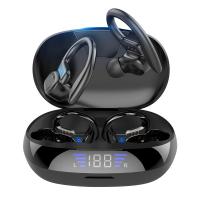
TWS Bluetooth Headset With Microphone Sports Ear Hook LED Display Earbuds
HOT Seller
TWS Bluetooth Headset With Microphone Sports Ear Hook LED Display Earbuds
211
$29.99
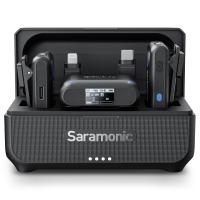
Saramonic Wireless Lavalier Microphone for Smartphone Camera 492ft Range 20h Battery Life
11
$224.99 $157.99
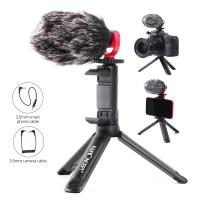
Camera Video Microphone Kit for YouTube, Vlog Windscreen 3.5mm for Phone and Camera
45
$34.99 $19.99
Products You May Like
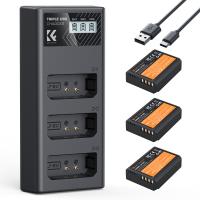
K&F Concept LP-E10 Battery 3-Pack and Upgraded LCD Charger for Canon Rebel T7 Battery, EOS Rebel T7 T6 T5 T100, Kiss X50 X70 X80 X90, EOS 1100D 1200D 1300D 1500D 2000D Camera
NEW Arrival
K&F Concept LP-E10 Battery 3-Pack and Upgraded LCD Charger for Canon Rebel T7 Battery, EOS Rebel T7 T6 T5 T100, Kiss X50 X70 X80 X90, EOS 1100D 1200D 1300D 1500D 2000D Camera
63
$33.99
Olympus OM Mount Lens to M4/3 MFT Olympus Pen Cameras Lens Mount Adapter
24
$64.99 $35.99
Square ND4 Filter 100*100*2mm Neutral Density Filters 28 Multi-Coated Glass Waterproof Gray ND
68
$87.99 $69.99
77mm Black Mist Filter 1/4 + 3pcs Cleaning Cloth with 18 Multi-Layer Coatings Nano-Klear Series
263
$41.99 $33.99
WiFi Electronic Eyepiece for Microscopes, 50 Meters WiFi Range, 2MP Microscope Imager, Capture 4K Photos Videos, Kentfaith
$112.49 $89.99
58MM Circular Polarizer Optical Glass Lens Filter Ultra-Slim 18 Multi-Layer Coatings Circular Polarizing Filters for Camera Lens (Nano-Klear)
70
$21.99 $17.49
62mm True Color Ultra-Low Reflectivity CPL Filter Polarizer Lens Filter Circular Polarizing for Camera Lenses with 28 Multi-Coated Nano-Xcel Series
NEW Arrival
62mm True Color Ultra-Low Reflectivity CPL Filter Polarizer Lens Filter Circular Polarizing for Camera Lenses with 28 Multi-Coated Nano-Xcel Series
36
$81.99 $64.99
55mm Shimmer Diffusion 1 Filter Optical Glass Glimmer Effect Filter for Camera Lens Nano-X Series
$56.99 $34.99
82mm CPL+MCUV+Lens Cap Circular Polarizing Filter MCUV Protection Lens Filters Kit with 28 Multi-Layer Coatings for Camera Lens Nano-Xcel Series
66
$163.99 $85.99
62mm Filter Set (Graduated Orange, Blue, Grey, Red, Purple, Green, Pink, Brown, Yellow)
5
$47.99 $23.99
Related articles
Where Is The Microphone On Ring Spotlight Camera?
Where Is The Microphone On Iphone 8 Plus?
Where Is My Smart Watch?
Where Is My Memory Card?
What Is A Good Lavalier Microphone?
What Is Best Microphone For Voice Recording?
Phone Makes Microphone Noise When Camera Is On?
Where Is The Depth Finder On A Boat?
How To Test The Microphone?
How Much Are Night Vision Goggles?
Blog You May Like
How To Fix The Left Earphone?
Can I Watch Solar Eclipse With Mobile Camera?
Can Film Cameras Work Without Batteries?
How Does Car Dash Cam Work?
How To Carry A Camera Bag?
What Is Gimbal Camera?
The Complete Guide to Filter Sizes and Lens Cap Selection
Which Smart Watches Are Waterproof?
Which Smart Lock Works With Alexa?
Can You Hook Up Two Bluetooth Headphones To iPad?
Related categories
streaming video camera hard edge graduated neutral density GND filter​ filter adapter ring digital microscope Nikon F mount camera body 52mm lens filter
Popular products
canon 18 55mm stm lens hood explosion proof bag mic bluetooth wireless microphone uhf wireless microphone system good microphone for interviews microphone with foam cover wireless system for microphone computer microphone with usb wireless microphone for interviews tws earbuds
Related searches
Is Nikon D5100 F Mount Canon Powershot S5 Is Lens Adapter Lensmate Adapter For Canon Sx10 Is Is Canon 6d Mark Ii Fd Mount Is Canon Eos M5 M Lens Mount Canon 18 200 Is Ef-s Mount Lens Canon 55-250mm Is Stm Lens Metal Mount Wireless Microphone Clip Microphone Camera Mount Usb Recording Microphone
Popular searches
Canon Xl1s Lens Mount Baby Monitor Camera No Wifi Lp E6nh Nd100000 77mm Sony Digital Media Port Adapter Tdm Ip1 Car Dash Camera With Wifi Canon Fd Lens To Sony E Mount Adapter Motion Sensor For Outdoor Light Fixture E To Ef Mount Adapter 67mm Lens Adapter Tube
Blog Category
  • Activities
  • Guide
    • Filter Guide
    • Lens Adapter
    • Product Review
  • News & Reviews
    • Camera Reviews
    • Sample Gallery
    • News
  • Tutorials
    • Solar eclipse photography
    • Photography Basics
    • Landscape Photography
  • Inspiration
    • Travel
    • Travel Stories
Search Article
Latest from the Blog
What Is A Good Quality Dash Cam?
What Power Binoculars For Long Distance Viewing?
How To Adjust Binoculars With Glasses?
Can A Tripod Fit Any Camera?
How Do Cellular Trail Cameras Work? – The Complete Guide for Hunters and Wildlife Enthusiasts
UV Filter: Everything You Need to Know About UV Protection Lens Filters
Is the Sony A7M5 worth buying?
Dash Cam That Can Connect To Phone?
Can Security Cameras Detect Motion Through Glass?
How To Setup A Tripod?
  • Easy Payment Multilple Payment Options

  • Free Shipping Global WareHouse Shipment

  • No Risk 30-Day No Reason Return

  • Limited Deals Buy More, Save More

  • Tax Free No any surcharges or tax fee

Information
  • About us
  • Contact Us
  • Site Map
  • Blog
  • Video
  • Gallery
  • VIP Membership Rewards
Service
  • Privacy Policy
  • Terms & Conditions
  • Shipping & Delivery
  • Payment Info
  • Warranty, Return & Refund
  • Intellectual Property Rights
  • Ambassador
  • Affiliates
  • Wholesale
Support
  • My account
  • Order History
  • FAQs
  • Extend Warranty
  • Logistics Tracking
Follow us
NewsLetter

Get the latest product, K&F Concept respects your privacy.

Powered By KENTFAITH © 2026