kfconcept

KENTFAITH
K&F Concept    Blog >

Enjoy Your Selected Digital Life

Recently Viewed
  • Recently Viewed
  • Recently Viewed list is empty.

Compare (0) 0
  • Compare
  • You have not chosen any products to compare.

  • Compare
Currency: USD
  • Currency
Shop by Scene Shop by Rank

Log Into Your Account

Account

Order History

Wish List

Login

Forgotten Password?

Or connect with

Register Account

Already have an Account?Log In

  • Shopping Cart
  • Your shopping cart is empty!

  • Register/Login to purchase, earn points
  • Favorite
  • Your wish list is empty.

  • Register/Login to like, earn points
  • Activities
  • Guide
    • Filter Guide
    • Lens Adapter
    • Product Review
  • News & Reviews
    • Camera Reviews
    • Sample Gallery
    • News
  • Tutorials
    • Solar eclipse photography
    • Photography Basics
    • Landscape Photography
  • Inspiration
    • Travel
    • Travel Stories
  • Home
  • Blog
  • How To Use Ip Camera Without Wifi?

How To Use Ip Camera Without Wifi?

Kentfaith 2024-09-04 09:18:03 0 Comments

In today's world, security is a top priority for both individuals and businesses. One of the most effective ways to ensure security is through the use of IP cameras. These cameras are known for their high-quality video and advanced features. However, many people believe that IP cameras require a Wi-Fi connection to function. This is a misconception. In this article, we will explore various methods to use an IP camera without Wi-Fi, addressing practical concerns and providing step-by-step guidance.
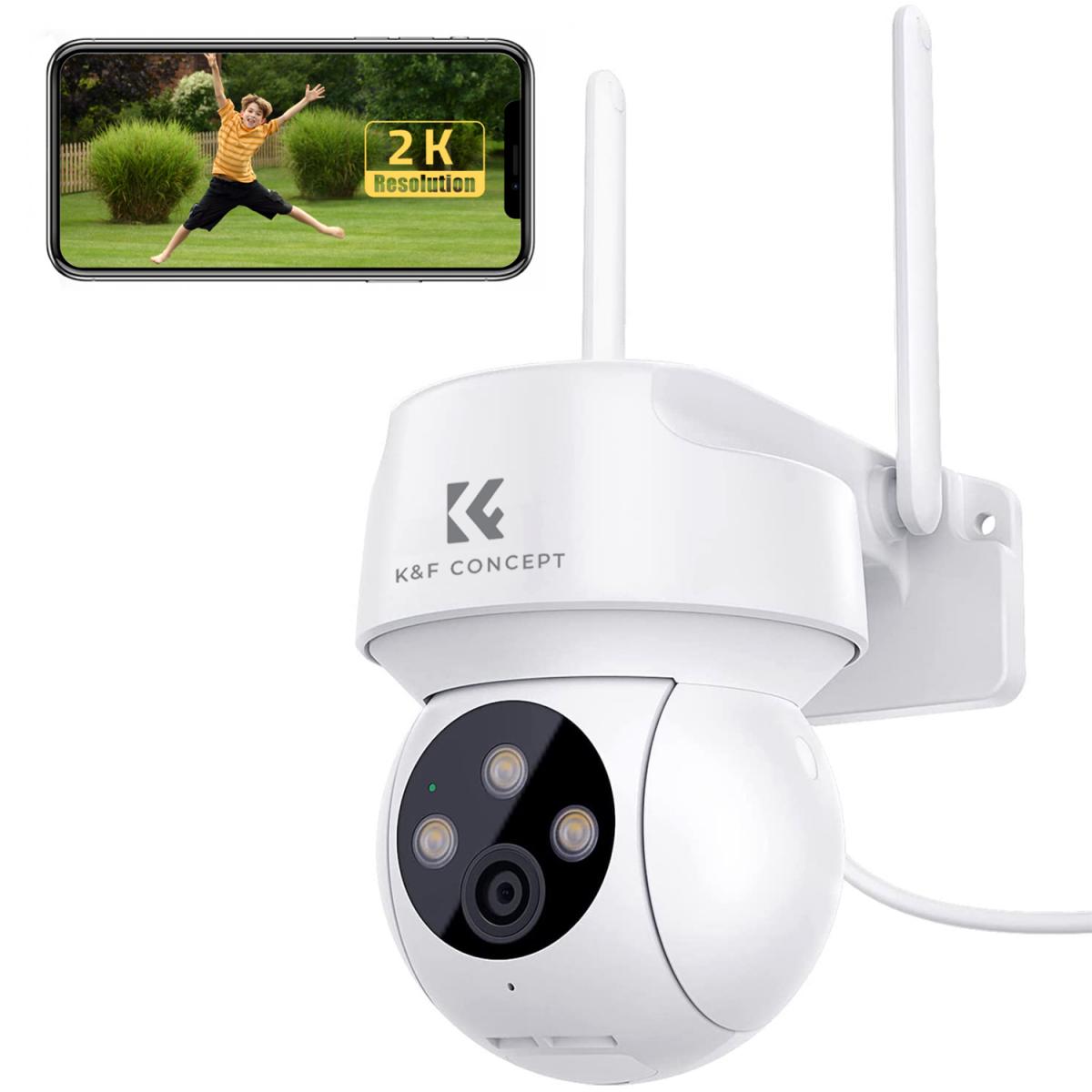

Understanding IP Cameras

Before diving into the methods, it's essential to understand what an IP camera is. An IP (Internet Protocol) camera is a type of digital video camera that receives and sends video footage via an IP network. Unlike analog closed-circuit television (CCTV) cameras, IP cameras do not require a local recording device, only a local network. They are commonly used for surveillance and can be accessed remotely.

Why Use an IP Camera Without Wi-Fi?

There are several reasons why you might want to use an IP camera without Wi-Fi:

1. Remote Locations: In areas where Wi-Fi is unavailable or unreliable, such as construction sites or rural areas.

2. Security Concerns: Wi-Fi networks can be vulnerable to hacking, and some users prefer a wired connection for added security.

3. Bandwidth Limitations: Wi-Fi networks can become congested, affecting the quality of the video stream.

4. Temporary Installations: For short-term surveillance needs, setting up a Wi-Fi network may be impractical.

Methods to Use an IP Camera Without Wi-Fi

1. Using Ethernet Cables

The most straightforward method to use an IP camera without Wi-Fi is by connecting it directly to a router or a network switch using an Ethernet cable. This method ensures a stable and secure connection.

Steps:

1. Connect the Camera to the Router: Use an Ethernet cable to connect the IP camera to the router or network switch.

2. Power the Camera: Ensure the camera is powered either through a power adapter or via Power over Ethernet (PoE) if supported.

3. Configure the Camera: Access the camera's settings through a web browser or dedicated software to configure the IP address and other settings.

4. Access the Camera: Use the camera's IP address to access the live feed and recordings.

2. Using a Network Video Recorder (NVR)

A Network Video Recorder (NVR) is a specialized device designed to record video from IP cameras. NVRs can be connected to IP cameras via Ethernet cables, eliminating the need for Wi-Fi.

Steps:

1. Connect the Cameras to the NVR: Use Ethernet cables to connect each IP camera to the NVR.

2. Power the Cameras and NVR: Ensure all devices are powered.

3. Configure the NVR: Access the NVR's interface to configure the cameras and recording settings.

4. Monitor and Record: Use the NVR to monitor live feeds and store recordings.

3. Using a Direct PC Connection

For temporary setups or testing purposes, you can connect an IP camera directly to a computer using an Ethernet cable.

Steps:

1. Connect the Camera to the PC: Use an Ethernet cable to connect the IP camera directly to the computer's Ethernet port.

2. Configure Network Settings: Manually configure the IP settings on the computer to match the camera's network range.

3. Access the Camera: Use a web browser or dedicated software to access the camera's feed using its IP address.

4. Using a Mobile Hotspot

If you need to use an IP camera in a location without a traditional network, a mobile hotspot can serve as an alternative. This method is useful for temporary setups.

Steps:

1. Set Up the Mobile Hotspot: Enable the mobile hotspot feature on your smartphone or dedicated hotspot device.

2. Connect the Camera to the Hotspot: Use an Ethernet-to-Wi-Fi adapter if necessary to connect the IP camera to the mobile hotspot.

3. Configure the Camera: Access the camera's settings to configure the network settings to match the mobile hotspot.

4. Monitor the Feed: Use the camera's IP address to access the live feed.

Practical Considerations

Power Supply

Ensure that your IP camera has a reliable power source. If you're using PoE, make sure your router or switch supports it. For other setups, use a stable power adapter.

Network Configuration

Proper network configuration is crucial for accessing the camera feed. Ensure that IP addresses are correctly assigned and that there are no conflicts.

Data Usage

If using a mobile hotspot, be mindful of data usage, as video streaming can consume significant bandwidth.

Security

For wired connections, ensure that cables are securely connected and protected from tampering. For mobile hotspots, use strong passwords to prevent unauthorized access.

Using an IP camera without Wi-Fi is not only possible but also practical in various scenarios. Whether you're in a remote location, concerned about security, or dealing with bandwidth limitations, there are multiple methods to set up and use your IP camera effectively. By following the steps outlined in this article, you can ensure a stable and secure surveillance system tailored to your specific needs.

In summary, the key methods to use an IP camera without Wi-Fi include using Ethernet cables, Network Video Recorders (NVRs), direct PC connections, and mobile hotspots. Each method has its own set of steps and considerations, but all are viable options depending on your specific requirements. By understanding these methods and their practical applications, you can make informed decisions to enhance your security setup without relying on Wi-Fi.
Leave your comment
Cancel reply
Note: HTML is not translated!
Related products
4K60FPS 48MP 66FT Waterproof Action Camera without a Case, Dual Screens, 64GB Card, EIS, WiFi Remote Control, Kentfaith
NEW Arrival
4K60FPS 48MP 66FT Waterproof Action Camera without a Case, Dual Screens, 64GB Card, EIS, WiFi Remote Control, Kentfaith
14
$191.24 $152.99
 US Sim Card Without Contract
US Sim Card Without Contract
$10.90
Gift Certificate: $200 Value - Can Use with Any Discounts
$200.00 $190.00
Gift Certificate: $300 Value  - Can Use with Any Discounts
Gift Certificate: $300 Value - Can Use with Any Discounts
$300.00 $285.00
Gift Certificate: $1000 Value  - Can Use with Any Discounts
Gift Certificate: $1000 Value - Can Use with Any Discounts
$1,000.00 $950.00
Gift Certificate: $500 Value  -Can Use with Any Discounts
Gift Certificate: $500 Value -Can Use with Any Discounts
$500.00 $475.00
Gift Certificate: $800 Value - Can Use with Any Discounts
$800.00 $760.00
WiFi 3 Lens Solar Security Camera Wireless Outdoor, 6MP Full HD Video, 360° View Pan/Tilt Home Security Camera with Color Night Vision, Easy to Install, PIR Alarm, Kentfaith
15
$156.24 $124.99
WiFi 3 Lens Solar Security Camera Wireless Outdoor, 6MP Full HD Video, 360° View Pan/Tilt Home Security Camera with Color Night Vision, Easy to Install, PIR Alarm, 2pcs, Kentfaith
$281.24 $224.99
WiFi 3 Lens Solar Security Camera Wireless Outdoor, 6MP Full HD Video, 360° View Pan/Tilt Home Security Camera with Color Night Vision, Easy to Install, PIR Alarm, 3pcs, Kentfaith
$412.49 $329.99
Products You May Like
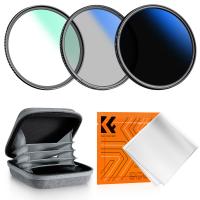
72mm MCUV+CPL+ND2-400 (1-9 Stops) Lens Filter Kit - 18-Layer Coated Optical Glass with Pouch & Cleaning Cloth - Nano-Klear Series
NEW Arrival
72mm MCUV+CPL+ND2-400 (1-9 Stops) Lens Filter Kit - 18-Layer Coated Optical Glass with Pouch & Cleaning Cloth - Nano-Klear Series
$51.99 $38.99
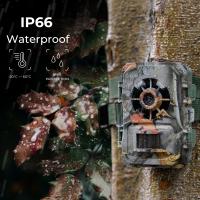
Longest Lasting Trail Camera
10
$162.99 $106.99
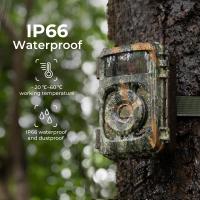
Most Reliable Trail Camera
10
$162.99 $106.99
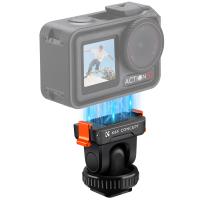
Cold Shoe Action Camera Magnetic Quick Mount Holder, Tripod Mount for DJI Osmo Action 5 Pro Hot Shoe Camera Adapter with 1/4" Screw Hole for Osmo Action 3/4 DSLR Photography Accessories
95
$16.99
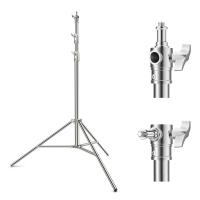
K&F CONCEPT 2.8m/110.2" photography light stand Spring Buffer Heavy Duty Stainless Steel Stand with 1/4" and 3/8" Screws for Video Lights, Ring Lights, Softboxes
29
$69.99
Discount Trail Cameras
10
$135.99 $74.99
55mm Black Diffusion Mist 1/4 & Variable ND2-32 2-in-1 Filter Cinematic Effect Neutral Density Filter for Camera Lens with 18 Multi-Layer Coatings - Nano-Klear Series
NEW Arrival
55mm Black Diffusion Mist 1/4 & Variable ND2-32 2-in-1 Filter Cinematic Effect Neutral Density Filter for Camera Lens with 18 Multi-Layer Coatings - Nano-Klear Series
35
$57.99 $42.99
77mm Black Diffusion Mist Effect 1/4 & Variable ND2-32(1-5 Stops) & Circular Polarizing Filter CPL 3 in 1 Lens Filter with 18 Multi-Coatings Nano-Klear Series
NEW Arrival
77mm Black Diffusion Mist Effect 1/4 & Variable ND2-32(1-5 Stops) & Circular Polarizing Filter CPL 3 in 1 Lens Filter with 18 Multi-Coatings Nano-Klear Series
58
$72.99 $57.99
Low Glow Trail Camera
10
$162.99 $106.99
62mm Magnetic Variable ND8-ND128(3-7 Stop) Lens Filters + Magnetic Filter Basic Ring Kit with 28 Multi-Layer Nano-Xcel Series (Compatible with 67mm magnetic cap)
11
$99.99 $91.99
Related articles
How To Use Security Cameras Without Wifi?
How Do I Find A Wifi Camera Ip Address ?
Will Blink Camera Work Without Wifi ?
How To Use Wireless Camera Without Receiver?
How Do Game Cameras Work Without Wifi?
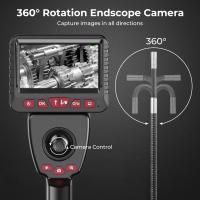
How To Use Wifi Endoscope?
Does The Ring Camera Still Record Without Wifi ?
Can Wire Free Security Camera Used Without Wifi?
Can I Get A Security Camera Without Wifi?
Can Projector Work On Wall?
Blog You May Like
How To Tell If Camera Has Ir Filter?
Circular Polarizer Lens Filter: Four Practical Uses
How Do You Build A Telescope?
How To Know If A House Has Cameras?
How Take Pictures Nd Filter?
How To Use Light Works For Video Editing?
Can You Use Microphone Cable For Speakers?
How To Run Sd Card On Laptop?
How To Clean A Camera Bag?
How To View Security Camera On Phone?
Related categories
Outdoor Security Camera Wifi C mount lens adapter Wifi Trail Cameras Baby Movement Monitor m4/3 adapter Camera Parts | Studio Camera Accessories streaming video camera digital camera for beginner Solar Cellular Trail Camera
Popular products
security camera home surveillance wireless ip trail camera no wifi outdoor security camera wifi outdoor camera wireless outdoor surveillance camera solar powered video camera with stabilization prepaid sim unlimited data sim card with unlimited data quadcopter drone with camera smart ai battery camera
Related searches
Small Ip Camera Wifi Camera Without Wifi Needed Smart Camera Without Wifi Best Camera Without Wifi 1080p Wireless Wifi Ip Camera Camera Wifi Ip Outdoor Smart Smart Home Wifi Ip Camera Wireless Camera System Without Wifi Cctv Camera Wireless Without Wifi Outdoor Cctv Camera Without Wifi
Popular searches
Iphone Nikon Lens Adapter Metabones Sony E-mount To Canon Ef Solar Panel For Wireless Camera Smart Gear Wireless Karaoke Microphone Minolta Srt-102 Camera Battery Adapter E Mount To A Mount Adapter 52 To 82 Step Up Ring 72mm Lens Filter Phone Holder Flexible Octopus Tripod Camera Lens Step Up Rings
Blog Category
  • Activities
  • Guide
    • Filter Guide
    • Lens Adapter
    • Product Review
  • News & Reviews
    • Camera Reviews
    • Sample Gallery
    • News
  • Tutorials
    • Solar eclipse photography
    • Photography Basics
    • Landscape Photography
  • Inspiration
    • Travel
    • Travel Stories
Search Article
Latest from the Blog
Black Friday 2025 Special at Kentfaith
ND Filter: The Complete Guide to Neutral Density Filters for Photography and Video
How Much Does It Cost For Security Cameras?
What Is Surveillance Camera Control System?
What Does A Uv Camera Filter Do?
Camera That Can Wifi Photos To Phone?
How Big A Memory Card For Camera?
How Does a WiFi Trail Camera Work?
Kentfaith x Citadel Season 2
What Power Binoculars For Long Distance Viewing?
  • Easy Payment Multilple Payment Options

  • Free Shipping Global WareHouse Shipment

  • No Risk 30-Day No Reason Return

  • Limited Deals Buy More, Save More

  • Tax Free No any surcharges or tax fee

Information
  • About us
  • Contact Us
  • Site Map
  • Blog
  • Video
  • Gallery
  • VIP Membership Rewards
Service
  • Privacy Policy
  • Terms & Conditions
  • Shipping & Delivery
  • Payment Info
  • Warranty, Return & Refund
  • Intellectual Property Rights
  • Ambassador
  • Affiliates
  • Wholesale
Support
  • My account
  • Order History
  • FAQs
  • Extend Warranty
  • Logistics Tracking
Follow us
NewsLetter

Get the latest product, K&F Concept respects your privacy.
Powered By KENTFAITH © 2026