kfconcept

KENTFAITH
K&F Concept    Blog >

Enjoy Your Selected Digital Life

Recently Viewed
  • Recently Viewed
  • Recently Viewed list is empty.

Compare (0) 0
  • Compare
  • You have not chosen any products to compare.

  • Compare
Currency: USD
  • Currency
Shop by Scene Shop by Rank

Log Into Your Account

Account

Order History

Wish List

Login

Forgotten Password?

or connect with

Register Account

Already have an Account?Log In

  • Shopping Cart
  • Your shopping cart is empty!

  • Register/Login to purchase, earn points
  • Favorite
  • Your wish list is empty.

  • Register/Login to like, earn points
  • Activities
  • Guide
    • Filter Guide
    • Lens Adapter
    • Product Review
  • News & Reviews
    • Camera Reviews
    • Sample Gallery
    • News
  • Tutorials
    • Solar eclipse photography
    • Photography Basics
    • Landscape Photography
  • Inspiration
    • Travel
    • Travel Stories
  • Home
  • Blog
  • How To Use A Mic With Action Camera?

How To Use A Mic With Action Camera?

Kentfaith 2024-09-02 04:14:00 0 Comments

Using an external microphone with an action camera can significantly enhance the audio quality of your recordings, making them more professional and enjoyable to watch. Whether you're vlogging, capturing extreme sports, or documenting your travels, clear and crisp audio can make a world of difference. In this article, we will explore the various aspects of using a microphone with an action camera, including the types of microphones available, the necessary accessories, and step-by-step instructions on how to set everything up.

Understanding the Types of Microphones
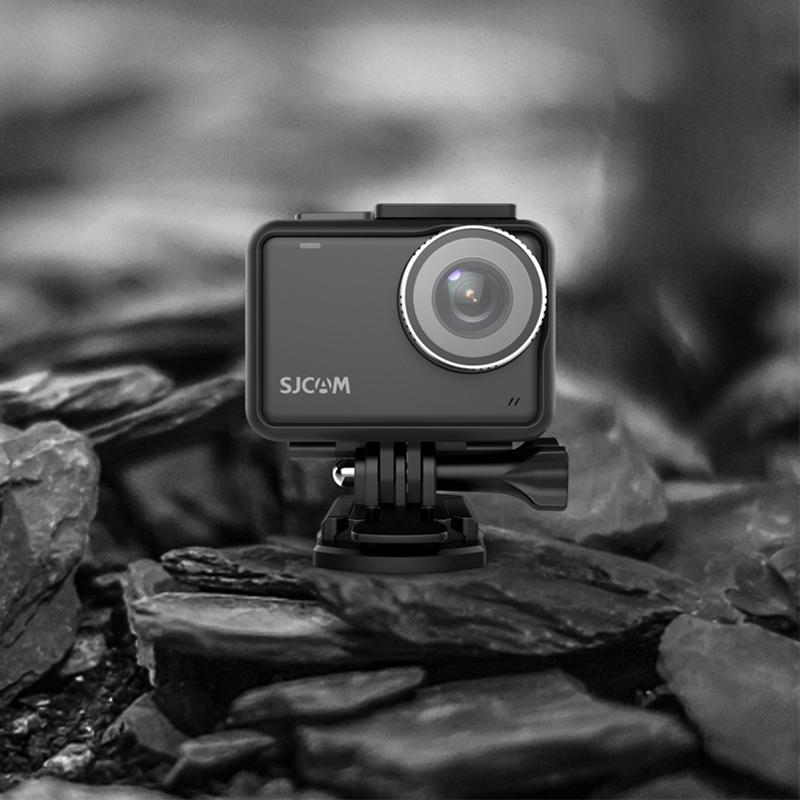
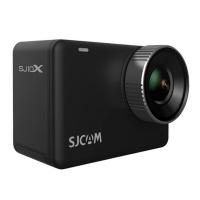
how to use a mic with action camera 1

Before diving into the setup process, it's essential to understand the different types of microphones you can use with your action camera. Each type has its own set of advantages and is suited for specific recording environments.

1. Lavalier Microphones: Also known as lapel mics, these are small and can be clipped onto your clothing. They are ideal for interviews, vlogging, and situations where you need to capture clear audio from a single person.

2. Shotgun Microphones: These are highly directional and are designed to capture sound from a specific direction while minimizing background noise. They are perfect for outdoor activities and environments with a lot of ambient noise.

3. Stereo Microphones: These capture sound from multiple directions, providing a more immersive audio experience. They are suitable for capturing environmental sounds and creating a sense of space in your recordings.

4. Wireless Microphones: These offer the convenience of mobility without the hassle of cables. They are excellent for dynamic shooting scenarios where you need to move around freely.

Necessary Accessories
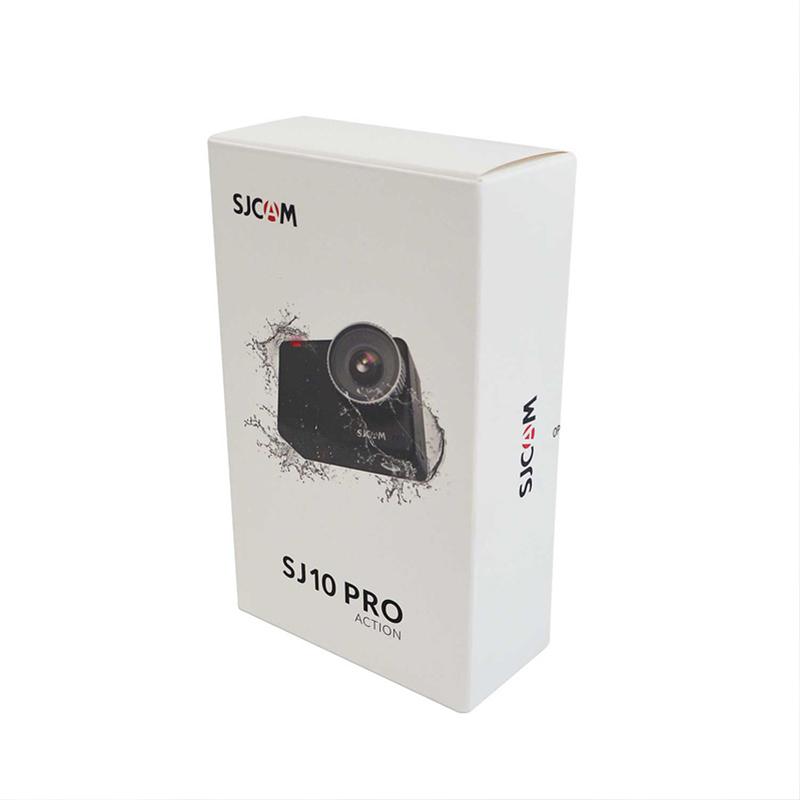
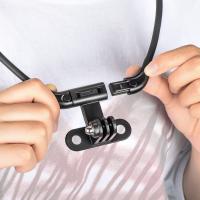
how to use a mic with action camera 2

To connect an external microphone to your action camera, you will need a few essential accessories:

1. Microphone Adapter: Most action cameras do not have a built-in microphone input. Therefore, you will need a microphone adapter that is compatible with your specific camera model. This adapter usually connects to the camera's USB or HDMI port.

2. Mounting Accessories: Depending on the type of microphone you choose, you may need additional mounting accessories such as a cold shoe mount, a boom pole, or a clip.

3. Windshield or Windscreen: If you are recording outdoors, a windshield or windscreen can help reduce wind noise and improve audio clarity.

4. Extension Cables: If you need to position the microphone away from the camera, extension cables can provide the necessary reach.

Step-by-Step Setup Guide
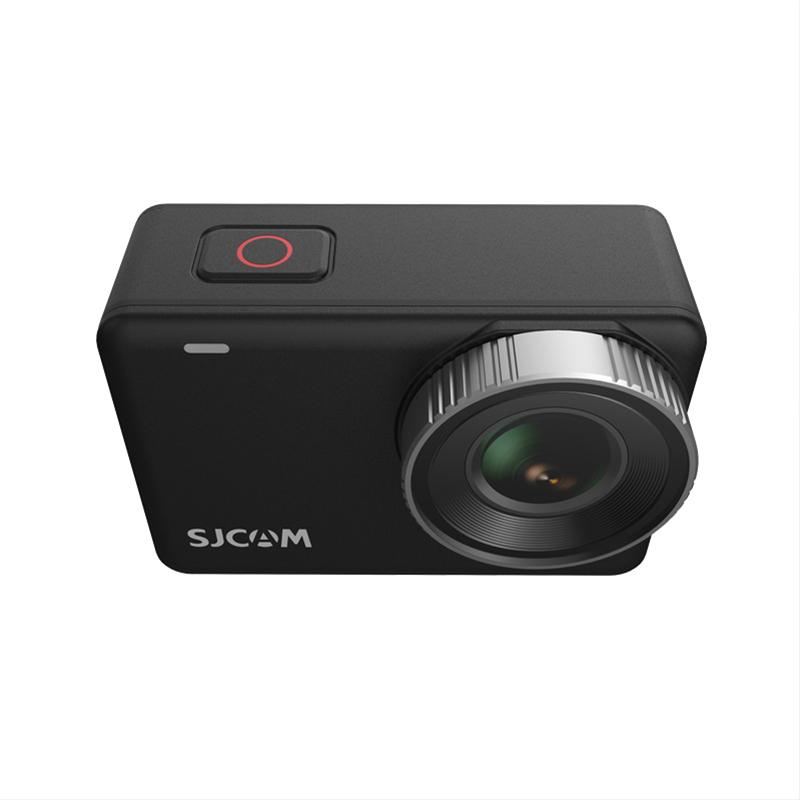
how to use a mic with action camera 3

Now that you have all the necessary equipment, let's go through the step-by-step process of setting up your microphone with your action camera.

Step 1: Check Compatibility
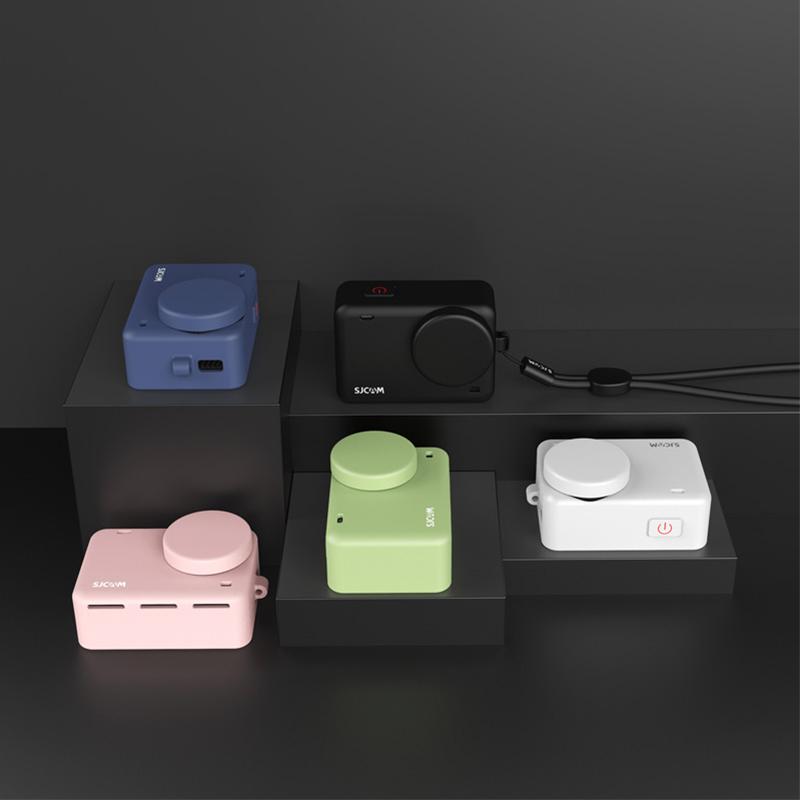
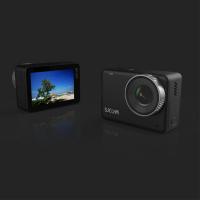
how to use a mic with action camera 4

Before purchasing any accessories, ensure that your action camera is compatible with external microphones. Check the camera's user manual or the manufacturer's website for information on supported accessories and adapters.

Step 2: Connect the Microphone Adapter

Plug the microphone adapter into the appropriate port on your action camera. This is usually a USB or HDMI port, depending on the camera model. Make sure the connection is secure.

Step 3: Attach the Microphone

Connect your chosen microphone to the adapter. If you are using a lavalier microphone, clip it onto your clothing near your mouth. For shotgun microphones, use a cold shoe mount or boom pole to position the microphone in the desired direction. Ensure that the microphone is securely attached and positioned correctly.

Step 4: Test the Audio

Turn on your action camera and start a test recording to check the audio levels. Speak or make some noise to see if the microphone is capturing sound correctly. Most action cameras have an audio level indicator that can help you monitor the input levels. Adjust the microphone position or settings as needed to achieve the best audio quality.

Step 5: Use a Windshield or Windscreen

If you are recording outdoors, attach a windshield or windscreen to the microphone to reduce wind noise. This accessory is especially important for shotgun microphones, which are more sensitive to wind.

Step 6: Secure the Setup

Ensure that all connections are secure and that the microphone and adapter are firmly attached to the camera or your person. Use cable ties or clips to manage any excess cables and prevent them from getting in the way during recording.

Tips for Optimal Audio Quality

1. Monitor Audio Levels: Continuously monitor the audio levels during recording to ensure that the sound is not too low or too high. Most action cameras have an audio level meter that can help you with this.

2. Reduce Background Noise: Choose a quiet location for recording whenever possible. If you are in a noisy environment, use a directional microphone like a shotgun mic to focus on the desired sound source.

3. Use High-Quality Microphones: Invest in a good-quality microphone that suits your recording needs. Cheap microphones may not provide the best audio quality and can introduce unwanted noise.

4. Experiment with Placement: The placement of the microphone can significantly impact the audio quality. Experiment with different positions to find the optimal placement for clear and crisp sound.

5. Regular Maintenance: Keep your microphone and accessories clean and well-maintained. Dust and debris can affect the performance of the microphone.

Using an external microphone with your action camera can greatly enhance the audio quality of your recordings, making them more professional and engaging. By understanding the different types of microphones, gathering the necessary accessories, and following the step-by-step setup guide, you can achieve excellent audio results. Remember to monitor audio levels, reduce background noise, and experiment with microphone placement to get the best possible sound. With these tips and techniques, you'll be well on your way to creating high-quality videos with superb audio.

Leave your comment
Cancel reply
Note: HTML is not translated!
Related products
K&F CONCEPT Quick-Open U-Shaped Reflector, 47"x25"/120x65cm, with 4-in-1 reflective fabric, available in black, gold, white, and silver, includes a 1.5m stand and a storage bag. Suitable for photography studio use.

$79.99
Sony Alpha Minolta AF A-Type Lens to NEX E-Mount Mirrorless Camera with Matting Varnish Design
146
$64.99 $35.99
Minolta A / Sony A Lenses to Pentax Q Lens Mount Adapter with Tripod Mount K&F Concept M22162 Lens Adapter
$55.99 $28.99
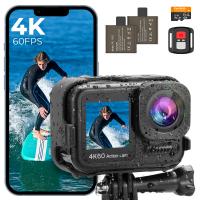
4K60FPS 48MP 66FT Waterproof Action Camera without a Case, Dual Screens, 64GB Card, EIS, WiFi Remote Control, Kentfaith
14
$191.24 $152.99
Minolta A / Sony A Lenses to Pentax Q Lens Mount Adapter K&F Concept M22161 Lens Adapter
$45.99 $23.99
Lens Mount Adapter Compatible with Sony Alpha Minolta AF A-Type Lens to NEX E-Mount Mirrorless Camera Body
155
$53.99 $27.99
Gift Certificate: $200 Value - Can Use with Any Discounts
$200.00 $190.00
Gift Certificate: $300 Value  - Can Use with Any Discounts
Gift Certificate: $300 Value - Can Use with Any Discounts
$300.00 $285.00
Gift Certificate: $1000 Value  - Can Use with Any Discounts
Gift Certificate: $1000 Value - Can Use with Any Discounts
$1,000.00 $950.00
Gift Certificate: $500 Value  -Can Use with Any Discounts
Gift Certificate: $500 Value -Can Use with Any Discounts
$500.00 $475.00
Products You May Like
Nikon AI F Mount Lens to Micro Four Thirds (MFT, M4/3) Camera with Matting Varnish Compatible for Olympus Pen E-P1 P2 P3 P5 E-PL1
24
$64.99 $35.99
Minolta MD MC Lenses to Nikon 1 Lens Mount Adapter K&F Concept M15201 Lens Adapter
$25.99
4K Night Vision Goggles with 4.5in Large Display Backlit Buttons 1312FT(400M) Kentfaith
22
$171.00 $136.99
800 Yards Golf Rangefinder Telescope with Slope & Flag Lock Vibration, Vertical Horizontal Distance Measurement & Scan, for Golf, Hunting
$239.99 $89.99
49mm Variable ND2-400 (1-9 Stops) & Black Mist 1/4 Filter with 18 Multi-Coatings for Camera Lenses Nano-Klear Series
$39.99 $39.99
sun glasses
sun glasses
$0.00
Game Winner Trail Camera
10
$135.99 $74.99
95mm Black Mist Filter 1/4 Special Effects Filter Ultra-Clear Multi-layer Coated With Waterproof Scratch-Resistant and Anti-Reflection Nano-X Series
$149.99 $86.99
D2 HD 1080P multi-function clip-on camera, body-worn camera with MP3, infrared night vision, recording function, support screen recording, suitable for sports, home, office
$29.99
Pir Interval Trail Camera
10
$162.99 $106.99
Related articles
How To Use Apple Headphones Mic On Ps4 ?
How To Set Up Action Camera?
How To Charge Crosstour Action Camera?
Can I Use Earphones As Mic On Pc?
How To Open Action Camera Waterproof Case?
How To Delete Photos From Action Camera?
How To Make Dome For Action Camera?
How To Turn Off Earphone Mic?
How To Use Old Flash With Digital Camera?
What Is Digital Slr Cameras?
Blog You May Like
How To Insert Micro Sd Card Into Pc?
How To Hide Gold From Metal Detectors?
What Smart Watch To Get?
How To Get Ring Light In Eyes?
Why Is My Camera Screen Flashing?
How To Insert Sd Card Into Akaso Camera?
Does Camera Flash Hurt Dogs Eyes?
How To Make Soft Light For Photography?
Camera Settings When Using Nd Filters?
How To Take Great Photos With Digital Camera?
Related categories
Action Camera Mount A Mount Lens Adapter C mount lens adapter Sony A Mount Lens Adapters camera battery minolta a mount lenses trail camera with screen
Popular products
video camera with stabilization quadcopter drone with camera camera for motorcycle helmet sony a mount to minolta adapter sony alpha a7r mirrorless digital camera smart ai battery camera nd filter for dji osmo action gopro hero 9 battery microphone for laptop computer microphone for a gopro
Related searches
Wireless Headphones With A Mic Best Headphones With A Mic Wireless Mic For Action Camera Easy To Use Drone With Camera Wireless Microphone To Use With Iphone Action Camera With Hdmi Out Action Camera With Night Vision Action Camera With Chest Mount Action Camera With Wireless Microphone Action Camera With Lcd Screen
Related Scenes
Action Camera With Best Battery Life Best Camera To Video Sports Best Camera To Capture Wildlife Best Camera For Outdoor Use Outdoor Use Best Security Camera Best Batteries For A Trail Camera Best Sony A Camera For Video Best Borescope For Home Use Best Video Camera To Record Sports Best Action Video Camera
Blog Category
  • Activities
  • Guide
    • Filter Guide
    • Lens Adapter
    • Product Review
  • News & Reviews
    • Camera Reviews
    • Sample Gallery
    • News
  • Tutorials
    • Solar eclipse photography
    • Photography Basics
    • Landscape Photography
  • Inspiration
    • Travel
    • Travel Stories
Search Article
Latest from the Blog
How To Put More Bass In Your Headphones?
What Lenses Are In A Microscope?
Can You Drive With Headphones?
How To Use Your Phone As A Microphone?
How To Reduce Noise In Earphones?
What Camera Has The Best Video Quality?
What Projector For Outdoor Movies?
What Is Microscope Simple Definition?
Which Smartwatch Has Best Sleep Tracking?
Which Smartwatch Is Most Accurate For Calories?
  • Easy Payment Multilple Payment Options

  • Free Shipping Global WareHouse Shipment

  • No Risk 30-Day No Reason Return

  • Limited Deals Buy More, Save More

  • Tax Free No any surcharges or tax fee

Information
  • About us
  • Contact Us
  • Site Map
  • Blog
  • Video
  • Gallery
  • VIP Membership Rewards
Service
  • Privacy Policy
  • Terms & Conditions
  • Shipping & Delivery
  • Payment Info
  • Warranty, Return & Refund
  • Intellectual Property Rights
  • Ambassador
  • Affiliates
  • Wholesale
Support
  • My account
  • Order History
  • FAQs
  • Extend Warranty
  • Logistics Tracking
Follow us
NewsLetter

Get the latest product, K&F Concept respects your privacy.

Powered By KENTFAITH © 2026