kfconcept

KENTFAITH
K&F Concept    Blog >

Enjoy Your Selected Digital Life

Recently Viewed
  • Recently Viewed
  • K&F Concept-301 16MP 1080P HD Wildlife Camera 0.4s Trigger Outdoor Waterproof Hunting Infrared Night Vision Mini Camera
    K&F Concept-301 16MP 1080P HD Wildlife Camera 0.4s Trigger Outdoor Waterproof Hunting Infrared Night Vision Mini Camera
    $55.99
    K&F Concept Camera Sling Bag Small Crossbody Camera Case DSLR/SLR/Cute Compact Shoulder Photography Bags for Photographers - Sling Bag5L Urban Wander 05 (Green)
    K&F Concept Camera Sling Bag Small Crossbody Camera Case DSLR/SLR/Cute Compact Shoulder Photography Bags for Photographers - Sling Bag5L Urban Wander 05 (Green)
    $23.99
    T6 Solar Bluetooth Portable Speaker IPX5 - Dual Speakers With Microphone
    T6 Solar Bluetooth Portable Speaker IPX5 - Dual Speakers With Microphone
    $44.99
    Sandisk Ultra 16GB MicroSDHC UHS-I Card, C10 A1, up to 98MB/s SDSQUNC-016G-ZN3MN
    Sandisk Ultra 16GB MicroSDHC UHS-I Card, C10 A1, up to 98MB/s SDSQUNC-016G-ZN3MN
    $9.99
    V13 Bluetooth Speaker Mini Wireless Subwoofer Stereo Music Surround Speaker
    V13 Bluetooth Speaker Mini Wireless Subwoofer Stereo Music Surround Speaker
    $34.99
    Body Fat Scales Smart BMI Scale Digital Bathroom Scales for Body Weight, Body Composition Monitor Health Analyzer Weight Scale, Unlimited Users, APP (Black)
    Body Fat Scales Smart BMI Scale Digital Bathroom Scales for Body Weight, Body Composition Monitor Health Analyzer Weight Scale, Unlimited Users, APP (Black)
    $42.99 $19.99
    SanDisk Ultra 32GB SDHC UHS-I Card, C10 Up to 80MB/s SDSDUNC-032G-ZN6IN
    SanDisk Ultra 32GB SDHC UHS-I Card, C10 Up to 80MB/s SDSDUNC-032G-ZN6IN
    $19.99
    Professional DJ Studio Monitor Headphones Wired Gaming Headset Stereo Portable Earphone with 3.5mm Jack 50mm Driver
    Professional DJ Studio Monitor Headphones Wired Gaming Headset Stereo Portable Earphone with 3.5mm Jack 50mm Driver
    $37.99
    KingWear KW18 Round Dial Smartwatch Pedometer Bluetooth 4.0 Heart Rate Monitor - silver
    KingWear KW18 Round Dial Smartwatch Pedometer Bluetooth 4.0 Heart Rate Monitor - silver
    $34.99
    KingWear KW18 Smartwatch Bluetooth 4.0 Heart Rate Monitor - Black
    KingWear KW18 Smartwatch Bluetooth 4.0 Heart Rate Monitor - Black
    $33.99
Compare (0) 0
  • Compare
  • You have not chosen any products to compare.

  • Compare
Currency: USD
  • Currency
Shop by Scene Shop by Rank

Log Into Your Account

Account

Order History

Wish List

Login

Forgotten Password?

Or connect with

Register Account

Already have an Account?Log In

  • Shopping Cart
  • Your shopping cart is empty!

  • Register/Login to purchase, earn points
  • Favorite
  • Your wish list is empty.

  • Register/Login to like, earn points
  • Activities
  • Guide
    • Filter Guide
    • Lens Adapter
    • Product Review
  • News & Reviews
    • Camera Reviews
    • Sample Gallery
    • News
  • Tutorials
    • Solar eclipse photography
    • Photography Basics
    • Landscape Photography
  • Inspiration
    • Travel
    • Travel Stories
  • Home
  • Blog
  • How To Take Good Selfie Stick Photos?

How To Take Good Selfie Stick Photos?

Kentfaith 2024-10-16 01:00:16 0 Comments

Taking excellent photos with a selfie stick can significantly enhance your photography game, making it easier to capture memorable moments and include everyone in the frame. In this article, we'll delve into practical tips and techniques that will help you take high-quality photos using a selfie stick, ensuring that you always get the perfect shot.

Understanding Your Equipment
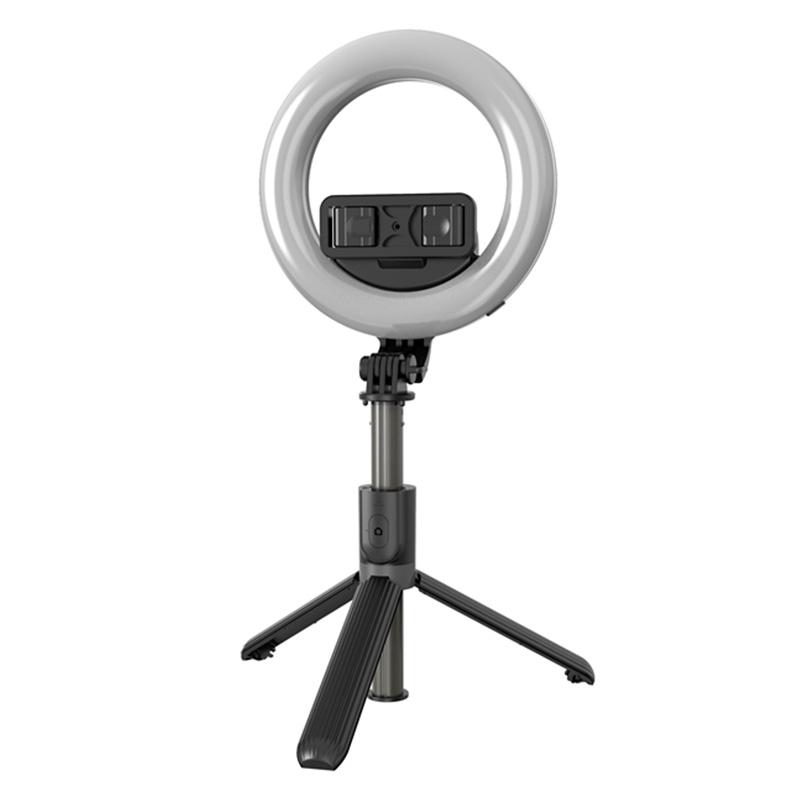
how to take good selfie stick photos 1

Before diving into specific tips, it's critical to understand your equipment. A selfie stick, at its core, is a telescopic tool designed to hold your smartphone or camera at various distances, allowing you to capture selfies or group photos from different angles. Here are some fundamental aspects to consider:

1. Quality and Stability: Ensure that your selfie stick is robust and stable. Wobbly or weak selfie sticks can result in blurry photos or, worse, risk dropping your phone.

2. Remote Shutter: Many modern selfie sticks come with a remote shutter button. If your selfie stick has this feature, take advantage of it to reduce camera shake.

3. Compatibility: Make sure your selfie stick is compatible with your smartphone or camera. Some advanced selfie sticks even work with GoPros.

Mastering the Basics
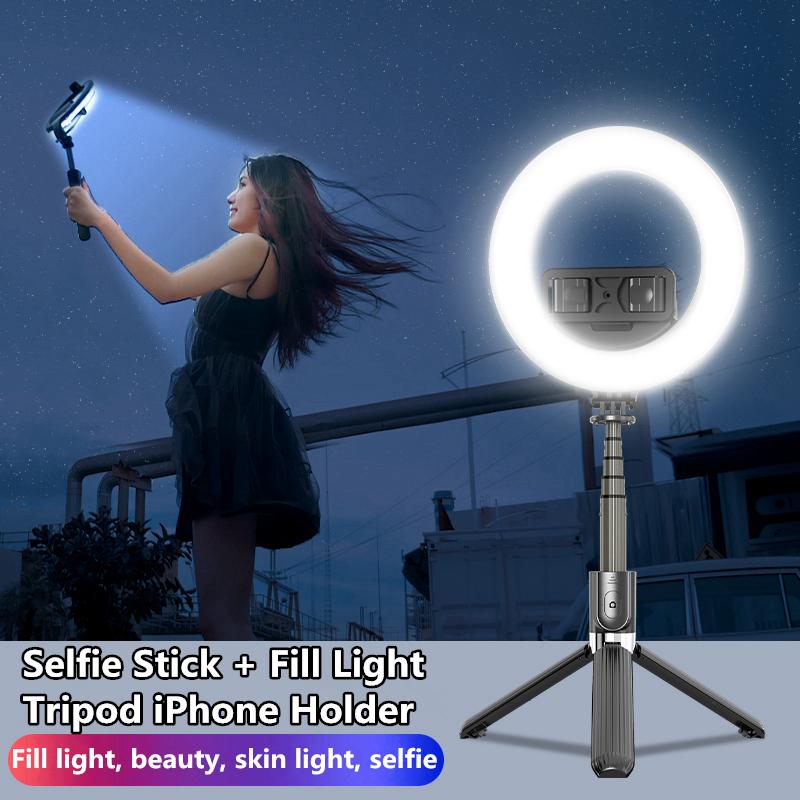
how to take good selfie stick photos 2

Now that you're familiar with your equipment, let's move on to essential tips to master the basics of taking good selfie stick photos:

1. Find the Right Angle:

- Experiment with Angles: The flexibility of selfie sticks allows you to experiment with various angles. Hold your selfie stick at different positions - above your head, below, or from the side to see which angle flatters you the most.

- Avoid Extreme Angles: While experimenting is good, be cautious of extreme angles which might distort your facial features or capture unflattering perspectives.

2. Lighting is Key:

- Use Natural Light: Natural light enhances the quality of your photos by providing a soft and even illumination. Position yourself so that the light is in front of you rather than behind.

- Avoid Shadows: Be mindful of shadows that can obscure your face or cause uneven lighting. Face towards the source of light to mitigate this issue.

3. Background and Composition:

- Choose an Interesting Background: A visually attractive or relevant background can add context to your photos. Whether it's a scenic landscape or a unique urban setting, the right backdrop can make your photo more captivating.

- Framing and Composition: Follow the rule of thirds by positioning yourself off-center to create a more balanced and compelling image. Use grid lines on your camera to assist with this.

4. Extend the Stick Wisely:

- Moderation is Key: Extend your selfie stick to a moderate length to keep the camera steady and reduce the likelihood of blurriness. Overextending can make the stick wobbly and hard to control.

- Blend in the Stick: Angle the camera in such a way that the selfie stick is minimally visible or entirely hidden. This ensures that the focus remains on the subjects and not on the equipment.

Advanced Techniques for Better Photos
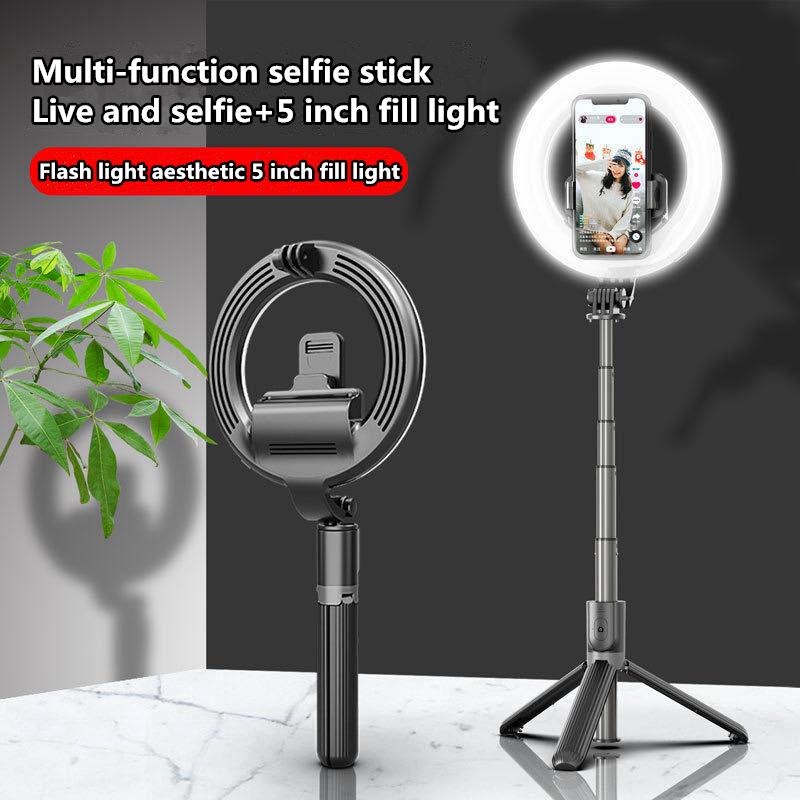
how to take good selfie stick photos 3

Once you’ve grasped the basics, you can explore more advanced techniques to further improve your selfie game:

1. Use the Timer Function:

- Use the timer function on your smartphone camera to reduce the risk of shaking the camera while pressing the shutter button. This can help you capture a more stable and clearer photo.

2. Leverage Your Environment:

- Utilize surrounding objects like ledges, branches, or tables to stabilize your selfie stick if you need a hands-free photo. Placing the stick on a stable surface can drastically improve the photo’s sharpness.

3. Experiment with Different Modes and Filters:

- Portrait Mode: If your smartphone supports portrait mode, use it to create a professional-looking photo with a blurred background, making the subject stand out.

- Filters and Editing: Don’t be afraid to use filters or edit your photos post-capture to enhance colors, brightness, and contrast.

4. Group Photos and Wide Shots:

- Use Panorama Mode: For capturing large groups or wide scenic shots, utilize your phone's panorama mode to include everyone and everything in one seamless photo.

- Keep Everyone in Focus: Ensure everyone in a group photo is visible and in focus. Adjust the angle and distance to make sure no one is cut off or obscured.

Practical Tips for Specific Scenarios
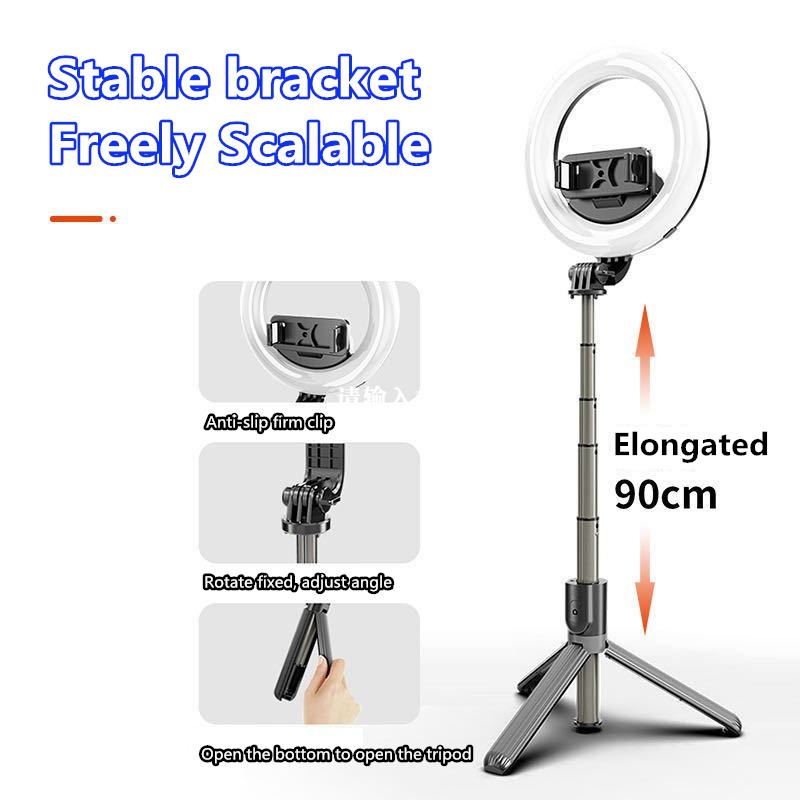
how to take good selfie stick photos 4

Adapting your technique to different scenarios can help you capture the best possible selfie stick photos:

1. Travel Photos:

- Highlight Landmarks: When traveling, use your selfie stick to frame yourself with iconic landmarks in the background. This not only documents your presence but also the beauty of the location.

- Cultural Sensitivity: Be respectful of local customs and rules regarding photography. Some places might restrict the use of selfie sticks.

2. Events and Gatherings:

- Capture the Atmosphere: At events or gatherings, use the selfie stick to capture the vibrant atmosphere. Include elements of the event like decorations, lights, and crowds to convey the event’s mood.

- Get Closer to the Action: Sometimes, extending the stick above the crowd allows you to capture moments that are otherwise hard to photograph from ground level.

3. Outdoor Adventures:

- Action Shots: If you’re into outdoor activities like hiking or cycling, use your selfie stick to capture dynamic action shots. Attach a GoPro or action camera if your stick supports it for better quality and durability.

- Safety First: When in nature or on an adventure, prioritize safety. Be cautious of your surroundings and ensure that you’re not compromising safety for a good shot.

Taking great photos with a selfie stick involves a blend of good equipment, understanding basic photography principles, and being mindful of your surroundings. By experimenting with angles, leveraging natural light, and composing your shots thoughtfully, you can elevate your selfie photography to the next level. Advanced techniques such as using the timer function, exploiting different camera modes, and being adaptive to different scenarios can further enhance the quality of your photos.

Remember, the key to great photography – even with a selfie stick – is practice and experimentation. The more you use your selfie stick and camera, the more you’ll understand what works best for you, allowing you to consistently capture high-quality, memorable photos. So, grab your selfie stick, head out, and start snapping!
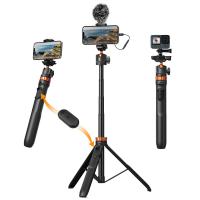
Leave your comment
Cancel reply
Note: HTML is not translated!
Related products
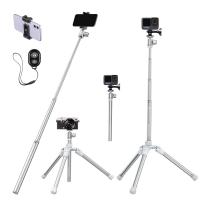
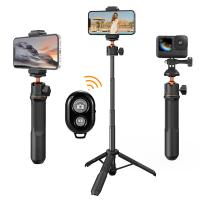
Cell Phone Tripod MS02 13.4''/34cm bluetooth selfie stick Desktop Stand Orange Gray
97
$29.99 $21.99
MS04 62''/1.58m Tripod Phone Selfie Stick, Black And Orange With Bluetooth Remote Control + Gopro Adapter
107
$49.99 $29.99
DJI Osmo Action 4 & Osmo Action 5 Pro Action Camera Filter and Selfie Stick Kit, 4 Pack (CPL + ND8 + ND16 + ND32) Screw On Polarizing Neutral Density Filter HD Optical Glass / Multi-Coated / Metal Frame and Portable 2-in-1 Selfie Stick Tripod
$49.99
67''/170cm Eccentric Tube Cellphone Tripod, Lightweight Super Portable Selfie Stick, DSLR Camera Tripod E224A3+BH-18 Silver
36
$89.99 $49.99
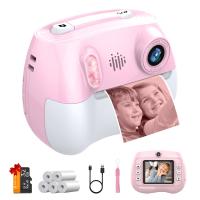
Kids Camera Instant Print Color Photos, Front Rear Dual Selfie, 1080P HD Video for 3-12, Pink, Kentfaith
15
$81.24 $64.99
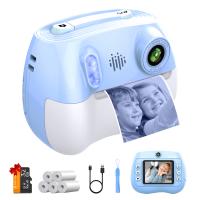
Kids Camera Instant Print Color Photos, Front Rear Dual Selfie, 1080P HD Video for 3-12, Blue, Kentfaith
14
$81.24 $64.99
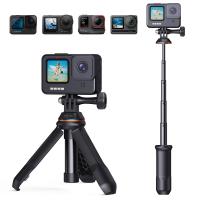
MS03 13''/33cm Action Camera Mounts Selfie Stick Desktop Stand (Small Size) For Gopro, Action, And Insta Black Orange
5
$37.99 $18.99
63'' Magnetic Iphone Tripod Phone Selfie Stick Tripod And Clip-On ND Filter(1-9 stops) For All Phone Set
207
$113.99 $59.99
23.6‘’/60cm 3 in 1 selfie stick desktop stand with ball head + mobile phone holder + GoPro adapter + Bluetooth remote control MS11
45
$37.99 $23.99
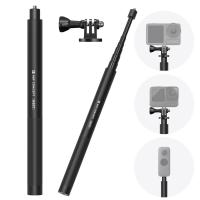
60 inch Invisible Selfie Stick, Extension Pole compatiable with Insta360 Sports Camera, GoPro, DJI Action, 1/4" Extended Monopod Pole with GoPro Adapter
11
$25.99
Products You May Like
52mm 2 in 1 ND32 (5 Stop) and CPL Lens Filters, Multi-coated Waterproof Anti-Reflection Nano-X Japan Optical Glass
$37.99 $34.99
Drone Tablet Holder for DJI Mini 2 SE/Mini 3 Pro/Mavic Air 2/DJI Mini 2/Mavic 3 Remote Controller Accessories, DJI Mavic 3/3 Classic/Air 2S/Mavic Air 2/mini 3/3 Pro/mini 2/2 SE  Remote Controller Accessories
Drone Tablet Holder for DJI Mini 2 SE/Mini 3 Pro/Mavic Air 2/DJI Mini 2/Mavic 3 Remote Controller Accessories, DJI Mavic 3/3 Classic/Air 2S/Mavic Air 2/mini 3/3 Pro/mini 2/2 SE Remote Controller Accessories
$27.49 $21.99
Live Streaming Trail Camera
10
$162.99 $106.99
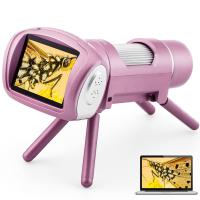
AD012 Portable Children's Microscope, Children's Microscope with 2 Inch LCD Screen, Windows PC Compatible Educational Toy, Suitable for Indoor, Outdoor Use, Age 5+ (Pink)
24
$68.99 $47.99
72mm Blue Streak Filter (2mm)  Anamorphic Lens Effect Filter Optical Glass Ultra-clear Waterproof Anti-Scratch Anti-Reflection Green Film Nano-Klear Series
72mm Blue Streak Filter (2mm) Anamorphic Lens Effect Filter Optical Glass Ultra-clear Waterproof Anti-Scratch Anti-Reflection Green Film Nano-Klear Series
32
$33.99 $24.99
72mm Snap-On Center Pinch Lens Cap 4 in 1 with Anti-Loss Keeper Leash Compatible with Nikon, Canon, Sony, Fujifilm Camera Lenses
$11.99 $5.99
62mm Black Mist 1/4 Filter + Lens Cap, Mist Cinematic Effect Filter with 18 Multi-Layer Coatings for Video, Vlog, Portrait Photography Nano-Klear Series
17
$45.99 $30.99
Solar Trail Camera Wifi Bluetooth Wireless Wildlife Camera 48MP*4K Ultra HD,Dual Battery Compartment Design (6000mAh Rechargeable Battery + 3w Solar Panels) With 64g SD Card
89
$99.99 $89.99
40.5mm Camera UV + Polarizing Lens Filters + Lens Cap Kit, 3pcs of Cleaning Cloths and a Filter Pouch Included, K&F Concept Nano-Klear Series
30
$42.99 $33.74
Related articles
How To Take Photos With A Ring Light?
How To Connect My Selfie Stick?
How To Connect Selfie Stick Shutter?
How To Fix Selfie Stick Button?
How To Use Camera Selfie Stick?
Can Selfie Sticks Take Videos?
How To Make Your Selfie Stick Invisible?
How To Use Audio Jack Selfie Stick?
How To Record Video With Selfie Stick?
Can You Use A Camera Tripod For Binoculars?
Blog You May Like
Can You Use A Canon Lens On A Sony Camera ?
What Digital Camera Has The Best Zoom?
Where Can I Sell My Video Camera?
Which Baby Monitor Should I Buy?
Karate Kids: Legends,Kentfaith Co-promotes with Sony
How To Find Hidden Cameras And Recorders?
How Much Is A Iphone Camera Lens Replacement?
How To Build A Phone Tripod Stand?
How Do You Use A Bluetooth Selfie Stick?
Where To Position Lights For Photography?
Related categories
C mount lens adapter Sony A Mount Lens Adapters black mist nd filter​ hunting binoculars UV Filters outdoor lights Nikon F Mount Lens Adapters Live Ring Light magnetic ND filter
Popular products
rear video camera for car camera with instant print mirrorless selfie stick good trail camera good inexpensive trail cameras good quality trail camera good quality trail cameras phone tripod selfie stick hard shell camera case camera selfie stick tripod
Related searches
Gopro Selfie Stick Selfie Stick Bluetooth Small Selfie Stick Selfie Stick Tripod Selfie Stick Battery Phone Selfie Stick Selfie Stick Stand Magsafe Selfie Stick Dji Selfie Stick Portable Selfie Stick
Popular searches
Hd 1080p Camera Battery Nikon To Panasonic Lumix G85 Adapter Tilt Shift Lens Adapter Sony Fe Mount Slr Camera Battery 360 Camera Tripod Celestron Sony E Mount Canon Fd Mount Compatibility Binoculars With Bag Blue Filter Lens Glasses Uv Filter For 85mm Lens
Blog Category
  • Activities
  • Guide
    • Filter Guide
    • Lens Adapter
    • Product Review
  • News & Reviews
    • Camera Reviews
    • Sample Gallery
    • News
  • Tutorials
    • Solar eclipse photography
    • Photography Basics
    • Landscape Photography
  • Inspiration
    • Travel
    • Travel Stories
Search Article
Latest from the Blog
How Much Does It Cost For Security Cameras?
How To Make A Camera Flash After Effects?
Which Camera Is Best For Low Light Photography?
What Is Surveillance Camera Control System?
UV Filter: Everything You Need to Know About UV Protection Lens Filters
How Do Metal Detectors Work? A Complete Guide for Beginners and Pros
What To Look For In A Dash Cam?
Can Security Cameras Detect Motion Through Glass?
How To Find A Good Digital Camera?
How To Fix The Straps On A Camera?
  • Easy Payment Multilple Payment Options

  • Free Shipping Global WareHouse Shipment

  • No Risk 30-Day No Reason Return

  • Limited Deals Buy More, Save More

  • Tax Free No any surcharges or tax fee

Information
  • About us
  • Contact Us
  • Site Map
  • Blog
  • Video
  • Gallery
  • VIP Membership Rewards
Service
  • Privacy Policy
  • Terms & Conditions
  • Shipping & Delivery
  • Payment Info
  • Warranty, Return & Refund
  • Intellectual Property Rights
  • Ambassador
  • Affiliates
  • Wholesale
Support
  • My account
  • Order History
  • FAQs
  • Extend Warranty
  • Logistics Tracking
Follow us
NewsLetter

Get the latest product, K&F Concept respects your privacy.

Powered By KENTFAITH © 2025