kfconcept

KENTFAITH
K&F Concept    Blog >

Enjoy Your Selected Digital Life

Recently Viewed
  • Recently Viewed
  • 52mm Solar Filter 16.6-Stops,ND100000 Solid Neutral Density Filter For Eclipse With 18 Multi-Layer Coatings Nano-Klear Series
    52mm Solar Filter 16.6-Stops,ND100000 Solid Neutral Density Filter For Eclipse With 18 Multi-Layer Coatings Nano-Klear Series
    $22.99 $17.99
Compare (0) 0
  • Compare
  • You have not chosen any products to compare.

  • Compare
Currency: USD
  • Currency
Shop by Scene Shop by Rank

Log Into Your Account

Account

Order History

Wish List

Login

Forgotten Password?

Or connect with

Register Account

Already have an Account?Log In

  • Shopping Cart
  • Your shopping cart is empty!

  • Register/Login to purchase, earn points
  • Favorite
  • Your wish list is empty.

  • Register/Login to like, earn points
  • Activities
  • Guide
    • Filter Guide
    • Lens Adapter
    • Product Review
  • News & Reviews
    • Camera Reviews
    • Sample Gallery
    • News
  • Tutorials
    • Solar eclipse photography
    • Photography Basics
    • Landscape Photography
  • Inspiration
    • Travel
    • Travel Stories
  • Home
  • Blog
  • How To Protect Nikon Wifi Camera?

How To Protect Nikon Wifi Camera?

Kentfaith 2024-08-14 02:36:17 0 Comments

In the age of digital photography, WiFi-enabled cameras have become a staple for both amateur and professional photographers. These cameras, such as those produced by Nikon, offer the convenience of transferring photos wirelessly, remote shooting, and easy sharing on social media platforms. However, with these conveniences come potential security risks. Protecting your Nikon WiFi camera from unauthorized access and potential cyber threats is crucial. This article will provide comprehensive strategies to safeguard your device, ensuring your photos and personal information remain secure.

Understanding the Risks
how to protect nikon wifi camera 1

Before diving into the protective measures, it’s essential to understand the potential risks associated with WiFi-enabled cameras:

1. Unauthorized Access: Hackers can gain access to your camera’s WiFi network, allowing them to view, download, or delete your photos.

2. Data Interception: Without proper encryption, data transferred between your camera and other devices can be intercepted.

3. Firmware Vulnerabilities: Outdated firmware can have security loopholes that hackers can exploit.

4. Malware: Just like any other connected device, cameras can be infected with malware, which can compromise their functionality and security.

Steps to Protect Your Nikon WiFi Camera
how to protect nikon wifi camera 2

1. Secure Your WiFi Network

how to protect nikon wifi camera 3

The first line of defense is ensuring that your home or studio WiFi network is secure. Here’s how:

- Use Strong Passwords: Ensure your WiFi network is protected with a strong, unique password. Avoid using easily guessable passwords like “12345678” or “password.”

- Enable WPA3 Encryption: If your router supports it, enable WPA3 encryption, which is the latest and most secure WiFi encryption standard.

- Hide Your SSID: By hiding your network’s SSID (Service Set Identifier), you make it less visible to potential intruders.

2. Update Camera Firmware Regularly
how to protect nikon wifi camera 4

Nikon frequently releases firmware updates to fix bugs and address security vulnerabilities. Regularly updating your camera’s firmware is crucial:

- Check for Updates: Periodically check Nikon’s official website or use the Nikon SnapBridge app to see if there are any available firmware updates for your camera model.

- Follow Instructions: Carefully follow the instructions provided by Nikon to update your camera’s firmware. This usually involves downloading the update to an SD card and then installing it on the camera.

3. Use Strong Camera Passwords

When setting up your Nikon camera’s WiFi, you’ll be prompted to create a password. Ensure this password is strong and unique:

- Avoid Default Passwords: Never use the default password provided by the manufacturer. Change it to something more secure.

- Use a Mix of Characters: Create a password that includes a mix of letters, numbers, and special characters.

4. Enable Two-Factor Authentication (2FA)

If your camera or associated apps (like Nikon SnapBridge) support two-factor authentication, enable it. 2FA adds an extra layer of security by requiring a second form of verification in addition to your password.

5. Disable WiFi When Not in Use

One of the simplest yet most effective ways to protect your camera is to disable its WiFi functionality when you’re not using it:

- Turn Off WiFi: When you’re done transferring photos or using remote shooting, turn off the camera’s WiFi to prevent unauthorized access.

- Use Airplane Mode: Some cameras have an airplane mode that disables all wireless communications. Use this mode when you’re not actively using WiFi features.

6. Monitor Connected Devices

Regularly check which devices are connected to your camera’s WiFi network:

- Review Connections: Use the camera’s settings menu to review and manage connected devices. Disconnect any devices you don’t recognize.

- Limit Connections: Only allow trusted devices to connect to your camera’s WiFi network.

7. Use Secure Apps

When using apps to control your camera or transfer photos, ensure they are secure:

- Official Apps: Only use official apps provided by Nikon, such as Nikon SnapBridge, to connect to your camera.

- App Permissions: Review the permissions requested by the app and ensure they are necessary for its functionality.

8. Be Cautious with Public WiFi

Avoid connecting your camera to public WiFi networks, as they are often less secure and more susceptible to hacking:

- Use Personal Hotspots: If you need to transfer photos while on the go, consider using your smartphone’s personal hotspot instead of public WiFi.

- VPNs: If you must use public WiFi, consider using a Virtual Private Network (VPN) to encrypt your data and protect your connection.

Additional Tips for Enhanced Security

1. Physical Security

In addition to digital security, ensure your camera is physically secure:

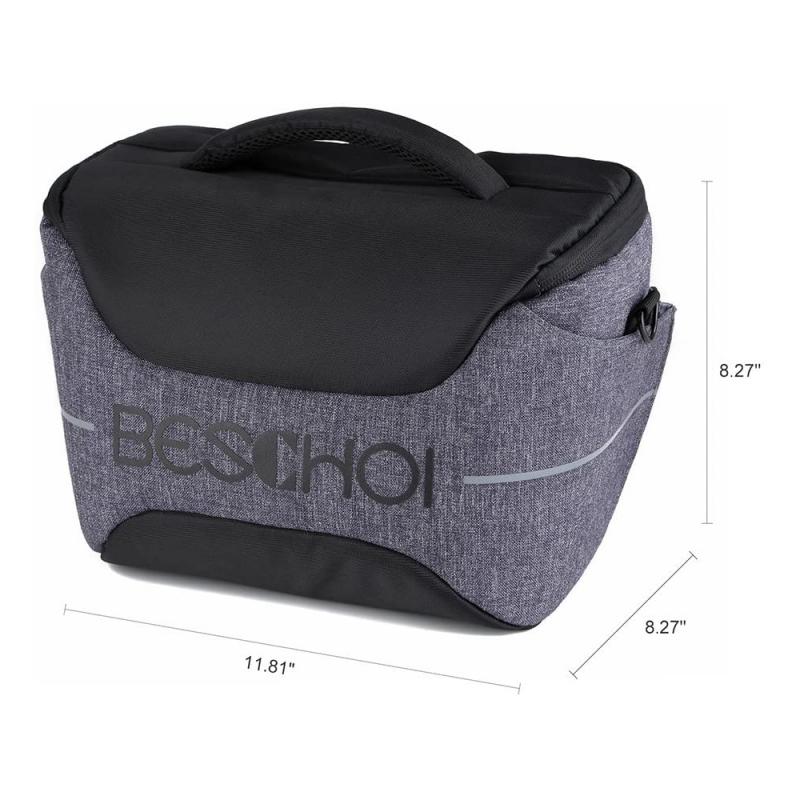
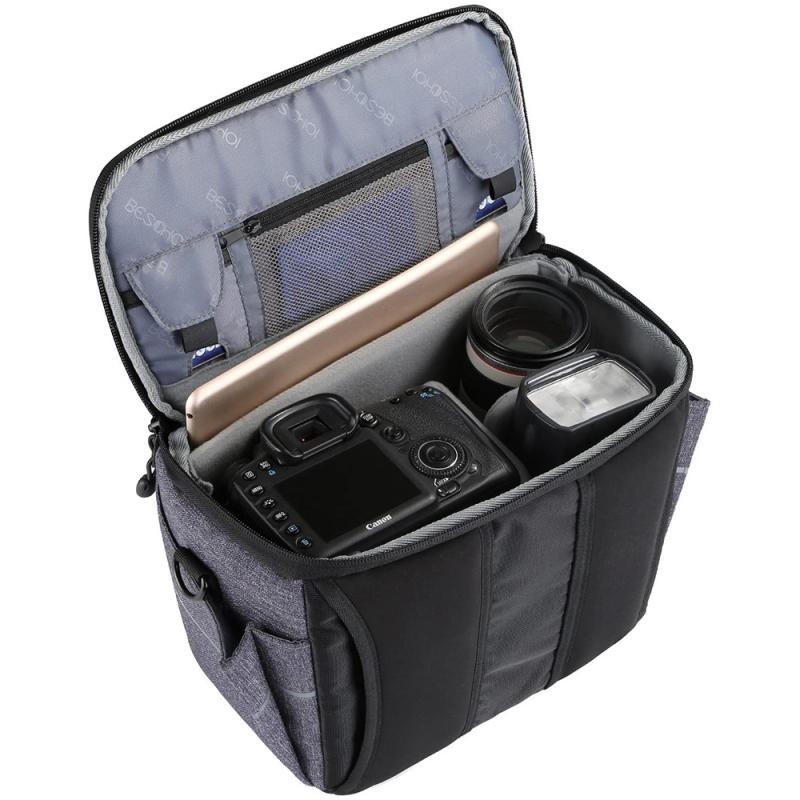
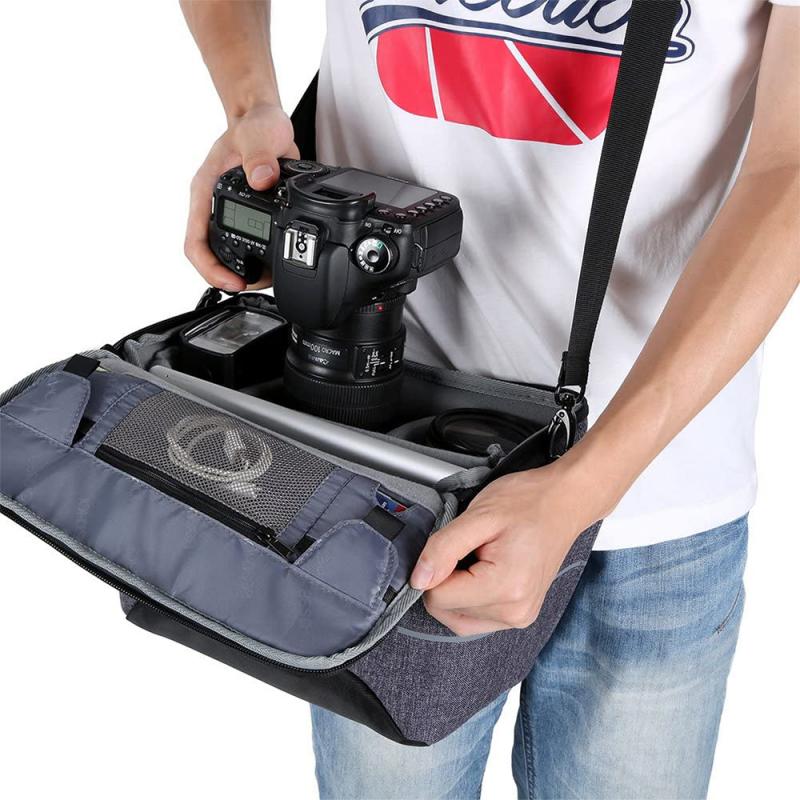
- Use a Camera Bag: Store your camera in a secure, padded bag when not in use to protect it from theft and physical damage.

- Lock It Up: When traveling, use a lockable camera case or safe to store your camera.

2. Backup Your Photos

Regularly back up your photos to ensure you don’t lose them in case of a security breach or hardware failure:

- Cloud Storage: Use secure cloud storage services to back up your photos automatically.

- External Drives: Keep copies of your photos on external hard drives or other physical storage devices.

3. Educate Yourself

Stay informed about the latest security threats and best practices:

- Follow Nikon’s Updates: Keep an eye on Nikon’s official website and social media channels for security updates and tips.

- Join Photography Forums: Participate in online photography communities to learn from other photographers’ experiences and advice.

Protecting your Nikon WiFi camera from potential security threats is essential in today’s connected world. By following the steps outlined in this article, you can significantly reduce the risk of unauthorized access, data interception, and other cyber threats. Remember to secure your WiFi network, update your camera’s firmware regularly, use strong passwords, enable two-factor authentication, and be cautious with public WiFi. Additionally, ensure your camera is physically secure and back up your photos regularly. By taking these precautions, you can enjoy the convenience of your WiFi-enabled camera while keeping your photos and personal information safe.
Leave your comment
Cancel reply
Note: HTML is not translated!
Related products
Olympus OM Lenses to Nikon 1 Camera Mount Adapter
69
$53.99 $27.99
Nikon F Mount Lens to Nikon 1-Series Camera, for Nikon V1, V2, J1, J2 Mirrorless Cameras K&F Concept Lens Mount Adapter
69
$45.99 $23.99
Nikon F/AF AI AI-S Mount Lens to Nikon Z6 Z7 Camera K&F Concept Lens Mount Adapter
27
$87.99 $49.99
Nikon G Lens to Canon EOS R Camera Body Lens Mount Adapter
49
$100.99 $56.99
Leica M Rangefinder Lens to Nikon Camera Body K&F Concept Lens Mount Adapter
3
$66.99 $34.99
M42 Mount Lens to Nikon Z6 Z7 Camera K&F Concept Lens Mount Adapter
26
$75.99 $69.99
Lens Mount Adapter Compatible with Nikon AI AI-S F Lens to Sony DSLR Camera Camera Body
147
$53.99 $32.99
Nikon G/F/AI/AIS/D Lens to Leica M CL Minolta CLE Camera Camera Mount Adapter
32
$75.99 $39.99
Lens Mount Adapter Compatible with Nikon AI Lens to Sony NEX E-Mount Camera Body
146
$34.99 $29.99
Olympus Pen-F Lens to Nikon 1 Series Camera K&F Concept Lens Mount Adapter
69
$43.99 $22.99
Products You May Like
77mm CPL Filter 28 Layer Super Slim Circular Polarizing Filter Multi-coated Polarized MRC Filter NANO-X Series
$69.99 $64.99
Guard Pro Trail Camera
10
$162.99 $106.99
100*150*2mm Soft GND16 Square Filter HD Optical Glass Waterproof ND Filter Nano-Xcel Pro Series
31
$137.99 $109.99
DJI Mini 2 SE Case Waterproof Hard Carrying Case for DJI Mini 2 /Mini 2 SE Fly More Combo Accessories
55
$84.99 $67.99
Portable Laser Engraver with 0.05mm Accuracy Protective Cover Engraving Preview 3W Entry Level
$374.99 $262.99
Multi-functional Baby Diaper Bag Backpack
$34.99
82mm True Color Variable ND2-32 (1-5 Stops) ND Lens Filter, Adjustable Neutral Density Filter with 28 Multi-Layer Coatings Nano-Xcel Series
88
$149.99 $107.99
NIK(G)-L Manual Focus Compatible with Nikon F (G-Type) Lens to L Mount Camera Body Lens Mount Adapter
81
$62.99 $34.99
77mm Magnetic Black Mist Filter 1/8 Special Effects Filter HD Multi-layer Coated, Waterproof/Scratch-Resistant/ Anti-Reflection Nano-Xcel Series
4
$178.99 $93.99
K&F Concept 2 in 1 Sling Bag Everyday Shoulder Bag & Multifunction Photography Crossbody Camera DSLR Backpack Portable Bag - Sling Bag10L Urban Wander 01 (Dark Grey)
131
$59.99 $39.99
Related articles
How To Use Nikon Wifi Adapter?
How To Protect Camera In Bag?
How To Protect Camera Lens From Sun?
How To Protect Outdoor Camera From Weather?
How To Write Protect An Sd Card?
How To Password Protect A Memory Card?
How To Adjust Nikon Binoculars?
How To Charge Nikon Camera Battery Without Charger ?
How To Unlock Memory Card On Nikon Camera?
How To Screen Share On Lg Projector?
Blog You May Like
How Camera Gimbal Works?
Solar Panel Where To Buy?
How To Take Flash Off Polaroid Camera?
Camcorder Can See In The Dark?
How To Make Wireless Camera Screen?
Can Wireless Backup Cameras Be Wired?
How Do You Use A Memory Card Reader?
How To Mount Cameras On House?
How To Open Sd Card Packaging?
What Is The Difference Between Camera Lens Sizes?
Related categories
Outdoor Security Camera Wifi battery for camera Nikon C mount lens adapter Nikon F mount camera body Wifi Trail Cameras Baby Movement Monitor ring flash nikon Nikon Z mount adapter nikon lens adapter
Popular products
well water uv filter nikon 1 j1 adapter e mount lens adapter nikon nikon camera lens mount EF EOS R Mount Adapter leica m to nikon f adapter nikon f lens to sony e mount adapter leica nikon mount mount adapter sony nikon 1 mount adapter
Related searches
Camera Protect Case Uv Filter To Protect Lens 67mm Protect Filter Filter Protect Lens Canon 58mm Protect Filter Canon 77mm Protect Filter Canon 58mm Protect Lens Filter Canon 77mm Protect Lens Filter Trail Camera That Connects To Home Wifi Nikon D810 Wifi Adapter
Popular searches
Flexible Tripod Head Tripod For Cell Mamiya To Gfx Adapter K Mount Lens To Nx Adapter Simple Wildlife Camera Bluetooth Earbuds For Work Nikon G Lens To Fuji X Adapter M42 Sony E Nd Filter Mavic Pro Ambient Sound Microphone
Blog Category
  • Activities
  • Guide
    • Filter Guide
    • Lens Adapter
    • Product Review
  • News & Reviews
    • Camera Reviews
    • Sample Gallery
    • News
  • Tutorials
    • Solar eclipse photography
    • Photography Basics
    • Landscape Photography
  • Inspiration
    • Travel
    • Travel Stories
Search Article
Latest from the Blog
How To Buy A Security Camera System?
Which Binoculars To Buy?
Camera That Can Wifi Photos To Phone?
What Is A Good Quality Dash Cam?
What Is The Difference Between Binoculars And Telescope?
How To Find A Good Digital Camera?
ND Filter: The Complete Guide to Neutral Density Filters for Photography and Video
What Is Nd Filter On Video Camera?
Camera Use Which Lens?
Black Friday 2025 Special at Kentfaith
  • Easy Payment Multilple Payment Options

  • Free Shipping Global WareHouse Shipment

  • No Risk 30-Day No Reason Return

  • Limited Deals Buy More, Save More

  • Tax Free No any surcharges or tax fee

Information
  • About us
  • Contact Us
  • Site Map
  • Blog
  • Video
  • Gallery
  • VIP Membership Rewards
Service
  • Privacy Policy
  • Terms & Conditions
  • Shipping & Delivery
  • Payment Info
  • Warranty, Return & Refund
  • Intellectual Property Rights
  • Ambassador
  • Affiliates
  • Wholesale
Support
  • My account
  • Order History
  • FAQs
  • Extend Warranty
  • Logistics Tracking
Follow us
NewsLetter

Get the latest product, K&F Concept respects your privacy.
Powered By KENTFAITH © 2025