kfconcept

KENTFAITH
K&F Concept    Blog >

Enjoy Your Selected Digital Life

Recently Viewed
  • Recently Viewed
  • Recently Viewed list is empty.

Compare (0) 0
  • Compare
  • You have not chosen any products to compare.

  • Compare
Currency: USD
  • Currency
Shop by Scene Shop by Rank

Log Into Your Account

Account

Order History

Wish List

Login

Forgotten Password?

Or connect with

Register Account

Already have an Account?Log In

  • Shopping Cart
  • Your shopping cart is empty!

  • Register/Login to purchase, earn points
  • Favorite
  • Your wish list is empty.

  • Register/Login to like, earn points
  • Activities
  • Guide
    • Filter Guide
    • Lens Adapter
    • Product Review
  • News & Reviews
    • Camera Reviews
    • Sample Gallery
    • News
  • Tutorials
    • Solar eclipse photography
    • Photography Basics
    • Landscape Photography
  • Inspiration
    • Travel
    • Travel Stories
  • Home
  • Blog
  • How To Get Retro Camera Filter?

How To Get Retro Camera Filter?

Kentfaith 2024-07-16 01:22:04 0 Comments

In the age of digital photography, the charm of retro camera filters has captivated many enthusiasts and casual photographers alike. These filters can transform modern photos into nostalgic masterpieces reminiscent of the days of film photography. Whether you're looking to evoke the warm tones of the 1970s or the grainy textures of the 1950s, retro camera filters can help you achieve that timeless look. This article will guide you through various methods to get retro camera filters, ensuring you can add that vintage touch to your photos with ease.

Understanding Retro Camera Filters

Before diving into the methods, it's essential to understand what retro camera filters are. These filters mimic the characteristics of old film cameras, including color shifts, grain, vignetting, and light leaks. They can be applied through various means, such as physical filters, software applications, or in-camera settings.

Method 1: Using Smartphone Apps

One of the most accessible ways to get retro camera filters is through smartphone apps. These apps are designed to be user-friendly and often come with a variety of preset filters that emulate different eras of photography.

Popular Apps for Retro Filters:
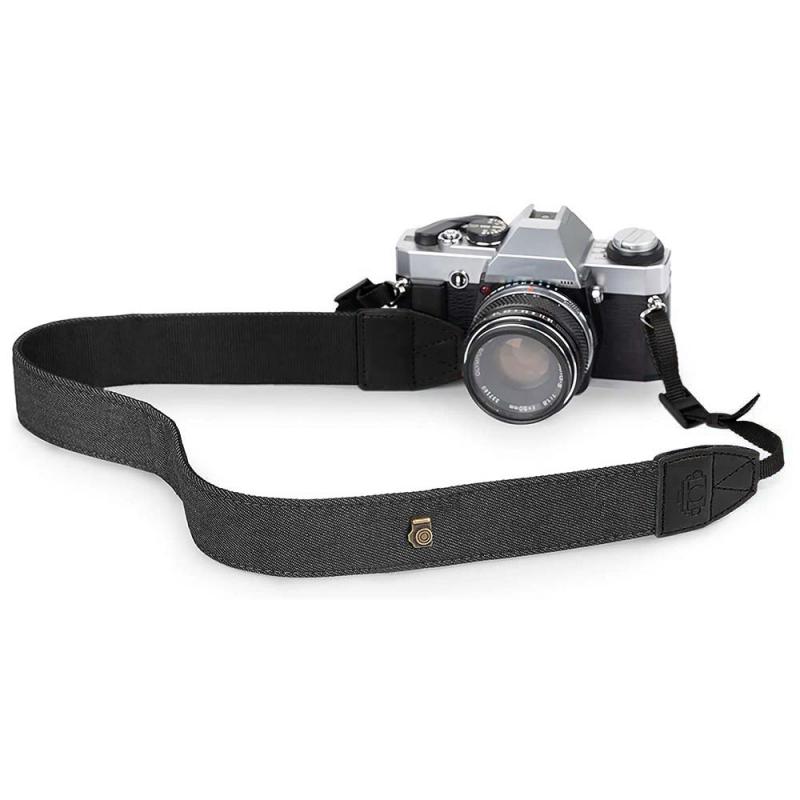
how to get retro camera filter 3

1. VSCO: Known for its high-quality filters, VSCO offers a range of presets that can give your photos a vintage look. The app also allows for fine-tuning, so you can adjust the intensity of the filter to your liking.

2. Huji Cam: This app mimics the look of disposable cameras from the 1990s. It adds light leaks, date stamps, and a unique color palette to your photos, making them look like they were taken decades ago.

3. Afterlight: Afterlight provides a wide range of filters and editing tools. Its retro filters are particularly popular for their ability to add grain, dust, and light leaks to photos.

4. Snapseed: Developed by Google, Snapseed offers a variety of filters and editing tools. Its "Vintage" and "Grainy Film" filters are perfect for achieving a retro look.

Method 2: Using Desktop Software
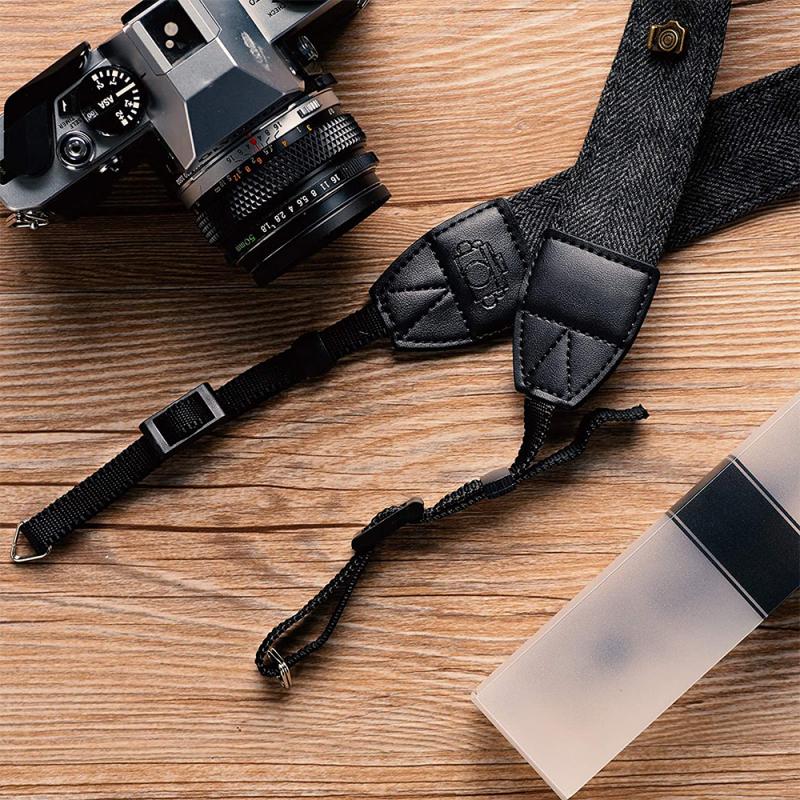
how to get retro camera filter 4

For those who prefer editing photos on a computer, desktop software offers more advanced tools and greater control over the final image. Programs like Adobe Photoshop and Lightroom are industry standards for photo editing and come with a plethora of options for creating retro effects.

Steps to Create Retro Filters in Photoshop:

1. Open Your Image: Start by opening the image you want to edit in Photoshop.

2. Add a Curves Adjustment Layer: This allows you to adjust the color balance and contrast. For a retro look, create an S-curve to boost the contrast and adjust the red, green, and blue channels to achieve the desired color shift.

3. Add Grain: Go to Filter > Noise > Add Noise. Adjust the amount to add a subtle grain effect.

4. Add Vignetting: Create a new layer and fill it with black. Then, use the Elliptical Marquee Tool to create a circular selection in the center of the image. Invert the selection and delete the black area inside the circle. Finally, reduce the opacity of the layer to create a vignette effect.

5. Add Light Leaks: Create a new layer and use a soft brush with a low opacity to paint light leaks in various colors. Set the layer blending mode to "Screen" to blend the light leaks with the image.

Method 3: Using Physical Filters

For those who prefer shooting with a camera rather than editing photos afterward, physical filters can be attached to your camera lens to achieve a retro look. These filters can be found in various styles, including color filters, diffusion filters, and special effect filters.

Types of Physical Filters:

1. Color Filters: These filters can add a color cast to your photos, mimicking the look of old film. Popular colors include sepia, blue, and red.

2. Diffusion Filters: These filters soften the image and create a dreamy, vintage look. They are perfect for portraits and landscapes.

3. Special Effect Filters: These include filters that add light leaks, starbursts, and other effects to your photos. They can be used to create unique, retro-inspired images.

Method 4: In-Camera Settings

Many modern digital cameras come with built-in filters and settings that can help you achieve a retro look without the need for additional software or physical filters. These settings can often be found in the camera's menu under "Picture Styles" or "Creative Filters."

Common In-Camera Retro Settings:

1. Monochrome: Converts your photos to black and white, mimicking the look of old film cameras.

2. Sepia: Adds a warm, brownish tint to your photos, reminiscent of early 20th-century photography.

3. Toy Camera: Adds vignetting and color shifts to create a lo-fi, retro look.

4. Grainy Film: Adds grain and adjusts the contrast to mimic the look of high-ISO film.

Tips for Achieving the Best Results

1. Experiment with Different Methods: Don't be afraid to try different apps, software, and filters to find the look that best suits your style.

2. Combine Techniques: Sometimes, the best results come from combining multiple methods. For example, you can use a physical filter while shooting and then apply additional effects in post-processing.

3. Pay Attention to Lighting: Retro photos often have unique lighting characteristics. Experiment with different lighting setups to enhance the vintage feel of your photos.

4. Study Vintage Photos: Look at old photos to understand the characteristics that make them unique. Pay attention to color, contrast, grain, and composition.

Getting a retro camera filter is easier than ever, thanks to the wide range of tools available today. Whether you prefer using smartphone apps, desktop software, physical filters, or in-camera settings, there are plenty of options to help you achieve that nostalgic look. By experimenting with different methods and combining techniques, you can create stunning vintage-inspired photos that capture the charm and character of a bygone era. So, grab your camera or smartphone, and start exploring the world of retro photography today!

Leave your comment
Cancel reply
Note: HTML is not translated!
Related products
3×25 Opera Binoculars All Metal With Handle Ladies Retro Small Binoculars
34
$59.99 $31.99
67mm Clip-on CPL Phone Camera Lens Filter Kit Applicable to All Mobile Phone Models
24
$18.99
67mm Clip-on ND2-32 Phone Camera Lens Filter Kit Applicable to All Mobile Phone Models
24
$37.99
K&F Concept M42 to FX Lens Mount Adapter M42 Lens to Fujifilm X-Series Mirrorless Camera Adapter
6
$56.99 $31.99
52mm Clip-on CPL Phone Camera Lens Filter Kit, Circular Polarizer Polarizing Filter Applicable to All Mobile Phone Models
24
$16.99
Camera Light LED Video Light Panel for Camera Camcorder Lighting in Studio or Outdoors 3200K to 5500K Variable Color Temperature (Only ship to us)
26
$44.99 $39.99
LM to NEX Adapter Compatible with Leica M Lens to Sony Alpha Nex E-Mount Camera Lens Mount Adapter
147
$45.99 $24.99
Lens Mount Adapter FD to NEX Copper Adapter Compatible with Canon FD FL Lens to NEX E-Mount Camera
151
$56.99 $29.99
T2 Mount Lenses to Fuji X Mount Camera Adapter
$49.99 $25.99
Rollei QBM Lenses to Sony E Mount Camera Adapter
146
$53.99 $27.99
Products You May Like
Gialer SmartMic Wireless Bluetooth Microphone Lavalier Microphone for iPhone and Android, 50ft Wireless Lapel Microphone Smart Mic
96
$58.99
52mm Shimmer Diffusion 1 Filter Optical Glass Glimmer Effect Filter for Camera Lens Nano-X Series
$56.99 $34.99
82mm Spiral Halo Camera Lens Filter Premium Optical Glass Halo Swirl Special Effect Filter Nano-B Series
26
$41.99 $29.69
Hiding A Trail Camera
10
$162.99 $106.99
62mm ND2-ND400 Variable Filter (1-9 Stop), 24 Layers of Nano-coating, K&F Concept Nano-Dazzle Series
26
$62.99 $49.99
P36 1.69 Inch Square Screen Smart Bracelet Full Touch Blood Pressure Blood Oxygen Monitoring Multi-Sport Custom Dial Black
33
$47.00 $31.99
Theft Proof Trail Camera
10
$162.99 $106.99
72mm Variable ND2-400 (1-9 Stops) & Black Mist 1/4 Filter with 18 Multi-Coatings for Camera Lenses Nano-Klear Series
$63.99 $39.99
Camera Backpack Camera Bags for Photographers Large Capacity Camera Case with Raincover 15-15.6 Inch Laptop Compartment Compatible for Canon / Nikon / Sony / DJI Mavic Drone - Backpack 20L Urban Wander 01 (Red)
103
$89.99
39mm MCUV Filter Ultra-Thin Trapezoid Patterned Frame Coating with a Vacuum Cleaning Cloth Nano-Klear Series
144
$12.99 $9.89
Related articles
How To Get The Camera Filter?
How To Get The Vintage Camera Filter?
What Size Camera Filter To Get?
How To Get A Filter On Iphone Camera?
Where To Get Camera Batteries?
How To Get My Outdoor Camera Working?
Pixel C How To Get Flash Camera?
How To Get Flash On Front Camera?
Where To Get Camera Lens Cleaned?
How To Watch Iphone On Lg Smart Tv?
Blog You May Like
How To Find Mac Address On Ring Camera?
How Can I Mount My Sd Card?
How To Clean A Lens Filter?
How To Put Screen Record With Sound?
How Do You Record Facetime With Audio?
What Are The Best Binoculars To Buy?
Can You Use A Rangefinder On Water?
What Digital Camera Has The Best Zoom?
Why Are Radio Telescopes So Large?
Where Do I Buy Binoculars?
Related categories
C mount lens adapter m4/3 adapter Magnetic Lens Filter Soft GND Filter camera filter accessories protective lens filter camera filter pouch Lens Filter Holder
Popular products
Opera Binoculars black leather shoulder strap neck strap for camera black leather camera strap Handheld Game Console With Built In Games light microscope power Polarize Filter For Mobile Phone lens adapter for mirrorless camera led light panel photography fujifilm x t2 mount adapter
Related searches
Get Stuck Filter Off Lens Pocket Retro Game Console Retro Pocket Games Console Retro Video Game Consoles Retro Games Handheld Console Camera Filter Microphone To Camera Tungsten To Daylight Lens Filter Lens Filter To Remove Reflections Lens To Filter Chart Nikon
Popular searches
Binoculars With Digital Camera And Video Canon Lens Filters Indoor 4g Camera Tripod Head For Camera Action 2 Nd Filters K&f Concept Tripod Action Camera Mount For Helmet Neewer Nd Filter Canon Ef S Lens Adapter Centon K100 Lens Mount
Blog Category
  • Activities
  • Guide
    • Filter Guide
    • Lens Adapter
    • Product Review
  • News & Reviews
    • Camera Reviews
    • Sample Gallery
    • News
  • Tutorials
    • Solar eclipse photography
    • Photography Basics
    • Landscape Photography
  • Inspiration
    • Travel
    • Travel Stories
Search Article
Latest from the Blog
How Much Does It Cost For Security Cameras?
Black Friday 2025 Special at Kentfaith
How Big A Memory Card For Camera?
How Do Night Vision Goggles Work?
Where Can I Find Hidden Cameras?
How To Fix The Straps On A Camera?
Which Binoculars To Buy?
How Many Stops Is An Nd 8 Filter?
What Is The Difference Between Binoculars And Telescope?
How To Make Your Eyes Flash On Camera?
  • Easy Payment Multilple Payment Options

  • Free Shipping Global WareHouse Shipment

  • No Risk 30-Day No Reason Return

  • Limited Deals Buy More, Save More

  • Tax Free No any surcharges or tax fee

Information
  • About us
  • Contact Us
  • Site Map
  • Blog
  • Video
  • Gallery
  • VIP Membership Rewards
Service
  • Privacy Policy
  • Terms & Conditions
  • Shipping & Delivery
  • Payment Info
  • Warranty, Return & Refund
  • Intellectual Property Rights
  • Ambassador
  • Affiliates
  • Wholesale
Support
  • My account
  • Order History
  • FAQs
  • Extend Warranty
  • Logistics Tracking
Follow us
NewsLetter

Get the latest product, K&F Concept respects your privacy.

Powered By KENTFAITH © 2025