kfconcept

KENTFAITH
K&F Concept    Blog >

Enjoy Your Selected Digital Life

Recently Viewed
  • Recently Viewed
  • Recently Viewed list is empty.

Compare (0) 0
  • Compare
  • You have not chosen any products to compare.

  • Compare
Currency: USD
  • Currency
Shop by Scene Shop by Rank

Log Into Your Account

Account

Order History

Wish List

Login

Forgotten Password?

Or connect with

Register Account

Already have an Account?Log In

  • Shopping Cart
  • Your shopping cart is empty!

  • Register/Login to purchase, earn points
  • Favorite
  • Your wish list is empty.

  • Register/Login to like, earn points
  • Activities
  • Guide
    • Filter Guide
    • Lens Adapter
    • Product Review
  • News & Reviews
    • Camera Reviews
    • Sample Gallery
    • News
  • Tutorials
    • Solar eclipse photography
    • Photography Basics
    • Landscape Photography
  • Inspiration
    • Travel
    • Travel Stories
  • Home
  • Blog
  • How To Do A Voice Recording Text?

How To Do A Voice Recording Text?

Kentfaith 2024-08-28 01:16:20 0 Comments

Voice recording to text, also known as speech-to-text or voice transcription, is a technology that converts spoken language into written text. This technology has become increasingly popular due to its applications in various fields such as journalism, content creation, customer service, and more. In this article, we will explore the different methods and tools available for voice recording to text, the benefits of using this technology, and practical tips for achieving the best results.

Understanding Voice Recording to Text
how to do a voice recording text 1

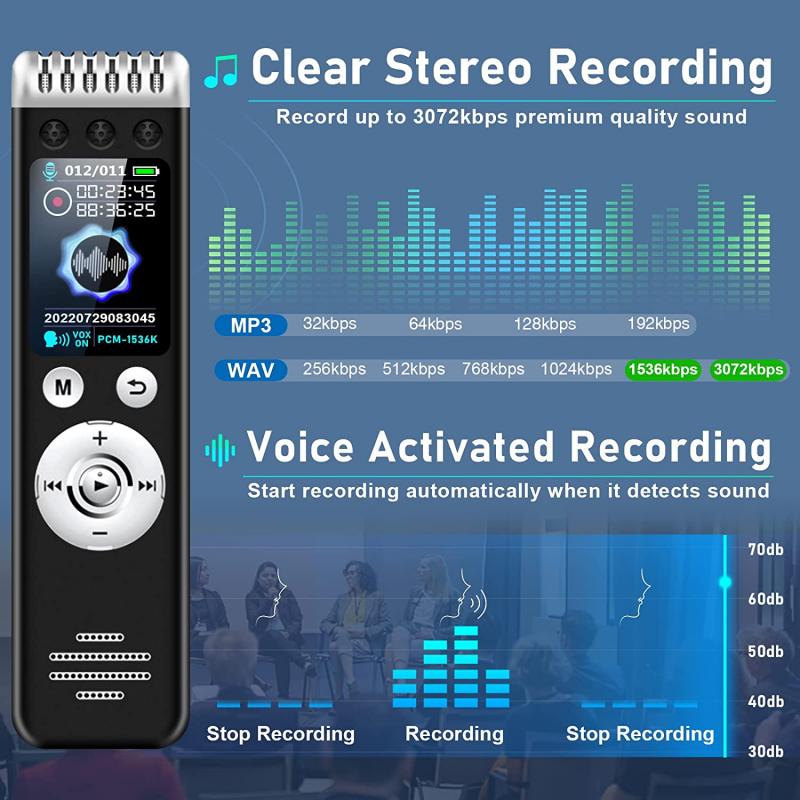
Voice recording to text involves capturing spoken words through a microphone and converting them into written text using software. This process can be done in real-time or through recorded audio files. The technology behind this process includes advanced algorithms and machine learning models that can recognize and interpret human speech.

Methods and Tools for Voice Recording to Text
how to do a voice recording text 2

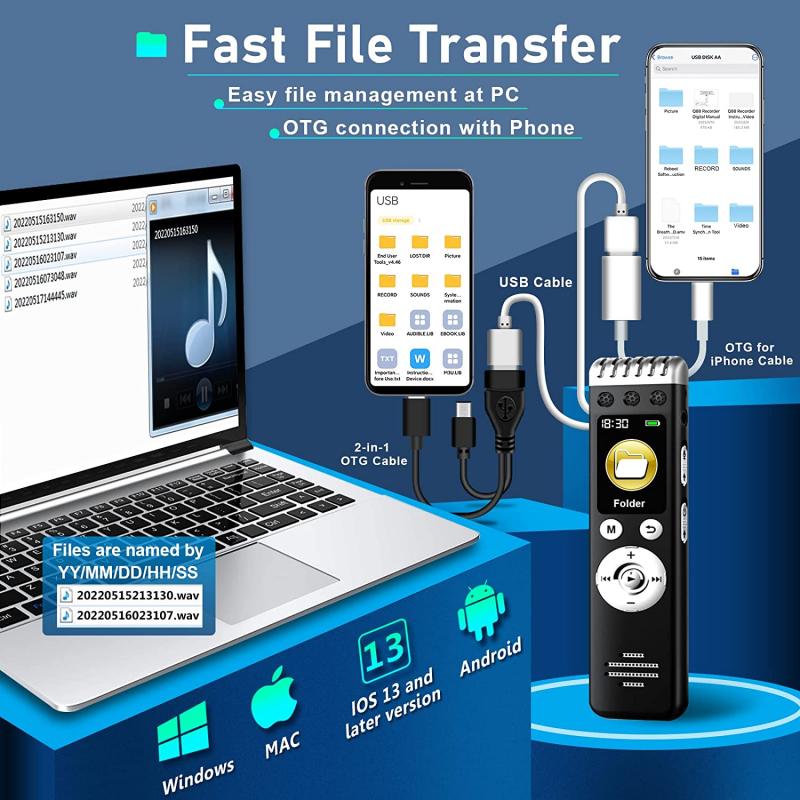
There are several methods and tools available for converting voice recordings to text. These can be broadly categorized into three types: built-in device features, dedicated software applications, and online services.

1. Built-in Device Features
how to do a voice recording text 3

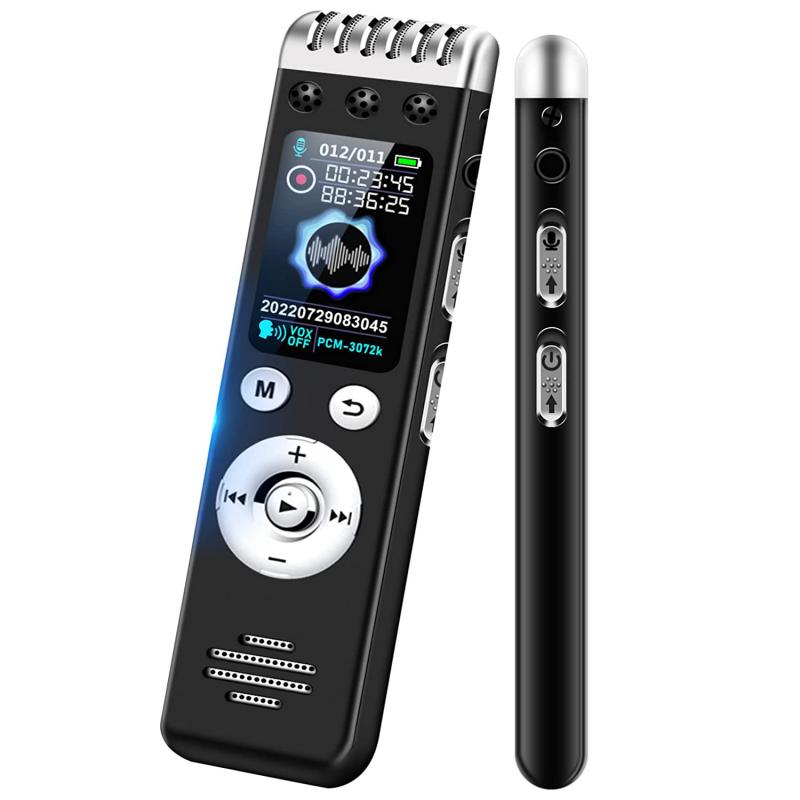
Many modern devices, such as smartphones and computers, come with built-in voice recording and transcription features. For example:

- Smartphones: Both iOS and Android devices have built-in voice assistants (Siri and Google Assistant, respectively) that can transcribe speech to text. Additionally, the native Notes or Voice Memos apps often have transcription capabilities.

- Computers: Operating systems like Windows and macOS have built-in speech recognition features. For instance, Windows has the "Speech Recognition" tool, and macOS has "Dictation."

2. Dedicated Software Applications
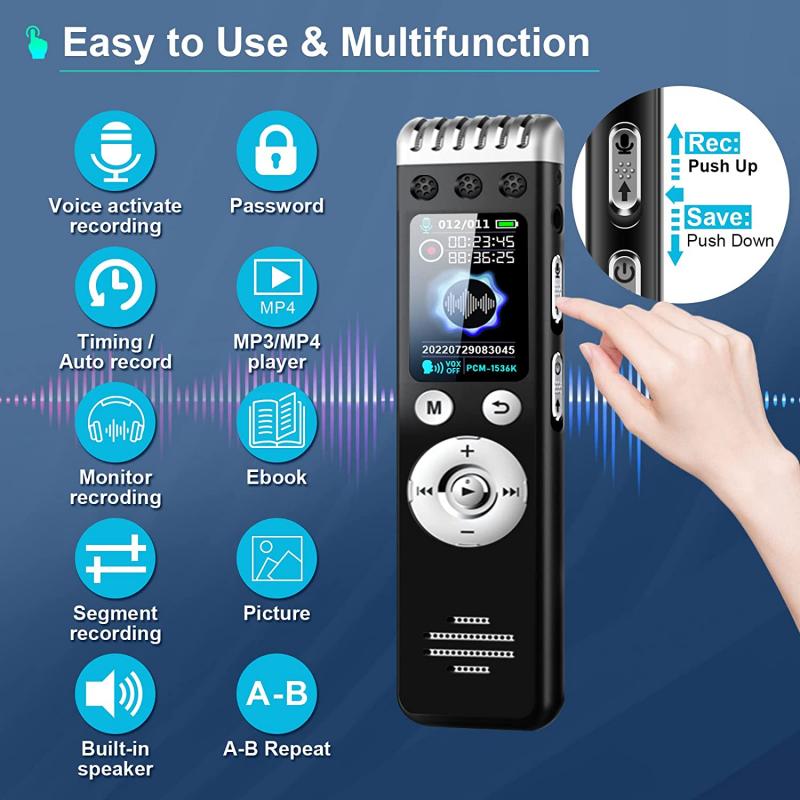
how to do a voice recording text 4

There are numerous software applications specifically designed for voice recording to text. Some popular options include:

- Dragon NaturallySpeaking: A powerful speech recognition software that offers high accuracy and a range of features for professional use.

- Otter.ai: A cloud-based transcription service that provides real-time transcription and collaboration features.

- Descript: A transcription and audio editing tool that allows users to edit audio by editing the transcribed text.

3. Online Services

Several online services offer voice recording to text conversion. These services are often cloud-based and can be accessed through a web browser. Some notable examples include:

- Google Docs Voice Typing: A free tool available within Google Docs that allows users to dictate text directly into a document.

- Rev.com: A transcription service that offers both automated and human transcription options.

- Temi: An automated transcription service that provides quick and affordable transcriptions.

Benefits of Voice Recording to Text

The use of voice recording to text technology offers several benefits, including:

1. Increased Productivity

Voice recording to text can significantly increase productivity by allowing users to dictate their thoughts and ideas quickly. This is especially useful for professionals who need to create large volumes of written content, such as writers, journalists, and researchers.

2. Accessibility

This technology makes it easier for individuals with disabilities, such as those with limited mobility or visual impairments, to create written content. It also provides an alternative input method for those who find typing difficult or uncomfortable.

3. Accuracy and Efficiency

Modern speech-to-text technology has become highly accurate, thanks to advancements in machine learning and natural language processing. This accuracy reduces the need for extensive editing and proofreading, saving time and effort.

4. Multitasking

Voice recording to text allows users to multitask effectively. For example, a person can dictate notes while driving or performing other tasks, making it a valuable tool for busy professionals.

Practical Tips for Achieving the Best Results

To achieve the best results with voice recording to text, consider the following practical tips:

1. Choose the Right Tool

Select a tool or service that best fits your needs. Consider factors such as accuracy, ease of use, cost, and additional features. For professional use, investing in a high-quality software application like Dragon NaturallySpeaking may be worthwhile, while casual users might find built-in device features or free online services sufficient.

2. Use a High-Quality Microphone

The quality of the microphone used for recording can significantly impact the accuracy of the transcription. Invest in a good-quality microphone to ensure clear and crisp audio input. Avoid using built-in microphones on laptops or smartphones, as they may pick up background noise and reduce transcription accuracy.

3. Speak Clearly and at a Moderate Pace

Clear and articulate speech is crucial for accurate transcription. Avoid speaking too quickly or too slowly, and enunciate each word clearly. Pausing between sentences can also help the software accurately capture punctuation.

4. Minimize Background Noise

Background noise can interfere with the accuracy of voice recording to text. Choose a quiet environment for recording, and consider using noise-canceling microphones or software features that filter out background noise.

5. Review and Edit the Transcription

While modern speech-to-text technology is highly accurate, it is not perfect. Always review and edit the transcribed text to correct any errors or inaccuracies. This step is especially important for professional or formal documents.

6. Train the Software

Some speech-to-text software applications, like Dragon NaturallySpeaking, allow users to train the software to recognize their voice and speech patterns. Taking the time to train the software can improve its accuracy over time.

Voice recording to text is a powerful technology that offers numerous benefits, from increased productivity to improved accessibility. With a variety of methods and tools available, users can choose the option that best fits their needs and preferences. By following practical tips such as using a high-quality microphone, speaking clearly, and reviewing transcriptions, users can achieve accurate and efficient results. Whether for professional use or personal convenience, voice recording to text is a valuable tool that can enhance the way we create and interact with written content.

Leave your comment
Cancel reply
Note: HTML is not translated!
Related products
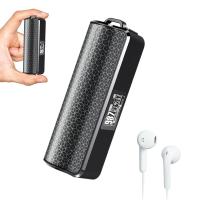
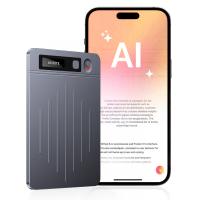
AI Voice Recorder Voice-to-Text & Transcription for Meetings, Calls, Interviews, 64G Kentfaith Mini & Magnetic
26
$119.99 $69.99
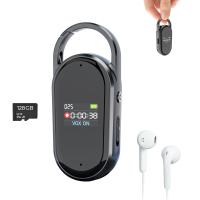
Digital Voice Recorder with Ultra-long 1000H Continuous Recording, Voice-Activated & Magnetic 128G
11
$134.99 $89.99
128G Small Digital Voice Recorder with Ultra-long 1000H Continuous Recording, Voice-Activated & Magnetic, Kentfaith
17
$118.74 $94.99
Mini Voice Recorder Magnetic & Voice-activated, 800H Recording with Noise Cancelling, Kentfaith Voice Recorder for Meetings, Lectures, Studying, Interviews 64G
621
$68.99 $49.99
Mini Voice Recorder Magnetic & Voice-activated, 1600H Recording with Noise Cancelling, Kentfaith Voice Recorder for Meetings, Lectures, Studying, Interviews 128G
621
$82.49 $53.99
Mini Sound Recorder 128GB 1600H Recording Capacity with 1.4" Screen, Voice Activated Mode Kentfaith
12
$99.99 $79.99
AI Voice Recorder, Transcribe Summarize Translation, App Control, 40H Recording Time, 64GB Memory, Kentfaith
21
$137.49 $109.99
128G Small Digital Voice Recorder with Ultra-long 1536H Recording, Voice-Activated & DSP Noise Reduction, Conference/Lecture/Classroom Learning, Keychain Portable Gifts, Kentfaith
18
$106.24 $84.99
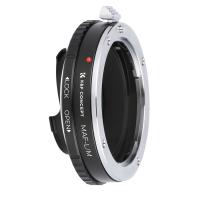
Minolta A / Sony A Lenses to Leica M Lens Mount Adapter K&F Concept M47151 Lens Adapter
31
$75.99 $39.99
Minolta A / Sony A Lenses to Pentax Q Lens Mount Adapter K&F Concept M22161 Lens Adapter
$45.99 $23.99
Products You May Like
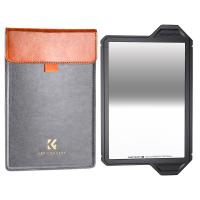
100*150*2mm Reverse GND8 Square Filter HD Optical Glass Waterproof ND Filter Nano-Xcel Pro Series
20
$137.99 $119.99
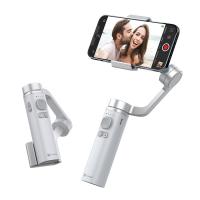
Portable 3-Axis Mobile Phone Stabilizer for iPhone Android Foldable
84
$71.99
2m extension cable
2m extension cable
$9.90
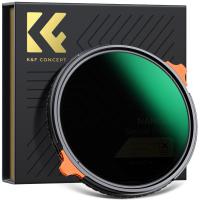
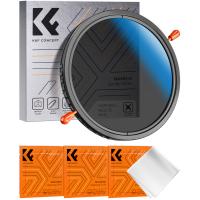
62mm True Color Variable ND2-32 (1-5 Stops) and CPL Circular Polarizing Lens Filter 2 in 1 for Camera Lens Neutral Density Polarizer Filter Nano-X Series
52
$109.99 $87.99
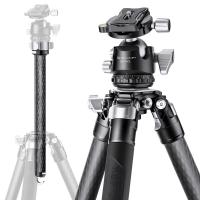
62''/1.6m X series carbon fiber tripod with BH-40 ball head 25 kg/55 lbs, model X284C2+BH-40L ball head ( KF31.040)
19
$559.00 $370.99
55mm Variable ND Filter (1-5 Stop)  and CPL Filter 2 in 1 for Camera Filter Lens Nano-Klear Series
55mm Variable ND Filter (1-5 Stop) and CPL Filter 2 in 1 for Camera Filter Lens Nano-Klear Series
25
$51.99 $41.49
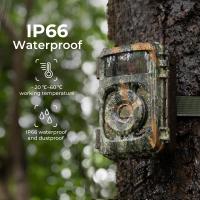
good trail camera
good trail camera
10
$135.99 $106.99
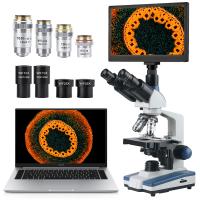
Compound Microscope with 11.6-inch Smart Screen, 40X-2500X Magnification, PC Connection, Plan Optical System, Mechanical Stage, Kentfaith
14
$1,324.99 $1,059.99
62mm Camera UV + Polarizing Lens Filters + Lens Cap Kit, 3pcs of Cleaning Cloths and a Filter Pouch Included, K&F Concept Nano-Klear Series
30
$45.99 $36.24
12X50 Monocular Telescope with Cleaning Cloth, FMC Lens & BAK4 Prism Telescopes for Adults, Sky Captain HD Monocular for Bird Watching Hunting Hiking Camping Travelling
37
$66.99 $34.99
Related articles
How Do You Make A Voice Recording?
How To Do Voice Recording On Macbook Air?
How Do I Convert Voice Recording To Mp3?
How To Have A Clear Voice When Recording?
How Can I Make A Voice Recording?
How To Put Voice Recording Over Video?
How To Get Voice In Screen Recording?
How To Set Voice Recording As Alarm?
How To Sound Good When Recording Your Voice?
How To Install Cameras Around The House?
Blog You May Like
How To Record Video Using Laptop Camera?
Can You Put Trail Cameras On Public Land?
What Is Detection Delay On Trail Camera?
How To Find Hidden Camera Frequency?
How To Watch Livebarn On Smart Tv ?
  What is the Best CPL Filter?
What is the Best CPL Filter?
How To Take Photos With A Ring Light?
Where Can I Sell My Video Camera?
How To Record Slow Motion Sounds?
Can We Call From Smart Watch?
Related categories
A Mount Lens Adapter Sony A Mount Lens Adapters minolta a mount lenses C mount lens adapter m4/3 adapter On-Dash Camera canon m mount lenses
Popular products
phone voice call recording digital voice recording smart digital voice recorder small voice activated audio recorder mini sound recorder device mini magnetic voice recorder small hidden audio recorder digital voice recorder with usb microphone for pc gaming microphone for computer gaming
Related searches
Voice Recording Microphone A Voice Recorder A Recording Microphone Usb Microphone For Voice Recording Speech To Text Device For Deaf Call And Text Smart Watch Android Smart Watch Text And Call Voice Recorder Voice Data Recorder Bluetooth Voice Recorder
Popular searches
Best Video Camera For Vlogging Contax N To Canon Ef Adapter Usb Wireless Earbuds Lens Adapter 52mm Outside To 55mm Inside Moment 62mm Lens Filter Mount Sony Tcd-d3 Battery Adapter Commlite Adapter Nikon ???? Nikon F Mount Parts Camera Case For Nikon Coolpix P950 Camera For 9 Year Old Boy
Blog Category
  • Activities
  • Guide
    • Filter Guide
    • Lens Adapter
    • Product Review
  • News & Reviews
    • Camera Reviews
    • Sample Gallery
    • News
  • Tutorials
    • Solar eclipse photography
    • Photography Basics
    • Landscape Photography
  • Inspiration
    • Travel
    • Travel Stories
Search Article
Latest from the Blog
How To Find A Good Digital Camera?
Where Can I Buy Samsung Camera Battery?
How To Buy A Security Camera System?
Can You Save Facebook Videos To Camera Roll?
Which Camera Is Best For Low Light Photography?
Camera That Can Wifi Photos To Phone?
Dash Cam That Can Connect To Phone?
What Does Tripod?
Camera Use Which Lens?
Which Binoculars To Buy?
  • Easy Payment Multilple Payment Options

  • Free Shipping Global WareHouse Shipment

  • No Risk 30-Day No Reason Return

  • Limited Deals Buy More, Save More

  • Tax Free No any surcharges or tax fee

Information
  • About us
  • Contact Us
  • Site Map
  • Blog
  • Video
  • Gallery
  • VIP Membership Rewards
Service
  • Privacy Policy
  • Terms & Conditions
  • Shipping & Delivery
  • Payment Info
  • Warranty, Return & Refund
  • Intellectual Property Rights
  • Ambassador
  • Affiliates
  • Wholesale
Support
  • My account
  • Order History
  • FAQs
  • Extend Warranty
  • Logistics Tracking
Follow us
NewsLetter

Get the latest product, K&F Concept respects your privacy.

Powered By KENTFAITH © 2025