kfconcept

KENTFAITH
K&F Concept    Blog >

Enjoy Your Selected Digital Life

Recently Viewed
  • Recently Viewed
  • 58mm ND3-ND1000 Filter (1.5-10 Stops) with 24 Multi-Layer Coatings for Camera Lens Nano-Dazzle
    58mm ND3-ND1000 Filter (1.5-10 Stops) with 24 Multi-Layer Coatings for Camera Lens Nano-Dazzle
    $63.99 $50.99
Compare (0) 0
  • Compare
  • You have not chosen any products to compare.

  • Compare
Currency: USD
  • Currency
Shop by Scene Shop by Rank

Log Into Your Account

Account

Order History

Wish List

Login

Forgotten Password?

Or connect with

Register Account

Already have an Account?Log In

  • Shopping Cart
  • Your shopping cart is empty!

  • Register/Login to purchase, earn points
  • Favorite
  • Your wish list is empty.

  • Register/Login to like, earn points
  • Activities
  • Guide
    • Filter Guide
    • Lens Adapter
    • Product Review
  • News & Reviews
    • Camera Reviews
    • Sample Gallery
    • News
  • Tutorials
    • Solar eclipse photography
    • Photography Basics
    • Landscape Photography
  • Inspiration
    • Travel
    • Travel Stories
  • Home
  • Blog
  • How To Have A Clear Voice When Recording?

How To Have A Clear Voice When Recording?

Kentfaith 2024-09-26 02:13:08 0 Comments

Recording a clear voice is a fundamental skill for podcasters, singers, voice-over artists, and anyone involved in audio production. A pristine vocal recording can make a significant difference in the quality of the final product. This article will delve into the various techniques and tools that can help you achieve a clear voice when recording, ensuring that your message is conveyed effectively and professionally.

Understanding the Basics
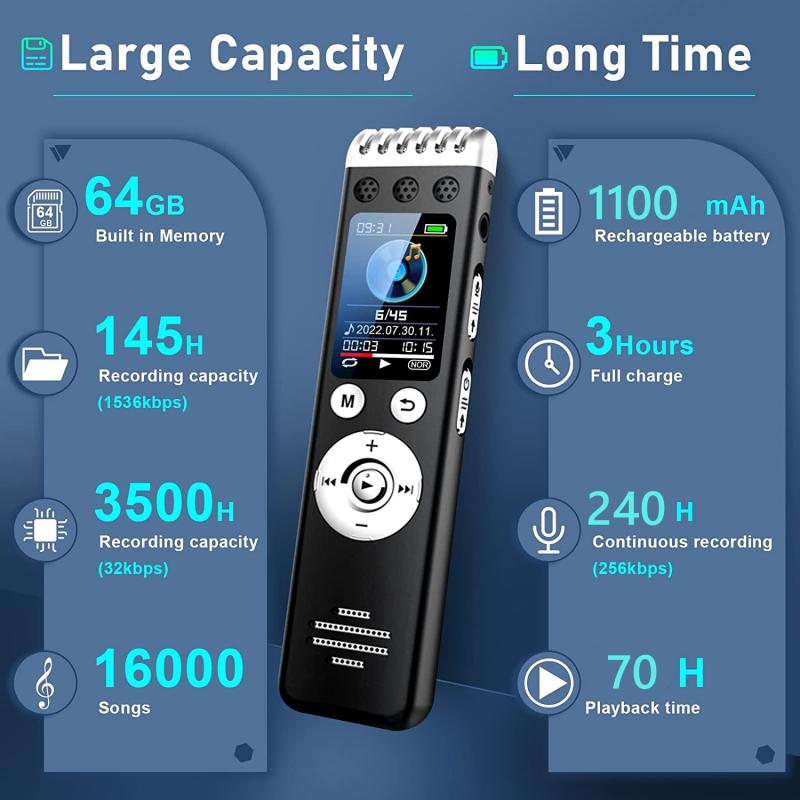
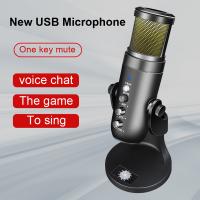
how to have a clear voice when recording 1

Before diving into the specifics, it's crucial to understand the basics of sound and recording. Sound is a vibration that travels through the air and is captured by a microphone. The clarity of your voice recording can be influenced by several factors, including your vocal technique, the equipment you use, and the environment in which you record.

Preparation and Vocal Warm-Up
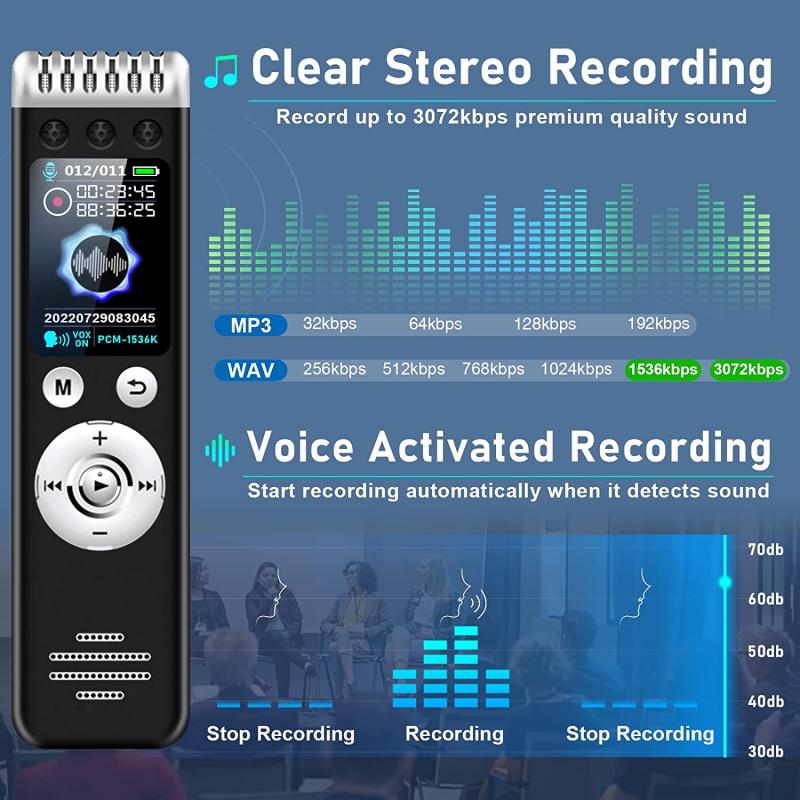
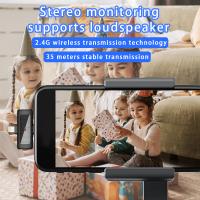
how to have a clear voice when recording 2

One of the most overlooked aspects of achieving a clear voice is proper vocal preparation. Just as athletes warm up before a game, your vocal cords need to be warmed up before recording. Here are some essential steps:

1. Hydration: Drink plenty of water to keep your vocal cords hydrated. Avoid caffeine and alcohol, as they can dry out your voice.

2. Vocal Exercises: Perform vocal exercises such as humming, lip trills, and scales to prepare your voice. This helps in reducing strain and improving vocal clarity.

3. Rest: Ensure you get adequate rest. A tired voice can sound weak and strained.

Choosing the Right Equipment

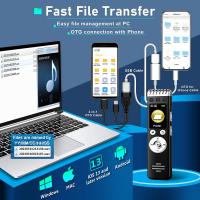
how to have a clear voice when recording 3

The quality of your recording equipment plays a significant role in capturing a clear voice. Here are some key pieces of equipment to consider:

1. Microphone: Invest in a high-quality microphone. There are various types of microphones, such as dynamic, condenser, and ribbon, each with its characteristics. For voice recording, a condenser microphone is often preferred due to its sensitivity and ability to capture detailed sound.

2. Pop Filter: A pop filter helps to eliminate plosive sounds (like the 'p' and 'b' sounds) that can cause distortion. It is an inexpensive accessory that can make a significant difference.

3. Audio Interface: An audio interface converts your voice into a digital signal. High-quality interfaces offer better sound quality and lower latency.

4. Headphones: Use closed-back headphones to monitor your recording. This will help you hear any issues in real-time and make necessary adjustments.

Setting Up Your Recording Environment
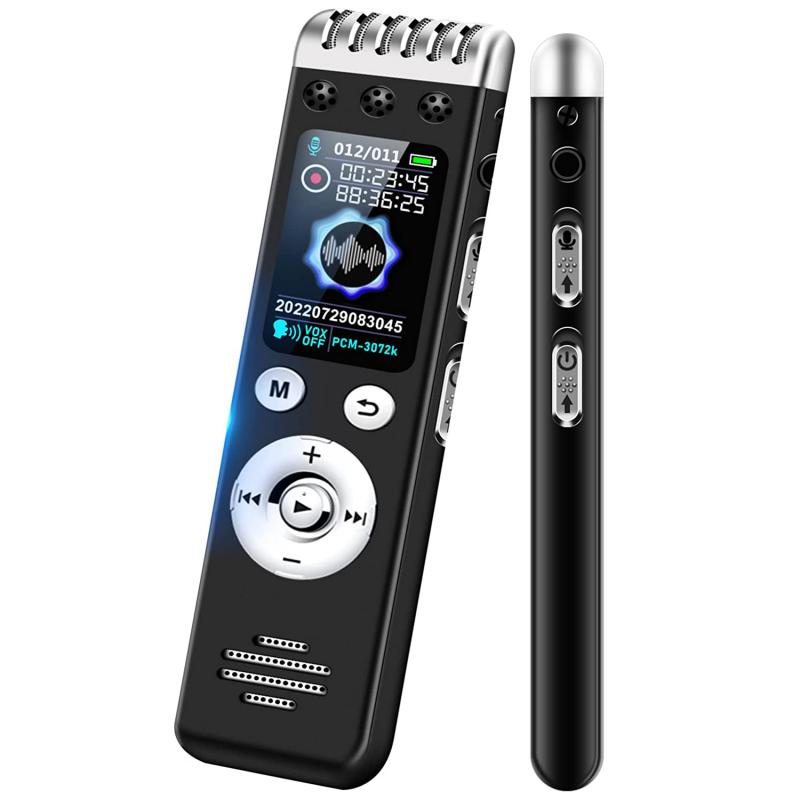
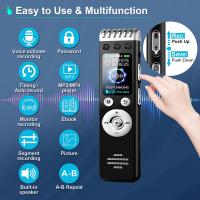
how to have a clear voice when recording 4

Your recording environment can significantly impact the clarity of your voice. Here’s how to optimize your space:

1. Soundproofing: Minimize background noise by soundproofing your recording space. This can be done with foam panels, heavy curtains, or even recording in a closet filled with clothes.

2. Acoustic Treatment: Treat your recording space to reduce echoes and reverberation. Acoustic panels, bass traps, and diffusers can help in creating a controlled recording environment.

3. Microphone Placement: Position your microphone correctly. Typically, placing the microphone 6-12 inches away from your mouth and slightly off-axis can reduce plosives and sibilance.

Vocal Technique and Performance

Even with the best equipment and environment, poor vocal technique can result in unclear recordings. Here are some tips to improve your vocal performance:

1. Posture: Maintain good posture. Stand or sit up straight to allow for proper breath control and projection.

2. Breath Control: Practice diaphragmatic breathing. This type of breathing supports sustained and stable vocal production.

3. Articulation: Enunciate your words clearly. Pay attention to the consonants and vowels, ensuring that each sound is crisp and clear.

4. Consistent Volume: Maintain a consistent volume throughout your recording. Avoid sudden loud or soft parts, as they can cause distortion or be challenging to balance in post-production.

Recording Techniques

Recording techniques can also affect the clarity of your voice. Here are some methods to consider:

1. Gain Staging: Set the input gain correctly on your audio interface. Aim for a level where your voice peaks around -6 dB to -12 dB. This ensures that your recording is clear without clipping.

2. Multiple Takes: Record multiple takes of the same line or section. This gives you options to choose the best performance and can also be useful for comping in post-production.

3. Monitoring: Use direct monitoring to hear your voice in real-time. This helps in making on-the-fly adjustments to your performance and microphone techniques.

Post-Production

Post-production is an essential step in ensuring a clear and professional-sounding recording. Here are some key processes:

1. Editing: Remove any unwanted noise, breaths, or mistakes using editing software. Software like Audacity, Adobe Audition, and Pro Tools offers powerful editing tools.

2. EQ (Equalization): Use EQ to balance the frequencies of your voice. Roll off the low end to remove any rumble and boost the mid and high frequencies to add clarity and presence.

3. Compression: Apply compression to even out the dynamic range of your recording. This ensures that the quieter parts are audible and the louder parts are controlled.

4. De-essing: Use a de-esser to reduce harsh sibilance sounds (like 's' and 'sh'). This can make your recording more pleasant to listen to.

5. Reverb and Delay: Use reverb and delay sparingly. While they can add a sense of space, too much can obscure the clarity of your voice.

Final Tips and Best Practices

1. Practice: Like any skill, practice makes perfect. Regularly record and listen to your voice to identify areas for improvement.

2. Feedback: Get feedback from others. Fresh ears can often catch issues that you might miss.

3. Stay Healthy: A healthy lifestyle contributes to a healthy voice. Avoid smoking and limit exposure to pollutants.

4. Consistent Routine: Develop a consistent recording routine. This helps in maintaining a good performance and optimal recording conditions.

Achieving a clear voice when recording is an art that combines good vocal technique, high-quality equipment, a suitable recording environment, and proficient post-production. By following the tips and practices outlined in this article, you can significantly improve the clarity and quality of your voice recordings, whether you're a podcaster, singer, or voice-over artist. Remember, clarity takes practice and patience, but with diligence, your recordings will sound professional and be well-received by your audience.
Leave your comment
Cancel reply
Note: HTML is not translated!
Related products
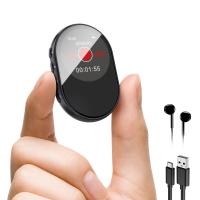
Digital Voice Recorder with Ultra-long 1000H Continuous Recording, Voice-Activated & Magnetic 128G
11
$134.99 $89.99
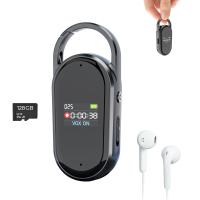
128G Small Digital Voice Recorder with Ultra-long 1000H Continuous Recording, Voice-Activated & Magnetic, Kentfaith
17
$118.74 $94.99
Mini Voice Recorder Magnetic & Voice-activated, 800H Recording with Noise Cancelling, Kentfaith Voice Recorder for Meetings, Lectures, Studying, Interviews 64G
621
$68.99 $49.99
Mini Voice Recorder Magnetic & Voice-activated, 1600H Recording with Noise Cancelling, Kentfaith Voice Recorder for Meetings, Lectures, Studying, Interviews 128G
621
$82.49 $53.99
Mini Sound Recorder 128GB 1600H Recording Capacity with 1.4" Screen, Voice Activated Mode Kentfaith
12
$99.99 $79.99
AI Voice Recorder, Transcribe Summarize Translation, App Control, 40H Recording Time, 64GB Memory, Kentfaith
21
$137.49 $109.99
128G Small Digital Voice Recorder with Ultra-long 1536H Recording, Voice-Activated & DSP Noise Reduction, Conference/Lecture/Classroom Learning, Keychain Portable Gifts, Kentfaith
18
$106.24 $84.99
AI Voice Recorder Voice-to-Text & Transcription for Meetings, Calls, Interviews, 64G Kentfaith Mini & Magnetic
26
$119.99 $69.99
Minolta A / Sony A Lenses to Leica M Lens Mount Adapter K&F Concept M47151 Lens Adapter
31
$75.99 $39.99
Minolta A / Sony A Lenses to Pentax Q Lens Mount Adapter K&F Concept M22161 Lens Adapter
$45.99 $23.99
Products You May Like
62mm Black Mist 1/4 + CPL Filter Set, Dreamy Cinematic Effect Mist CPL Polarising Filter 18 Multi-Layer Coatings Nano-Klear Series
37
$44.99 $35.99
43mm Circular Polarizer Filter, Super Slim CPL Filter with 36 Multi-Layer Coatings, High Definition Nano-Xcel Pro Series
50
$97.99 $77.99
43mm Variable ND Filter (1-5 Stop)  and CPL Filter 2 in 1 for Camera Filter Lens Nano-Klear Series
43mm Variable ND Filter (1-5 Stop) and CPL Filter 2 in 1 for Camera Filter Lens Nano-Klear Series
25
$46.99 $37.49
M42 42mm Lens to Alpha Minolta AF / Sony A Adapter Ring A77 A99 A900 A390 A580 K&F Concept Lens Mount Adapter
3
$37.99 $19.99
72mm Black Mist 1/4 Filter Waterproof Mist Cinematic Effect Filter with 24 Multi-Layer Coatings for Video/Vlog/Portrait Photography (Nano-Dazzle)
37
$56.99 $44.99
K&F Concept MCN1 46mm Lens Filter Kit ND1000 CPL with Multiple Layer Nano Coated
$53.99 $29.99
K&F Concept 13L Camera Backpack Nature Wander 12 Black, Lightweight Photography Bag with Quick Access Front Opening, Tripod Strap & Dual-Purpose Design for Travel and Daily Use
52
$39.99
4x5.65" Filter Tray Square Filter Frame for Matte Box
$28.99 $14.99
5K 75MP Compact Digital Camera, 3 Lens 12X Zoom Autofocus for YouTube Vlogging, 32GB Card 2 Batteries, Kentfaith
21
$224.99 $179.99
2" Screen Video Baby Monitor with Wireless Remote Camera, Night Vision, Temperature Monitoring and Two-way Talk Work with 2.4 GHz WiFi EU Power Plug
2
$61.99
Related articles
How To Have Your Voice In Screen Recording?
Voice Sounds Bad When Recording Music?
How To Sound Good When Recording Your Voice?
How To Make Your Recording Sound Clear?
How To Do A Voice Recording Text?
How Can I Make A Voice Recording?
How Do You Make A Voice Recording?
How To Put Voice Recording Over Video?
How To Get Voice In Screen Recording?
Which Ear Is Best For Earphones?
Blog You May Like
Camera That Can Wifi Photos To Phone?
What Camera Filter To Provide Softness?
How Does Selfie Stick Work With Headphone Jack?
360 Trail Camera How Does It Work?
Does Screen Record Include Sound?
How To Read A Golf Scope Rangefinder?
Can You Record Facebook Messenger Voice Calls?
What Is The Green Microphone On Android?
What Is A Memory Card Reader Used For?
How To Make Your Own Camera Case?
Related categories
A Mount Lens Adapter Sony A Mount Lens Adapters minolta a mount lenses C mount lens adapter m4/3 adapter Fujifilm G Mount Adapter Drone Accessories nikon lens adapter
Popular products
digital voice recording smart digital voice recorder mini sound recorder device mini magnetic voice recorder phone voice call recording USB Microphone Kit best usb microphone kit mini magnetic voice recorder leica m sony e mount adapter sony minolta adapter
Related searches
Voice Recording Microphone A Voice Recorder A Recording Microphone Usb Microphone For Voice Recording Clear Filter Camera 58mm Clear Filter 82mm Clear Filter Clear Protective Filter Clear Headset Microphone Clear Sound Recorder
Popular searches
Leica T Adapter Canon E Mount To Nikon Adapter Mist Filter Photography Magnetic Projector Screen 40mm Filter Lens Adapter Ring Light Gimbal Led Work Light With Tripod Stand Micro Four Thirds Adapter Canon Mini 5g Wireless Wifi Camera 1080p Hd Led Light For Photography
Blog Category
  • Activities
  • Guide
    • Filter Guide
    • Lens Adapter
    • Product Review
  • News & Reviews
    • Camera Reviews
    • Sample Gallery
    • News
  • Tutorials
    • Solar eclipse photography
    • Photography Basics
    • Landscape Photography
  • Inspiration
    • Travel
    • Travel Stories
Search Article
Latest from the Blog
Neutral Density Filter: The Ultimate Guide for Photographers and Videographers
How Do Night Vision Goggles Work?
What Is The Best Camera To Record Videos?
How Many Stops Is An Nd 8 Filter?
Camera Use Which Lens?
How To Find A Good Digital Camera?
How Does a WiFi Trail Camera Work?
What Is Surveillance Camera Control System?
How Do Metal Detectors Work? A Complete Guide for Beginners and Pros
Can I Charge Camera Battery With Power Bank?
  • Easy Payment Multilple Payment Options

  • Free Shipping Global WareHouse Shipment

  • No Risk 30-Day No Reason Return

  • Limited Deals Buy More, Save More

  • Tax Free No any surcharges or tax fee

Information
  • About us
  • Contact Us
  • Site Map
  • Blog
  • Video
  • Gallery
  • VIP Membership Rewards
Service
  • Privacy Policy
  • Terms & Conditions
  • Shipping & Delivery
  • Payment Info
  • Warranty, Return & Refund
  • Intellectual Property Rights
  • Ambassador
  • Affiliates
  • Wholesale
Support
  • My account
  • Order History
  • FAQs
  • Extend Warranty
  • Logistics Tracking
Follow us
NewsLetter

Get the latest product, K&F Concept respects your privacy.

Powered By KENTFAITH © 2025