kfconcept

KENTFAITH
K&F Concept    Blog >

Enjoy Your Selected Digital Life

Recently Viewed
  • Recently Viewed
  • Recently Viewed list is empty.

Compare (0) 0
  • Compare
  • You have not chosen any products to compare.

  • Compare
Currency: USD
  • Currency
Shop by Scene Shop by Rank

Log Into Your Account

Account

Order History

Wish List

Login

Forgotten Password?

Or connect with

Register Account

Already have an Account?Log In

  • Shopping Cart
  • Your shopping cart is empty!

  • Register/Login to purchase, earn points
  • Favorite
  • Your wish list is empty.

  • Register/Login to like, earn points
  • Activities
  • Guide
    • Filter Guide
    • Lens Adapter
    • Product Review
  • News & Reviews
    • Camera Reviews
    • Sample Gallery
    • News
  • Tutorials
    • Solar eclipse photography
    • Photography Basics
    • Landscape Photography
  • Inspiration
    • Travel
    • Travel Stories
  • Home
  • Blog
  • How Can I Make A Voice Recording?

How Can I Make A Voice Recording?

Kentfaith 2024-09-09 04:01:57 0 Comments

Creating a voice recording is a skill that can be incredibly useful in a variety of contexts, from professional settings to personal projects. Whether you need to record a podcast, create an audio note, or produce a voiceover for a video, understanding the basics of voice recording can help you achieve high-quality results. In this article, we will explore the essential steps and tools required to make a voice recording, along with some tips to ensure your recordings are clear and professional.

Choosing the Right Equipment
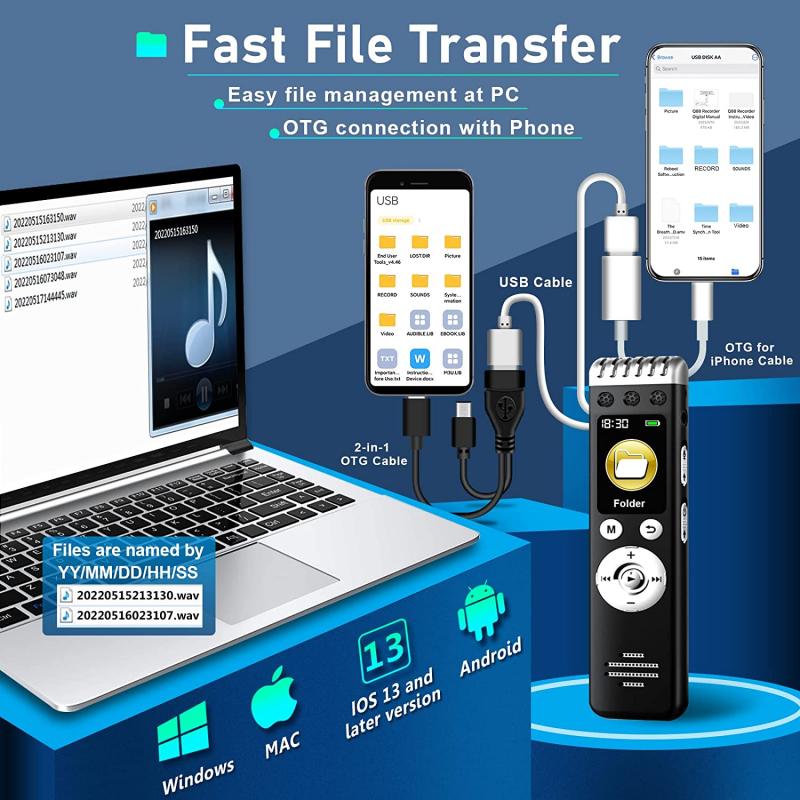
how can i make a voice recording 1

The first step in making a voice recording is selecting the appropriate equipment. The quality of your recording will largely depend on the tools you use. Here are some key pieces of equipment to consider:

1. Microphone: The microphone is the most critical component of your recording setup. There are various types of microphones, including USB microphones, condenser microphones, and dynamic microphones. USB microphones are user-friendly and ideal for beginners, while condenser microphones offer higher quality and are suitable for studio recordings.

2. Audio Interface: If you opt for a condenser or dynamic microphone, you will need an audio interface to connect the microphone to your computer. An audio interface converts the analog signal from the microphone into a digital signal that your computer can process.

3. Headphones: A good pair of headphones is essential for monitoring your recordings. They allow you to hear any background noise or issues with the audio quality in real-time.

4. Pop Filter: A pop filter is a screen that sits between your mouth and the microphone. It helps reduce plosive sounds (like "p" and "b" sounds) that can cause distortion in your recordings.

5. Recording Software: You will need software to record and edit your audio. There are many options available, ranging from free programs like Audacity to professional software like Adobe Audition or Pro Tools.

Setting Up Your Recording Environment
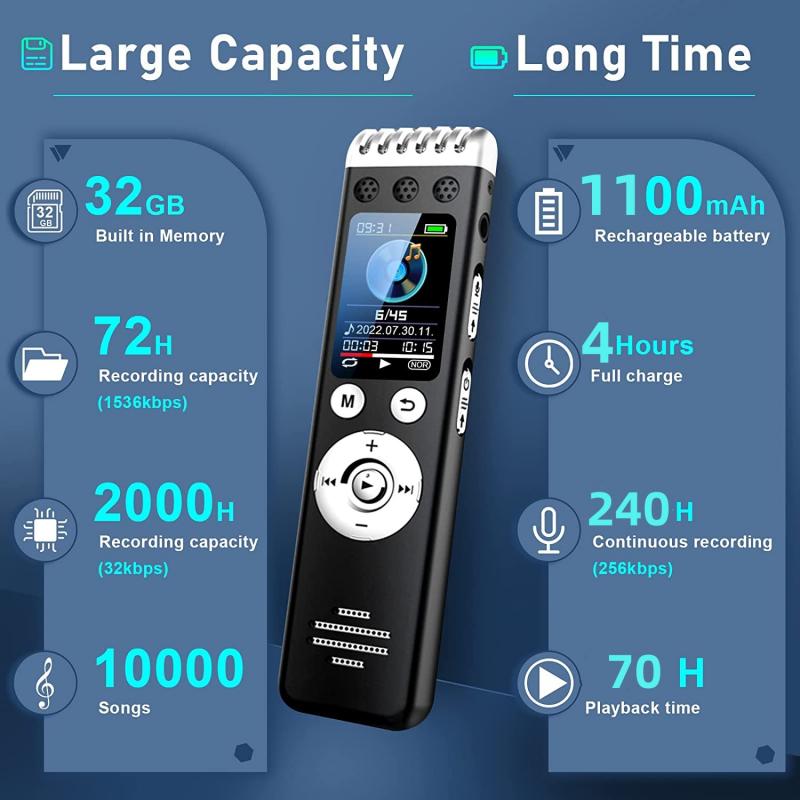
how can i make a voice recording 2

The environment in which you record can significantly impact the quality of your voice recording. Here are some tips for setting up an ideal recording space:

1. Quiet Space: Choose a quiet room with minimal background noise. Turn off any noisy appliances, close windows, and inform others in your household that you are recording.

2. Acoustic Treatment: To reduce echo and reverberation, consider adding some acoustic treatment to your recording space. This can include foam panels, blankets, or even pillows to absorb sound.

3. Microphone Placement: Position your microphone at a comfortable distance from your mouth, typically 6-12 inches. Use a microphone stand to keep it steady and at the correct height.

4. Pop Filter Placement: Place the pop filter a few inches in front of the microphone to minimize plosive sounds.

Recording Your Voice
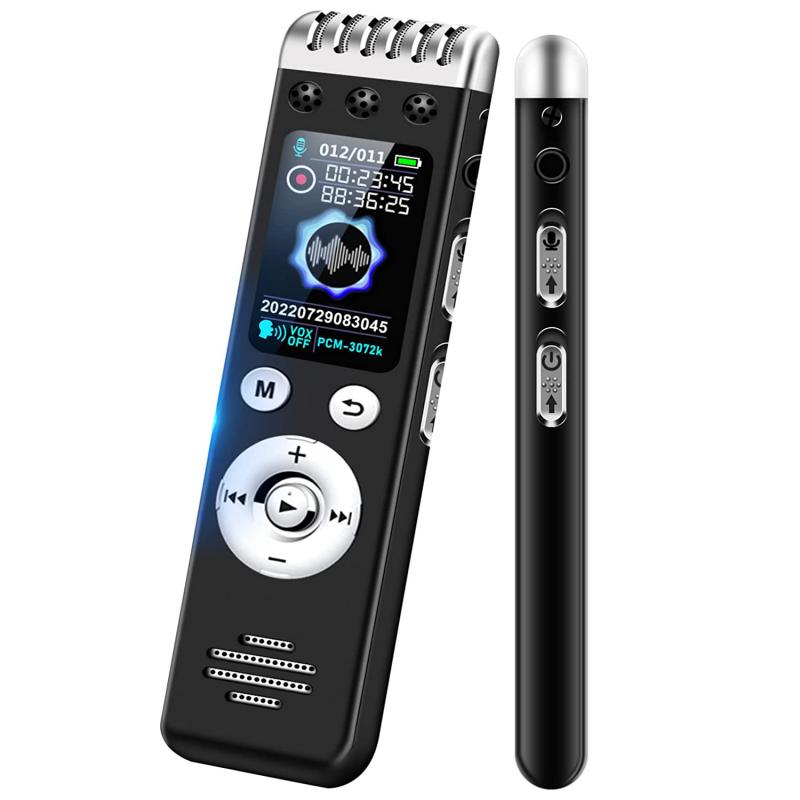
how can i make a voice recording 3

Once you have your equipment set up and your recording environment prepared, you can begin recording your voice. Follow these steps to ensure a successful recording session:

1. Warm-Up: Before you start recording, warm up your voice with some vocal exercises. This can help improve your vocal clarity and reduce strain.

2. Check Levels: Open your recording software and check the input levels. Speak into the microphone at your normal volume and adjust the gain on your audio interface or microphone to ensure the levels are not too high (which can cause distortion) or too low (which can result in a weak signal).

3. Record a Test Clip: Record a short test clip and listen back to it with your headphones. Check for any background noise, distortion, or other issues. Make any necessary adjustments to your setup.

4. Start Recording: Once you are satisfied with the test clip, start recording your voice. Speak clearly and at a consistent volume. If you make a mistake, pause and start the sentence again. You can edit out any mistakes later.

5. Monitor Your Recording: Keep an eye on the input levels and listen to the recording through your headphones to ensure everything sounds good.

Editing Your Recording
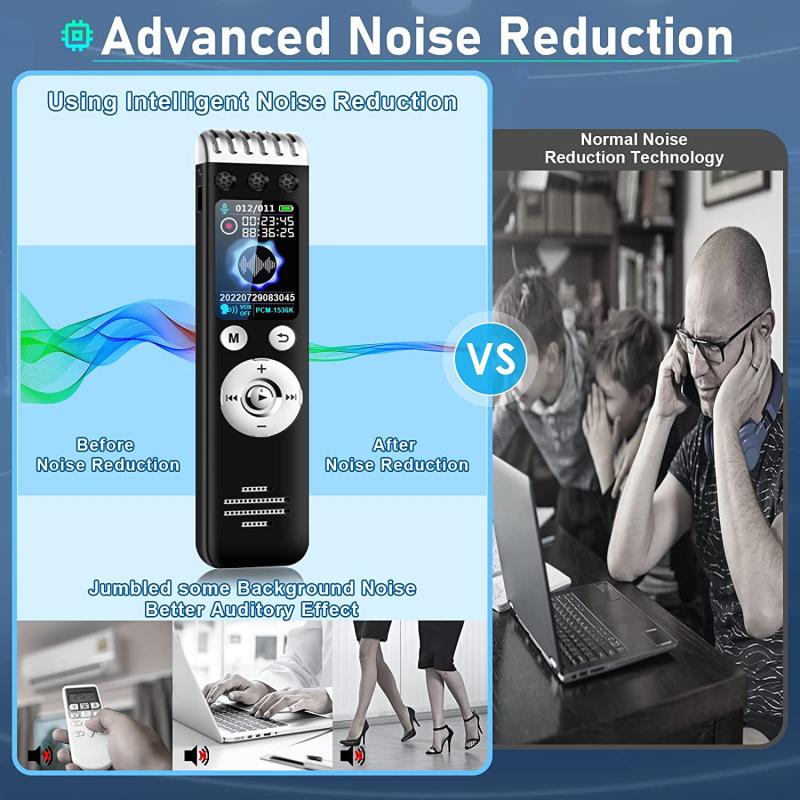
how can i make a voice recording 4

After you have finished recording, the next step is to edit your audio. Editing allows you to remove any mistakes, background noise, and improve the overall quality of your recording. Here are some basic editing steps:

1. Import Your Audio: Import your recorded audio into your editing software.

2. Remove Mistakes: Listen through the recording and cut out any mistakes or unwanted sections. Most editing software allows you to easily cut, copy, and paste sections of audio.

3. Noise Reduction: Use noise reduction tools to remove any background noise. Be careful not to overdo it, as this can make your voice sound unnatural.

4. Equalization (EQ): Use EQ to adjust the frequency balance of your recording. For example, you can boost the low frequencies to add warmth to your voice or reduce the high frequencies to remove harshness.

5. Compression: Apply compression to even out the volume levels of your recording. Compression reduces the dynamic range, making the quieter parts louder and the louder parts quieter.

6. Add Effects: If desired, you can add effects like reverb or delay to enhance your recording. Use these effects sparingly to avoid making your voice sound artificial.

7. Export Your Audio: Once you are happy with the edits, export your audio in the desired format (e.g., MP3, WAV).

Tips for High-Quality Voice Recordings

To ensure your voice recordings are of the highest quality, keep the following tips in mind:

1. Hydrate: Drink plenty of water before and during your recording session to keep your vocal cords hydrated.

2. Avoid Caffeine and Dairy: Caffeine and dairy products can cause mucus buildup and affect your vocal clarity. Avoid these before recording.

3. Maintain Good Posture: Sit or stand up straight while recording to allow for proper breath support and vocal projection.

4. Speak Naturally: Try to speak naturally and conversationally. Overly scripted or stiff delivery can sound unnatural.

5. Take Breaks: If you are recording for an extended period, take breaks to rest your voice and avoid fatigue.

Making a voice recording involves more than just speaking into a microphone. By choosing the right equipment, setting up an ideal recording environment, and following best practices for recording and editing, you can create high-quality voice recordings that meet your needs. Whether you are recording a podcast, creating an audio note, or producing a voiceover, these tips and techniques will help you achieve professional results. Happy recording!
Leave your comment
Cancel reply
Note: HTML is not translated!
Related products
Digital Voice Recorder with Ultra-long 1000H Continuous Recording, Voice-Activated & Magnetic 128G
11
$134.99 $89.99
128G Small Digital Voice Recorder with Ultra-long 1000H Continuous Recording, Voice-Activated & Magnetic, Kentfaith
17
$118.74 $94.99
Mini Voice Recorder Magnetic & Voice-activated, 800H Recording with Noise Cancelling, Kentfaith Voice Recorder for Meetings, Lectures, Studying, Interviews 64G
621
$68.99 $49.99
Mini Voice Recorder Magnetic & Voice-activated, 1600H Recording with Noise Cancelling, Kentfaith Voice Recorder for Meetings, Lectures, Studying, Interviews 128G
621
$82.49 $53.99
Mini Sound Recorder 128GB 1600H Recording Capacity with 1.4" Screen, Voice Activated Mode Kentfaith
12
$99.99 $79.99
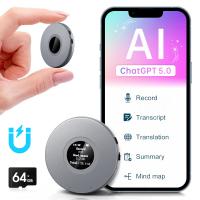
AI Voice Recorder, Transcribe Summarize Translation, App Control, 40H Recording Time, 64GB Memory, Kentfaith
21
$137.49 $109.99
128G Small Digital Voice Recorder with Ultra-long 1536H Recording, Voice-Activated & DSP Noise Reduction, Conference/Lecture/Classroom Learning, Keychain Portable Gifts, Kentfaith
18
$106.24 $84.99
128GB MicroDrive Micro SD UHS-I Memory Card
2
$31.99
Mini Voice Recorder Voice-activated & Magnetic 64G 800 Hours Capacity Noise Cancelling
621
$57.49 $49.99
Mini Voice Recorder Voice-activated & Magnetic 128G 1600 Hours Capacity Noise Cancelling
621
$82.49 $53.99
Products You May Like
10Pcs Double-Headed Cleaning Stick Set, CMOS Full Frame Cleaning Stick 24mm Cleaning Cloth Sticks Set
4
$30.99 $15.99
52mm Variable ND Filter ND2-400 (1-9 Stop) Lens Filter Waterproof Scratch Resistant Nano-Xcel Series
56
$81.99 $64.99
Fuji X100 Lens MCUV Filter, Multi Coated HD Optical Glass Scratch-resistant Compatible with Fuji X100, X100F, X100S, X100T, X100V, X100VI Nano-Xcel Series
33
$37.99 $29.99
67mm Colorful Streak Filter Starlight Dreamy Creative Special Effects Optical Glass Lens Filters Nano-B Series
16
$33.99 $26.99
Adult GPS positioning, 4K dual-camera aerial photography quadcopter, with automatic return, route planning, 360° surround flight, one-key take-off and landing, easy for beginners to use
349
$123.99
77mm Single Motion Blur Special Effect Filter Directional Motion Blur Optical Glass for Camera Lens Nano-B Series
8
$57.99 $38.24
Triple Lens Snake Inspection Camera with 8+2 LED Lights, 1080P 4.3" Screen IP67 Waterproof 2m/6.6ft Cable
64
$89.99 $83.99
67mm ND2-ND400 Variable Filter (1-9 Stop), 24 Layers of Nano-coating, K&F Concept Nano-Dazzle Series
26
$62.99 $49.99
best bluetooth trail camera
10
$135.99 $74.99
Action Camera Waterproof Set 21 in 1 for GOPRO Hero 9/10/11/12 (Only Ship to US)
104
$37.99 $22.99
Related articles
How Do You Make A Voice Recording?
How Do I Convert Voice Recording To Mp3?
How To Do A Voice Recording Text?
How To Have A Clear Voice When Recording?
Can You Record Your Voice While Screen Recording?
Can I Record My Voice On This Phone?
How To Put Voice Recording Over Video?
How To Get Voice In Screen Recording?
How To Set Voice Recording As Alarm?
What Is True Wireless Earphones?
Blog You May Like
Endoscope How It Works?
How To Turn Off Auto Filter On Camera?
How To Build A Light Table For Photography?
How Can The Sun Damage A Camera Lens?
How To Speed Up Sound Recordings?
How To Install Lens Light Filter?
How To Install Secret Camera In House?
Dbpower Projector How To Use?
How Much Is An Sd Card?
How Do Records Record Sound?
Related categories
A Mount Lens Adapter Sony A Mount Lens Adapters minolta a mount lenses circular graduated neutral density filter Canon RF Mount Adapter camera filter accessories Wifi Trail Cameras 1/4 black pro mist filter Solar Cellular Trail Camera Pentax K adapter
Popular products
digital voice recording smart digital voice recorder mini sound recorder device mini magnetic voice recorder Bluetooth mesh intercom USB Microphone Kit best usb microphone kit mini web camera wifi mini magnetic voice recorder phone voice call recording
Related searches
Voice Recording Microphone A Voice Recorder A Recording Microphone Usb Microphone For Voice Recording I Touch Smart Watch Good Camera To Make Videos Voice Recorder I Touch 3 Smart Watch Samsung C I Card Adapter Cameras That Can Adapt Canon Fd Lens
Popular searches
85mm M Mount Lens Kiwifotos La-52rx100 Lens Adapter Ring Hasselblad To E Mount Adapter Night Vision Camera Goggles Surveillance Camera Monitor Warm Black Pro Mist Light Stand Adapter Nikon D3200 Lens Mount Adapter Telephoto Zoom 150-600mm For Sony A Mount Canon Professional Camera Strap
Blog Category
  • Activities
  • Guide
    • Filter Guide
    • Lens Adapter
    • Product Review
  • News & Reviews
    • Camera Reviews
    • Sample Gallery
    • News
  • Tutorials
    • Solar eclipse photography
    • Photography Basics
    • Landscape Photography
  • Inspiration
    • Travel
    • Travel Stories
Search Article
Latest from the Blog
How To Put Sd Card In Camera?
How To Place Cameras Around Your House?
Which Smart Watches Are Waterproof?
Can You Save Facebook Videos To Camera Roll?
What Is Nd Filter On Video Camera?
How To Find A Good Digital Camera?
Which Camera Is Best For Low Light Photography?
What Is A Good Quality Dash Cam?
How Do Trail Cameras Work? The Ultimate Guide to Trail Cameras
What Tripod To Buy?
  • Easy Payment Multilple Payment Options

  • Free Shipping Global WareHouse Shipment

  • No Risk 30-Day No Reason Return

  • Limited Deals Buy More, Save More

  • Tax Free No any surcharges or tax fee

Information
  • About us
  • Contact Us
  • Site Map
  • Blog
  • Video
  • Gallery
  • VIP Membership Rewards
Service
  • Privacy Policy
  • Terms & Conditions
  • Shipping & Delivery
  • Payment Info
  • Warranty, Return & Refund
  • Intellectual Property Rights
  • Ambassador
  • Affiliates
  • Wholesale
Support
  • My account
  • Order History
  • FAQs
  • Extend Warranty
  • Logistics Tracking
Follow us
NewsLetter

Get the latest product, K&F Concept respects your privacy.

Powered By KENTFAITH © 2025