kfconcept

KENTFAITH
K&F Concept    Blog >

Enjoy Your Selected Digital Life

Recently Viewed
  • Recently Viewed
  • Recently Viewed list is empty.

Compare (0) 0
  • Compare
  • You have not chosen any products to compare.

  • Compare
Currency: USD
  • Currency
Shop by Scene Shop by Rank

Log Into Your Account

Account

Order History

Wish List

Login

Forgotten Password?

Or connect with

Register Account

Already have an Account?Log In

  • Shopping Cart
  • Your shopping cart is empty!

  • Register/Login to purchase, earn points
  • Favorite
  • Your wish list is empty.

  • Register/Login to like, earn points
  • Activities
  • Guide
    • Filter Guide
    • Lens Adapter
    • Product Review
  • News & Reviews
    • Camera Reviews
    • Sample Gallery
    • News
  • Tutorials
    • Solar eclipse photography
    • Photography Basics
    • Landscape Photography
  • Inspiration
    • Travel
    • Travel Stories
  • Home
  • Blog
  • How To Connect Your Phone To A Projector Using Usb ?

How To Connect Your Phone To A Projector Using Usb ?

Kentfaith 2022-12-23 03:17:25 0 Comments

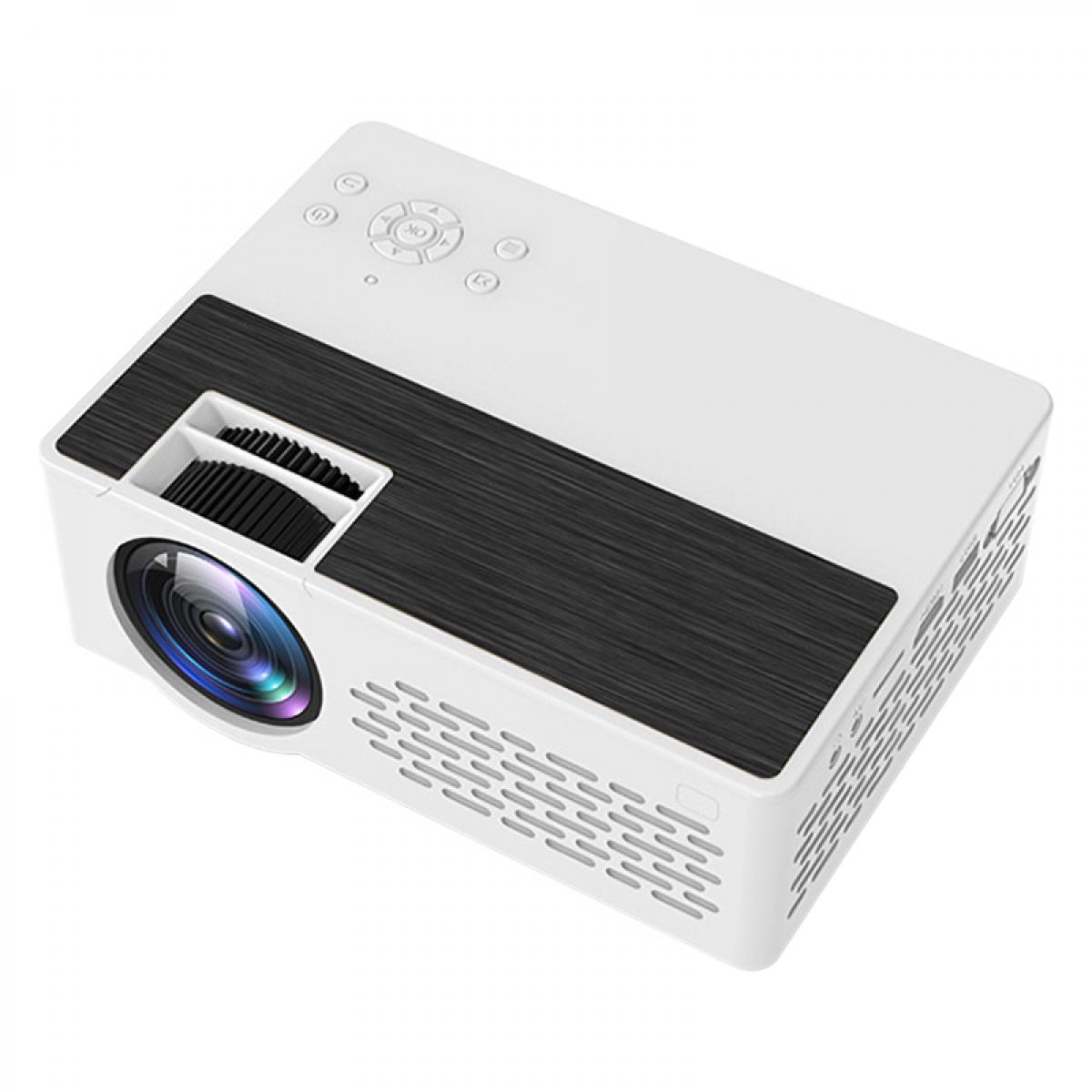
Driven by modern technology, more and more users want to connect their mobile phones to projectors to enjoy the visual experience of the big screen. Connecting a mobile phone to a projector via USB is convenient and inexpensive. However, many users encounter various problems in practice. In this article, we will introduce in detail how to connect mobile phones and projectors via USB, including choosing the right hardware device, specific operation steps, solutions to common problems, and suggestions to improve the connection experience.

Types of connecting hardware and compatibility

Firstly, we need to understand the type of hardware required and the compatibility between them. Here are a few common hardware types:

Mobile phone and projector: this is the foundation of the connection. Make sure your phone and projector both have USB ports. Most modern mobile phones support USB connections, but not all projectors have this capability.

USB cable: the key device for connecting your mobile phone and projector. It is recommended to use the original cable or a high-quality third-party cable to ensure transmission speed and stability.

Adapter: In some cases, you may need an adapter, such as to convert from USB-C to HDMI, especially if your projector only has an HDMI input port.

MHL support: If you're using an older mobile phone or projector, check if they support MHL (Mobile High Definition Link), a technology that allows video and audio signals to be transmitted over USB.


Connection steps and operating instructions

Once you know the required hardware, the next step is the specific connection steps. Below are the detailed operating instructions:


Check device support: make sure your mobile phone and projector both support a USB connection. If your mobile phone supports USB OTG (On-The-Go) and the projector has a USB input port, then you can connect it directly.

Prepare the connection cable: Prepare a high-quality USB cable and make sure the interface type matches. If your projector only has an HDMI input port, prepare a USB-C to HDMI adapter.

Connect the device: connect one end of the USB cable to your mobile phone and the other end to the projector. If you need to use an adapter, connect the adapter in the middle.

Setting the projector input source: Switch on the projector and set the input source to the appropriate USB or HDMI port.

Mobile Phone Settings: On your mobile phone, enter the Settings menu, find the "Connect Device" option, and select "USB Connection". According to the system prompts, select the appropriate connection mode, such as "screen projection" or "MTP mode".

Start the projection: After completing the above settings, the projector should be able to display the screen content of your mobile phone. If it doesn't, try to reconnect or restart the device.


Common Problems and Solutions

During the connection process, users may encounter various problems. Here are some common problems and solutions:


No signal input: if the projector shows no signal, first check if the USB cable and adapter are firmly connected. Then, make sure both the mobile phone and the projector have set the input source correctly. If the problem persists, try to replace the USB cable or adapter.

Delay and Stuttering: After connecting, the screen display may be delayed or stuttered. In this case, try using a higher-quality USB cable or make sure that the software on both your phone and projector are up to date.

Unable to recognize the device: If the projector can't recognize the phone, try enabling the developer option in the phone's settings and then turn on the USB debugging mode. If it still doesn't work, check if a specific driver or application is required.

Audio problem: Sometimes, the video can be projected normally, but the audio cannot be output. In this case, try transmitting audio via Bluetooth or external speakers, or check the audio settings of the projector.


Suggestions to improve the connection experience
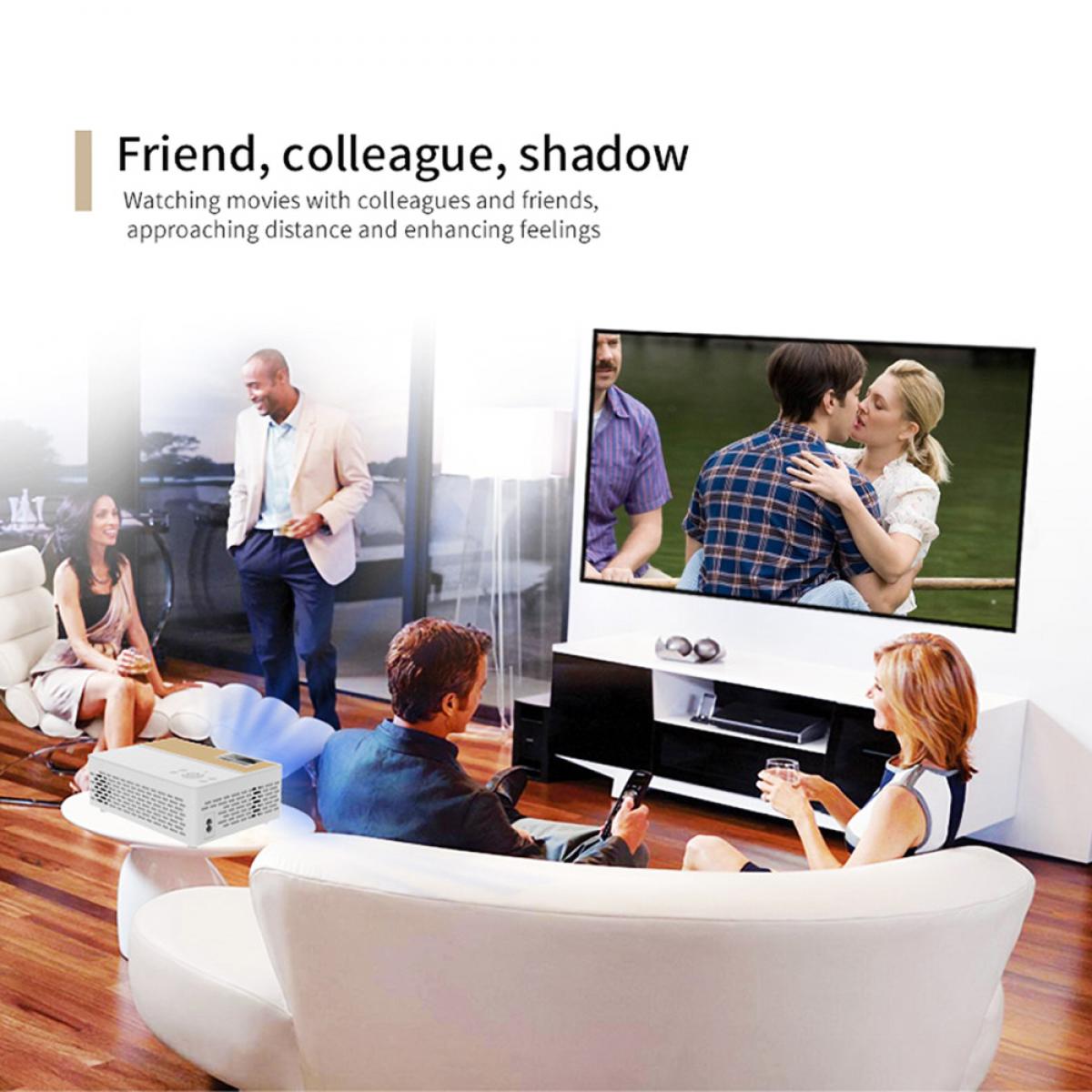

For a better connection experience, here are some useful tips:

  • Use high-quality accessories: Choose high-quality USB cables and adapters to ensure a stable connection and efficient data transfer.
  • Regularly update your devices: Keep the software on both your phone and projector up to date to avoid compatibility issues.
  • Optimize the environment: Ensure that the connection environment is neat to avoid electromagnetic interference, especially when using long connection cables.
  • Use dedicated apps: Some projector manufacturers offer dedicated apps that can improve connection stability and functionality, it is recommended to download, install, and use these apps.

Conclusion

Connecting mobile phones and projectors via USB can provide users with convenient visual enjoyment, but it is also necessary to pay attention to the compatibility of the devices and operating procedures. Through the detailed introduction of this article, we believe that users can better master this technology, solve common problems, and improve the overall experience.


Leave your comment
Cancel reply
Note: HTML is not translated!
Related products
67mm Clip-on CPL Phone Camera Lens Filter Kit Applicable to All Mobile Phone Models
40
$18.99
67mm Clip-on ND2-32 Phone Camera Lens Filter Kit Applicable to All Mobile Phone Models
NEW Arrival
67mm Clip-on ND2-32 Phone Camera Lens Filter Kit Applicable to All Mobile Phone Models
13
$37.99
Minolta A / Sony A Lenses to Pentax Q Lens Mount Adapter K&F Concept M22161 Lens Adapter
$45.99 $23.99
67mm Clip-on Black Mist 1/4 Phone Camera Lens Filter Kit Applicable to All Mobile Phone Models
7
$29.99
K&F CONCEPT Magnetic Phone Holder for Car, 360° Rotatable Vacuum Magnetic Phone Holder for Your Car/Gym/Mirror/Smooth Surface, Compatible with iPhone 17 Pro MAX 16/15/14/13/12 & Android Phone
46
$21.99
52mm Clip-on CPL Phone Camera Lens Filter Kit, Circular Polarizer Polarizing Filter Applicable to All Mobile Phone Models
24
$19.99
Minolta A / Sony A Lenses to Pentax Q Lens Mount Adapter with Tripod Mount K&F Concept M22162 Lens Adapter
$55.99 $28.99
K&F Concept Mini Desk Tripod for Camera, 25'' Aluminum Tabletop Cellphone Video Tripods with Remote Control, Portable Travel Tripod for DSLR Cameras Camcorder Phone Projector Spotting Scope S233A0
19
$59.99 $45.99
67mm Clip-on CPL&Black Mist 1/4 2-in-1 Phone Camera Lens Filter Kit Applicable to All Mobile Phone Models
3
$29.99
Sony A Lenses to M43 MFT Lens Mount Adapter K&F Concept M22121 Lens Adapter
112
$53.99 $29.99
Products You May Like
CG002 fingerprint recognition password door lock, with password keyboard keyless entry door handle, with graffiti app, suitable for bedrooms, family hotels, office apartments, black
HOT Seller
CG002 fingerprint recognition password door lock, with password keyboard keyless entry door handle, with graffiti app, suitable for bedrooms, family hotels, office apartments, black
45
$134.99 $94.99
58mm HD Soft GND8 Lens Filter 3 Stop (0.9) Soft Graduated Neutral Density Filter K&F Concept Nano-Xcel Series
41
$59.99 $52.99
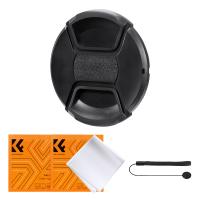
52mm Center Pinch Lens Cap Ordinary Lens Cap with String (No String)*1+Vacuum Cleaning Cloth*2+Digital Camera Anti-lost String*1, 4 in 1 Set
29
$11.99 $7.99
Screen Protector*3 + Hot Shoe Level*3 + Vacuum Cleaning Cloth*1 for Sony RX100M7 Cameras
$9.99
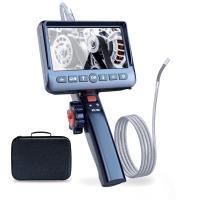
0.15"/3.9mm Small Endoscope, 5'' Split Screen Borescope Two- Way Articulated Snake Camera,Inspection Camera with Light for Automotive Home Mechanics-6.6FT
HOT Seller
0.15"/3.9mm Small Endoscope, 5'' Split Screen Borescope Two- Way Articulated Snake Camera,Inspection Camera with Light for Automotive Home Mechanics-6.6FT
62
$779.99 $389.99
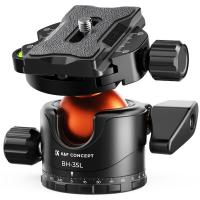
Professional 35mm Metal Tripod Ball Head 15kg/33lbs Load 360 Degree Rotating Panoramic with 1/4 inch Quick Release Plate K&F Concept-35 Series
13
$54.99 $39.99
Square Lens Holder Adapter 43mm (Laser Size)
$17.99 $9.99
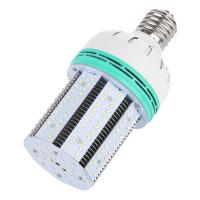
E39 Interface 50W High-Power LED Corn Lamp Bulbs AC85-265V Wide Voltage 3300LM -  Warm White
E39 Interface 50W High-Power LED Corn Lamp Bulbs AC85-265V Wide Voltage 3300LM - Warm White
$29.99
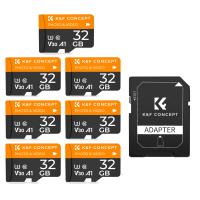
32G micro SD card U3/V30/A1 with adapter 7 packs memory card suitable for home surveillance camera hunting camera and driving recorder memory card K&F CONCEPT
$52.99
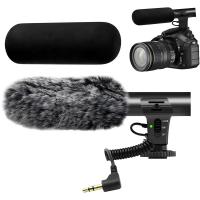
Camera Microphone, Super Cardioid  Shotgun Mic for DSLR Close Interview, Noise Reduction Video Microphone for Canon Nikon Sony Fuji with Windscreen, Compatible with Camera with 3.5mm TRS Plug, Kentfaith
Camera Microphone, Super Cardioid Shotgun Mic for DSLR Close Interview, Noise Reduction Video Microphone for Canon Nikon Sony Fuji with Windscreen, Compatible with Camera with 3.5mm TRS Plug, Kentfaith
11
$62.49 $49.99
Related articles
How To Connect A Phone To A Rca Projector ?
Can I Connect Iphone To Projector With Usb?
Can You Connect Your Phone To Baby Monitor?
How To Use Phone Camera As Projector ?
Can I Connect Apple Tv To Projector?
How To Use Your Phone As A Microphone?
How To Find Hidden Camera Using Cell Phone?
How To Connect Wifi Camera To Android Phone ?
How To Connect Drone Camera To Android Phone ?
What Is Black Flash Trail Camera?
Blog You May Like
How To Adjust Tripod?
How To Record Video On Screen With Sound?
How To Get The Camera Filter?
What Is The Best Budget Action Camera?
How Far Back Should I Keep Car Records?
Can Film Cameras Work Without Batteries?
How To Record Line Video Call With Audio?
How Does The Nd Filter Control Lights?
How To Find Megapixels Of Camera?
How To Clear Sd Card On Gopro 10?
Related categories
C mount lens adapter m4/3 adapter cell phone tripods A Mount Lens Adapter Sony A Mount Lens Adapters minolta a mount lenses phone camera lens iphone lens filter
Popular products
home movie theater projector outdoor projector and screen projector for video games leica m sony e mount adapter sony minolta adapter baby monitor with screen and app baby monitor 2 cameras best baby monitor with screen and app Bluetooth mesh intercom sony a mount to minolta adapter
Related searches
Cheap Security Cameras That Connect To Your Phone Usb Projector For Mobile Phone Trail Camera That Connects To Your Phone Smart Watch Connect To Iphone Retro Game Console Connect To Tv Using A 2x Lens Filter Using A Lens Without Adapter Camera Lens For Your Phone A Solar Filter For Your Lens Cons Of Using A Lens Adapter
Related Scenes
Best Camera To Video Sports Best Camera To Capture Wildlife Best Video Camera To Record Sports Best Usb Digital Microscope Best Tripod For Projector Best Batteries For A Trail Camera Best Microscope For Phone Best Lens For Phone Camera Best Phone Camera For Video Best Ring Light For Phone
Blog Category
  • Activities
  • Guide
    • Filter Guide
    • Lens Adapter
    • Product Review
  • News & Reviews
    • Camera Reviews
    • Sample Gallery
    • News
  • Tutorials
    • Solar eclipse photography
    • Photography Basics
    • Landscape Photography
  • Inspiration
    • Travel
    • Travel Stories
Search Article
Latest from the Blog
Is the Sony A7M5 worth buying?
How To Take Great Photos With Digital Camera?
How Does a WiFi Trail Camera Work?
What Lenses Are In A Microscope?
How Do Night Vision Goggles Work?
How To Use Your Phone As A Microphone?
How To Adjust Binoculars With Glasses?
Which Memory Card For Dash Cam?
How Expensive Is A Metal Detector?
How To Pair Wireless Lavalier Microphone?
  • Easy Payment Multilple Payment Options

  • Free Shipping Global WareHouse Shipment

  • No Risk 30-Day No Reason Return

  • Limited Deals Buy More, Save More

  • Tax Free No any surcharges or tax fee

Information
  • About us
  • Contact Us
  • Site Map
  • Blog
  • Video
  • Gallery
  • VIP Membership Rewards
Service
  • Privacy Policy
  • Terms & Conditions
  • Shipping & Delivery
  • Payment Info
  • Warranty, Return & Refund
  • Intellectual Property Rights
  • Ambassador
  • Affiliates
  • Wholesale
Support
  • My account
  • Order History
  • FAQs
  • Extend Warranty
  • Logistics Tracking
Follow us
NewsLetter

Get the latest product, K&F Concept respects your privacy.
Powered By KENTFAITH © 2026