kfconcept

KENTFAITH
K&F Concept    Blog >

Enjoy Your Selected Digital Life

Recently Viewed
  • Recently Viewed
  • Recently Viewed list is empty.

Compare (0) 0
  • Compare
  • You have not chosen any products to compare.

  • Compare
Currency: USD
  • Currency
Shop by Scene Shop by Rank

Log Into Your Account

Account

Order History

Wish List

Login

Forgotten Password?

Or connect with

Register Account

Already have an Account?Log In

  • Shopping Cart
  • Your shopping cart is empty!

  • Register/Login to purchase, earn points
  • Favorite
  • Your wish list is empty.

  • Register/Login to like, earn points
  • Activities
  • Guide
    • Filter Guide
    • Lens Adapter
    • Product Review
  • News & Reviews
    • Camera Reviews
    • Sample Gallery
    • News
  • Tutorials
    • Solar eclipse photography
    • Photography Basics
    • Landscape Photography
  • Inspiration
    • Travel
    • Travel Stories
  • Home
  • Blog
  • How To Change Ring Camera Wifi Network ?

How To Change Ring Camera Wifi Network ?

Kentfaith 2023-05-31 10:12:56 0 Comments

Cameras are an important part of modern home security systems, and with a WiFi connection, users can monitor their home security from anywhere. However, when changing WiFi network at home or need to connect the camera to a new network, many users will encounter some difficulties. In this article, we will introduce how to change the WiFi network of Ring camera and answer related questions.

How to change the WiFi network settings of Ring camera?

1. Open Ring app

First, open Ring app on your smartphone or tablet. Make sure you are logged into the Ring account associated with your camera. 2.

2. Select Device

On the main screen, locate and select the Ring camera device you need to change the WiFi network settings for. Tap the device icon to enter the device settings page.

3. Enter Device Settings

In the Device Settings page, click the Device Health option. This option displays the current device status and connection information.

4. Change WiFi Network

On the Device Health page, locate and click on the Change WiFi Network option. Next, follow the on-screen instructions to connect the camera to a new WiFi network.

5. Entering New Network Information

You will be prompted to select a new WiFi network and enter the corresponding network password. Ensure that the information you enter is accurate, and then click Connect.

6. Confirm Connection

Wait for the camera to reconnect to the new WiFi network. When the connection is successful, the app will display a "Connection Successful" message and return to the main interface of the device.


Reconnecting the Ring Camera after Changing WiFi Networks

1. Confirm network connection

After changing the WiFi network, make sure the signal strength of the new network is strong enough, especially near where the camera is installed. Weak signal may cause connection failure or video quality degradation.

2. Reboot the device

If the camera fails to connect to the new WiFi network, you can try to reboot the camera and router. After rebooting, follow the steps above to connect to the WiFi network again.

3. Update Application

Make sure your Ring app is updated to the latest version. App updates usually fix some known issues and improve device compatibility and stability.


Common Problems and Solutions When Changing WiFi Networks

1. New WiFi network cannot be found.

Make sure the new WiFi network is visible and does not have a hidden SSID. if your WiFi network has a hidden SSID, manually enter the network name and password when entering network information. 2. wrong password

2. Wrong password

When entering the password for your new WiFi network, please double check the correctness of the password and avoid entering incorrect characters or spaces.

3. Device offline

If the device is offline after changing the WiFi network, try restarting the device and reconnecting to the network. If the problem still persists, try resetting the camera to factory settings and set it up again.

4. Signal Interference

When the WiFi signal is interfered, it may affect the connection stability of the camera. Avoid placing metal objects or other electronic devices between the camera and the router, which may interfere with the signal transmission.


Changing the WiFi network affects the Ring webcam's function.

1. Short offline time

During the change of WiFi network, the camera will be offline for a short period of time, which may result in not being able to access the video stream or receive notifications for a period of time. Therefore, it is recommended to make network changes during non-critical times.

2. Function Recovery

After successfully connecting to the new WiFi network, all functions of the webcam will be restored to normal, including live video monitoring, motion detection notification and recording video.

3. Cloud Storage Access

Changing the WiFi network will not affect the camera's cloud storage service. All recorded videos will continue to be stored in the cloud and users can access and download them at any time.


Suggestions to improve the stability of Ring camera connection

1. Use a dual-band router

Using a router that supports both 2.4GHz and 5GHz bands can provide a more stable connection. Usually, the 2.4GHz band has wider signal coverage, while the 5GHz band has less signal interference. 

2. Optimize router location

Make sure the router is placed in the center of your home to avoid obstacles blocking signal transmission. Consider using a WiFi extender or repeater to enhance signal coverage. 

3. Reboot your router regularly

Rebooting the router regularly can clear the cache, improve network performance and ensure stable connection.


In conclusion, although changing the WiFi network of Ring camera requires some steps, by following the guide provided in this article, users can easily complete this operation and ensure the camera works properly. We hope this article can help you solve the problems encountered during the process of changing WiFi network and improve the reliability and convenience of home security monitoring.



Leave your comment
Cancel reply
Note: HTML is not translated!
Related products
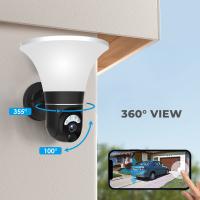
WiFi 3 Lens Solar Security Camera Wireless Outdoor, 6MP Full HD Video, 360° View Pan/Tilt Home Security Camera with Color Night Vision, Easy to Install, PIR Alarm, Kentfaith
15
$156.24 $124.99
WiFi 3 Lens Solar Security Camera Wireless Outdoor, 6MP Full HD Video, 360° View Pan/Tilt Home Security Camera with Color Night Vision, Easy to Install, PIR Alarm, 2pcs, Kentfaith
$281.24 $224.99
WiFi 3 Lens Solar Security Camera Wireless Outdoor, 6MP Full HD Video, 360° View Pan/Tilt Home Security Camera with Color Night Vision, Easy to Install, PIR Alarm, 3pcs, Kentfaith
$412.49 $329.99
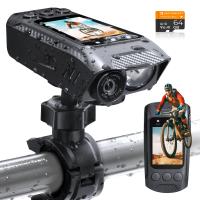
4K Bike Camera 2" Display 1000LM Bicycle Light IP67 Waterproof WIFI Connection
30
$149.99 $125.99
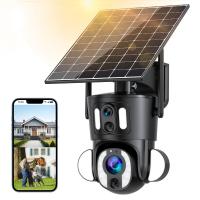
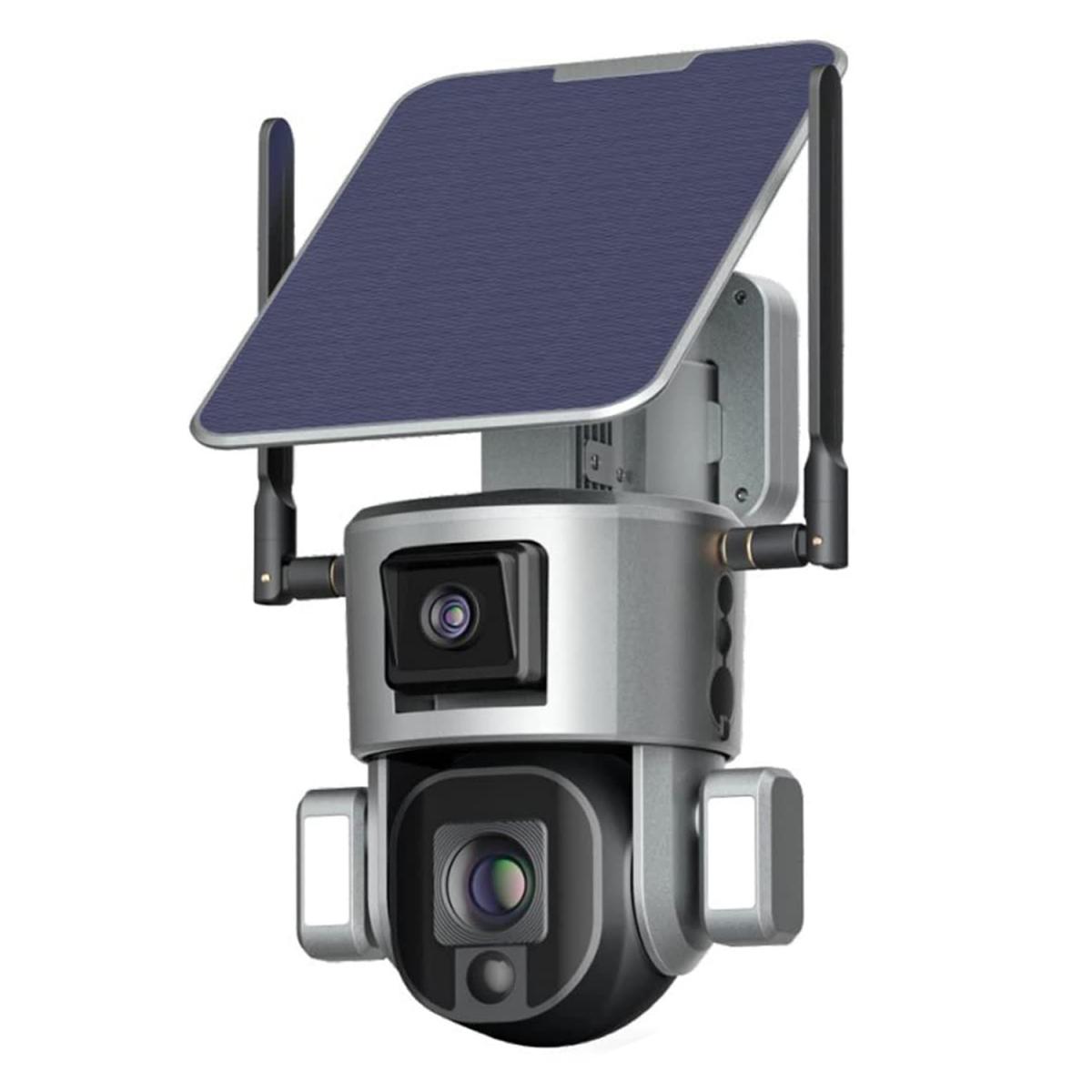
Dual-Lens Security Camera Solar Outdoor Surveillance 10X Optical Zoom 2.4G WiFi
12
$274.99 $230.99
5K Digital Video Camera Camcorder WIFI IR Night Vision for Vlogging Youtube
95
$269.99 $189.99
Camera Sunglasses, HD 1080P, EIS Stabilization, WiFi Connect, Translation, 4H Playtime, Kentfaith
16
$119.99 $95.99
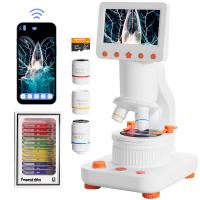
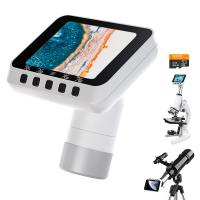
Compound Microscope for Kids with 4.3in Screen, 80X to 800X, WiFi Connection, Dual Light Sources, 1080P Videos, 32GB Card Included, Kentfaith
12
$237.49 $189.99
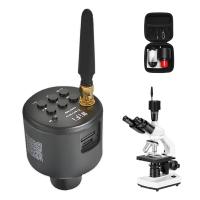
WiFi Electronic Eyepiece for Microscopes, 50 Meters WiFi Range, 2MP Microscope Imager, Capture 4K Photos Videos, Kentfaith
$112.49 $89.99
Microscope Eyepiece Camera 2.8" Screen WiFi Connection 1080P Photos Videos for Telescopes Kentfaith
12
$99.99 $79.99
Products You May Like
82mm White Pro Mist Filter Cinematic Effect Filter with 18 Multi-Layer Coatings for Portrait and Landscape Photography Nano-K Series
$44.99 $27.99
kingwear V52 2020 smart watch men IP68 waterproof swimming heart rate blood pressure Smartwatch full touch screen for Android iOS-Silver
2
$27.32
67mm Single-sided Linear Pentaprism Filter Optical Glass Prism Special Effect Camera Lens Filter Nano-Basic Series
NEW Arrival
67mm Single-sided Linear Pentaprism Filter Optical Glass Prism Special Effect Camera Lens Filter Nano-Basic Series
$50.99 $37.99
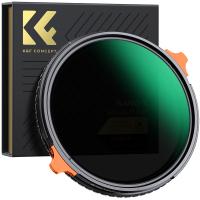
49mm ND4-64 (2-6 Stop) Variable ND Filter and CPL Circular Polarizing Filter 2 in 1,28 Layers Coated Nano-Xcel Series
68
$99.99 $79.99
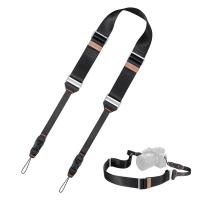
45mm Camera Neck Strap with Quick Release for Photographers, Adjustable Camera Shoulder Sling Strap Compatible for Nikon Canon Sony Olympus DSLR Camera - Strap URBAN WANDER 03 (Black )
24
$61.99 $39.99
58MM Circular Polarizer Optical Glass Lens Filter Ultra-Slim 18 Multi-Layer Coatings Circular Polarizing Filters for Camera Lens (Nano-Klear)
70
$21.99 $17.49
Portable 3-Axis Mobile Phone Stabilizer for iPhone Android Foldable
$44.99 $41.99
62mm  Black Mist Filter 1/8 Special Effects Filter Ultra-Clear Multi-layer Coated With Waterproof Scratch-Resistant and Anti-Reflection Nano-Xcel Series
62mm Black Mist Filter 1/8 Special Effects Filter Ultra-Clear Multi-layer Coated With Waterproof Scratch-Resistant and Anti-Reflection Nano-Xcel Series
134
$71.99 $69.99
bluetooth trail cameras
10
$135.99 $74.99
55MM, Nano-X, Japan Optical Glass ND32-CPL, ultra-clear, coated with waterproof, scratch-resistant and anti-reflection green film
$53.99 $34.99
Related articles
Smart Life Camera How To Change Wifi Network?
How To View Cameras On Wifi Network?
How To Change Canon Camera Wifi Password?
How To Change Light Settings On Ring Camera?
How To Change Wifi On Wyze Cameras ?
How To Reconnect Ring Camera To Wifi Remotely?
Does The Ring Camera Still Record Without Wifi ?
How To Change Polaroid Camera Battery?
How To Find Ip Cameras On Network?
How To Improve Sound Quality Of Recorded Video?
Blog You May Like
Can Action Cameras Take Pictures?
Can You Bring Binoculars To A Concert?
How To Access Wifi Camera Away From Home ?
How To Reset Your Smart Watch?
How To Record Messenger Video Call With Sound?
How To Improve The Quality Of Recorded Voice?
Does An Underwater Camera Need A Filter?
Best Bluetooth Game Cameras 2024
What Is The Purpose Of Night Vision Goggles?
How To Make Video Look White Light?
Related categories
Outdoor Security Camera Wifi C mount lens adapter detachable camera flash Wifi Trail Cameras Baby Movement Monitor led ring light with stand flash the camera Live Ring Light
Popular products
security camera home surveillance full hd camera 1080p lens step up adapter k&f concept 58mm lens filter kit step up lens adapter set lens adapter for digital camera dslr to mirrorless lens adapter fujifilm x to nikon f adapter fuji x t2 adapter ring remote wildlife camera wifi
Related searches
Sony Network Adapter Ps2 Change Lens Mount From Minolta To Nikon Change Rokinon E Mount Lens To Ef Change Rokinon Lens Mount Glade Adapt 2 Lens Change Change Mount On Sigma Lens Atheros Ar9285 Wireless Network Adapter Sony Vaio Wifi Inspection Camera Wifi Trail Camera Budget Wifi Camera
Popular searches
On The Go Video Camera Best In Ear Anc Headphones Leica S Lens Mount Fd To Sony E Mount Security Camera With Recording Device Leica M Lens Adapter Fujinon 23mm F2 Lens Filter Bluetooth Microphone For Android Video Camcorder With Night Vision K&f Black Pro Mist
Blog Category
  • Activities
  • Guide
    • Filter Guide
    • Lens Adapter
    • Product Review
  • News & Reviews
    • Camera Reviews
    • Sample Gallery
    • News
  • Tutorials
    • Solar eclipse photography
    • Photography Basics
    • Landscape Photography
  • Inspiration
    • Travel
    • Travel Stories
Search Article
Latest from the Blog
How To Setup A Tripod?
What To Look For In A Dash Cam?
How To Make A Camera Flash After Effects?
UV Filter: Everything You Need to Know About UV Protection Lens Filters
Which Camera Is Best For Low Light Photography?
What Is The Best Camera To Record Videos?
Which Binoculars To Buy?
How Much Storage For Security Camera?
How To Find A Good Digital Camera?
Is the Sony A7M5 worth buying?
  • Easy Payment Multilple Payment Options

  • Free Shipping Global WareHouse Shipment

  • No Risk 30-Day No Reason Return

  • Limited Deals Buy More, Save More

  • Tax Free No any surcharges or tax fee

Information
  • About us
  • Contact Us
  • Site Map
  • Blog
  • Video
  • Gallery
  • VIP Membership Rewards
Service
  • Privacy Policy
  • Terms & Conditions
  • Shipping & Delivery
  • Payment Info
  • Warranty, Return & Refund
  • Intellectual Property Rights
  • Ambassador
  • Affiliates
  • Wholesale
Support
  • My account
  • Order History
  • FAQs
  • Extend Warranty
  • Logistics Tracking
Follow us
NewsLetter

Get the latest product, K&F Concept respects your privacy.

Powered By KENTFAITH © 2026