kfconcept

KENTFAITH
K&F Concept    Blog >

Enjoy Your Selected Digital Life

Recently Viewed
  • Recently Viewed
  • Recently Viewed list is empty.

Compare (0) 0
  • Compare
  • You have not chosen any products to compare.

  • Compare
Currency: USD
  • Currency
Shop by Scene Shop by Rank

Log Into Your Account

Account

Order History

Wish List

Login

Forgotten Password?

Or connect with

Register Account

Already have an Account?Log In

  • Shopping Cart
  • Your shopping cart is empty!

  • Register/Login to purchase, earn points
  • Favorite
  • Your wish list is empty.

  • Register/Login to like, earn points
  • Activities
  • Guide
    • Filter Guide
    • Lens Adapter
    • Product Review
  • News & Reviews
    • Camera Reviews
    • Sample Gallery
    • News
  • Tutorials
    • Solar eclipse photography
    • Photography Basics
    • Landscape Photography
  • Inspiration
    • Travel
    • Travel Stories
  • Home
  • Blog
  • How Do You Use A Digital Camera?

How Do You Use A Digital Camera?

Kentfaith 2025-08-22 09:29:16 0 Comments

Mastering the Basics of Using a Digital Camera

Digital cameras have revolutionized the way we capture and preserve memories. Whether you're a beginner or someone looking to refine your photography skills, understanding how to use a digital camera effectively is essential. This guide will walk you through the fundamental steps of using a digital camera, from setup to capturing stunning images, and provide tips to help you make the most of your device.

1. Getting Started: Familiarizing Yourself with the Camera
how do you use a digital camera 1

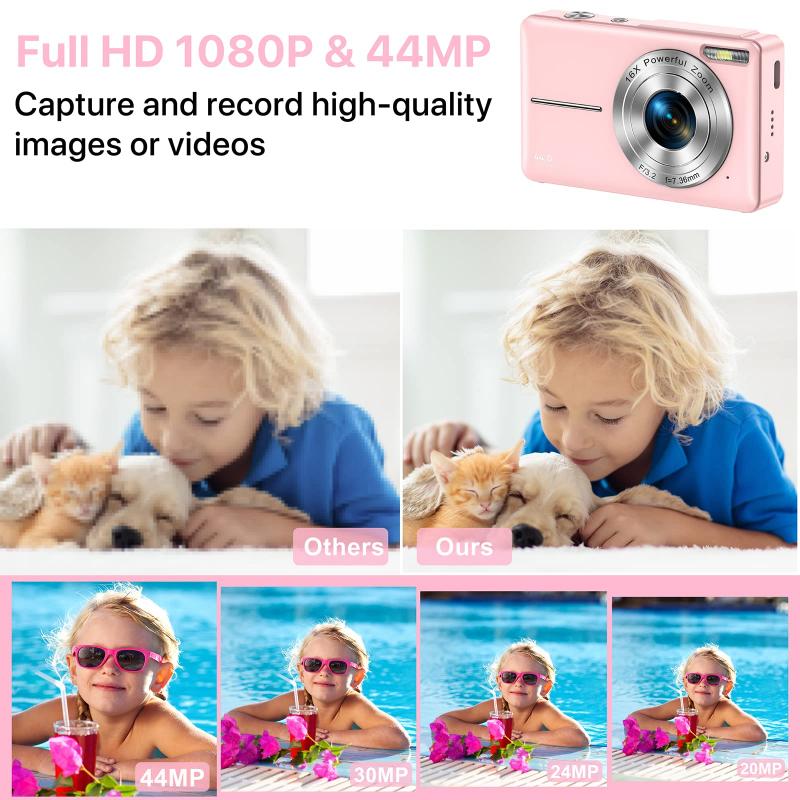
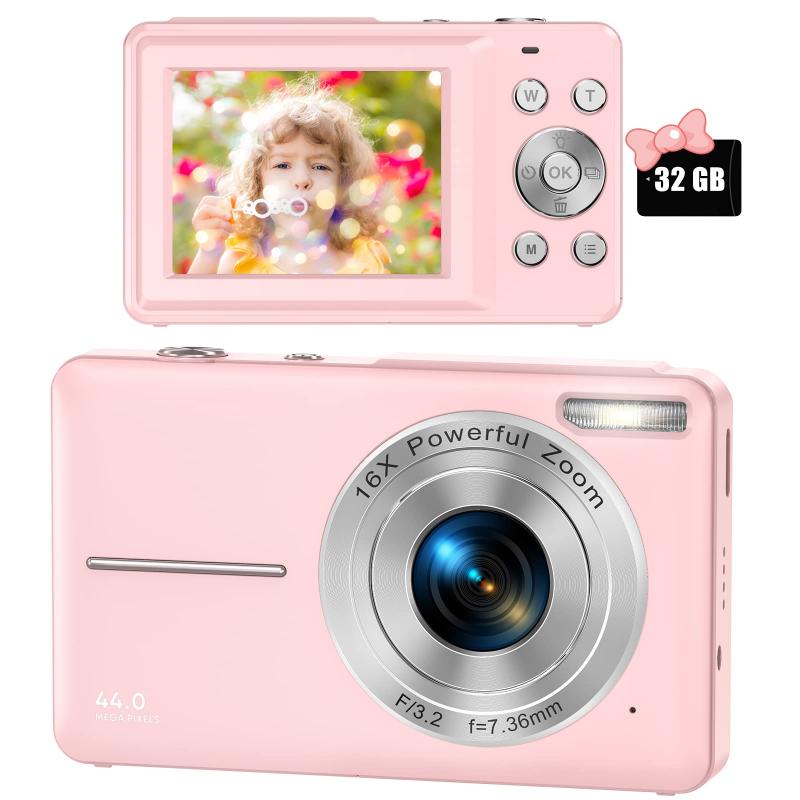
Before diving into photography, take some time to familiarize yourself with your digital camera. Each model has unique features, but most cameras share common components and functions. Here’s what you should do first:

- Read the Manual: While it may seem tedious, the user manual is your best friend. It provides detailed instructions on the camera’s features, buttons, and settings.

- Identify Key Components: Locate the power button, shutter button, mode dial, lens, viewfinder, LCD screen, and memory card slot. Understanding these parts will make navigation easier.

- Charge the Battery: Ensure the battery is fully charged before use. A drained battery can cut your photography session short.
how do you use a digital camera 4

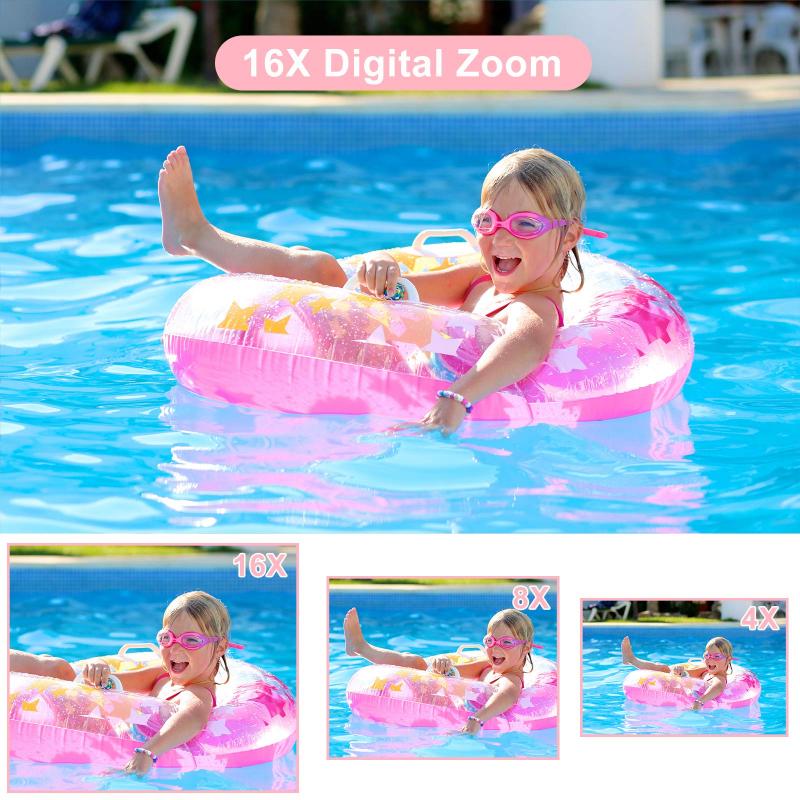
- Insert a Memory Card: Choose a memory card compatible with your camera. Ensure it has enough storage space for your needs.

2. Setting Up the Camera
how do you use a digital camera 2

how do you use a digital camera 3

Once you’re familiar with the camera’s components, it’s time to set it up for use. Follow these steps:

- Adjust the Date and Time: This helps organize your photos chronologically.

- Select Image Quality: Most cameras allow you to choose between JPEG and RAW formats. JPEG is suitable for everyday use, while RAW is ideal for professional editing.

- Set the Resolution: Higher resolution results in better image quality but takes up more storage space. Choose a resolution based on your needs.

- Choose Shooting Mode: Cameras often have modes like Auto, Manual, Portrait, Landscape, and Sports. Beginners can start with Auto mode, which adjusts settings automatically.

3. Understanding Basic Camera Settings

how do you use a digital camera 3

To take better photos, it’s important to understand the basic settings of your digital camera. These include:

- ISO: This controls the camera’s sensitivity to light. A lower ISO (e.g., 100) is ideal for bright conditions, while a higher ISO (e.g., 1600) is better for low-light situations. However, higher ISO can introduce noise to your images.

- Aperture (f-stop): Aperture determines how much light enters the lens. A lower f-stop (e.g., f/2.8) creates a shallow depth of field, blurring the background, while a higher f-stop (e.g., f/16) keeps more of the image in focus.

- Shutter Speed: This controls how long the camera’s shutter remains open. A fast shutter speed (e.g., 1/1000) freezes motion, while a slow shutter speed (e.g., 1/30) captures motion blur.

- White Balance: Adjust this setting to ensure colors appear natural under different lighting conditions, such as daylight, cloudy skies, or artificial light.

4. Composing Your Shot

how do you use a digital camera 4

Composition is the art of arranging elements within your frame to create visually appealing photos. Here are some tips to improve your composition:

- Rule of Thirds: Imagine dividing your frame into nine equal sections using two horizontal and two vertical lines. Place your subject along these lines or at their intersections for a balanced composition.

- Leading Lines: Use natural lines, such as roads, fences, or rivers, to guide the viewer’s eye toward the subject.

- Framing: Use elements like windows, arches, or trees to frame your subject and draw attention to it.

- Background: Pay attention to the background. A cluttered or distracting background can take focus away from your subject.

5. Capturing the Photo

Now that your camera is set up and you’ve composed your shot, it’s time to take the photo. Follow these steps:

- Hold the Camera Steady: Use both hands to hold the camera and keep your elbows close to your body. Alternatively, use a tripod for added stability.

- Focus on the Subject: Press the shutter button halfway to focus on your subject. Most cameras will beep or display a green box to indicate focus.

- Take the Shot: Press the shutter button fully to capture the image. Avoid jerking the camera to prevent blurriness.

6. Reviewing and Editing Photos

After taking photos, review them on your camera’s LCD screen. This allows you to check for issues like blurriness or poor exposure. If needed, retake the shot.

For more advanced editing, transfer your photos to a computer or smartphone. Use photo editing software like Adobe Lightroom, Photoshop, or free alternatives like GIMP to enhance your images. Common edits include adjusting brightness, contrast, saturation, and cropping.

7. Maintaining Your Camera

Proper maintenance ensures your digital camera remains in good working condition. Here are some tips:

- Clean the Lens: Use a microfiber cloth or lens cleaning kit to remove dust and smudges.

- Protect the Camera: Store your camera in a padded bag to prevent damage. Avoid exposing it to extreme temperatures or moisture.

- Update Firmware: Check for firmware updates from the manufacturer to improve performance and fix bugs.

- Backup Photos: Regularly transfer photos to a computer or cloud storage to free up space on your memory card and prevent data loss.

8. Exploring Advanced Features

how do you use a digital camera 2

As you become more comfortable with your digital camera, experiment with its advanced features to expand your photography skills:

- Manual Mode: Take full control of settings like ISO, aperture, and shutter speed for creative freedom.

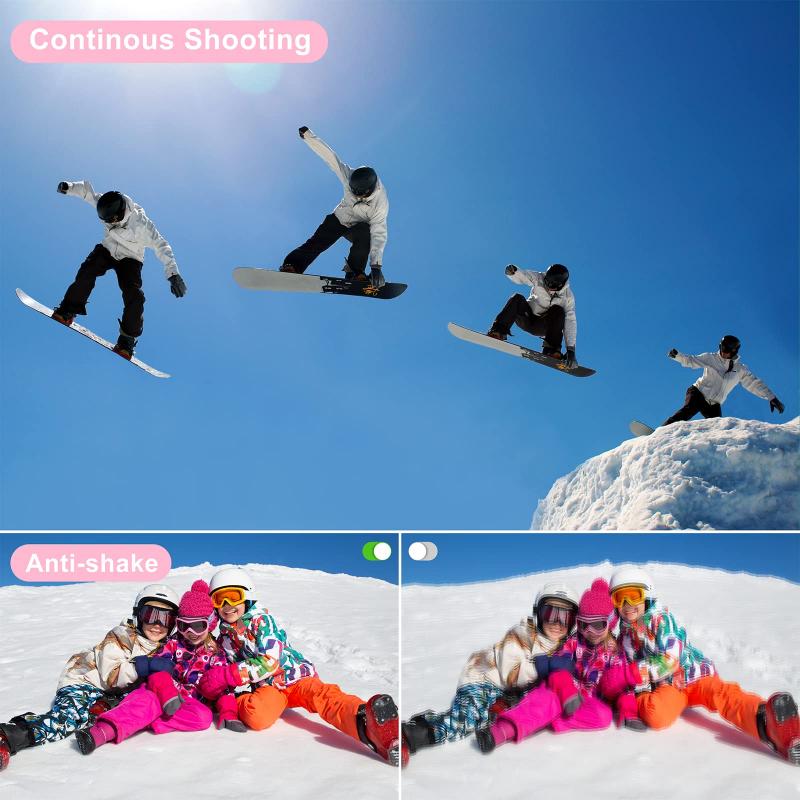
- Burst Mode: Capture a series of photos in quick succession, ideal for action shots.

how do you use a digital camera 1

- HDR (High Dynamic Range): Combine multiple exposures to create a single image with balanced highlights and shadows.

- Macro Mode: Focus on small subjects, such as flowers or insects, for detailed close-up shots.

- Video Recording: Many digital cameras also record high-quality videos. Explore this feature to capture moments in motion.

9. Common Mistakes to Avoid

Even experienced photographers make mistakes. Here are some common pitfalls to watch out for:

- Overexposure or Underexposure: Check your camera’s exposure meter to ensure your photos aren’t too bright or too dark.

- Ignoring Lighting: Pay attention to the direction and quality of light. Soft, natural light often produces the best results.

- Relying Too Much on Auto Mode: While Auto mode is convenient, learning to use Manual mode gives you greater creative control.

- Not Experimenting: Don’t be afraid to try new techniques or settings. Photography is a learning process.

10. Developing Your Photography Skills

Using a digital camera is just the beginning. To truly excel, practice regularly and seek inspiration from other photographers. Join photography communities, attend workshops, and study the work of professionals to refine your skills.

Using a digital camera may seem daunting at first, but with practice and patience, you’ll become more confident in your abilities. Start by mastering the basics, such as understanding camera settings and composition, and gradually explore advanced features to unlock your creative potential. Remember, the key to great photography is not just the equipment but also your vision and passion. So grab your camera, head out, and start capturing the world through your lens!
Leave your comment
Cancel reply
Note: HTML is not translated!
Related products
A Camping Lantern That Dances with You, Rechargeable, Telescoping & Compact with Bluetooth Speaker, Emergency Power Bank 14000mAh Battery Kentfaith
116
$199.99 $94.99
K&F CONCEPT Quick-Open U-Shaped Reflector, 47"x25"/120x65cm, with 4-in-1 reflective fabric, available in black, gold, white, and silver, includes a 1.5m stand and a storage bag. Suitable for photography studio use.
$79.99
Gift Certificate: $200 Value - Can Use with Any Discounts
$200.00 $190.00
Gift Certificate: $300 Value  - Can Use with Any Discounts
Gift Certificate: $300 Value - Can Use with Any Discounts
$300.00 $285.00
Gift Certificate: $1000 Value  - Can Use with Any Discounts
Gift Certificate: $1000 Value - Can Use with Any Discounts
$1,000.00 $950.00
Gift Certificate: $500 Value  -Can Use with Any Discounts
Gift Certificate: $500 Value -Can Use with Any Discounts
$500.00 $475.00
Gift Certificate: $800 Value - Can Use with Any Discounts
$800.00 $760.00
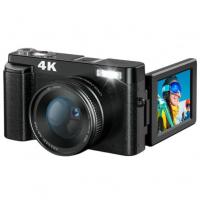
4K Digital Camera for Photography Beginners 48MP Vlogging Camera for YouTube 16X Digital Zoom Vlog Camera with SD Card, 2 Batteries, Viewfinder & Mode Dial
105
$179.99 $109.99
4K Digital Camera for Photography & Video [Autofocus and Stabilisation] 48MP 16X Digital Zoom 3” 180° Flip Screen Vlog Camera with 32G SD Card, Flash
661
$191.99 $118.99
Children Camera, FHD 1080P Digital Camera for Kids Video Camera with 32GB SD Card 16X Digital Zoom, Compact Point and Shoot Camera Portable Small Camera for Teens Students Boys Girls Seniors(pink)
46
$74.99 $52.99
Products You May Like
K&F Concept Light Stand 210cm/82.68", Adjustable Alloy Photography Lights Stand Tripod
3
$34.99
Sony Alpha Minolta AF A-Type Lens to NEX E-Mount Mirrorless Camera with Matting Varnish Design
146
$64.99 $35.99
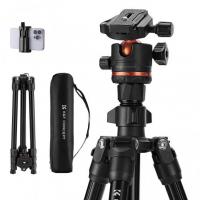
75" Camera Tripod Lightweight Portable Travel Outdoor DSLR Tripods for Camera Phone Video Recording Tripod Stand, Cellphone Clip for Smartphone Live Streaming Vlog (Grey, 75'')
113
$99.99 $55.99
67mm Clip-on CPL&Black Mist 1/4 2-in-1 Phone Camera Lens Filter Kit Applicable to All Mobile Phone Models
3
$29.99
Cleaning Cloth Set Needle-free Cleaning Cloth Dry Cloth 15*15cm Color Box 20PCS
$43.99 $22.99
62mm Black Mist Filter 1/4 + 3pcs Cleaning Cloth with 18 Multi-Layer Coatings Nano-Klear Series
212
$32.99 $26.49
FHD1080P 2 million network HD camera,support: win2000xp/7/8/9/10/Vista, OS, etc.
1
$37.99
67mm Center Pinch Lens Cap Ordinary Lens Cap with String (No String)*1+Vacuum Cleaning Cloth*2+Digital Camera Anti-lost String*1, 4 in 1 Set
29
$11.99 $7.99
67"/1.7m Carbon Fiber Tripod 22lbs Load Lightweight Travel camera Tripod with Phone Mount and 6" Magic Arm with Super Clamp Set
64
$159.99
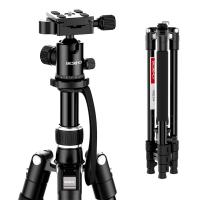
Beschoi 62-Inch DSLR Tripod, Lightweight Compact Aluminum Portable Camera Travel Tripod with Ball Head and Carry Bag for Digital SLR Cameras/Video Cameras/Camcorders
$64.99
Related articles
How To Use A Digital Camera?
How Do You Use A Memory Card Reader?
How Do You Use A Bluetooth Selfie Stick?
Why Do You Use A Lens Hood?
How Do You Buy A Trail Camera?
How Do You Charge A Blink Camera Battery ?
How Do You Install A Wireless Backup Camera?
How Do You Build A Telescope?
How Do You Focus A Telescope?
How To Record From A Wifi Camera?
Blog You May Like
What Noise Does An Old Camera Flash Make?
How To Watch Cable On Vizio Smart Tv ?
What Is The Field Of View Microscope?
What Smart Watches Measure Blood Pressure?
How To Zoom In Logitech Webcam ?
Most Powerful Telescope You Can Buy?
How To Improve The Quality Of Recorded Voice?
Why Use Camera Stabilizer?
How To Watch Pbs Passport On Lg Smart Tv ?
Does This Lens Fit My Camera?
Related categories
digital camera for beginner digital camera cases digital camera strap A Mount Lens Adapter Sony A Mount Lens Adapters minolta a mount lenses digital microscope Digital Night Vision Goggles Camera Parts | Studio Camera Accessories streaming video camera
Popular products
best camping rechargeable lantern digital microscope with usb hiding a trail camera infrared digital trail camera hd digital trail camera hc 300a digital trail camera hc 300m digital trail camera hc-300a digital trail camera hc-300m digital trail camera hc-800a digital trail camera
Related searches
Camera Tripod That Follows You Easy To Use Digital Slr Camera Flash On A Digital Camera Outdoor Use Camera Digital Cameras With A Viewfinder Multi Use Camera Backpack Digital Camera Outdoor Use Home Security Camera Wireless Outdoor Use Smart Camera Outdoor Use Camera For House
Popular searches
Solar Panel For Charging Phones Canon 5d Mark Ii Compact Flash Adapter Sony A7iv Lens Mount Type Tripod Strap For Backpacks Professional Camera Lens Cleaning Kit Binoculars For Birding And Wildlife Sony Cyber Shot Battery Charger Nikon Macro Reverse Ring Adapter 3 In 1 Camera Strap Lens That Finepix Adapter Ring Ar-fx5
Blog Category
  • Activities
  • Guide
    • Filter Guide
    • Lens Adapter
    • Product Review
  • News & Reviews
    • Camera Reviews
    • Sample Gallery
    • News
  • Tutorials
    • Solar eclipse photography
    • Photography Basics
    • Landscape Photography
  • Inspiration
    • Travel
    • Travel Stories
Search Article
Latest from the Blog
How Do Cellular Trail Cameras Work? – The Complete Guide for Hunters and Wildlife Enthusiasts
What Hi Fi In Ear Headphones?
Pressure In Ear When Wearing Headphones?
Black Friday 2025 Special at Kentfaith
How To Save A Video From Security Camera?
Dash Cam That Can Connect To Phone?
ND Filter: The Complete Guide to Neutral Density Filters for Photography and Video
What Is Surveillance Camera Control System?
Can You Save Facebook Videos To Camera Roll?
How Fast Is A Camera Flash?
  • Easy Payment Multilple Payment Options

  • Free Shipping Global WareHouse Shipment

  • No Risk 30-Day No Reason Return

  • Limited Deals Buy More, Save More

  • Tax Free No any surcharges or tax fee

Information
  • About us
  • Contact Us
  • Site Map
  • Blog
  • Video
  • Gallery
  • VIP Membership Rewards
Service
  • Privacy Policy
  • Terms & Conditions
  • Shipping & Delivery
  • Payment Info
  • Warranty, Return & Refund
  • Intellectual Property Rights
  • Ambassador
  • Affiliates
  • Wholesale
Support
  • My account
  • Order History
  • FAQs
  • Extend Warranty
  • Logistics Tracking
Follow us
NewsLetter

Get the latest product, K&F Concept respects your privacy.

Powered By KENTFAITH © 2026