kfconcept

KENTFAITH
K&F Concept    Blog >

Enjoy Your Selected Digital Life

Recently Viewed
  • Recently Viewed
  • 77mm ND2-32 (1-5 Stop) Variable ND Filter and CPL Circular Polarizing Filter 2 in 1 for Camera Lens No X Spot Weather Sealed Nano-Xcel
    77mm ND2-32 (1-5 Stop) Variable ND Filter and CPL Circular Polarizing Filter 2 in 1 for Camera Lens No X Spot Weather Sealed Nano-Xcel
    $101.99 $73.08
Compare (0) 0
  • Compare
  • You have not chosen any products to compare.

  • Compare
Currency: USD
  • Currency
Shop by Scene Shop by Rank

Log Into Your Account

Account

Order History

Wish List

Login

Forgotten Password?

Or connect with

Register Account

Already have an Account?Log In

  • Shopping Cart
  • Your shopping cart is empty!

  • Register/Login to purchase, earn points
  • Favorite
  • Your wish list is empty.

  • Register/Login to like, earn points
  • Activities
  • Guide
    • Filter Guide
    • Lens Adapter
    • Product Review
  • News & Reviews
    • Camera Reviews
    • Sample Gallery
    • News
  • Tutorials
    • Solar eclipse photography
    • Photography Basics
    • Landscape Photography
  • Inspiration
    • Travel
    • Travel Stories
  • Home
  • Blog
  • How Do You Make A Voice Recording?

How Do You Make A Voice Recording?

Kentfaith 2024-10-25 01:26:02 0 Comments

When it comes to making a high-quality voice recording, users often seek guidance on a variety of topics. Here's a comprehensive guide covering the different facets of voice recording, designed to address the most common user needs and questions.

Selecting the Right Equipment
how do you make a voice recording 1

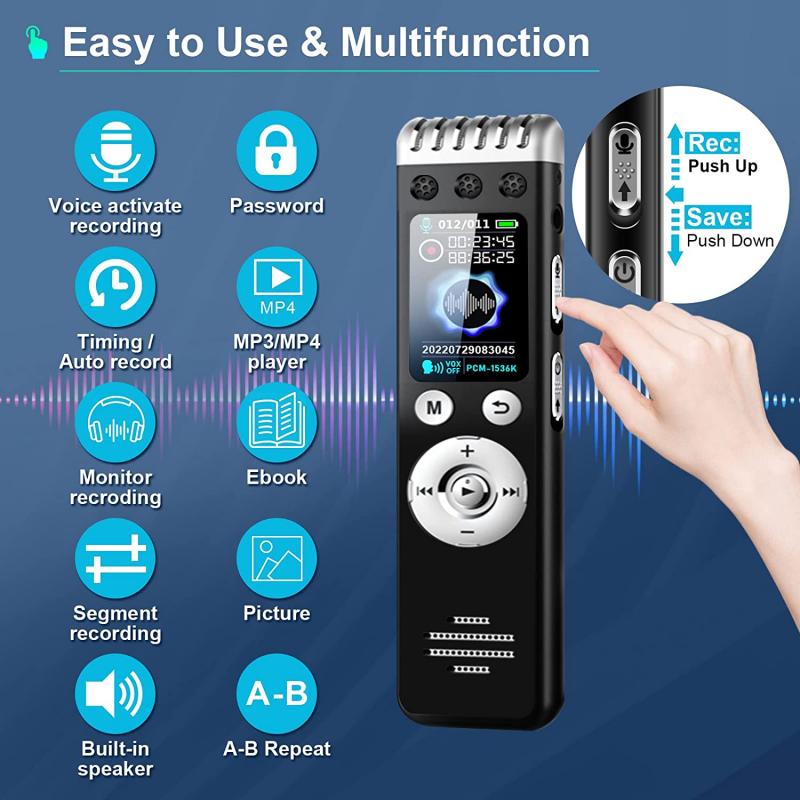
The foundation of any good voice recording starts with selecting the right equipment. Microphones are the primary tool for capturing voice, and they come in various types, each suited for different scenarios.

Types of Microphones:

1. Dynamic Microphones: Durable and versatile, these are great for beginners who don’t want to invest too much initially. They are perfect for recording in noisier environments as they pick up less background noise.

2. Condenser Microphones: Known for their sensitivity and wide frequency response, these are ideal for studio recordings where capturing audio detail is crucial.

3. USB Microphones: These are a good middle ground for those who want reasonable quality without needing an audio interface. They are plug-and-play, making them accessible even for non-experts.

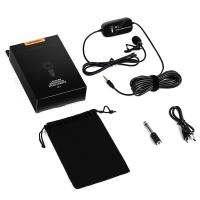
4. Lavalier Microphones: Small and unobtrusive, these mics are often used in interviews or presentations where the speaker needs to move around.

Your microphone choice should match your intended use. For podcasting or voiceover work, a condenser microphone is typically recommended, whereas a USB microphone might suffice for simpler tasks like online meetings or video calls.

Setting Up Your Environment
how do you make a voice recording 2

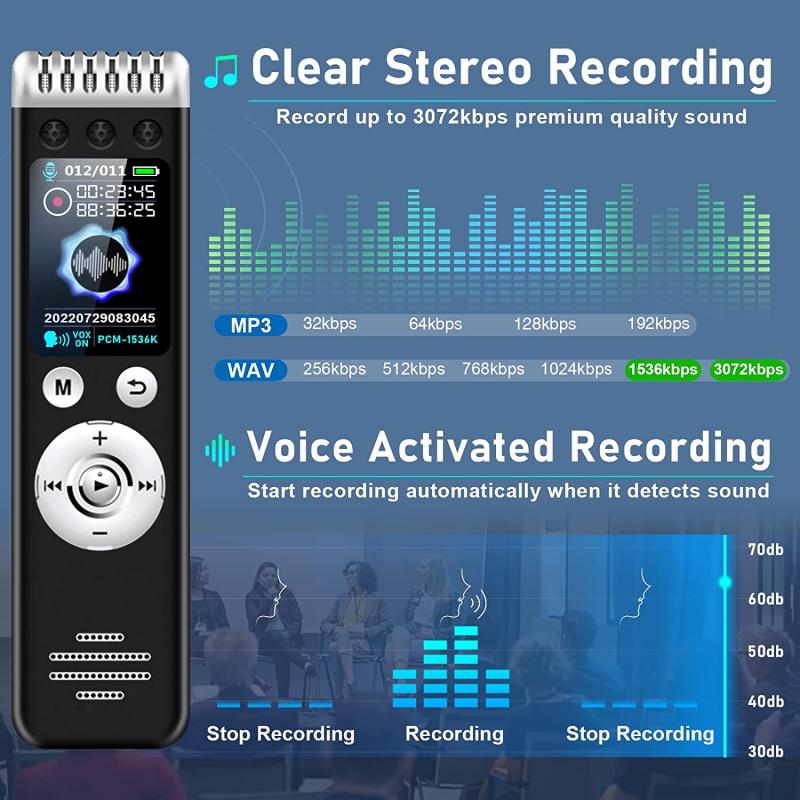
The environment where you record significantly impacts the audio quality. Even the best microphone can’t compensate for a noisy or acoustically bad setting.

Acoustic Treatment:

1. Soundproofing: Try to record in a quiet room away from external noise. Consider adding heavy curtains or carpets to reduce outside sounds.

2. Acoustic Panels: These can be attached to walls to absorb sound reflections, reducing reverb and echo.

3. Pop Filters and Windscreens: These are small, inexpensive tools that help to reduce ‘popping’ sounds caused by plosive consonants.

Ensure the room you choose is not too large or empty, as sound waves can bounce around, creating unwanted reverberations.

Choosing the Right Software
how do you make a voice recording 3

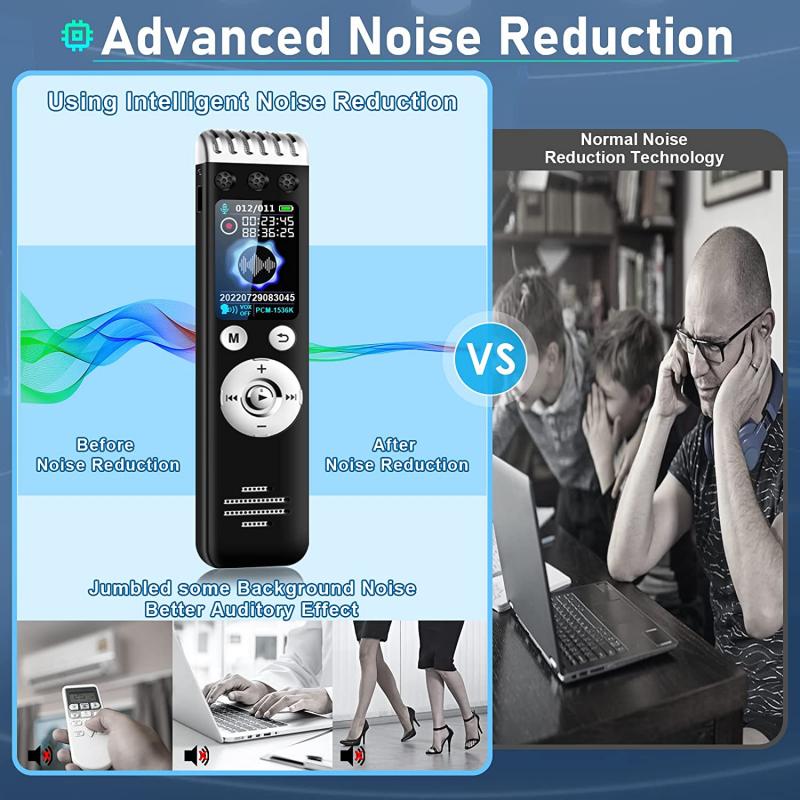
Once you’ve got your equipment and environment set up, the next step is to choose the right software for recording and editing your audio.

Popular Software Options:

1. Audacity: A free, open-source tool that offers robust features for recording and editing. It is perfect for beginners.

2. GarageBand: Ideal for Mac users, it provides an intuitive interface and advanced editing features.

3. Adobe Audition: A professional-level application with extensive features for detailed audio editing.

4. Reaper: Known for its flexibility and user customization, it's suitable for both beginners and advanced users.

Most of these software options offer tutorials and community forums, where users can seek specific advice or troubleshooting tips.

Recording Techniques and Tips
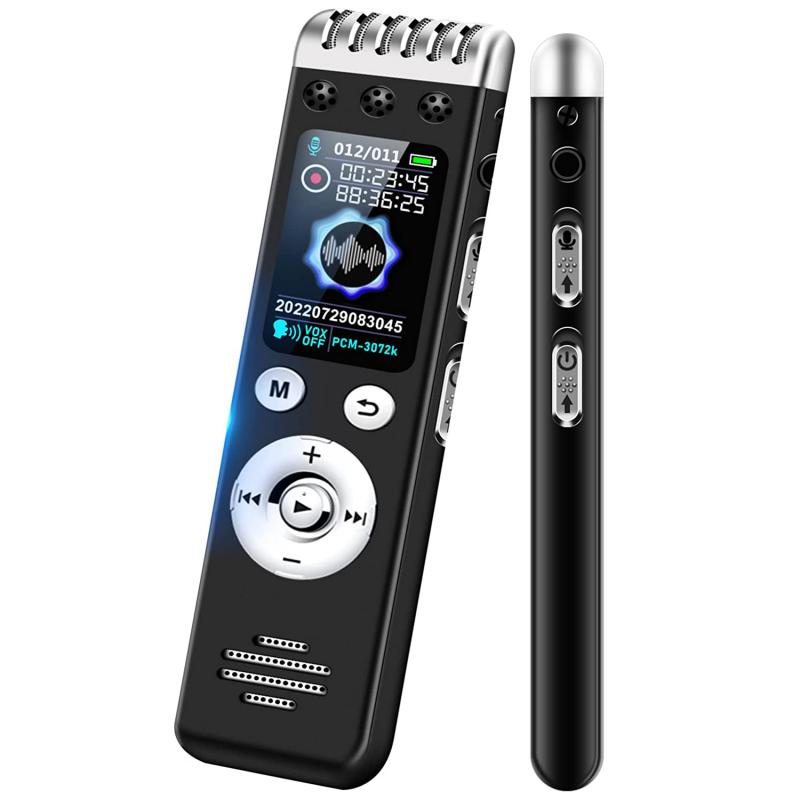
how do you make a voice recording 4

Now that you are all set up, let’s get into the actual process of recording. Here are some best practices to ensure high-quality voice recordings.

Positioning and Technique:

1. Microphone Placement: Position the microphone about 6-12 inches from your mouth. Adjust according to the type of microphone and your vocal strength.

2. Angle: Avoid speaking directly into the microphone; angling it slightly can help reduce plosive sounds.

3. Consistent Volume: Maintain a consistent distance from the microphone to avoid fluctuations in recording volume.

4. Practice: Do a few test recordings to find the optimal settings for your voice. Listen to the playback and make necessary adjustments.

Voice Warm-ups:

1. Warm-up Exercises: Simple vocal exercises can prepare your voice for recording and reduce the chances of strain.

2. Hydration: Keep yourself hydrated, but avoid dairy products before recording as they can produce excess saliva.

Editing Your Recording

Once you have your raw audio recorded, it's time for editing. This step involves refining your audio to remove imperfections and enhance quality.

Basic Editing Steps:

1. Noise Reduction: Use the software’s noise reduction tools to minimize background noise.

2. Cutting and Trimming: Remove any unwanted sections, like long pauses or mistakes.

3. Equalization (EQ): Adjust frequencies to ensure your voice sounds clear and consistent. Boosting lower frequencies can add warmth, while cutting higher frequencies can reduce sibilance.

4. Compression: This helps level out the dynamics of your recording, ensuring a more consistent volume.

5. Normalization: Adjust your audio to a standard peak level.

Advanced Tips and Troubleshooting

As you gain experience, you'll encounter various challenges. Here are some advanced tips and solutions to common problems.

Common Issues and Fixes:

1. Background Noise: In post-production, apply a noise gate to eliminate minor background sounds that the noise reduction might miss.

2. Pops and Clicks: Use a pop filter while recording, and a de-click plugin during editing.

3. Reverb and Echo: If the recording has unavoidable reverb, use an de-reverb plugin to mitigate it as much as possible.

4. Computer Noise: If your computer's fan noise is captured, consider using a directional microphone to focus on your voice, or isolate your computer with barriers.

Monitoring and Feedback:

1. Use Headphones: Monitor your recording through headphones to catch issues in real-time.

2. Feedback Loop: Get feedback from peers or online communities. They might offer insights that you missed.

Finalizing and Exporting

After meticulous recording and editing, your final step is exporting your audio.

Export Tips:

1. File Format: Choose a format that suits your needs. WAV is preferred for high-quality archives, while MP3 is commonly used for online sharing due to its smaller file size.

2. Export Settings: Pay attention to bit rate and sample rate settings. A 44.1 kHz sample rate and a 128 kbps bit rate are generally adequate for voice recordings.

Backup:

1. Multiple Backups: Always keep backups of your raw and edited files. Use cloud storage or external drives to safeguard your work.

By following these comprehensive steps, you can create high-quality voice recordings suitable for any professional use, from podcasting to video production. Whether you’re a beginner or looking to refine your skills, these guidelines will help ensure that you deliver clear, professional-sounding audio every time.

Leave your comment
Cancel reply
Note: HTML is not translated!
Related products
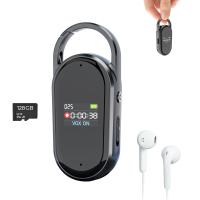
Digital Voice Recorder with Ultra-long 1000H Continuous Recording, Voice-Activated & Magnetic 128G
11
$134.99 $89.99
128G Small Digital Voice Recorder with Ultra-long 1000H Continuous Recording, Voice-Activated & Magnetic, Kentfaith
17
$118.74 $94.99
Mini Voice Recorder Magnetic & Voice-activated, 800H Recording with Noise Cancelling, Kentfaith Voice Recorder for Meetings, Lectures, Studying, Interviews 64G
621
$68.99 $49.99
Mini Voice Recorder Magnetic & Voice-activated, 1600H Recording with Noise Cancelling, Kentfaith Voice Recorder for Meetings, Lectures, Studying, Interviews 128G
621
$82.49 $53.99
A Camping Lantern That Dances with You, Rechargeable, Telescoping & Compact with Bluetooth Speaker, Emergency Power Bank 14000mAh Battery Kentfaith
116
$199.99 $94.99
Mini Sound Recorder 128GB 1600H Recording Capacity with 1.4" Screen, Voice Activated Mode Kentfaith
12
$99.99 $79.99
AI Voice Recorder, Transcribe Summarize Translation, App Control, 40H Recording Time, 64GB Memory, Kentfaith
21
$137.49 $109.99
128G Small Digital Voice Recorder with Ultra-long 1536H Recording, Voice-Activated & DSP Noise Reduction, Conference/Lecture/Classroom Learning, Keychain Portable Gifts, Kentfaith
18
$106.24 $84.99
Mini Voice Recorder Voice-activated & Magnetic 64G 800 Hours Capacity Noise Cancelling
621
$57.49 $49.99
Mini Voice Recorder Voice-activated & Magnetic 128G 1600 Hours Capacity Noise Cancelling
621
$82.49 $53.99
Products You May Like
Kentfaith Mini Voice Recorder Voice-activated & Magnetic, 64G 800 Hours Recording, Smart Noise Cancelling
621
$57.49 $49.99
52mm Black Mist Filter 1/4 + 3pcs Cleaning Cloth with 18 Multi-Layer Coatings Nano-Klear Series
213
$31.99 $25.99
Black Diffusion 1/4 Filter for DJI Osmo Action 5 Pro / Osmo Action 4 Creative Mist Cinematic Effect Filters Multi-Coated / Optical Glass / Aluminum Alloy Frame
37
$19.99
Offline Voice Translator Device with 144 Languages 5" Touch Screen ChatGPT Integrated
62
$149.99 $99.99
95mm MCUV Protection Filter Slim Frame with 18-Multi-Layer Coatings for Camera Lens Nano-Klear Series
245
$21.99 $16.99
Portable Laser Engraver with 0.05mm Accuracy Protective Cover Engraving Preview 3W Entry Level
14
$374.99 $262.99
82mm Bilateral Motion Blur Special Effect Filter Optical Glass for Camera Lens Nano-B Series
42
$62.99 $41.84
M48 Bluetooth 5.3 True Wireless Earbuds, Environment Noise Cancelling Earbuds, IPX7 Waterproof (Silver)
$32.49 $25.99
Matte Box Kit+ND8 Square Filter Compatible with Two 4x5.65" Square Filters Includes 67/72/77/82/95mm Adapter Rings Nano-Xcel Series
42
$124.99 $99.99
55mm Camera Center Pinch Lens Cap with Lens Cap Leash*3+Cleaning Cloth*3+Anti-lost Rope*3 for Canon Nikon Sony Olympus Fujifilm Pentax Panasonic Leica
29
$28.99 $14.99
Related articles
How Can I Make A Voice Recording?
How To Do A Voice Recording Text?
How Do You Voice Record A Phone Call?
How To Do Voice Recording On Macbook Air?
How Do I Convert Voice Recording To Mp3?
Can You Record Your Voice While Screen Recording?
How To Have A Clear Voice When Recording?
How Do You Get Sound In Screen Recording?
What Do You Need To Record Your Voice?
Why Use Camera Lens Hood?
Blog You May Like
Can I Connect Apple Tv To Projector?
What Size Filter For 50mm Lens Nikon?
How To Test Sd Card Speed On Android?
Which Camera Filter Is Best?
Does Stolen Camera Finder Work?
What's The Best Telescope?
What Smart Watches Will Work With Iphone?
Where Can I Buy Hidden Surveillance Camera?
How Do I Find A Wifi Camera Ip Address ?
Can I Micro Adjust Sony E Mount Lens?
Related categories
A Mount Lens Adapter Sony A Mount Lens Adapters On-Dash Camera detachable camera flash camera tripod mount ND variable filter Floodlight Camera Wireless Magnetic Lens Filter kit camera lens hoods
Popular products
digital voice recording best camping rechargeable lantern smart digital voice recorder small voice activated audio recorder mini sound recorder device mini magnetic voice recorder small hidden audio recorder digital voice recorder with usb microphone for pc gaming microphone for computer gaming
Related searches
Voice Recording Microphone A Voice Recorder A Recording Microphone Usb Microphone For Voice Recording Good Camera To Make Videos Voice Recorder Make Your Own Camera Lens Filter Adapter To Make Manual Lens Autofocus Voice Data Recorder Bluetooth Voice Recorder
Popular searches
Fisheye Adapter For Canon 50mm Osmo Pocket 3 Wide Lens M42 Lens To Sony E Mount Adapter Variable Nd Filter 46mm 77mm Lens Cap P6 Nikon Adapter Aliexpress Colorful Camera Bags Gaming Earbuds With Mic Security Camera With Sd Storage Fuji 21mm Lens Adapter
Blog Category
  • Activities
  • Guide
    • Filter Guide
    • Lens Adapter
    • Product Review
  • News & Reviews
    • Camera Reviews
    • Sample Gallery
    • News
  • Tutorials
    • Solar eclipse photography
    • Photography Basics
    • Landscape Photography
  • Inspiration
    • Travel
    • Travel Stories
Search Article
Latest from the Blog
How To Find Camera Roll On Iphone 5s?
How To Find A Good Digital Camera?
How To Place Cameras Around Your House?
How Much Does It Cost For Security Cameras?
What Is Surveillance Camera Control System?
How To Remove Memory Card From Nikon Camera?
How To Make Your Eyes Flash On Camera?
Where Can I Buy Samsung Camera Battery?
Best Metal Detector for Kids in 2025
What Power Binoculars For Long Distance Viewing?
  • Easy Payment Multilple Payment Options

  • Free Shipping Global WareHouse Shipment

  • No Risk 30-Day No Reason Return

  • Limited Deals Buy More, Save More

  • Tax Free No any surcharges or tax fee

Information
  • About us
  • Contact Us
  • Site Map
  • Blog
  • Video
  • Gallery
  • VIP Membership Rewards
Service
  • Privacy Policy
  • Terms & Conditions
  • Shipping & Delivery
  • Payment Info
  • Warranty, Return & Refund
  • Intellectual Property Rights
  • Ambassador
  • Affiliates
  • Wholesale
Support
  • My account
  • Order History
  • FAQs
  • Extend Warranty
  • Logistics Tracking
Follow us
NewsLetter

Get the latest product, K&F Concept respects your privacy.

Powered By KENTFAITH © 2025