kfconcept

KENTFAITH
K&F Concept    Blog >

Enjoy Your Selected Digital Life

Recently Viewed
  • Recently Viewed
  • Recently Viewed list is empty.

Compare (0) 0
  • Compare
  • You have not chosen any products to compare.

  • Compare
Currency: USD
  • Currency
Shop by Scene Shop by Rank

Log Into Your Account

Account

Order History

Wish List

Login

Forgotten Password?

Or connect with

Register Account

Already have an Account?Log In

  • Shopping Cart
  • Your shopping cart is empty!

  • Register/Login to purchase, earn points
  • Favorite
  • Your wish list is empty.

  • Register/Login to like, earn points
  • Activities
  • Guide
    • Filter Guide
    • Lens Adapter
    • Product Review
  • News & Reviews
    • Camera Reviews
    • Sample Gallery
    • News
  • Tutorials
    • Solar eclipse photography
    • Photography Basics
    • Landscape Photography
  • Inspiration
    • Travel
    • Travel Stories
  • Home
  • Blog
  • Can You Connect A Microphone To An Ipad?

Can You Connect A Microphone To An Ipad?

Kentfaith 2024-09-23 01:29:57 0 Comments

Connecting a microphone to an iPad can significantly enhance the audio quality for various applications, such as recording podcasts, creating music, conducting interviews, or participating in video calls. While the built-in microphone on an iPad is sufficient for basic tasks, an external microphone can provide superior sound quality and greater control over audio settings. This article will explore the different methods and considerations for connecting a microphone to an iPad, ensuring you achieve the best possible audio experience.

Understanding the Types of Microphones
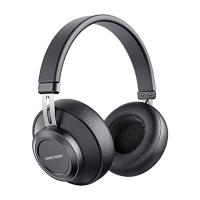
can you connect a microphone to an ipad 1

Before diving into the connection methods, it's essential to understand the different types of microphones available:

1. USB Microphones: These are plug-and-play devices that connect directly to the iPad via a USB adapter. They are popular for their ease of use and high-quality sound.

2. 3.5mm Jack Microphones: These microphones connect through the headphone jack. However, newer iPad models may require a Lightning to 3.5mm adapter.

3. XLR Microphones: These professional-grade microphones require an audio interface or a special adapter to connect to an iPad.

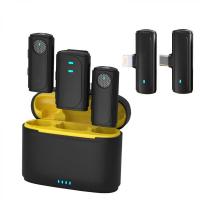
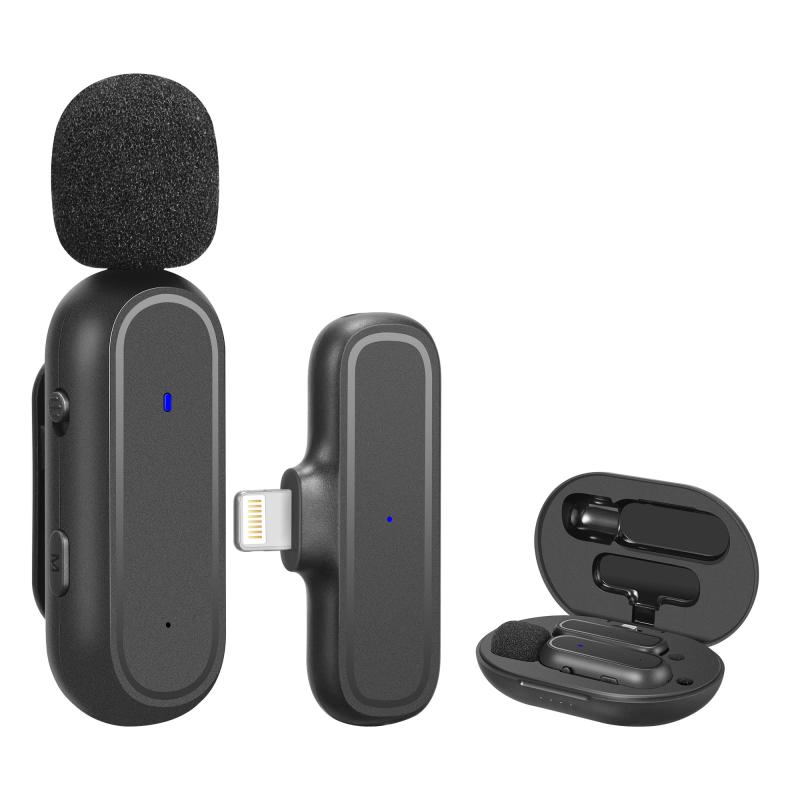
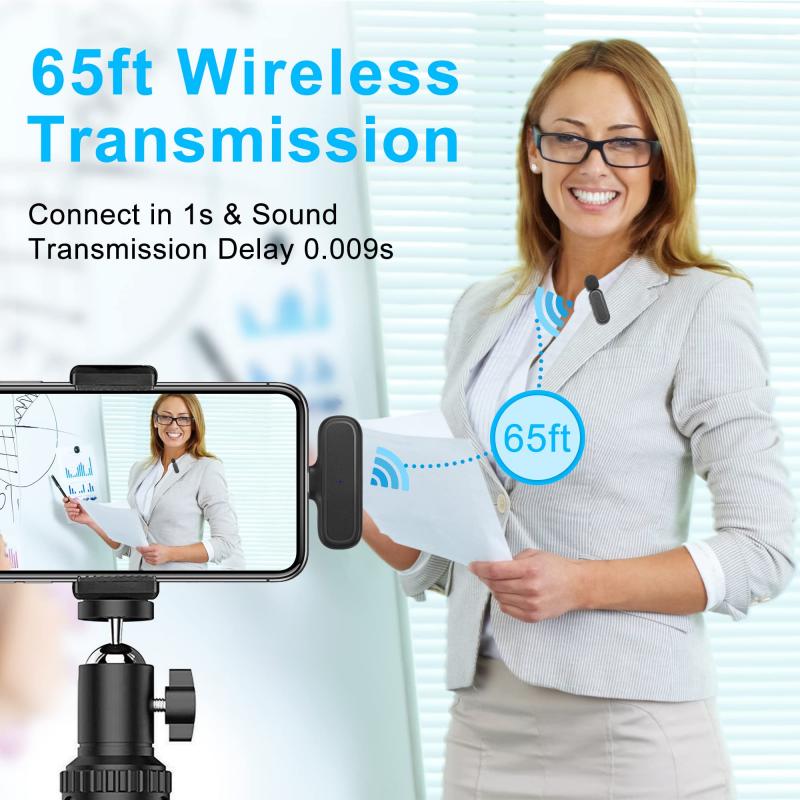
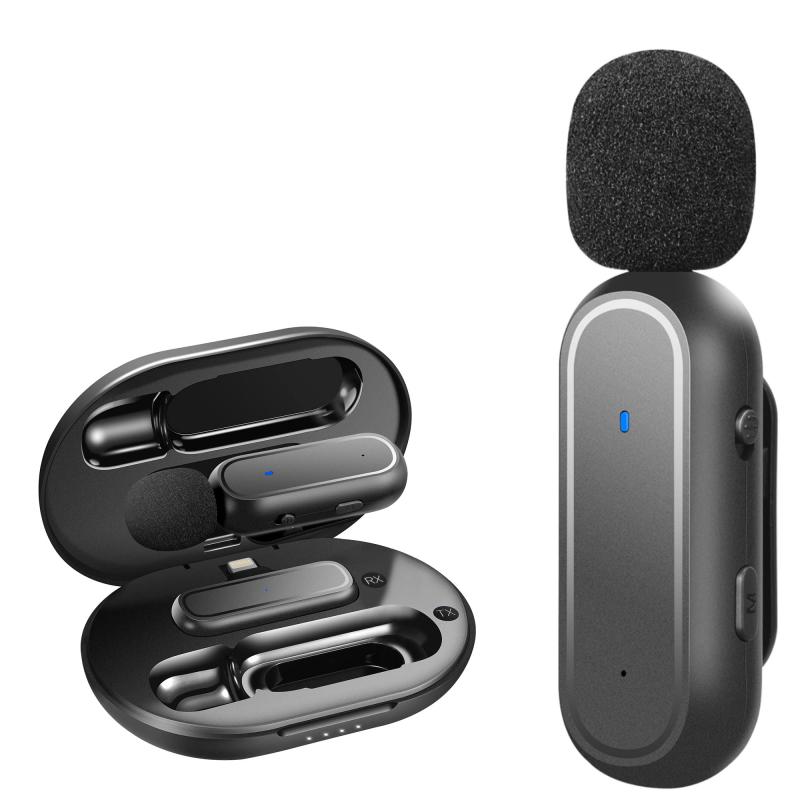
4. Wireless Microphones: These use Bluetooth or other wireless technologies to connect to the iPad, offering greater mobility.

Connecting USB Microphones
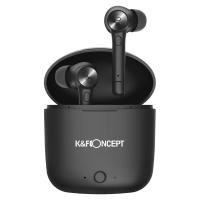
can you connect a microphone to an ipad 2

USB microphones are among the most straightforward options for connecting to an iPad. Here’s how you can do it:

1. USB Adapter: Since iPads do not have a standard USB port, you will need a USB to Lightning adapter (for older iPads) or a USB-C adapter (for newer iPads). Apple’s Camera Connection Kit is a popular choice.

2. Plug and Play: Once you have the adapter, simply connect the USB microphone to the adapter and then plug the adapter into the iPad. The iPad should recognize the microphone automatically.

3. Settings and Apps: Open the app you intend to use for recording or communication. Most apps will automatically switch to the external microphone, but you may need to check the settings to ensure it is selected.

Connecting 3.5mm Jack Microphones
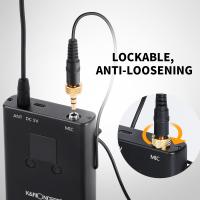
can you connect a microphone to an ipad 3

For those using a 3.5mm jack microphone, the process is slightly different:

1. Lightning to 3.5mm Adapter: If your iPad does not have a headphone jack, you will need a Lightning to 3.5mm adapter.

2. Direct Connection: Plug the 3.5mm microphone into the adapter, and then connect the adapter to the iPad.

3. App Settings: As with USB microphones, ensure that the app you are using recognizes the external microphone. This may require adjusting the input settings within the app.

Connecting XLR Microphones
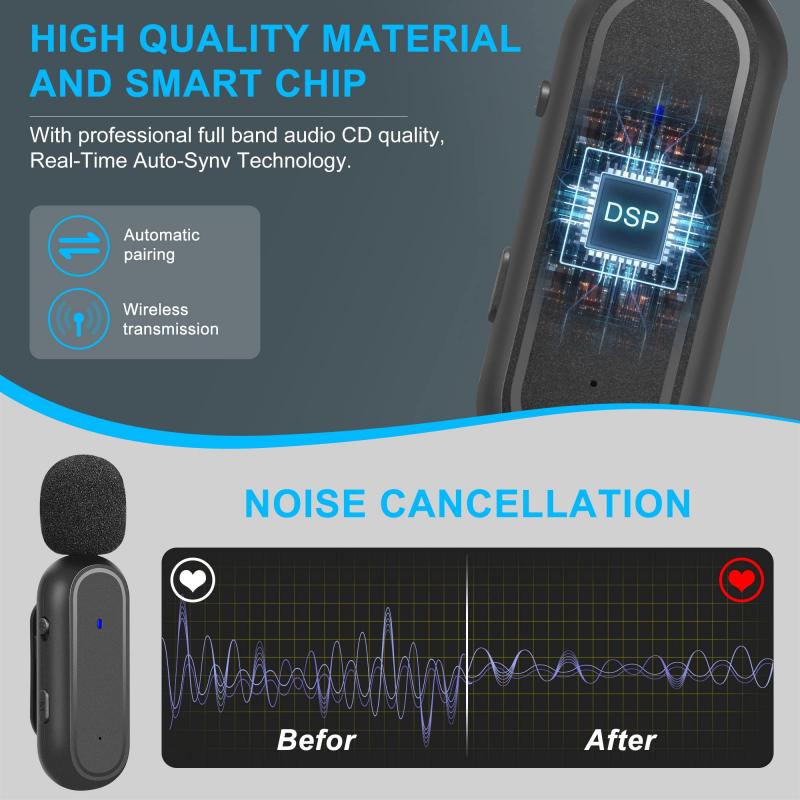
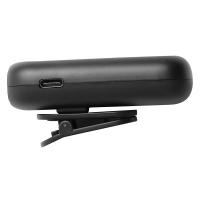
can you connect a microphone to an ipad 4

XLR microphones are typically used by professionals due to their superior sound quality. Connecting an XLR microphone to an iPad involves a few more steps:

1. Audio Interface: You will need an audio interface that can convert the XLR signal to a format the iPad can understand. Popular options include the Focusrite Scarlett series and the iRig Pro.

2. Adapter: Depending on your iPad model, you may need a USB to Lightning or USB-C adapter to connect the audio interface to the iPad.

3. Power Supply: Some XLR microphones require phantom power, which the audio interface can provide.

4. Connection Steps: Connect the XLR microphone to the audio interface, then connect the audio interface to the iPad using the appropriate adapter. Ensure the audio interface is powered on and configured correctly.

5. App Configuration: Open your recording or communication app and select the audio interface as the input source.

Connecting Wireless Microphones

Wireless microphones offer the convenience of mobility and are ideal for situations where you need to move around while recording. Here’s how to connect them:

1. Bluetooth Pairing: Ensure the wireless microphone is in pairing mode. Go to the iPad’s Bluetooth settings and select the microphone from the list of available devices.

2. App Settings: Once paired, open the app you intend to use and ensure the wireless microphone is selected as the input source.

Tips for Optimal Audio Quality

Regardless of the type of microphone you choose, here are some tips to ensure the best audio quality:

1. Environment: Record in a quiet environment to minimize background noise. Use soundproofing materials if necessary.

2. Microphone Placement: Position the microphone correctly. For vocal recordings, place the microphone about 6-12 inches away from your mouth.

3. Pop Filters and Windshields: Use pop filters to reduce plosive sounds and windshields to minimize wind noise.

4. Gain Settings: Adjust the gain settings on your microphone or audio interface to avoid distortion.

5. Monitoring: Use headphones to monitor the audio in real-time, allowing you to make adjustments as needed.

Troubleshooting Common Issues

Even with the right equipment, you may encounter some issues. Here are common problems and their solutions:

1. Microphone Not Recognized: Ensure all connections are secure. Restart the iPad and check for software updates.

2. Poor Audio Quality: Check the microphone settings in the app and adjust the gain. Ensure the microphone is positioned correctly.

3. Latency Issues: If you experience a delay in audio, try using a wired connection instead of wireless. Ensure the audio interface firmware is up to date.

Connecting a microphone to an iPad can greatly enhance your audio recording and communication capabilities. Whether you choose a USB, 3.5mm jack, XLR, or wireless microphone, understanding the connection process and optimizing your setup will ensure you achieve the best possible sound quality. By following the steps and tips outlined in this article, you can confidently connect your microphone to your iPad and enjoy superior audio performance for all your needs.
Leave your comment
Cancel reply
Note: HTML is not translated!
Related products
A Camping Lantern That Dances with You, Rechargeable, Telescoping & Compact with Bluetooth Speaker, Emergency Power Bank 14000mAh Battery Kentfaith
116
$199.99 $94.99
K&F CONCEPT MS-60 portable aluminum alloy light stand is a 2-meter extendable stand with an automatic pop-out design, 1/4-inch screws, and a 360° rotating head. It's suitable for lightweight fill lights, mobile phones, mirrorless cameras, and othe
$29.99
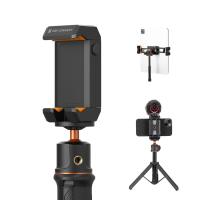
K&F Concept iPad Tablet and Cellphone Tripod Mount Adapter Holder, Adjustable Clamp for iPhone15/14/13/12 Pro Max, iPad,iPad Mini 1/2/3/4/5/6,iPad Air,iPad Pro,Surface,Samsung Tab 7.0 Series and More
57
$27.99 $15.99
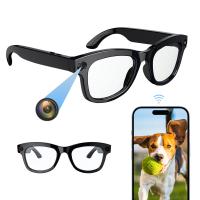
Camera Sunglasses, HD 1080P, EIS Stabilization, WiFi Connect, Translation, 4H Playtime, Kentfaith
16
$119.99 $95.99
Smart Camera Glasses, HD 1080P, EIS Stabilization, WiFi Connect, Translation, 4H Playtime, Kentfaith
16
$119.99 $95.99
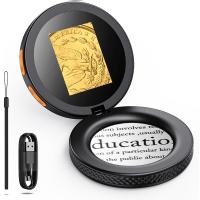
Handheld Microcsope, 500X Zoom, 1080P Videos,  PC Connect, with Large 5X Magnifier, Autofocus, Kentfaith
Handheld Microcsope, 500X Zoom, 1080P Videos, PC Connect, with Large 5X Magnifier, Autofocus, Kentfaith
15
$87.49 $69.99
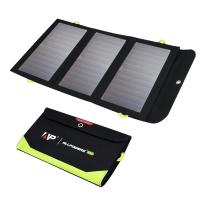
21W Solar Charger with 10000mAh Power Bank and 3 Fast Charging USB-A/USB-C Ports, IP66 Waterproof Portable Solar Panel for Camping Hiking Compatible with iPhone iPad Samsung Earbuds
21
$140.99 $98.99
4K Video Camera, 64MP Photos, WiFi Connect, 28X Zoom, Wireless Mic, Full Color NV, Kentfaith
18
$212.49 $169.99
Gift Certificate: $200 Value - Can Use with Any Discounts
$200.00 $190.00
Gift Certificate: $300 Value  - Can Use with Any Discounts
Gift Certificate: $300 Value - Can Use with Any Discounts
$300.00 $285.00
Products You May Like
K&F CONCEPT 60x60cm Photo Studio Light Box, 40W Dual LED Photography Tent with CRI 97+, 5600K Dimmable Lighting, 6 Backdrops, Fully Enclosed Portable Light Box for Product Photography/Plants/Shoes
$79.99
46mm MCUV+CPL+ND4 Lens Filter Kit with Lens Cleaning Cloth and Filter Bag Nano-Klear
79
$37.99 $32.99
95mm Variable ND2-32 (1-5 Stop)  Lens Filter Neutral Density Filter Waterproof Scratch Resistant with 28 Layers of Nano-coating Nano-Xcel Series
95mm Variable ND2-32 (1-5 Stop) Lens Filter Neutral Density Filter Waterproof Scratch Resistant with 28 Layers of Nano-coating Nano-Xcel Series
81
$149.99 $119.99
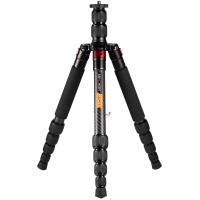
10kg/22.05lbs 55.9"/142cm TC2535 Explorer Series Carbon Fiber Tripod
$152.99
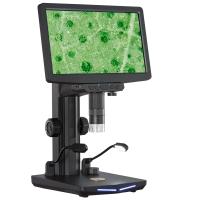
10.1" IPS Screen Digital Microscope, 50X-1600X Magnification with Remote Control, HDMI Connection to PC, Mac, for Industrial Inspection
37
$226.99
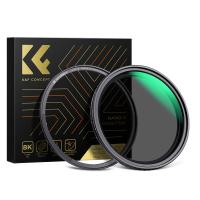
62mm Magnetic Variable ND8-ND128(3-7 Stop) Lens Filters + Magnetic Filter Basic Ring Kit with 28 Multi-Layer Nano-Xcel Series (Compatible with 67mm magnetic cap)
11
$99.99 $91.99
52mm Magnetic Variable ND2-ND32 (1-5 Stop) Lens Filters NO X Spot, Nano-Xcel Series (Compatible with 55mm magnetic cap)
44
$72.99 $57.99
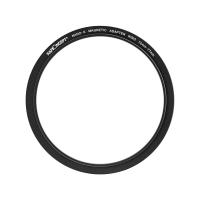
72mm-77mm Magnetic Lens Filter Adapter Ring
18
$22.99
46mm ND2-ND400 (9 Stops) Variable ND Filter Neutral Density Filter for Camera Lens Ultra-Slim, Multi Coated Nano-Klear
62
$26.99 $21.99
trail camera with night vision
10
$135.99 $74.99
Related articles
Can You Use A Microphone With An Iphone?
How Can I Connect A Microphone To A Bluetooth Speaker ?
Can You Attach A Microphone To Headphones?
Can You Connect Bluetooth Earbuds To A Tv?
Can You Hook Up Two Bluetooth Headphones To iPad?
How To Connect A Microphone To A Smart Tv ?
Can You Use A Lavalier Microphone For Music?
Can You Use Iphone As Microphone?
Can You Use An Nd Filter Inside?
What Mounts Do Nikon Cameras Use?
Blog You May Like
Can Airbnb Put Cameras In House?
How To Use Audio Jack Selfie Stick?
How Does Camera Lens Mm Mean?
Can I Connect Iphone To Projector With Usb?
How To Make A Handheld Camera Stabilizer?
How To Record Using Backup Camera On Car?
Digital Camera What Is It?
How To Use External Microphone Android Camera App ?
 Which UV Filter is Best?
Which UV Filter is Best?
How To Check Your House For Hidden Cameras?
Related categories
A Mount Lens Adapter Sony A Mount Lens Adapters cell phone tripods minolta a mount lenses streaming video camera C mount lens adapter
Popular products
uhf wireless microphone system Bluetooth mesh intercom best camping rechargeable lantern wireless microphone with usb mini microphone for iphone iphone wireless microphone for video mini web camera wifi microphone for long distance polarizing filter for fuji lenses wireless microphone transmitter receiver
Related searches
Microphone For An Ipad Ipad Pro Microphone Microphone For Ipad Pro Bluetooth Microphone For Ipad Smart Watch Connect To Iphone Microphone On Ipad Pro 11 Bluetooth Wireless Microphone For Ipad Ipad Microphone For Recording Music Retro Game Console Connect To Tv Camera Tripod That Follows You
Popular searches
Panasonic Eva1 Lens Mount Sony Tcd-d3 Battery Adapter Leica To E Mount C Mount To E Mount Binoculars For Bird Watching Beastgrip Lens Adapter For Nikkor Best Health Monitoring Smart Watch Digital Cameras With Video 37mm To 17mm Lens Adapter Pentax K Mount Cosina 100 400mm Lens
Blog Category
  • Activities
  • Guide
    • Filter Guide
    • Lens Adapter
    • Product Review
  • News & Reviews
    • Camera Reviews
    • Sample Gallery
    • News
  • Tutorials
    • Solar eclipse photography
    • Photography Basics
    • Landscape Photography
  • Inspiration
    • Travel
    • Travel Stories
Search Article
Latest from the Blog
What Does Tripod?
Where To Get Wireless Earbuds?
What Is The Difference Between Binoculars And Telescope?
Which Is The Best Outdoor Wireless Security Camera?
Black Friday 2025 Special at Kentfaith
Where To Buy A Microphone?
Kentfaith x Citadel Season 2
What Is A Good Quality Dash Cam?
Is the Sony A7M5 worth buying?
Best Metal Detector for Kids in 2025
  • Easy Payment Multilple Payment Options

  • Free Shipping Global WareHouse Shipment

  • No Risk 30-Day No Reason Return

  • Limited Deals Buy More, Save More

  • Tax Free No any surcharges or tax fee

Information
  • About us
  • Contact Us
  • Site Map
  • Blog
  • Video
  • Gallery
  • VIP Membership Rewards
Service
  • Privacy Policy
  • Terms & Conditions
  • Shipping & Delivery
  • Payment Info
  • Warranty, Return & Refund
  • Intellectual Property Rights
  • Ambassador
  • Affiliates
  • Wholesale
Support
  • My account
  • Order History
  • FAQs
  • Extend Warranty
  • Logistics Tracking
Follow us
NewsLetter

Get the latest product, K&F Concept respects your privacy.

Powered By KENTFAITH © 2026