kfconcept

KENTFAITH
K&F Concept    Blog >

Enjoy Your Selected Digital Life

Recently Viewed
  • Recently Viewed
  • Recently Viewed list is empty.

Compare (0) 0
  • Compare
  • You have not chosen any products to compare.

  • Compare
Currency: USD
  • Currency
Shop by Scene Shop by Rank

Log Into Your Account

Account

Order History

Wish List

Login

Forgotten Password?

or connect with

Register Account

Already have an Account?Log In

  • Shopping Cart
  • Your shopping cart is empty!

  • Register/Login to purchase, earn points
  • Favorite
  • Your wish list is empty.

  • Register/Login to like, earn points
  • Activities
  • Guide
    • Filter Guide
    • Lens Adapter
    • Product Review
  • News & Reviews
    • Camera Reviews
    • Sample Gallery
    • News
  • Tutorials
    • Solar eclipse photography
    • Photography Basics
    • Landscape Photography
  • Inspiration
    • Travel
    • Travel Stories
  • Home
  • Blog
  • How To Set Up My Android Smart Watch?

How To Set Up My Android Smart Watch?

Kentfaith 2024-10-08 01:02:43 0 Comments

The proliferation of smartwatches in the digital era has revolutionized how we interact with our devices, offering a perfect blend of convenience and technology at our fingertips—or rather, our wrists. Android smartwatches have become increasingly popular, providing users with a plethora of functionalities ranging from fitness tracking to seamless synchronization with smartphones. Setting up an Android smartwatch might seem daunting at first glance, but with systematic guidance, you can navigate this process with ease. Let's delve into the step-by-step process of setting up your Android smartwatch efficiently and effectively.

Unboxing and Powering On Your Smartwatch
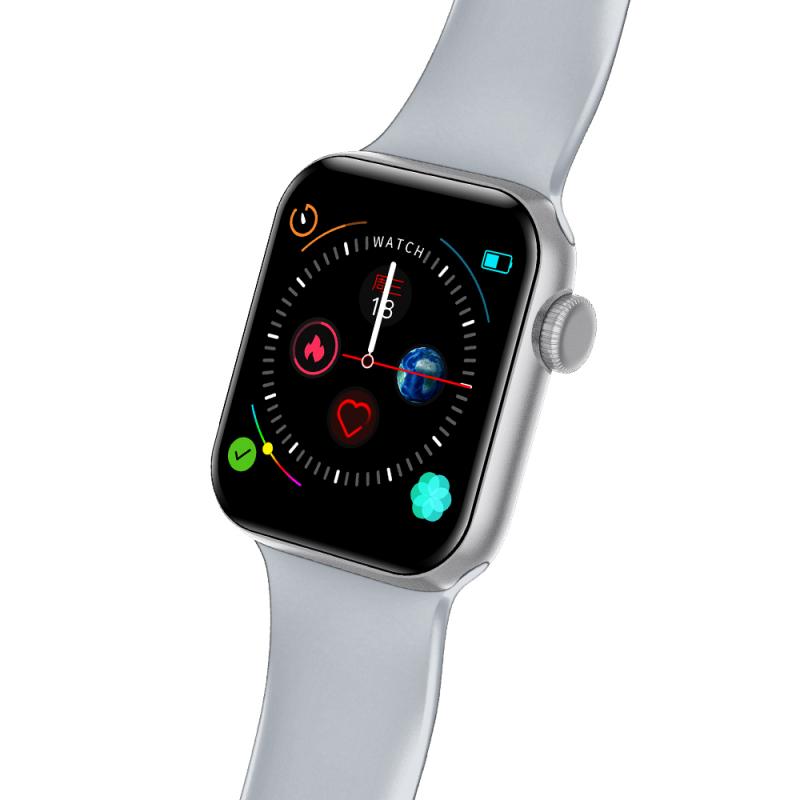
how to set up my android smart watch 1

1. Unboxing: Begin by carefully unboxing your Android smartwatch. Typically, the package includes the smartwatch itself, a charging cable or dock, and an instruction manual.

- Check Components: Ensure all components are present and undamaged.

- Charging: If the smartwatch isn’t charged, connect it to the charger. This initial charge ensures the setup process proceeds without interruptions.

2. Powering On: Hold down the power button until the device turns on. The location and look of the power button may vary depending on your watch model.

Initial Setup and Pairing with Your Smartphone
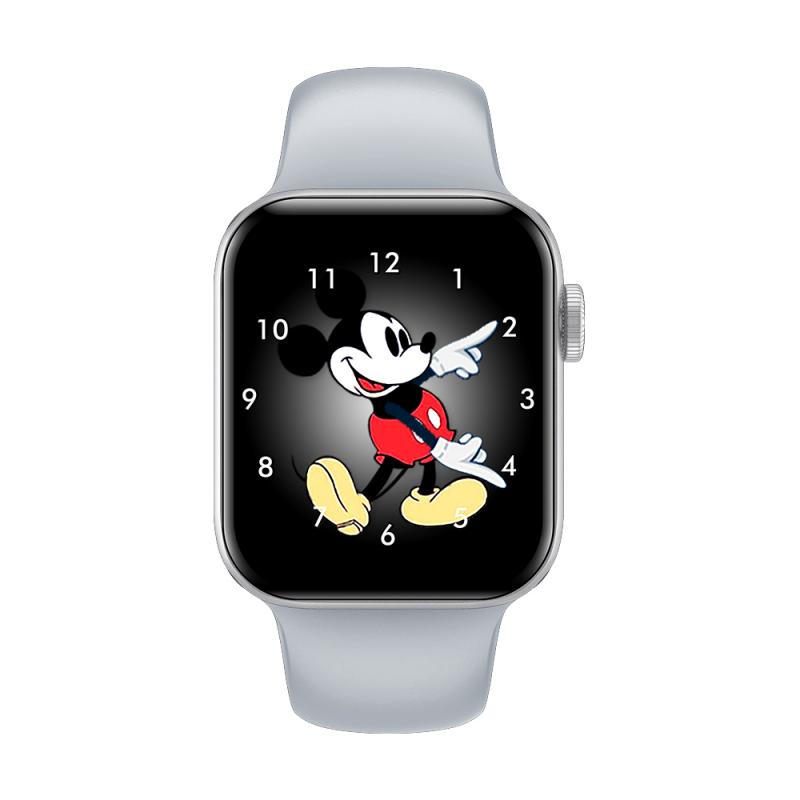
how to set up my android smart watch 2

3. Choosing the Correct App:

- Download App: Android smartwatches typically require the Wear OS by Google app (formerly Android Wear). Download this app from the Google Play Store on your smartphone.

- Open App: Once installed, open the app and follow the on-screen instructions.

4. Pairing the Devices:

- Turn On Bluetooth: Ensure your smartphone’s Bluetooth is turned on.

- Start Pairing: On the Wear OS app, tap on “Set it up” to begin the pairing process. The app will search for nearby devices.

- Select Your Watch: When your smartwatch appears in the list, select it. A pairing code will be displayed on both your watch and smartphone.

- Confirm Pairing: Ensure the codes match and then confirm the pairing on both devices.

Configuration and Customization
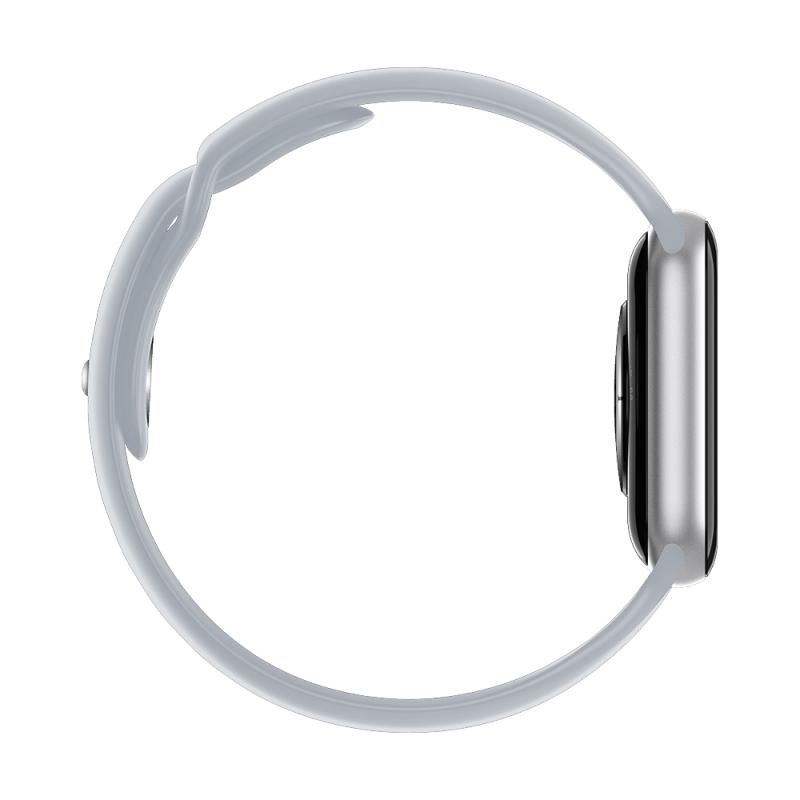
how to set up my android smart watch 3

5. Google Account Sign-In:

- Sign In: Promptly, you’ll be asked to sign into your Google account. Enter your credentials to synchronize your Google services such as Calendar, Contacts, and Gmail with your smartwatch.

- Authorization: Follow the steps to grant the necessary permissions for optimum functionality.

6. Updates and Installations:

- System Updates: If there are system updates available for your smartwatch, it’s advisable to install them during the initial setup to ensure you have the latest features and security patches.

- App Synchronization: Apps compatible with Wear OS installed on your smartphone can also be installed on your smartwatch. Customize which apps you want to sync according to your usage.

Personalization and Settings
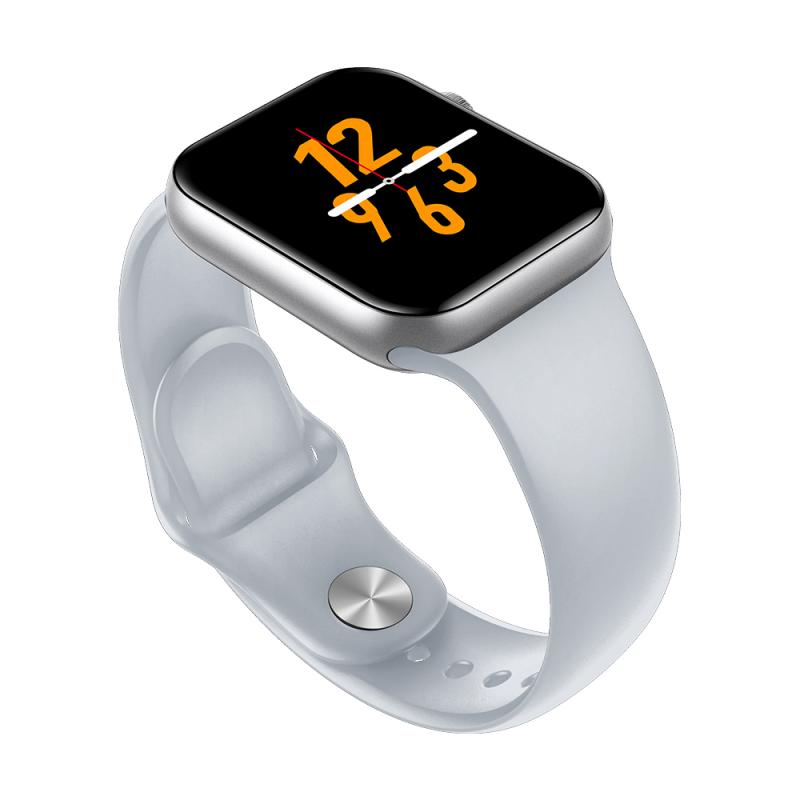
how to set up my android smart watch 4

7. Setting Up Notifications:

- Notification Preferences: Decide which notifications you want to receive on your smartwatch. This can be managed both through the Wear OS app and directly on the watch under settings.

- Quick Responses: Configure quick replies for messages. This way, you can respond to texts without taking out your phone.

8. Watch Faces:

- Customize Watch Faces: Most smartwatches allow you to change and customize watch faces. You can choose from default options or download additional faces from the Google Play Store through the Wear OS app.

- Complications: Add various “complications” to your watch face. These can include widgets such as weather, battery level, fitness data, or any other app-specific information.

Connectivity and Advanced Features

9. Wi-Fi and Mobile Networks:

- Wi-Fi Settings: If your smartwatch supports Wi-Fi, connect it to your preferred network. This ensures that even without a Bluetooth connection, your watch can still receive updates and notifications.

- Mobile Network: Some Android smartwatches come with SIM card support. Insert your SIM card and configure mobile network settings if applicable.

10. Fitness and Health Tracking:

- Fitness Profiles: Set up and customize your fitness profile. Input your personal data such as age, height, weight, and fitness goals. This helps in accurate tracking of your activities.

- Health Monitoring: Enable health monitoring features like heart rate tracking, sleep monitoring, or SpO2 measurement.

Troubleshooting Common Issues

11. Connectivity Problems:

- Bluetooth Issues: If there are connectivity problems, ensure Bluetooth is enabled on both devices. Restarting both the smartwatch and the smartphone can also resolve minor issues.

- Re-Pairing: Sometimes unpairing and then re-pairing the devices through the Wear OS app helps to fix persistent connectivity issues.

12. Battery Life Optimization:

- Battery Saving Modes: Utilize battery-saving modes available on your smartwatch to prolong battery life.

- Background Apps: Manage and restrict background apps through your smartwatch settings to prevent unnecessary battery drain.

Enhancing Your Experience

13. Explore Additional Features:

- Voice Commands: Enable Google Assistant on your smartwatch. This allows you to execute voice commands for tasks like sending messages, setting reminders, or navigating.

- Music Control: Sync your favorite music apps and control playback directly from your smartwatch.

14. Regular Updates and Maintenance:

- Software Updates: Regularly check for and install software updates to keep your smartwatch functioning optimally.

- Cleaning: Periodically clean your smartwatch to maintain both its appearance and performance. Use a soft, lint-free cloth to wipe off dust and grime.

Setting up an Android smartwatch may initially seem intricate, but by following these detailed steps, you’ll ensure your device is optimized for daily use. From pairing with your smartphone and customizing settings to troubleshooting common issues, each stage of the setup is crucial for maximizing the utility and performance of your smartwatch.

Remember, each smartwatch model may have unique features and settings; therefore, consulting the user manual specific to your device can provide additional insights. Embrace the technological marvel strapped to your wrist and make the most of the multifaceted functionality it offers. With your Android smartwatch set up and ready to go, you're equipped to seamlessly integrate technology into your day-to-day activities, enhancing productivity and connectivity on the go.
Leave your comment
Cancel reply
Note: HTML is not translated!
Related products
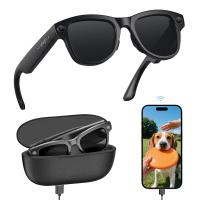
AI Smart Glasses with 164 Languages Real-Time Translation, 4 Translation Modes, Voice Control, AI Assistant, Music Playing All-in-one Bluetooth Smartglasses for iPhone, Android, iPad
NEW Arrival
AI Smart Glasses with 164 Languages Real-Time Translation, 4 Translation Modes, Voice Control, AI Assistant, Music Playing All-in-one Bluetooth Smartglasses for iPhone, Android, iPad
93
$99.99 $79.99
11 in 1 Step Up Ring Set
57
$37.99 $19.99
18 Pieces Filter Ring Adapter Set, Camera Lens Filter Metal Stepping Rings Kit (Includes 9pcs Step Up Ring Set + 9pcs Step Down Ring Set)
2
$43.99 $22.99
Smart Camera Glasses, HD 1080P, EIS Stabilization, WiFi Connect, Translation, 4H Playtime, Kentfaith
16
$119.99 $95.99
Compound Microscope with 11.6-inch Smart Screen, 40X-2500X Magnification, PC Connection, Plan Optical System, Mechanical Stage, Kentfaith
14
$1,324.99 $1,059.99
Compound Microscope with 9" Smart Screen, 5W Koehler Lighting, 40x-1600x Magnification PC Connection for Lab, Professionals Use Kentfaith
HOT Seller
Compound Microscope with 9" Smart Screen, 5W Koehler Lighting, 40x-1600x Magnification PC Connection for Lab, Professionals Use Kentfaith
17
$799.99 $639.99
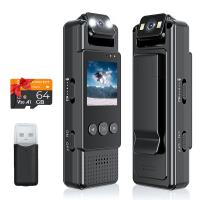
Mini WiFi Body Camera 1080P with Audio, 180° Rotatable Lens, 2 LED Fill Lights & Smart Motion Detection & 64G Memory Card
13
$74.99 $62.99
Smart Glasses with Camera, 8MP Sony Sensor, Capture 30MP Photos & 1080P Videos, With 3600mAh Charging Case, Clear Music & Calls, Kentfaith
16
$174.99 $139.99
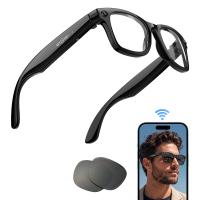
Smart Glasses with Camera, 13MP Sony Lens, Triple Mics with Noise Cancellation, Blue-light Blocking & UV Protection Lenses Included, Kentfaith
14
$162.49 $129.99
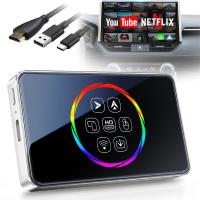
Wireless Carplay Adapter Android Auto Netflix YouTube Streaming Plug & Play Kentfaith
13
$137.49 $109.99
Products You May Like
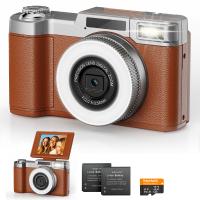
4K Digital Camera for Photography Flash + Lens Fill Light 180° Flip Screen Kentfaith
11
$249.99 $109.99
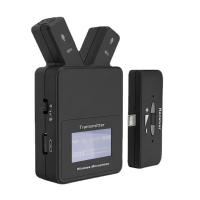
W108 Plug & Play 2.4 GHz Lavalier Wireless Microphone For iPhone & iPad
$61.49
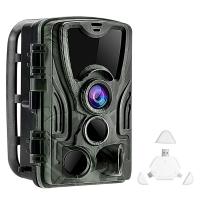
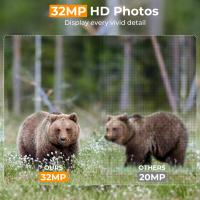
4K WiFi 30MP Wildlife Hunting Camera with 940nm infrared LED with Light Night Vision,120°Wide-Angle + Free 3 in 1 Card Reader
291
$113.99
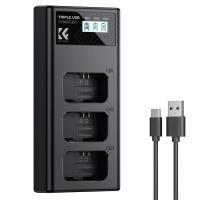
K&F Concept NP-FW50 Charger 3-Slot ZV-E10 Battery Charger with LCD Display for Sony A6000, A6500, A6300, A6400, A7, A7II, A7RII, A7SII, A7S, A7S2, A7R, A7R2, A55, A5100, A5000, NEX-3, ZV-E10 Camera
12
$19.99
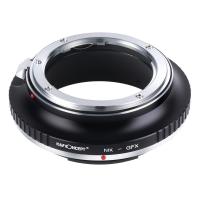
Nikon AI, AI S, F Series Mount Lens to Fuji GFX Series Camera Body Camera Lens Mount Adapter K&F Concept Lens Adapter
18
$81.99 $45.99
Lens Mount Adapter Compatible for Minolta MD/MC Lens to NEX E-Mount Camera Body
149
$53.99 $27.99
37mm Black Mist Filter 1/4 Special Effects Filter Cinebloom Black Diffusion Effect Filter for Camera Lens Nano-X Series
$41.99 $27.99
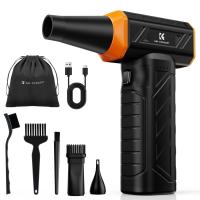
K&F Concept Brushless Compressed Air Duster, 3 Gear Adjustable, Super Wind Power,Rechargeable&Portable,for Deep Computer Clean, Keyboard, Car Dry, Home - Replace Compressed Air Cans
26
$54.99
deer trail cameras
deer trail cameras
10
$135.99 $106.99
43mm Snap-On Center Pinch Lens Cap 9 in 1 with Anti-Loss Keeper Leash Compatible with Nikon, Canon, Sony, Fujifilm Camera Lenses(Ships only to the United States.)
$8.99
Related articles
How To Set Smart Watch Clock?
How To Set Smart Band Watch?
How To Connect Smart Watch With Android?
How To Set Smart Watch With Phone?
How To Set Up V380 Wifi Camera On Android Phone ?
How To Watch On Smart Tv From Android?
How To Set Time On Huawei Smart Watch?
Where Is My Smart Watch?
How To Set Up Earbuds?
How Do I Get Sound On Screen Recording?
Blog You May Like
How Much Storage Does A Security Camera Need?
What Size Memory Card For Nikon D7000?
What Is A Memory Card Reader Used For?
Does A Trail Camera Flash At Night?
How To Stream From Ps4 And Use An External Webcam ?
How To Format Sd Card For Camera?
How To View Photos On An Sd Card?
What Type Of Video Camera Should I Buy?
What Is A Pl Camera Filter?
How To Connect Geeni Camera To New Wifi?
Related categories
step up lens filter adapter rings phone camera lens cell phone tripods camera lens adapter C mount lens adapter camera filter kit
Popular products
bluetooth smart sports watch hd screen smart watch Full Touch Screen Smart Watch smart watch with sleep tracking fitness watch compatible with iphone fitness tracker watch for android fitness watch for android sleep monitoring smart watch health and fitness smartwatch best smartwatch for health
Related searches
Smart Watch Women Android Android Smart Watch With Ecg Ios And Android Smart Watch Smart Watch For An Android Phone Smart Watch For Android And Ios Smart Watch For Android Phone Text Messages Smart Watch Connect To Iphone Smart Watch To Monitor Heart Extra Smart Watch Outdoor Smart Watch
Related Scenes
Best Borescope For Android Phone Best Digital Microscope For Watch Repair Best Camera To Video Sports Best Camera To Capture Wildlife Best Tripod To Travel With Best Video Camera To Record Sports Best Easy To Use Compact Digital Camera Best Sony Camera For Video Best Camera For Family Videos Best Camera For Home Security
Blog Category
  • Activities
  • Guide
    • Filter Guide
    • Lens Adapter
    • Product Review
  • News & Reviews
    • Camera Reviews
    • Sample Gallery
    • News
  • Tutorials
    • Solar eclipse photography
    • Photography Basics
    • Landscape Photography
  • Inspiration
    • Travel
    • Travel Stories
Search Article
Latest from the Blog
What Is A Rigid Endoscope Used For?
How To Make Headphones More Noise Cancelling?
How To Get Noise Cancellation On Any Headphones?
Can You Wear A Smartwatch In The Shower?
Where To Get Microscope Slides?
Which Smartwatch Is Compatible With Iphone?
What Is The Function Of Eyepiece In Microscope?
How To Install Camera In House?
How Long For Wireless Headphones To Charge?
How To Read A Carbon Monoxide Detector?
  • Easy Payment Multilple Payment Options

  • Free Shipping Global WareHouse Shipment

  • No Risk 30-Day No Reason Return

  • Limited Deals Buy More, Save More

  • Tax Free No any surcharges or tax fee

Information
  • About us
  • Contact Us
  • Site Map
  • Blog
  • Video
  • Gallery
  • VIP Membership Rewards
Service
  • Privacy Policy
  • Terms & Conditions
  • Shipping & Delivery
  • Payment Info
  • Warranty, Return & Refund
  • Intellectual Property Rights
  • Ambassador
  • Affiliates
  • Wholesale
Support
  • My account
  • Order History
  • FAQs
  • Extend Warranty
  • Logistics Tracking
Follow us
NewsLetter

Get the latest product, K&F Concept respects your privacy.
Powered By KENTFAITH © 2026