kfconcept

KENTFAITH
K&F Concept    Blog >

Enjoy Your Selected Digital Life

Recently Viewed
  • Recently Viewed
  • Recently Viewed list is empty.

Compare (0) 0
  • Compare
  • You have not chosen any products to compare.

  • Compare
Currency: USD
  • Currency
Shop by Scene Shop by Rank

Log Into Your Account

Account

Order History

Wish List

Login

Forgotten Password?

or connect with

Register Account

Already have an Account?Log In

  • Shopping Cart
  • Your shopping cart is empty!

  • Register/Login to purchase, earn points
  • Favorite
  • Your wish list is empty.

  • Register/Login to like, earn points
  • Activities
  • Guide
    • Filter Guide
    • Lens Adapter
    • Product Review
  • News & Reviews
    • Camera Reviews
    • Sample Gallery
    • News
  • Tutorials
    • Solar eclipse photography
    • Photography Basics
    • Landscape Photography
  • Inspiration
    • Travel
    • Travel Stories
  • Home
  • Blog
  • How To Set Up Earphone Mic On Pc?

How To Set Up Earphone Mic On Pc?

Kentfaith 2024-08-14 01:09:38 0 Comments

Setting Up Your Earphone Mic on a PC: A Comprehensive Guide

In today's digital age, having a functional earphone mic setup on your PC is essential for various activities, from virtual meetings and online gaming to recording podcasts and streaming. However, many users encounter difficulties when trying to configure their earphone mic correctly. This guide aims to provide a step-by-step approach to setting up your earphone mic on a PC, addressing common issues and offering practical solutions.

Understanding the Basics
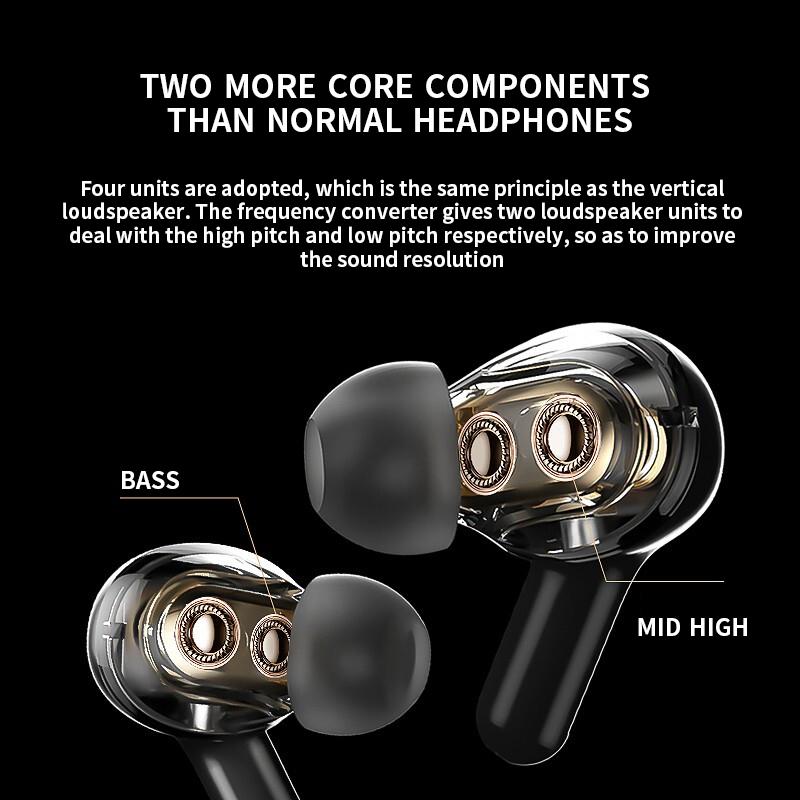
how to set up earphone mic on pc 1

Before diving into the setup process, it's crucial to understand the different types of earphone jacks and ports available on PCs. Typically, earphones come with a 3.5mm jack, which can be either a TRS (Tip-Ring-Sleeve) or TRRS (Tip-Ring-Ring-Sleeve) connector. PCs, on the other hand, may have separate ports for headphones and microphones or a combined port. Knowing the type of connector and port you have will help you choose the right setup method.

Step-by-Step Setup Guide
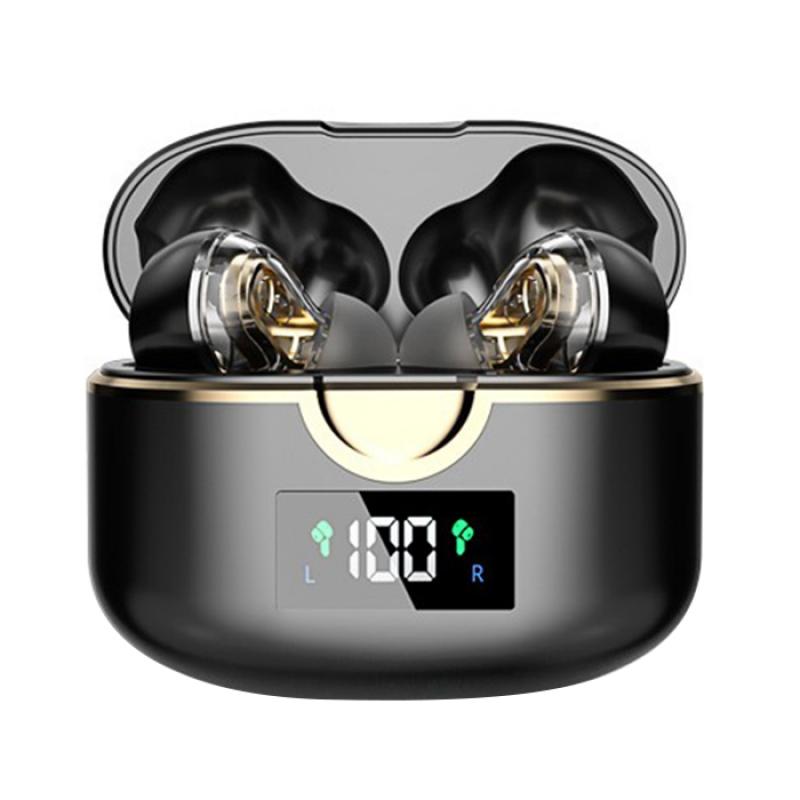
how to set up earphone mic on pc 2

1. Identify Your Ports

how to set up earphone mic on pc 3

First, identify the audio ports on your PC. Most desktops have separate ports for headphones (green) and microphones (pink), while many laptops have a single combined port. If your PC has separate ports, you may need a TRRS to TRS adapter to use your earphone mic.

2. Plug in Your Earphones
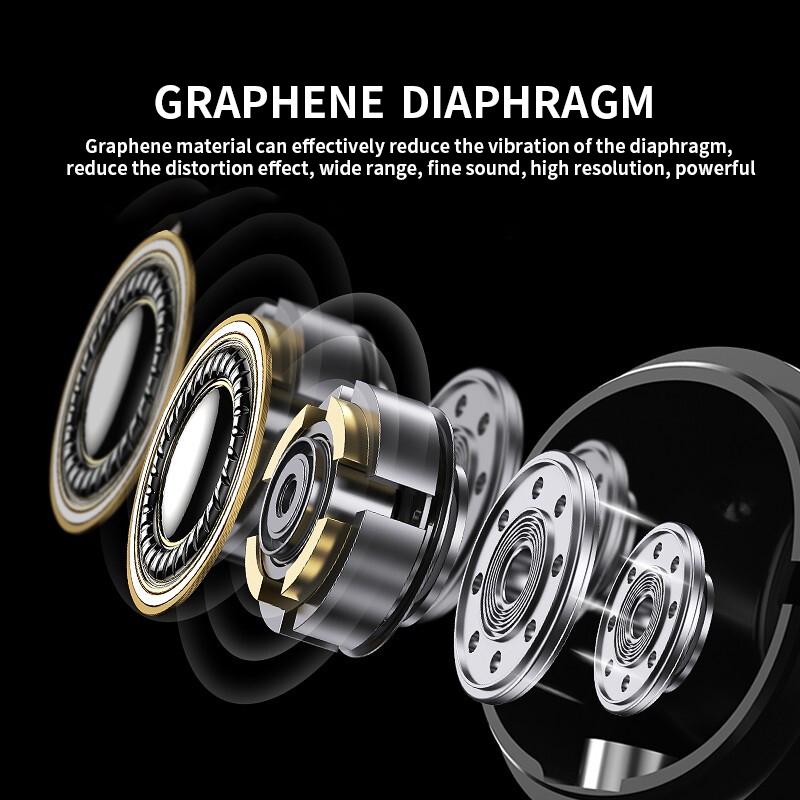
how to set up earphone mic on pc 4

If your PC has a combined port, simply plug your earphones into the port. For PCs with separate ports, use the TRRS to TRS adapter to connect your earphones. Ensure that the connections are secure.

3. Configure Sound Settings

Once your earphones are connected, you need to configure the sound settings on your PC:

- Windows 10/11:

1. Right-click on the sound icon in the taskbar and select "Open Sound settings."

2. Under "Input," select your earphone mic from the dropdown menu.

3. Click on "Device properties" to adjust the volume and test the mic.

- Windows 7/8:

1. Right-click on the sound icon in the taskbar and select "Recording devices."

2. Find your earphone mic in the list, right-click on it, and select "Set as Default Device."

3. Click on "Properties" to adjust the volume and test the mic.

4. Test Your Mic

To ensure your mic is working correctly, use the built-in sound recorder or a third-party application like Audacity. Record a short clip and play it back to check the audio quality. If the sound is clear, your setup is complete. If not, proceed to the troubleshooting section.

Troubleshooting Common Issues

Despite following the setup steps, you may encounter issues with your earphone mic. Here are some common problems and their solutions:

1. Mic Not Detected

If your PC doesn't detect the mic, try the following:

- Ensure the earphones are fully plugged in.

- Check if the mic is muted in the sound settings.

- Update your audio drivers through the Device Manager.

- Restart your PC and try again.

2. Poor Audio Quality

If the audio quality is poor, consider these tips:

- Adjust the mic volume in the sound settings.

- Move the mic closer to your mouth.

- Use a pop filter to reduce background noise.

- Check for any physical damage to the earphones.

3. Compatibility Issues

If your earphones are not compatible with your PC, you may need to invest in a USB sound card or an external audio interface. These devices can provide better audio quality and compatibility with various earphones.

Advanced Tips for Optimal Performance

For users who require high-quality audio, such as streamers and podcasters, consider these advanced tips:

1. Use a Dedicated Microphone

While earphone mics are convenient, a dedicated microphone can offer superior audio quality. USB microphones are easy to set up and provide excellent sound clarity.

2. Invest in Audio Software

Audio software like Voicemeeter or OBS Studio can help you fine-tune your mic settings, apply filters, and manage audio levels. These tools are particularly useful for live streaming and recording.

3. Soundproof Your Environment

Background noise can significantly affect audio quality. Consider soundproofing your recording environment with foam panels or using a noise-canceling microphone.

Setting up an earphone mic on a PC may seem daunting, but with the right approach, it can be a straightforward process. By identifying your ports, configuring sound settings, and troubleshooting common issues, you can ensure your mic works effectively for all your needs. For those seeking higher audio quality, investing in dedicated microphones and audio software can make a significant difference.

Whether you're a professional streamer, a remote worker, or someone who enjoys online gaming, having a properly set up earphone mic can enhance your experience and ensure clear communication. Follow this guide, and you'll be well on your way to achieving optimal audio performance on your PC.
Leave your comment
Cancel reply
Note: HTML is not translated!
Related products
11 in 1 Step Up Ring Set
56
$37.99 $19.99
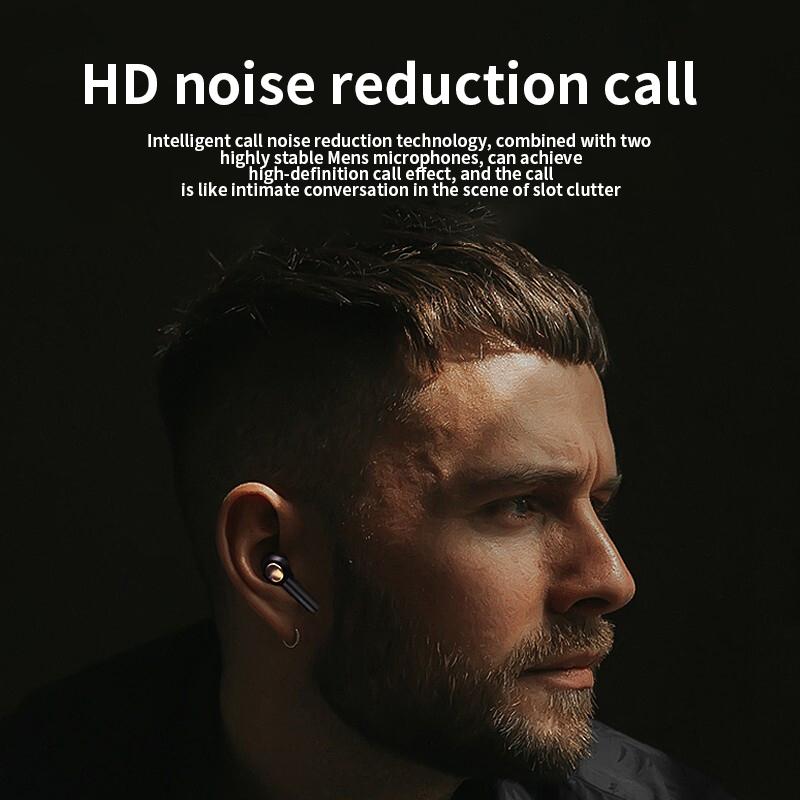
Mobile Phone Bluetooth Earphones Bluetooth V5.1 Earphone Hands-free Single Ear Earphone with CVC8.0 Noise-cancelling Microphone for Office/driving Compatible with Android/iPhone/laptop
42
$14.99
18 Pieces Filter Ring Adapter Set, Camera Lens Filter Metal Stepping Rings Kit (Includes 9pcs Step Up Ring Set + 9pcs Step Down Ring Set)
2
$43.99 $22.99
Free Gift Over $200, Mobile Phone Bluetooth Earphones Bluetooth V5.1 Earphone Hands-free Single Ear Earphone with CVC8.0 Noise-cancelling Microphone for Office/driving Compatible with Android/iPhone/laptop
1
$14.99
63'' Magnetic Iphone Tripod Phone Selfie Stick Tripod And Clip-On ND Filter(1-9 stops) For All Phone Set
207
$113.99 $59.99
EP033 Mini Plug Play Microphone Wireless Lavalier Mic For Type-C Phones Laptop
6
$48.89
67mm Clip-on CPL Phone Camera Lens Filter Kit Applicable to All Mobile Phone Models
40
$18.99
DM101 Digital USB Microscope Camera Coin Magnifier, 10X-500X Magnification, PC Compatible
41
$109.99 $74.99
500X Handheld Digital Microscope with 8 LEDs 2" IPS Screen PC Compatible
12
$97.49 $68.99
67mm Clip-on ND2-32 Phone Camera Lens Filter Kit Applicable to All Mobile Phone Models
13
$37.99
Products You May Like
128G Mini Digital Voice Recorder with Color Screen Bluetooth Call Record 3072kbps Kentfaith
15
$119.99 $83.99
M10 One-two Wireless Microphone with Charging Case, Type-C, Apple Interface 2 in 1 Wireless Lavalier Microphone, 3 Levels of Noise Reduction, for Youtube, Recording, Video Blogging, Facebook Live Streaming
$34.99
55mm Black Mist Filter 1/8 + 3pcs Cleaning Cloth with 18 Multi-Layer Coatings Nano-Klear Series
212
$29.99 $21.99
62mm Blue Streak Filter (2mm) Optical Glass Ultra-clear Waterproof Anti-Scratch Anti-Reflection Green Film Nano-Xcel Series
21
$49.99 $39.99
Canon G7X III Silicone Protective Case with Screen Protector Set, Anti-Scratch Shockproof Soft Skin Beige
$9.99
K&F Concept TL2023 Portable Lightweight Travel Tripod Aluminum 49 Inch 4 Section Load Capacity 2KG
37
$23.99
Matte Box Kit+Black Mist 1/4 Square Filter Compatible with Two 4x5.65" Square Filters Includes 67/72/77/82/95mm Adapter Rings Nano-Xcel Series
42
$210.99 $110.99
82mm ND2-32 Filters Brass Frame  Adjustable HD Ultra-Thin 36-Layer Anti-Reflection Green Film Nano-Xcel Pro Series
82mm ND2-32 Filters Brass Frame Adjustable HD Ultra-Thin 36-Layer Anti-Reflection Green Film Nano-Xcel Pro Series
40
$183.99 $146.99
72mm MCUV Lens Protection Filter with Filter Cap Ultra-Slim 24-Layer Coatings Waterproof for Camera Lens Nano-Dazzle Series
26
$39.99 $29.99
DJI Osmo Action 3 ND64 Filter with Single-sided Anti-reflection Green Film
21
$29.99 $15.99
Related articles
How To Set Earphone In Pc?
How To Increase Earphone Volume On Pc?
How To Turn Off Earphone Mic?
Can I Use Earphones As Mic On Pc?
How To Set Up Lavalier Microphone On Laptop?
How To Set Up Earbuds?
How To Set Up A Telescope?
How To Set Up Action Camera?
How To Set Up V380 Wifi Camera On Android Phone ?
How Far Back Should I Keep Car Records?
Blog You May Like
How To Put Sd Card In Iphone 14?
Can Action Cameras Take Pictures?
What Are Microphone Covers For?
How To Fix Microphone On Windows 11?
What Depth Finder To Buy?
Does Screen Recording Include Audio?
Which Night Vision Monocular Is Best?
How To Find The Right Camera?
How To Watch Surveillance Camera Footage?
How Long Professional Camera Charge Battery?
Related categories
step up lens filter adapter rings On-Dash Camera camera lens adapter C mount lens adapter camera filter kit
Popular products
headset with microphone noise cancellation ps4 headset and microphone computer headset with microphone lens step up adapter k&f concept 58mm lens filter kit step up lens adapter set lens adapter for digital camera light with power bank usb condenser microphone for streaming bluetooth phone earphones
Related searches
Lightweight Headphones With Mic For Pc Best Mic On Earbuds Earphone Bluetooth Headphones Bluetooth Earphone Battery Single Wireless Earphone Earphone For Bluetooth Voice Bluetooth Earphone Earphone With Microphone For Laptop Earphone With Microphone For Mobile Pc Camera And Microphone
Related Scenes
Best Carry On Camera Bag Best Camera To Video Sports Best Camera To Capture Wildlife Best Video Camera To Record Sports Best Small Camera For Video Recording Best Video Camera For Shooting Sports The Best Outdoor Wifi Camera Best Solar Surveillance Camera Best Camera Drone Backpack Best Usb Digital Microscope
Blog Category
  • Activities
  • Guide
    • Filter Guide
    • Lens Adapter
    • Product Review
  • News & Reviews
    • Camera Reviews
    • Sample Gallery
    • News
  • Tutorials
    • Solar eclipse photography
    • Photography Basics
    • Landscape Photography
  • Inspiration
    • Travel
    • Travel Stories
Search Article
Latest from the Blog
Which Smartwatch Has Best Sleep Tracking?
Binoculars That Can See In The Dark?
What Bluetooth Headphones Work With Switch?
Smart Watch You Can Call And Text On?
How To Build Security Camera System?
Can You Drive With Headphones?
What Is The Field Diameter Of A Microscope?
What Is The Aperture Of A Telescope?
Can You Talk On Wireless Earbuds?
How Smart Watch Measure Heart Rate?
  • Easy Payment Multilple Payment Options

  • Free Shipping Global WareHouse Shipment

  • No Risk 30-Day No Reason Return

  • Limited Deals Buy More, Save More

  • Tax Free No any surcharges or tax fee

Information
  • About us
  • Contact Us
  • Site Map
  • Blog
  • Video
  • Gallery
  • VIP Membership Rewards
Service
  • Privacy Policy
  • Terms & Conditions
  • Shipping & Delivery
  • Payment Info
  • Warranty, Return & Refund
  • Intellectual Property Rights
  • Ambassador
  • Affiliates
  • Wholesale
Support
  • My account
  • Order History
  • FAQs
  • Extend Warranty
  • Logistics Tracking
Follow us
NewsLetter

Get the latest product, K&F Concept respects your privacy.
Powered By KENTFAITH © 2026