kfconcept

KENTFAITH
K&F Concept    Blog >

Enjoy Your Selected Digital Life

Recently Viewed
  • Recently Viewed
  • 52mm Variable ND Filter (1-5 Stop)  and CPL Filter 2 in 1 for Camera Filter Lens Nano-Klear Series
    52mm Variable ND Filter (1-5 Stop) and CPL Filter 2 in 1 for Camera Filter Lens Nano-Klear Series
    $46.99 $37.49
    46mm ND2-32 (1-5 Stop) Variable ND Filter and CPL Circular Polarizing Filter 2 in 1 No X Spot for Camera Lens Nano-Xcel Series
    46mm ND2-32 (1-5 Stop) Variable ND Filter and CPL Circular Polarizing Filter 2 in 1 No X Spot for Camera Lens Nano-Xcel Series
    $69.99 $62.99
    55mm Variable ND Filter (1-5 Stop)  and CPL Filter 2 in 1 for Camera Filter Lens Nano-Klear Series
    55mm Variable ND Filter (1-5 Stop) and CPL Filter 2 in 1 for Camera Filter Lens Nano-Klear Series
    $51.99 $41.49
    Auto Face Tracking Tripod 360° Rotation Fast Follow No Apps Needed with Gravity Sensor Kentfaith
    Auto Face Tracking Tripod 360° Rotation Fast Follow No Apps Needed with Gravity Sensor Kentfaith
    $81.24 $64.99
    43mm True Color  Variable ND2-32 (1-5 Stops) and CPL Circular Polarizing Lens Filter 2 in 1 for Camera Lens Neutral Density Polarizer Filter Nano-X Series
    43mm True Color Variable ND2-32 (1-5 Stops) and CPL Circular Polarizing Lens Filter 2 in 1 for Camera Lens Neutral Density Polarizer Filter Nano-X Series
    $110.99 $74.68
    37mm ND4-ND64 (2-6 Stop) Variable ND Filter and CPL Circular Polarizing Filter 2 in 1 with 28 Layers of Anti-reflection Green Film, Two Orange Levers, Imported White Cloth Nano-X Series
    37mm ND4-ND64 (2-6 Stop) Variable ND Filter and CPL Circular Polarizing Filter 2 in 1 with 28 Layers of Anti-reflection Green Film, Two Orange Levers, Imported White Cloth Nano-X Series
    $70.99
    40.5mm ND2-32 (1-5 Stop) Variable ND Filter and CPL Circular Polarizing Filter 2 in 1 for Camera Lens Nano-Xcel Series
    40.5mm ND2-32 (1-5 Stop) Variable ND Filter and CPL Circular Polarizing Filter 2 in 1 for Camera Lens Nano-Xcel Series
    $78.99 $62.99
    ND4 (2 Stops) Square ND Filter, 4"x5.65" Neutral Density Filter Compatible with Tilta Compatible with SmallRig Matte Box, Slim Multi Coated HD Optical Glass
    ND4 (2 Stops) Square ND Filter, 4"x5.65" Neutral Density Filter Compatible with Tilta Compatible with SmallRig Matte Box, Slim Multi Coated HD Optical Glass
    $62.99 $49.99
    Anti-Shake 3-Axis Gimbal Stabilizer, for iPhone, Android Phones and Gopro Sports Cameras, Dynamic Face/Object Tracking
    Anti-Shake 3-Axis Gimbal Stabilizer, for iPhone, Android Phones and Gopro Sports Cameras, Dynamic Face/Object Tracking
    $79.99
    ND64 (6 Stops) Square ND Filter, 4"x5.65" Neutral Density Filter Compatible with Tilta Compatible with SmallRig Matte Box, Slim Multi Coated HD Optical Glass
    ND64 (6 Stops) Square ND Filter, 4"x5.65" Neutral Density Filter Compatible with Tilta Compatible with SmallRig Matte Box, Slim Multi Coated HD Optical Glass
    $62.99 $49.99
Compare (0) 0
  • Compare
  • You have not chosen any products to compare.

  • Compare
Currency: USD
  • Currency
Shop by Scene Shop by Rank

Log Into Your Account

Account

Order History

Wish List

Login

Forgotten Password?

Or connect with

Register Account

Already have an Account?Log In

  • Shopping Cart
  • Your shopping cart is empty!

  • Register/Login to purchase, earn points
  • Favorite
  • Your wish list is empty.

  • Register/Login to like, earn points
  • Activities
  • Guide
    • Filter Guide
    • Lens Adapter
    • Product Review
  • News & Reviews
    • Camera Reviews
    • Sample Gallery
    • News
  • Tutorials
    • Solar eclipse photography
    • Photography Basics
    • Landscape Photography
  • Inspiration
    • Travel
    • Travel Stories
  • Home
  • Blog
  • How To Remove Memory Card From Note 8?

How To Remove Memory Card From Note 8?

Kentfaith 2024-11-14 01:23:29 0 Comments

Removing a memory card from your Samsung Galaxy Note 8 can be a straightforward process if you follow the correct steps. This guide will walk you through each part of the process to ensure that you do it safely and correctly, minimizing the risk of data loss or damage to the device.

Preliminary Steps
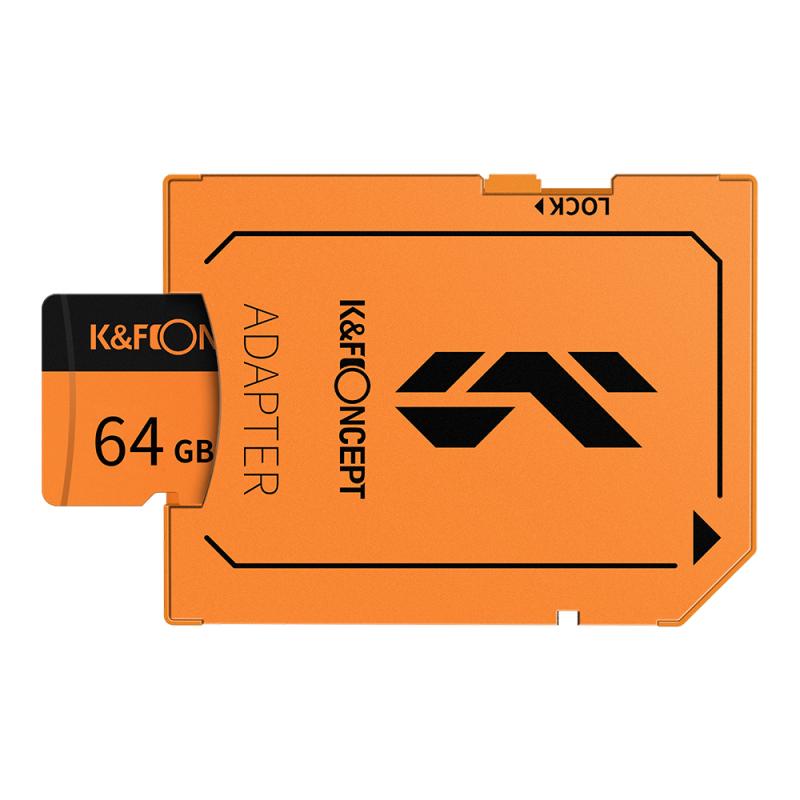
how to remove memory card from note 8 1

Before you physically remove the memory card, several preliminary steps need to be taken to ensure that the data on the card is not corrupted and the device remains in good working order.

Step 1: Power Off the Device

how to remove memory card from note 8 2

While modern smartphones do allow for hot-swapping of memory cards, it's generally safer to power off the device first. This minimizes the risk of data corruption.

1. Press and hold the power button until the power menu appears.

2. Tap on "Power off" to shut down the device completely.

Step 2: Unmount the Memory Card
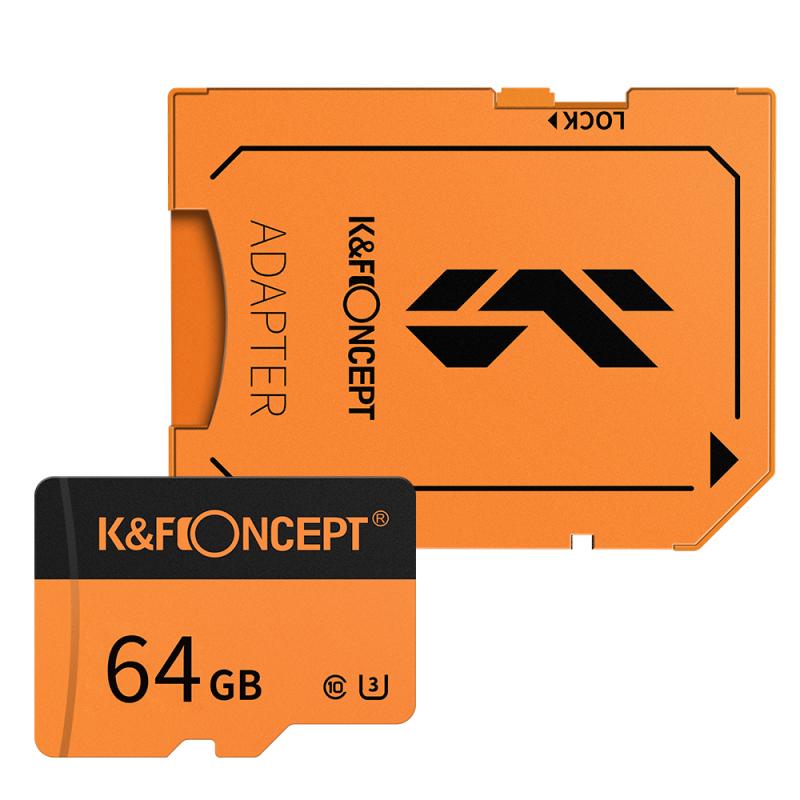
how to remove memory card from note 8 3

If you prefer not to turn off the device, at the very least, you should unmount the memory card. This step essentially tells the phone’s operating system to stop all operations related to the card, making it safe to remove.

1. Go to "Settings."

2. Scroll down to "Device Maintenance."

3. Tap on "Storage."

4. Tap on the menu (three vertical dots) in the upper right corner.

5. Select "Storage settings."

6. Tap on "SD card" and select "Unmount."

Physical Removal of the Memory Card
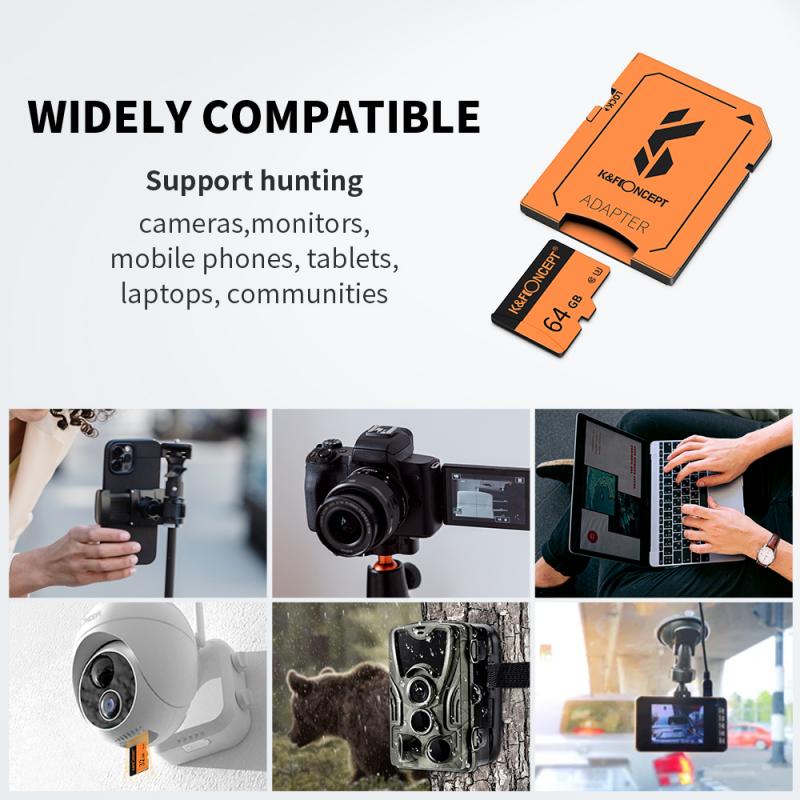
how to remove memory card from note 8 4

With the preliminary steps completed, you can now remove the memory card from your Galaxy Note 8.

Step 3: Locate the SIM/Memory Card Tray

1. The SIM/Memory card tray is located at the top edge of the device.

2. You will need a SIM ejector tool or a paperclip to open the tray.

Step 4: Eject the Tray

1. Insert the SIM ejector tool (or a straightened paperclip) into the small hole next to the SIM/Memory card tray.

2. Gently press until the tray pops out slightly.

3. Carefully pull the tray out the rest of the way with your fingers.

Step 5: Remove the Memory Card

1. Gently lift the memory card out of the tray with your fingers.

2. Ensure that you handle the memory card by its edges to avoid touching the metal contacts.

Step 6: Reinsert the Tray

1. Once the memory card is out, place the tray back into its slot.

2. Press gently until the tray is flush with the device.

Post-Removal Checklist

After removing the memory card, there are a few more steps to ensure everything is back in working order.

Step 7: Power On the Device

If you chose to power off your device, you can now turn it back on. Press and hold the power button until the Samsung logo appears on the screen.

Step 8: Verify Data Integrity

After powering the device back on, it’s a good idea to check that no data was lost in the process. Make sure that all your apps and files are accessible and functioning correctly.

Step 9: Backup Your Data

If you have not done so already, it’s always a good habit to make regular backups of your memory card data. Whether you store it on a cloud service, a computer, or another form of external storage, having multiple copies can protect you against data loss.

Common Issues and Troubleshooting

While removing the memory card is generally straightforward, there are a few common issues you might encounter. Here’s how to address them:

Issue 1: Memory Card Not Detected

If upon reinserting or plugging the memory card into another device, it's not detected, you might have a faulty card. Try the following steps:

1. Insert the card into another device or a memory card reader to check if it’s recognized.

2. If not, consider using a data recovery software to salvage any important data.

Issue 2: Data Corruption

Sometimes, even after following all the steps, files on the memory card might get corrupted. If this happens:

1. Use a reputable data recovery software to retrieve your files.

2. Format the memory card after recovering your data to prepare it for future use.

Issue 3: Memory Card Physically Stuck

If the memory card tray doesn’t pop out easily or seems stuck:

1. Double-check that you are inserting the SIM ejector tool in the correct hole.

2. Avoid using excessive force as this can damage the tray mechanism.

3. Seek professional help if the tray remains stuck.

Removing a memory card from your Samsung Galaxy Note 8 involves a mix of software and hardware steps to ensure you don’t lose data or damage the card. Always remember to unmount the card via the device settings if you choose not to power off the device. Handle the card carefully during physical removal and ensure the tray is properly seated when reinserting. By following these steps, you can confidently remove and possibly replace your memory card without any issues.

Whether you’re upgrading to a larger memory card or simply removing it for maintenance, understanding these procedures can make the process smoother. As technology continues to evolve, being knowledgeable about such basic yet essential tasks can save you both time and potential headaches.

Leave your comment
Cancel reply
Note: HTML is not translated!
Related products
128GB MicroDrive Micro SD UHS-I Memory Card
2
$31.99
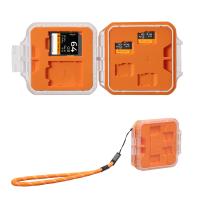
K&F Concept 24 Slots SD Card Holder Memory Card Case, Water-Resistant Shockproof Memory Card Storage Carrying Case for 12 SD SDXC SDHC Cards, 12 CFexpress Type A Cards
$18.99 $9.99
K&F Concept 6 Slots XQD Cfexpress Type-B Card Holder, Water-Resistant Memory Card Storage Carring Case, Shockproof Card Protection Box Organizer
$18.99 $9.99
32GB Micro SD Card U3/V30/A1 with Adapter, Memory Card for Cameras, Borescopes,  Microscopes, Night Vision Goggles, Kentfaith
32GB Micro SD Card U3/V30/A1 with Adapter, Memory Card for Cameras, Borescopes, Microscopes, Night Vision Goggles, Kentfaith
$19.99 $15.99
64GB Micro SD Card U3/V30/A1 with Adapter, Memory Card for Cameras, Borescopes,  Microscopes, Night Vision Goggles, Kentfaith
64GB Micro SD Card U3/V30/A1 with Adapter, Memory Card for Cameras, Borescopes, Microscopes, Night Vision Goggles, Kentfaith
$23.75 $23.73
SD Card Reader for iPhone/iPad/Android/Mac/Computer/Camera, 4 in 1 Micro SD Card Reader Tracking Camera Viewer, Portable Memory Card Reader SD Card Adapter Compatible with SD and Micro SD Card/TF Card ( black)
$14.99
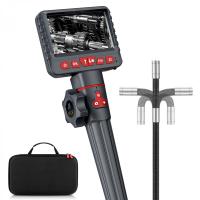
Inspection Camera Articulating Borescope Single Lens 1080P HD 4.3" Screen 360° Adjustable Lens 8.5mm Cable with 32G Memory Card
241
$563.99 $199.99
K&F Concept 36 Slots SD Micro SD Memory Card Case, Water-Resistant SD Card Holder, Anti-Shock Card Carrying Storage Box for 24 Micro SD SDXC SDHC TF Cards and 12 SD SDXC SDHC Cards
$18.99 $9.99
Mini WiFi Body Camera 1080P with Audio, 180° Rotatable Lens, 2 LED Fill Lights & Smart Motion Detection & 64G Memory Card
13
$74.99 $62.99
Products You May Like
49mm CPL Filter True Color Circular Polarizers Filter with 28 Multi-Layer Coatings for Camera Lens Nano-Xcel Series
46
$49.99 $39.99
55mm Combination Soft & Mist Lens Filter 28 Multi-Layer Coating Waterproof Scratch Resistant Cinematic Effect Filter for Vlog, Portrait Photography - Nano-Xcel Series
$63.99 $47.99
ND/PL Filter Set for DJI Flip, 4 Pack ND8/PL ND16/PL ND32/PL ND64/PL Neutral Density Polarizing Drone Camera Lens Filters Kit, HD Optical Glass Multi-Coated Drone Accessories
20
$36.99
Outdoor Expert Trail Camera
10
$162.99 $106.99
K&F Concept Camera Tripod Versatile Mini Flexible Phone Stand Phone Tripod Bluetooth Remote Control
143
$39.99 $25.99
DJI MINI 3/MINI 3pro 120W Battery Quick Charger GaN Charger 4 in 1 Supports 4 Batteries Simultaneously Charging Multiple Charging Modes EU Plug
$81.24 $64.99
62mm True Color Variable ND2-400 (1-9 Stops) ND Lens Filter Adjustable Neutral Density Filter with 18 Multi-Layer Coatings for Camera Lens Nano-Klear Series
42
$32.99 $16.99
Travel  Astronomical Telescope 70mm Aperture 400mm Focal Length with Carrying Bag, Adjustable Tripod, Phone Holder & Remote Control
Travel Astronomical Telescope 70mm Aperture 400mm Focal Length with Carrying Bag, Adjustable Tripod, Phone Holder & Remote Control
49
$168.99 $105.99
Carbon Fiber Photo Tripod 8kg/17.64lbs Load 56.7"/144cm with 360°Ball Head and Detachable Monopod D225C0+BH-25 (SA225C1)
7
$239.99 $123.99
82mm ND8-ND2000 Lens Filter, (3-11 stop) Variable Neutral Density Filter with Multi-Resistant Coating Nano-Dazzle
69
$71.99 $56.99
Related articles
How To Remove Memory Card From Nikon Camera?
How To Remove A Sd Card From Phone?
How To Remove Outdoor Camera From Base?
How To Remove Sound From A Recorded Video?
How To Remove Night Filter From Camera Clip?
How To Remove The Selfie Stick From Video?
How To Remove Uv Filter From Nikon Lens?
How To Remove Read Only Sd Card?
How To View Sdhc Memory Card?
How To Use Apple Headphones Mic On Ps4 ?
Blog You May Like
How To Find Camera Frame Size?
Where Can I Find My Camera In Laptop?
What Is The Largest Sd Card For Switch?
How Much Are Memory Cards?
Smart Watches That You Can Download Apps?
How To Install Outdoor Web Camera?
How To Make Sound In Screen Recording?
How To Do Voice Recording On Macbook Air?
Can You Use Go Pro For Dash Cam?
What's the Best EF to E-mount Lens Adapter?
Related categories
camera card memory black pro mist 1 8 filter C mount lens adapter m4/3 adapter black pro mist 1 8 filter​
Popular products
64Gb Micro Sd Memory Card 32gb sd flash memory card 4k sd memory card Full Size Sd Memory Card 32gb high speed memory card driving recorder video camera sd memory card carrying case 64gb memory card micro surveillance memory card
Related searches
Adapter Telephoto Lens For Note 8 Samsung Micro Memory Card Memory Card Tablet Extreme Memory Card Memory Card Recorder Flash Memory Card Memory Card Adapters Memory Card Holder Box Memory Card Mobile Memory Card
Popular searches
A6700 Battery Uv Filter On Digital Camera Computer Speaker With Microphone Sony A99 Flash Adapter Metabones Nikon F Sony E-mount Adapter V2 Nikon F Mount To Canon Ef Adapter Canon Xl Mount Adapter Filtro Nd Avata 2 Screen Protector For Dji Osmo Pocket 3 Best Baby Monitor With App
Blog Category
  • Activities
  • Guide
    • Filter Guide
    • Lens Adapter
    • Product Review
  • News & Reviews
    • Camera Reviews
    • Sample Gallery
    • News
  • Tutorials
    • Solar eclipse photography
    • Photography Basics
    • Landscape Photography
  • Inspiration
    • Travel
    • Travel Stories
Search Article
Latest from the Blog
Can You Zoom In With Binoculars?
What Is Surveillance Camera Control System?
Camera Use Which Lens?
What Tripod To Buy?
How To Find Camera Roll On Iphone 5s?
Best Metal Detector for Kids in 2025
How To Make Your Eyes Flash On Camera?
How Do Trail Cameras Work? The Ultimate Guide to Trail Cameras
How To Make A Camera Flash After Effects?
How To Wear Monocular?
  • Easy Payment Multilple Payment Options

  • Free Shipping Global WareHouse Shipment

  • No Risk 30-Day No Reason Return

  • Limited Deals Buy More, Save More

  • Tax Free No any surcharges or tax fee

Information
  • About us
  • Contact Us
  • Site Map
  • Blog
  • Video
  • Gallery
  • VIP Membership Rewards
Service
  • Privacy Policy
  • Terms & Conditions
  • Shipping & Delivery
  • Payment Info
  • Warranty, Return & Refund
  • Intellectual Property Rights
  • Ambassador
  • Affiliates
  • Wholesale
Support
  • My account
  • Order History
  • FAQs
  • Extend Warranty
  • Logistics Tracking
Follow us
NewsLetter

Get the latest product, K&F Concept respects your privacy.

Powered By KENTFAITH © 2025