How Smart Watch Measure Heart Rate?
Most smartwatches measure heart rate by shining light into your skin and watching how that light changes as blood moves through the tiny vessels in your wrist.
That sounds almost too simple, but it’s the basic idea behind nearly every wrist-based heart-rate sensor from Apple Watch, Garmin, Samsung, Fitbit, Polar, Amazfit, and others. The technical name is photoplethysmography, usually shortened to PPG.
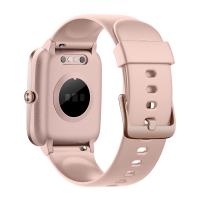
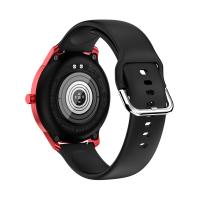
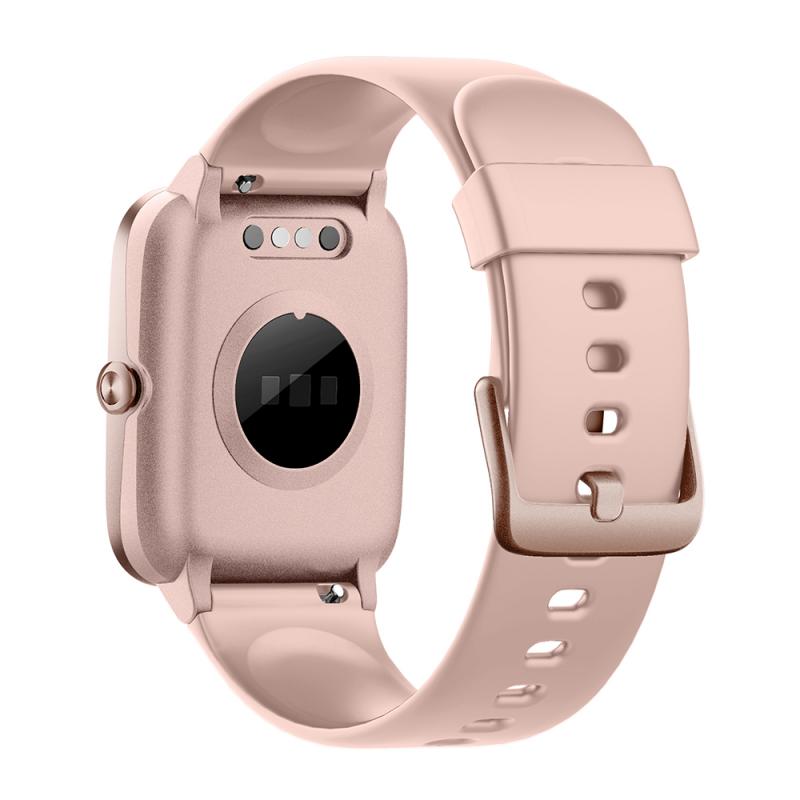
In normal use, you’ll see it as the little cluster of green lights on the back of the watch.
The simple version: light, blood, and movement
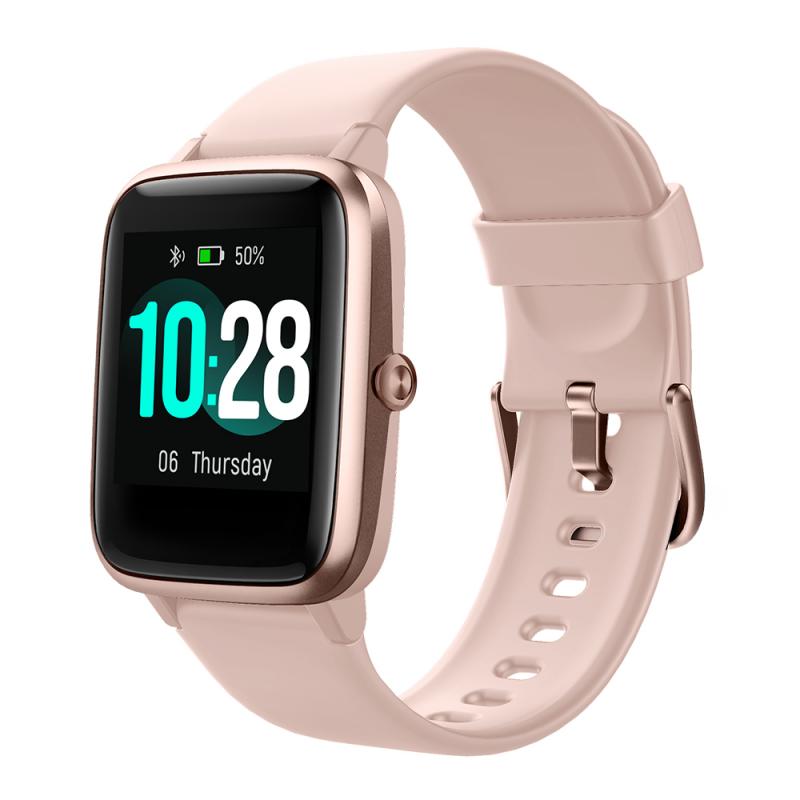
Your blood absorbs light. As your heart beats, blood flow in your wrist slightly increases and decreases with each pulse. A smartwatch shines LEDs into your skin, then uses sensors to detect how much light bounces back.
When more blood is present under the skin, more light is absorbed. When less blood is present, more light reflects back to the sensor. The watch looks for this repeating pattern and calculates your heart rate from it.
Green light is commonly used because it works well with blood close to the skin and gives a strong signal during everyday activities. Some watches also use red and infrared light, especially for features like blood oxygen estimation or improved low-power background readings.
The watch is not “feeling” your heartbeat directly. It is estimating your pulse by reading blood-volume changes near the surface of your skin.
Why the sensor is on your wrist
The wrist is convenient, not perfect.
It’s easy to wear a watch all day, so manufacturers accept the trade-off: the wrist gives decent heart-rate data most of the time, but it’s a noisy place to measure from. There are bones, tendons, movement, changing pressure, tattoos, sweat, cold skin, and shifting watch position.
A chest strap, by comparison, reads the electrical activity of the heart more directly. That’s why serious runners and cyclists still use chest straps when they want the fastest and most reliable workout readings. A smartwatch is far more convenient, but convenience comes with a few compromises.
For resting heart rate, sleep tracking, walking, steady jogging, and general fitness use, a good smartwatch can be impressively accurate. During hard intervals, weight lifting, cycling on rough roads, or workouts with lots of wrist movement, accuracy can drop.
What happens inside the watch
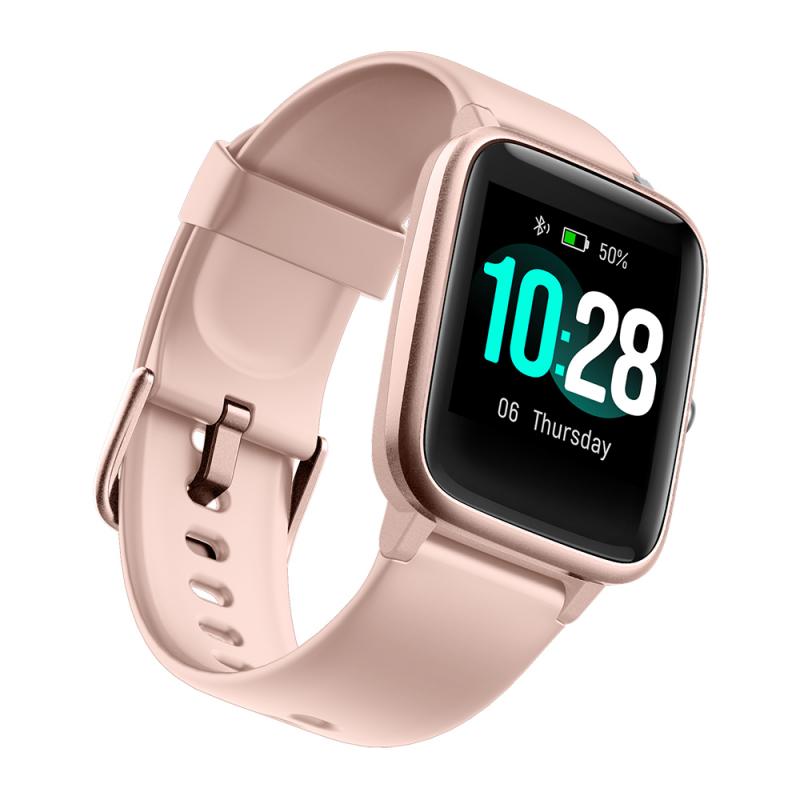
A smartwatch heart-rate reading is not just a light sensor counting pulses. There’s a fair bit of processing involved.
The watch uses:
- LEDs to shine light into the skin
- photodiodes to detect reflected light
- motion sensors to identify movement
- software algorithms to clean up the signal
- historical data to smooth and interpret readings
The raw signal is messy. Your arm moves. The watch shifts. Your skin stretches. Ambient light can leak in. Sweat changes contact. The algorithm tries to separate the real pulse signal from all that noise.
This is why two watches can use similar-looking sensors but give different results. The hardware matters, but the software matters just as much. Apple, Garmin, Fitbit, Samsung, Polar, and others all process the signal differently. Some respond quickly to changes; others smooth the data more heavily to avoid wild spikes.
That smoothing is one reason your watch may lag behind your actual effort during a workout. You sprint up a hill, your heart rate jumps, but the watch may take several seconds to catch up. Then after you stop, it may take a little while to settle down.
Why green lights flash under the watch
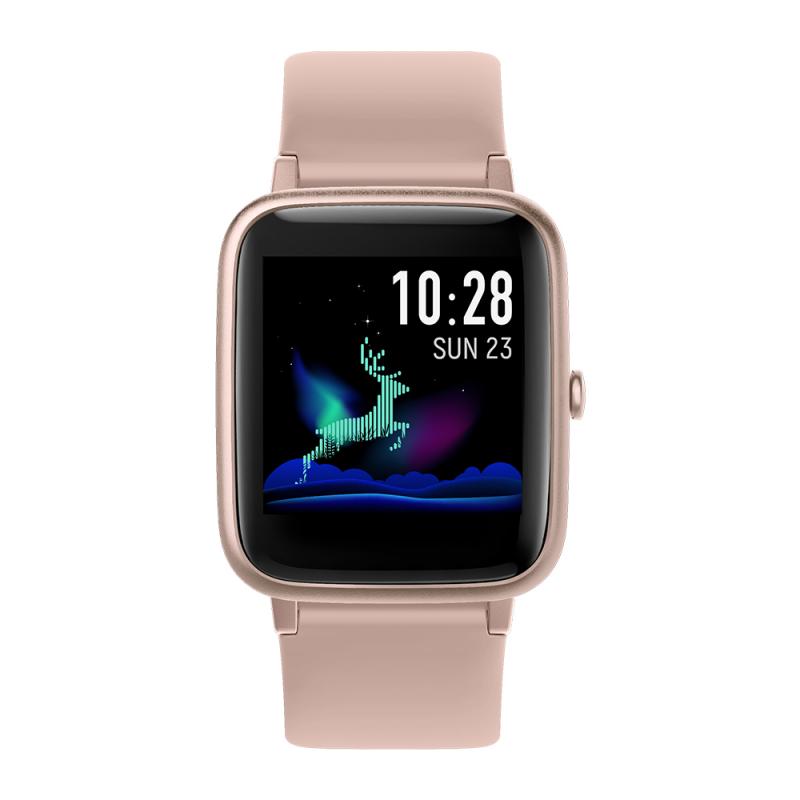
Those green LEDs are part of the optical heart-rate system. Green light is absorbed well by hemoglobin in blood, and it gives a usable signal from shallow blood vessels in the wrist.
You may notice the lights flash more during workouts and less at rest. That is normal. Watches usually increase sampling frequency during exercise because heart rate changes faster and users expect more detailed readings. During normal daily wear, the watch may check less often to save battery.
Some watches appear to measure continuously, but many actually sample at intervals unless you are recording an activity. This is one reason a watch can show good resting trends without giving second-by-second precision all day.
Why your reading may be wrong sometimes
Wrist heart-rate sensors are useful, but they are not magic. Most odd readings have a practical cause.
A loose watch is the most common problem. If the sensor lifts slightly from the skin, outside light gets in and the signal becomes unreliable. During a run, a loose watch can bounce just enough to create false readings. The watch may lock onto your running cadence instead of your pulse, which is why some people see heart-rate numbers that suspiciously match their steps per minute.
Wearing the watch directly on the wrist bone can also cause trouble. The sensor needs steady contact with skin and enough tissue underneath to read blood-flow changes. For workouts, it usually helps to wear the watch a finger or two above the wrist bone and tighten it slightly more than you would for casual wear.
Cold weather is another big one. When your hands and wrists are cold, blood vessels constrict. Less blood near the surface means a weaker signal. Many runners see poor readings during the first mile of a winter run until their body warms up.
Dark tattoos can interfere too. Ink can block or scatter the light, making it harder for the sensor to read blood flow. Some people with wrist tattoos get inconsistent readings depending on the watch, tattoo density, and exact sensor position.
Strength training is also difficult for wrist sensors. Gripping weights tightens muscles and tendons around the wrist, changing blood flow and watch contact. Exercises like pull-ups, kettlebell swings, push-ups, rowing, and heavy curls can produce jumpy readings. It doesn’t mean the watch is broken; it means the measurement method is being pushed into a difficult situation.
How accurate are smartwatch heart-rate sensors?
For normal daily use, most modern smartwatches are good enough to show useful trends: resting heart rate, average workout effort, recovery patterns, sleep heart rate, and general cardio fitness.
For steady cardio, many newer watches come surprisingly close to chest-strap readings. A steady run, indoor cycling session, brisk walk, or elliptical workout is usually a friendly environment for optical sensors.
The weak spots are rapid changes and messy wrist movement. Interval training, HIIT, CrossFit-style workouts, boxing, mountain biking, tennis, and weight lifting can expose the limitations quickly.
If you only need to know whether you’re generally in an easy, moderate, or hard zone, the watch is usually fine. If you’re training by precise heart-rate zones, doing structured intervals, or tracking maximum efforts seriously, a chest strap or upper-arm optical sensor is still the better tool.
Upper-arm optical sensors often perform better than wrist watches because the upper arm has more stable tissue and less sharp movement than the wrist. They’re a nice middle ground for people who dislike chest straps.
Heart rate is not the same as ECG
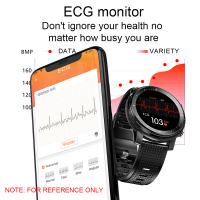
Some smartwatches also offer ECG or EKG features. That is different from the green-light heart-rate sensor.
The optical sensor estimates pulse from blood-flow changes. ECG measures electrical signals from the heart using electrodes, usually when you touch the watch crown or bezel with your finger.
Optical heart-rate tracking can run in the background. ECG usually requires you to sit still and take a manual reading. ECG is used for specific rhythm checks, such as detecting signs of atrial fibrillation on supported devices. It is not the same as continuous workout heart-rate monitoring.
This distinction matters because people sometimes assume the watch is always doing a medical-grade heart check. It usually isn’t. Most of the time, it is using the optical sensor for pulse estimation.
Why resting heart rate is often more useful than one random reading
A single smartwatch heart-rate number can be off. Trends are usually more meaningful.
Resting heart rate, especially measured overnight or shortly after waking, can tell you a lot about your baseline. If your usual resting heart rate is around 58 and it suddenly sits at 68 for a couple of days, that may reflect poor sleep, stress, alcohol, dehydration, heavy training, or the start of an illness.
The exact number matters less than your normal pattern. This is where smartwatches are genuinely helpful: they collect enough data over time to show changes you might not notice otherwise.
During workouts, average heart rate and time spent in zones are usually more useful than obsessing over every short spike or dip. Wrist sensors can briefly lose the plot, but the overall session data may still be useful if the fit was good and the activity was sensor-friendly.
How to get better heart-rate readings from a smartwatch
Fit makes the biggest difference.
Wear the watch snugly, not painfully tight. You should be able to move your wrist without the watch sliding around. For exercise, move it slightly higher up your arm, away from the wrist bone. After the workout, loosen it again for comfort.
Keep the sensor clean. Sweat, sunscreen, lotion, and grime can reduce contact or interfere with the optical reading. A quick wipe after workouts helps more than people expect.
Give the watch a few minutes to settle at the start of exercise. If you start running hard immediately, the sensor may struggle to lock on. A short warm-up often improves readings.
In cold weather, cover your wrist or warm up indoors first if you care about accurate early-session data. Cold skin makes optical sensors work harder.
For activities with lots of gripping or wrist flexing, expect less reliable results. If heart-rate accuracy matters during those sessions, pair the watch with a chest strap or arm strap if your device supports external sensors.
What the watch can and cannot tell you
A smartwatch can give a useful estimate of your heart rate, show trends over time, alert you to unusually high or low readings, and help guide training intensity. For many people, that is plenty.
It cannot perfectly measure every heartbeat in every situation. It cannot diagnose most heart conditions from the optical sensor alone. It can be fooled by poor fit, motion, cold skin, tattoos, and certain exercise types.
The best way to think about it: your smartwatch is a very convenient trend-tracking tool, not a flawless medical instrument. Use it to understand your normal patterns, notice changes, and manage exercise effort. If you ever see symptoms such as chest pain, fainting, severe shortness of breath, or an irregular heartbeat that worries you, don’t rely on the watch to sort it out. Get medical advice.
For everyday wear, though, the technology is genuinely useful. Those flashing lights under your watch are doing a simple job with a lot of clever processing behind it: watching tiny changes in blood flow and turning them into a heart-rate number you can use.