How Do You Use A Digital Camera?
Mastering the Basics of Using a Digital Camera
Digital cameras have revolutionized the way we capture and preserve memories. Whether you're a beginner or someone looking to refine your photography skills, understanding how to use a digital camera effectively is essential. This guide will walk you through the fundamental steps of using a digital camera, from setup to capturing stunning images, and provide tips to help you make the most of your device.
1. Getting Started: Familiarizing Yourself with the Camera

Before diving into photography, take some time to familiarize yourself with your digital camera. Each model has unique features, but most cameras share common components and functions. Here’s what you should do first:
- Read the Manual: While it may seem tedious, the user manual is your best friend. It provides detailed instructions on the camera’s features, buttons, and settings.
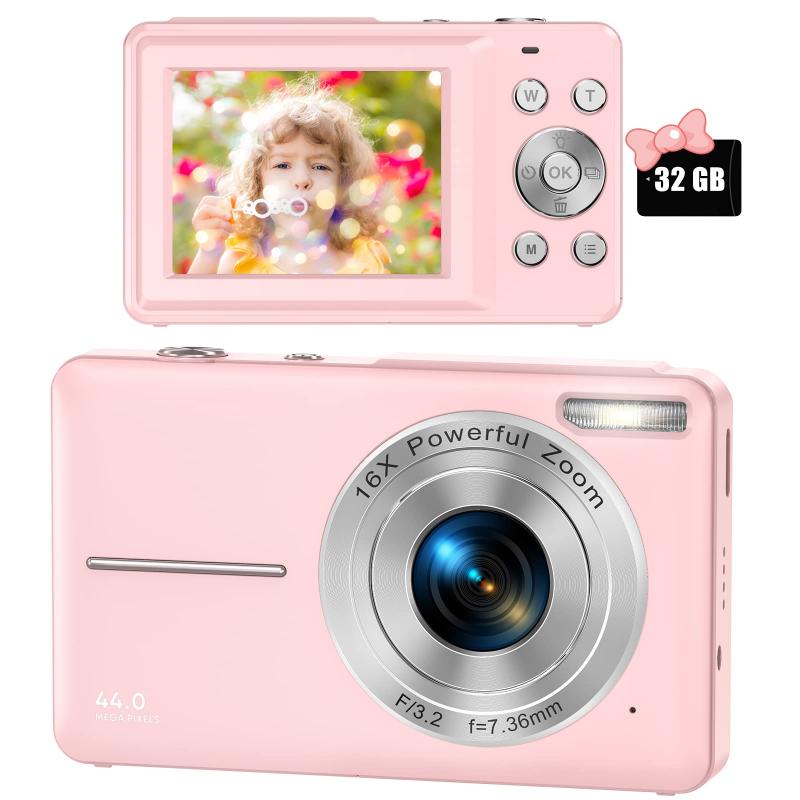
- Identify Key Components: Locate the power button, shutter button, mode dial, lens, viewfinder, LCD screen, and memory card slot. Understanding these parts will make navigation easier.
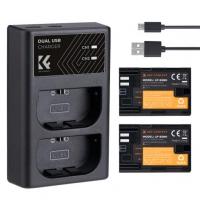
- Charge the Battery: Ensure the battery is fully charged before use. A drained battery can cut your photography session short.
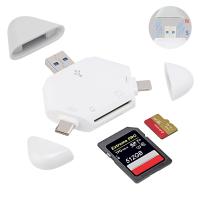
- Insert a Memory Card: Choose a memory card compatible with your camera. Ensure it has enough storage space for your needs.
2. Setting Up the Camera
Once you’re familiar with the camera’s components, it’s time to set it up for use. Follow these steps:
- Adjust the Date and Time: This helps organize your photos chronologically.
- Select Image Quality: Most cameras allow you to choose between JPEG and RAW formats. JPEG is suitable for everyday use, while RAW is ideal for professional editing.
- Set the Resolution: Higher resolution results in better image quality but takes up more storage space. Choose a resolution based on your needs.
- Choose Shooting Mode: Cameras often have modes like Auto, Manual, Portrait, Landscape, and Sports. Beginners can start with Auto mode, which adjusts settings automatically.
3. Understanding Basic Camera Settings
To take better photos, it’s important to understand the basic settings of your digital camera. These include:
- ISO: This controls the camera’s sensitivity to light. A lower ISO (e.g., 100) is ideal for bright conditions, while a higher ISO (e.g., 1600) is better for low-light situations. However, higher ISO can introduce noise to your images.
- Aperture (f-stop): Aperture determines how much light enters the lens. A lower f-stop (e.g., f/2.8) creates a shallow depth of field, blurring the background, while a higher f-stop (e.g., f/16) keeps more of the image in focus.
- Shutter Speed: This controls how long the camera’s shutter remains open. A fast shutter speed (e.g., 1/1000) freezes motion, while a slow shutter speed (e.g., 1/30) captures motion blur.
- White Balance: Adjust this setting to ensure colors appear natural under different lighting conditions, such as daylight, cloudy skies, or artificial light.
4. Composing Your Shot
Composition is the art of arranging elements within your frame to create visually appealing photos. Here are some tips to improve your composition:
- Rule of Thirds: Imagine dividing your frame into nine equal sections using two horizontal and two vertical lines. Place your subject along these lines or at their intersections for a balanced composition.
- Leading Lines: Use natural lines, such as roads, fences, or rivers, to guide the viewer’s eye toward the subject.
- Framing: Use elements like windows, arches, or trees to frame your subject and draw attention to it.
- Background: Pay attention to the background. A cluttered or distracting background can take focus away from your subject.
5. Capturing the Photo
Now that your camera is set up and you’ve composed your shot, it’s time to take the photo. Follow these steps:
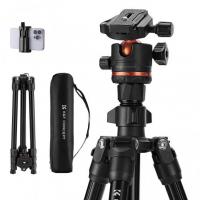
- Hold the Camera Steady: Use both hands to hold the camera and keep your elbows close to your body. Alternatively, use a tripod for added stability.
- Focus on the Subject: Press the shutter button halfway to focus on your subject. Most cameras will beep or display a green box to indicate focus.
- Take the Shot: Press the shutter button fully to capture the image. Avoid jerking the camera to prevent blurriness.
6. Reviewing and Editing Photos
After taking photos, review them on your camera’s LCD screen. This allows you to check for issues like blurriness or poor exposure. If needed, retake the shot.
For more advanced editing, transfer your photos to a computer or smartphone. Use photo editing software like Adobe Lightroom, Photoshop, or free alternatives like GIMP to enhance your images. Common edits include adjusting brightness, contrast, saturation, and cropping.
7. Maintaining Your Camera
Proper maintenance ensures your digital camera remains in good working condition. Here are some tips:
- Clean the Lens: Use a microfiber cloth or lens cleaning kit to remove dust and smudges.
- Protect the Camera: Store your camera in a padded bag to prevent damage. Avoid exposing it to extreme temperatures or moisture.
- Update Firmware: Check for firmware updates from the manufacturer to improve performance and fix bugs.
- Backup Photos: Regularly transfer photos to a computer or cloud storage to free up space on your memory card and prevent data loss.
8. Exploring Advanced Features
As you become more comfortable with your digital camera, experiment with its advanced features to expand your photography skills:
- Manual Mode: Take full control of settings like ISO, aperture, and shutter speed for creative freedom.
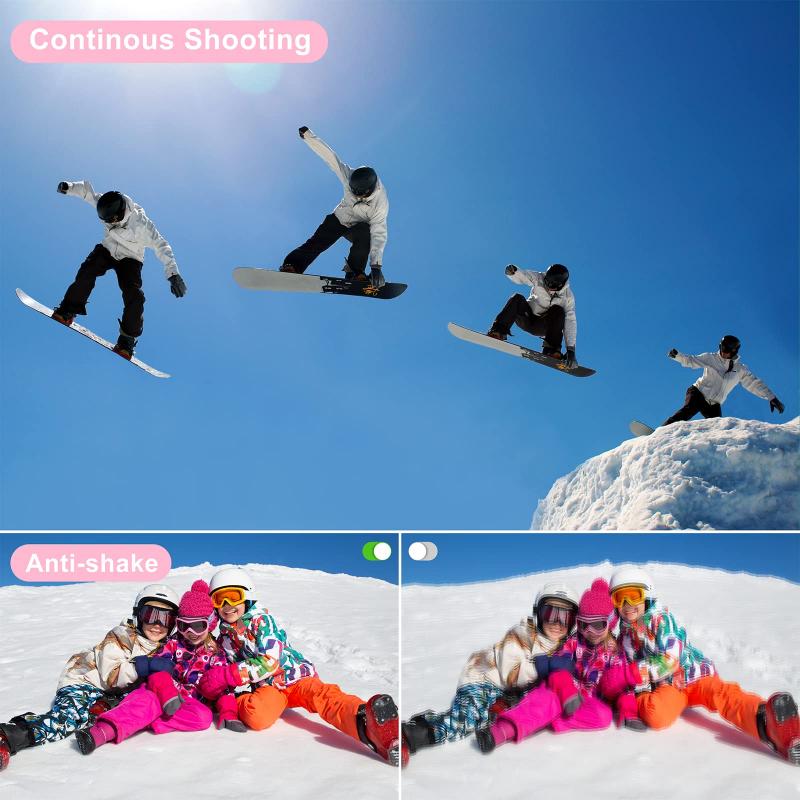
- Burst Mode: Capture a series of photos in quick succession, ideal for action shots.
- HDR (High Dynamic Range): Combine multiple exposures to create a single image with balanced highlights and shadows.
- Macro Mode: Focus on small subjects, such as flowers or insects, for detailed close-up shots.
- Video Recording: Many digital cameras also record high-quality videos. Explore this feature to capture moments in motion.
9. Common Mistakes to Avoid
Even experienced photographers make mistakes. Here are some common pitfalls to watch out for:
- Overexposure or Underexposure: Check your camera’s exposure meter to ensure your photos aren’t too bright or too dark.
- Ignoring Lighting: Pay attention to the direction and quality of light. Soft, natural light often produces the best results.
- Relying Too Much on Auto Mode: While Auto mode is convenient, learning to use Manual mode gives you greater creative control.
- Not Experimenting: Don’t be afraid to try new techniques or settings. Photography is a learning process.
10. Developing Your Photography Skills
Using a digital camera is just the beginning. To truly excel, practice regularly and seek inspiration from other photographers. Join photography communities, attend workshops, and study the work of professionals to refine your skills.
Using a digital camera may seem daunting at first, but with practice and patience, you’ll become more confident in your abilities. Start by mastering the basics, such as understanding camera settings and composition, and gradually explore advanced features to unlock your creative potential. Remember, the key to great photography is not just the equipment but also your vision and passion. So grab your camera, head out, and start capturing the world through your lens!






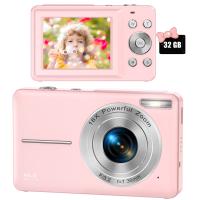
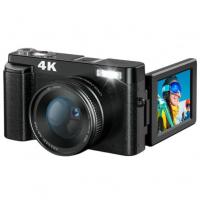
![4K Digital Camera for Photography & Video [Autofocus and Stabilisation] 48MP 16X Digital Zoom 3” 180° Flip Screen Vlog Camera with 32G SD Card, Flash](https://img.kentfaith.com/cache/catalog/products/us/GW41.0065/GW41.0065-1-200x200.jpg "4K Digital Camera for Photography & Video [Autofocus and Stabilisation] 48MP 16X Digital Zoom 3” 180° Flip Screen Vlog Camera with 32G SD Card, Flash")