kfconcept

KENTFAITH
K&F Concept    Blog >

Enjoy Your Selected Digital Life

Recently Viewed
  • Recently Viewed
  • Recently Viewed list is empty.

Compare (0) 0
  • Compare
  • You have not chosen any products to compare.

  • Compare
Currency: USD
  • Currency
Shop by Scene Shop by Rank

Log Into Your Account

Account

Order History

Wish List

Login

Forgotten Password?

or connect with

Register Account

Already have an Account?Log In

  • Shopping Cart
  • Your shopping cart is empty!

  • Register/Login to purchase, earn points
  • Favorite
  • Your wish list is empty.

  • Register/Login to like, earn points
  • Activities
  • Guide
    • Filter Guide
    • Lens Adapter
    • Product Review
  • News & Reviews
    • Camera Reviews
    • Sample Gallery
    • News
  • Tutorials
    • Solar eclipse photography
    • Photography Basics
    • Landscape Photography
  • Inspiration
    • Travel
    • Travel Stories
  • Home
  • Blog
  • Camera Settings When Wifi Protected?

Camera Settings When Wifi Protected?

Kentfaith 2024-09-26 08:28:17 0 Comments

Camera Settings for Optimal Performance When Using Wi-Fi Protection

In today's connected world, wireless networks have revolutionized how we interact with our devices, including cameras. From security systems to professional photography tools and even everyday smartphones, the convenience of Wi-Fi connectivity allows us to easily transfer files, control cameras remotely, and even stream videos. However, ensuring that your camera works effectively and securely over Wi-Fi requires understanding and configuring several settings correctly. This article delves into the best camera settings to use when Wi-Fi protection is a necessity, ensuring both optimal performance and security.

Understanding Wi-Fi Protection
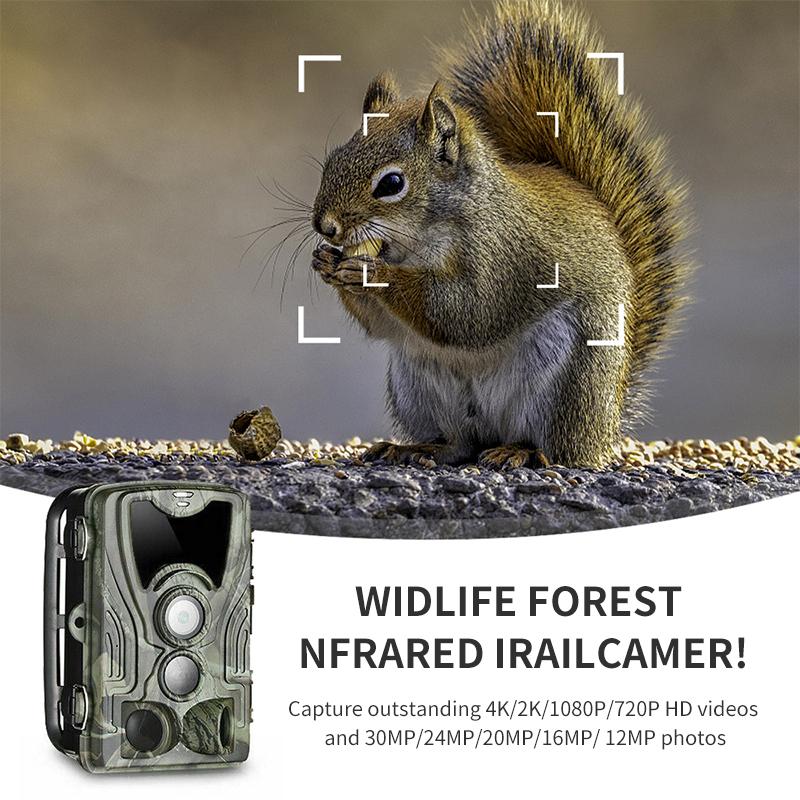
camera settings when wifi protected 1

Wi-Fi Protected Access (WPA) and its more advanced versions WPA2 and WPA3 are designed to secure wireless networks by encrypting data and ensuring only authorized devices can connect. For cameras, these protocols ensure that photos, videos, and live feeds are not accessible to unauthorized users.

Why Camera Settings Matter
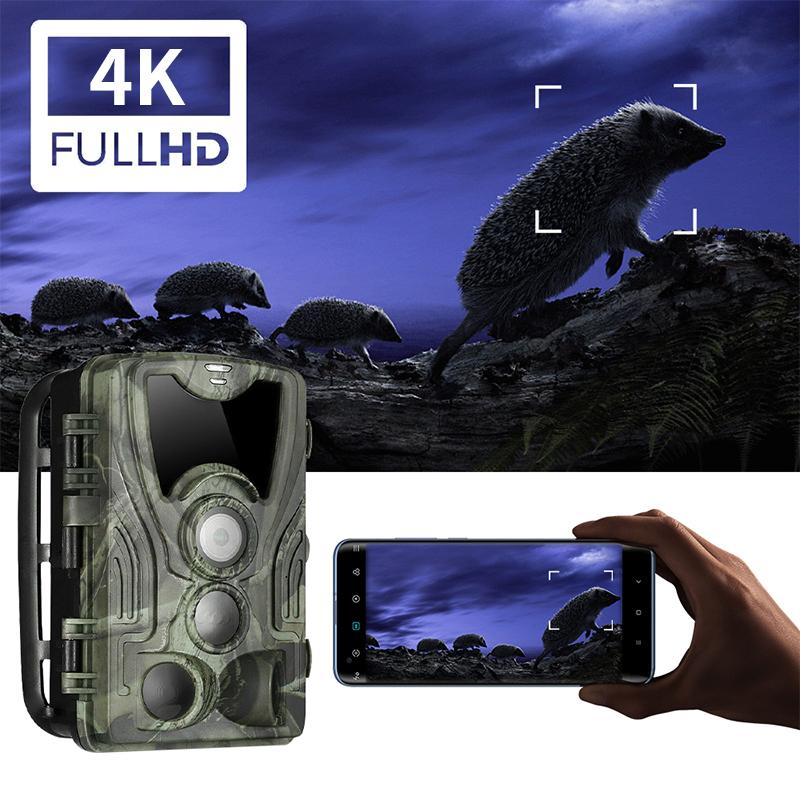
camera settings when wifi protected 2

Configuring your camera settings is vital for securing data, preventing unauthorized access, and ensuring smooth connectivity and functionality. Proper settings can help avoid issues such as lag, interference, and quality degradation, which are pivotal for applications ranging from casual photography to critical security monitoring.

Core Camera Settings for Wi-Fi Protection
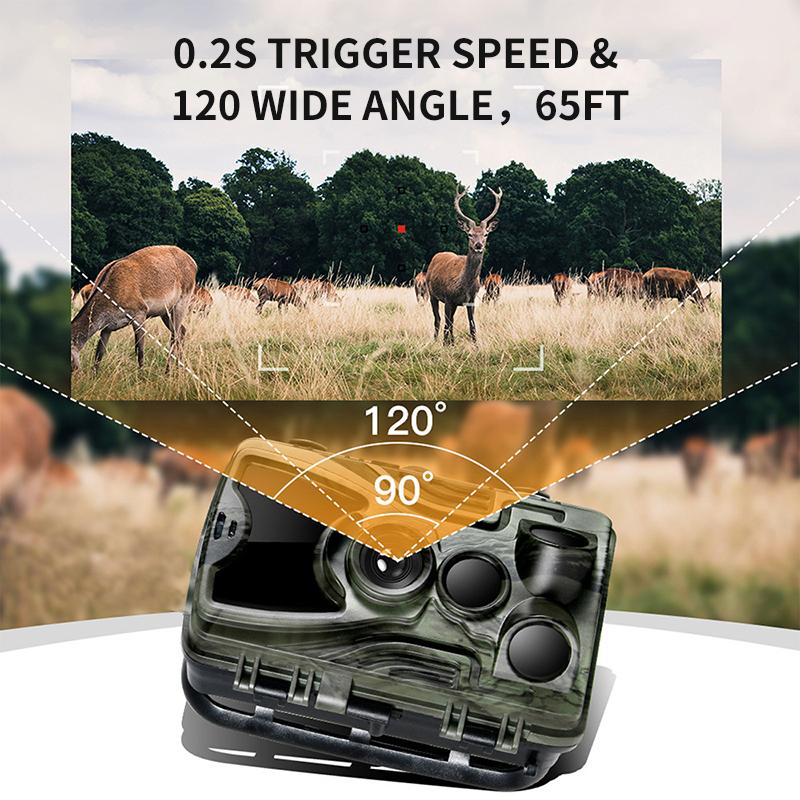
camera settings when wifi protected 3

1. Wi-Fi Network Configuration

Ensure your camera is connected to a secure network using WPA2 or WPA3 encryption. Avoid using WEP or open networks as they are highly vulnerable to unauthorized access.

- SSID Visibility: Consider hiding your network's SSID (Service Set Identifier) to make it less detectable to unauthorized users.

- Password Strength: Use a strong, complex password for your Wi-Fi network to prevent unauthorized access.

2. Firmware and Software Updates

Keeping your camera's firmware and any associated software up-to-date ensures that you have the latest security patches and performance improvements. Manufacturers frequently release updates to address new vulnerabilities and enhance device functionality.

- Automatic Updates: Enable automatic updates if the option is available, or routinely check for updates manually.

3. Encryption Settings

Enable encryption for data transmission between the camera and your device. This ensures that even if data were intercepted, it would be difficult for the unauthorized user to decipher it.

- End-to-End Encryption: Opt for end-to-end encryption where possible. This means that data is encrypted on your camera and only decrypted on your receiving device.

4. Network Band Settings

Choose the appropriate frequency band (2.4GHz or 5GHz) for your camera's Wi-Fi connection. Each has its advantages and disadvantages.

- 2.4GHz: Offers a longer range but is susceptible to interference from other wireless devices and has lower data speeds.

- 5GHz: Provides higher data speeds and reduced interference but with a shorter range. It's better for high-bandwidth activities like streaming video.

5. Quality of Service (QoS)

Configure Quality of Service (QoS) settings on your router to prioritize traffic from your camera. This helps to ensure smooth and uninterrupted streaming or file transfers, crucial for both security cameras and live-event recordings.

- Bandwidth Allocation: Allocate sufficient bandwidth to the camera to prevent video lag or buffer issues.

- Traffic Priority: Mark the camera’s data packets with high priority.

6. Remote Access Settings

If you need to access your camera remotely, ensure that remote access features are secure.

- VPN Usage: Utilize a Virtual Private Network (VPN) for remote access to add an additional layer of security.

- Port Forwarding: Use secure, non-standard ports for remote access and disable UPnP (Universal Plug and Play) to prevent automatic port forwarding.

Mitigating Risks and Troubleshooting
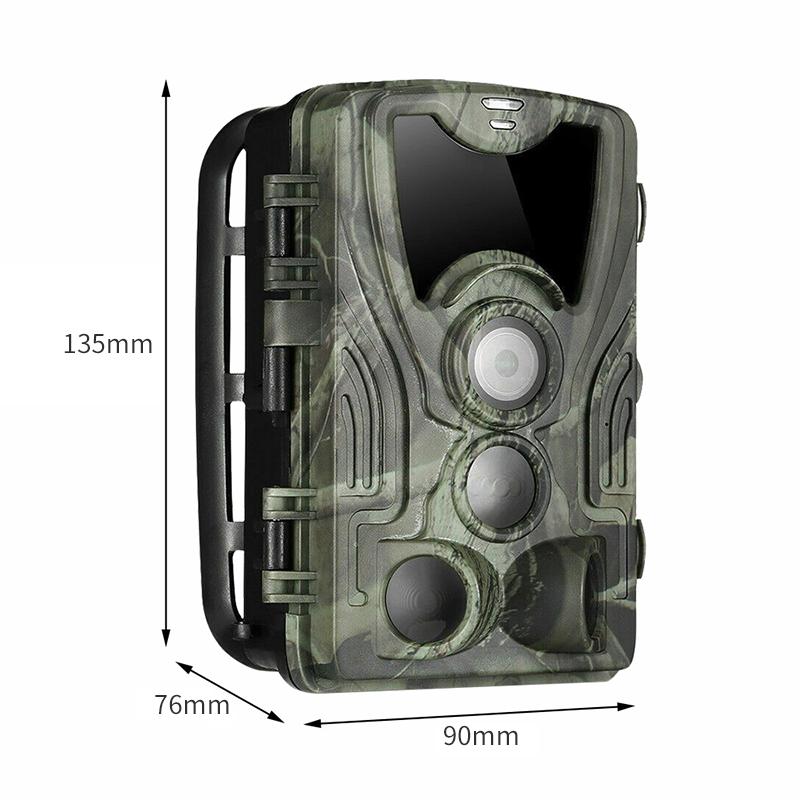
camera settings when wifi protected 4

Implementing the above settings enhances security but also may introduce challenges such as connectivity issues or reduced performance. Here are some tips to mitigate such risks:

1. Signal Interference: If you experience interference, changing the broadcasting channel on your router can significantly improve connectivity.

2. Bandwidth Management: Monitor and manage the bandwidth usage of all connected devices to ensure your camera gets the necessary share for optimal performance.

3. Firewall Configuration: Ensure that your firewall settings are not overly restrictive, allowing essential traffic from your camera but blocking suspicious activity.

4. Regular Reboots: Periodically reboot your router and camera to clear any potential issues and apply new settings effectively.

Advanced Tips for Professional Use

For professional photographers and security providers, additional considerations may optimize performance further:

1. Static IP Address: Assign a static IP address to your camera to prevent connection issues that can arise with dynamic IP addresses.

2. Dual-band Routers: Utilize dual-band routers that support both 2.4GHz and 5GHz bands for greater flexibility and performance.

3. NAS Integration: Configure your camera to work with Network Attached Storage (NAS) for robust, secure storage options.

Understanding and configuring camera settings for Wi-Fi protection is an essential task to ensure both performance and security. By employing strong encryption, keeping software updated, configuring network bands properly, and managing both local and remote access securely, you can greatly enhance the safety and efficiency of your camera systems. Whether you're a casual user or a professional, the right settings make a significant difference in protecting your assets and ensuring smooth, uninterrupted functionality. Always stay informed about the latest security protocols and technological advancements to keep your systems in optimal condition.
Leave your comment
Cancel reply
Note: HTML is not translated!
Related products
4K Bike Camera 2" Display 1000LM Bicycle Light IP67 Waterproof WIFI Connection
30
$149.99 $125.99
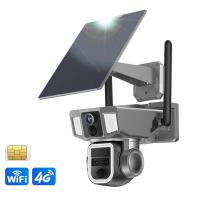
Dual-Lens Security Camera Solar Outdoor Surveillance 10X Optical Zoom 2.4G WiFi
12
$274.99 $230.99
5K Digital Video Camera Camcorder WIFI IR Night Vision for Vlogging Youtube
95
$269.99 $189.99
Camera Sunglasses, HD 1080P, EIS Stabilization, WiFi Connect, Translation, 4H Playtime, Kentfaith
16
$119.99 $95.99
WiFi Electronic Eyepiece for Microscopes, 50 Meters WiFi Range, 2MP Microscope Imager, Capture 4K Photos Videos, Kentfaith
$112.49 $89.99
Monocular Telescope Camera WiFi 8x42mm BAK4 Prism 2K Photo 1080P Video 4000mAh Battery
NEW Arrival
Monocular Telescope Camera WiFi 8x42mm BAK4 Prism 2K Photo 1080P Video 4000mAh Battery
14
$659.99 $461.99
Microscope Eyepiece Camera 2.8" Screen WiFi Connection 1080P Photos Videos for Telescopes Kentfaith
12
$99.99 $79.99
Smart Camera Glasses, HD 1080P, EIS Stabilization, WiFi Connect, Translation, 4H Playtime, Kentfaith
16
$119.99 $95.99
4K Bike Camera with 1.3in Display, WiFi Control, 3000mAh Battery,Image Stabilization Kentfaith
13
$162.49 $129.99
Cellular Security Camera Support 4G & WiFi, 10X Optical Zoom, Dual Lens, Solar Powered Kentfaith
$324.99 $259.99
Products You May Like
K&F Concept Variable ND&CPL&Wide Angle Lens Compatible with DJI Osmo Pocket 3 / DJI Osmo Pocket 4 Creator Combo, Neutral Density ND2-32 ND32-512 Polarizing Wide-Angle Lens 4Pack Kit, Multi-Coated HD Optical Glass
39
$59.99
39mm MCUV Filter Ultra-Thin Trapezoid Patterned Frame Coating with a Vacuum Cleaning Cloth Nano-Klear Series
144
$16.99 $10.39
Nikon F Lenses to M43 MFT Lens Mount Adapter Nikon AI Lens to Micro 4/3 Micro Four Thirds Mount Adapter for GF1 GF2 GF3 G2 G3
119
$53.99 $29.99
ND32 (5 Stops) Square ND Filter, 4"x5.65" Neutral Density Filter Compatible with Tilta Compatible with SmallRig Matte Box, Slim Multi Coated HD Optical Glass
64
$83.99 $55.99
K&F Concept Aluminium Quick Release Plate with Standard 1/4" Screw for Arca Swiss Camera Tripod Ball Head Pack of 2
78
$39.99 $29.99
77mm Magnetic Lens Filter Kit GND8 +ND8+ND64 +ND1000+Magnetic Adapter Ring 5 in 1 Quick Swap System Nano-Xcel Series
88
$199.99 $161.99
Industrial Pipeline Endoscope, 8 LED Lights, 8mm Lightning Interface Snake Camera, for iPHONE14 13 12 11 X XR 8 7 6 Series IP67 Waterproof 1 Meter Rigid Cable
37
$47.99 $20.99
Sewer Inspection Camera with DVR Recorder 50m/165ft Cable 0.9in Camera Kentfaith
72
$1,079.99 $682.99
FHD1080P 2 million network HD camera,support: win2000xp/7/8/9/10/Vista, OS, etc.

1
$37.99
Smart Glasses with Camera, 13MP Sony Lens, Triple Mics with Noise Cancellation, Blue-light Blocking & UV Protection Lenses Included, Kentfaith
14
$162.49 $129.99
Related articles
Camera Settings When Using Flash?
Camera Settings When Using Nd Filters?
How To Change Light Settings On Ring Camera?
What Is Write Protected Sd Card?
How Do I Access Smart Lock Settings?
How To Change Sound Recorder Save Settings?
Which Wifi Camera?
Which Wifi Camera?
How To Fix Sd Card Is Write Protected?
How To Clear A Write Protected Sd Card?
Which Nd Filter Is Best For Mavic Pro?
Blog You May Like
Best Magnetic Adapter Rings for Camera Filters
How Uv Filter Works Camera?
How To Access Iphone Camera Remotely Through Wifi ?
How To Adjust Tripod?
Can Film Cameras Work Without Batteries?
How To Filter Noise From Audio Recording?
How To Make An Underwater Wireless Camera?
How To Remove Sound From A Recorded Video?
How To Turn On Flash In Iphone Camera?
Where Can I Buy Solar Filter For Camera?
Related categories
Outdoor Security Camera Wifi Wifi Trail Cameras Baby Movement Monitor Camera Parts | Studio Camera Accessories streaming video camera digital camera for beginner Solar Cellular Trail Camera Non Cellular Trail Camera camera shoulder bag digital camera cases
Popular products
remote wildlife camera wifi trail camera night wifi wifi trail video camera high definition action camera sports and action camera camera for a bike 4k wifi action camera 4k ultra hd camera portable camera for travel infrared night vision camera
Related searches
Digital Camera With Manual Settings Fuji X T1 Manual Lens Adapter Settings Wifi Inspection Camera Wifi Trail Camera Budget Wifi Camera Portable Wifi Camera Wifi Hunting Camera Wildlife Camera Wifi Charger Camera Wifi Wifi Solar Camera
Related Scenes
Best Outdoor Wifi Camera Best Wifi Surveillance Camera Best Home Camera Wifi Best Battery Wifi Camera Best Wifi Digital Microscope Best Outdoor Wifi Security Camera Best Outdoor Wifi Surveillance Camera Best Wifi Home Security Camera Best Wireless Wifi Security Camera Best Wifi Camera For Home
Blog Category
  • Activities
  • Guide
    • Filter Guide
    • Lens Adapter
    • Product Review
  • News & Reviews
    • Camera Reviews
    • Sample Gallery
    • News
  • Tutorials
    • Solar eclipse photography
    • Photography Basics
    • Landscape Photography
  • Inspiration
    • Travel
    • Travel Stories
Search Article
Latest from the Blog
How To Make Camera Quality Better?
What Is The Function Of Eyepiece In Microscope?
How To Charge Wireless Earbuds Without A Case?
Can Smart Watch Take Photos?
Which Smartwatch Is Best For Blood Pressure?
Can You Call On A Smartwatch?
How Secure Are Wifi Cameras?
How To Make Headphones More Noise Cancelling?
What Is The Best In Ear Wireless Headphones?
Which Wireless Earbuds Fit Best?
  • Easy Payment Multilple Payment Options

  • Free Shipping Global WareHouse Shipment

  • No Risk 30-Day No Reason Return

  • Limited Deals Buy More, Save More

  • Tax Free No any surcharges or tax fee

Information
  • About us
  • Contact Us
  • Site Map
  • Blog
  • Video
  • Gallery
  • VIP Membership Rewards
Service
  • Privacy Policy
  • Terms & Conditions
  • Shipping & Delivery
  • Payment Info
  • Warranty, Return & Refund
  • Intellectual Property Rights
  • Ambassador
  • Affiliates
  • Wholesale
Support
  • My account
  • Order History
  • FAQs
  • Extend Warranty
  • Logistics Tracking
Follow us
NewsLetter

Get the latest product, K&F Concept respects your privacy.

Powered By KENTFAITH © 2026