What Is A Memory Card Reader For Cameras?
In the modern world of media and photography, the importance of efficient data transfer tools cannot be overstated, particularly for photographers and content creators who often work with large image and video files. One such critical tool is the memory card reader. If you’ve ever wondered what a memory card reader for cameras is and why it’s an essential part of a photographer’s toolkit, you’ve come to the right place. In this article, we will delve into the intricate details of memory card readers, their role in the photography workflow, and practical insights to help you pick the right device.
What Is a Memory Card Reader for Cameras?
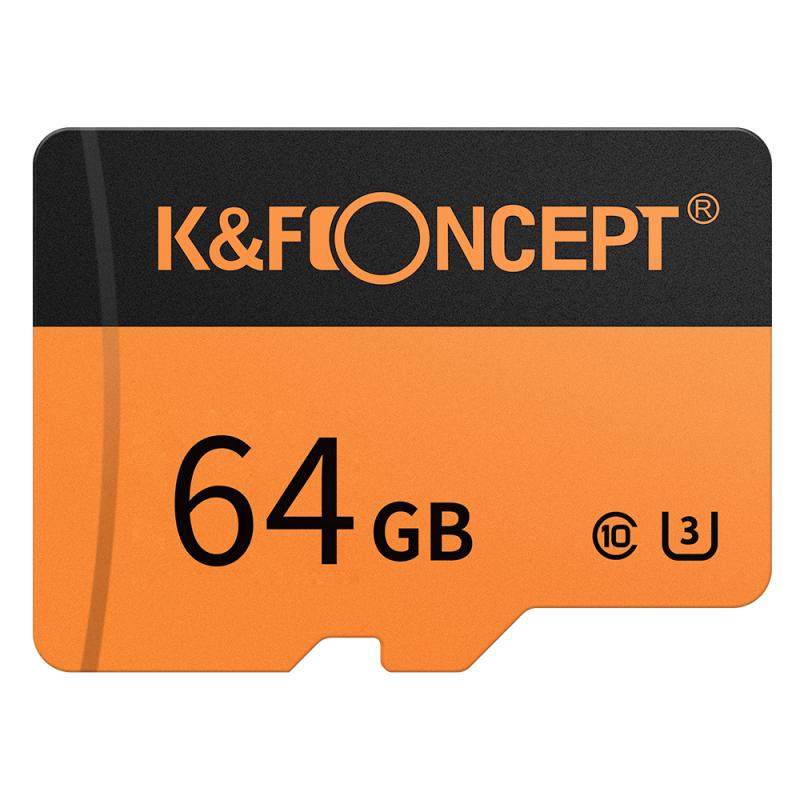
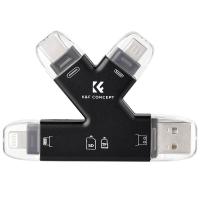
A memory card reader is a compact electronic device that allows users to directly access the data stored on a camera’s memory card. Cameras typically use memory cards (such as SD cards, CompactFlash cards, or microSD cards) as their primary storage medium for photos and videos. A memory card reader enables faster and more efficient transfer of media files from the card to a computer, tablet, or other devices, bypassing the need to tether the camera itself.
Instead of connecting your camera to your computer with a cable, you can simply remove the memory card from your camera, insert it into the memory card reader, and then transfer the files to your desired device. Many modern computers and laptops have built-in memory card slots, which serve as integrated card readers, but external memory card readers offer greater flexibility and broader compatibility, especially for professional-grade memory cards and newer formats.
Why You Need a Memory Card Reader
For those who shoot or handle large volumes of media files, the advantages of using a memory card reader cannot be overstated. Below are some major reasons why these devices are indispensable:
1. Speed of Data Transfer
Professional-grade card readers often support high-speed data transfers, which is pivotal in dealing with today’s ultra-high-resolution photos and 4K or even 8K videos. Using a USB 3.0 or USB-C card reader can drastically reduce file transfer times compared to transferring files over a cable connection directly from the camera. For example, if you’re downloading a full day’s photography shoot from a high-capacity SD card, what would take over an hour with traditional methods might only take a few minutes with a high-quality card reader.
2. Preservation of Camera Battery Life
Downloading files directly from a camera via a USB cable consumes the camera's battery. For photographers who need their cameras ready for extended periods of use, saving that battery life is essential. With a memory card reader, file transfers occur independently of the camera, ensuring your primary gear stays fully charged and available.
3. Versatility and Compatibility
External card readers come in various shapes and forms, with models designed to support multiple formats. If you work with different types of memory cards, such as SD, microSD, CompactFlash, or others, a multi-card reader will ensure you can handle all of them easily. This eliminates the need for multiple cables or adapters tailored to specific camera models.
4. Backup and Workflow Efficiency
Photographers shooting on location or handling professional assignments often need to back up their media to a laptop or hard drive as quickly as possible. Memory card readers streamline this process, allowing photographers to offload files, sort them, and immediately free up the card for the next set of images or videos.
5. Durability and Convenience
Memory card readers are small, portable, and significantly reduce wear and tear on your camera’s ports, which can deteriorate with repetitive cable connections. With a reliable card reader, you can preserve the integrity of your camera’s hardware while ensuring effortless file transfers.
Types of Memory Card Readers
There are various types of memory card readers on the market, and choosing the right one depends on the specific memory cards you use and your intended workflow. Below are the main categories:
1. Single Card Readers
These are card readers designed to support one specific type of memory card, such as SD cards or CompactFlash cards. They are straightforward and ideal for beginner photographers who use just one camera with a single card format.
2. Multi-Card Readers
Multi-card readers provide compatibility with multiple memory card formats, often including SD, microSD, CompactFlash, and others. These are widely used by professional photographers or creatives managing multiple devices with different memory card types. They are versatile and a smart choice for those who use multiple cameras.
3. Portable Card Readers
Lightweight and compact, portable card readers are designed for on-the-go use. Many include integrated USB connectors that make them easy to plug into laptops, tablets, or even smartphones. They're excellent for photographers who travel often.
4. High-Speed Readers
For professionals who deal with large RAW files or 4K/8K video footage, high-speed card readers are a valuable asset. These readers often leverage modern connectivity standards, such as USB 3.2 and Thunderbolt, to maximize transfer speeds and handle high-volume data efficiently.
5. Specialized Readers
Some advanced readers are tailored to specific users or tasks, such as XQD, CFexpress, or CFast card readers used in high-end video and photography workflows. Devices in this segment might be more expensive but offer blazing performance suited for professionals.
Things to Consider Before Buying a Memory Card Reader
To ensure that you choose the best memory card reader for your needs, consider these factors:
1. Card Format Compatibility
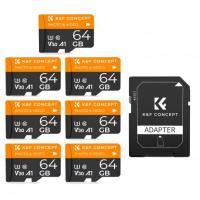
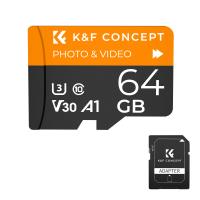
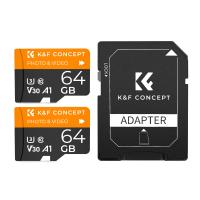
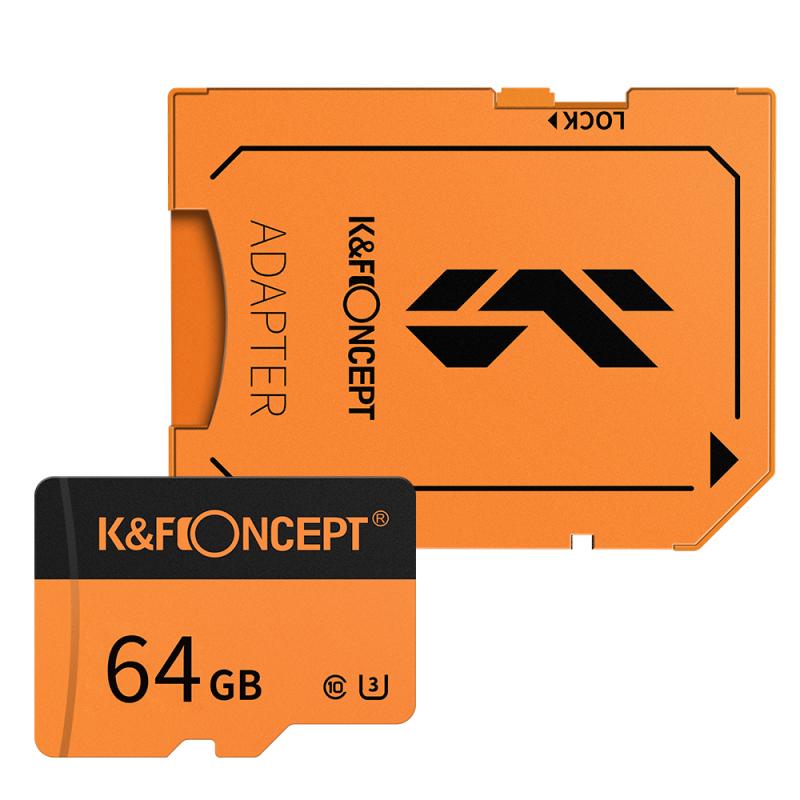
Check which types of memory cards you’ll be using. If your camera uses microSD cards but your card reader supports only SD cards, you’ll also need an adapter. Multi-format readers can cover you if you use a variety of cameras.
2. Transfer Speed
The card reader’s speed is typically denoted in megabytes per second (MB/s) and influenced by factors like USB type (e.g., USB 3.0, USB-C). Choose a card reader that matches the speed of your memory card.
3. Connectivity
Ensure that the card reader is compatible with your computer’s ports. Common connection options include USB-A, USB-C, and Thunderbolt. Some even work wirelessly via Wi-Fi or Bluetooth.
4. Durability and Portability
If you use your card reader in outdoor or travel conditions, it’s essential to have a durable device that can withstand wear and tear. Compact designs are preferable for mobility.
5. Price and Brand Reliability
Established brands often provide better reliability, quality, and warranty options. While some cheaper card readers might seem like a good deal, lower durability or performance could create problems in the long run.
Best Practices for Using Memory Card Readers
1. Always Eject Safely: Before removing the memory card from the card reader, ensure it has been safely ejected to avoid data corruption.
2. Avoid Handling During Transfers: Do not remove the memory card from the reader while a transfer is in progress, as this can damage files or the card.
3. Protect Your Cards: Pair your card reader with high-quality memory cards to maximize the lifespan and reliability of your storage media.
4. Keep the Reader Clean: Dust or debris inside the card reader ports can impact its functionality. Store the device in a dust-free pouch or case when not in use.
A memory card reader for cameras is an often-overlooked but indispensable piece of tech for anyone involved in photography or video production. It enhances data transfer speed, prevents wear and tear to camera ports, and offers a level of flexibility that simplifies your workflow. Whether you’re a hobbyist or a professional, understanding the different types of memory card readers and choosing the right one tailored to your needs can elevate your experience significantly. Investing in a reliable memory card reader will save you time, preserve your equipment, and ensure that your files are always handled securely and efficiently.
By equipping yourself with the right tools and knowledge, you can focus more on your creative pursuits while leaving the nitty-gritty of file transfers to a dependable device like a memory card reader.