What Type Of Sd Card For Digital Camera?
2026-07-01 00:55:26
0 Comments
memory card types
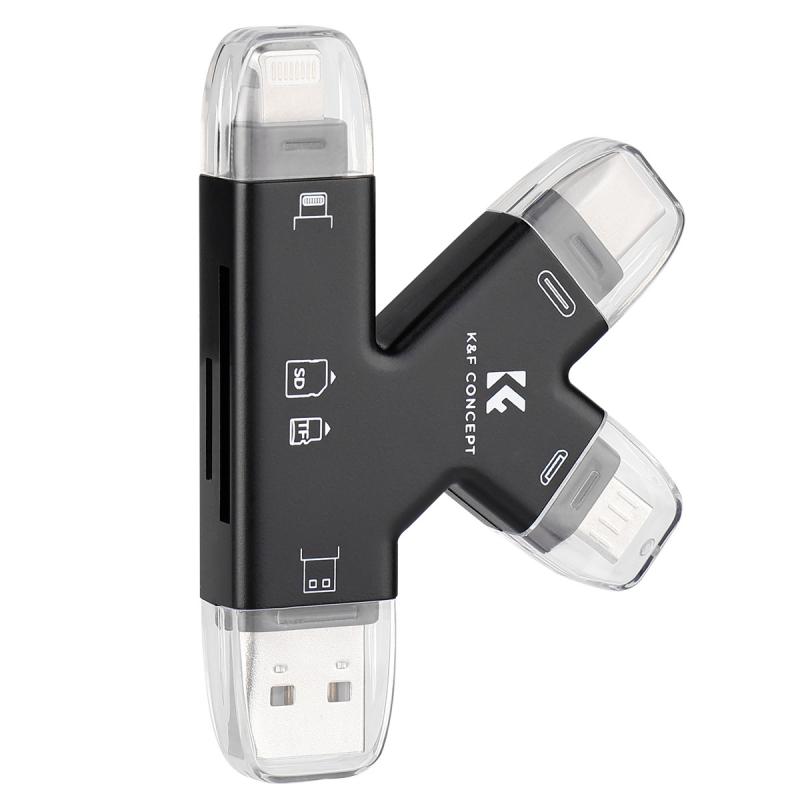
- sd cards are the most widely used type of memory card in digital cameras.
- they come in three varieties. the larger the capacity, the more images you can fit on the card.
- sd: up to 2gb of storage (rare today)
- sdhc (high capacity): 4gb to 32gb
- sdxc (extended capacity): 64gb to 2tb
- sd (secure digital)
- the sd card shape and size is by far the most common and has been adopted by more recent, improved versions of the basic sd format, which was limited to 2gb capacity.
- sdhc (secure digital high capacity)
- these are sd camera memory cards but with a maximum capacity of 32gb. they are identical in shape and size to the sd format, but they are different media types.
- sdxc (secure digital ‘xtra capacity’)
- these sd-style camera memory cards have a maximum capacity of 2tb (terabytes)
- most older cameras either utilize the sdsc standard or the sdhc standard.
- the most recent standard is sdxc.
- sdsc only has a maximum capacity of 2gb and sdhc only has a maximum capacity of 32gb.
- many devices that use the sdhc standard can only access 8gb of storage in a mountable volume.
- if you are trying to use a modern 64gb sdxc card in your 2006 coolpix, you likely will need to format the card as a fat32 formatted 8gb volume using your computer and give up 56gb of potential storage.
- while sdhc can support up to 32gb of storage, most devices came from a period of time when more than 2gb or 4gb were wishful thinking.
sd card speed classes to know
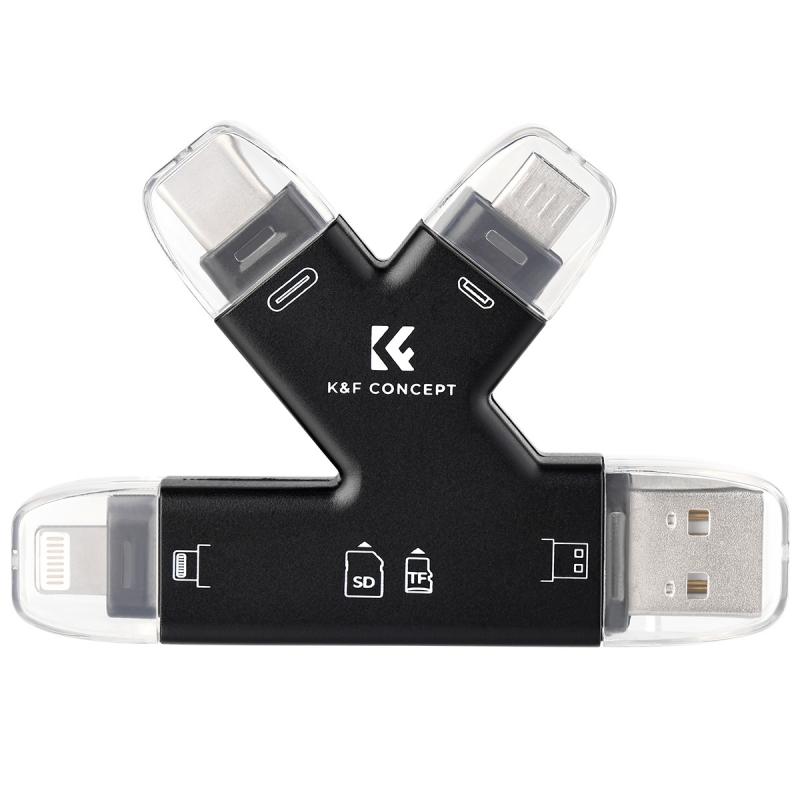
- speed class (e.g., class 10): minimum sustained write speed (good for still photography).
- uhs-i / uhs-ii / uhs-iii: ultra high speed - faster for video, burst shooting and transferring large files quickly to your computer.
- uhs-i up to 104 mb/s
- uhs-ii up to 312 mb/s
- uhs-iii up to 624 mb/s
- v class (e.g., v30, v60, v90): optimized for video recording, particularly 4k and 8k
- -note - uhs-ii cards are backward-compatible with uhs-i slots, they will work but only at uhs-1 speeds.
- using a memory card that is too slow can result in the camera’s buffer filling up too quickly.
- the camera has to stop and wait for the buffer to start to empty before it can continue capturing photos or video.
- therefore it’s essential you have a memory card capable of the speeds your camera requires.
- again, your camera’s user manual will tell you the minimum requirement.
- look at both read and write speeds, especially if you shoot video or high-speed bursts.
- write speed is how fast the camera can receive images from the camera buffer.
- read speed is how fast the images can be downloaded to your computer.
- data transfer rate in mb/s
- the speed of many memory cards is displayed as the minimum mb/s (megabytes per second). the higher the value, the faster the data transfer.
- class rating
- this card speed rating is more useful than the commercial x rating. that’s because it refers to the minimum data transfer rate, not the maximum sustainable transfer rate.
- class 2
- a memory card rated “class 2” has a guaranteed minimum data transfer rate of 2mb/s (megabytes per second) – which is pretty slow.
- class 10
- a “class 10” memory card has a guaranteed minimum data transfer rate of 10mb/s – which is much faster.
- uhs
- the uhs class number is multiplied by 10 to give the data transfer rate. so, “uhs class 10” has a data transfer rate of 100mb/s.
important features
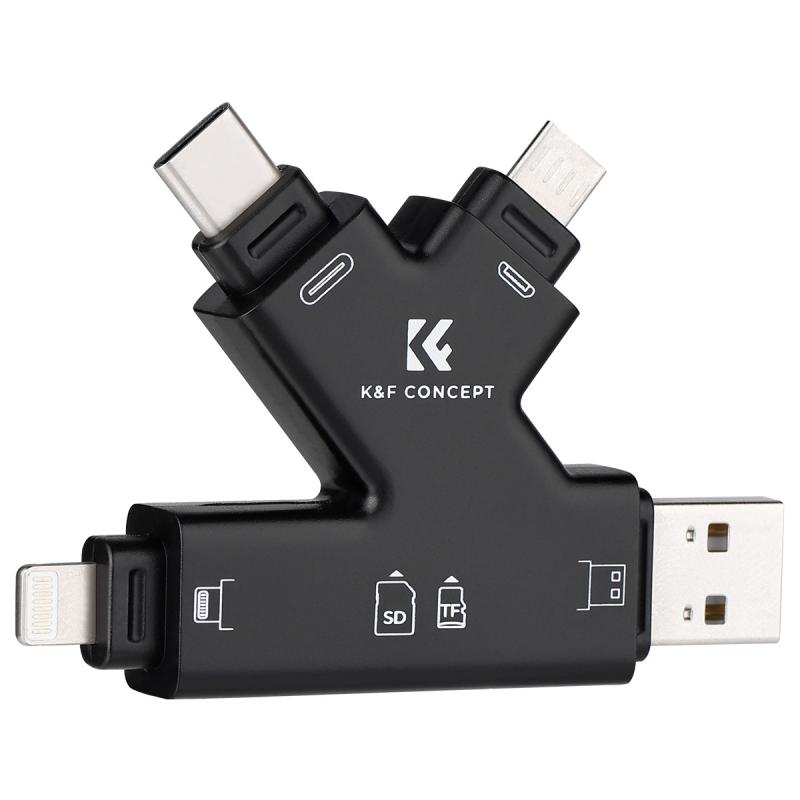
- when selecting a memory card, consider these three factors based on your photography requirements.
- compatibility: always check your camera’s manual for supported card types and formats.
- speed: look at both read and write speeds, especially if you shoot video or high-speed bursts. write speed is how fast the camera can receive images from the camera buffer. read speed is how fast the images can be downloaded to your computer.
- capacity: higher megapixel images and 4k/8k videos need more space, go bigger if needed.
- there are only really four factors: format, speed, capacity & price.
- nobody chooses a camera memory card format first, then buys a camera to suit it.
- so it’s more likely that you’ve already got your camera.
- before reading the rest of this article, check your camera’s user manual to find out what format your camera requires.
- or, with the camera switched off, simply open your camera’s memory card cover and remove the memory card (or cards).
what card capacity?
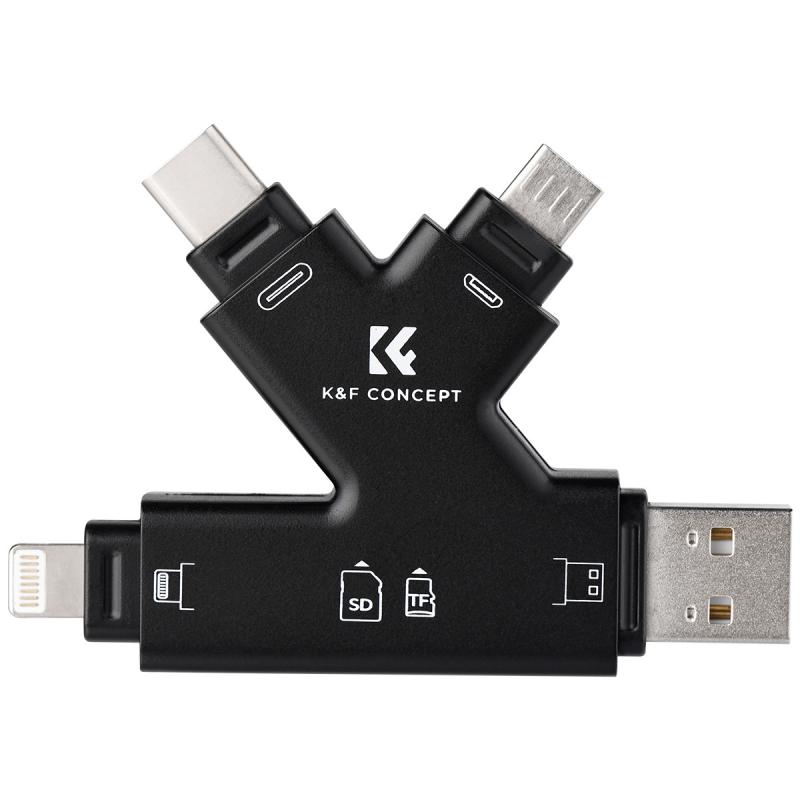
- as camera sensors get bigger and pixel counts rise, so the need for larger memory cards increases too.
- it’s tempting to get the biggest memory card you can afford.
- but what if you lost or damaged that card before you got all the photos off it?
- it’s better to spread the risk of losing photos across multiple cards.
- so instead of buying one 64gb card, buy two 32gb cards.
- it’ll cost you more but the additional peace of mind justifies the price.
- higher megapixel images and 4k/8k videos need more space, go bigger if needed.
- if you intend to use burst mode, continuous shooting mode, or video mode, then you’ll need to make speed and capacity a priority.
- rather than have all your eggs in one basket by purchasing one large capacity memory card, buy more smaller capacity cards.
- this spreads the risk across multiple cards.
- it’s statistically unlikely that all of your cards will become corrupted, damaged, lost, or accidentally re-formatted.
- having just one large capacity card is a big gamble – so play safe and get smaller capacity memory cards.
memory card & camera compatibility
- compatibility: always check your camera’s manual for supported card types and formats.
- the good news is that your camera user guide will tell you what memory card format and minimum speed rating you need to buy.
- what you need to figure out for yourself is the capacity, and choose your price point.
- most sonys use sd cards and some can use cfexpress type a too.
- the om-d series (and newer om system models) use sd.
- most models support uhs-ii, though older ones are limited to uhs-i.
- the om-d e-m10 series (all models) uhs-i.
- uhs-ii cards will work but won’t run at full speed.
- x-t1 sd uhs-i only
- x-t2, x-t3, x-t4, x-t5 sd uhs-ii
- d3100 / d3200 / d3300 - 1 sd slot (uhs-i)
- d5100 / d5600 - 1 sd slot (uhs-i)
- d7000 / d7100 / d7200 - 2 sd slots (uhs-i)
- d7500 - 1 sd slot (uhs-i)
- d750 - 2 sd slots (uhs-i)
- uhs-ii cards will also work but won’t provide full speed.
memory card best practices
- before using a new memory card,format it in your camera.
- after downloading and backing up your images, format the card in your camera before using it again.
- if you have more than one camera, even if they are the same brand, don't share cards between them.
- -avoid touching the gold colored strips on the back of sd cards. this is where the data is stored and the oils from our skin may cause problems.
- if your camera has 2 slots, consider using the second card for backup of the first card, or for overflow.
- -always carry extra cards. if a card fails or getsfilled, you'll have a spare.
memory card readers
- choosing the right memory card reader is just as important as picking the right memory card.
- a poor-quality or slow reader can bottleneck your workflow, especially when transferring large photo or video files.
- choose a reader with a fast connection (usb 3.0 or higher).
- choose a good brand; a slow or unreliable reader can corrupt files.
- using the camera to download images is slow, readersprovide a faster workflow.
- match the reader with the memory card(s) you use:
- sd / sdhc / sdxc - almost all readers support this.
- microsd - look for a built-in microsd slot or one that supports adapters.
- choose a reader with the right usb connection interface (speed matters)this affects how fast files transfer from the card to your computer:
- usb 2.0-~60 mb/s - basic documents, very slow
- usb 3.0 / 3.1 gen 1-~5 gbps (625 mb/s) - most photography needs
- usb 3.2 / 3.1 gen 2-~10 gbps (1250 mb/s) - 4k/8k video and high-volume work
- usb-c / thunderbolt 3/4-~40 gbps (5000 mb/s) - professional workflows
- if you’re using high-speed cards like uhs-ii, xqd, or cfexpress, get a usb 3.2 or thunderbolt reader to actually take advantage of the speed.
Leave your comment
Note: HTML is not translated!



![4K Digital Camera for Photography & Video [Autofocus and Stabilisation] 48MP 16X Digital Zoom 3” 180° Flip Screen Vlog Camera with 32G SD Card, Flash](https://img.kentfaith.com/cache/catalog/products/us/GW41.0065/GW41.0065-1-200x200.jpg "4K Digital Camera for Photography & Video [Autofocus and Stabilisation] 48MP 16X Digital Zoom 3” 180° Flip Screen Vlog Camera with 32G SD Card, Flash")