kfconcept

KENTFAITH
K&F Concept    Blog >

Enjoy Your Selected Digital Life

Recently Viewed
  • Recently Viewed
  • Recently Viewed list is empty.

Compare (0) 0
  • Compare
  • You have not chosen any products to compare.

  • Compare
Currency: USD
  • Currency
Shop by Scene Shop by Rank

Log Into Your Account

Account

Order History

Wish List

Login

Forgotten Password?

Or connect with

Register Account

Already have an Account?Log In

  • Shopping Cart
  • Your shopping cart is empty!

  • Register/Login to purchase, earn points
  • Favorite
  • Your wish list is empty.

  • Register/Login to like, earn points
  • Activities
  • Guide
    • Filter Guide
    • Lens Adapter
    • Product Review
  • News & Reviews
    • Camera Reviews
    • Sample Gallery
    • News
  • Tutorials
    • Solar eclipse photography
    • Photography Basics
    • Landscape Photography
  • Inspiration
    • Travel
    • Travel Stories
  • Home
  • Blog
  • How To Use Mini Camera Hd Video Recorder?

How To Use Mini Camera Hd Video Recorder?

Kentfaith 2024-08-20 00:58:57 0 Comments

In today's fast-paced world, capturing moments with high-definition clarity has become a necessity for many. Whether you're a professional videographer, a hobbyist, or someone who simply wants to document life's precious moments, a mini camera HD video recorder can be an invaluable tool. This article will guide you through the essential steps and tips on how to effectively use a mini camera HD video recorder, ensuring you get the most out of your device.

Understanding Your Mini Camera HD Video Recorder
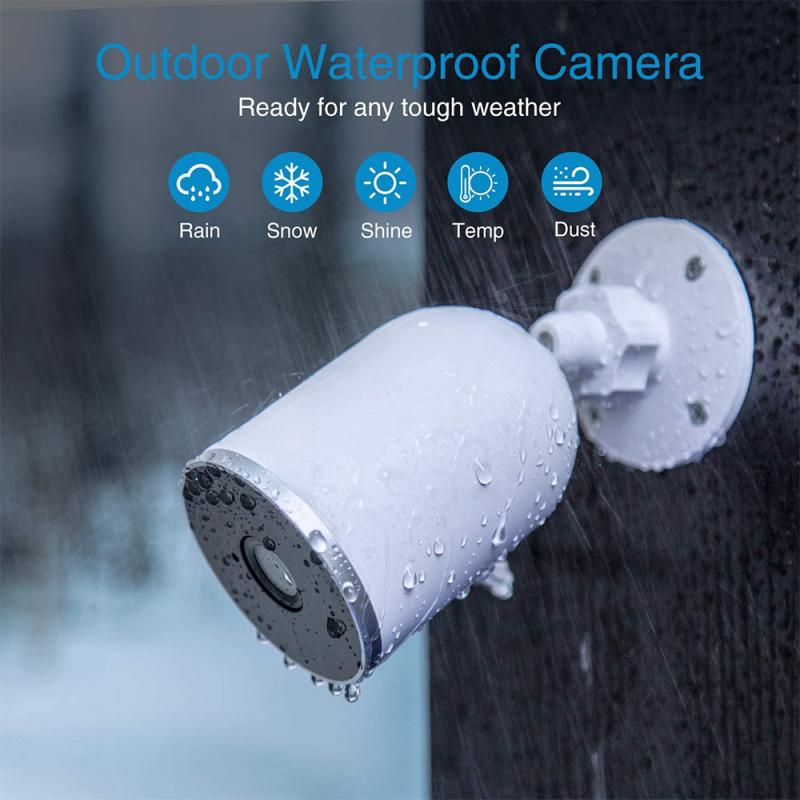
how to use mini camera hd video recorder 1

Before diving into the practical usage, it's crucial to familiarize yourself with the basic components and functionalities of your mini camera HD video recorder. Typically, these devices come with the following features:

1. Lens: The part of the camera that captures the image.

2. Microphone: For recording audio.

3. Memory Card Slot: Where you insert the memory card to store your recordings.

4. Battery Compartment: Houses the battery that powers the device.

5. Display Screen: Allows you to view what you are recording.

6. Control Buttons: For navigating the menu and controlling the camera functions.

Step-by-Step Guide to Using Your Mini Camera HD Video Recorder

how to use mini camera hd video recorder 2

1. Charge the Battery

Before using your mini camera, ensure that the battery is fully charged. This will prevent any interruptions during your recording sessions. Most mini cameras come with a USB cable for charging. Connect the camera to a power source using the USB cable and wait until the battery is fully charged.

2. Insert the Memory Card

A memory card is essential for storing your video recordings. Insert the memory card into the designated slot on your mini camera. Ensure that the card is properly seated to avoid any recording issues. It's advisable to use a high-capacity memory card, especially if you plan to record in high definition.

3. Power On the Camera

Once the battery is charged and the memory card is inserted, power on the camera. This is usually done by pressing and holding the power button for a few seconds. The display screen should light up, indicating that the camera is ready for use.

4. Set the Resolution and Frame Rate

To achieve the best video quality, set the resolution and frame rate according to your needs. Most mini cameras offer various resolution settings, such as 720p, 1080p, and even 4K. The frame rate options typically include 24fps, 30fps, and 60fps. Higher resolutions and frame rates provide better video quality but consume more storage space.

5. Adjust the Camera Settings

Navigate through the camera's menu to adjust other settings such as white balance, exposure, and audio levels. These settings can significantly impact the quality of your recordings. For instance, adjusting the white balance ensures that the colors in your video appear natural, while proper exposure settings prevent your footage from being too dark or too bright.

6. Mount the Camera

Depending on your recording needs, you may want to mount the camera on a tripod, helmet, or any other stable surface. This helps in capturing steady footage and allows you to focus on the action without worrying about holding the camera.

7. Start Recording

Once everything is set up, press the record button to start capturing your video. Keep an eye on the display screen to ensure that the camera is recording correctly. If your camera has a built-in microphone, make sure it is capturing audio clearly. You may need to adjust the microphone settings or use an external microphone for better audio quality.

8. Review and Save Your Footage

After recording, stop the camera and review your footage on the display screen. This allows you to check for any issues and re-record if necessary. Once satisfied, transfer the footage to your computer or other storage device for editing and sharing.

Tips for Getting the Best Results
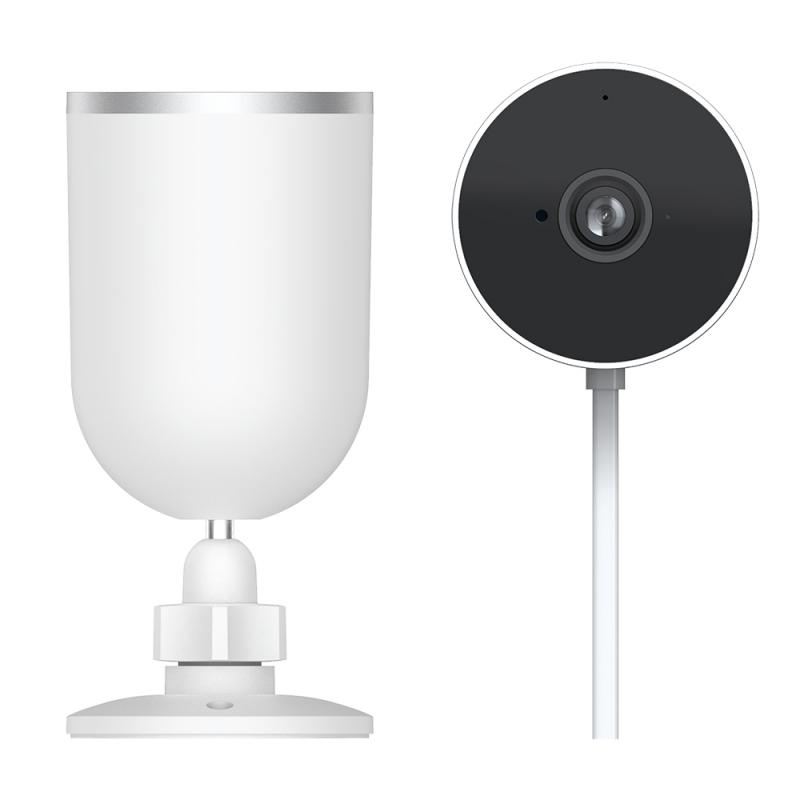
how to use mini camera hd video recorder 3

1. Lighting

Good lighting is crucial for high-quality video recordings. Ensure that your subject is well-lit, and avoid shooting in low-light conditions unless your camera is equipped with night vision or low-light capabilities.

2. Stability

Use a tripod or other stabilizing equipment to prevent shaky footage. If you're recording handheld, try to keep your movements smooth and steady.

3. Audio Quality

If your mini camera's built-in microphone doesn't provide satisfactory audio quality, consider using an external microphone. This is especially important for recording interviews or any situation where clear audio is essential.

4. Regular Maintenance

Keep your camera lens clean and free from dust or smudges. Regularly check the battery and memory card to ensure they are in good condition. Proper maintenance extends the life of your camera and ensures consistent performance.

Common Issues and Troubleshooting
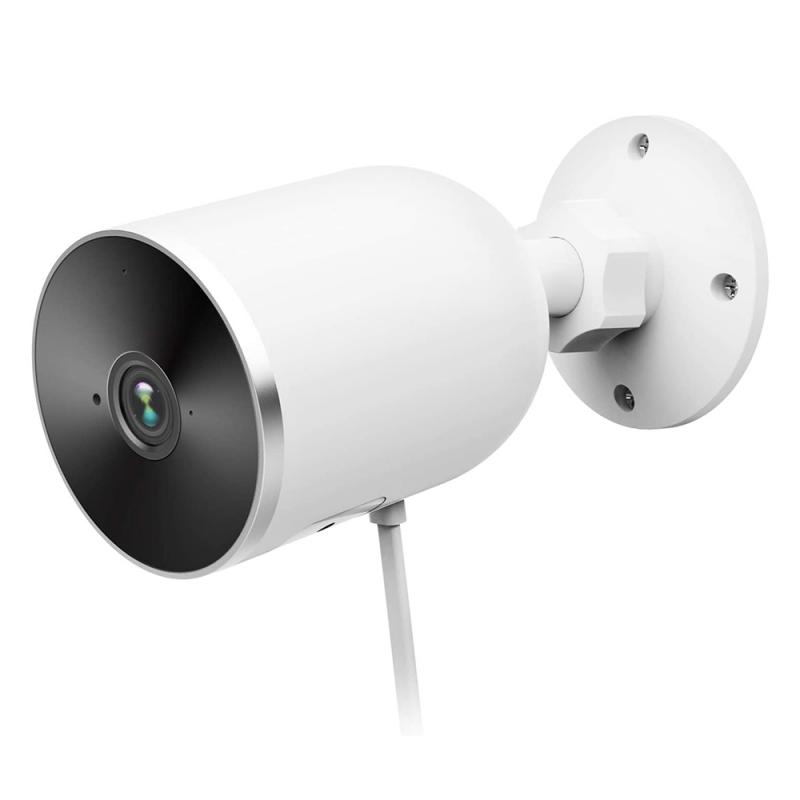
how to use mini camera hd video recorder 4

1. Blurry Footage

Blurry footage can result from improper focus or camera shake. Ensure that the camera is focused correctly and use a stabilizing device to prevent shake.

2. Audio Problems

If the audio is unclear or has background noise, check the microphone settings and consider using an external microphone. Ensure that the microphone is not obstructed and is positioned correctly.

3. Storage Issues

Running out of storage space can interrupt your recording. Always use a high-capacity memory card and regularly transfer your footage to a computer or external storage device.

4. Battery Life

If the battery drains quickly, ensure that it is fully charged before use. Carry a spare battery if you plan to record for extended periods.

Using a mini camera HD video recorder can be a rewarding experience, allowing you to capture high-quality videos with ease. By following the steps and tips outlined in this article, you can maximize the potential of your mini camera and produce professional-looking footage. Whether you're documenting personal moments, creating content for social media, or working on a professional project, a mini camera HD video recorder is a versatile tool that can help you achieve your goals. Happy recording!

Leave your comment
Cancel reply
Note: HTML is not translated!
Related products
Mini WiFi Camera, A9 1080P HD Wireless Home Security Camera, Small Indoor and Outdoor Video Recorder with Mobile Monitoring and Night Vision
177
$24.99
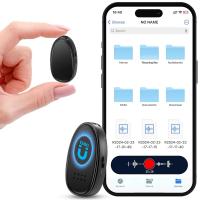
AI Voice Recorder Voice-to-Text & Transcription for Meetings, Calls, Interviews, 64G Kentfaith Mini & Magnetic
HOT Seller
AI Voice Recorder Voice-to-Text & Transcription for Meetings, Calls, Interviews, 64G Kentfaith Mini & Magnetic
26
$119.99 $69.99
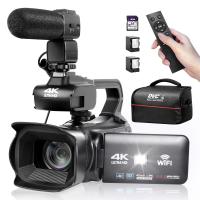
4K Video Camera Professional 60FPS UHD for Filmmaking, Movie & Photography, Video Recorder Camera with 18X Zoom, Digital Camera for Video Recording, 4.0" Flip Touchscreen, 64GB Card, Up To 6 Hours Work Time
TOP Best
4K Video Camera Professional 60FPS UHD for Filmmaking, Movie & Photography, Video Recorder Camera with 18X Zoom, Digital Camera for Video Recording, 4.0" Flip Touchscreen, 64GB Card, Up To 6 Hours Work Time
508
$404.99 $239.99
Mini Voice Recorder Magnetic & Voice-activated, 800H Recording with Noise Cancelling, Kentfaith Voice Recorder for Meetings, Lectures, Studying, Interviews 64G
TOP Best
Mini Voice Recorder Magnetic & Voice-activated, 800H Recording with Noise Cancelling, Kentfaith Voice Recorder for Meetings, Lectures, Studying, Interviews 64G
635
$68.99 $56.99
Mini Voice Recorder Magnetic & Voice-activated, 1600H Recording with Noise Cancelling, Kentfaith Voice Recorder for Meetings, Lectures, Studying, Interviews 128G
635
$82.49 $64.99
Mini Voice Recorder Voice-activated & Magnetic 64G 800 Hours Capacity Noise Cancelling
635
$57.49 $56.99
Mini Voice Recorder Voice-activated & Magnetic 128G 1600 Hours Capacity Noise Cancelling
635
$82.49 $64.99
128G Mini Digital Voice Recorder with Color Screen Bluetooth Call Record 3072kbps Kentfaith
HOT Seller
128G Mini Digital Voice Recorder with Color Screen Bluetooth Call Record 3072kbps Kentfaith
15
$119.99 $83.99
Mini Voice Recorder, Sound-activated & Magnetic, 128GB 1600H Capacity with AI Noise Cancelling Kentfaith
13
$94.99 $53.99
Mini Sound Recorder 128GB 1600H Recording Capacity with 1.4" Screen, Voice Activated Mode Kentfaith
NEW Arrival
Mini Sound Recorder 128GB 1600H Recording Capacity with 1.4" Screen, Voice Activated Mode Kentfaith
12
$99.99 $79.99
Products You May Like
78.75 Inch Aluminium Photography/Video Tripod Light Stand for Relfectors, Softboxes, Lights, Umbrellas, Backgrounds
55
$39.99
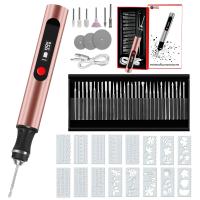
Cordless Engraving Pen with 3 Speeds, 57-in-1 Kit with 30 Bits, 16 Stencils, 6 Grinding Stones, 3 Cutting Wheels, for Rocks, Wood, Glass, etc. Kentfaith
$67.49 $53.99
58-82mm Step Up Ring Aviation-grade Aluminum Filter Adapter Ring 2-pack with a Cleaning Cloth
99
$6.99
62mm MCUV+CPL+ND1000+Adapter Ring Magnetic 4 in 1 Lens Filter Kit Waterproof Scratch-Resistant Anti-Reflection with Filter Pouch
51
$118.99 $94.99
72mm Kaleidoscope Filter Special Effects Filter with 3pcs Vacuum Cleaning Cloths Nano B Series
49
$37.99 $29.99
K&F CONCEPT Magnetic Quick Release Foldable Selfie Stick Compatible with Insta360 X5, 89cm/35inch Aluminum Alloy Extension Rod Invisible Pole, Adjustable Handle Grip with Safety Lock
80
$34.99
DJI Osmo Action 3 ND8&PL Filters with Single-sided Anti-reflection Green Film
21
$29.99 $17.99
Wireless USB Inspection Camera, Waterproof Endoscope Inspection Camera with 6 LED Lights, 3 in 1 HD Endoscope Camera, Suitable for PC, Laptop, Computer, Android
9
$17.99
Canon EOS EF EF-S Lens to CCTV Industrial Monitoring Series C Mouth Thread Camera Body K&F Concept Mount Adapter
34
$53.99 $29.99
Retro Camera Shoulder Straps, Adjustable Neck Strap Suitable for All Slr Cameras (Nikon Canon Sony Pentax) Classic Black Woven
1
$8.99
Related articles
How To Install Car Video Recorder?
How To Set Up Mini Wifi Camera?
How To Use Video Camera On Laptop?
How To Use Selfie Stick For Video?
What Is The Best Hd Camcorder To Buy?
How To Use A Nd Filter For Video?
How To Use Light Works For Video Editing?
How To Share Voice Recorder Files?
How To Install Secret Voice Recorder?
How Long Do Batteries Last In Smart Locks?
Blog You May Like
Which Smart Lock Works With Alexa?
Best Camera Bag That Can Carry Tripod?
How To View Feed From Spy Camera?
What's Inside My Camera Bag?
How To Put A Camera Lens On?
Picture Not Showing On Camcorder When Playing Back?
How To Watch Recorded Security Camera Footage?
How To Work A Telescope?
What Camera To Bring For Backpacking?
Can Bluetooth Headphones Connect To Xbox?
Related categories
On-Dash Camera mini camera tripod Outdoor Security Camera Wifi streaming video camera C mount lens adapter digital camera for beginner Video Shooting Tripods
Popular products
bike helmet with light wifi security cameras mini​ mini action camera wifi phone voice call recording 4K Camera For Streaming 4k digital camera for photography and video portable mp3 voice recorder mini sound recorder device mini magnetic voice recorder voice recorder battery life
Related searches
Hd Digital Video Camera Recorder Mini Audio Recorder Mini Voice Recorder Mini Hd Wifi Security Camera Dual Camera Video Recorder Great Hd Video Camera Mini Voice Activated Recorder Mini Digital Video Camera Good Camera And Video Recorder Multi Camera Car Video Recorder
Popular searches
Wireless Headphones For Iphone And Laptop 82mm Circular Polarizing Filter Rusan Adapter Leica Calonox Diopter Filter Vs Macro Lens Fuji To Canon Lens Adapter Insta360 Ace Pro 2 Filters Bird Feeder With Camera Identification Cctv Camera Without Wifi Connection Canon Eos 4000d Flash Adapter Outdoor Spy Camera With Audio And Night Vision
Blog Category
  • Activities
  • Guide
    • Filter Guide
    • Lens Adapter
    • Product Review
  • News & Reviews
    • Camera Reviews
    • Sample Gallery
    • News
  • Tutorials
    • Solar eclipse photography
    • Photography Basics
    • Landscape Photography
  • Inspiration
    • Travel
    • Travel Stories
Search Article
Latest from the Blog
Is the Sony A7M5 worth buying?
What Is Surveillance Camera Control System?
ND Filter: The Complete Guide to Neutral Density Filters for Photography and Video
How Much Storage For Security Camera?
What Is The Best Camera To Record Videos?
What Is Nd Filter On Video Camera?
What Does Tripod?
Camera That Can Wifi Photos To Phone?
Can Security Cameras Detect Motion Through Glass?
How Do Cellular Trail Cameras Work? – The Complete Guide for Hunters and Wildlife Enthusiasts
  • Easy Payment Multilple Payment Options

  • Free Shipping Global WareHouse Shipment

  • No Risk 30-Day No Reason Return

  • Limited Deals Buy More, Save More

  • Tax Free No any surcharges or tax fee

Information
  • About us
  • Contact Us
  • Site Map
  • Blog
  • Video
  • Gallery
  • VIP Membership Rewards
Service
  • Privacy Policy
  • Terms & Conditions
  • Shipping & Delivery
  • Payment Info
  • Warranty, Return & Refund
  • Intellectual Property Rights
  • Ambassador
  • Affiliates
  • Wholesale
Support
  • My account
  • Order History
  • FAQs
  • Extend Warranty
  • Logistics Tracking
Follow us
NewsLetter

Get the latest product, K&F Concept respects your privacy.

Powered By KENTFAITH © 2026