kfconcept

KENTFAITH
K&F Concept    Blog >

Enjoy Your Selected Digital Life

Recently Viewed
  • Recently Viewed
  • 40.5mm Variable ND Filter (1-5 Stop)  and CPL Filter 2 in 1 for Camera Filter Lens Nano-Klear Series
    40.5mm Variable ND Filter (1-5 Stop) and CPL Filter 2 in 1 for Camera Filter Lens Nano-Klear Series
    $46.99 $37.49
Compare (0) 0
  • Compare
  • You have not chosen any products to compare.

  • Compare
Currency: USD
  • Currency
Shop by Scene Shop by Rank

Log Into Your Account

Account

Order History

Wish List

Login

Forgotten Password?

Or connect with

Register Account

Already have an Account?Log In

  • Shopping Cart
  • Your shopping cart is empty!

  • Register/Login to purchase, earn points
  • Favorite
  • Your wish list is empty.

  • Register/Login to like, earn points
  • Activities
  • Guide
    • Filter Guide
    • Lens Adapter
    • Product Review
  • News & Reviews
    • Camera Reviews
    • Sample Gallery
    • News
  • Tutorials
    • Solar eclipse photography
    • Photography Basics
    • Landscape Photography
  • Inspiration
    • Travel
    • Travel Stories
  • Home
  • Blog
  • How To Test The Microphone?

How To Test The Microphone?

Kentfaith 2024-08-26 02:22:20 0 Comments

Testing a microphone is a crucial step to ensure that it functions correctly, whether you're preparing for a podcast, a live performance, or a virtual meeting. A malfunctioning microphone can lead to poor audio quality, miscommunication, and a generally unprofessional experience. This article will guide you through the various methods and tools available to test your microphone effectively. We will cover both hardware and software aspects, as well as troubleshooting common issues.

Understanding the Basics
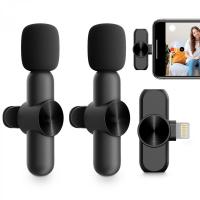
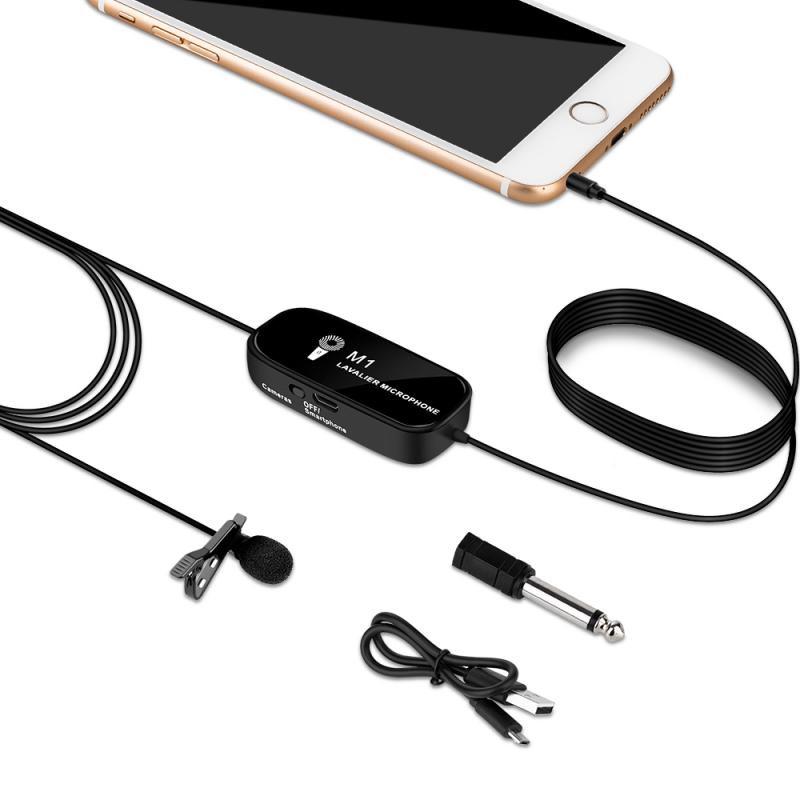
how to test the microphone 1

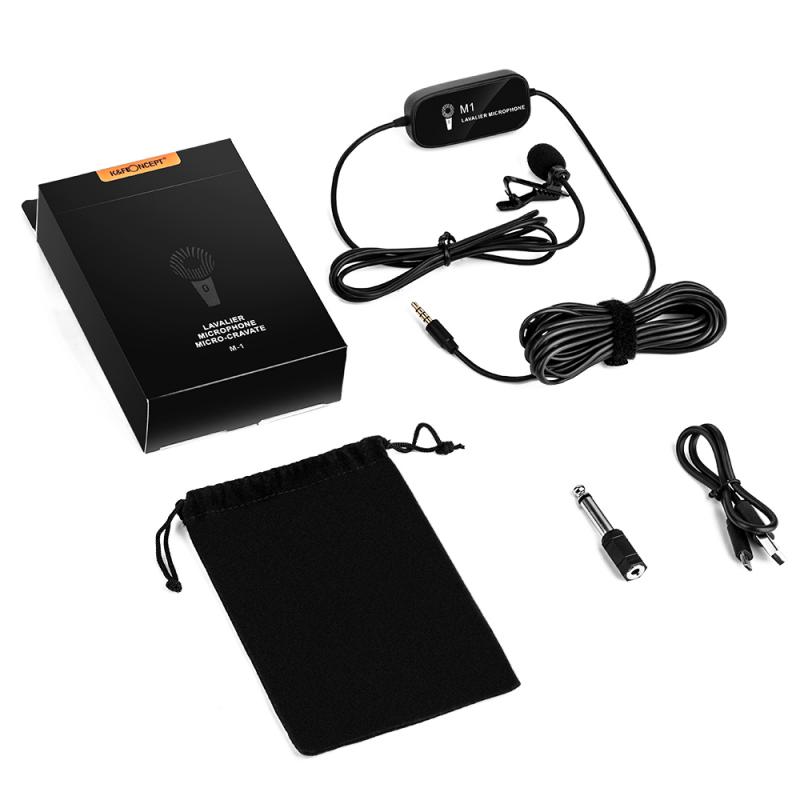
Before diving into the testing process, it's essential to understand the basic components of a microphone setup. Typically, a microphone system includes the microphone itself, a cable, an audio interface or mixer, and the recording or broadcasting software. Each of these components can affect the overall performance, so it's crucial to test them individually and collectively.

Step-by-Step Guide to Testing Your Microphone
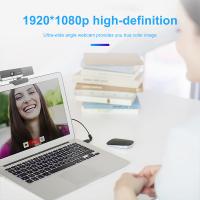
how to test the microphone 2

1. Visual Inspection

Start with a visual inspection of your microphone and its components. Check for any visible damage to the microphone, cable, and connectors. Ensure that all connections are secure and that there are no frayed wires or loose parts.

2. Initial Hardware Test

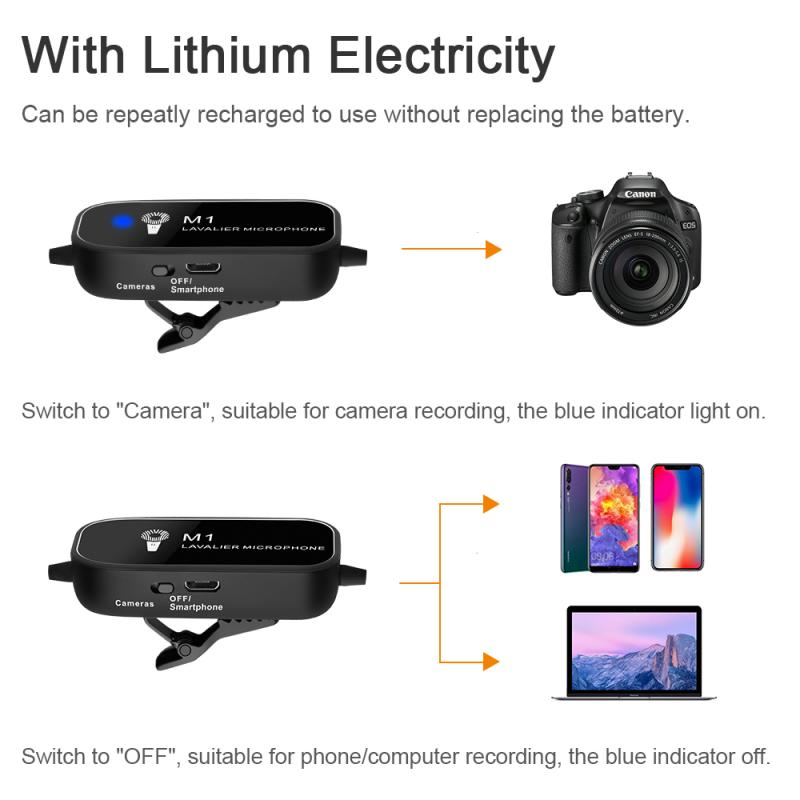
Plug your microphone into the audio interface or mixer and ensure that it is receiving power if it requires phantom power (usually 48V for condenser microphones). Most audio interfaces and mixers have an LED indicator to show that the microphone is receiving power.

3. Basic Sound Check

Perform a basic sound check by speaking or singing into the microphone. Listen through headphones connected to the audio interface or mixer. Adjust the gain and volume levels to ensure that the sound is clear and free from distortion. If you hear any crackling or popping sounds, it may indicate a problem with the cable or connectors.

4. Software Configuration

Open your recording or broadcasting software and ensure that the microphone is selected as the input device. Most software will have an audio settings menu where you can choose the input source. Test the microphone by recording a short audio clip and playing it back. Listen for any issues such as low volume, distortion, or background noise.

Advanced Testing Methods
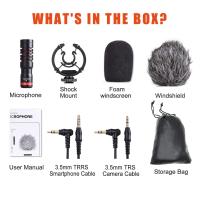
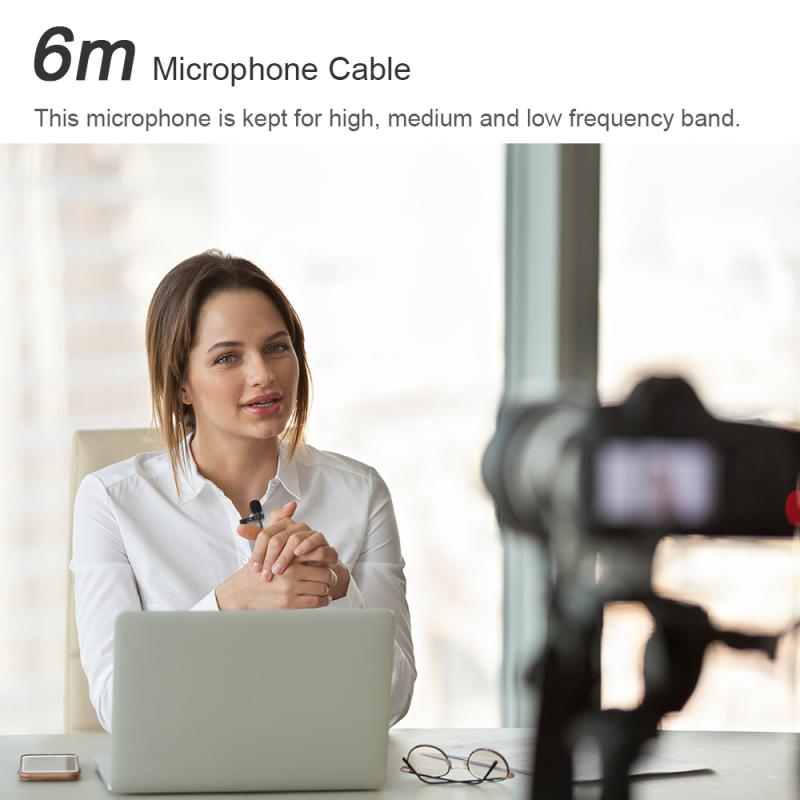
how to test the microphone 3

1. Frequency Response Test

A frequency response test helps you understand how your microphone captures different frequencies. Use a frequency response testing tool or software to generate a range of frequencies and record them through your microphone. Analyze the recording to see if the microphone captures all frequencies accurately. This test is particularly useful for professional audio applications where sound quality is paramount.

2. Polar Pattern Test

Microphones have different polar patterns, such as cardioid, omnidirectional, and bidirectional, which affect how they pick up sound from different directions. Test the polar pattern by speaking or making noise from various angles around the microphone. Ensure that the microphone captures sound according to its specified polar pattern.

3. Latency Test

Latency is the delay between speaking into the microphone and hearing the sound through the headphones or speakers. High latency can be problematic, especially for live performances or real-time communication. Use latency testing software to measure the delay and adjust your audio interface or software settings to minimize it.

Troubleshooting Common Issues
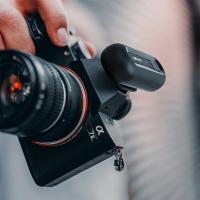
how to test the microphone 4

1. No Sound

If you don't hear any sound from the microphone, check the following:

- Ensure that the microphone is properly connected to the audio interface or mixer.

- Verify that the microphone is selected as the input device in your software.

- Check if the microphone requires phantom power and ensure it is turned on.

- Test the microphone with a different cable or audio interface to rule out hardware issues.

2. Low Volume

If the microphone volume is too low, try these steps:

- Increase the gain on your audio interface or mixer.

- Check the input volume settings in your recording or broadcasting software.

- Ensure that the microphone is positioned correctly and that you are speaking directly into it.

- Test the microphone with a different preamp or audio interface to see if the issue persists.

3. Distortion

Distortion can occur if the microphone signal is too strong. To fix this:

- Lower the gain on your audio interface or mixer.

- Move the microphone further away from the sound source.

- Use a pop filter to reduce plosive sounds that can cause distortion.

4. Background Noise

Background noise can be a significant issue, especially in noisy environments. To reduce background noise:

- Use a noise gate or noise reduction software.

- Position the microphone closer to the sound source.

- Use a directional microphone with a cardioid or hypercardioid polar pattern to minimize background noise.

Testing your microphone is an essential step to ensure high-quality audio for any application. By following the steps outlined in this article, you can identify and resolve common issues, ensuring that your microphone performs at its best. Whether you're a podcaster, musician, or virtual meeting participant, a well-tested microphone can make a significant difference in your audio quality and overall experience.

Remember, the key to effective microphone testing is a systematic approach. Start with a visual inspection, perform basic hardware and software tests, and then move on to advanced testing methods if necessary. By doing so, you can ensure that your microphone is ready for any recording or broadcasting task.

Leave your comment
Cancel reply
Note: HTML is not translated!
Related products
Variable ND2-32 Filter Compatible with DJI Osmo Action 5 Pro/Osmo Action 4/Osmo Action 3, Snap-on Installation, no need to remove the original filter
$24.99
Variable ND32-512 Filter Compatible with DJI Osmo Action 5 Pro//Osmo Action 4/Osmo Action 3, Snap-on Installation, no need to remove the original filter
$24.99
K&F Concept 11 Inch Selfie Ring Light Set with Tripod Stand Cell Phone Holder 3 Light Modes Smartphone Ring Light (Shipping to the US and EU countries)
10
$39.99 $29.99
Variable ND2-32 & ND32-512 Filter Kit Compatible with DJI Osmo Action 5 Pro/Osmo Action 4/Osmo Action 3, Snap-on Installation, no need to remove the original filter
$44.99
K3 One Drag Two Wireless Lavalier Microphone for iPhone 14 pro, 2.4G Noise Reduction, Plug and Play Wireless Lavalier Microphone for YouTube TikTok
33
$37.19 $31.99
Wireless Earbuds Bluetooth Headphones TWS Waterproof with Microphone
66
$31.99
ND2-32 & PL & Black Mist 1/4 Filter Kit Compatible with DJI Osmo Action 5 Pro/Osmo Action 4/Osmo Action 3, Snap-on Installation, no need to remove the original filter
$49.99
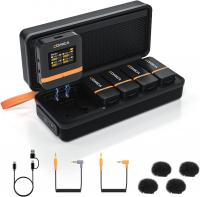
Wireless Lavalier Microphone System with 4 Transmitters and 1 Receiver
$434.99 $304.99
DJI Mic 2, Wireless Lavalier Microphone, Noise Cancelling, 48kHz 32-bit Float Internal Recording, 820 ft.(250m) Range, 18H Battery with Charging Case, Microphone for Camera/Phone, Vlog, Streaming
$704.99 $493.99
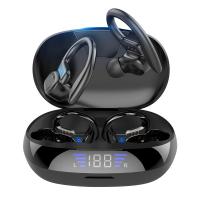
TWS Bluetooth Headset With Microphone Sports Ear Hook LED Display Earbuds
211
$29.99
Products You May Like
K&F Concept-301 16MP 1080P HD Trail Camera 0.4s Trigger Outdoor Waterproof Hunting Infrared Night Vision Mini Camera, 4PCS
5
$210.99
37mm ND2-ND400 (9 Stops) Variable ND Filter Neutral Density Filter for Camera Lens Ultra-Slim, Multi Coated Nano-Klear
62
$23.99 $21.99
62mm CPL & ND 2-32 Lens Filter in Brass Filter Ring, 36-layer-Coated Ultra-thin High-Definition Optical Glass, Waterproof and Anti-Scratch Anti-Reflection Nano-Xcel Pro Series
21
$187.99 $149.99
4K 30MP Tracking Camera WiFi Gaming Camera 0.2 Seconds Trigger Clear Night Vision
1
$113.99
77mm 2 in 1 ND32 (5 Stop) and CPL Lens Filters, Multi-coated Waterproof Anti-Reflection Nano-X Japan Optical Glass
$60.99 $39.99
Waterproof Trail Camera
10
$162.99 $106.99
49mm Lens Filter Black Mist 1/8 & Variable ND2-32 2 in 1 Filter Cinematic Effect Neutral Density Filter with 18 Multi-Layer Coatings - Nano-Klear Series
24
$53.99 $33.99
62mm Circular Polarizer Filter with Lens Cap Optical Glass Ultra Slim 18 Multi-Layer Coatings Polarizing Filter for Camera Lens Nano-Klear Series
43
$28.99 $14.99
1296P 24MP Wildlife Camera, Trail Camera with 120°Wide-Angle Motion Latest Sensor View 0.2s Trigger Time IP66 Waterproof + 64G memory card|white rock
$78.99
62mm Black Diffusion Mist Effect 1/4 & Variable ND2-32(1-5 Stops) & Circular Polarizing Filter CPL 3 in 1 Lens Filter with 18 Multi-Coatings Nano-Klear Series
$59.99 $40.79
Related articles
How To Test Webcam Windows 7?
Where To Take Drone Test?
How To Test Sd Card Speed On Android?
What Is The Green Microphone On Android?
Can You Turn The Microphone Off On Iphone?
Where Is The Microphone On Ring Spotlight Camera?
Where Is The Microphone On Iphone 8 Plus?
How To Use Condenser Microphone?
Bluetooth Microphone How To Use?
What Does Saturn Look Like Through A Telescope?
Blog You May Like
What Is The Largest Sd Card For Switch?
How To Find Voice Recordings On Whatsapp?
Will Sound Play When Screen Record?
How To Change Light Settings On Ring Camera?
How To Make A Baby Monitor With Iphone?
How To Connect Selfie Stick Shutter?
Which Camera Filter Is Best?
What Does A Ring Light Look Like?
What Size Nd Filter For Sony A6000?
How To Get Good Lighting With Ring Light?
Related categories
flash the camera streaming video camera C mount lens adapter m4/3 adapter CPL polarizer filter
Popular products
cam trail camera the quarry trail camera the hunting public trail camera best battery powered camera nd filter for dji osmo action selfie ring light youtube horizontal tripod for phone mic bluetooth wireless microphone uhf wireless microphone system good microphone for interviews
Related searches
Over The Ear Usb Headset With Microphone Commlite Adapter Nikon Test Nikon Ft1 Adapter Test Nikon M42 Adapter Test Microphone To Camera Filter Lens To See The Sun Adapt To The Same Lens Mount Lens Rentals Uv Filter Test Blue Light Filter Lens Test Canon Eos M Adapter Test
Popular searches
Professional Camera Backpacks Pixco Tilt Lens Adapter Vivitar Nikon Mount Designation Moment Lens To 37mm Adapter Type Of Lens Mount On Panasonic Gh5 Sigma Sd Quattro Lens Mount Circular Polarizer Lens Filter For Nikon 18-55mm Canon Lp E6 Battery K&f Magnetic Lens Cap
Blog Category
  • Activities
  • Guide
    • Filter Guide
    • Lens Adapter
    • Product Review
  • News & Reviews
    • Camera Reviews
    • Sample Gallery
    • News
  • Tutorials
    • Solar eclipse photography
    • Photography Basics
    • Landscape Photography
  • Inspiration
    • Travel
    • Travel Stories
Search Article
Latest from the Blog
What Tripod To Buy?
What Does Tripod?
How Big A Memory Card For Camera?
Camera That Can Wifi Photos To Phone?
Can Security Cameras Detect Motion Through Glass?
What is A Variable ND Filter? The Complete Guide to Mastering Exposure Control
Can I Charge Camera Battery With Power Bank?
How To Make A Camera Flash After Effects?
How To Stream Live From Surveillance Camera?
Where Can I Find Hidden Cameras?
  • Easy Payment Multilple Payment Options

  • Free Shipping Global WareHouse Shipment

  • No Risk 30-Day No Reason Return

  • Limited Deals Buy More, Save More

  • Tax Free No any surcharges or tax fee

Information
  • About us
  • Contact Us
  • Site Map
  • Blog
  • Video
  • Gallery
  • VIP Membership Rewards
Service
  • Privacy Policy
  • Terms & Conditions
  • Shipping & Delivery
  • Payment Info
  • Warranty, Return & Refund
  • Intellectual Property Rights
  • Ambassador
  • Affiliates
  • Wholesale
Support
  • My account
  • Order History
  • FAQs
  • Extend Warranty
  • Logistics Tracking
Follow us
NewsLetter

Get the latest product, K&F Concept respects your privacy.
Powered By KENTFAITH © 2025