kfconcept

KENTFAITH
K&F Concept    Blog >

Enjoy Your Selected Digital Life

Recently Viewed
  • Recently Viewed
  • 72mm Shimmer Diffusion 1 Filter Effect Filter Optical Glass 18 Multi-Coated Glimmer Glass Effect Filter for Camera Lens Nano-Klear Series
    72mm Shimmer Diffusion 1 Filter Effect Filter Optical Glass 18 Multi-Coated Glimmer Glass Effect Filter for Camera Lens Nano-Klear Series
    $37.99 $26.99
Compare (0) 0
  • Compare
  • You have not chosen any products to compare.

  • Compare
Currency: USD
  • Currency
Shop by Scene Shop by Rank

Log Into Your Account

Account

Order History

Wish List

Login

Forgotten Password?

Or connect with

Register Account

Already have an Account?Log In

  • Shopping Cart
  • Your shopping cart is empty!

  • Register/Login to purchase, earn points
  • Favorite
  • Your wish list is empty.

  • Register/Login to like, earn points
  • Activities
  • Guide
    • Filter Guide
    • Lens Adapter
    • Product Review
  • News & Reviews
    • Camera Reviews
    • Sample Gallery
    • News
  • Tutorials
    • Solar eclipse photography
    • Photography Basics
    • Landscape Photography
  • Inspiration
    • Travel
    • Travel Stories
  • Home
  • Blog
  • How To Sound Good When Recording Your Voice?

How To Sound Good When Recording Your Voice?

Kentfaith 2024-08-20 01:04:56 0 Comments

Recording your voice to sound good is an art that combines technical know-how with vocal techniques. Whether you're a podcaster, a singer, a voice-over artist, or someone who just wants to sound better in video calls, understanding how to optimize your voice recording can make a significant difference. In this article, we will delve into various aspects of voice recording, from the technical setup to vocal techniques, and provide practical tips to help you achieve a professional sound.

Understanding the Basics of Voice Recording
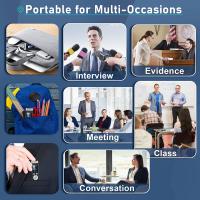
how to sound good when recording your voice 1

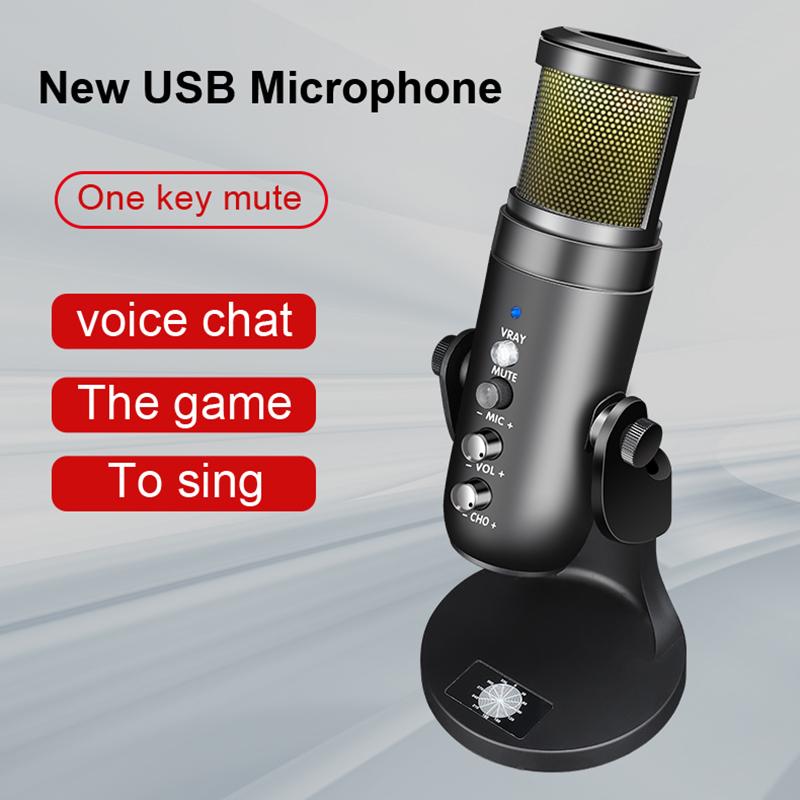
Before diving into the specifics, it's essential to understand the basic components of voice recording. These include the microphone, recording environment, and software. Each of these elements plays a crucial role in determining the quality of your recording.

Microphone Selection
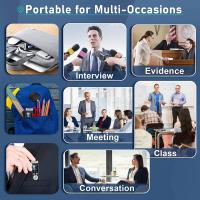
how to sound good when recording your voice 2

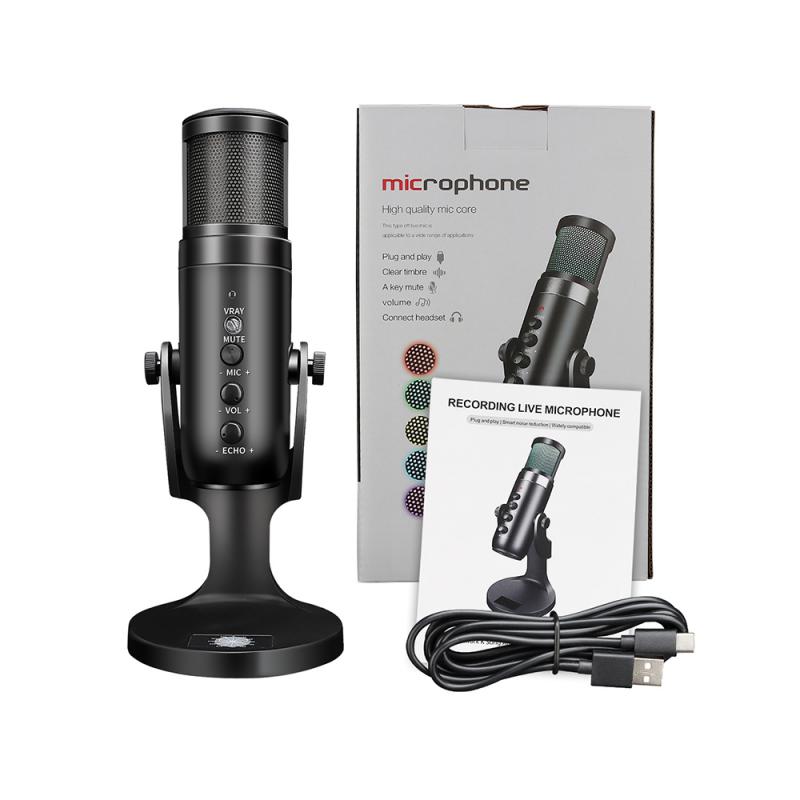
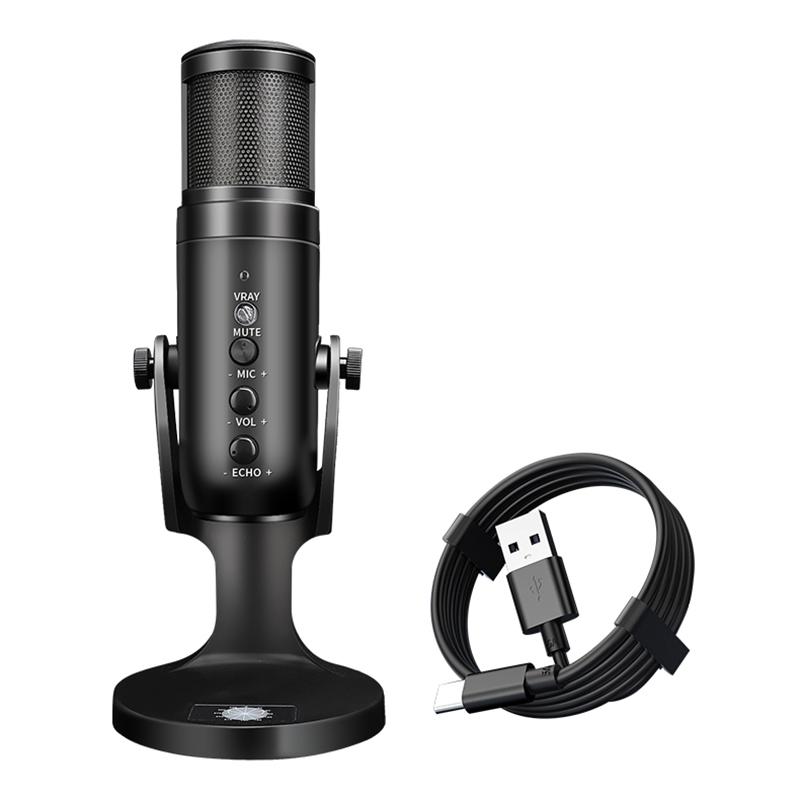
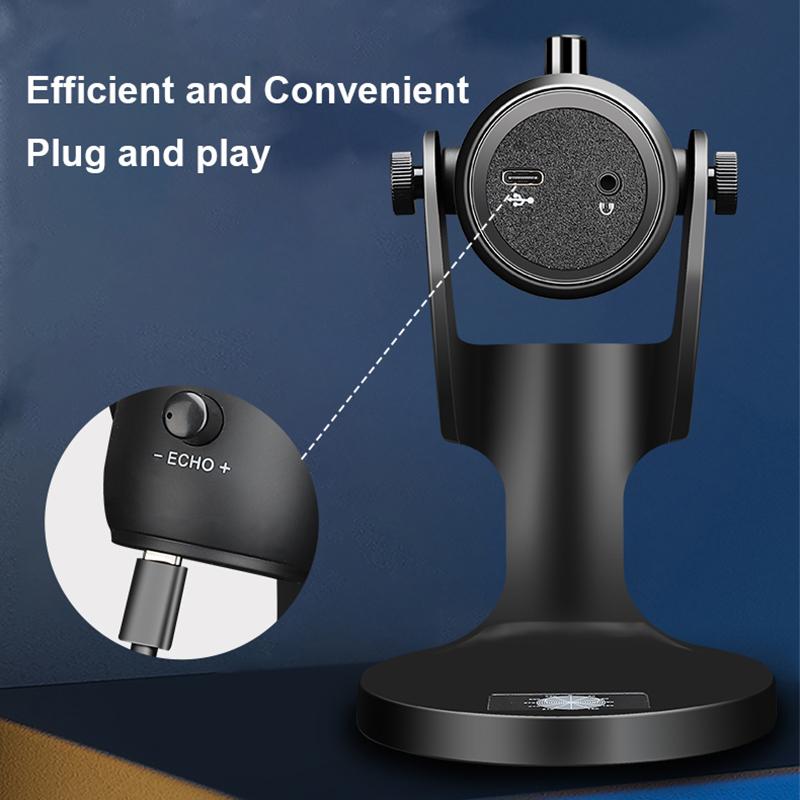
The type of microphone you use can significantly impact the quality of your recording. There are several types of microphones, but the most commonly used for voice recording are dynamic and condenser microphones.

- Dynamic Microphones: These are durable and can handle high sound pressure levels, making them ideal for live performances. However, they may not capture the full range of vocal nuances.

- Condenser Microphones: These are more sensitive and can capture a broader range of frequencies, making them ideal for studio recordings. They require a power source, usually provided by phantom power from an audio interface.

When choosing a microphone, consider your budget, the recording environment, and the type of voice work you will be doing.

Recording Environment
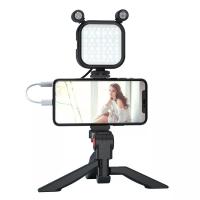
how to sound good when recording your voice 3

The environment in which you record can greatly affect the sound quality. Ideally, you want a quiet space with minimal background noise and good acoustics. Here are some tips to optimize your recording environment:

- Soundproofing: Use foam panels, heavy curtains, or even blankets to reduce external noise and echoes.

- Positioning: Place your microphone away from walls and other reflective surfaces to minimize sound reflections.

- Background Noise: Turn off any noisy appliances and close windows to reduce external noise.

Recording Software
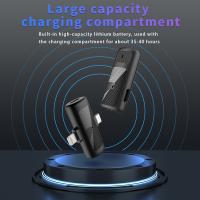
how to sound good when recording your voice 4

The software you use to record and edit your voice is also crucial. Digital Audio Workstations (DAWs) like Audacity, Adobe Audition, and GarageBand offer various features to enhance your recordings. Familiarize yourself with the basic functions of your chosen software, such as recording, editing, and applying effects.

Vocal Techniques for Better Recordings

Once you have your technical setup in place, the next step is to focus on your vocal performance. Here are some techniques to help you sound your best:

Warm-Up Exercises

Just like any other muscle, your vocal cords need to be warmed up before use. Simple exercises like humming, lip trills, and scales can help prepare your voice for recording.

Proper Breathing

Breathing from your diaphragm rather than your chest can provide better control and support for your voice. Practice deep breathing exercises to improve your breath control.

Posture

Good posture can significantly impact your vocal performance. Stand or sit up straight with your shoulders relaxed. This allows for better airflow and reduces strain on your vocal cords.

Articulation

Clear articulation is essential for a professional-sounding recording. Practice enunciating your words clearly and avoid mumbling. Tongue twisters can be a fun way to improve your articulation.

Technical Tips for High-Quality Recordings

Even with the best vocal techniques, technical issues can still affect your recording quality. Here are some tips to ensure your recordings sound professional:

Microphone Technique

- Distance: Maintain a consistent distance from the microphone, usually about 6-12 inches. Too close, and you risk distortion; too far, and your voice may sound thin.

- Angle: Position the microphone slightly off-axis to reduce plosive sounds (like "p" and "b" sounds) that can cause distortion.

- Pop Filter: Use a pop filter to minimize plosive sounds and protect your microphone from moisture.

Gain Staging

Proper gain staging ensures that your recording levels are neither too low nor too high. Aim for a recording level that peaks around -6dB to -3dB. This provides enough headroom to avoid clipping while maintaining a good signal-to-noise ratio.

Monitoring

Use headphones to monitor your recording in real-time. This allows you to catch any issues immediately and make adjustments as needed.

Post-Production Tips

Once you've recorded your voice, the next step is post-production. This involves editing and applying effects to enhance your recording.

Editing

- Noise Reduction: Use noise reduction tools to remove background noise.

- Cutting and Splicing: Edit out any mistakes, long pauses, or unwanted sounds.

- Fades: Apply fade-ins and fade-outs to create smooth transitions.

Equalization (EQ)

EQ allows you to adjust the frequency balance of your recording. Here are some general tips for EQing vocals:

- Low Cut: Apply a low-cut filter to remove any rumble or low-frequency noise.

- Midrange: Boost the midrange frequencies (around 1-3 kHz) to enhance clarity.

- Highs: Add a slight boost to the high frequencies (around 10-12 kHz) for added brightness.

Compression

Compression helps to even out the dynamic range of your recording, making the quiet parts louder and the loud parts quieter. This results in a more consistent and polished sound.

Reverb and Delay

Adding a touch of reverb or delay can give your voice a sense of space and depth. Be careful not to overdo it, as too much can make your recording sound muddy.

Practical Applications

Understanding how to sound good when recording your voice has practical applications in various fields:

- Podcasting: Clear and professional-sounding audio can make your podcast more enjoyable for listeners.

- Voice-Overs: High-quality recordings are essential for voice-over work in commercials, films, and animations.

- Singing: Proper recording techniques can capture the full range and emotion of your singing voice.

- Video Calls: Good audio quality can enhance your presence and professionalism in virtual meetings.

Sounding good when recording your voice involves a combination of technical setup, vocal techniques, and post-production skills. By selecting the right microphone, optimizing your recording environment, and using proper vocal techniques, you can significantly improve the quality of your recordings. Additionally, understanding how to edit and apply effects in post-production can take your recordings to the next level. Whether you're a podcaster, singer, voice-over artist, or just someone who wants to sound better in video calls, these tips will help you achieve a professional sound.

Leave your comment
Cancel reply
Note: HTML is not translated!
Related products
Mini Sound Recorder 128GB 1600H Recording Capacity with 1.4" Screen, Voice Activated Mode Kentfaith
12
$99.99 $79.99
Mini Voice Recorder, Sound-activated & Magnetic, 128GB 1600H Capacity with AI Noise Cancelling Kentfaith
13
$94.99 $53.99
Digital Voice Recorder with Ultra-long 1000H Continuous Recording, Voice-Activated & Magnetic 128G
11
$134.99 $89.99
128G Small Digital Voice Recorder with Ultra-long 1000H Continuous Recording, Voice-Activated & Magnetic, Kentfaith
17
$118.74 $94.99
Mini Voice Recorder Magnetic & Voice-activated, 800H Recording with Noise Cancelling, Kentfaith Voice Recorder for Meetings, Lectures, Studying, Interviews 64G
621
$68.99 $49.99
Mini Voice Recorder Magnetic & Voice-activated, 1600H Recording with Noise Cancelling, Kentfaith Voice Recorder for Meetings, Lectures, Studying, Interviews 128G
621
$82.49 $53.99
AI Voice Recorder, Transcribe Summarize Translation, App Control, 40H Recording Time, 64GB Memory, Kentfaith
21
$137.49 $109.99
128G Small Digital Voice Recorder with Ultra-long 1536H Recording, Voice-Activated & DSP Noise Reduction, Conference/Lecture/Classroom Learning, Keychain Portable Gifts, Kentfaith
18
$106.24 $84.99
AI Voice Recorder Voice-to-Text & Transcription for Meetings, Calls, Interviews, 64G Kentfaith Mini & Magnetic
26
$119.99 $69.99
Children’s Entry-Level Metal Detector, High Sensitivity, With LCD Display and Sound Indication, Suitable for Beginners
144
$64.49 $50.99
Products You May Like
20x50 High Power Low Light Night Vision Adult Binoculars, BAK4 Prism, FMC Multi-Coated Lenses, Suitable for Outdoor Camping, Hunting, Travel, Concert, Bird Watching
$47.99 $35.99
40.5mm CPL Filter Circular Polarizer Filter with Lens Cap Optical Glass Ultra Slim 18 Multi-Layer for Camera Lens Nano-Klear Series
$21.99
43mm ND2-ND400 (9 Stops) Variable ND Filter Neutral Density Adjustable Filter for Canon Nikon DSLR Cameras + Lens Cleaning Cloth
88
$32.99 $25.99
Mini Voice Recorder, Sound-activated & Magnetic, 128 GB 1600H Capacity with AI Noise Cancelling Kentfaith
$94.99 $75.99
NP-F970 Battery 10500mAh Battery with 20W PD Two-Way Fast Charge for Sony NP-F970/960/950/930 NP-F570 NP-F550 NP-F530 NP-F530 NP-F330, CCD-SC55, TR516,TR716,TR818,TR910,TR917
6
$71.99 $56.99
Hanging Trail Cameras High
10
$162.99 $106.99
Pro8s Bluetooth Earphones Ture Wireless Sports Headset 24H Cyclic Playtime Headphones with Type C Charging Case and mic, in-Ear Stereo Earphones Headset Black
$26.00
58mm Star Filters 3pcs Set 4+6+8 Points Cross Screen Starburst Filter Special Effect Camera Lens Filter 18 Layer Coating with 3 Cleaning Cloth
58
$32.99 $26.99
82mm Circular Polarizer Lens Filter with Filter Cap Optical Glass Ultra Slim Polarizing CPL Filter with 24 Multi-Layer Coatings for Camera Lenses Nano-Dazzle Series
50
$70.99 $36.99
52mm CPL Filter 28 Layer Super Slim Circular Polarizing Filter Multi-coated Polarized MRC Filter Nano-Xcel Series
64
$47.99 $35.99
Related articles
How To Make Your Recording Sound Clear?
Voice Sounds Bad When Recording Music?
How To Have A Clear Voice When Recording?
How To Have Your Voice In Screen Recording?
How To Get Your Voice On Screen Recording?
How To Change Your Voice On Screen Recording?
How Good Is My Sound Card For Recording?
Sound Not Working When Screen Recording?
No Sound When Recording On Instagram?
Can You Mount Sigma Lenses On Canon Cameras?
Blog You May Like
How Long Memory Card Last?
Karate Kids: Legends,Kentfaith Co-promotes with Sony
How To Add Filters In Iphone Camera?
How Does A Dash Camera Get Power?
How To Record Phone Calls With Voice Recorder?
What Is Monocular Camera?
How To Make A Trail Camera Mount?
How To Install Security Cameras Front Of House?
Sony Video Camera Can You Charge The Battery?
How To Flip Your Webcam Camera ?
Related categories
C mount lens adapter m4/3 adapter A Mount Lens Adapter Lens Filters for DJI Osmo Pocket 3 Sony E Mount Body trail camera with screen special effect lens filter
Popular products
digital voice recorder with usb digital voice recording smart digital voice recorder small voice activated audio recorder mini sound recorder device mini magnetic voice recorder ai voice recorder device small hidden audio recorder good trail camera good inexpensive trail cameras
Related searches
Voice Recording Microphone Voice Activated Sound Recorder Microphone For Sound Recording Hidden Cameras With Sound Recording Usb Microphone For Voice Recording Digital Camera Good For Video Recording Good Camera To Make Videos Tripod For Your Phone Good Telescope Cheap Security Cameras That Connect To Your Phone
Popular searches
1 Security Camera Nikon Z Mount Vs Canon Rf Mount Best 52mm Lens Filter For Cinematic Videography Clip On Camera Lens For Phone Fotodios Nikon G Adapter Solar Lens Filter For Tamron 150-600 Dmw Blk22 Charger 10x42 Binoculars For Bird Watching Best Webcam Camera Om To Leica M Adapter Rangefinder Coupling
Blog Category
  • Activities
  • Guide
    • Filter Guide
    • Lens Adapter
    • Product Review
  • News & Reviews
    • Camera Reviews
    • Sample Gallery
    • News
  • Tutorials
    • Solar eclipse photography
    • Photography Basics
    • Landscape Photography
  • Inspiration
    • Travel
    • Travel Stories
Search Article
Latest from the Blog
How Do Metal Detectors Work? A Complete Guide for Beginners and Pros
What Is The Difference Between Binoculars And Telescope?
Where Can I Find Hidden Cameras?
What Is Nd Filter On Video Camera?
Camera That Can Wifi Photos To Phone?
How To Wear Monocular?
Black Friday 2025 Special at Kentfaith
What is A Variable ND Filter? The Complete Guide to Mastering Exposure Control
What Tripod To Buy?
ND Filter: The Complete Guide to Neutral Density Filters for Photography and Video
  • Easy Payment Multilple Payment Options

  • Free Shipping Global WareHouse Shipment

  • No Risk 30-Day No Reason Return

  • Limited Deals Buy More, Save More

  • Tax Free No any surcharges or tax fee

Information
  • About us
  • Contact Us
  • Site Map
  • Blog
  • Video
  • Gallery
  • VIP Membership Rewards
Service
  • Privacy Policy
  • Terms & Conditions
  • Shipping & Delivery
  • Payment Info
  • Warranty, Return & Refund
  • Intellectual Property Rights
  • Ambassador
  • Affiliates
  • Wholesale
Support
  • My account
  • Order History
  • FAQs
  • Extend Warranty
  • Logistics Tracking
Follow us
NewsLetter

Get the latest product, K&F Concept respects your privacy.

Powered By KENTFAITH © 2025