kfconcept

KENTFAITH
K&F Concept    Blog >

Enjoy Your Selected Digital Life

Recently Viewed
  • Recently Viewed
  • K&F Concept-301 16MP 1080P HD Wildlife Camera 0.4s Trigger Outdoor Waterproof Hunting Infrared Night Vision Mini Camera
    K&F Concept-301 16MP 1080P HD Wildlife Camera 0.4s Trigger Outdoor Waterproof Hunting Infrared Night Vision Mini Camera
    $55.99
Compare (0) 0
  • Compare
  • You have not chosen any products to compare.

  • Compare
Currency: USD
  • Currency
Shop by Scene Shop by Rank

Log Into Your Account

Account

Order History

Wish List

Login

Forgotten Password?

Or connect with

Register Account

Already have an Account?Log In

  • Shopping Cart
  • Your shopping cart is empty!

  • Register/Login to purchase, earn points
  • Favorite
  • Your wish list is empty.

  • Register/Login to like, earn points
  • Activities
  • Guide
    • Filter Guide
    • Lens Adapter
    • Product Review
  • News & Reviews
    • Camera Reviews
    • Sample Gallery
    • News
  • Tutorials
    • Solar eclipse photography
    • Photography Basics
    • Landscape Photography
  • Inspiration
    • Travel
    • Travel Stories
  • Home
  • Blog
  • How To Put Headphones In Pc?

How To Put Headphones In Pc?

Kentfaith 2024-10-28 02:06:52 0 Comments

When it comes to utilizing headphones with a PC, the process might seem straightforward, but there are several nuances that can impact the quality and ease of use. In this article, we will break down the step-by-step instructions for connecting headphones to a PC, discuss common issues and how to troubleshoot them, and offer tips on optimizing audio quality.

Step-by-Step Guide to Connecting Headphones to a PC
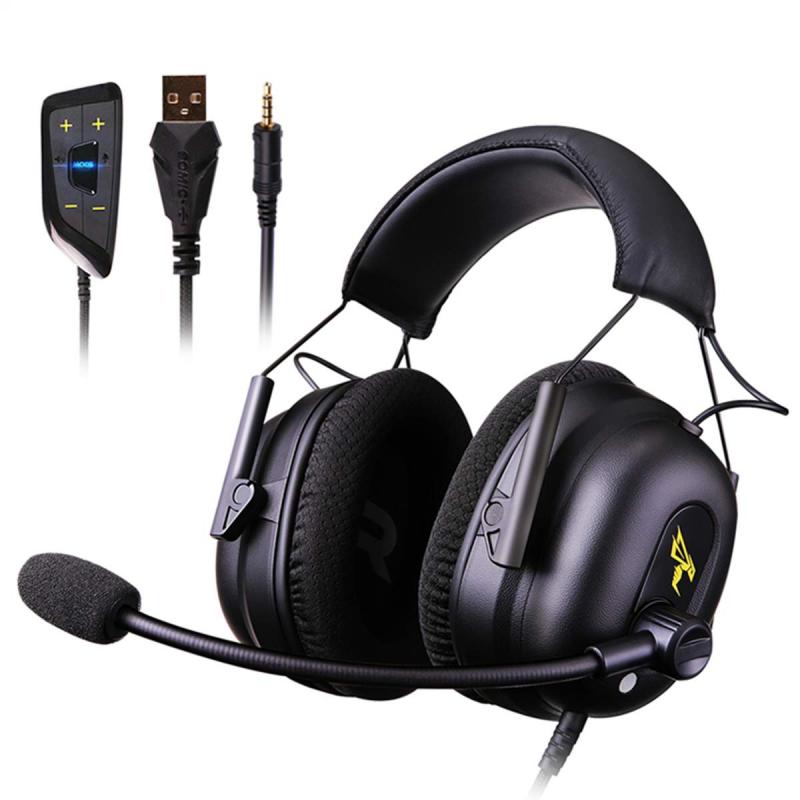
how to put headphones in pc 1

1. Identify the Type of Headphones and Connection

Before you connect your headphones, determine the type they are and the type of connection they use. The common types of connections include:

- 3.5mm Jack: Most standard wired headphones use this type of connection.

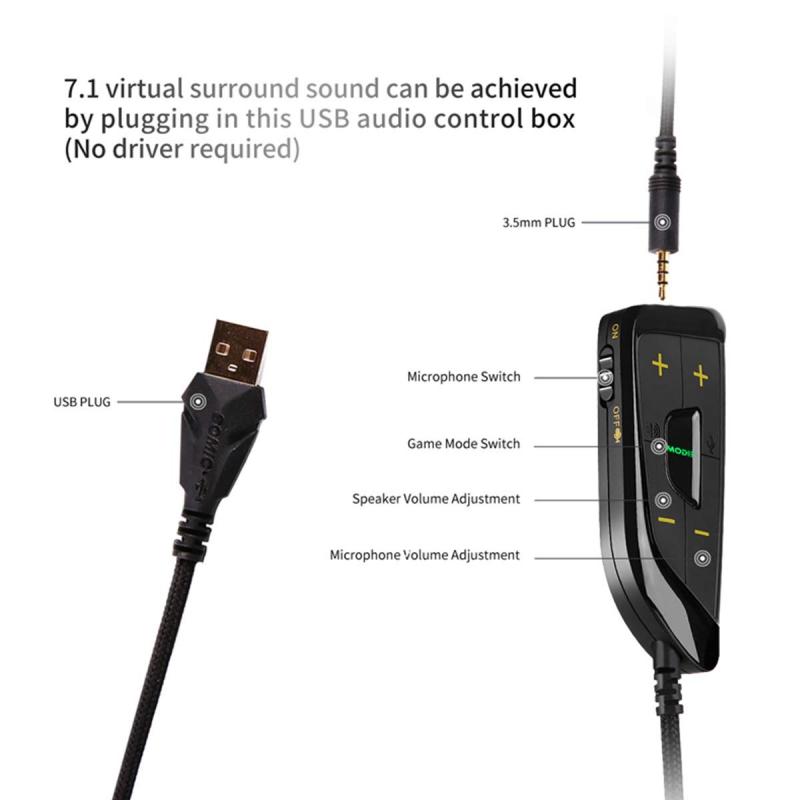
- USB: Some wired headphones, particularly gaming headsets, use USB connections.

- Bluetooth: Wireless headphones often use Bluetooth technology to connect to PCs.

2. Locate the Appropriate Port on Your PC

- 3.5mm Jack: Check your PC for the 3.5mm headphone jack. It is typically marked with a headphone symbol. On desktop PCs, this jack is usually located at the front or the back of the tower. On laptops, it is usually on either the left or right side.

- USB Port: Locate a free USB port on your PC. These ports are widely available on both desktops and laptops.

- Bluetooth: Ensure your PC has Bluetooth capabilities. Most modern laptops have built-in Bluetooth, but desktops might require a Bluetooth USB adapter if they do not have built-in Bluetooth.

3. Connecting Wired Headphones

- 3.5mm Jack:

1. Simply plug the headphone jack into the 3.5mm port.

2. Your PC should automatically recognize the headphones.

3. If the sound does not automatically switch to your headphones, go to your sound settings and select your headphones as the default output device.

- USB:

1. Plug the USB connector into a free USB port.

2. Windows should automatically install any necessary drivers. You might see a notification indicating that the device is setting up.

3. If the setup does not complete automatically, you might need to download and install drivers from the headphone manufacturer’s website.

4. Connecting Bluetooth Headphones

1. Enable Bluetooth on your PC by going to Settings > Devices > Bluetooth & other devices, then turning on Bluetooth.

2. Put your headphones in pairing mode. This usually involves holding down a specific button until an LED light flashes, but refer to your headphone's manual for exact instructions.

3. On your PC, click “Add Bluetooth or other device,” select Bluetooth, and choose your headphones from the list of available devices.

4. Windows will pair and connect to your headphones. You might be prompted to enter a pairing code – refer to your headphones' manual for this code if needed.

Troubleshooting Common Issues
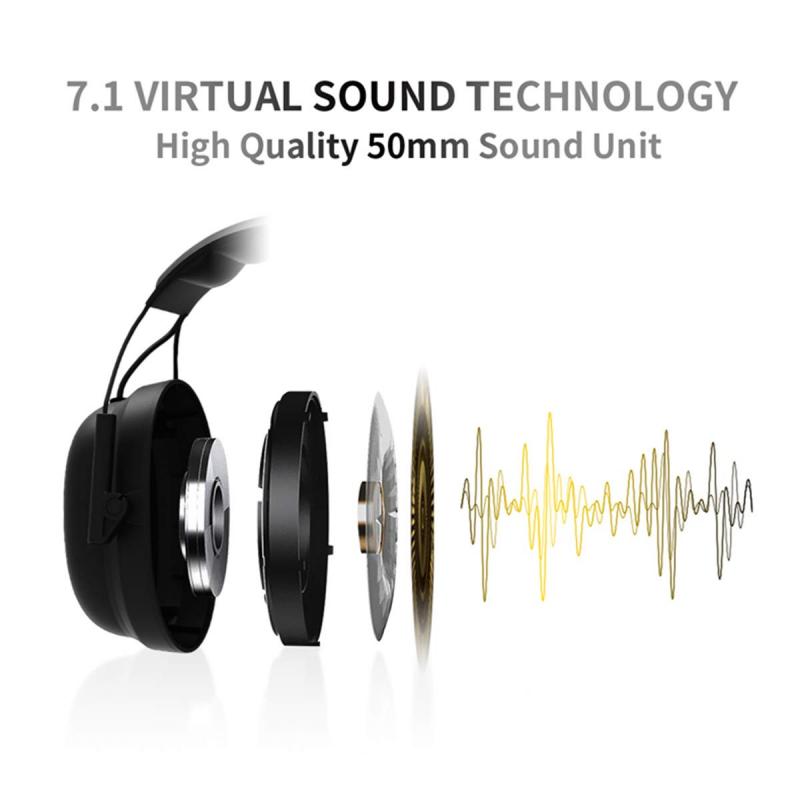
how to put headphones in pc 2

Connecting headphones to a PC can sometimes come with challenges. Here are common issues users face and practical solutions to resolve them:

1. Headphones Not Recognized

- Verify that the headphones are properly plugged in.

- Check the sound settings to make sure the headphones are set as the default playback device.

- Update or reinstall audio drivers:

1. Go to Device Manager.

2. Expand "Sound, video and game controllers."

3. Right-click your audio device and select “Update driver” or “Uninstall device” then restart your PC.

- For Bluetooth headphones, ensure Bluetooth is enabled and try pairing again.

2. No Sound from Headphones

- Ensure the volume is not muted and turned up on both the headphones and the PC.

- Check the connections - for 3.5mm headphones, try another port if available.

- For Bluetooth headphones, disconnect and reconnect, and ensure that the headphones battery is not depleted.

- Test the headphones with another device to rule out hardware issues.

3. Poor Audio Quality

- Ensure the headphone jack or USB port is clean from dust and debris.

- Update audio drivers.

- Customize sound settings and enhancements in your audio control panel or sound settings.

- Try different audio formats and player settings to see if that improves quality.

Tips for Optimizing Audio Quality
how to put headphones in pc 3

Here are some additional tips to ensure the best audio experience with your headphones connected to a PC:

- Use High-Quality Sources: Ensure the audio files you are playing are of high quality. Compressed audio files can degrade sound quality.

- Adjust Audio Settings: Use the equalizer settings in your audio control panel to find the best sound profile for your headphones. Some software and drivers provide additional enhancements and virtual surround sound options.

- Regular Maintenance: Keep your headphones clean and free of dust, and handle the cable carefully to avoid damage.

- Consider an Audio Interface: If you require high-fidelity audio, using an external USB audio interface or a DAC (Digital-to-Analog Converter) can significantly improve sound quality.

Connecting headphones to a PC can be simple, but understanding the specific type of headphones and connection method is crucial. By following the steps outlined above, you can easily connect your headphones and troubleshoot any common issues you might encounter. Additionally, optimizing audio settings and utilizing high-quality audio sources will enhance your listening experience. Whether you are using wired or wireless headphones, these guidelines will ensure a smooth and enjoyable audio setup on your PC.
Leave your comment
Cancel reply
Note: HTML is not translated!
Related products
Over Ear Headphones 7.1 Surround Sound Gaming Headset Works with PC, PS4 PRO, Xbox One S, Cell Phone SOMIC Active Noise Canceling with Mic HI-FI USB Jack Game Earphones
23
$65.99
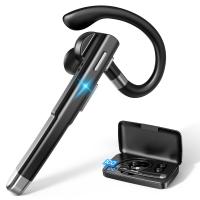
Cell Phone Bluetooth Headphones Bluetooth V5.1 Headphones with Charging Case Hands-Free Single Ear Headphones with CVC8.0 Noise Cancelling Microphone for Office/Driving Compatible with Android/iPhone/Laptop
HOT Seller
Cell Phone Bluetooth Headphones Bluetooth V5.1 Headphones with Charging Case Hands-Free Single Ear Headphones with CVC8.0 Noise Cancelling Microphone for Office/Driving Compatible with Android/iPhone/Laptop
57
$26.99
Wireless Earbuds Bluetooth Headphones TWS Waterproof with Microphone
66
$31.99
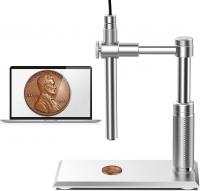
DM101 Digital USB Microscope Camera Coin Magnifier, 10X-500X Magnification, PC Compatible
HOT Seller
DM101 Digital USB Microscope Camera Coin Magnifier, 10X-500X Magnification, PC Compatible
41
$109.99 $74.99
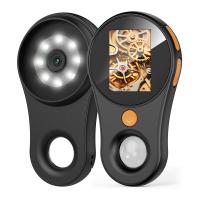
500X Handheld Digital Microscope with 8 LEDs 2" IPS Screen PC Compatible
12
$97.49 $68.99
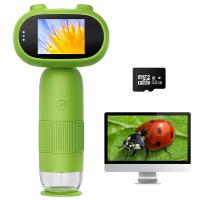
Mini Handheld Microscope for Kids, 1000x Zoom 8 Adjustable LED Lights PC Compatible
78
$119.99 $83.99
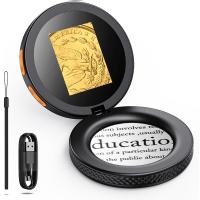
Handheld Microcsope, 500X Zoom, 1080P Videos,  PC Connect, with Large 5X Magnifier, Autofocus, Kentfaith
Handheld Microcsope, 500X Zoom, 1080P Videos, PC Connect, with Large 5X Magnifier, Autofocus, Kentfaith
15
$87.49 $69.99
Compound Microscope with 4K Camera, 40X-2500X Magnification, PC Connection, Plan Optical System, Mechanical Stage, Kentfaith
12
$824.99 $659.99
OBSBOT 4K 60 FPS Webcam for PC with 1/2" Sensor AI Framing & Autofocus Dual Mics Beauty Mode
NEW Arrival
OBSBOT 4K 60 FPS Webcam for PC with 1/2" Sensor AI Framing & Autofocus Dual Mics Beauty Mode
$174.99 $139.99
Compound Microscope with 11.6-inch Smart Screen, 40X-2500X Magnification, PC Connection, Plan Optical System, Mechanical Stage, Kentfaith
14
$1,324.99 $1,059.99
Products You May Like
K&F Concept MCN1 40.5mm Lens Filter Kit ND1000 CPL with Multiple Layer  Coated Nano-Dazzle
K&F Concept MCN1 40.5mm Lens Filter Kit ND1000 CPL with Multiple Layer Coated Nano-Dazzle
$64.99 $33.99
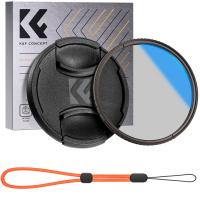
95mm Circular Polarizer Filter with Lens Cap Optical Glass Ultra Slim 18 Multi-Layer Coatings Polarizing Filter for Camera Lens Nano-Klear Series
$30.99
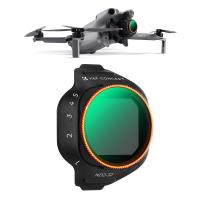
K&F CONCEPT Variable ND Filter Compatible with DJI Mini 5 Pro, ND2-32 1-5 Stops Multicoated HD Optical Glass Lightweight Drone Camera Lens Accessories for Aerial Photography Video Recording
NEW Arrival
K&F CONCEPT Variable ND Filter Compatible with DJI Mini 5 Pro, ND2-32 1-5 Stops Multicoated HD Optical Glass Lightweight Drone Camera Lens Accessories for Aerial Photography Video Recording
79
$35.99 $24.99
55mm Blue Streak Filter (2mm)  Anamorphic Lens Effect Filter Optical Glass Ultra-clear Waterproof Anti-Scratch Anti-Reflection Green Film Nano-Klear Series
55mm Blue Streak Filter (2mm) Anamorphic Lens Effect Filter Optical Glass Ultra-clear Waterproof Anti-Scratch Anti-Reflection Green Film Nano-Klear Series
32
$27.99 $21.99
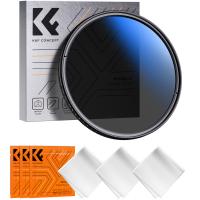
62mm True Color Variable ND2-400 (1-9 Stops) ND Lens Filter Adjustable Neutral Density Filter with 18 Multi-Layer Coatings for Camera Lens Nano-Klear Series
42
$32.99 $16.99
outdoor trail cameras
10
$135.99 $74.99
24MP*1296P night vision, 120° wide angle*0.2S trigger 2-inch screen hunting camera bark color*3 sets
$229.99
70"/1.77m Lightweight Aluminum Tripods for Photograph and Live Streaming Model K234A0+Video Head
$99.99 $49.99
46mm MCUV Protection Filter with 28 Multi-Layer Coatings HD/Hydrophobic/Scratch Resistant/Ultra-Slim UV Filter for 46mm Camera Lens Nano-X Series
$34.99 $24.95
SNDWAY SW-1500A Golf Rangefinder Distance / Angle / Height / Speed Measuring, Flagpole Locking, Support Naked Eye Focusing 150m Measuring Distance
16
$354.99 $154.99
Related articles
How To Put Memory Card In Pc?
How To Put Sony Headphones In Pairing Mode?
How To Listen With 2 Headphones On Pc ?
How To Set Earphone In Pc?
How To Stop Crackling Noise In Headphones ?
How To Reduce Noise In Bluetooth Headphones?
How To Put Earbuds In Your Ear?
How To Put Sd Card In Camera?
How To Put Sd Card In Iphone 14?
Can Film Camera Record Video?
Blog You May Like
What Baby Monitors Connect To Iphone?
How To Put On A Mirrorless Camera Strap?
Where To Put Security Cameras Around House?
What Type Of Digital Camera To Buy?
Can Alexa Be A Security Camera?
How To Mirror A Video On Iphone Camera?
Where To Find Ring Lights?
What is the Best Golf Rangefinder with Slope?
How To Make Your Recording Sound Clear?
Can I Run Security Cameras On Solar Panels?
Related categories
2 in 1 Filter Screw-In Filter C mount lens adapter m4/3 adapter Camera Accessories
Popular products
headset with microphone noise cancellation noise cancelling microphone earbuds wireless bluetooth earbuds for the right ear wireless earbuds with charging case wireless headphones and tv bluetooth headphones to tv wireless open ear bluetooth earbuds noise canceling in ear headphones earphone mic noise cancelling headset with noise cancelling microphone
Related searches
Noise Canceling Headphones For Pc Surround Sound Gaming Headphones Pc Gaming Headphones Pc And Ps4 Best Pc Headphones With Microphone Lightweight Headphones With Mic For Pc Gaming Headphones For Pc And Ps4 In Ear Headphones With Wire Professional In Ear Monitor Headphones Best Cable In Ear Headphones In Ear Gaming Headphones Ps4
Popular searches
Universal Camera Lens Mount Ef To Efm Adapter Micro 4/3 Lens Adapter Fujifilm X Mount Adapter Nikon Olympus E-450 Lens Mount Nikon Coolpix P900 Adapter Ring Dji Osmo Pocket 3 Nd Filters 67mm Lens Filter Best Tripods For Camera Fujifilm Mini Dv Vhs Adapter Dvm60
Blog Category
  • Activities
  • Guide
    • Filter Guide
    • Lens Adapter
    • Product Review
  • News & Reviews
    • Camera Reviews
    • Sample Gallery
    • News
  • Tutorials
    • Solar eclipse photography
    • Photography Basics
    • Landscape Photography
  • Inspiration
    • Travel
    • Travel Stories
Search Article
Latest from the Blog
Kentfaith x Citadel Season 2
Dash Cam That Can Connect To Phone?
How To Pair Tws Bluetooth Earbuds?
How To Take Great Photos With Digital Camera?
How To Take Pictures Through A Telescope?
What Power Binoculars For Long Distance Viewing?
How Do Trail Cameras Work? The Ultimate Guide to Trail Cameras
How Do Metal Detectors Work? A Complete Guide for Beginners and Pros
Which Memory Card For Dash Cam?
What Is The Best Camera To Record Videos?
  • Easy Payment Multilple Payment Options

  • Free Shipping Global WareHouse Shipment

  • No Risk 30-Day No Reason Return

  • Limited Deals Buy More, Save More

  • Tax Free No any surcharges or tax fee

Information
  • About us
  • Contact Us
  • Site Map
  • Blog
  • Video
  • Gallery
  • VIP Membership Rewards
Service
  • Privacy Policy
  • Terms & Conditions
  • Shipping & Delivery
  • Payment Info
  • Warranty, Return & Refund
  • Intellectual Property Rights
  • Ambassador
  • Affiliates
  • Wholesale
Support
  • My account
  • Order History
  • FAQs
  • Extend Warranty
  • Logistics Tracking
Follow us
NewsLetter

Get the latest product, K&F Concept respects your privacy.
Powered By KENTFAITH © 2026